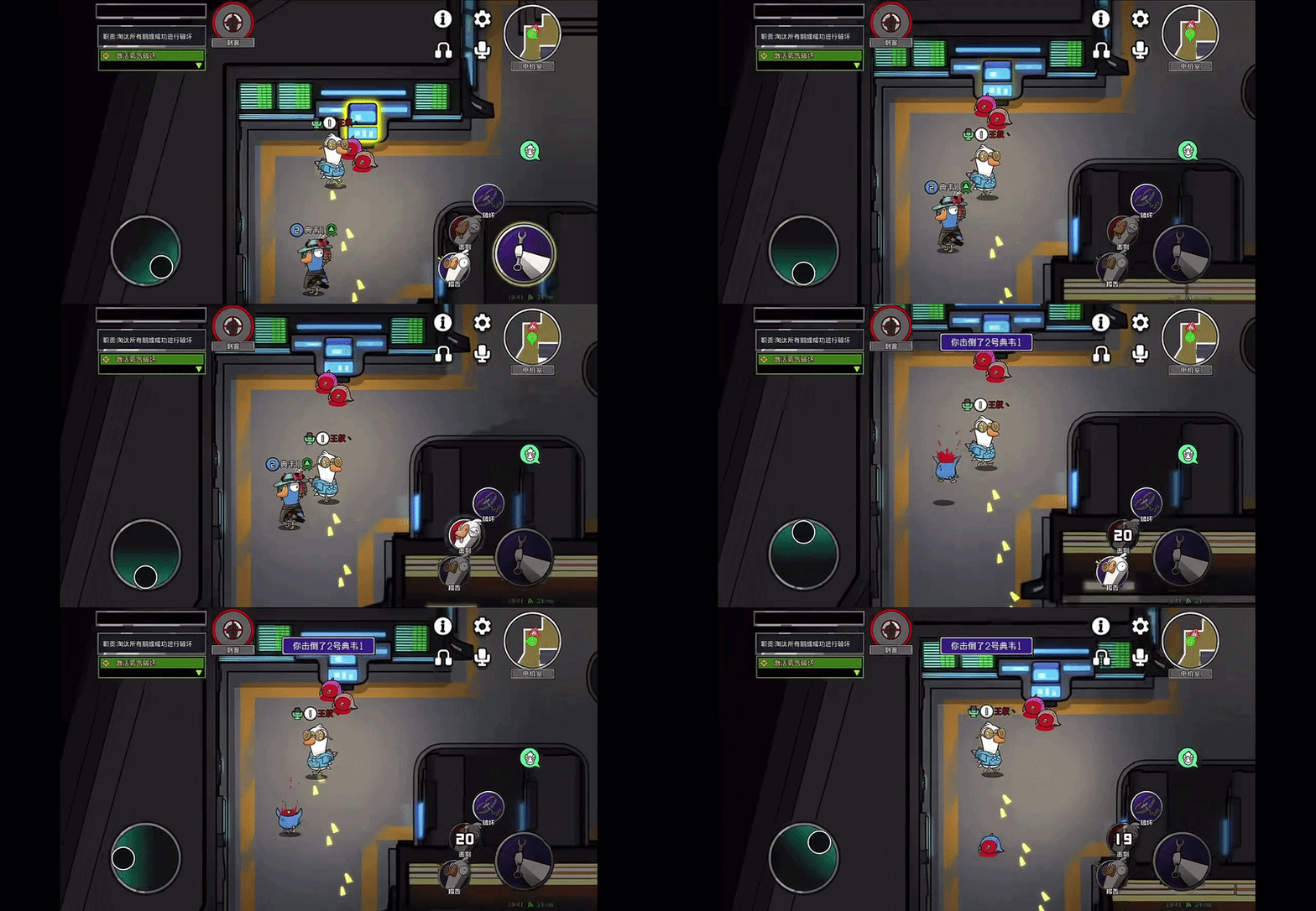
This research is not focused on fully analysing the gameplay mechanics of Goose Goose Duck. Instead, I am mainly using it as a reference for its task interaction and UI animation. I focused on the process where the player approaches a task point, opens the task interface, completes the task, and then returns to the main gameplay screen.
I think the task animation in Goose Goose Duck is useful as a reference because the task flow is very direct. When the player reaches a task point, the game gives a clear interaction prompt. After clicking it, the task UI quickly appears and guides the player through simple actions such as clicking, dragging, or pressing buttons. The process is not complicated, but the feedback is clear, so the player can quickly understand what they need to do.
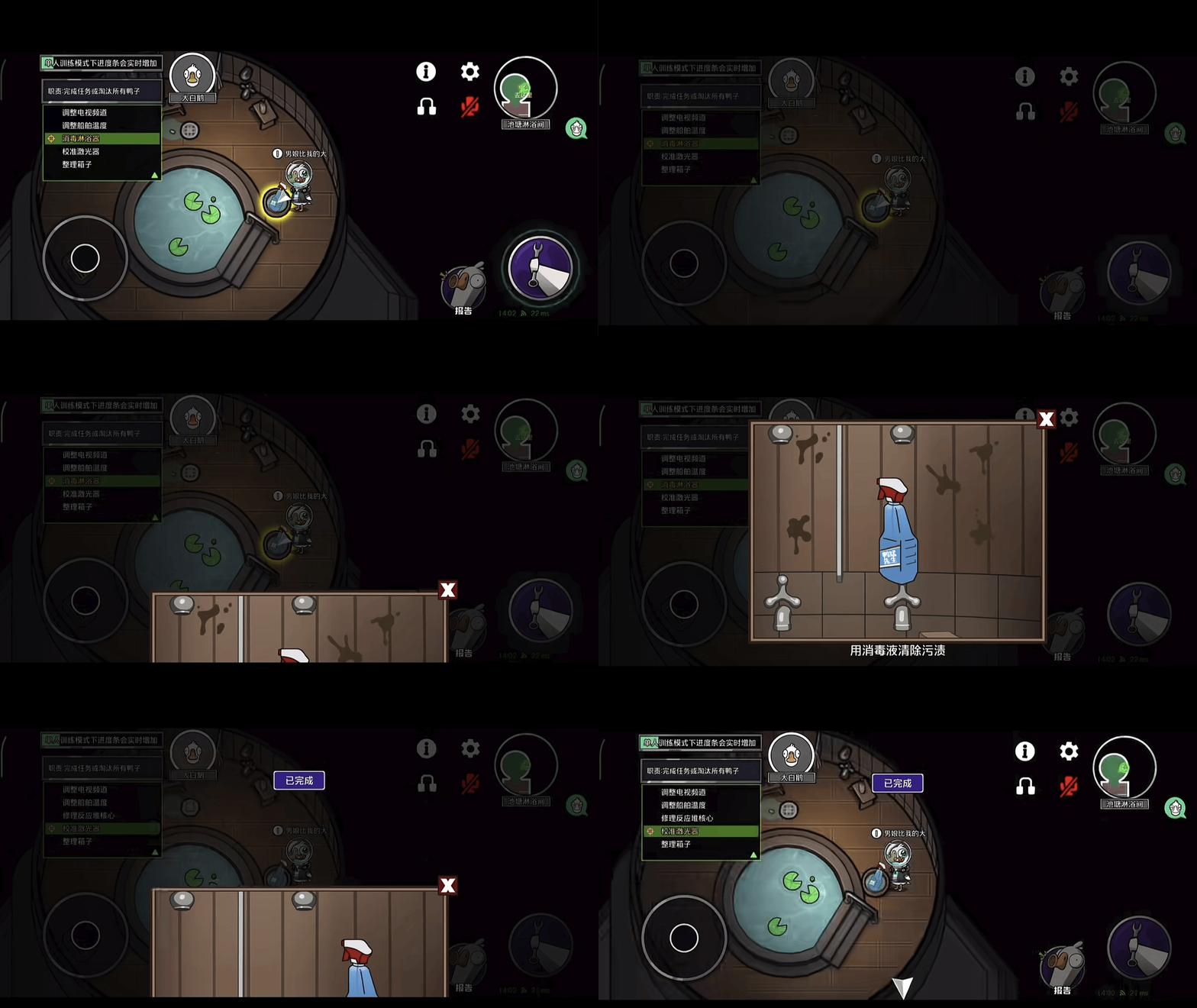
The UI animation flow can be summarised as:
Player clicks the interaction button → the screen becomes darker → the task interface slides up from the bottom → the player completes the task → the UI slides down and closes → the screen returns to normal
I think this animation flow is a useful reference because it does not rely on complex transitions. Instead, it uses a darkened background and a sliding task panel to direct the player’s attention to the current task. After the task is completed, the UI quickly closes and the screen returns to normal, allowing the player to naturally continue with the main gameplay.
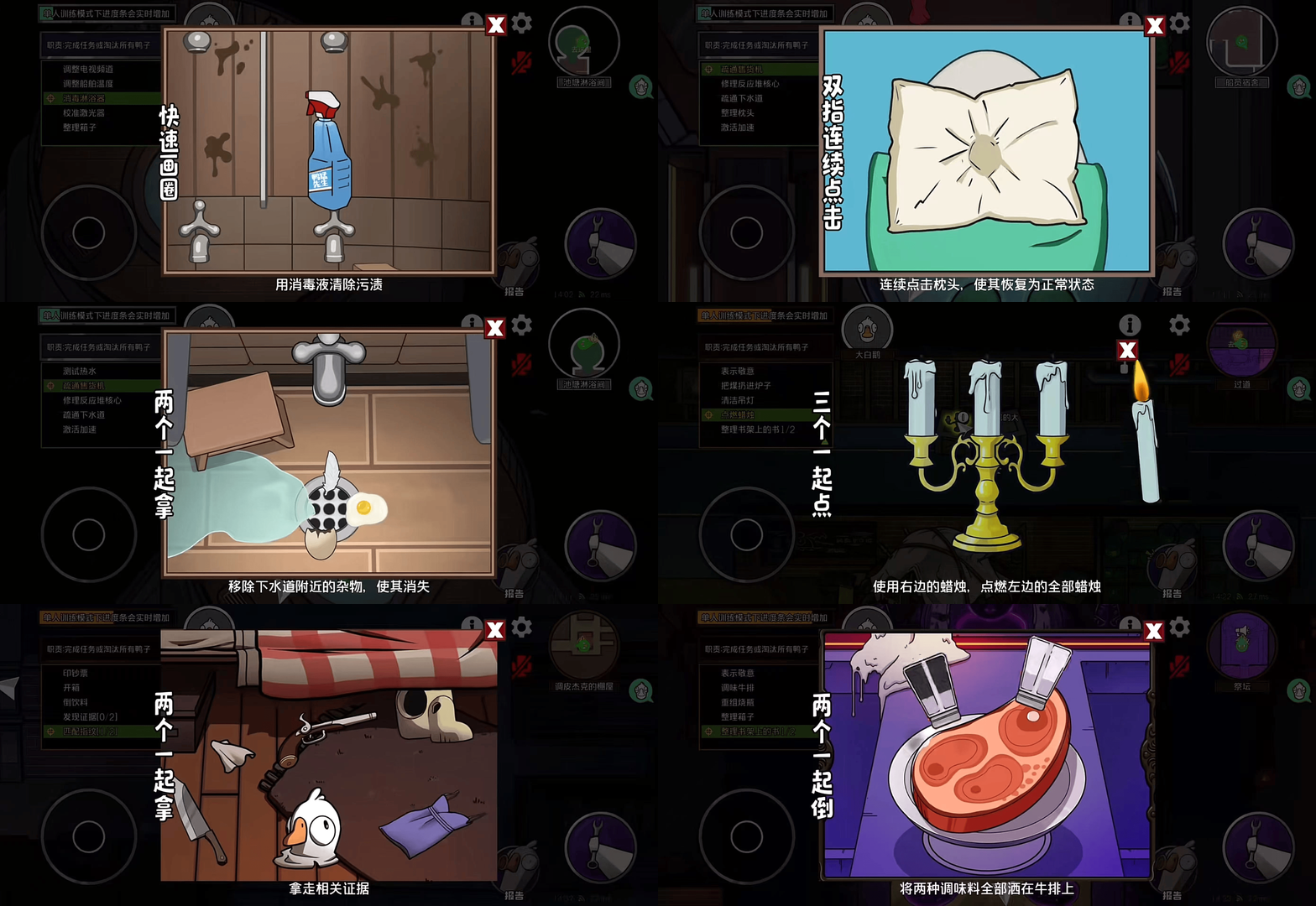
At the same time, the task difficulty is generally quite low. Most tasks are based on simple actions such as clicking and dragging. Because Goose Goose Duck includes social deduction mechanics, the task UI often covers most of the gameplay screen while the player is completing a task. This temporarily limits the player’s awareness of the surrounding environment and creates opportunities for players on the opposing team to approach or attack.