

GREYBOX
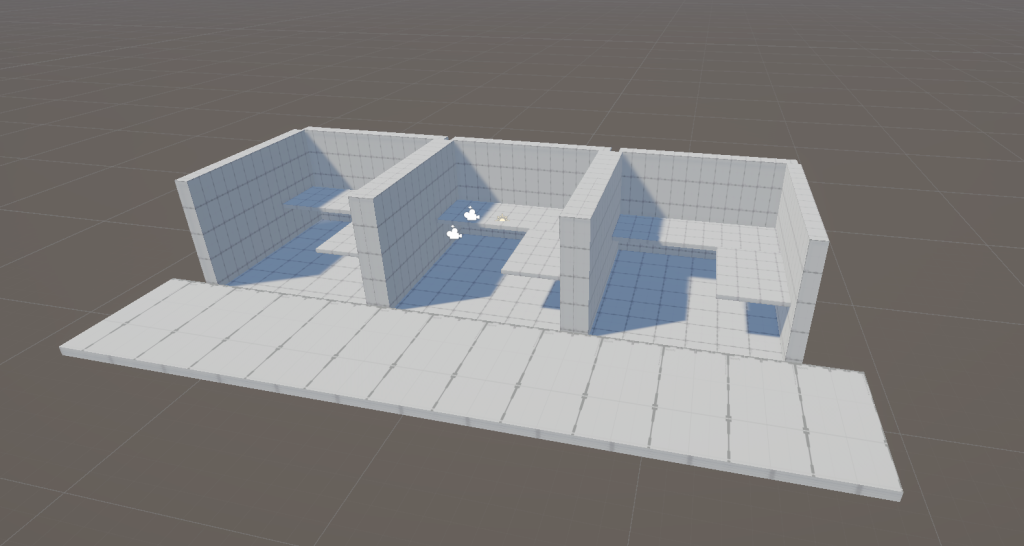
First things first: the greybox. Again using ProBuilder, I created a short corridor of identical office cubicles where the player character would work. This was done in the same project as my first prototype, but as a separate scene, so I could centralise all my prototypes in the same place. I chose Unity, again, for the same reason as the previous prototype.
MOVEMENT
Then I wanted to get basic movement working. The code this time was very simple, as it was a point-and-click game. This allowed the player to hold down left click to look around their space!

ART DIRECTION
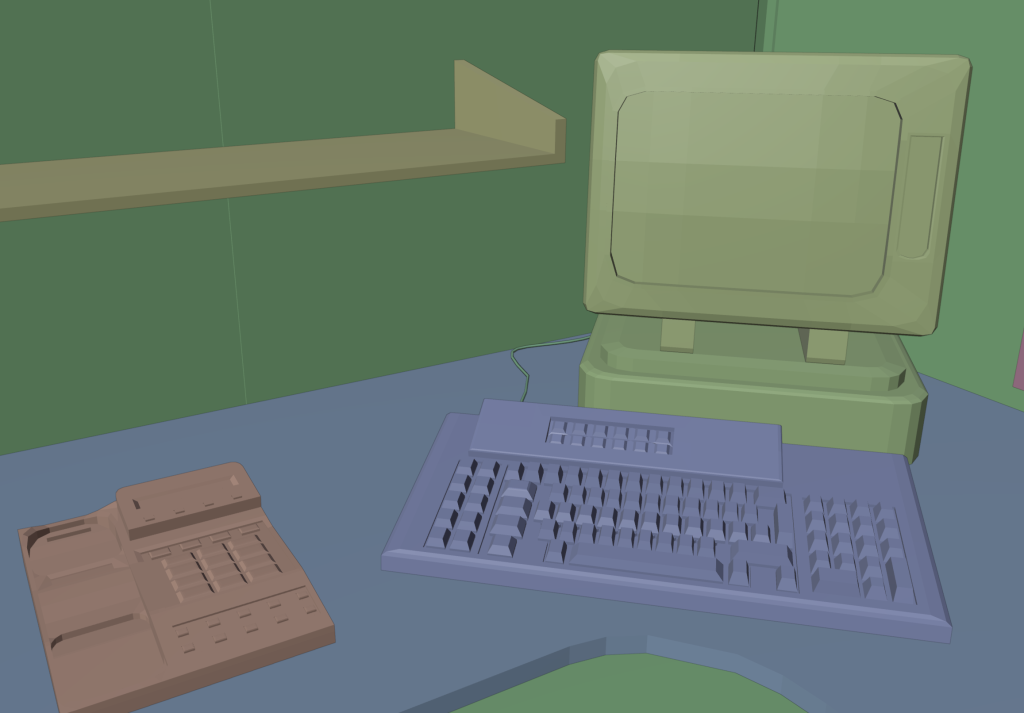
The game had a fairly boring, simple premise of being an office worker, so I wanted to make it seem more intriguing with a nice artstyle. First, I modelled out the office room and some props with semi-high detail so I could play with both realistic and basic textures.
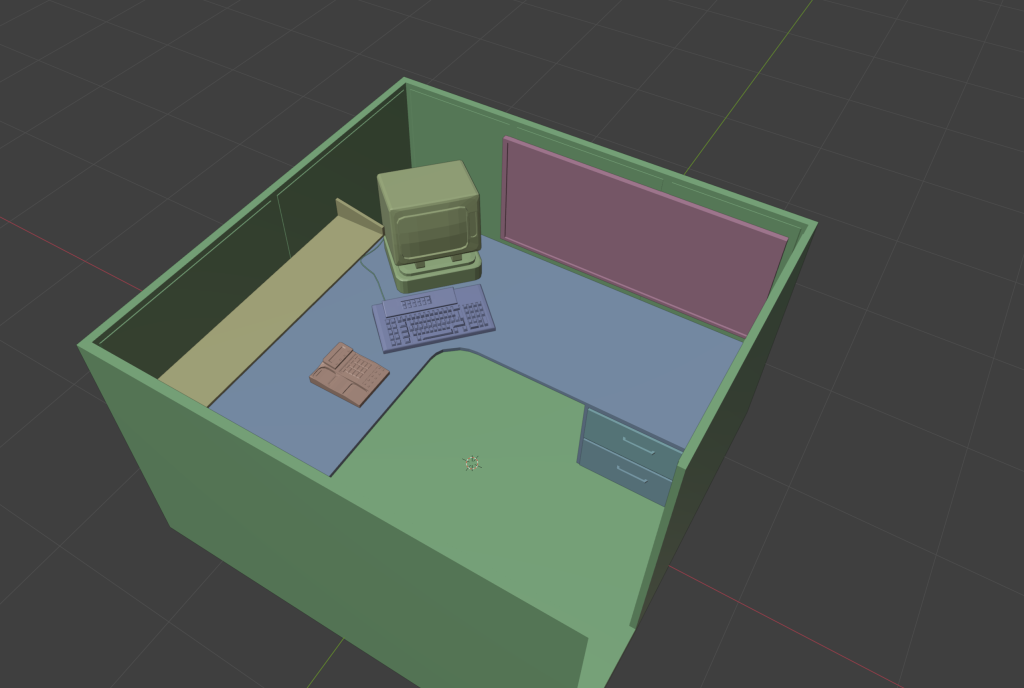
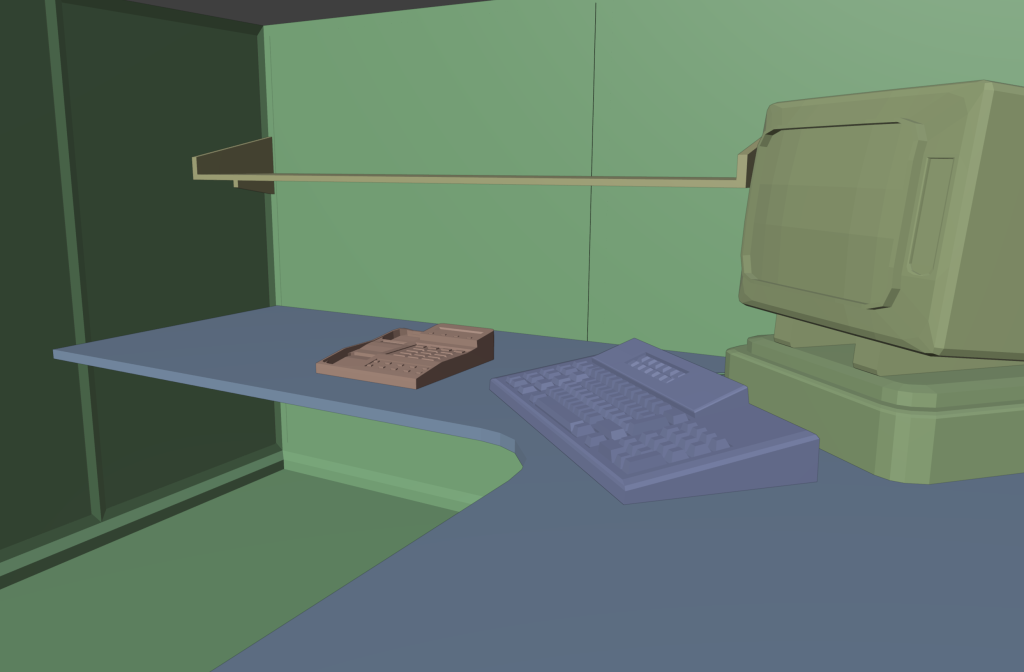
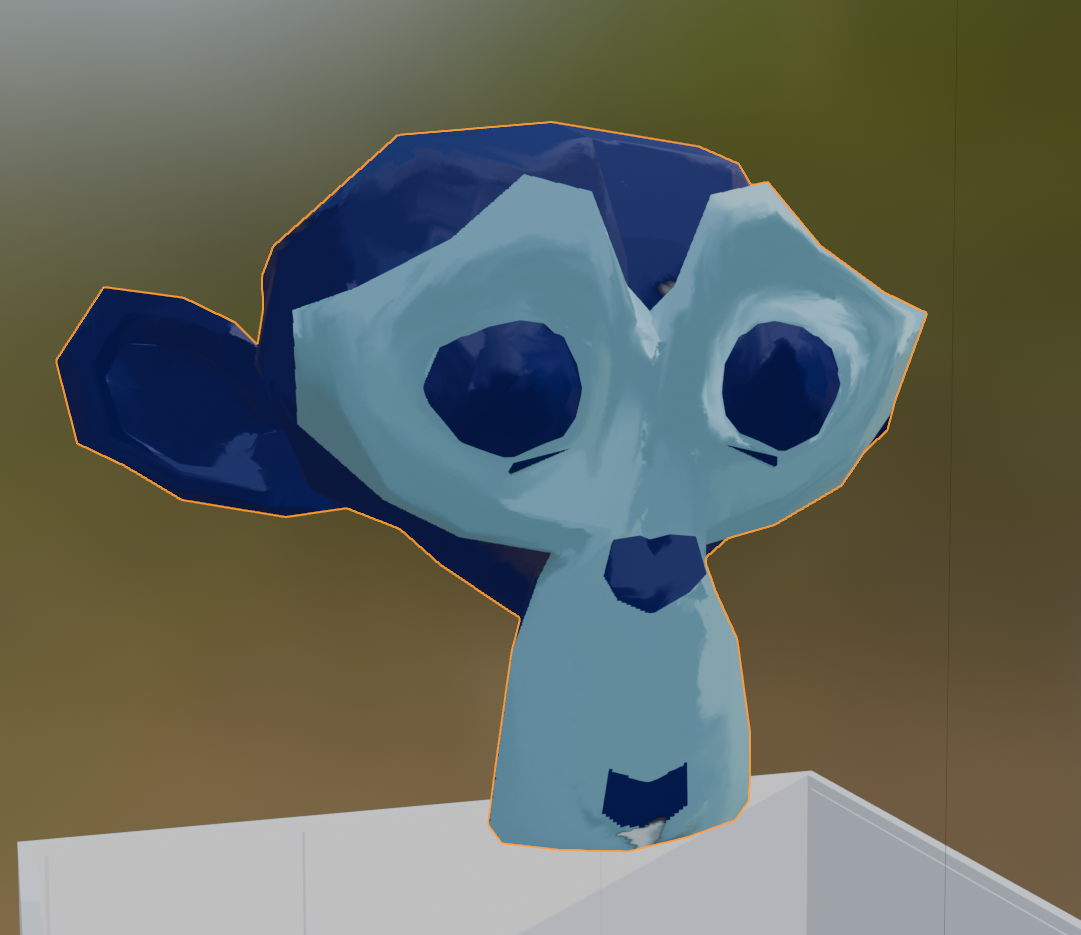
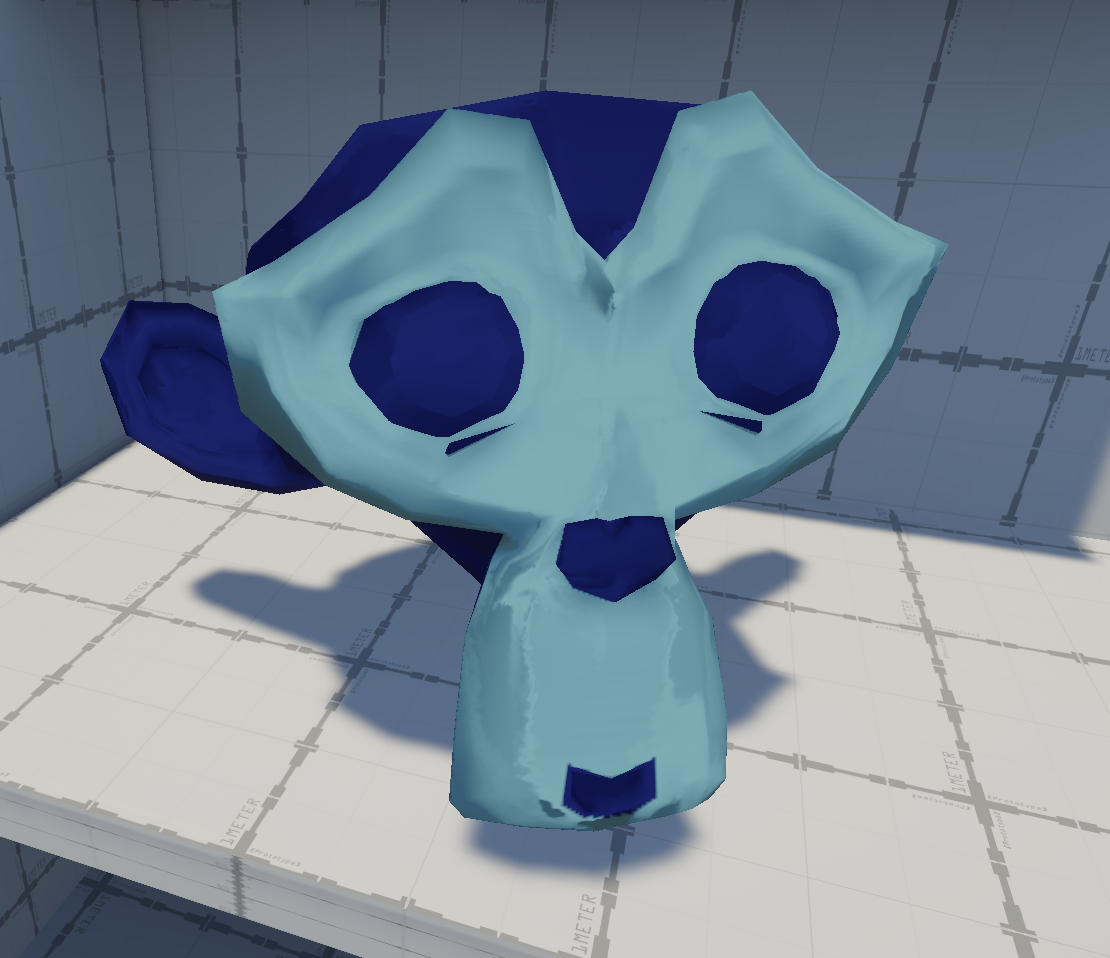
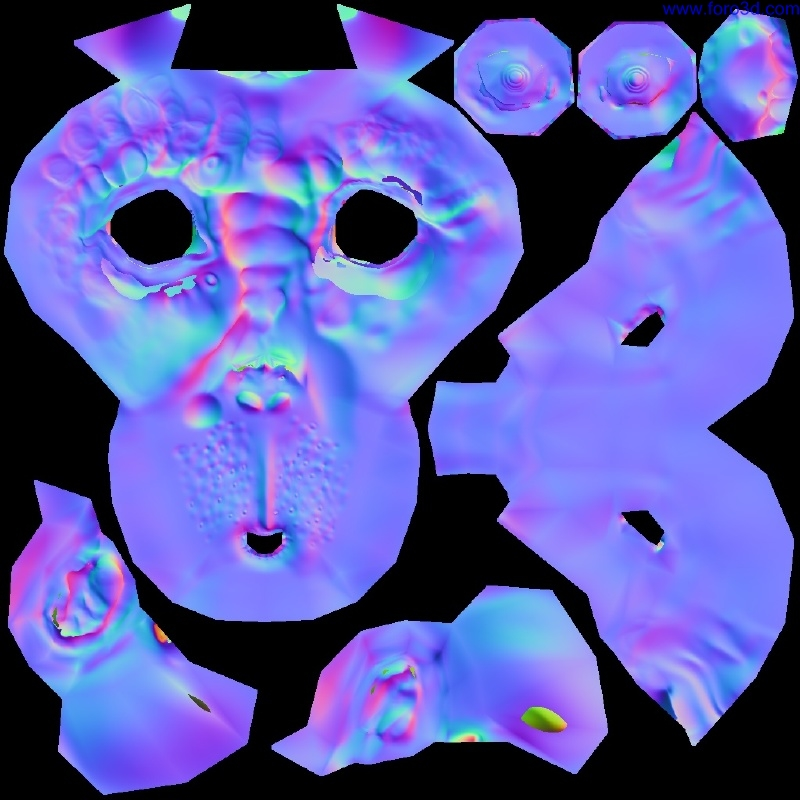
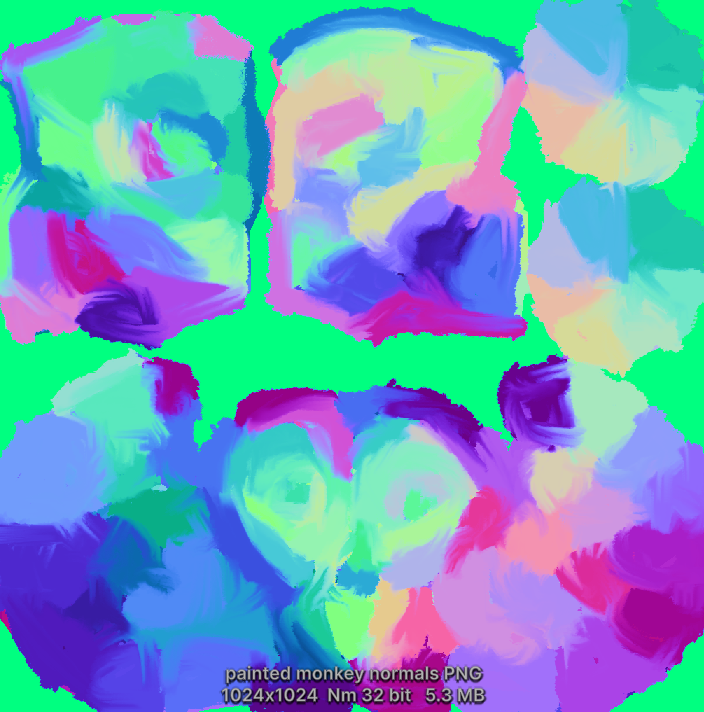
The first technique I used for texturing was by editing the normal map. The above picture on the right is what the normal map typically looks like; the below is how I repainted it to alter lighting effects and make it look as though it was being hand-painted, while in reality the textures are fairly basic. In Blender, the effect looked very nice – blocky brush-stroked that mimicked a painter’s hand. In Unity… it didn’t look so good.
Even after tweaking the effects, it still looked too washed and blended out. Unity’s render engine is different to Blenders, but I figured it wouldn’t change too much, since the calculation of a normal map should be the same… But it appears I was wrong.
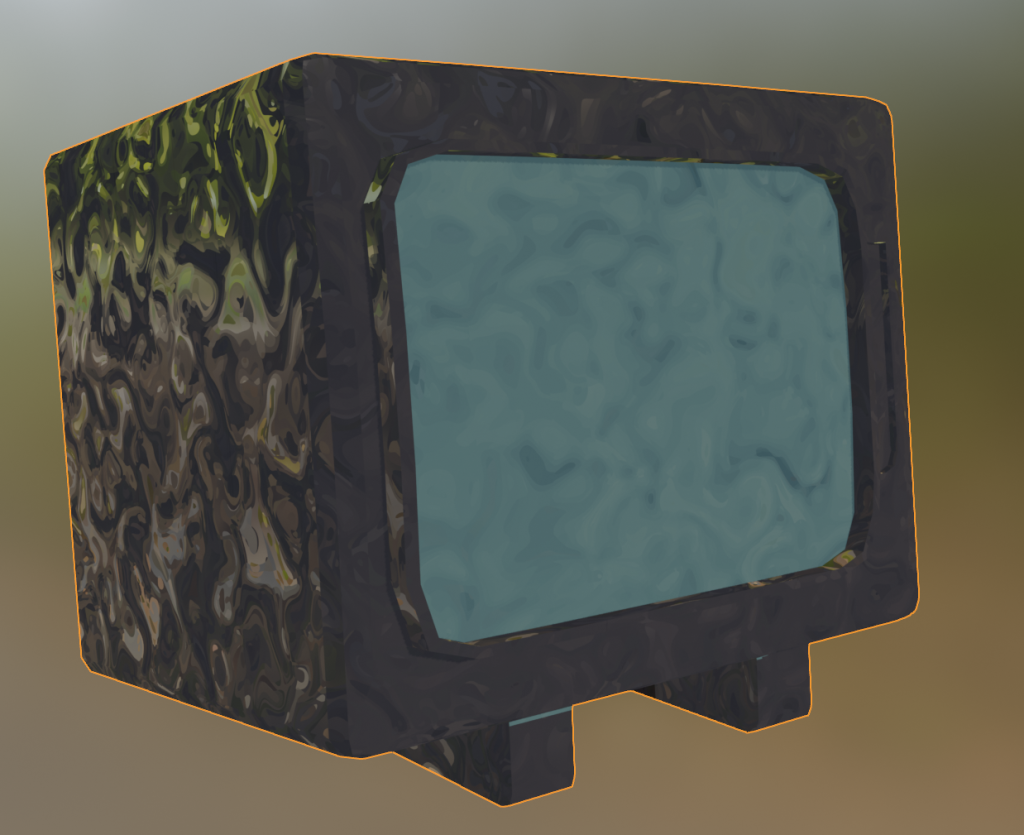
The second style was to utilise Blender’s node system, and bake maps with that. With the node tree on the left, I managed to create a cool, swirly effect that, once baked, wouldn’t be shiny anymore – it reminded me of the Van Gogh painting “starry night”, which I enjoyed. However, it was almost impossible to replicate, and for some reason all the bakes ended up just turning black. I never found out why.

Leave a Reply