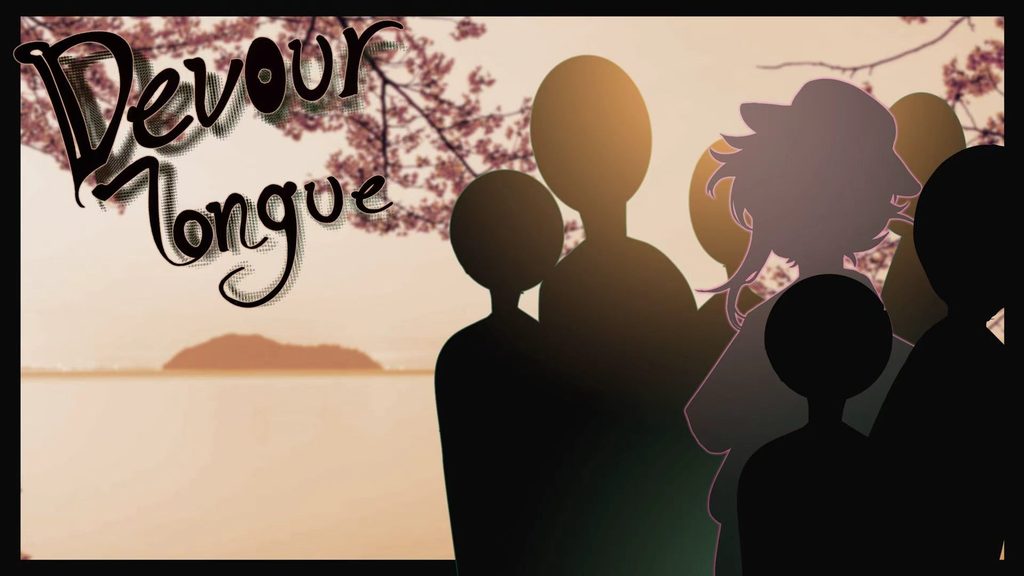
Devour Tongue
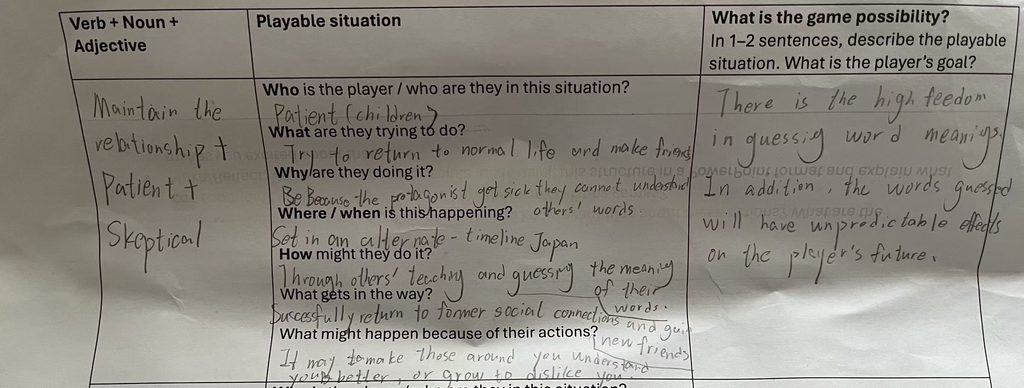
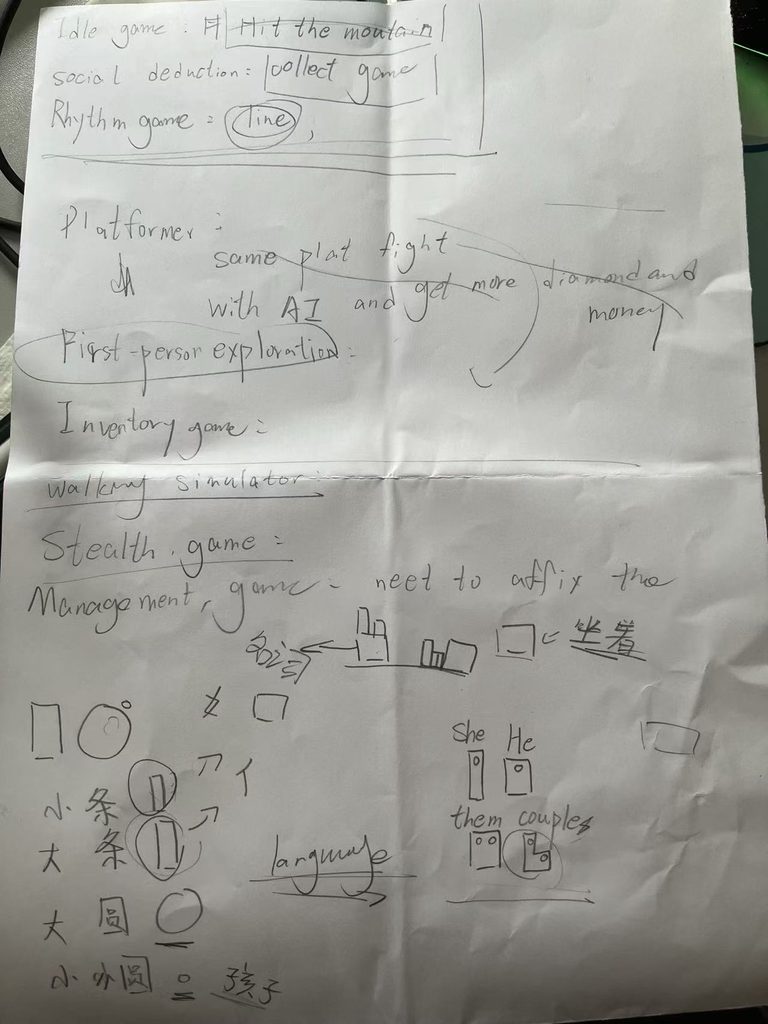
Since we need to independently create a demo during the first six weeks, we have to list the inspiration for the game we want to make.
The following are the PPTs for the three inspirations for the game I want to make.
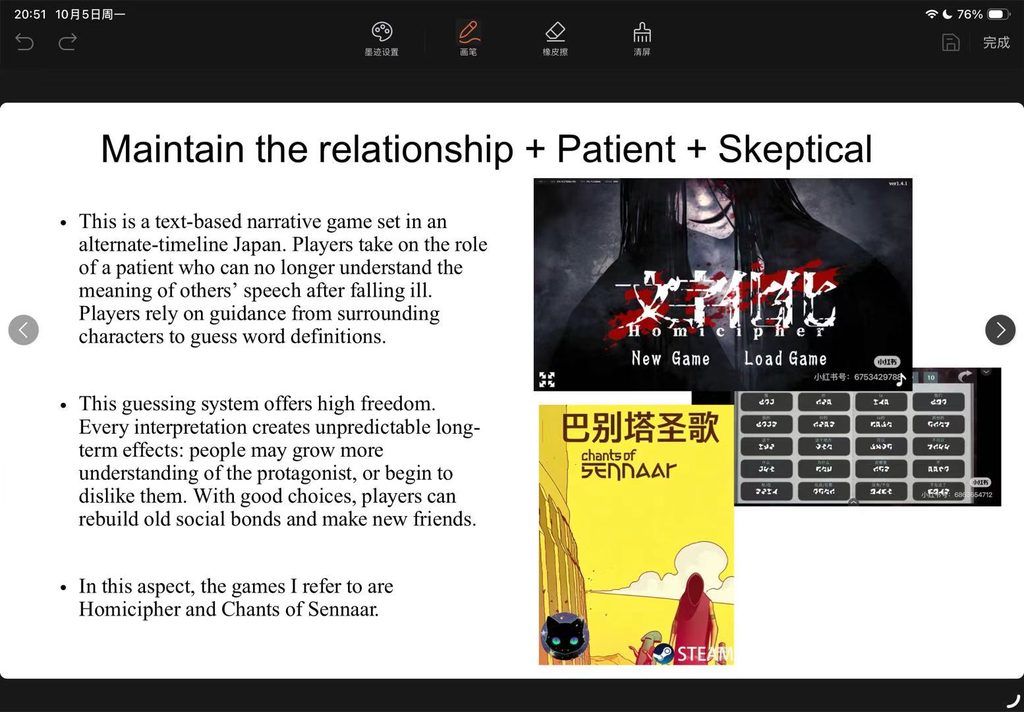
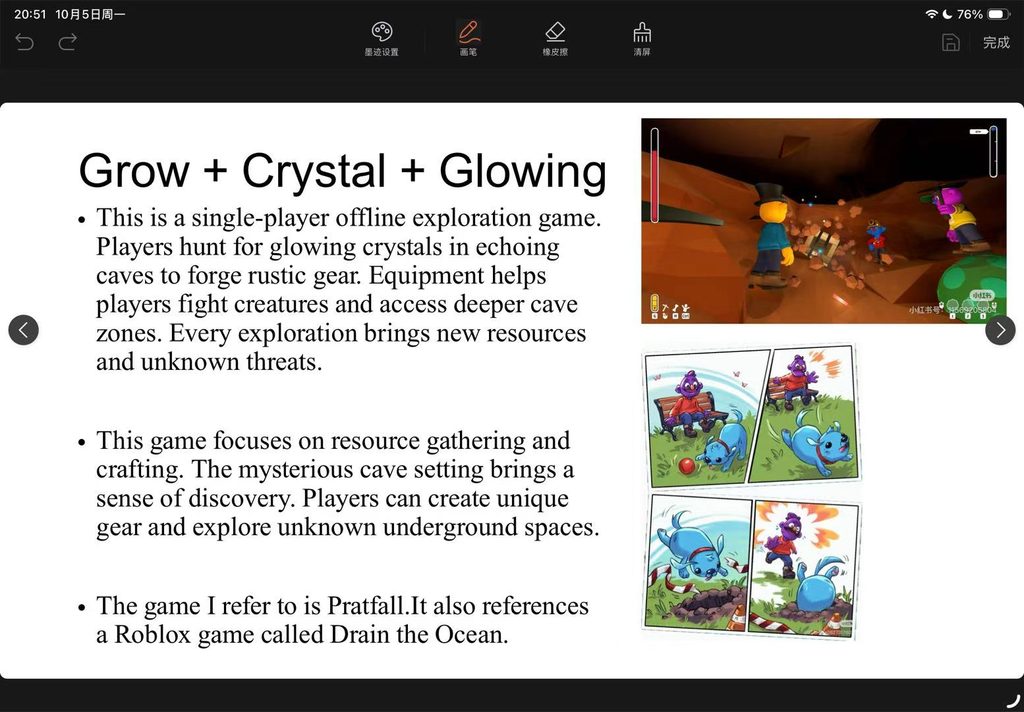
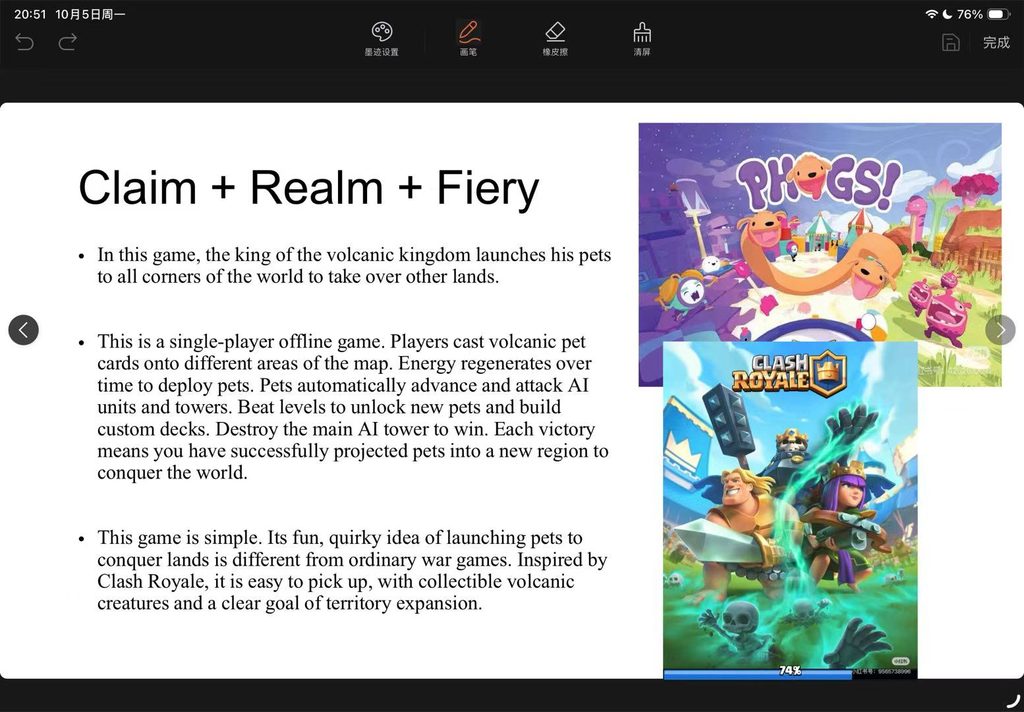
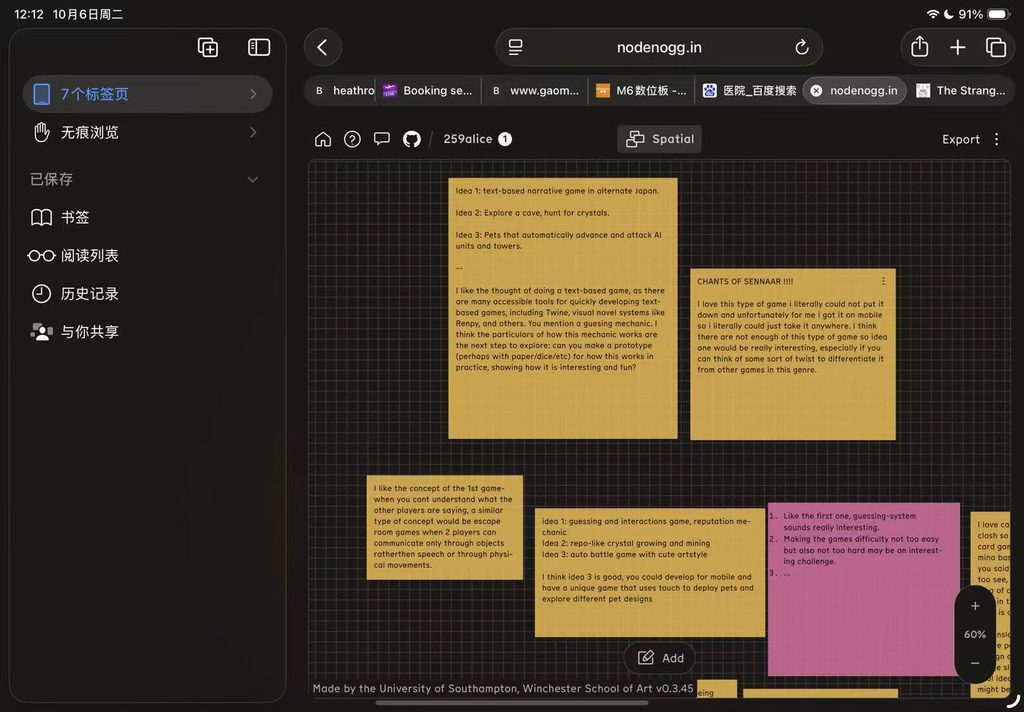
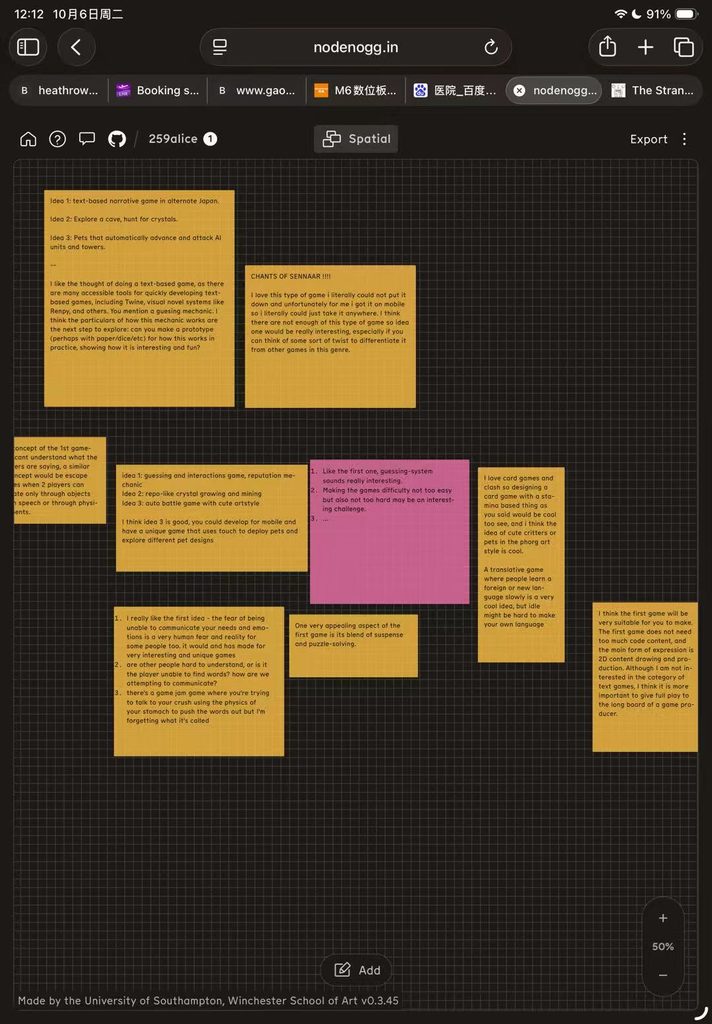
Everyone went up on stage to present their inspiration. After listening to their inspirations and receiving feedback on my own game inspiration, I settled on the game I ultimately wanted to make.
The first concept was the game I originally wanted to make. Comparing it with the other two ideas strengthened my decision. The second concept involved online multiplayer, which would have been too challenging for me to implement independently within the scope of a game demo. The third required me to program an AI system myself, creating a significant technical barrier.
The first concept best matched my current development skills and was also the creative direction I was most interested in exploring further. Early player feedback showed a preference for the first and third concepts. Ultimately, I chose the first because it aligned most closely with my own creative interests.

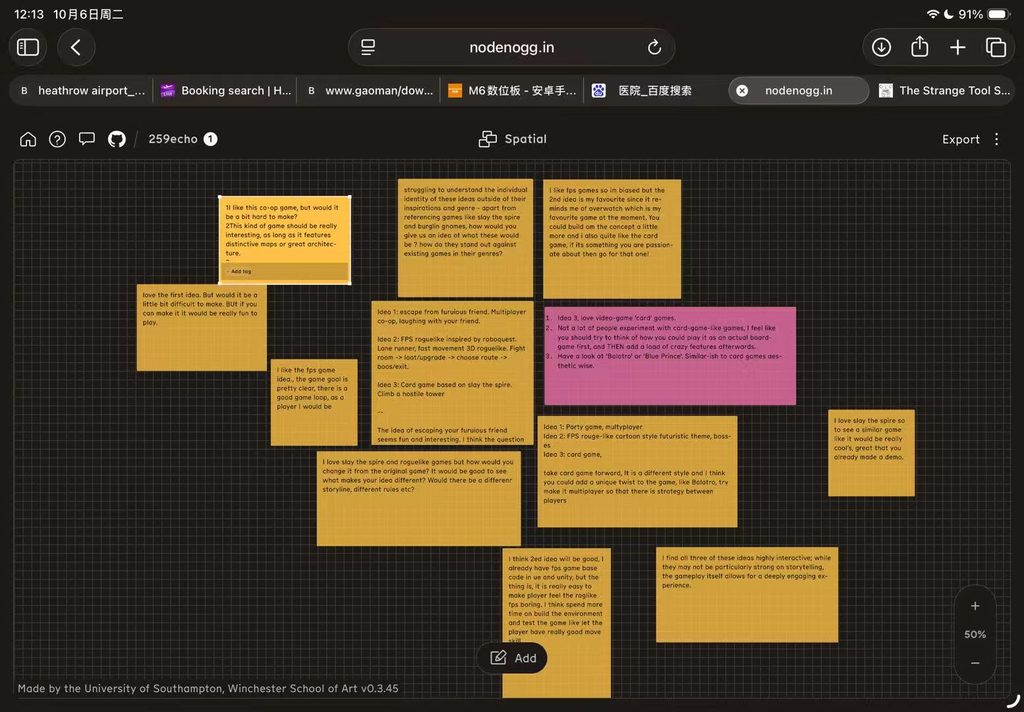
Game Prequel (Condensed Version)
(Preface)
As a kindergartener, protagonist Harukawa Aoi nearly died from a serious illness. With no medical options left, Aoi’s father followed the grandmother’s instruction and implanted an insect into Aoi’s body. Aoi survived miraculously, yet their cognitive processing became slow.
Naming note: Aoi and Sei are both Japanese names used for the same protagonist.
This is a point-and-click game. Players guess NPCs’ intended meanings during dialogue to sustain relationships. Players can freely select Aoi’s gender.
Main Story:
Aoi wakes in a white room, unable to comprehend speech and text. After a short opening scene with their father, free exploration unlocks. A doctor and Aoi’s mother arrive to start the tutorial.
Chapter 1 (Tutorial): Learn vocabulary
Chapter 2: Communicate with hospital staff and patients
Chapter 3: Interact with villagers (Demo segment)
Chapter 4: Attend school
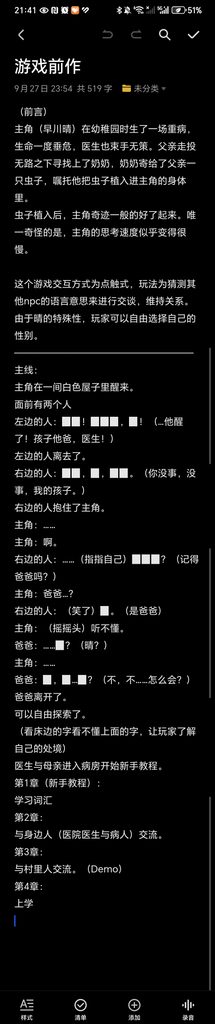
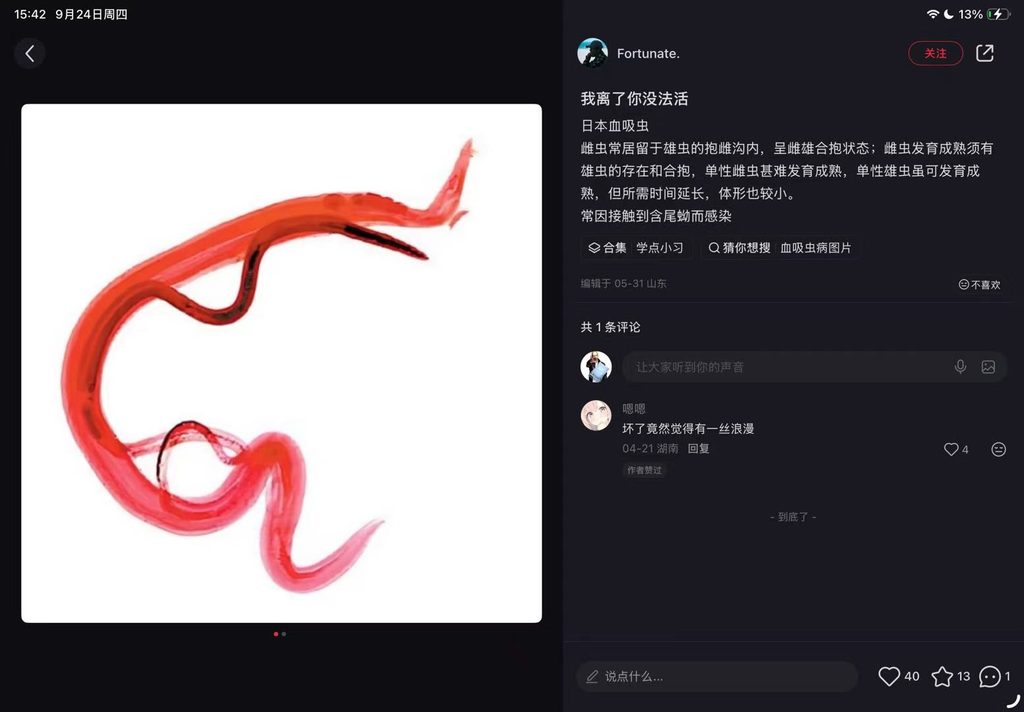
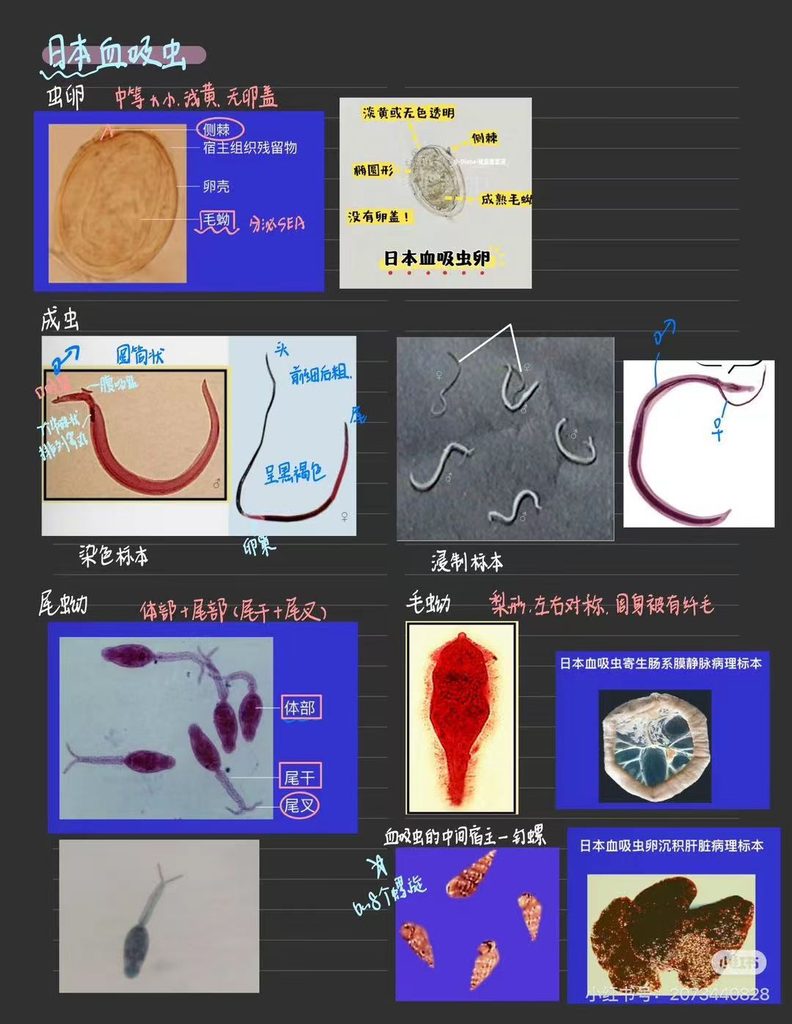
I started looking for which bugs could serve as a reference for my font, and ultimately chose the Japanese blood fluke (Schistosoma japonicum).
Because I had tried coming up with my own game outside of school, and the game I’m making now is essentially a spin-off of that game, the protagonist’s appearance is more or less fixed.
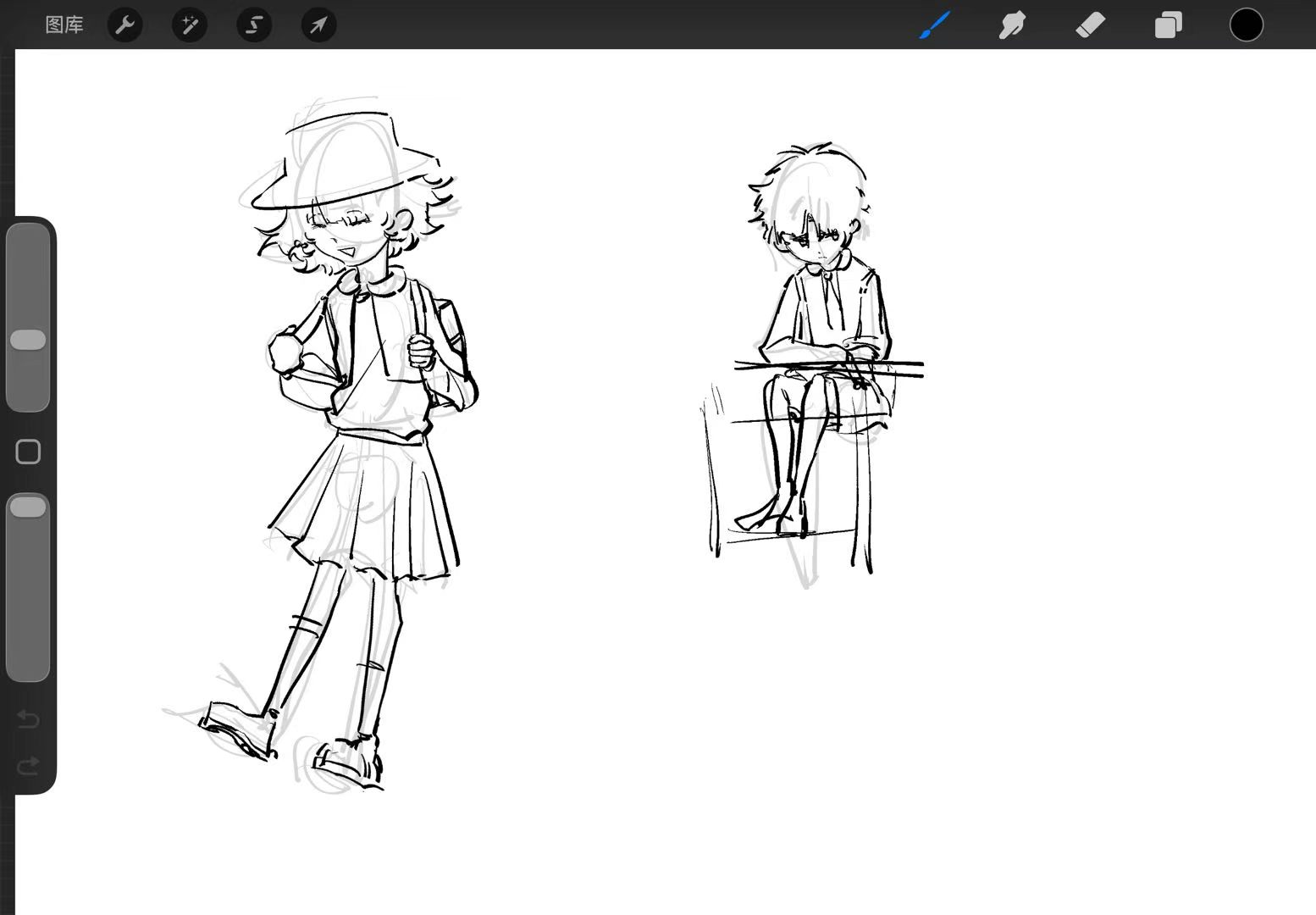
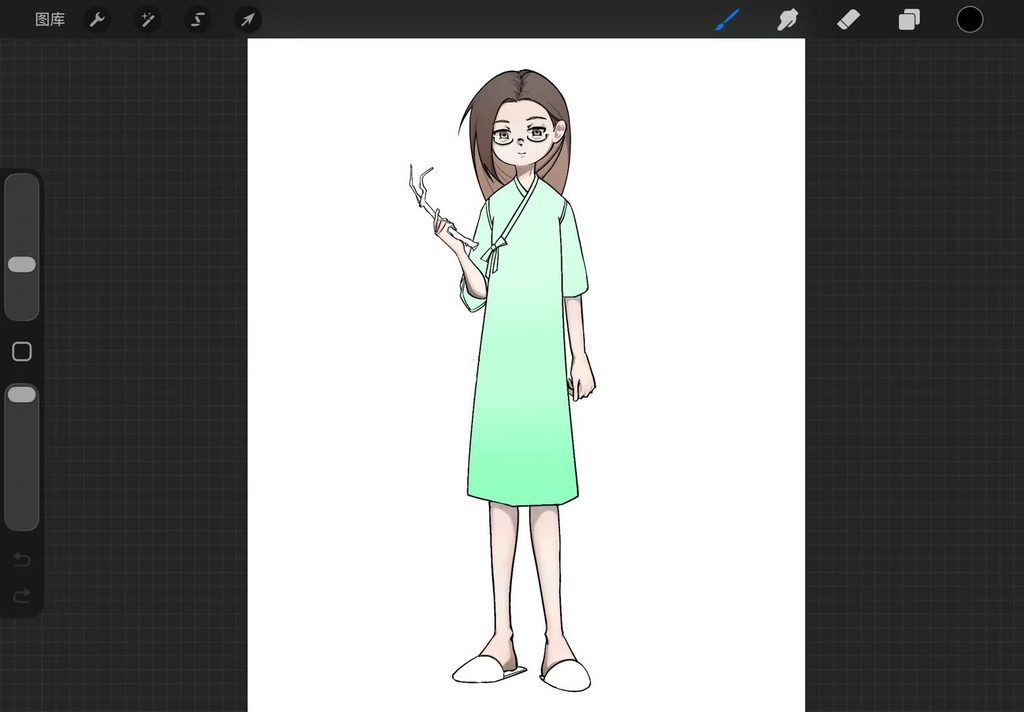
The following are my attempts at drawing the appearance of an NPC, with the character design referenced from my classmate JunNi.
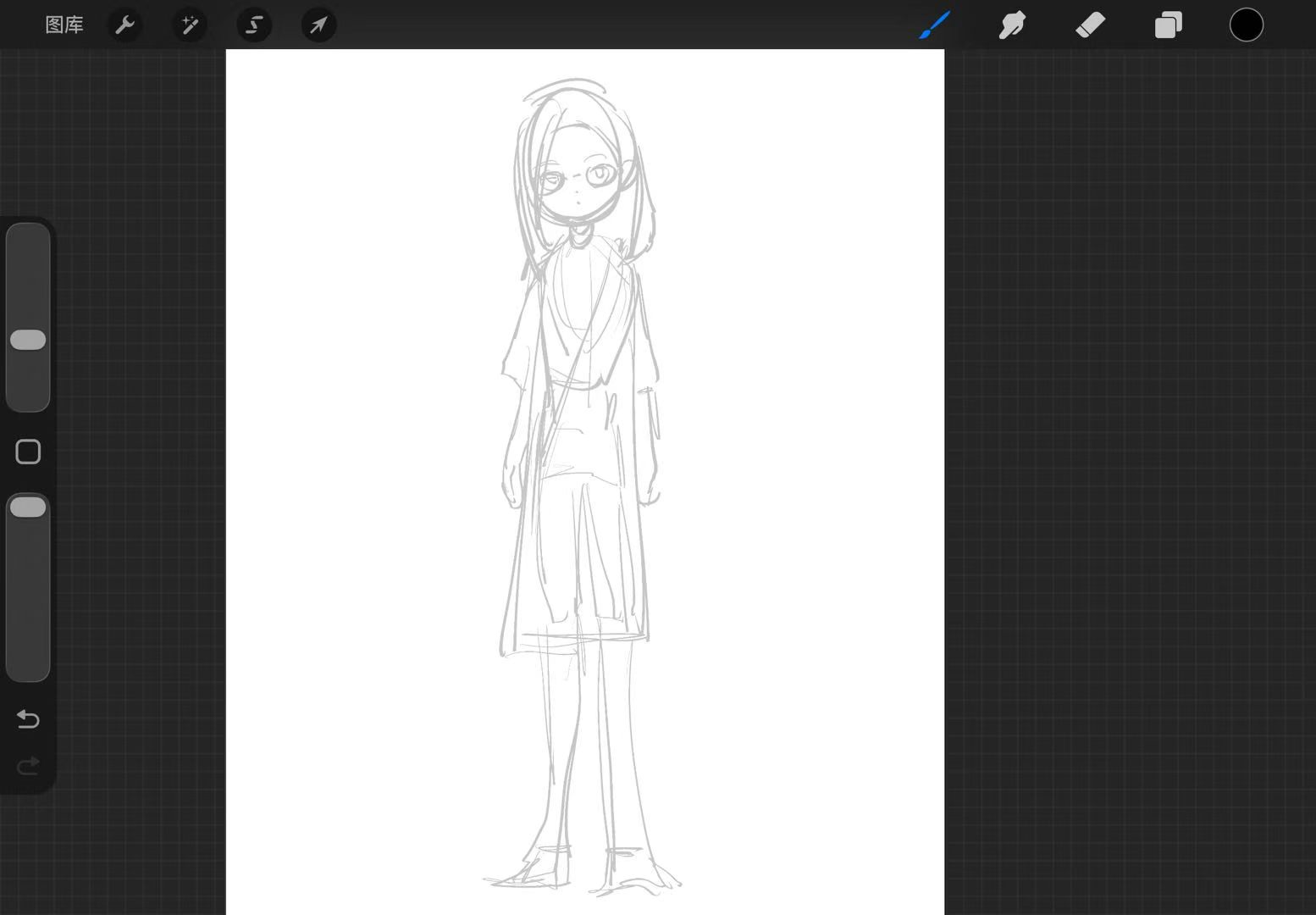
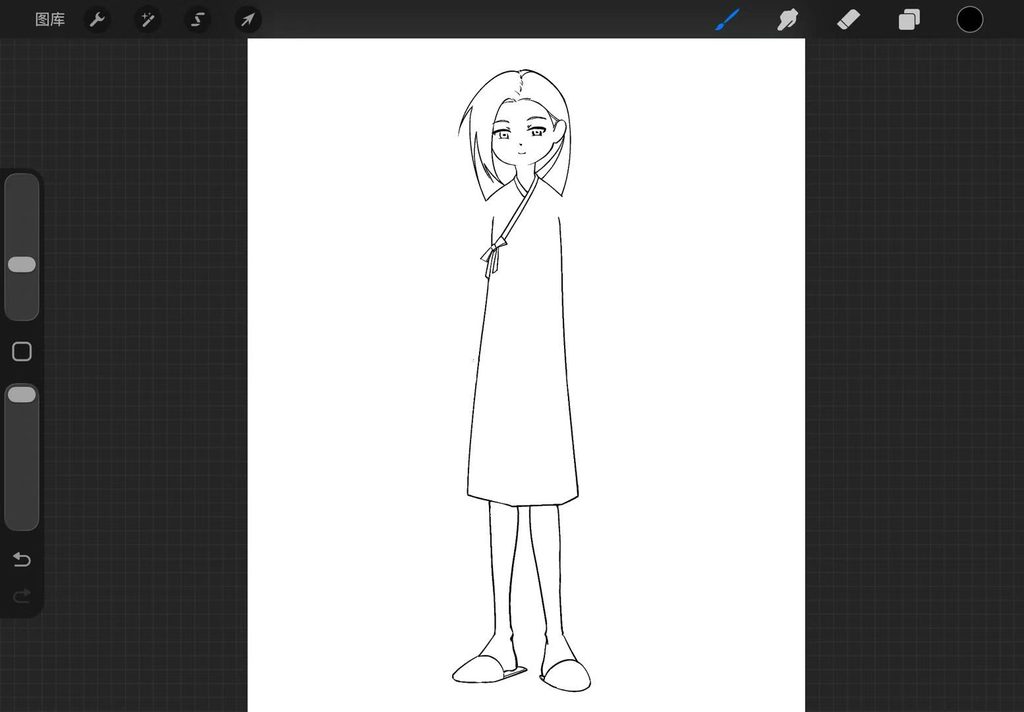

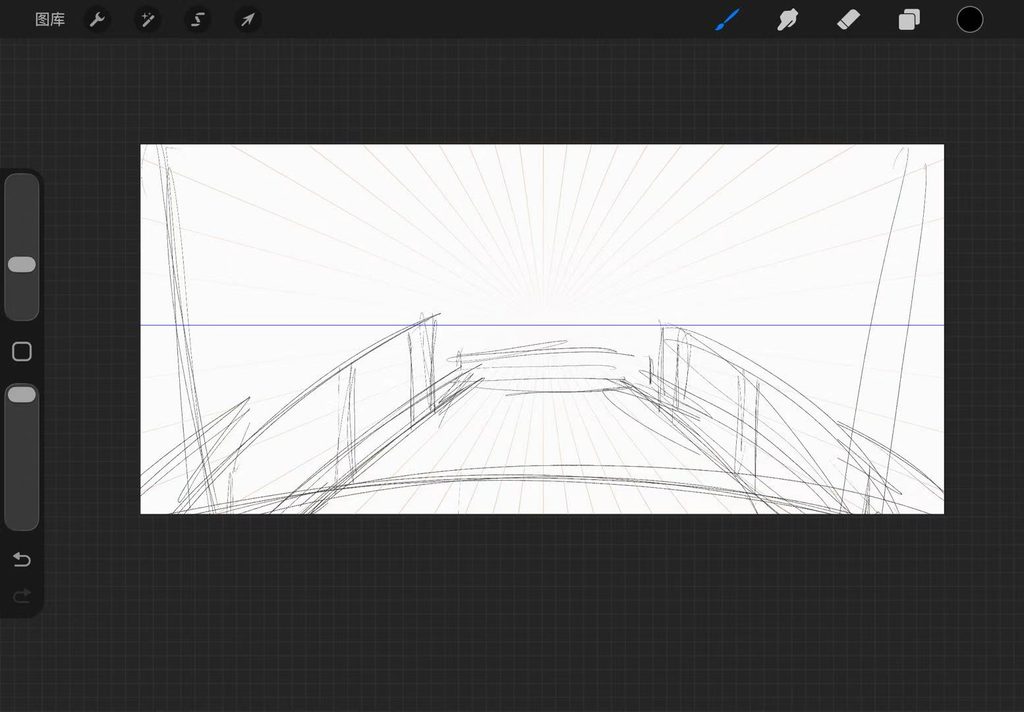
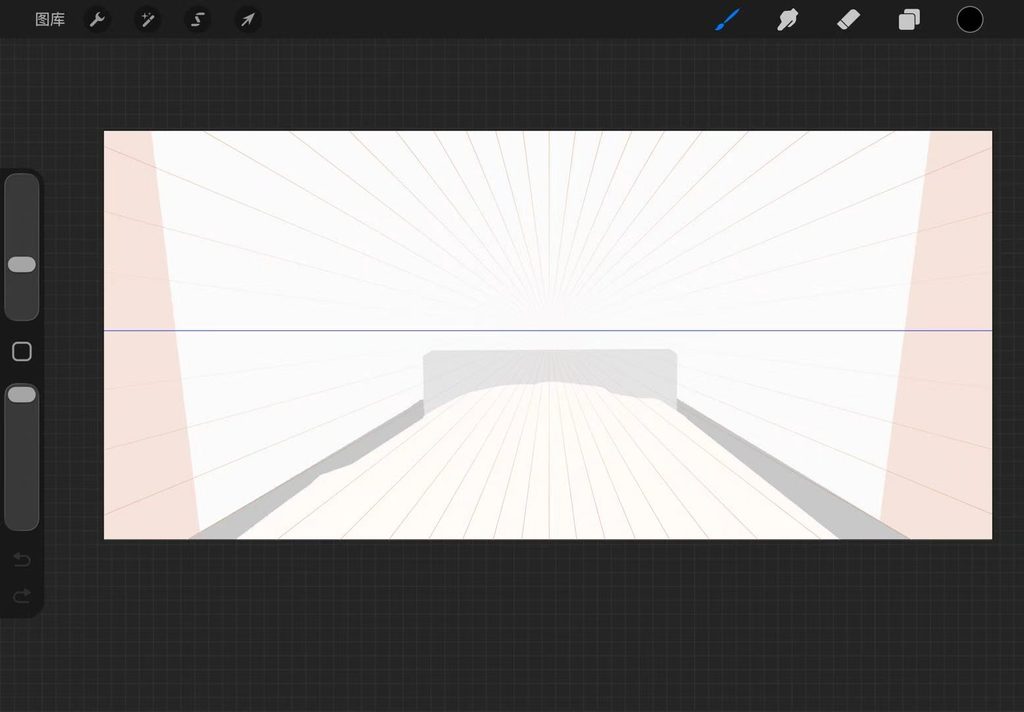
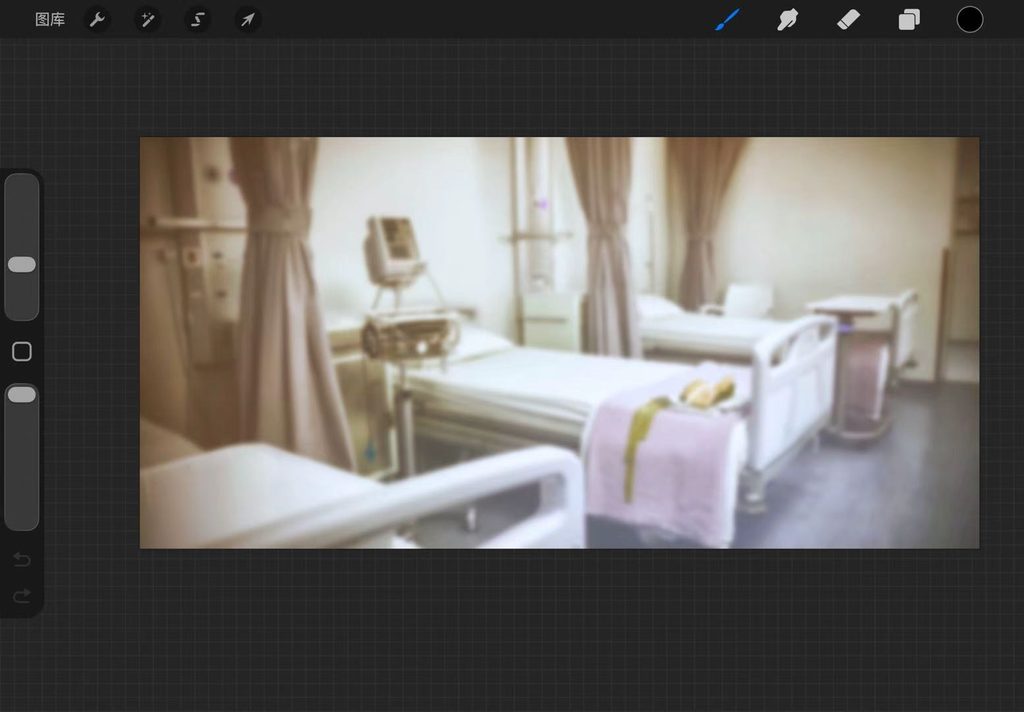
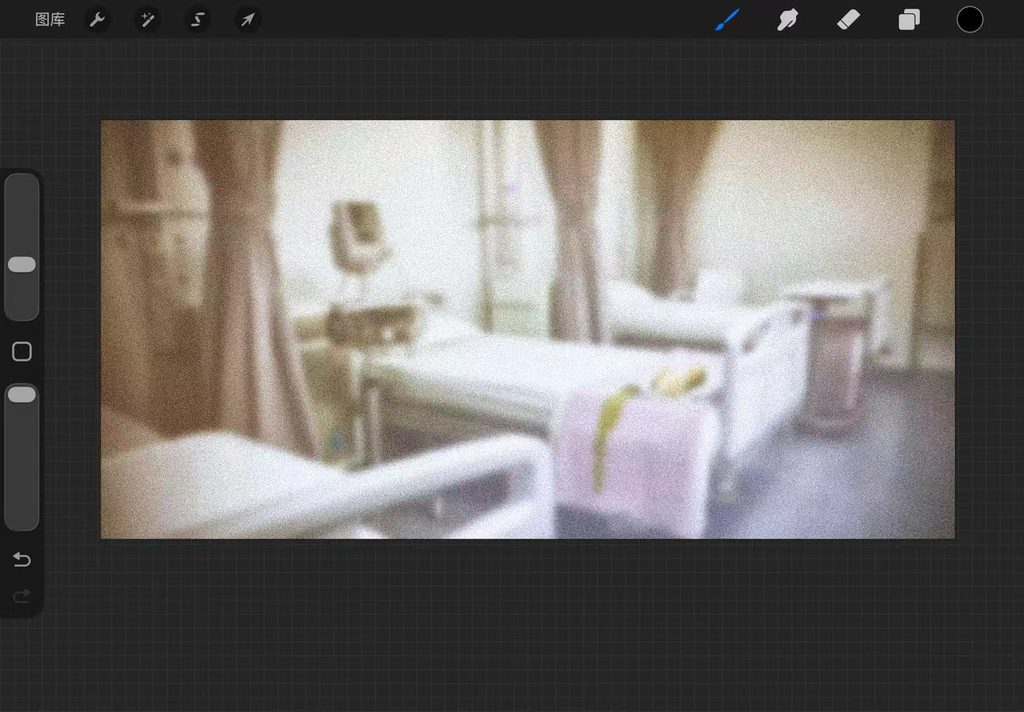
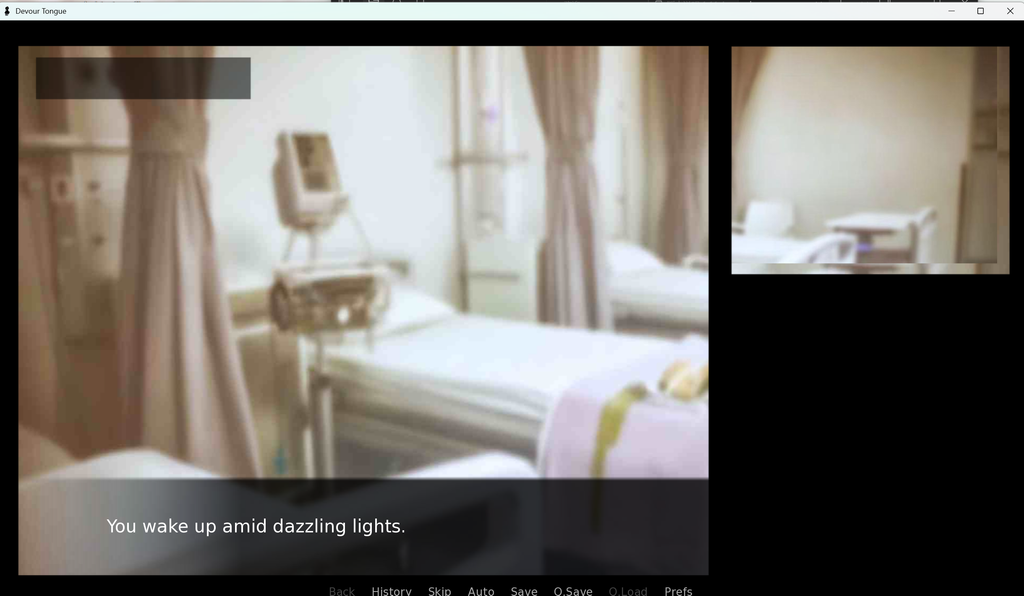
After finalizing the story outline, I tried to draw the first-person perspective of the protagonist lying on a hospital bed at the beginning as the background. Because I wanted to achieve an effect where you can look up, down, left, and right (similar to a VR effect), the image I drew is relatively long.
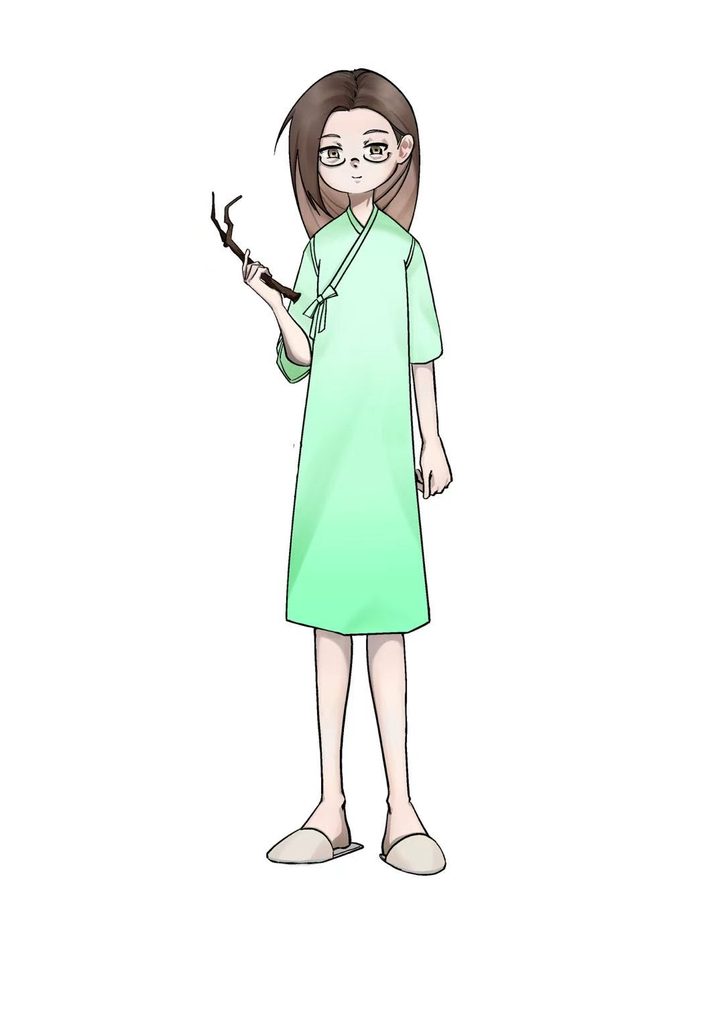
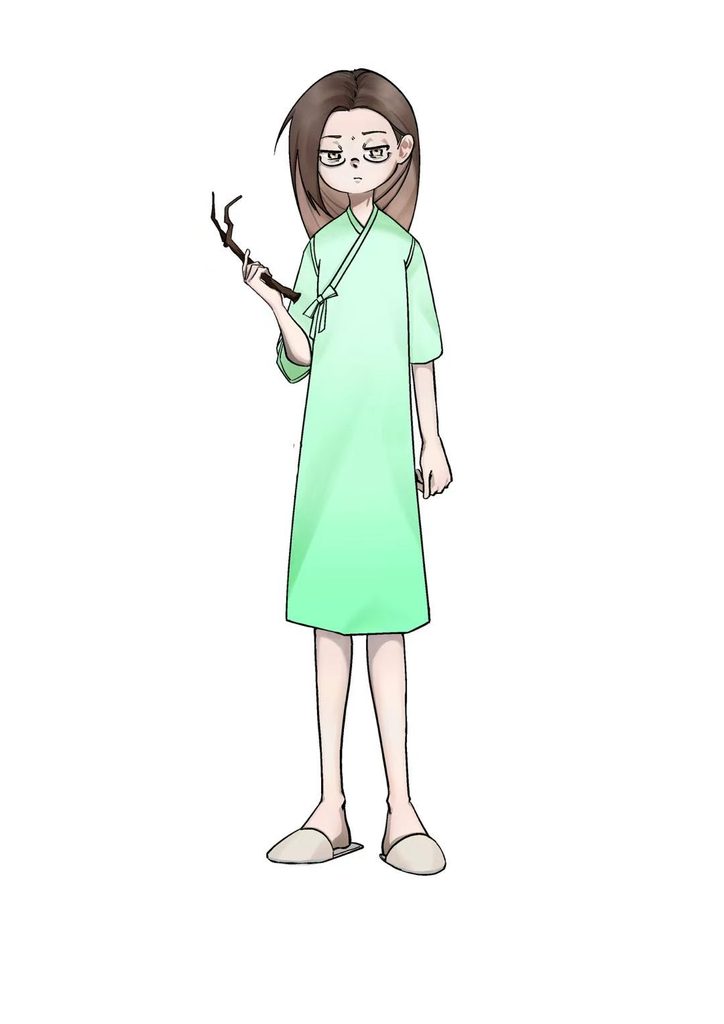
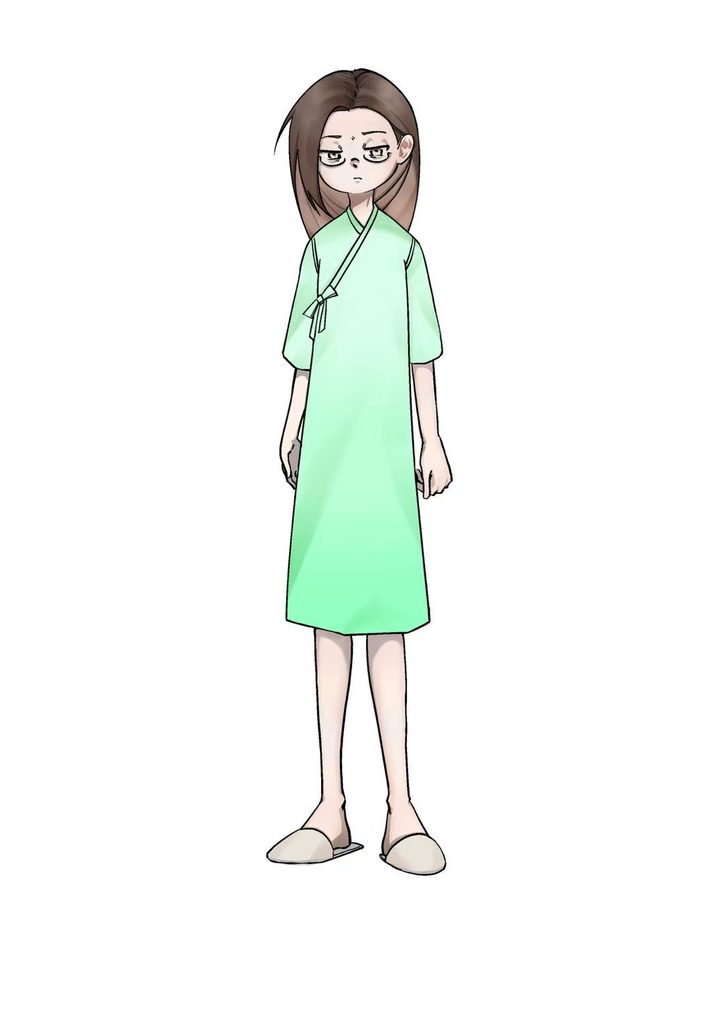
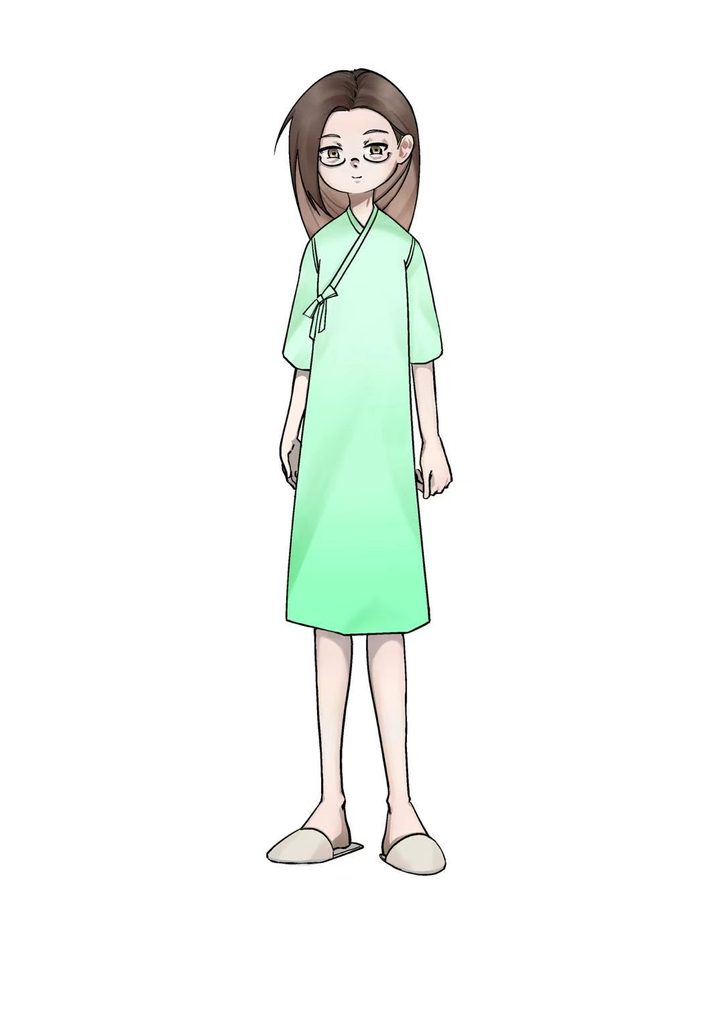
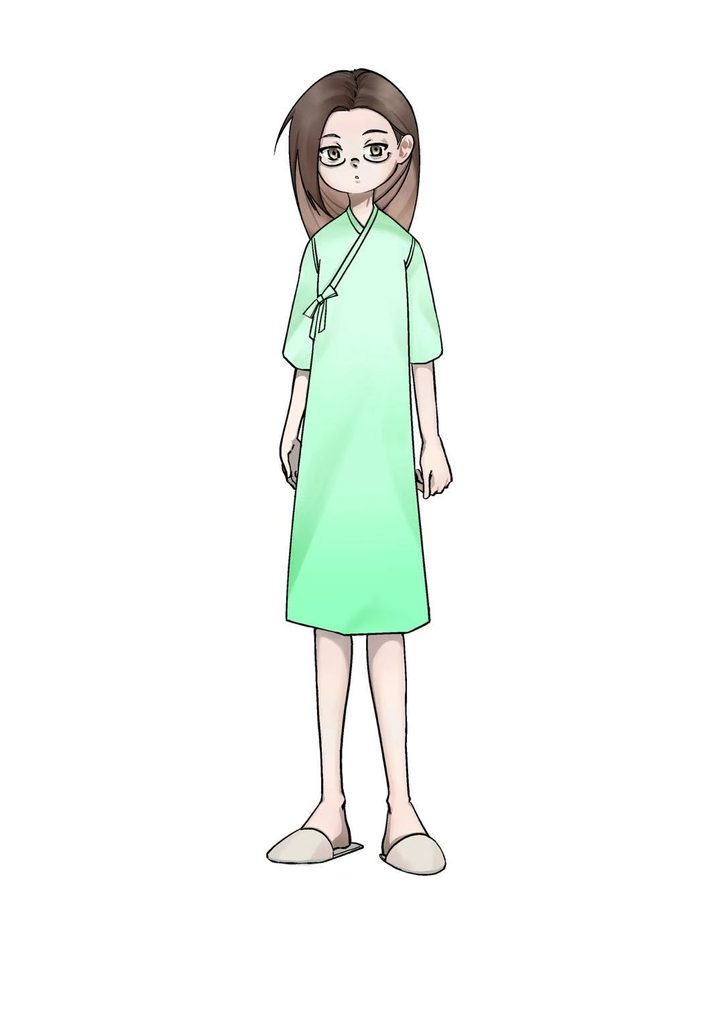
At this point, my first NPC was almost finished being designed. I gave her three different facial expressions and two different hand gestures, and the glasses can also be chosen to be worn or not.
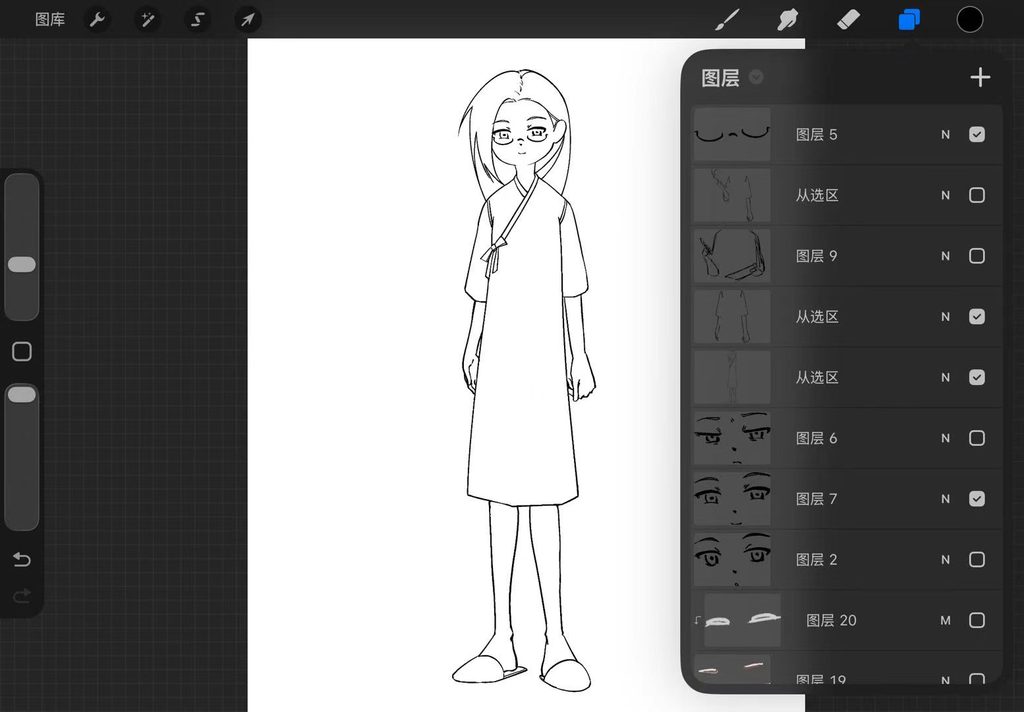
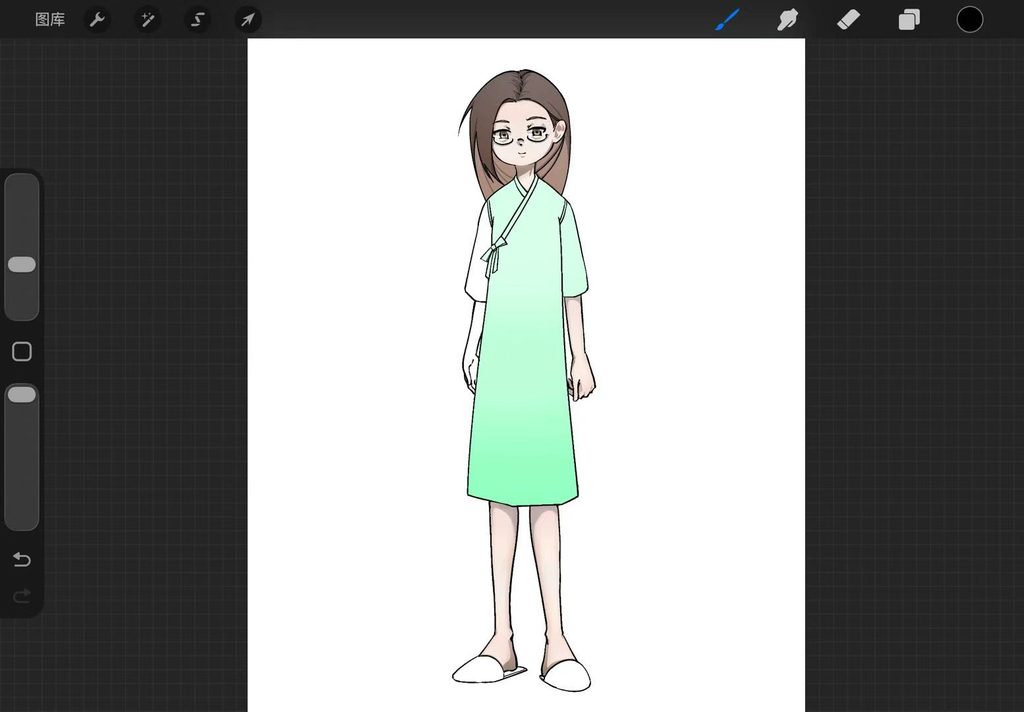
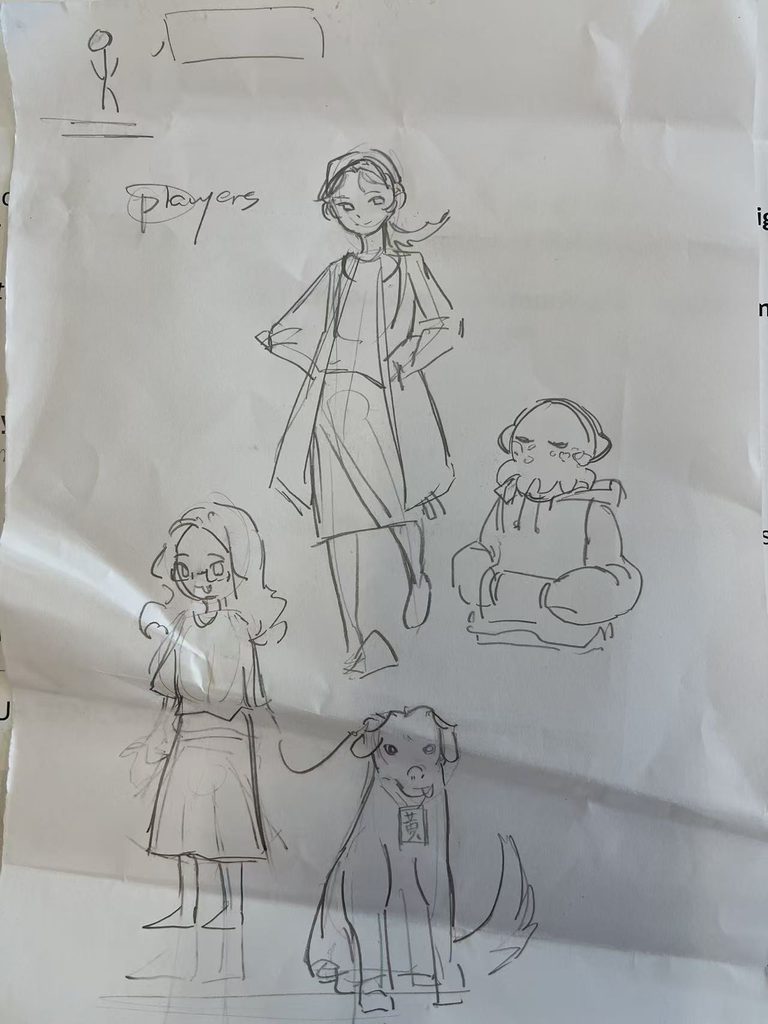
I also used two other classmates as references to design drafts for two other different NPCs. One of them strongly insisted that her character have a dog about the same height as her, so I added that in as well.
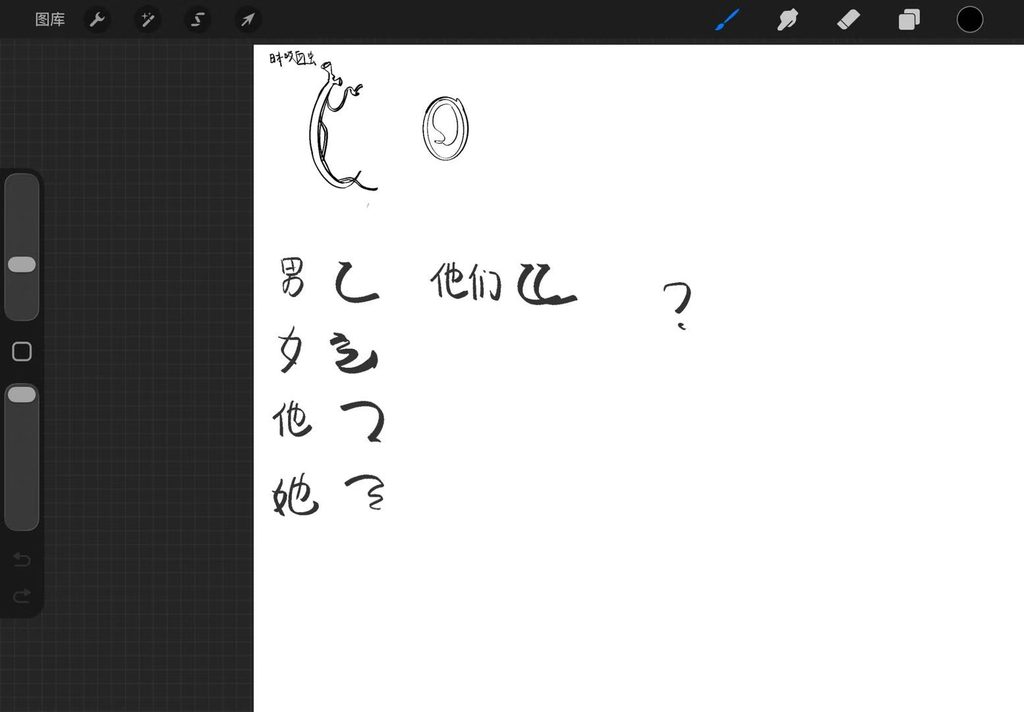
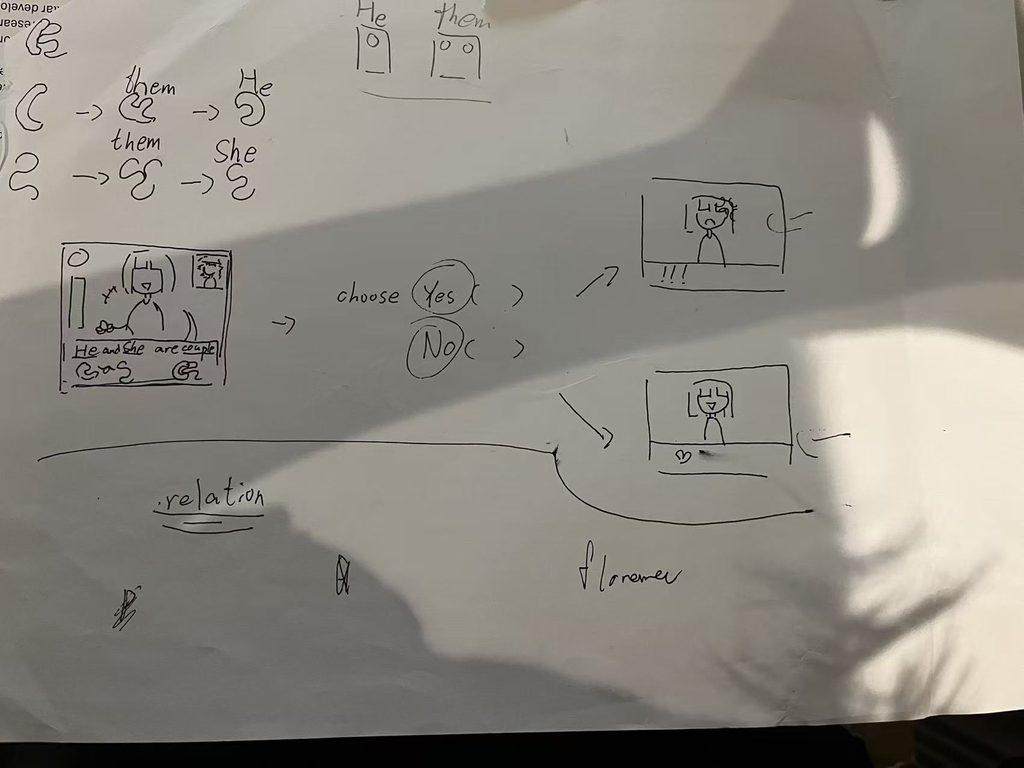
After deciding on the game I wanted to make, I quickly sketched a diagram to work out the core game mechanics. However, I had not finalised the font at that point. A day later, I settled on a font built mainly from squares and circles.
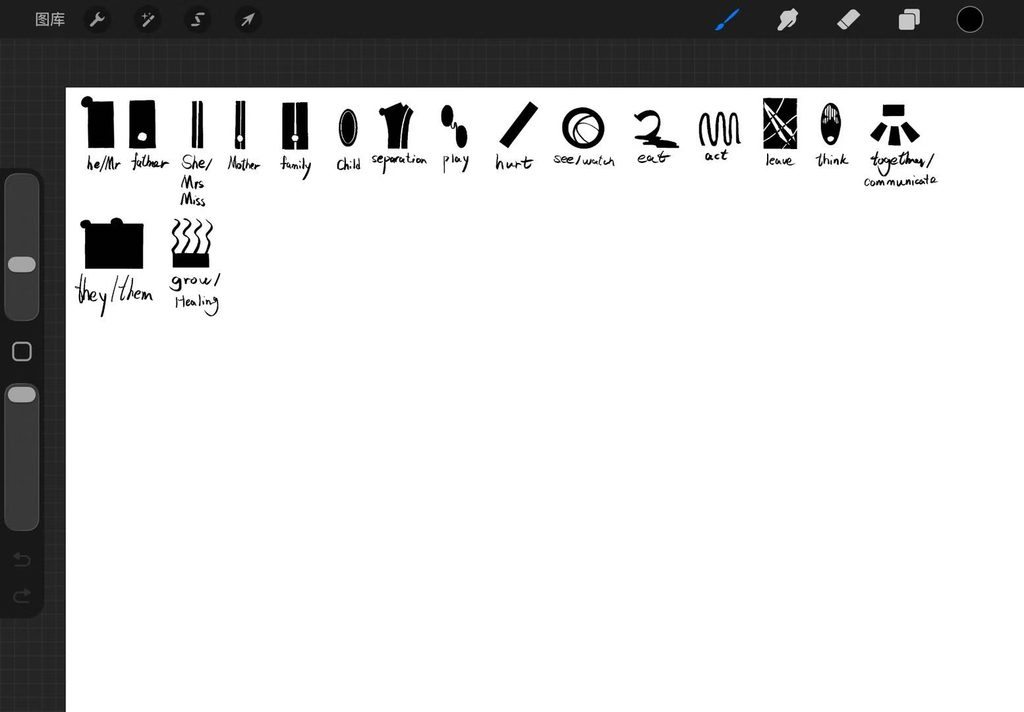
This is the vocabulary I’ve come up with so far.
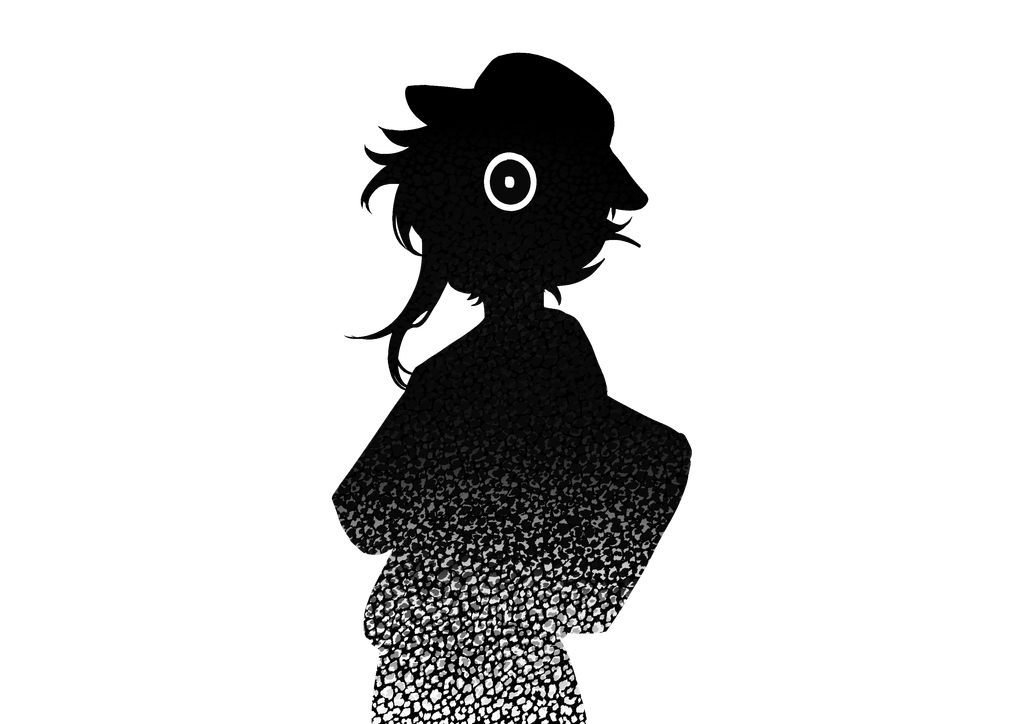
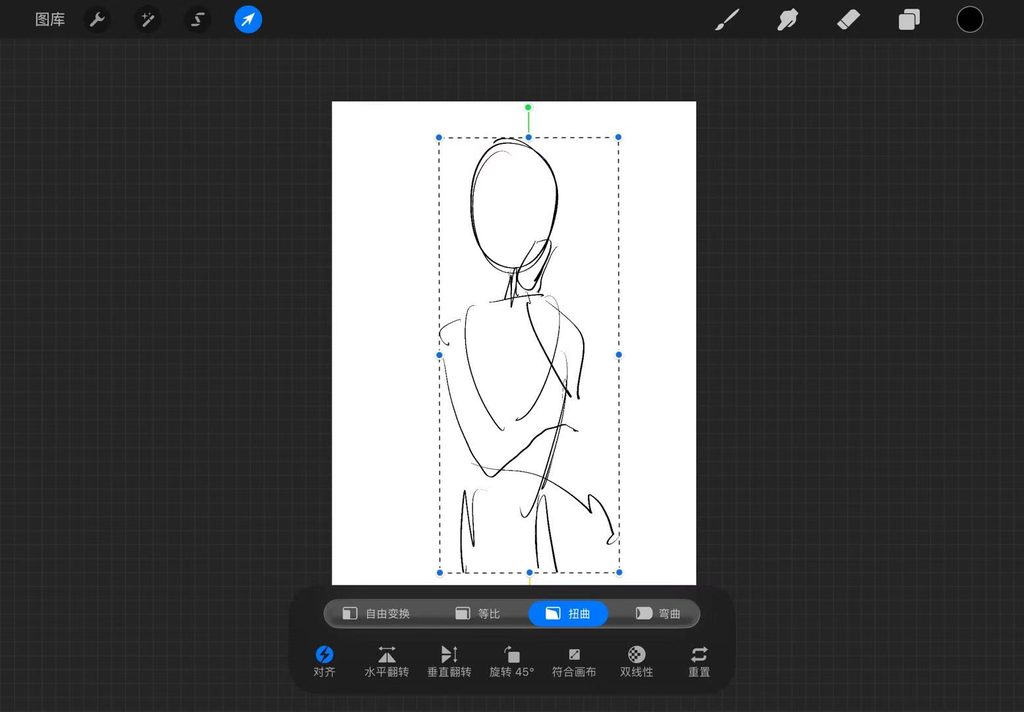
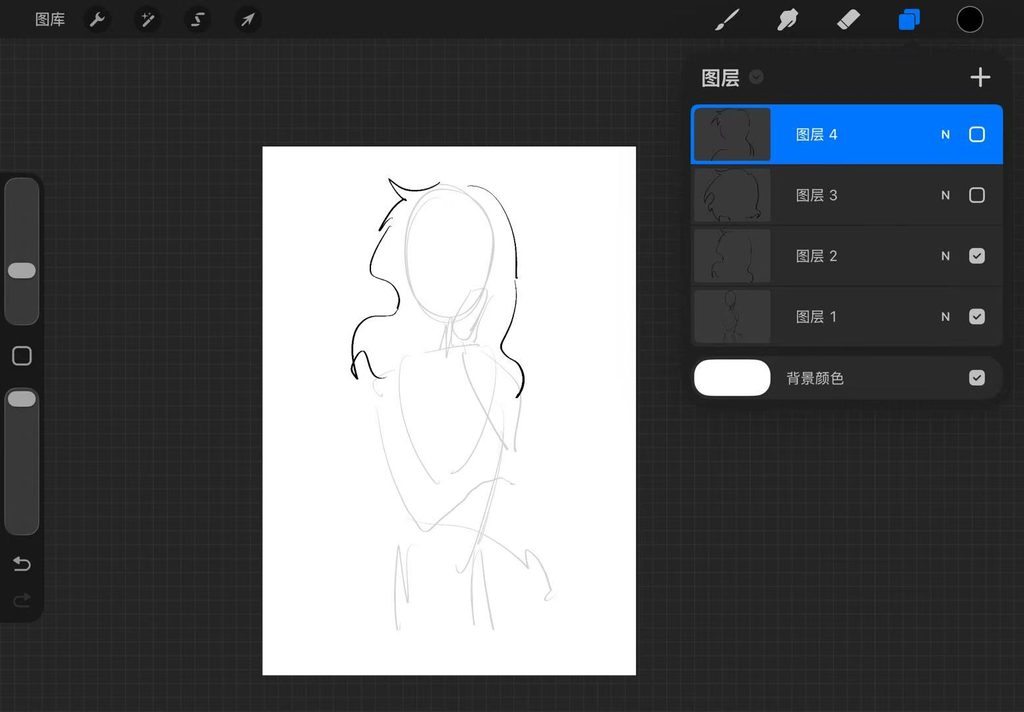
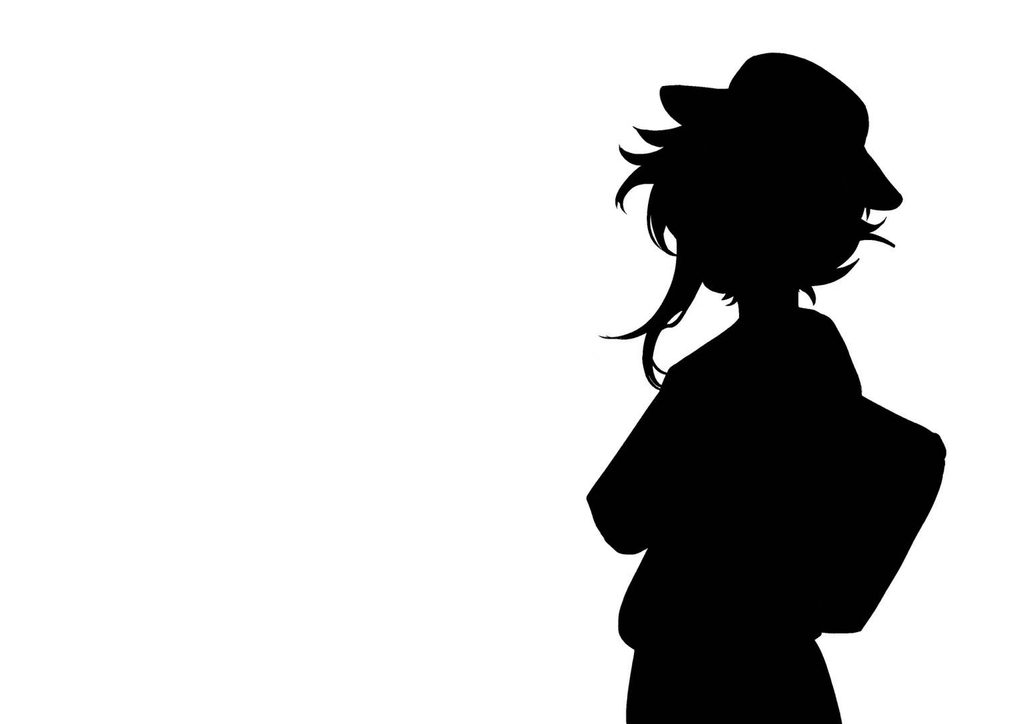
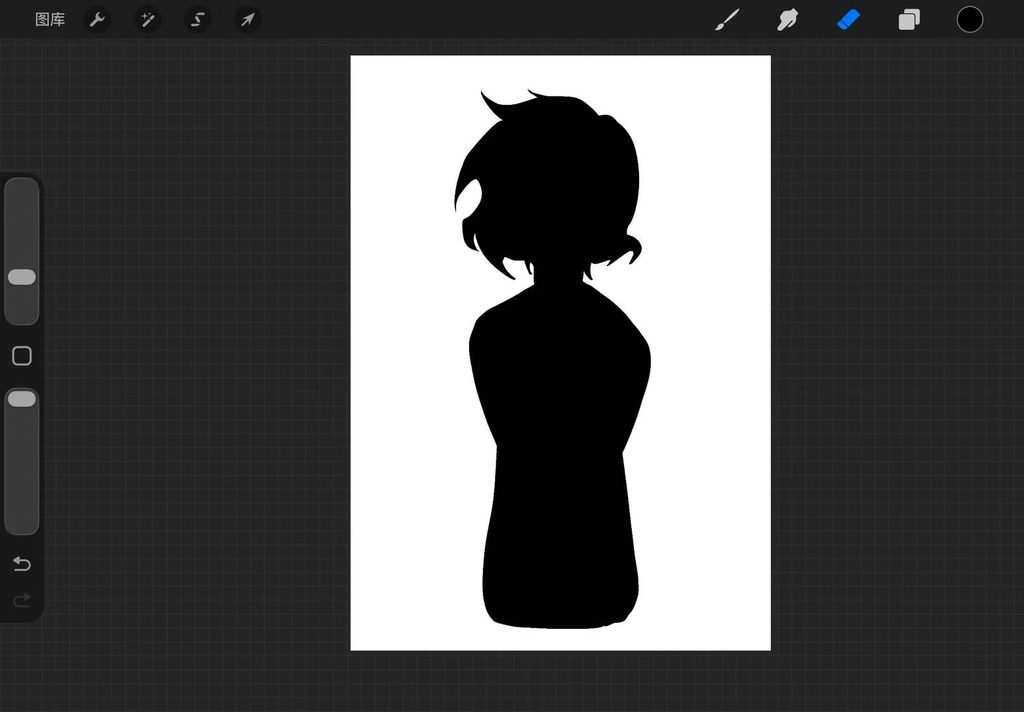
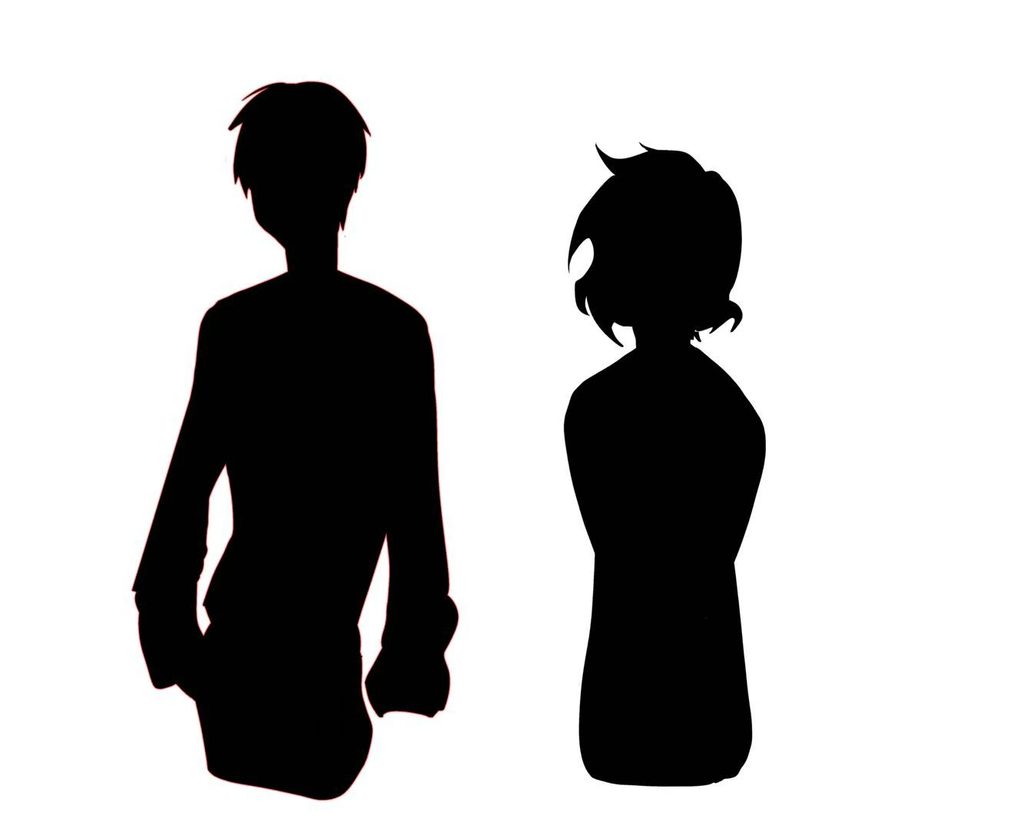
In the initial outline (see My Work from Week 1), I wrote that three characters appear in this story, so I decided to start with the NPCs that advance the plot. To keep the characters mysterious and emphasize the unknown nature of the symbols I designed (so that players cannot guess the word from the characters’ expressions), I plan to design them as silhouettes. (See the sketches below.)
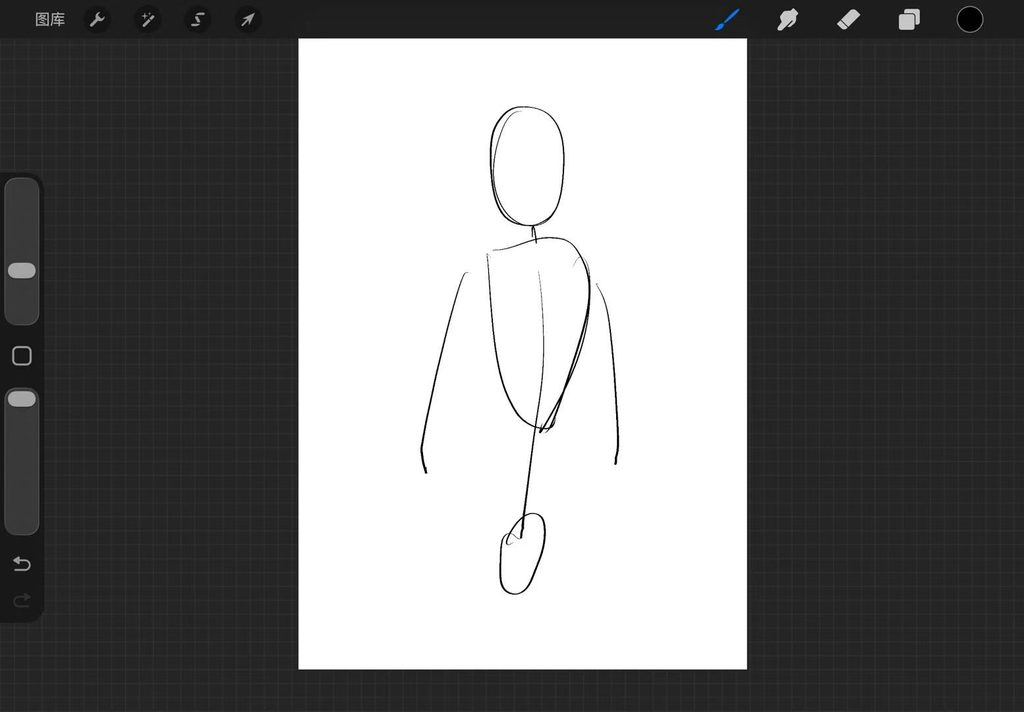
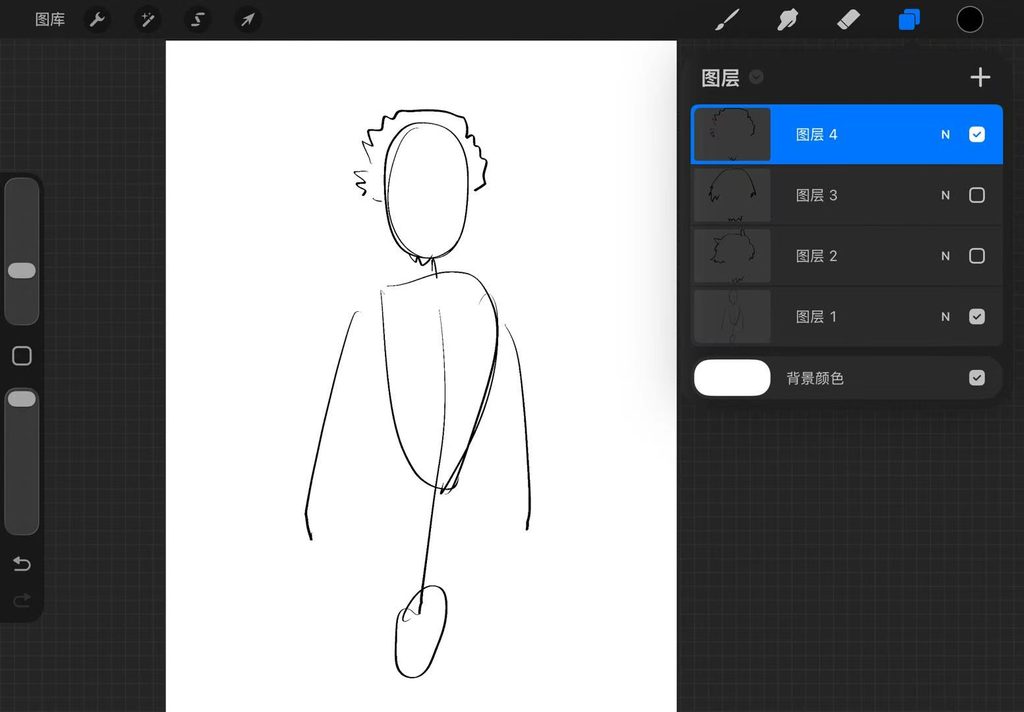
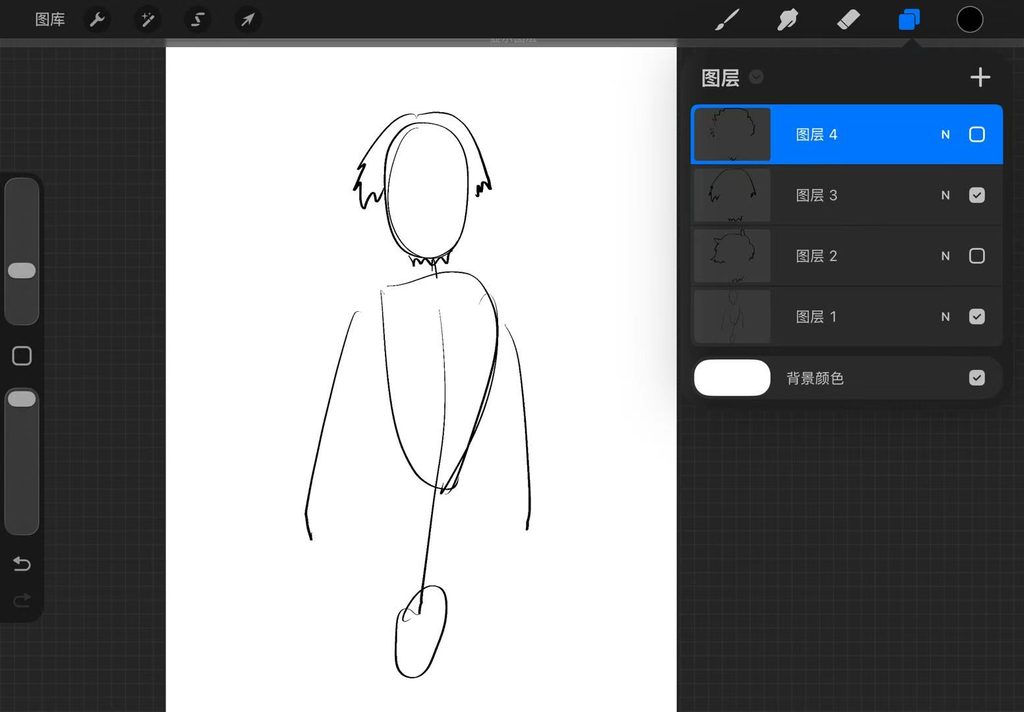
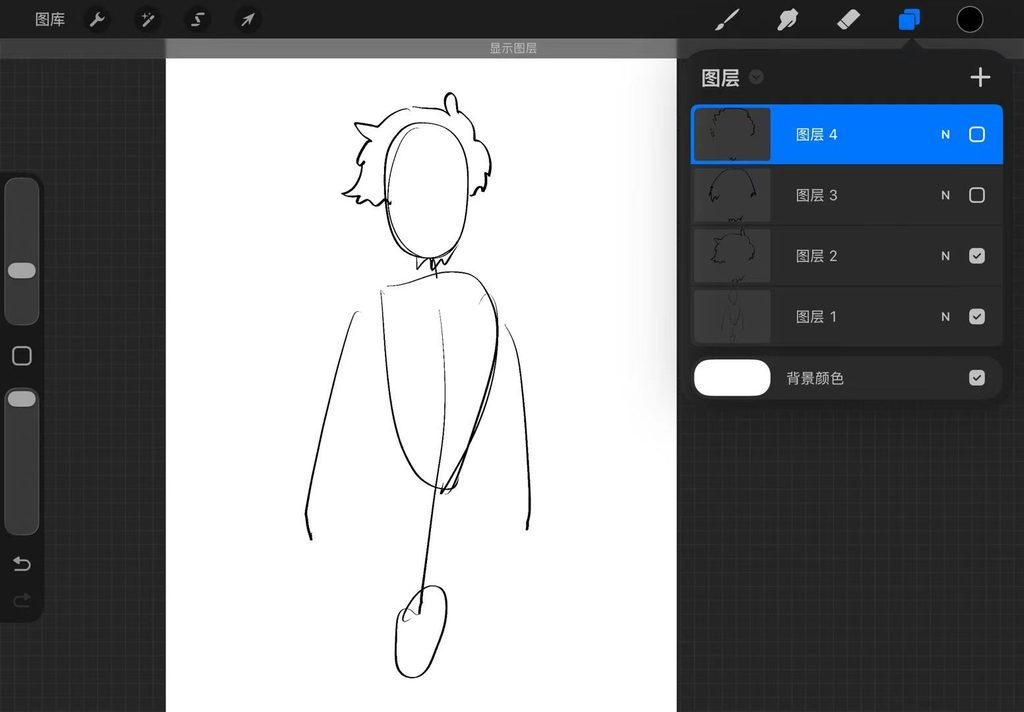


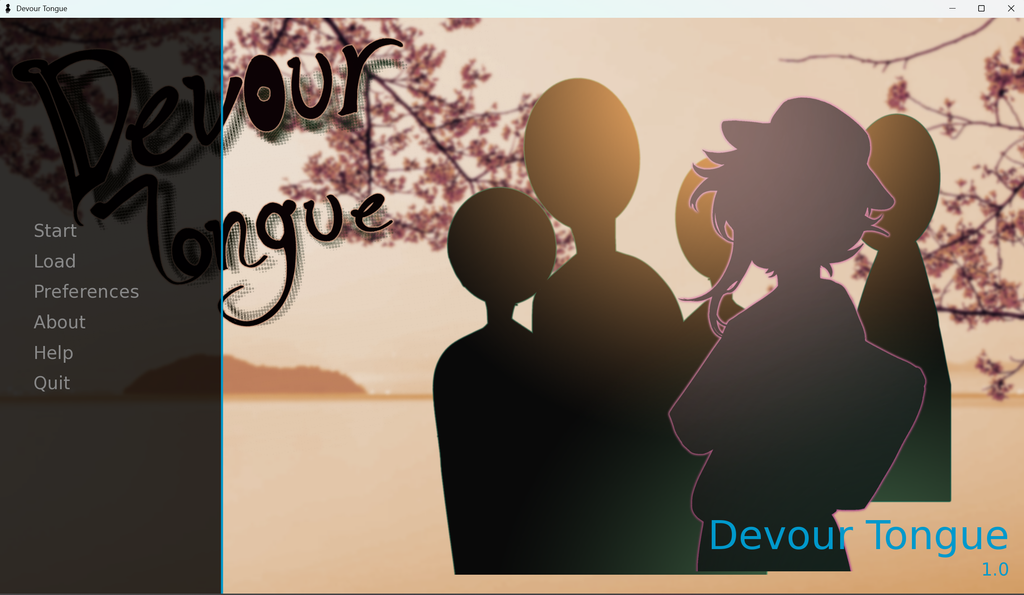
After drawing several supporting characters, I began experimenting with the layout for the main menu. (See drafts below.)
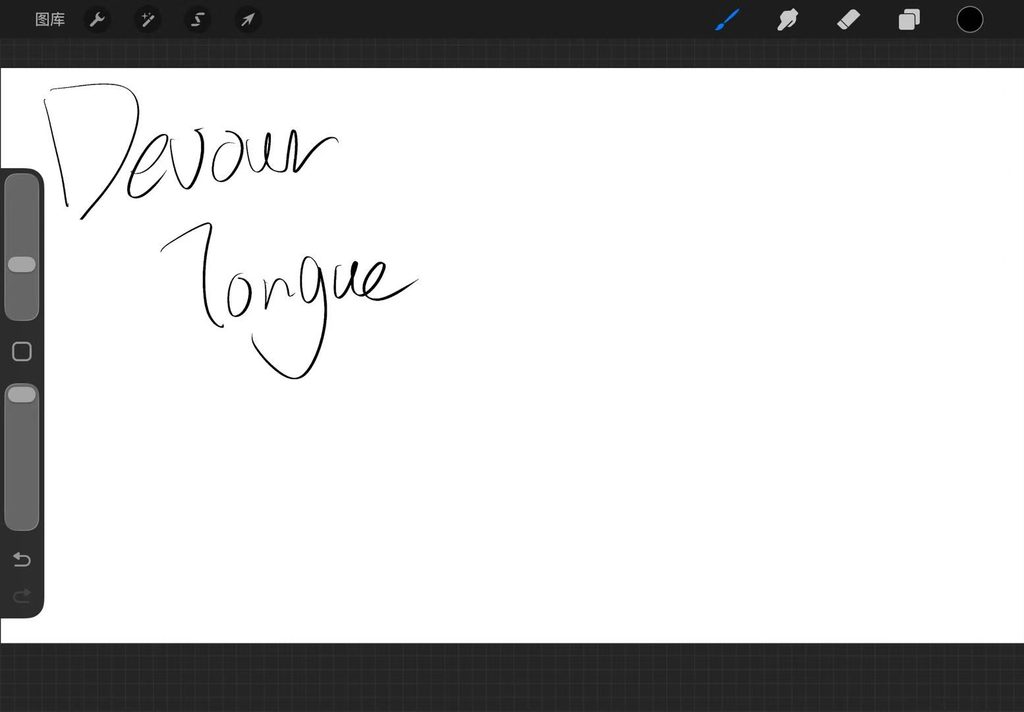
I designed the font for this title based on my vision and reworked its layout. Once I achieved the layout I wanted, I started colouring these assets and tried assembling them. Unfortunately, the first colour combination for this layout did not look satisfying, so I switched to a new colour palette.

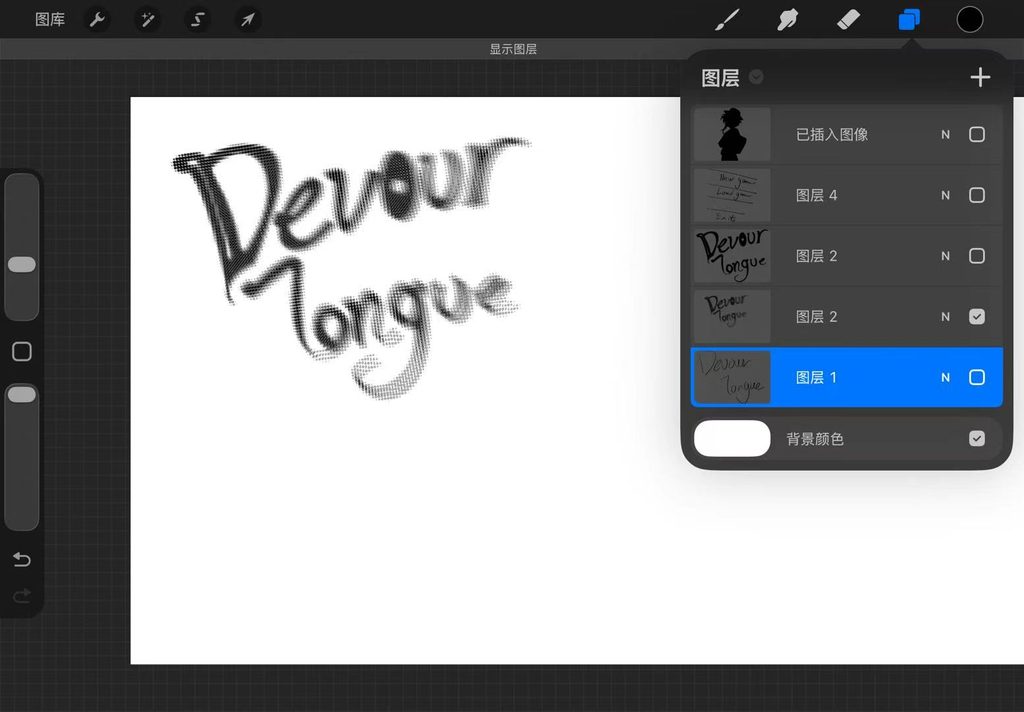
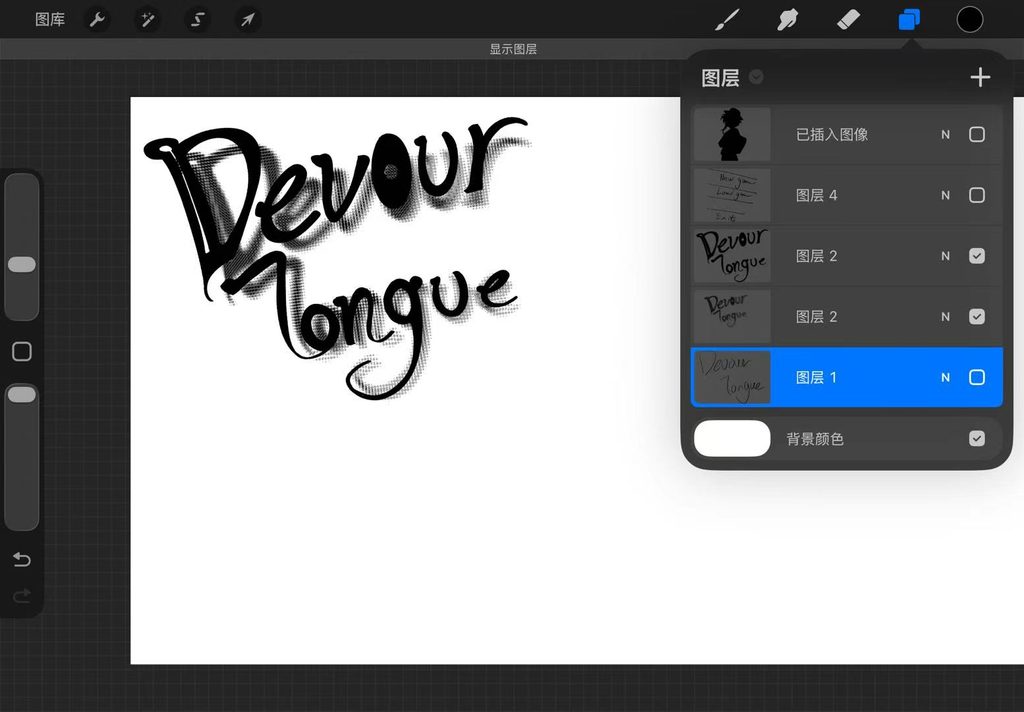
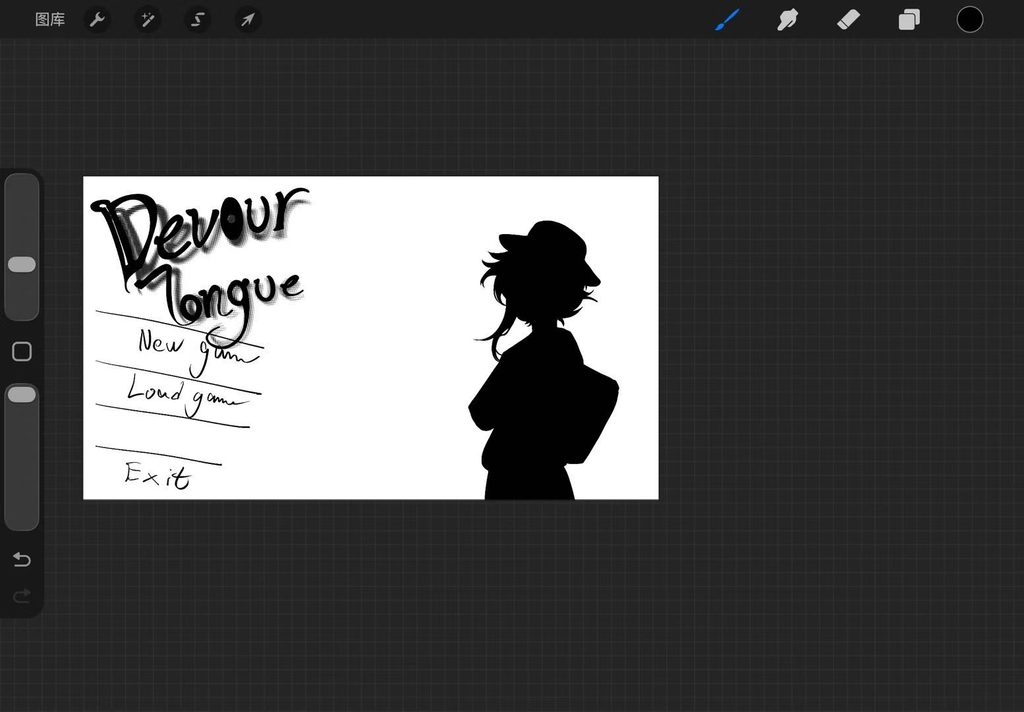
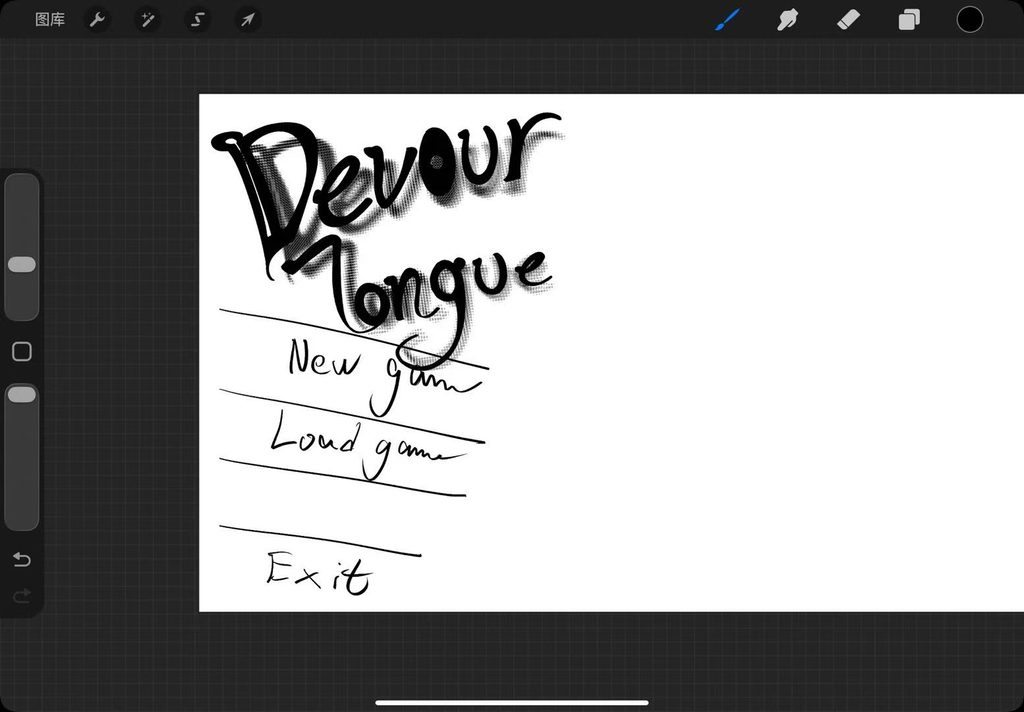




This current version looks fairly good. Here is the breakdown.






This is the dialogue box I envisioned.
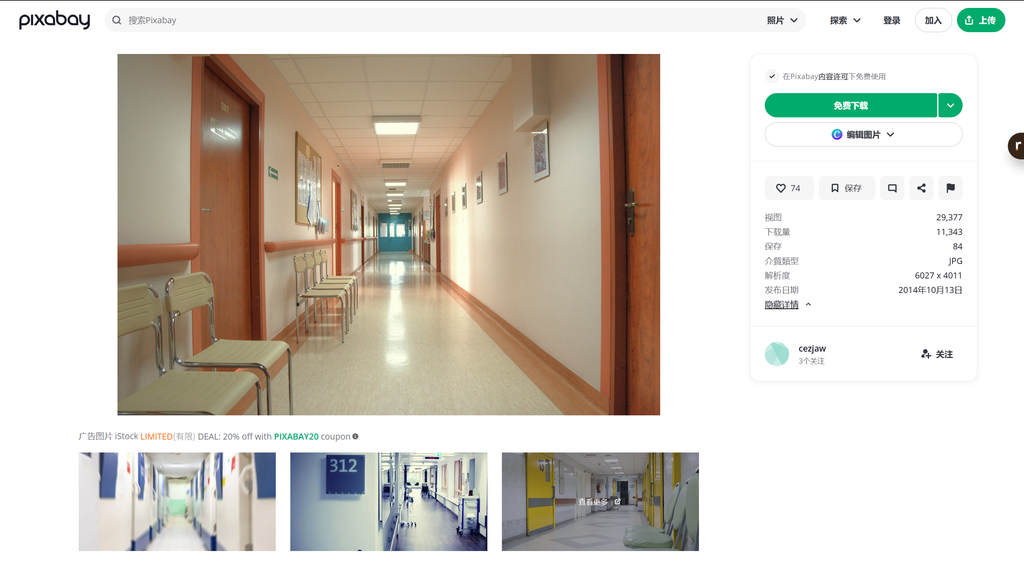
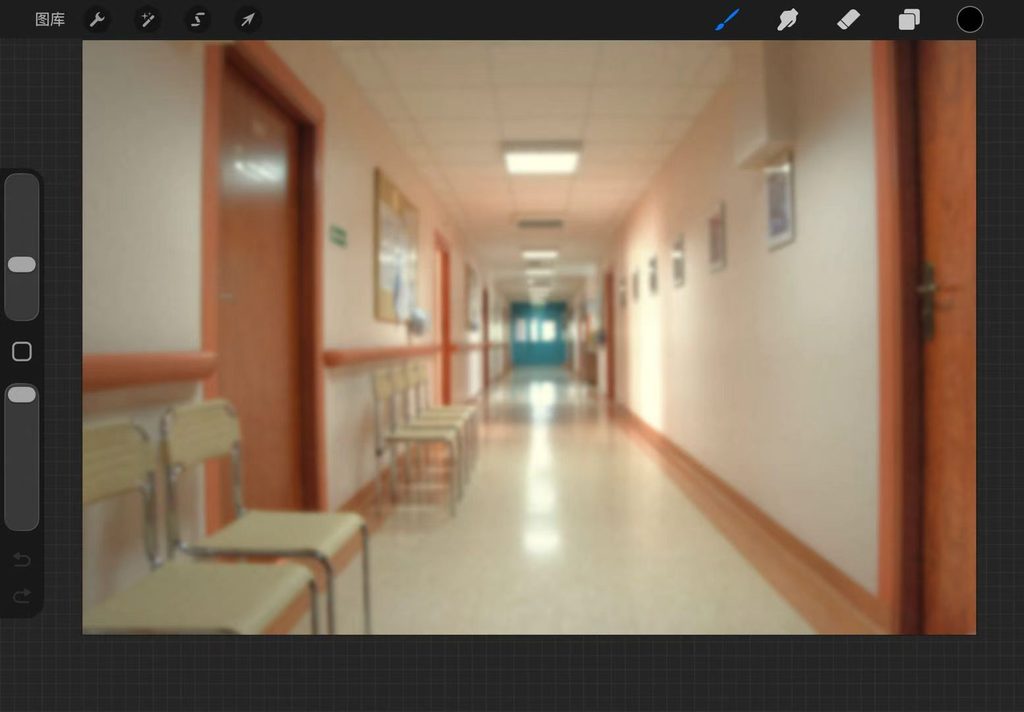
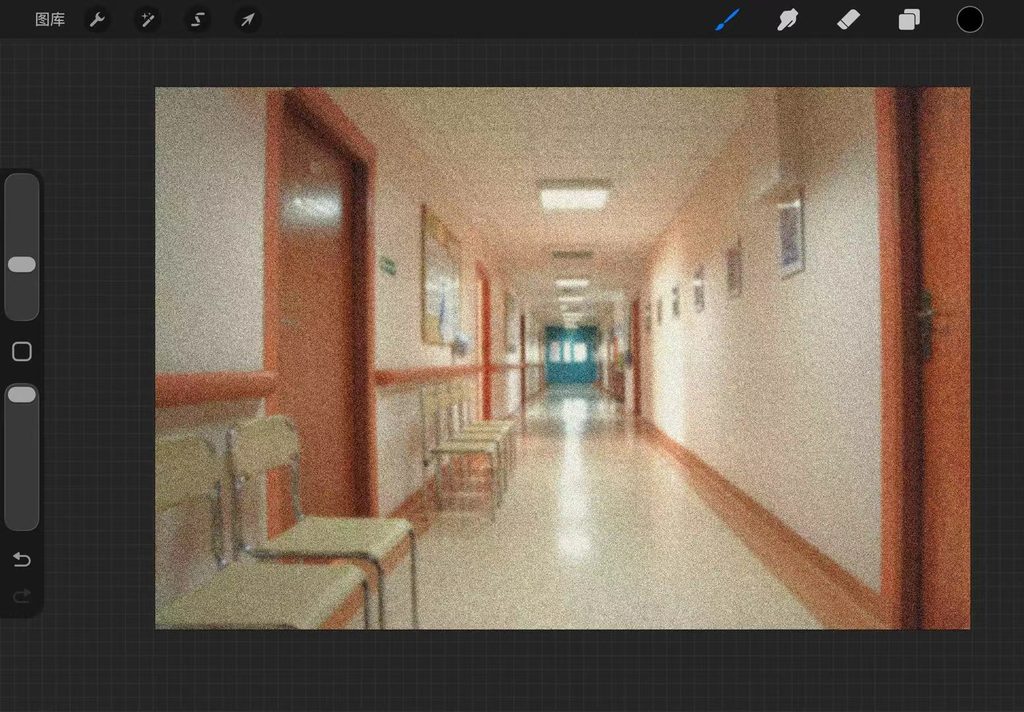
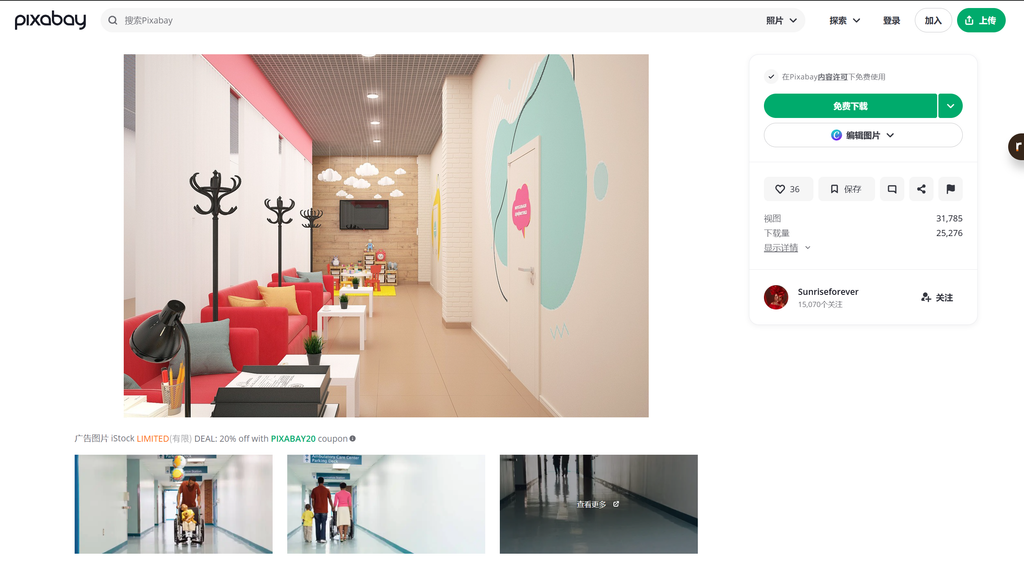
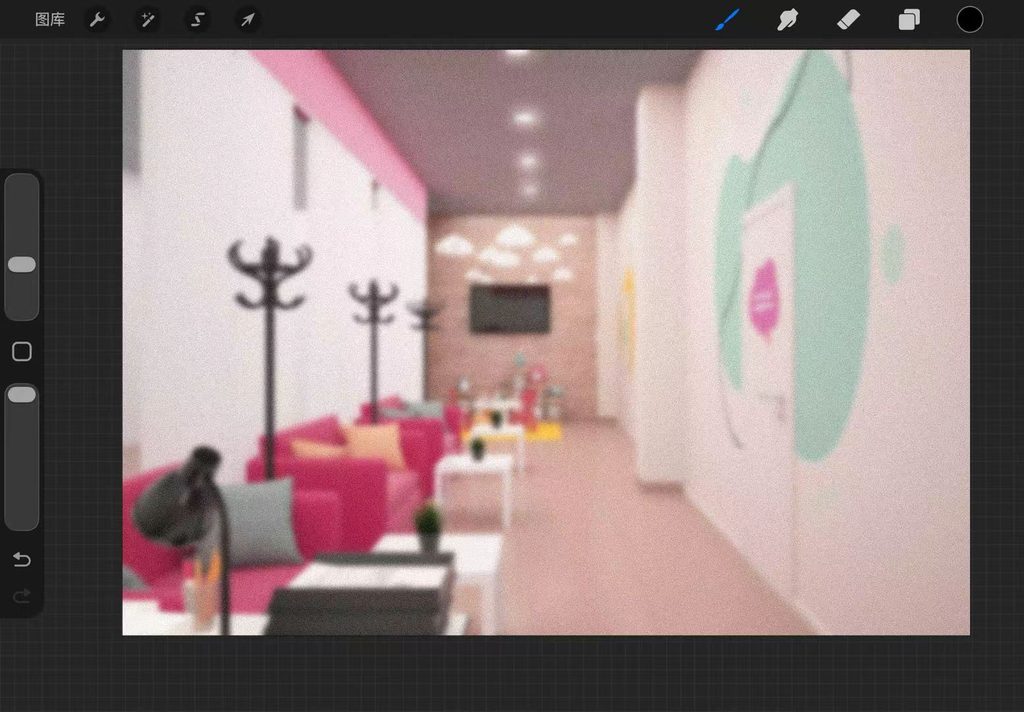
I found several usable images for my game backgrounds from free stock photo websites. I edited and colour-graded them in Procreate, adding noise texture. After cropping, I saved them into the project folder.
Prototype






Once the core structure of the font was finalised, I started to brainstorm how my custom script should look. I spent a lot of time considering whether to use pictographic or phonetic symbols.
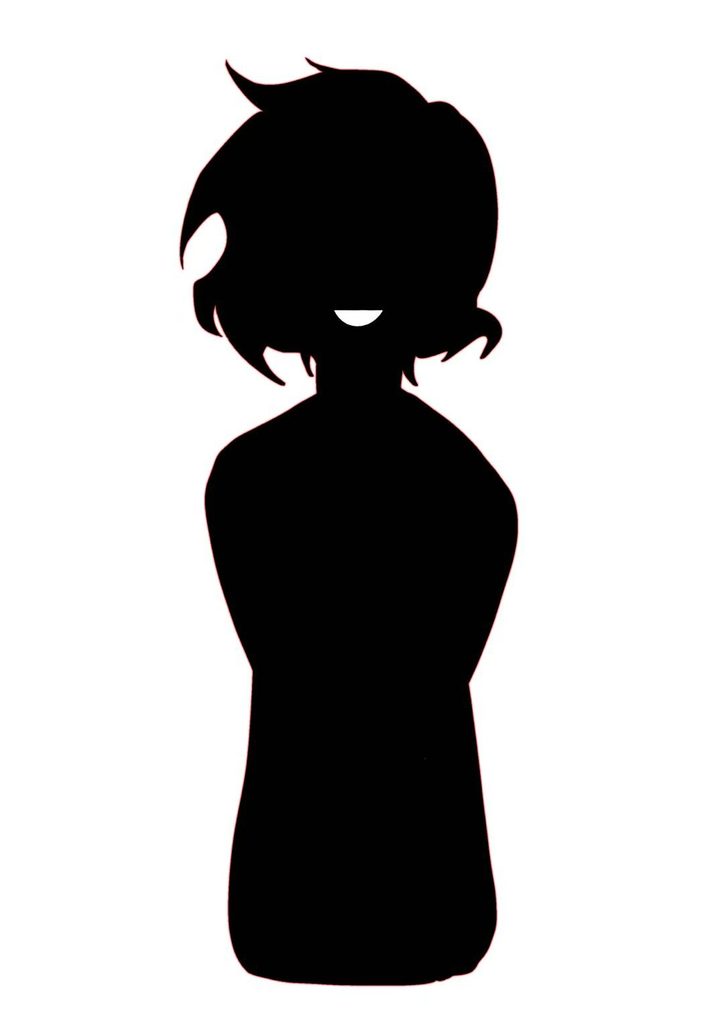
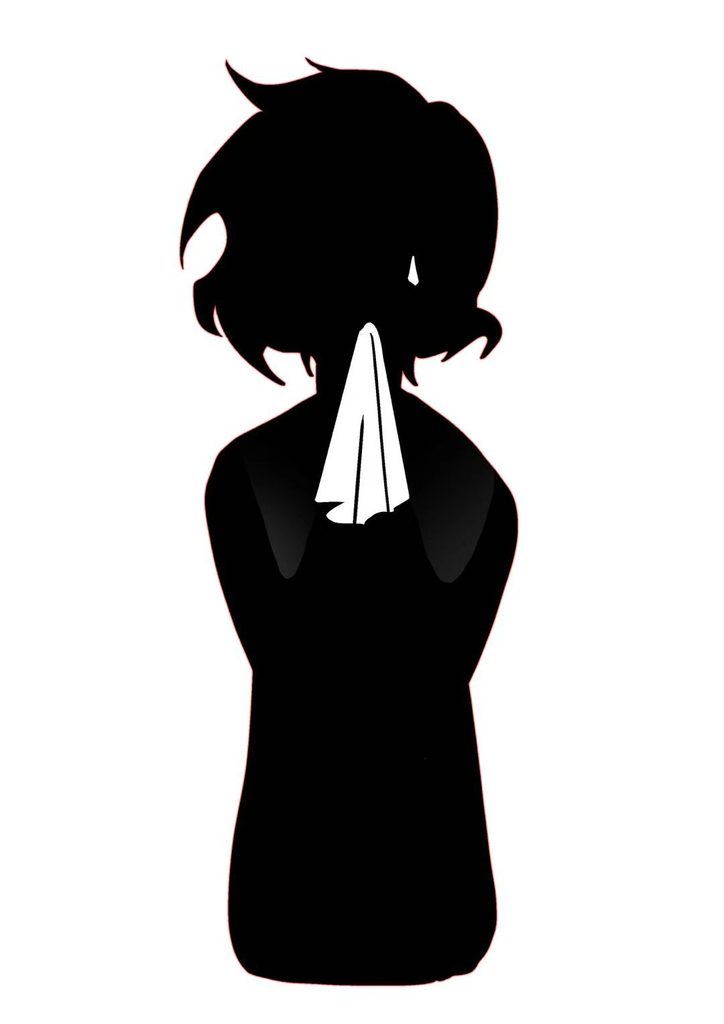
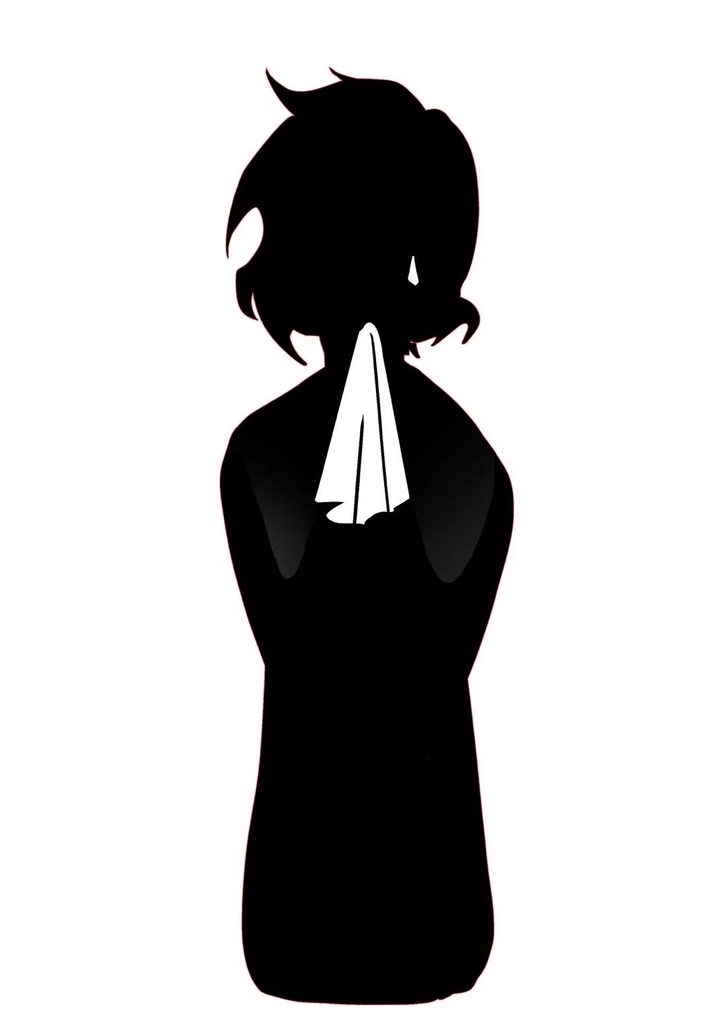
After finishing the sketches(week 2), I refined the characters and added varied expressions. After some consideration, I decided that silhouettes alone would feel too plain. However, I also did not want the game to become overly difficult, so I only added mouths and a few items that can subtly convey emotion, such as a handkerchief.
After comparison, I noticed the female figure looked somewhat childlike, so I thinned her silhouette to make her appear more adult.
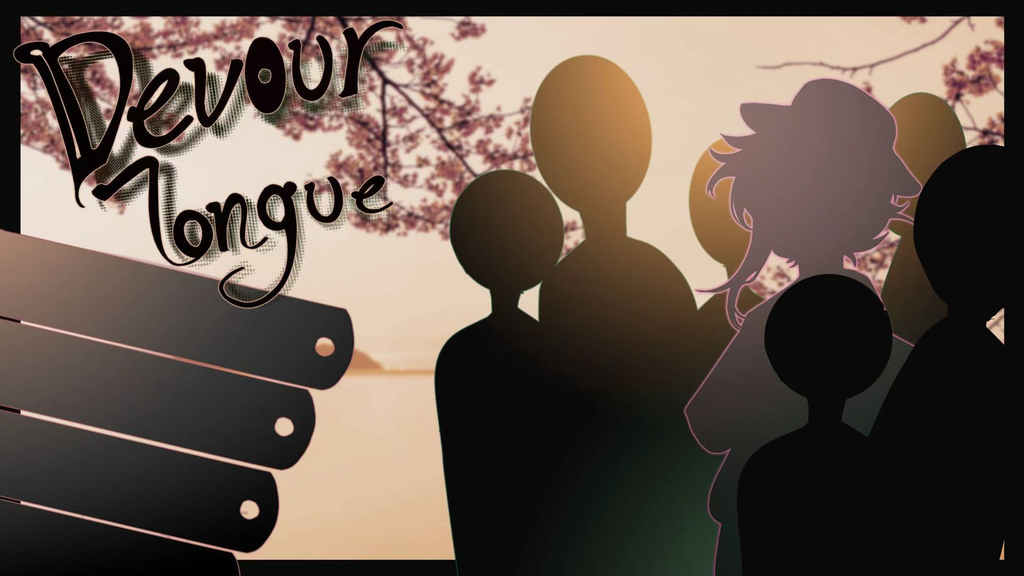
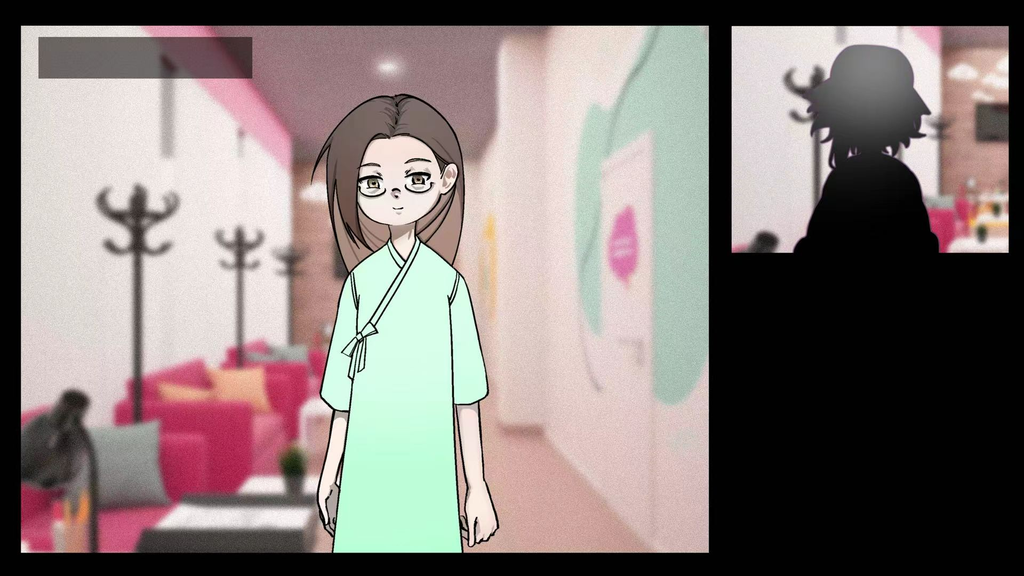
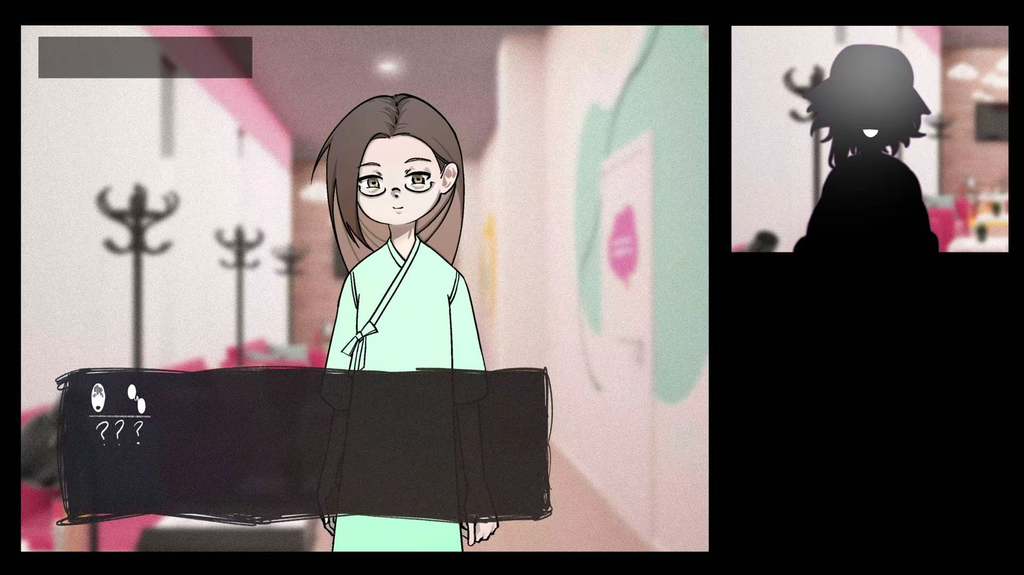
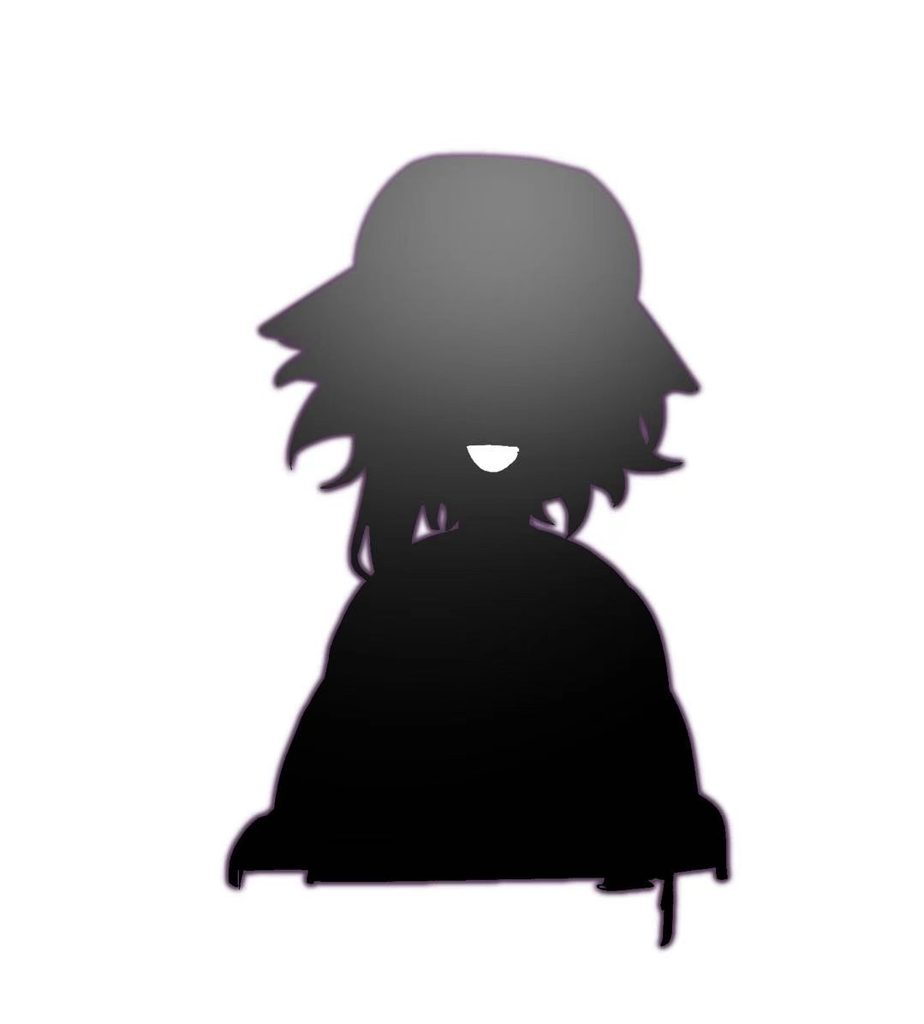
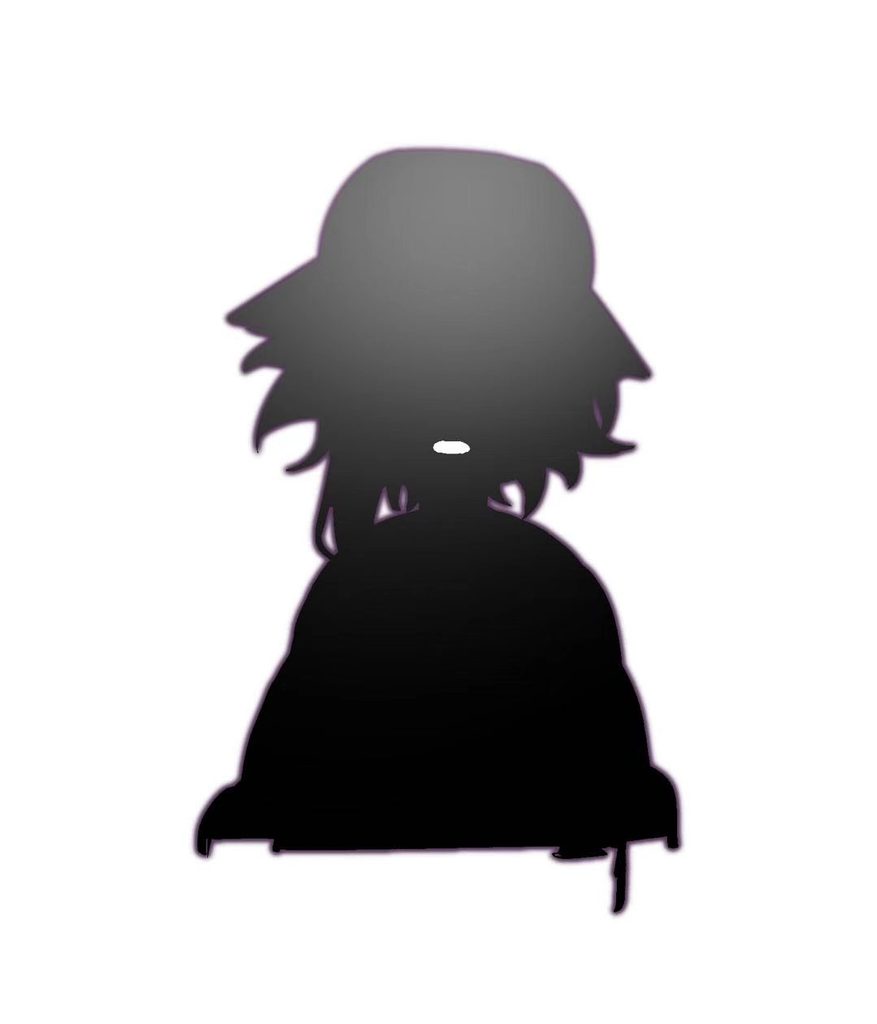
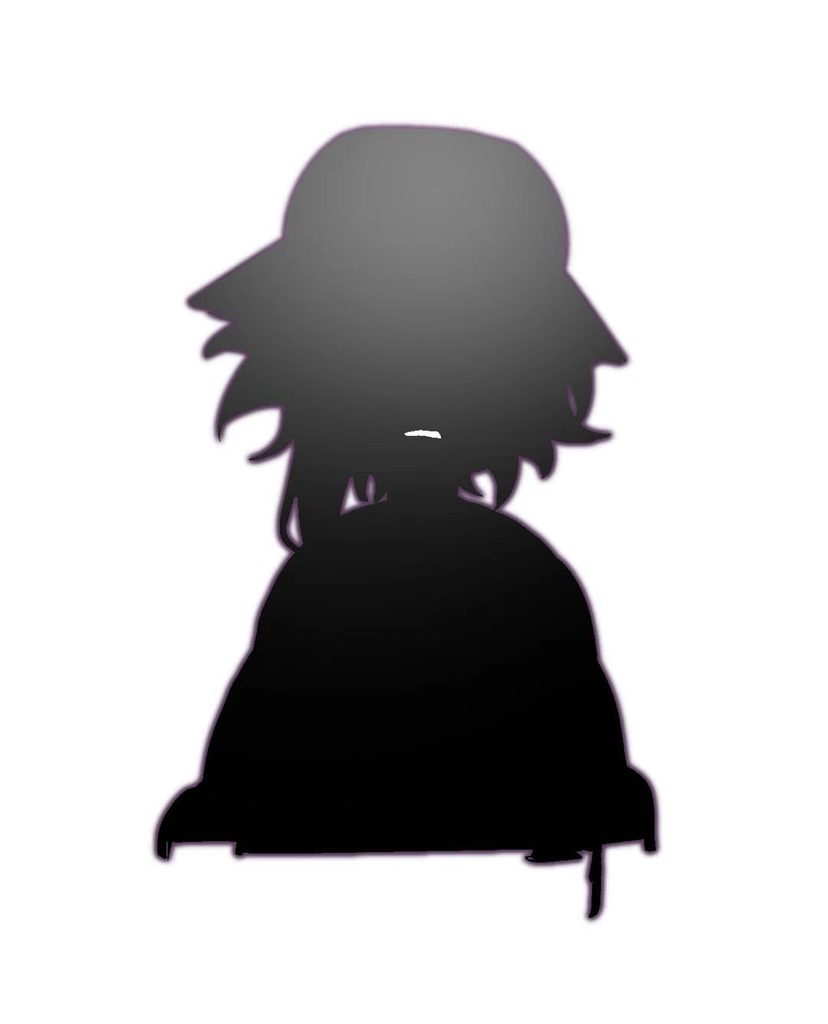
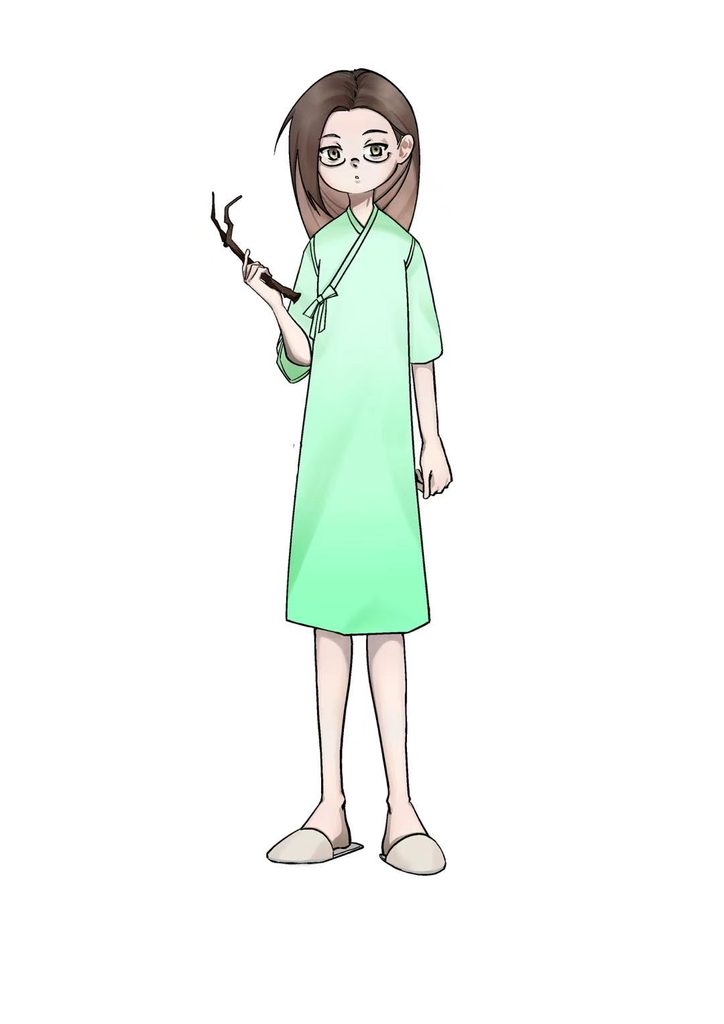
After finishing most of the artwork, I assembled the separate images to create a mockup. I use it to compare differences between the mockup and my actual game, making revisions easier.
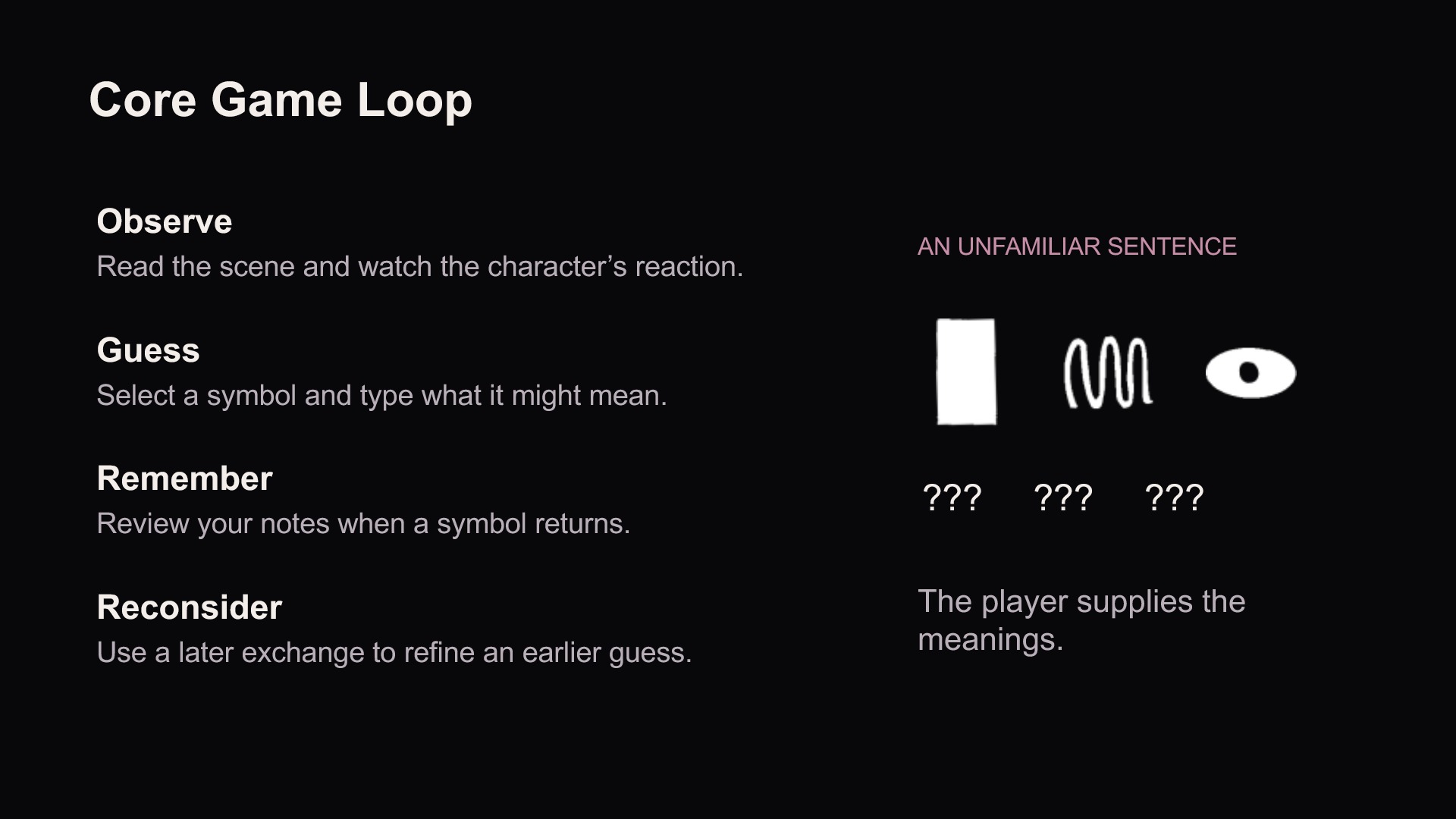
With the tutor’s guidance, I successfully clarified and documented my game’s core gameplay loop.
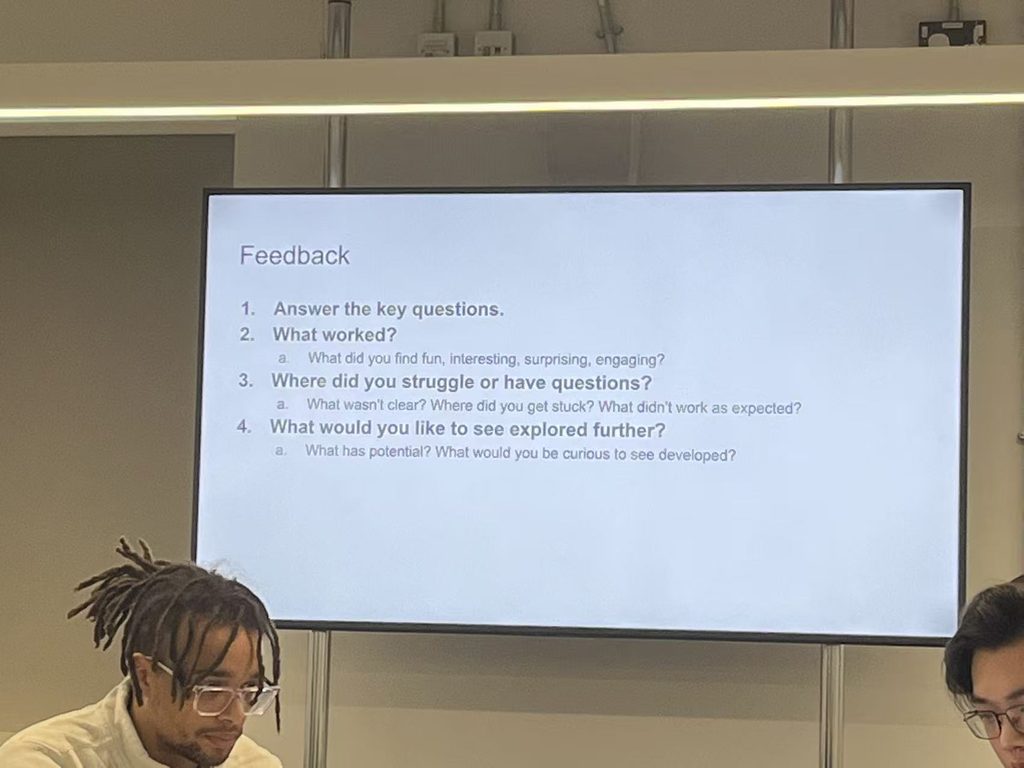
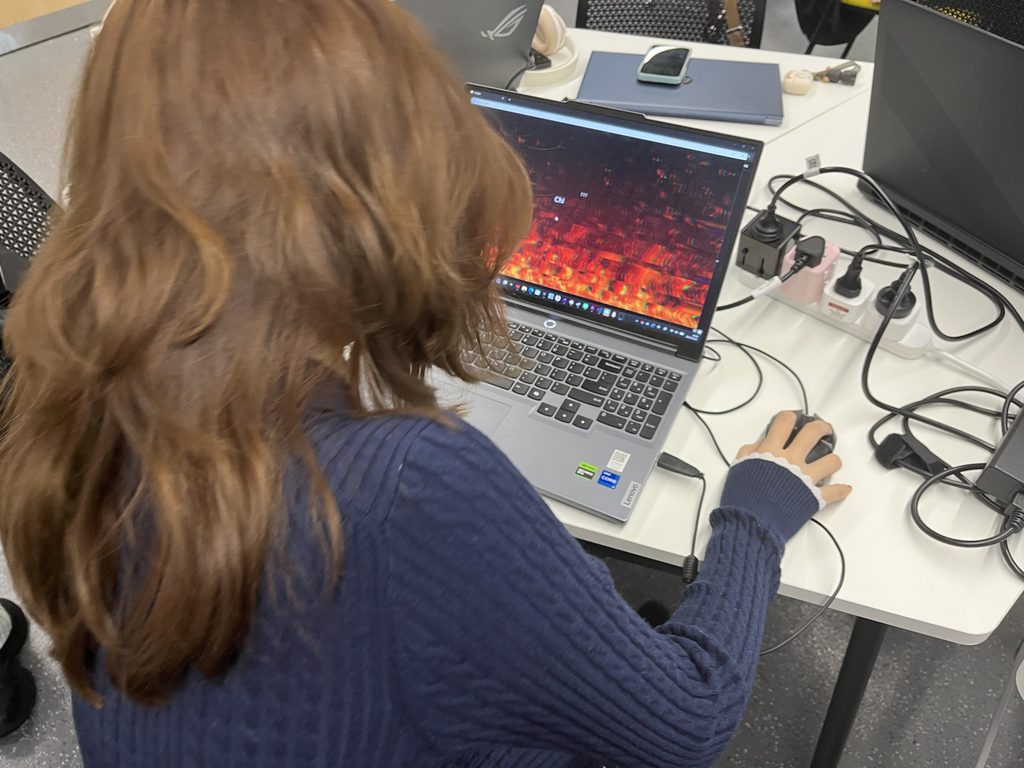
This class was the final game testing session. Our tutor displayed three key questions on the screen. We were split into two groups, and we took turns playing the game demos made by the other group. We also needed to answer the questions prepared by the creators.
Playtest feedback
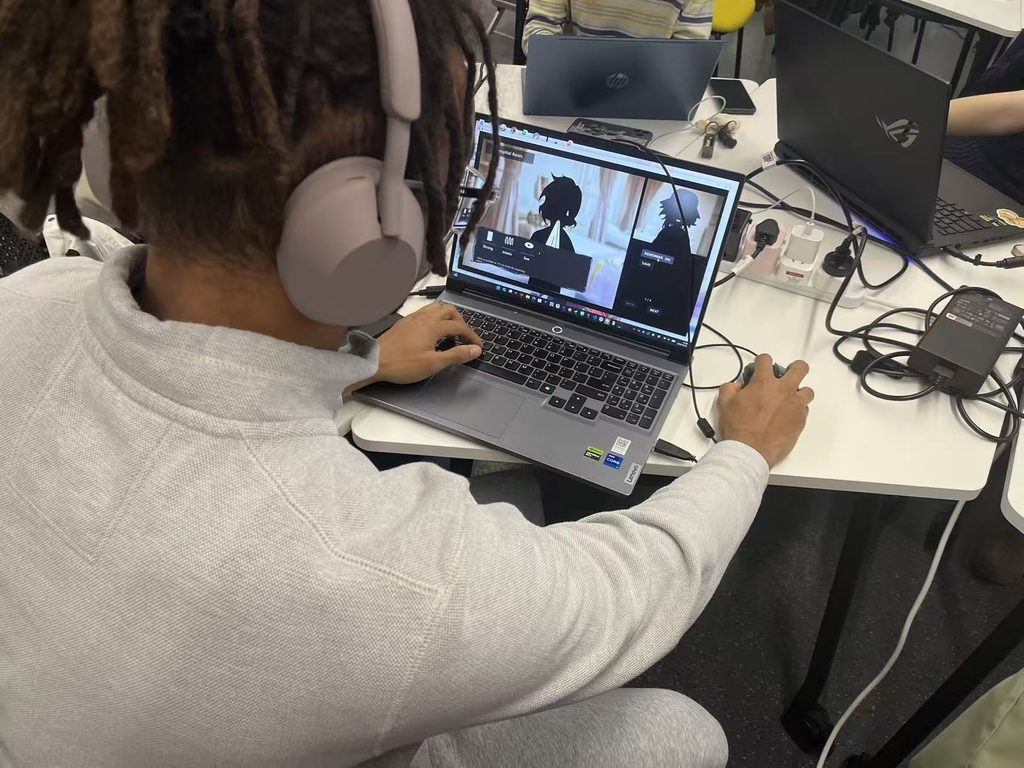
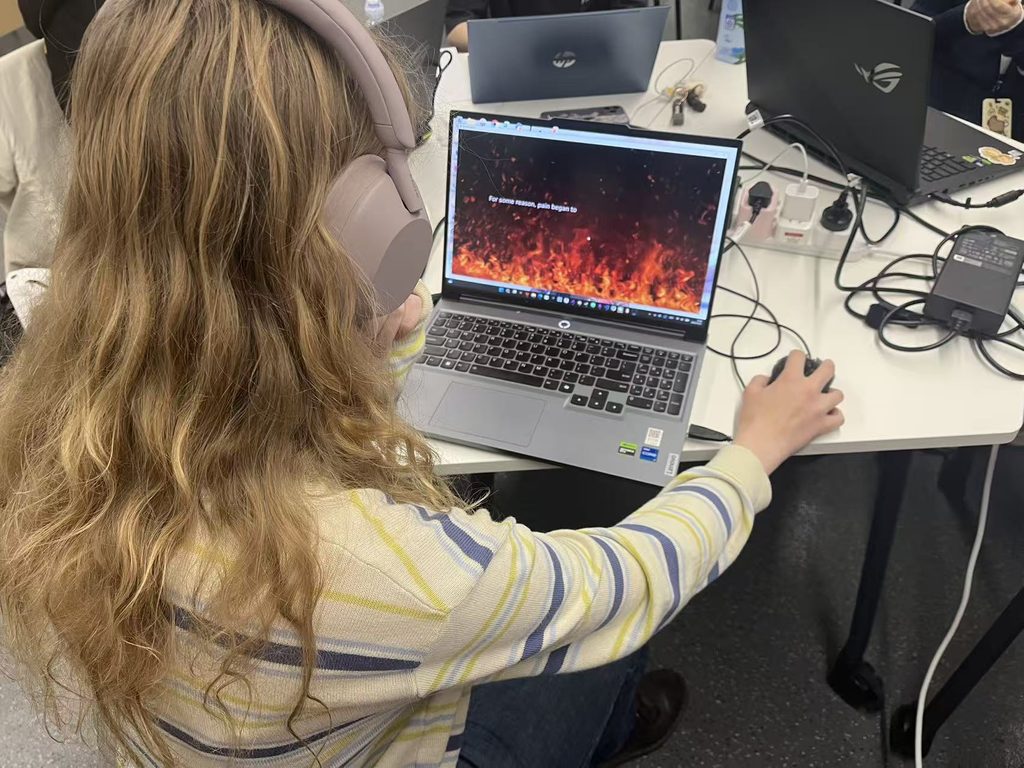
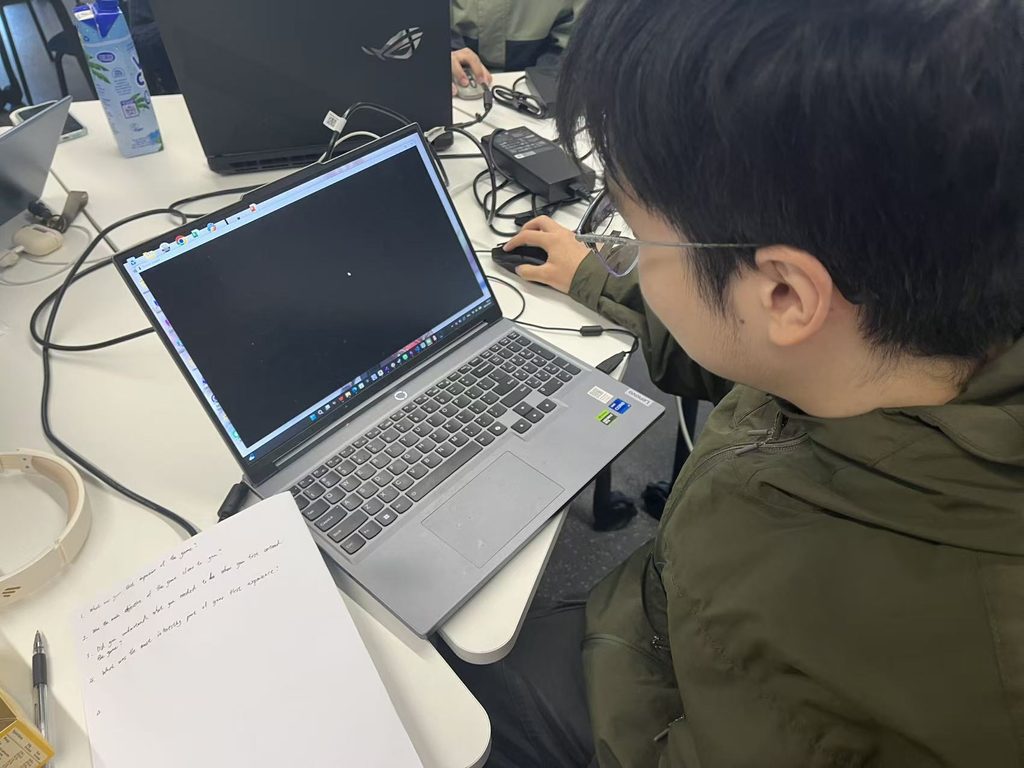
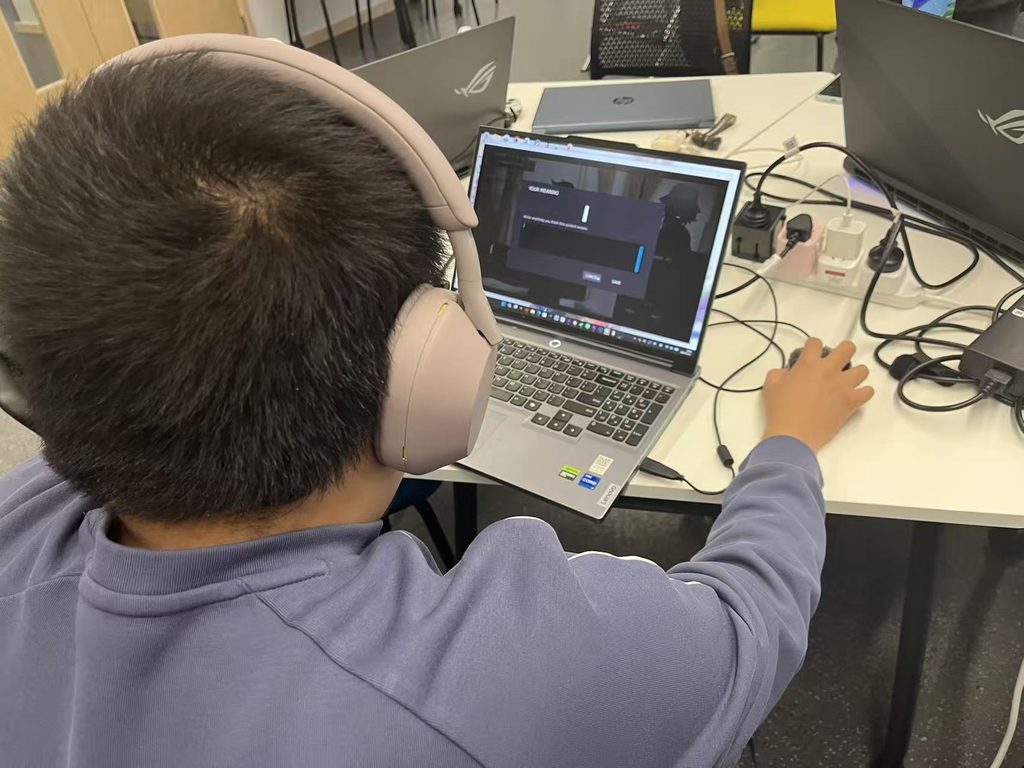
Do you think the game’s mechanics and tutorial are easy to understand?
I was trying to fit the meaning to each symbol. But then it didn’t make sense in a sentence. It did make me confused about what the characters are trying to say.
Mark
The mechanics are easy and I think the player can intuit what they are supposed to do pretty quickly. I imagine you are going to continue the story and have more opportunities for the player to figure out words by pointing to objects etc, but at the moment it was difficult to know what particular words meant — Issy
The tutorial feels incomplete. Apart from clicking through the story, I was unsure what I was supposed to do. Also about your save function.
The save button and vocabulary notebook are too prominent on screen. I suggest moving them to a less obtrusive spot.
Jimmy
The game lacks enough beginner guidance. Its highlight is that players can use words they piece together to advance the story; this mechanic is really interesting.
Echo
More guidance is needed. Change sharp square edges to rounded ones, and add background music.
Xiaolin
Most players who tried the demo found the puzzles slightly confusing, yet they were eager to see what happens next in the story. This is exactly the effect I wanted to create.
Some participants also suggested improvements to the UI, which I have now revised.
Following the playtest, I acted on players’ suggestions by adjusting or removing on-screen save buttons, binding the save function in the puzzle interface to the Enter key, and adding gentle background music. These refinements simplified player interactions and made the overall experience smoother and more comfortable.
Game
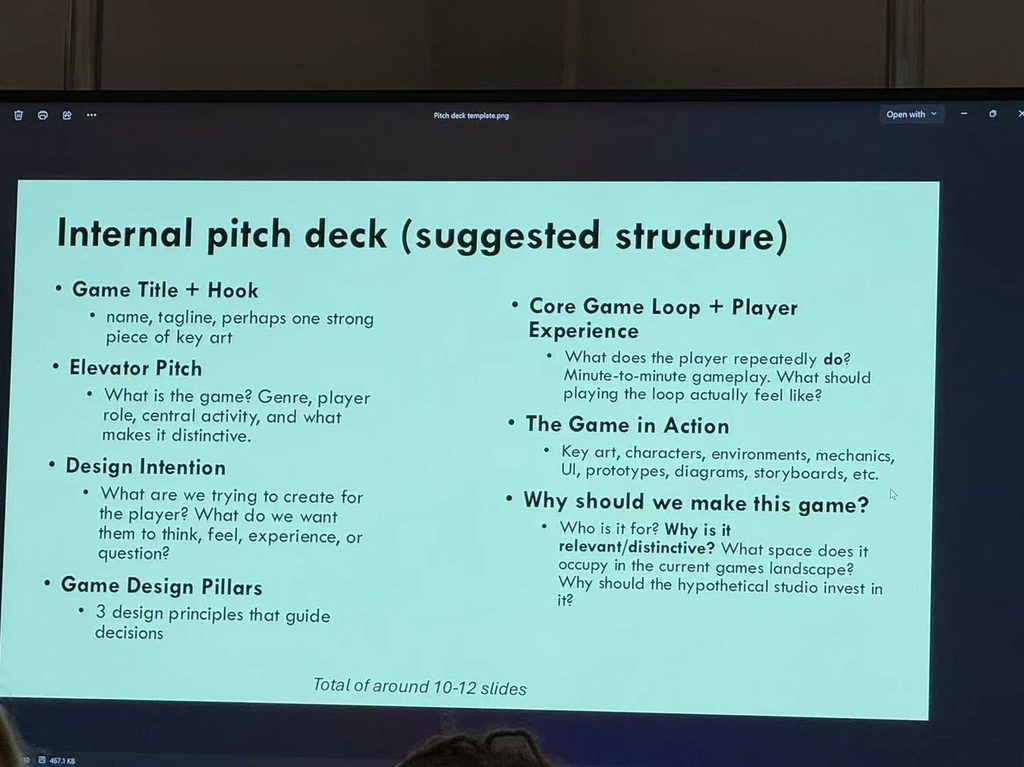
This was our final presentation session, where each of us delivered a PowerPoint talk based on our finished prototype.
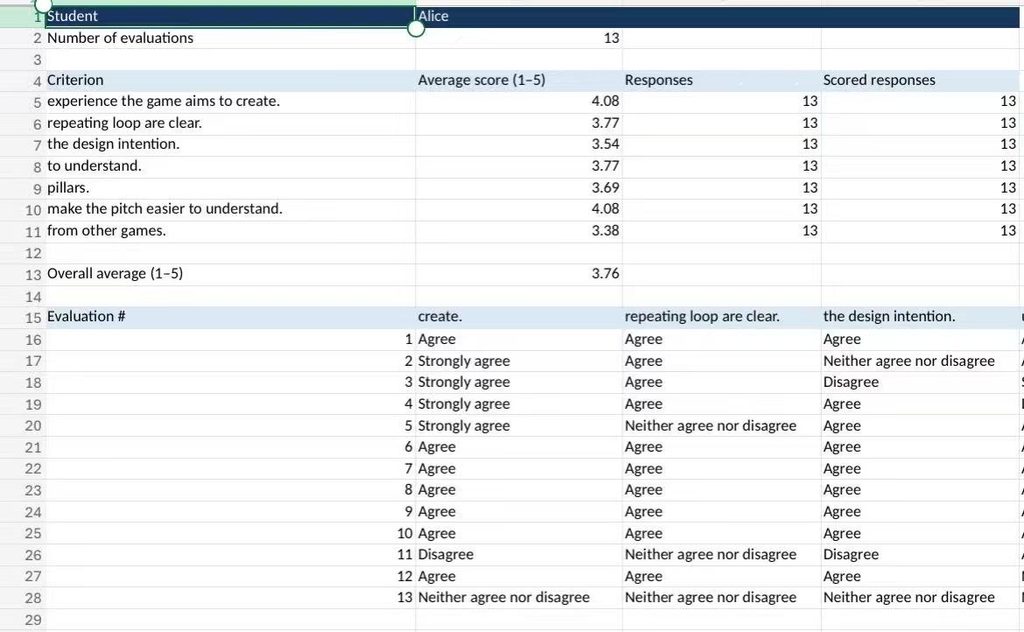
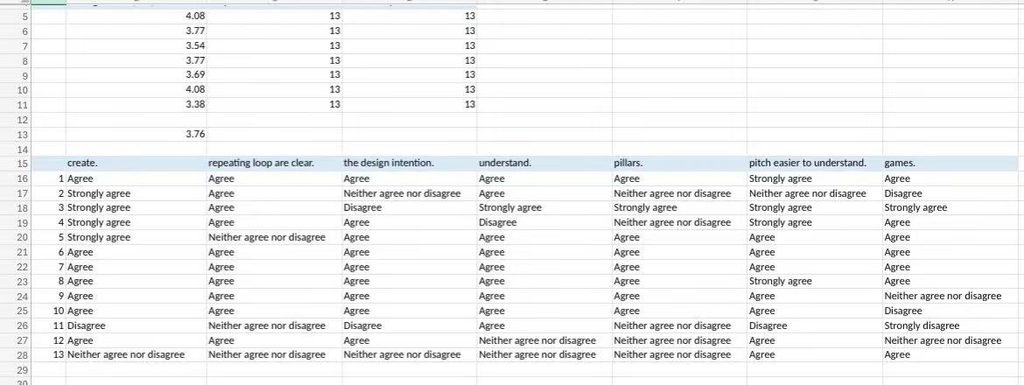
Overall, my presentation did not go particularly well. I removed a lot of explanatory content from my PPT, so I could not fully convey my design intentions, which led to a lower mark. In addition, since my game belongs to a more niche genre, the audience was less enthusiastic about investing effort into developing it. I expected these two low scores. However, I was pleased that I scored above 4 points for “experience the game aims to create” and “make the pitch easier to understand”. I am happy with this result.
After reflection, I have decided that next time I will refine my work and presentation further. I will make my ideas clearer, more complete, and more compelling to engage the audience.
Core Game Loop
The core game loop moves through observing, guessing, remembering and reconsidering. Players read the scene and watch characters’ reactions, select unfamiliar symbols and enter possible meanings, then review their notes when those symbols return. Later conversations offer new context, allowing players to refine earlier guesses as they continue exploring the story.
Game Design Pillars
Devour Tongue is built around three design pillars: Language Decoding, Dynamic Relationships and Branching Narrative. Players infer unfamiliar words from dialogue clues, while their interpretations influence NPCs’ attitudes and relationships. Changes in these relationships shape the story and open different endings. Together, these pillars connect the language puzzles with the experience of communicating and building relationships.
Audio Assets
I found these audio assets on websites offering free resources and selected them for use in Devour Tongue. The files are available below for playback and download.
To download a file, open the audio player’s three-dot menu and choose Download.