Far Frontier
Sihan Ma’s Game Design Document
Week 3
Building the Base Map
This week, I focused on creating the game’s base map. My initial idea was a forested valley with a river running through its centre. After researching the landscape and considering the overall layout, I decided to build a square map for the prototype.
Landscape References


Planning the Terrain in Photoshop
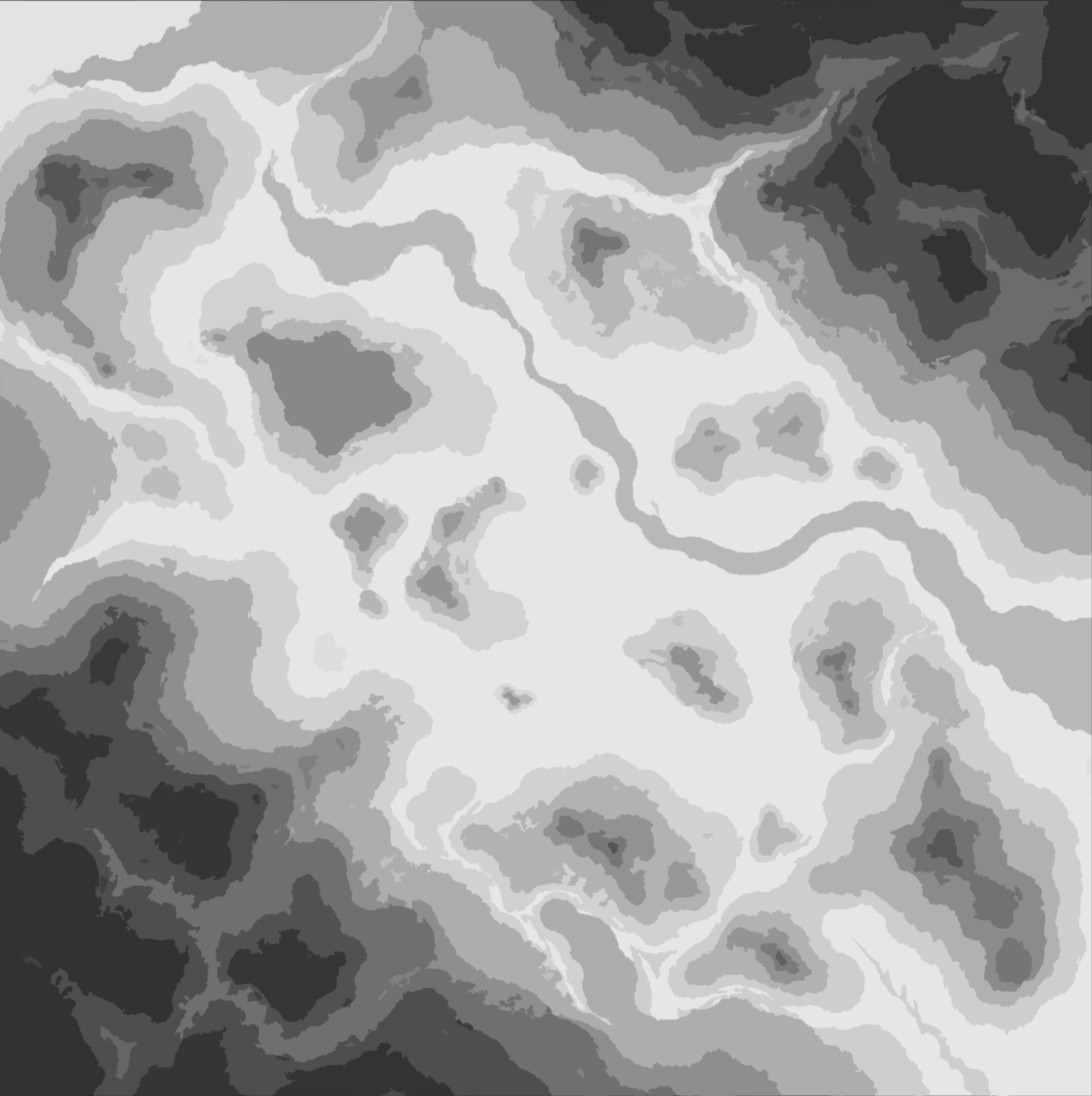
I sketched the overall terrain in Photoshop, using a method inspired by contour maps. Instead of drawing contour lines, I used shades of grey to represent elevation: lighter areas indicate lower ground, while darker areas indicate higher ground. The long, winding strip through the centre represents the river.
Building the Terrain and Planning Roads
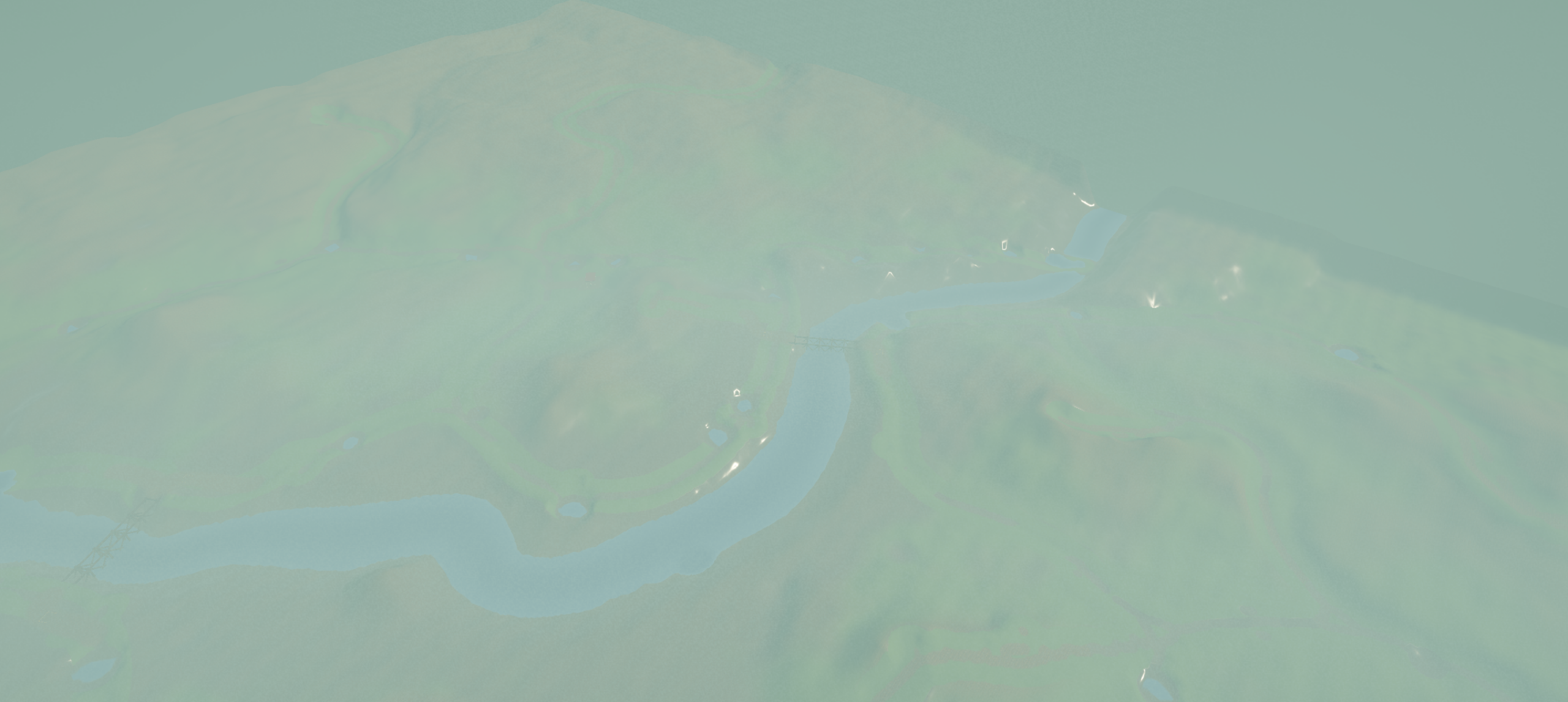
I began shaping the landscape with Unity’s Terrain editor, applying a hard-ground surface to establish the basic terrain and using a river texture to lay out the river channel.
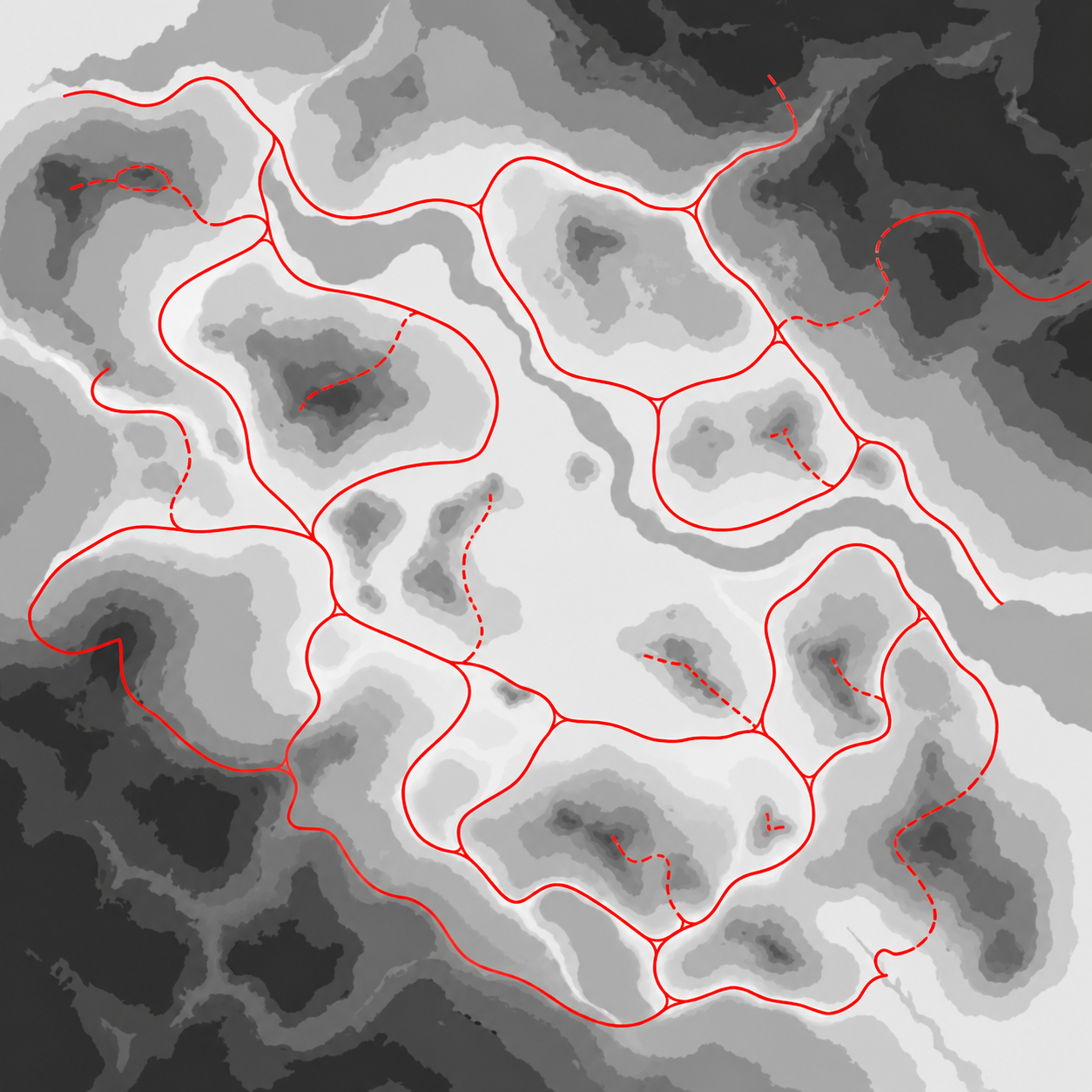
I then drew red lines over the terrain plan to map out the routes players could drive. These routes broadly follow the shape of the landscape. Using this plan as a guide, I painted different road materials onto the terrain and completed the basic road network.
During this stage, I also addressed an early balancing issue in which vehicles could cross difficult terrain too easily. The aim was to make the ground conditions more relevant to the driving experience.
Creating the Forest Environment
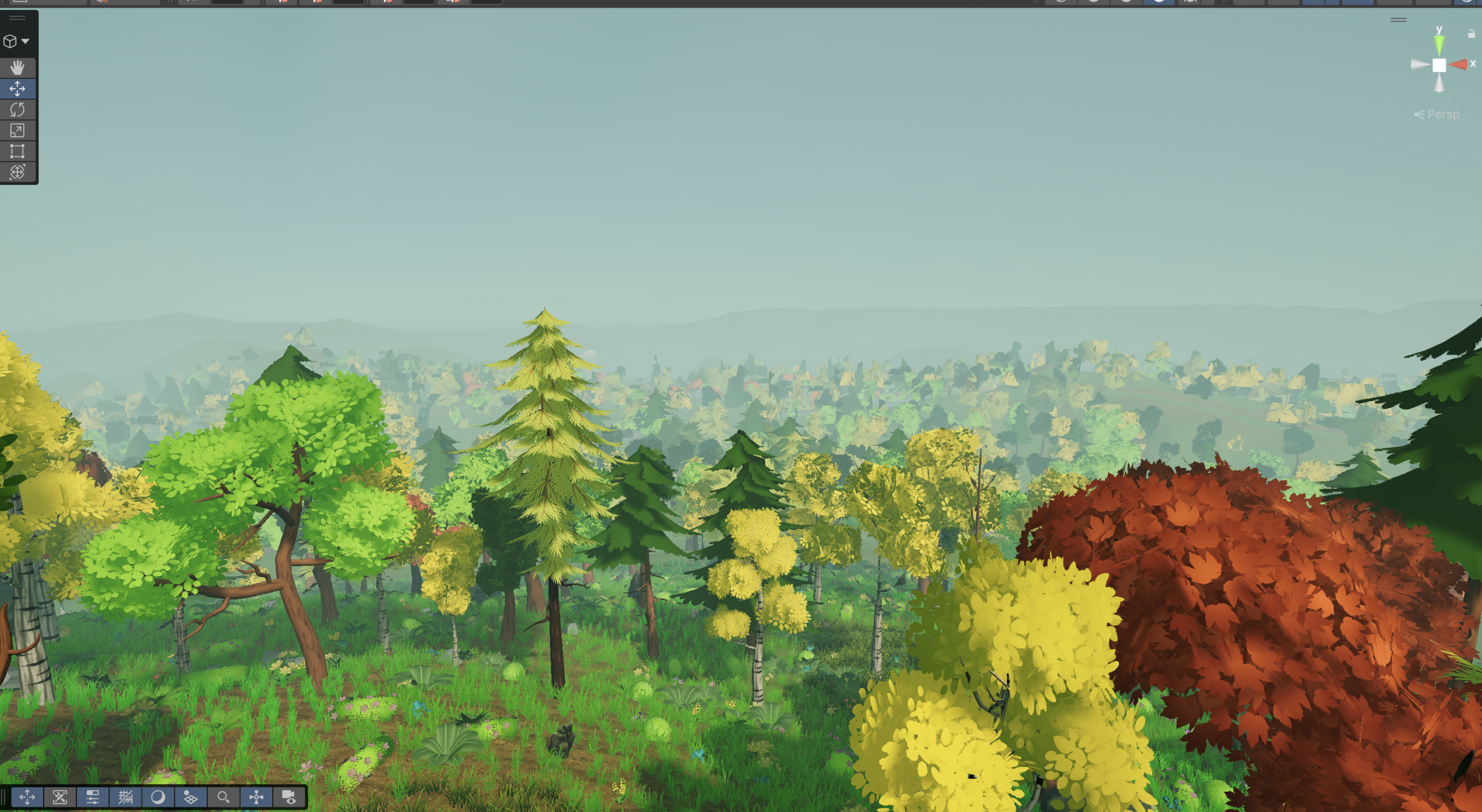
Finally, I populated the map with trees and vegetation using a low-poly forest asset pack for Unity that is licensed for commercial use. This established the forest environment around the terrain and road network.
Current Outcome
The map is now playable and provides enough space for players to drive around and explore.