
While developing the UI, I asked Paula to create a minimum of two UI elements. One button and one panel, and explained the process of 9-slicing 2D assets so that she could understand how to create the panel (By showing her this video).
Menu UI
She then sent me quick drafts to ask if this would work in our game:
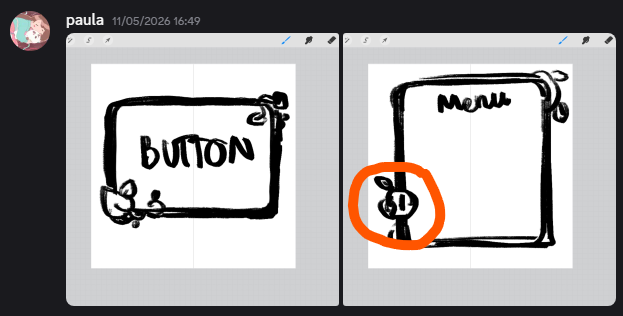
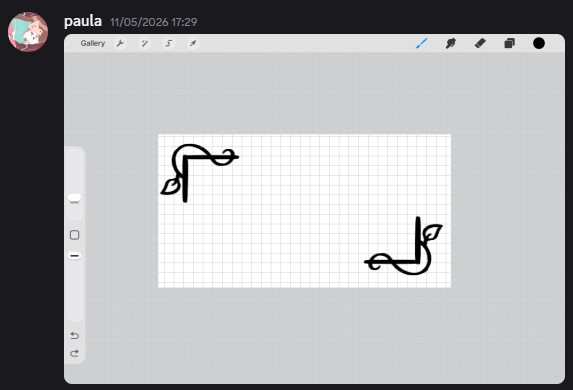
Where I then told her this design would probably be better off in the corner to prevent any strange scaling effects:
She also asked about these designs, but I told her the second asset wouldn’t be able to be scaled properly horizontally:
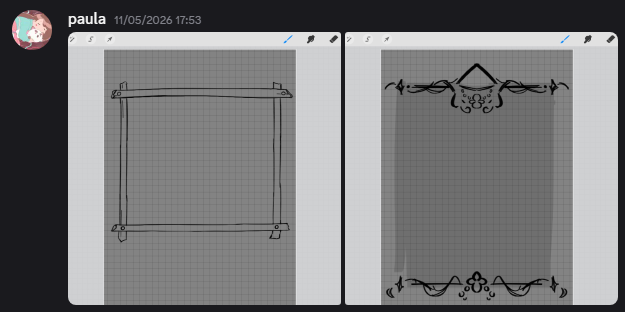
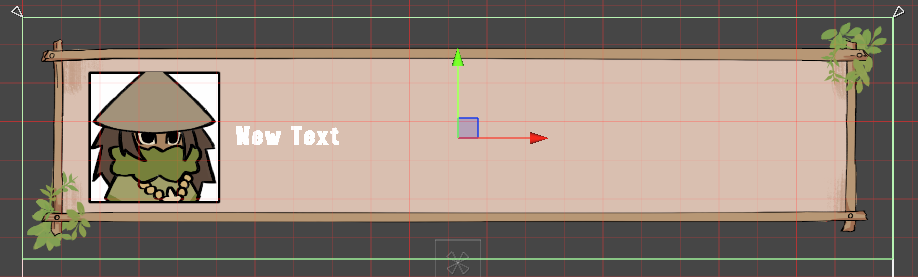
Therefore she began finishing the first asset instead and sent it to me, so I began implementation on our: Pause menus, Popup prompts, Dialogue scenes etc.:
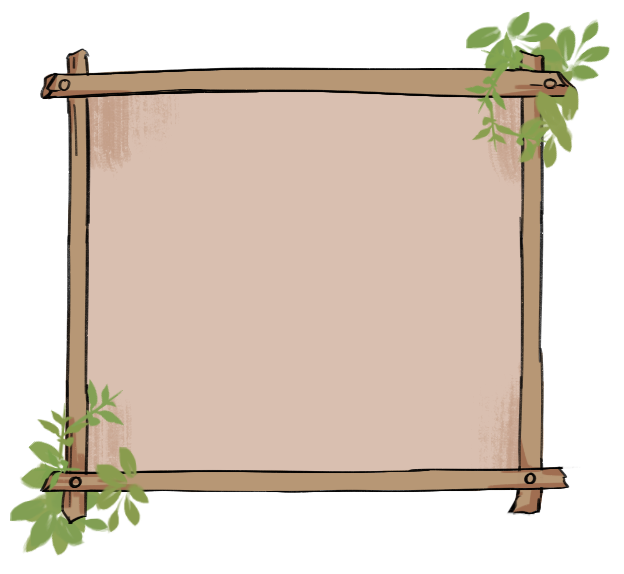
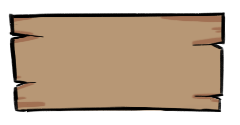
I then 9-sliced in Unity and used throughout the game:

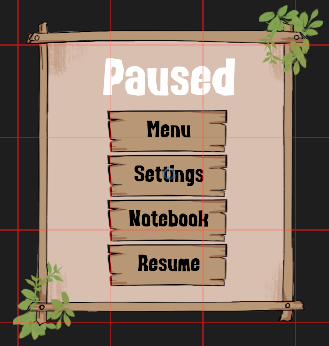
Inventory UI
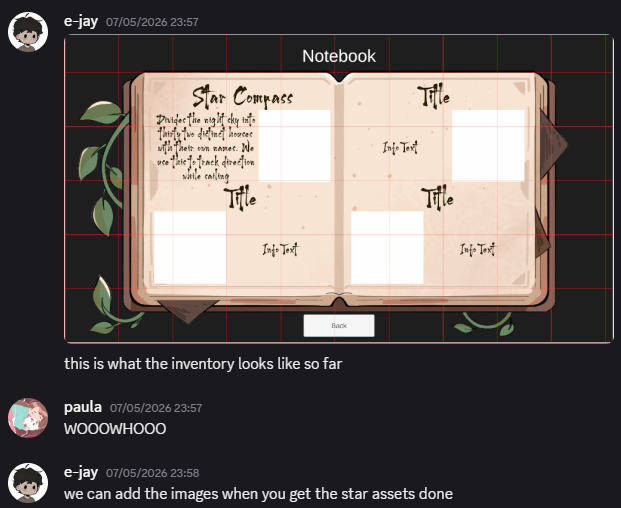
Furthermore, I also asked Paula to create a book asset for Kauri’s inventory. As I suggested the idea that it would simulate him writing down the star information that he learns from the village:
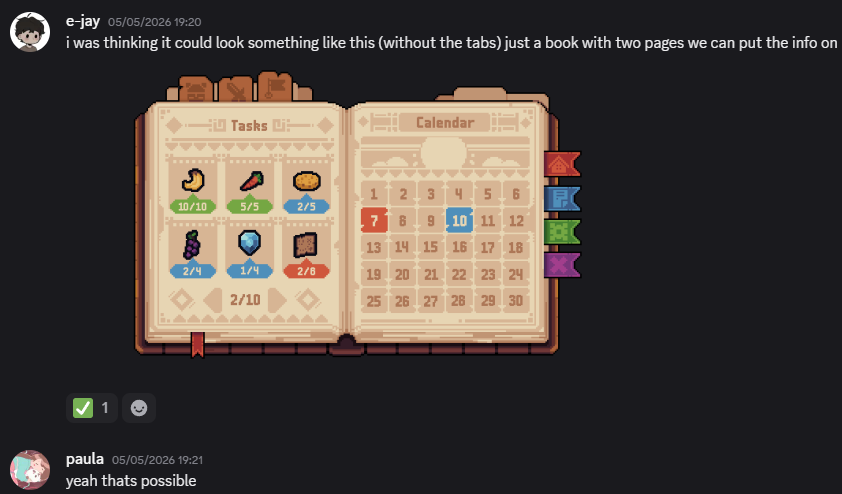
After she sent me the asset, I began creating a prototype for it:
Paper Prefab UI
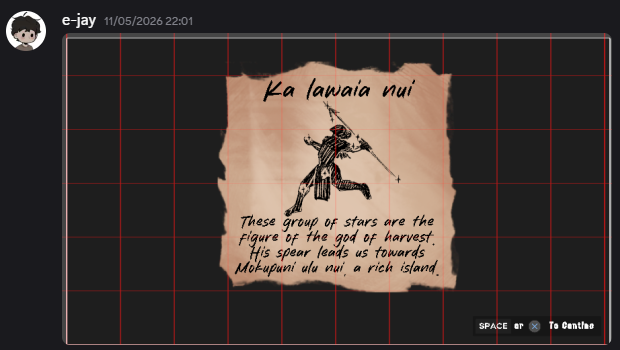
We also needed an asset for the prompt when the player picks up a star information page:
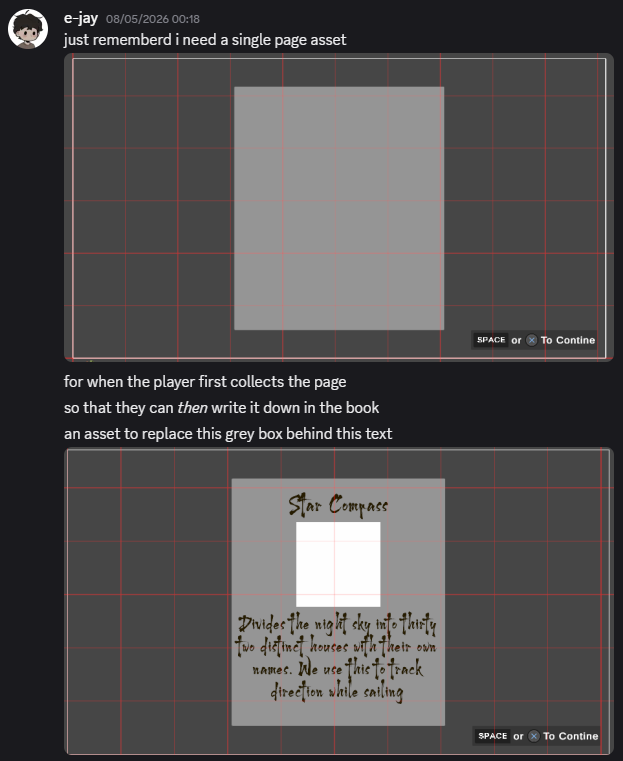
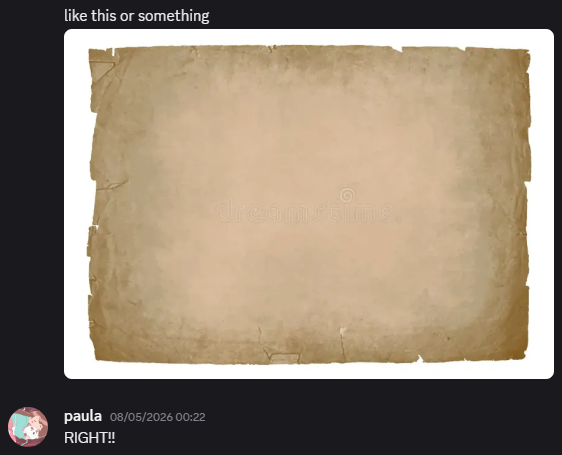
Paula then sent me some drafts that I had comments on:
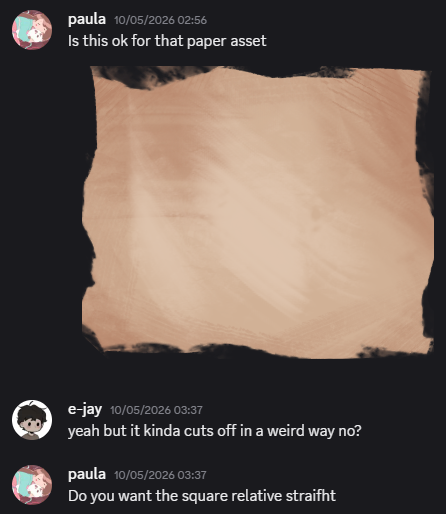
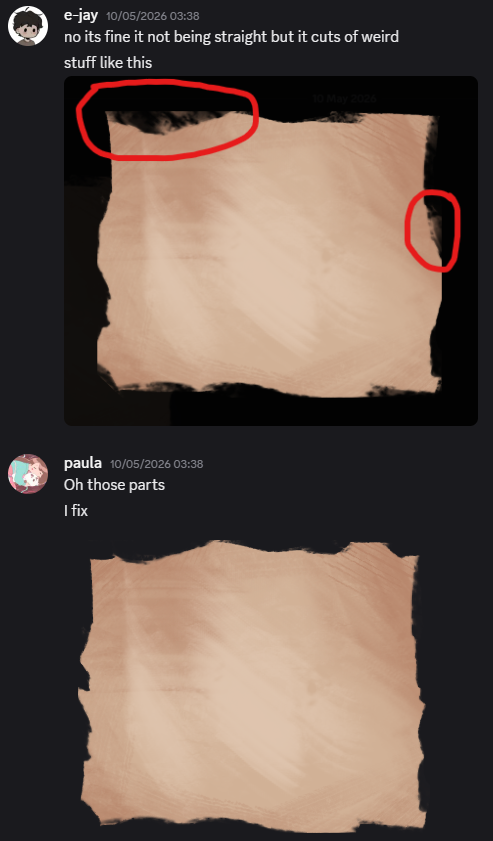
Which allowed me to implement it in the game, as pieces of paper that Kauri would pick up:
Leave a Reply