
As the old man who saves Kauri mentions, there is a villager who has a piece of Kauri’s fish hook who he must meet. But the purpose of that villager isn’t just to give Kauri an ability, it is to:
- Introduce the Village scene
- Give Kauri an ability
- Explain how to obtain information to read the night sky
- Explain how to begin the scene where the player has to read the night sky
All of which is much easier to do if this NPC can just talk to Kauri, as we can frame this conversation as a sort of tutorial to the player watching it:
Introducing the Village scene
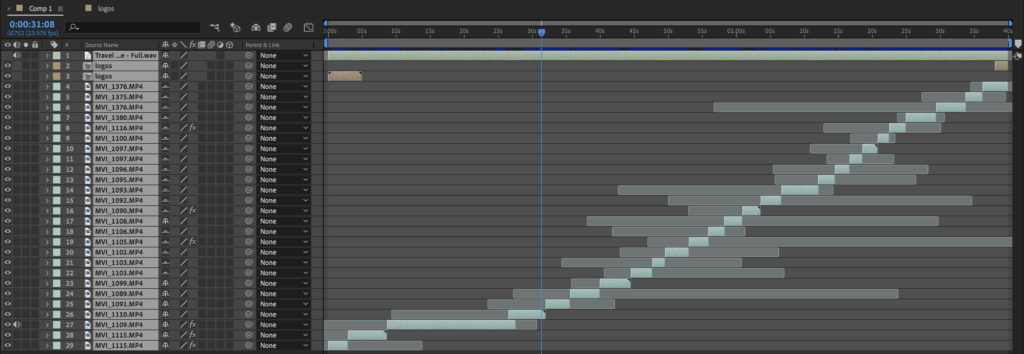
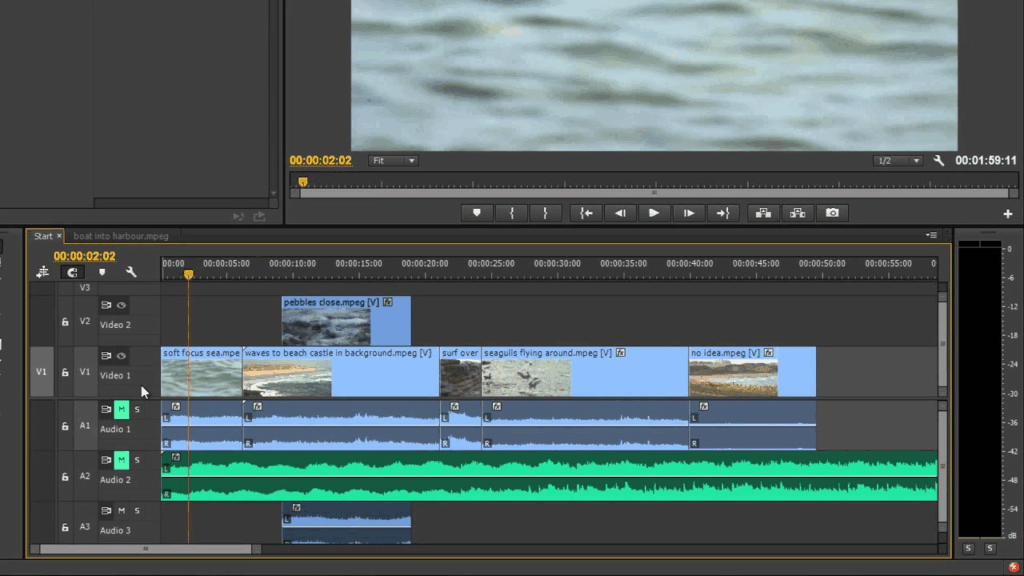
Using the ‘Timeline’ feature in Unity, we can create an animated cutscene. As I’ve used video editing software in the past (Premiere Pro and After Effects), the timeline functionality is very familiar to me:
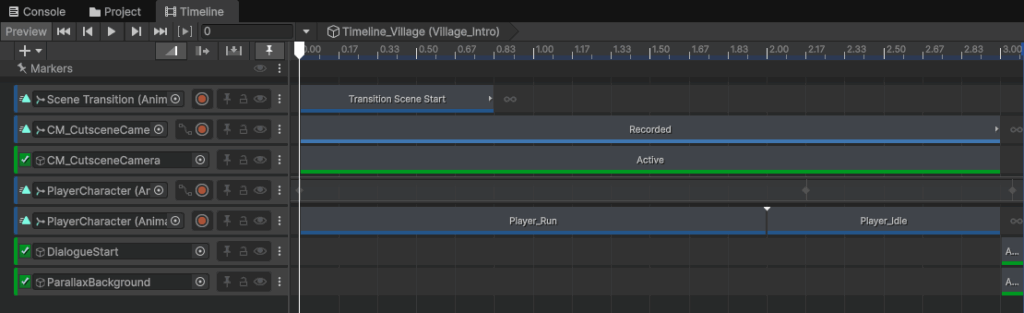
To emphasise the importance of the village scene, I wanted to create a short cutscene to introduce the village, right before Kauri’s dialogue with the villager NPC:
Types of tracks in the timeline
Animation Tracks – Those are the blue tracks, essentially they are animation clips that I can alter using Unity’s Animation Window
Activation Tracks – Those are the green tracks that can activate and deactivate gameobjects in the scene, depending on the length and placement of the track in the Timeline
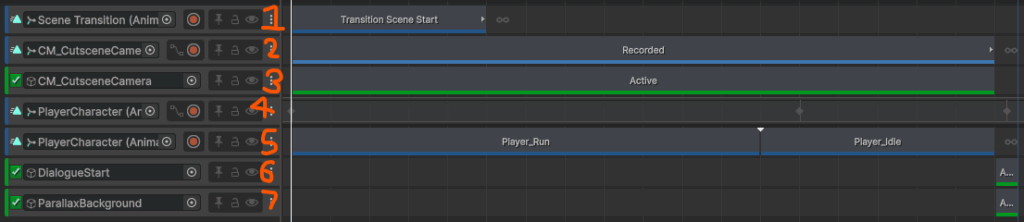
1. Scene Transition
This Scene Transition animation is just a fade from black (As this is the beginning of the scene and the end of the previous scene has a fade to black
2. Cutscene Camera Animation
This Animation Track is a camera pan that zooms out from the player that shows more of the village scene and the villager NPC
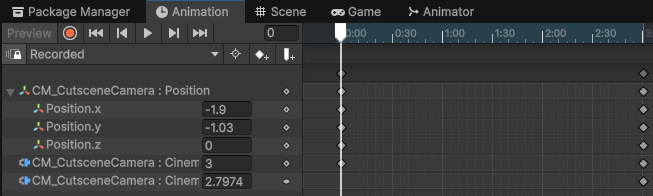
3. Cutscene Camera Activation
Essentially just enable the cutscene camera gameobject thoughought the length of the cutscene
4. Player Character Animation Track 1
This animation track is setting Kauri’s position in the scene, moving him as he runs and then stopping him to talk to the village NPC
5. Player Character Animation Track 2
This animation track is setting Kauri’s animations from his animator controller, making his run animation play when moving, and running his idle animation when he isn’t moving.
6 + 7. Activation tracks
These tracks are very quick and only exist to start the dialogue with the villager NPC and activate any functionality the scene requires.
Unlocking Ability and explaining Star Navigation
Now that the scene and the NPC have been introduced, the player needs to be introduced to the new ability and the feature to unlock star information.
To do this I designed another dialogue further into the village, allowing the player to look around the scene partially before talk to the NPC again. This conversation has to:
- Give the player a new ability
- Explain how to obtain star information
- Explain how to get to other islands
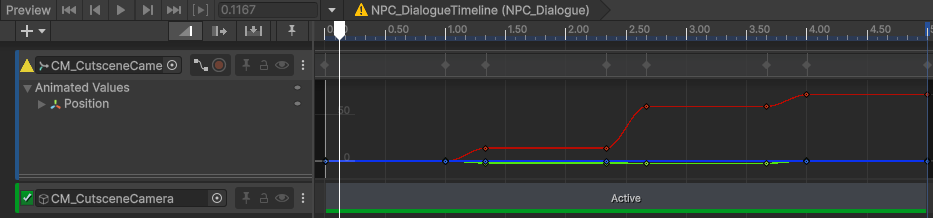
To do this, throughout the conversation, I show the player how to get the ability and the star information via a short camera cutscene in the middle of the conversation.
To do this I use the dialogue scripts objectsToActivate[] array to activate a gameobject with a new playable timeline on it. This timeline changes the camera position to show the star information pages, allowing the player to find and collect them when the dialogues ends:
Final Prototype
This video has all of the functionality from above:
Leave a Reply