
20 March Update - Iteration After Playtest Feedback
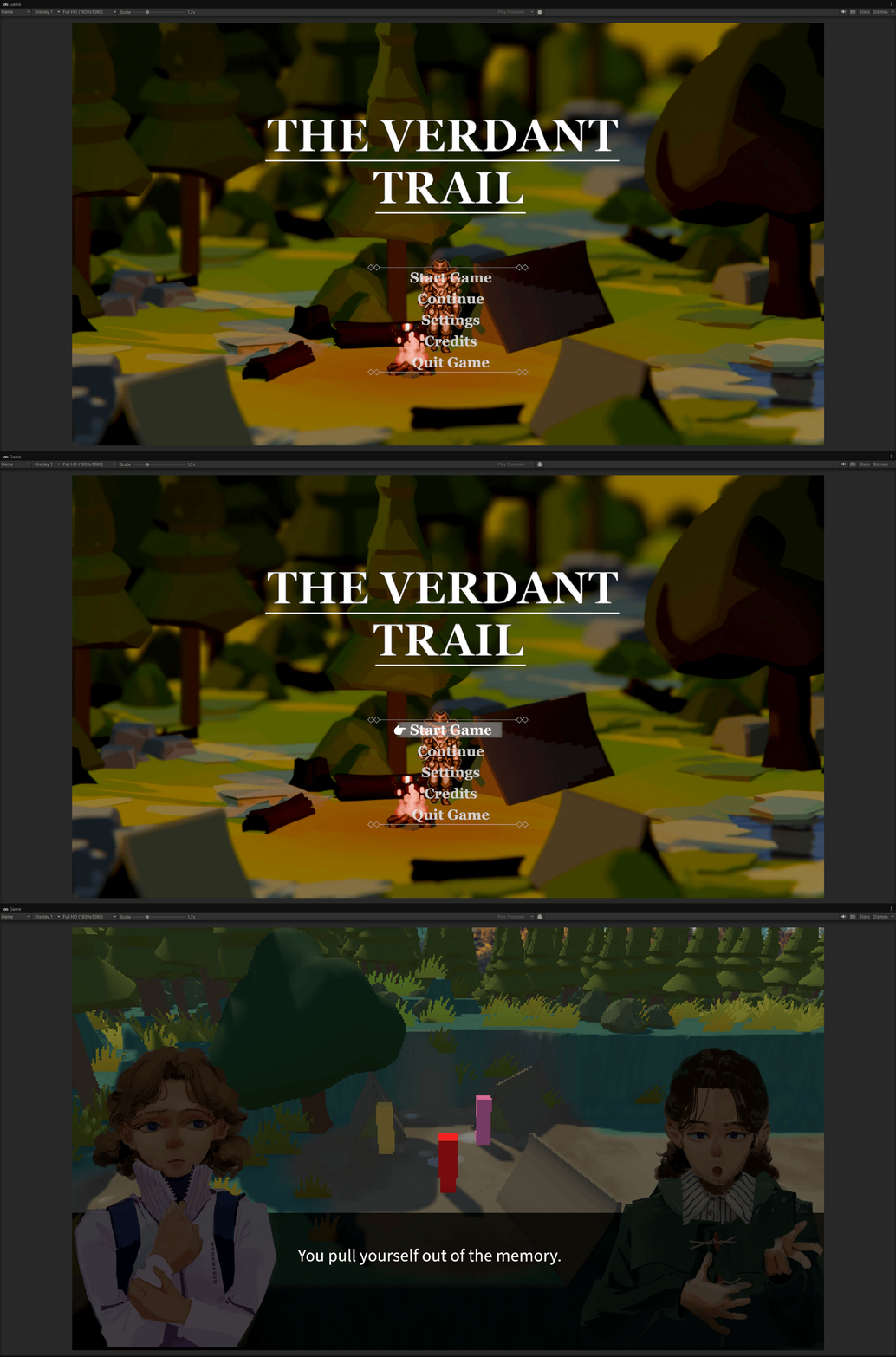
After the second playtest, Adam and some classmates gave us important feedback. They felt that the opening was too long, with too much information presented at once, and that the player had to wait too long before entering gameplay. The overall experience felt more like reading a novel than starting an interactive game.
Based on this feedback, we discussed the opening flow again. In the end, we decided to cut the original opening comic, voiceover, and subtitle sequence completely, and instead use only the forced dialogue system to introduce the necessary story background. This allowed the player to enter the game scene much faster and understand the character relationships and story conflict more naturally through NPC dialogue.
This was also a realistic part of game development: sometimes decisions have to be made through compromise. Although I had spent a lot of time building the opening comic system, including the UI structure, comic playback, subtitles, audio, and skip function, we still decided to remove it in order to create a smoother and better player experience.
=====================================================================
10 March Update - Assets Prodution & Implementation 02
Opening Sequence Code Logic
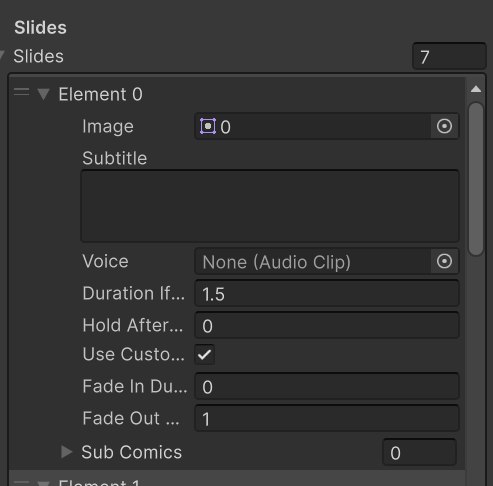
In terms of code implementation, the opening comic is mainly controlled by OpeningSequenceManager. It manages the comic images, subtitles, voiceover, fade transitions, player lock, and the transition into the main game world after the opening.
In the Inspector, each comic page can be configured as a Slide. Each Slide can contain:
This means I did not need to hard-code each comic page. Instead, I could configure the image, subtitle, and voiceover directly in the Unity Inspector. During testing, I used temporary images. Later, when the final comic assets from Alex and Yansong were ready, I could simply replace the images while keeping the same playback system.
Hiding the Game World
The game first played the opening comic sequence. To keep the player focused on the comic, I hid GameWorldRoot during the opening and only displayed OpeningCanvas.
					if (openingCanvasRoot != null)
{
    openingCanvasRoot.SetActive(true);
}

if (gameWorldRoot != null)
{
    gameWorldRoot.SetActive(false);
}
GameWorldRoot represents the root object of the main game scene. Although the player’s view is focused on the UI layer, the game scene and character have already been loaded. If GameWorldRoot is not hidden, the player may still be distracted by environmental sounds, character behaviour, or WASD input from the game world. Therefore, I temporarily hide GameWorldRoot during the opening comic sequence, allowing the player to focus only on the comic visuals, subtitles, and voiceover.
Comic Playback
The comic playback is handled by PlaySequence(). It loops through the slides array one by one.
					for (int i = 0; i < slides.Length; i++)
{
    ComicSlide currentSlide = slides[i];

    comicImage.sprite = currentSlide.image;
    subtitleText.text = currentSlide.subtitle;
}
For each new slide, the system updates the current image and subtitle.
If the slide has a voiceover clip, the system plays the corresponding AudioClip and waits until it finishes before moving to the next slide.
					audioSource.clip = currentSlide.voice;
audioSource.Play();

while (audioSource.isPlaying)
{
    yield return null;
}
If there is no voiceover, the system uses durationIfNoVoice as the fallback display time.
Comic Playback
The fade-in and fade-out effects are controlled through the alpha value of a CanvasGroup.
The code uses Mathf.Lerp() to smoothly change the alpha from 0 to 1, or from 1 to 0.
comicVisualGroup.alpha = Mathf.Lerp(from, to, t);
This makes each comic panel appear smoothly instead of suddenly popping onto the screen.
End of Opening
After all comic slides are finished, the system calls EndOpening().
This function closes the opening UI, clears the sub-comic images, stops the audio, and shows the game world again.
					openingCanvasRoot.SetActive(false);
gameWorldRoot.SetActive(true);
Then, if a forced dialogue is configured, the system starts the Ink dialogue directly:
End of Opening
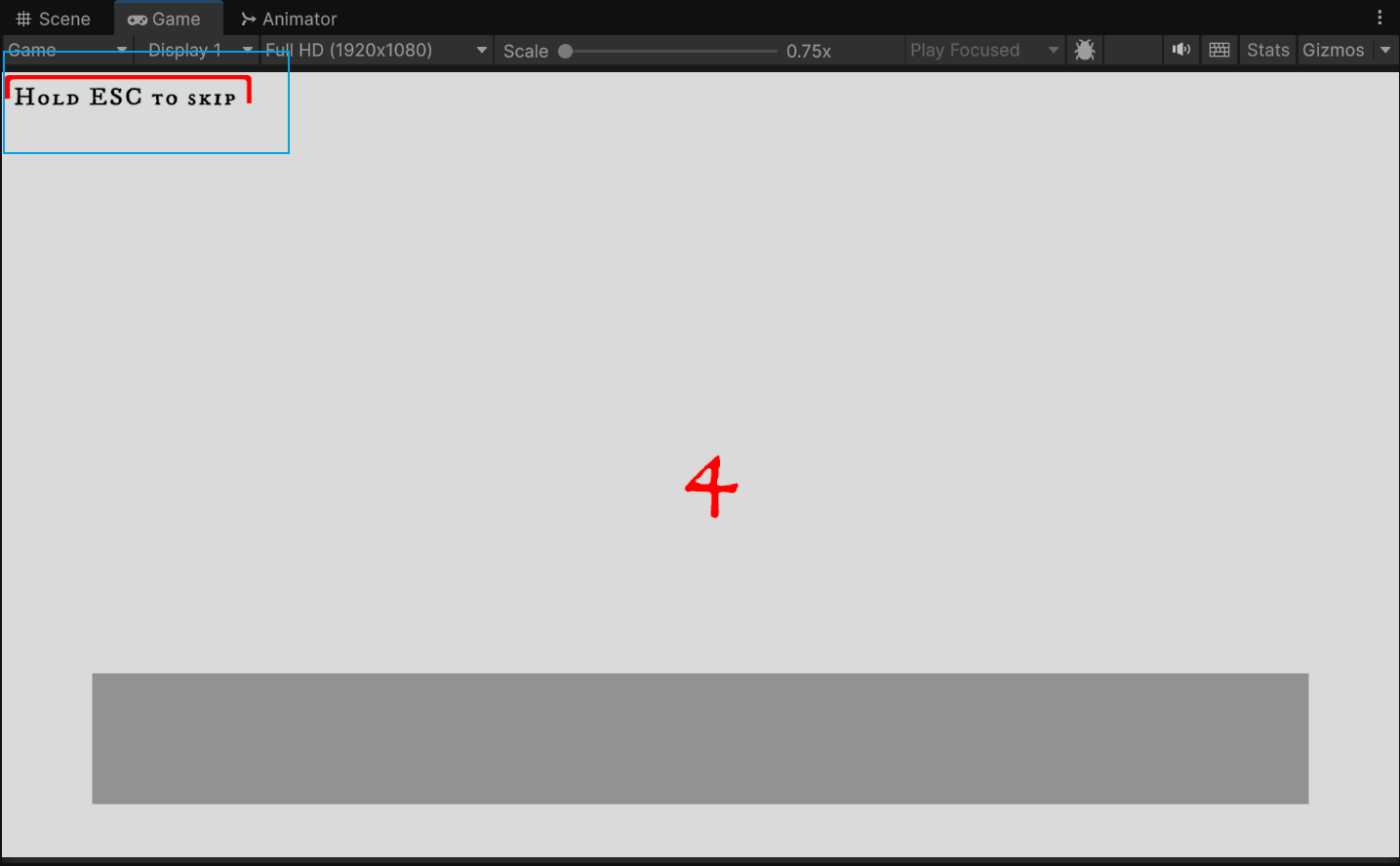
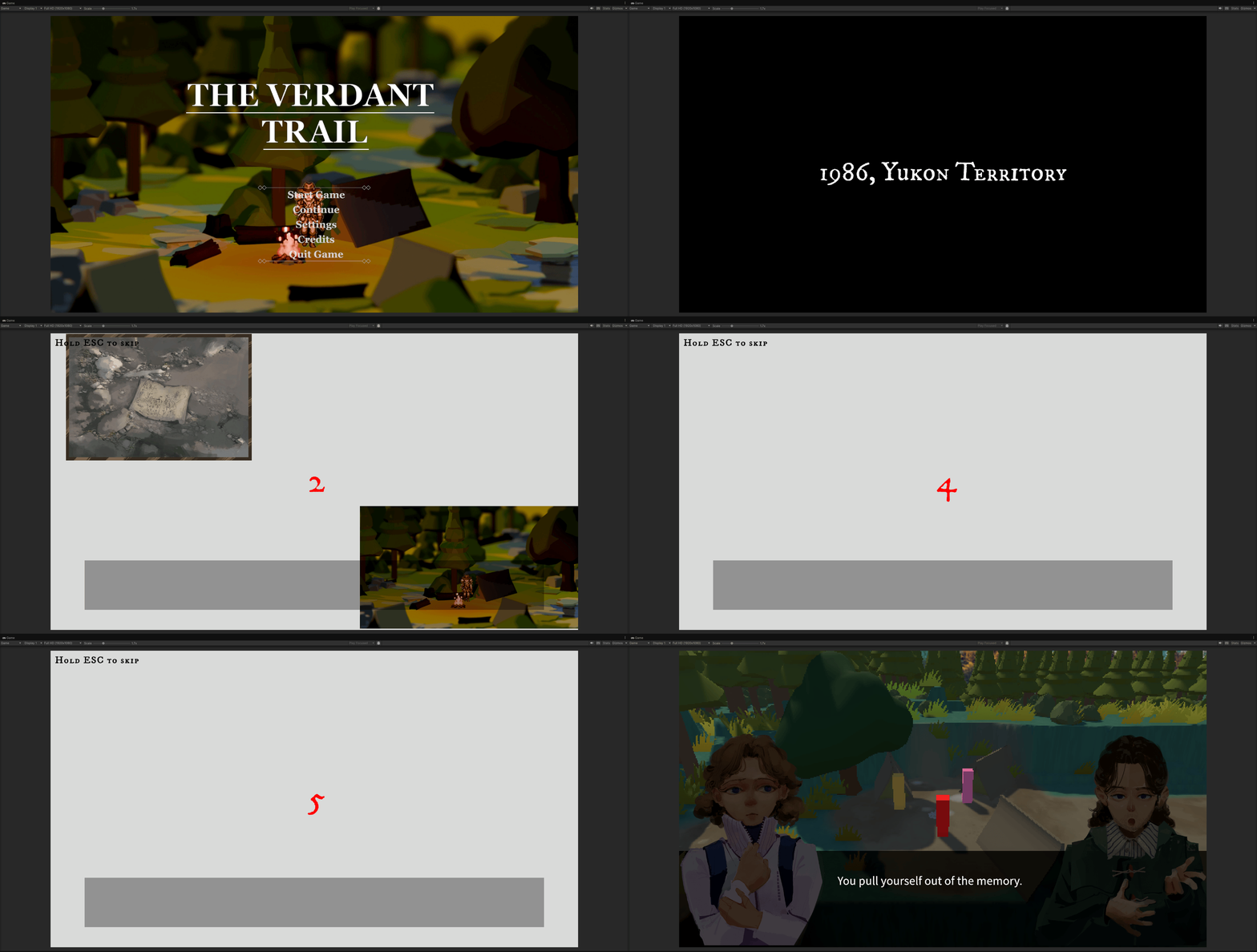
I also added an ESC skip function. A Hold ESC to Skip hint is shown in the top-left corner of the screen, allowing the player to hold ESC to skip the opening comic. This prevents players from having to watch the full opening again during repeated testing or replaying, making the flow more flexible.
=====================================================================
09 March Update - Assets Prodution & Implementation 01
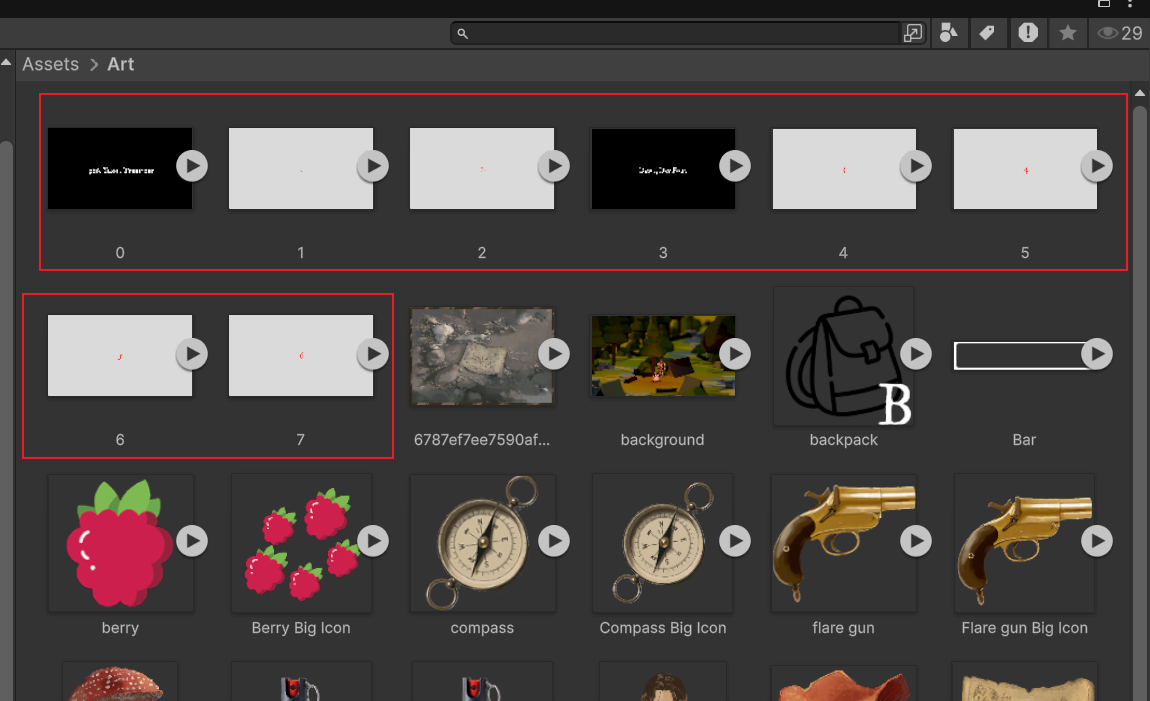
During the testing stage, I created six temporary images myself to test the comic sequence playback, fade-in effect, subtitle display, and audio synchronisation. The plan was to later replace these placeholder images with the final comic assets created by Yansong and Alex.
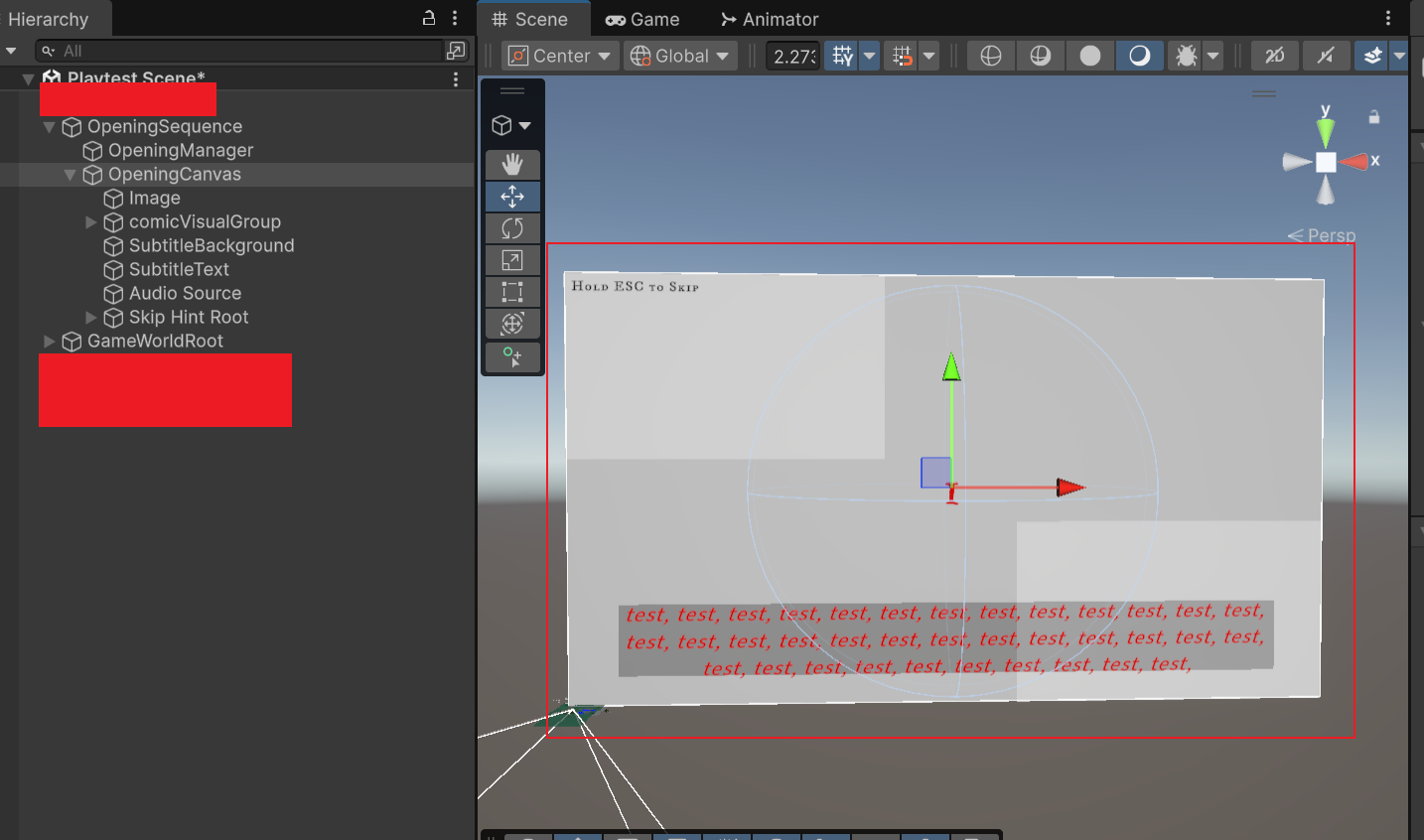
After that, I built the UI structure for the opening comic system in Unity. The whole opening system was placed under OpeningSequence, including OpeningManager, OpeningCanvas, and GameWorldRoot. OpeningCanvas was used to display the comic images, subtitles, audio, and skip hint, while GameWorldRoot controlled whether the main game world was visible.
Inside OpeningCanvas, I set up Image, comicVisualGroup, SubtitleBackground, SubtitleText, Audio Source, and Skip Hint Root. This allowed each comic image to be played through the same UI structure, together with subtitles and voiceover for testing. It also made it easier to later replace my temporary test images with the final comic assets created by Yansong and Alex.
=====================================================================
02 March Update -Opening Comic Sequence Planning
Because our game has a strong background story, we first needed to consider how to communicate this narrative information to the player. If all of the story was placed directly into gameplay, it might interrupt the player’s control. However, if we did not explain enough, the player might struggle to understand the character relationships and the reason behind the later conflict.
After group discussion and evaluating our production skills at the time, we decided to test an opening comic sequence. This opening would combine comic panels, voiceover, and subtitles to quickly introduce the background story before the player entered the main gameplay.
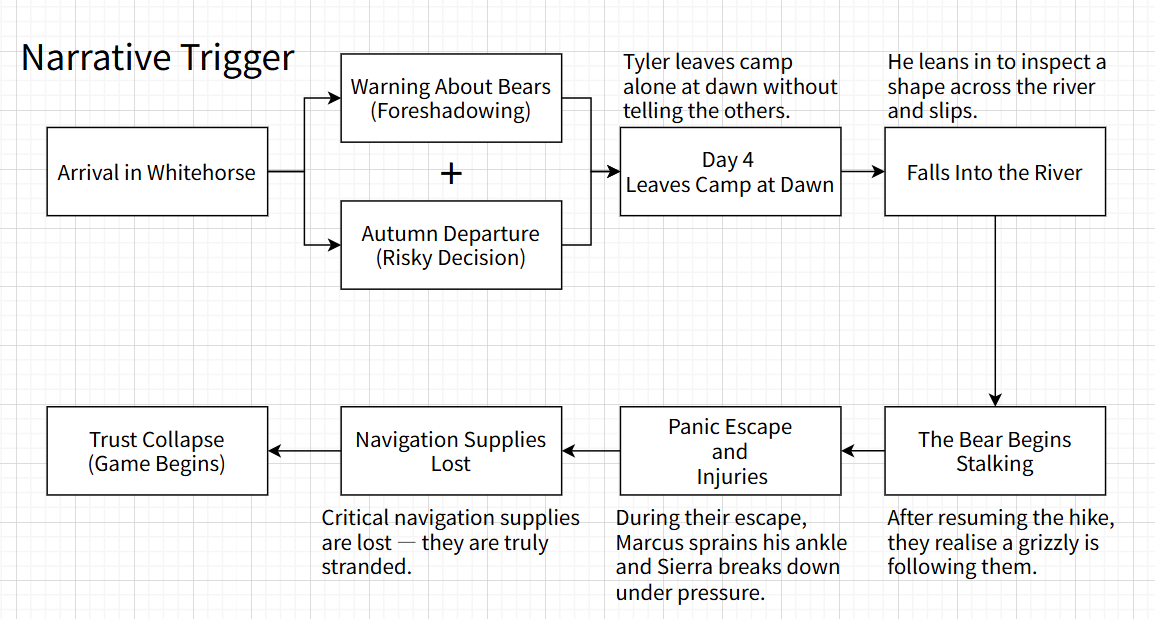
Before implementation, I first created a pre-game narrative flowchart to organise the logic of the opening story. The flow starts with Tyler’s arrival in Whitehorse, then introduces the warning about bears, Tyler leaving camp alone, falling into the river, being stalked by the bear, losing navigation supplies, and finally reaching the trust collapse state where the main game begins.
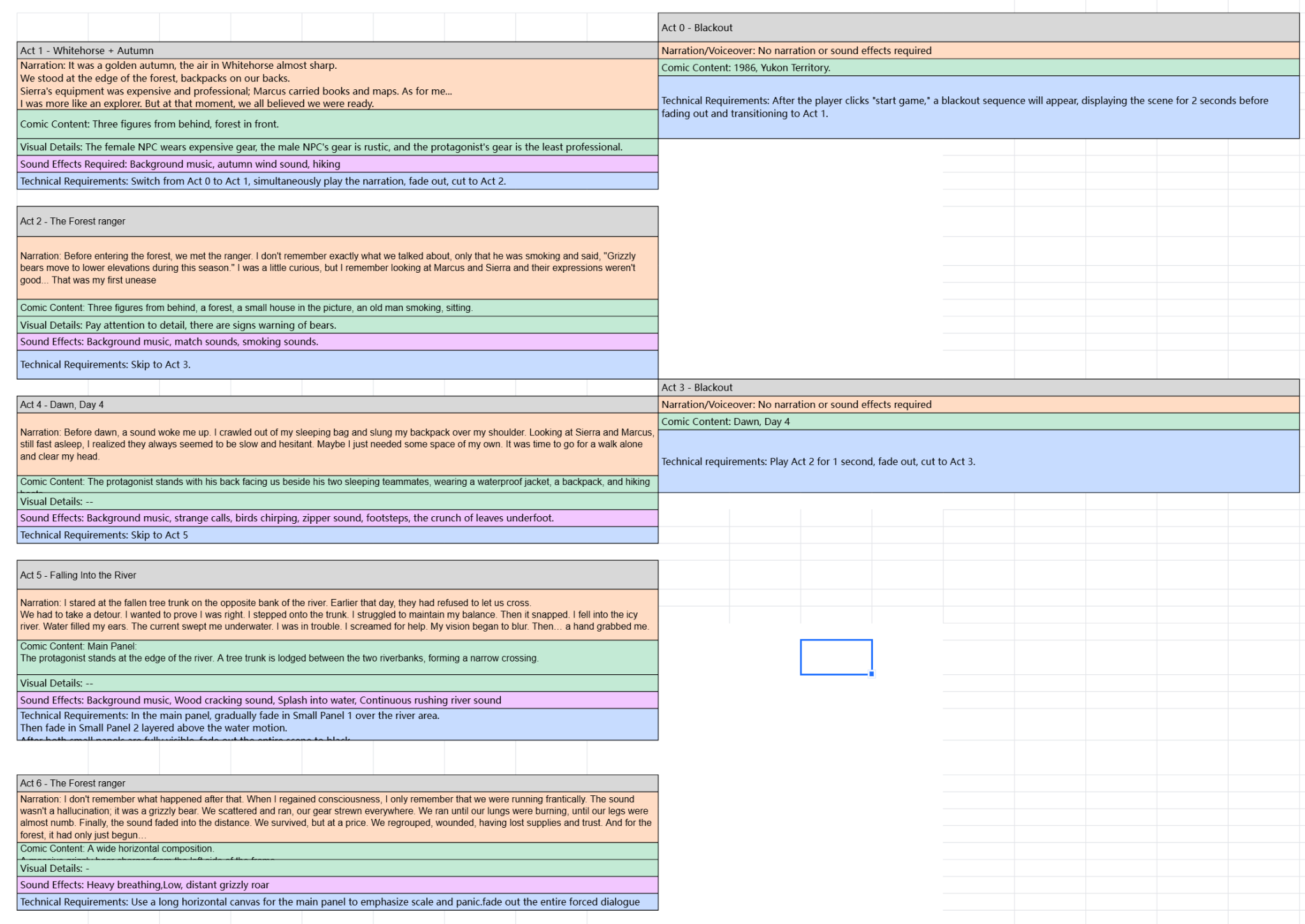
After that, based on Erik’s story setting, I created a text-based storyboard for a six-panel opening comic sequence. Each panel included narration, comic content, visual details, sound requirements, and technical requirements. This helped make the opening sequence clearer before production and also made it easier to divide the work across the team.
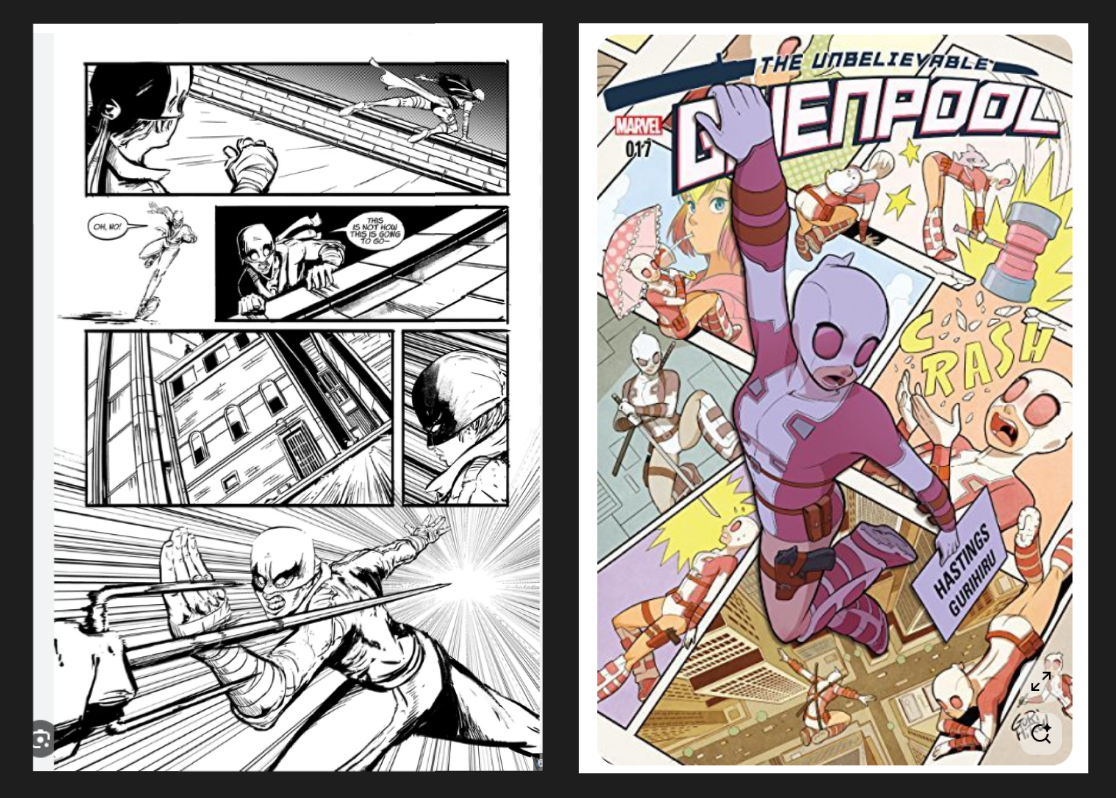
For the visual design, I referenced the dynamic panel layouts commonly seen in Marvel comics. Compared with a simple horizontal image transition, I wanted the opening comic to feel more rhythmic visually, so I first created a simple comic layout in Figma.
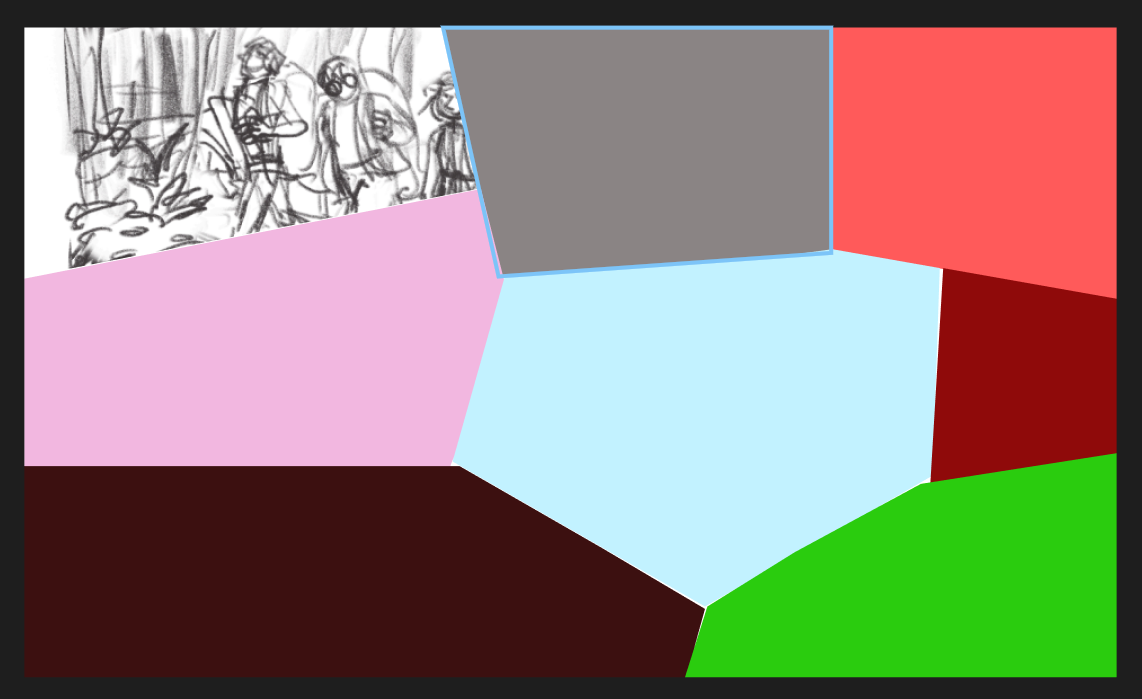
This layout used panels with different sizes and angles, making the sequence feel more like a comic page rather than a single illustration display. My plan was for each comic panel to fade in one by one, paired with voiceover narration and subtitles.
At this stage, the Figma version was mainly used to test the panel proportions, the order in which the images would appear, and the overall reading pace. These panel images were originally planned to be passed to Alex and Yansong to develop into final art assets.