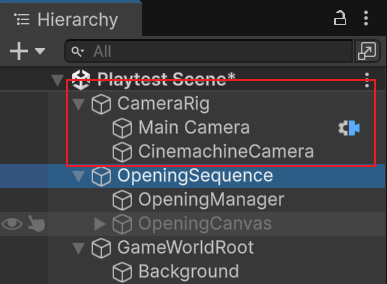
The camera setup is built around a CameraRig object. It contains two main child objects:
Main Camera is the actual Unity Camera that renders the scene. It also contains a CinemachineBrain, which receives the output from the active Cinemachine virtual camera and applies it to the real camera.
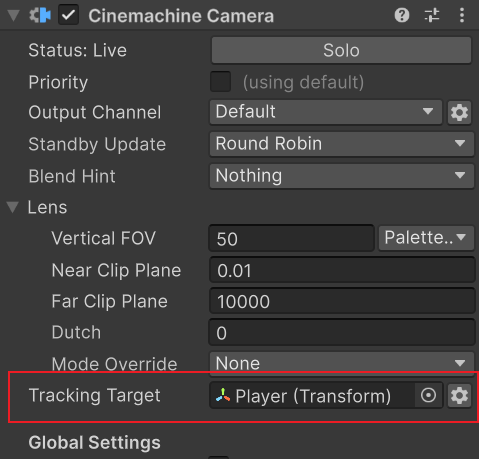
CinemachineCamera defines what the camera follows and how it follows the target. Its TrackingTarget is set to the Player, so the virtual camera follows the player during gameplay.
This means the camera stays at a fixed offset above and behind the player. The damping values also make the movement slightly smoother instead of snapping instantly to the player.
The basic logic is:
Player moves | CinemachineCamera tracks Player | CinemachineFollow applies a fixed offset | CinemachineBrain drives Main Camera
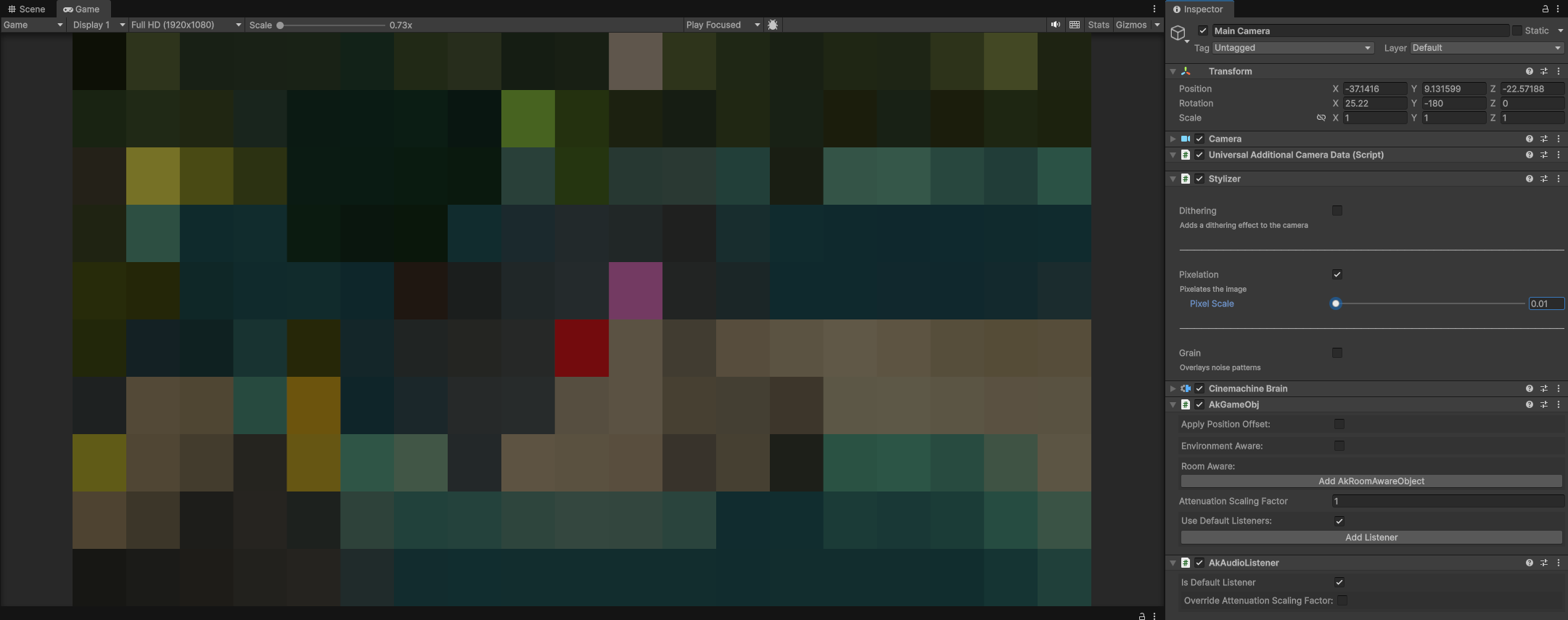
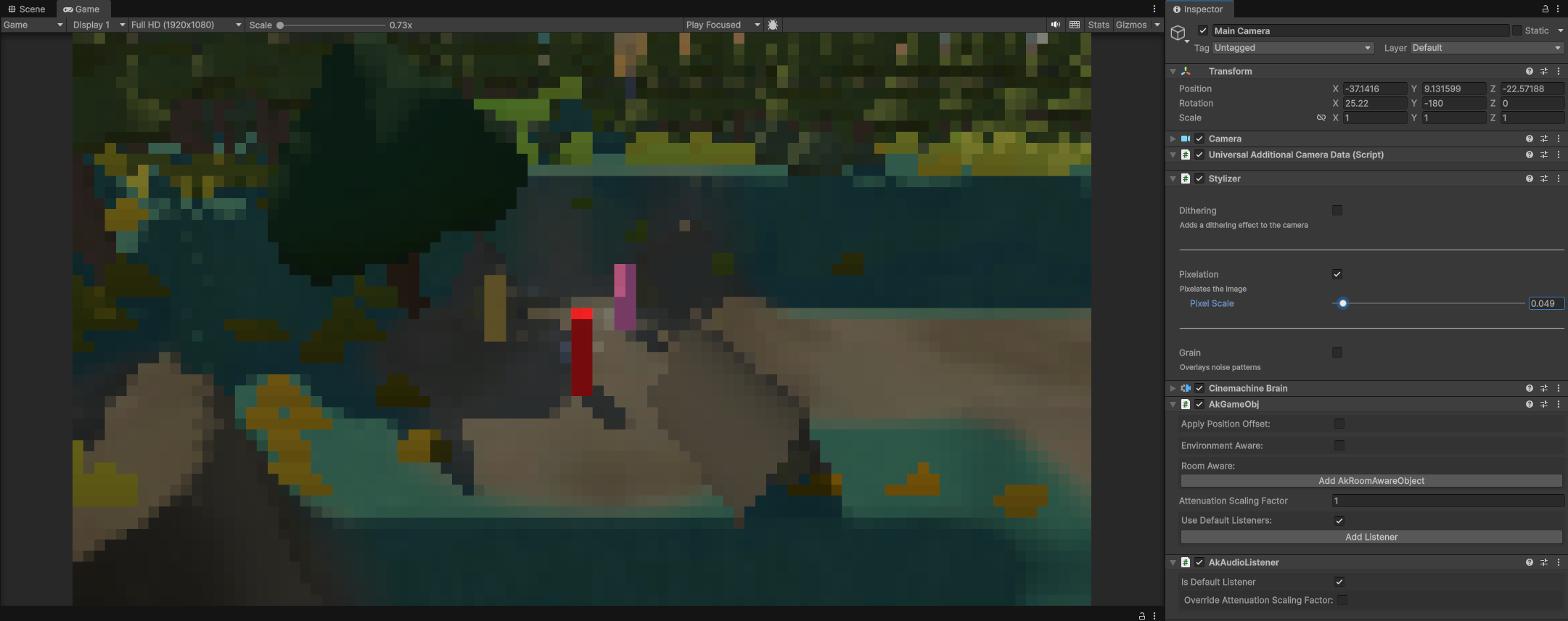
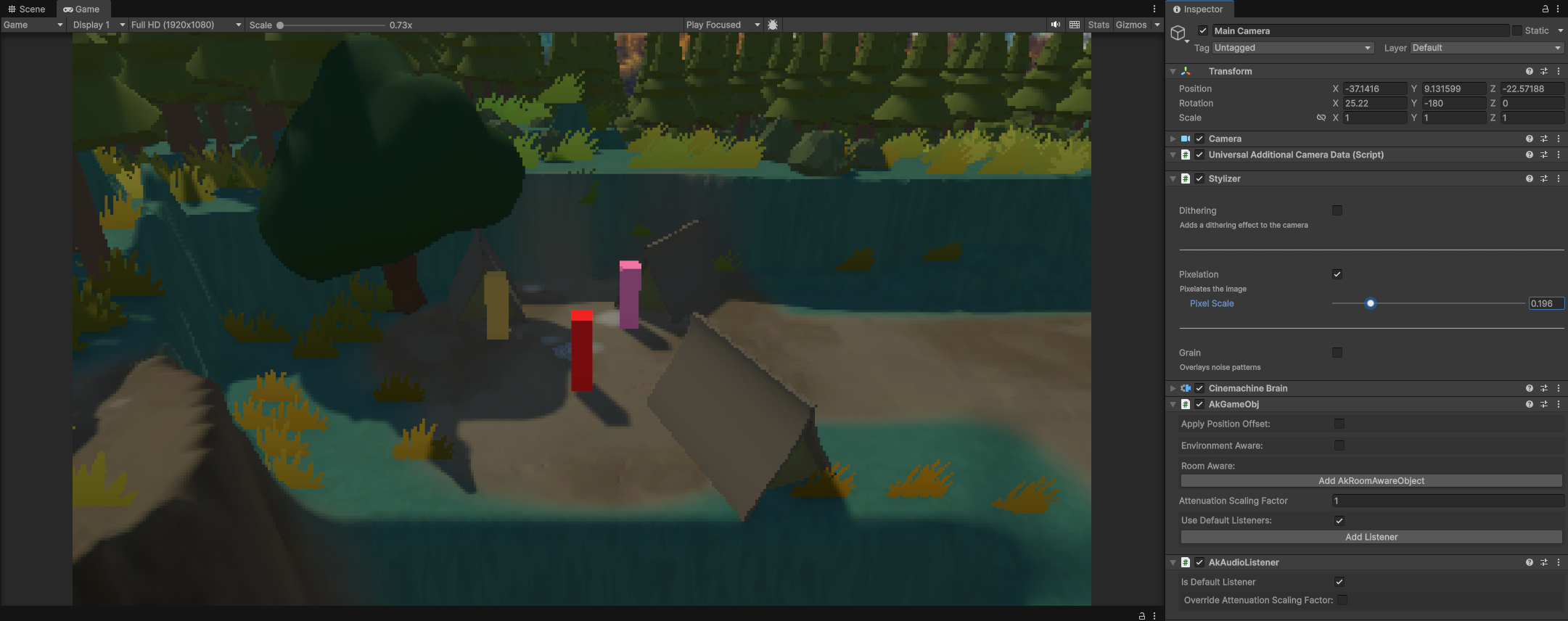
The pixelated visual style is not created through a URP Renderer Feature. Instead, it is handled by a third-party plugin called Stylizer, which is attached to the Main Camera.
Pixel Scale - 0.01
Pixel Scale - 0.049
Pixel Scale - 0.196
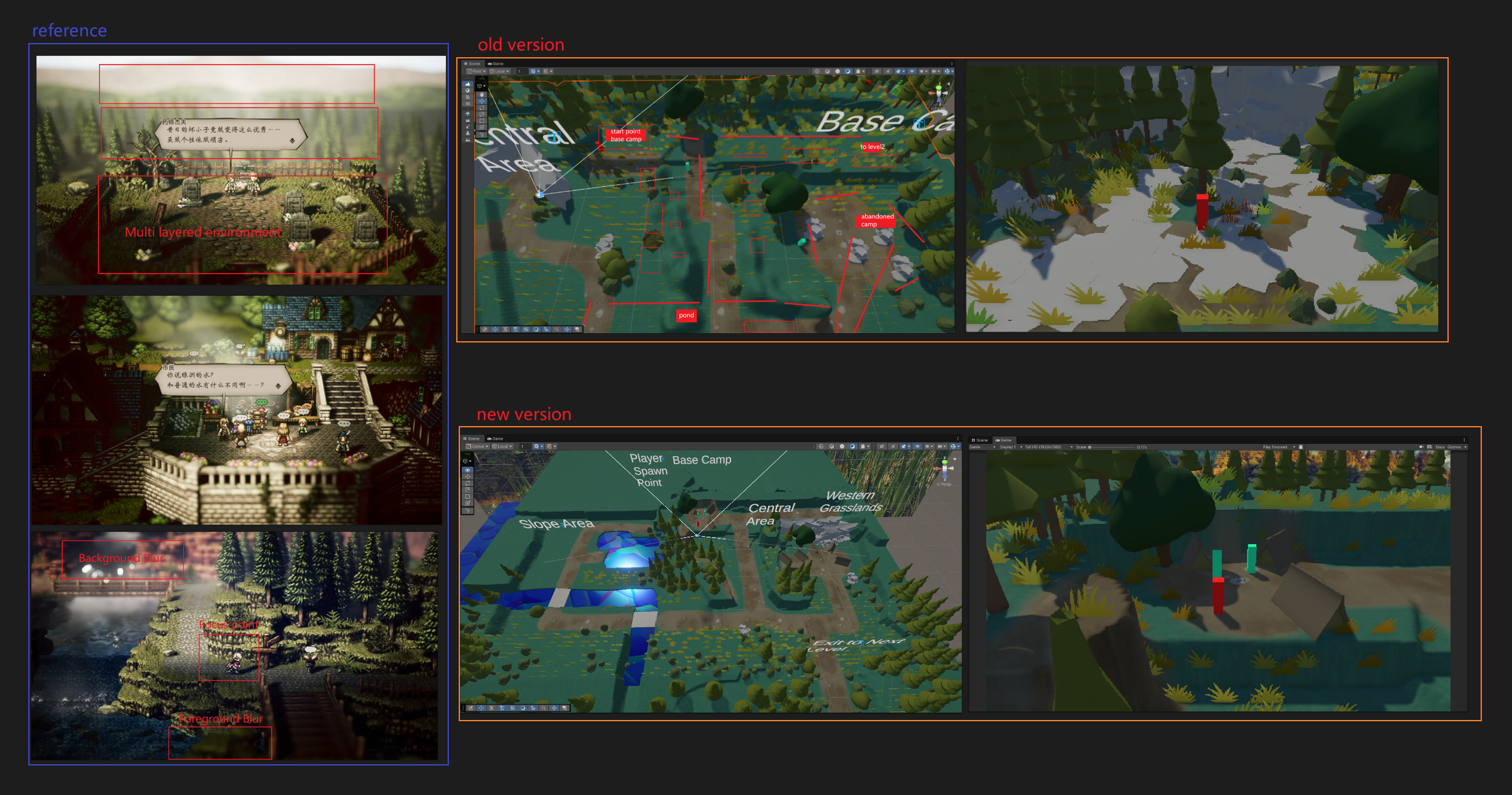
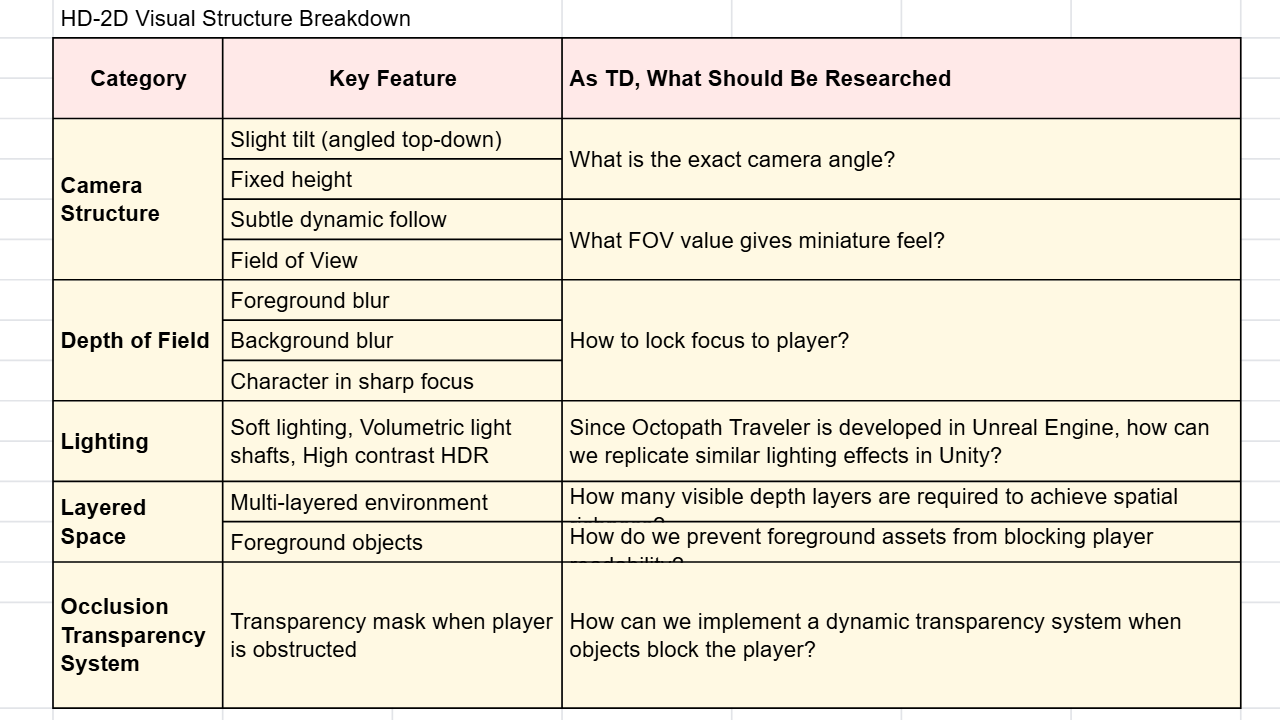
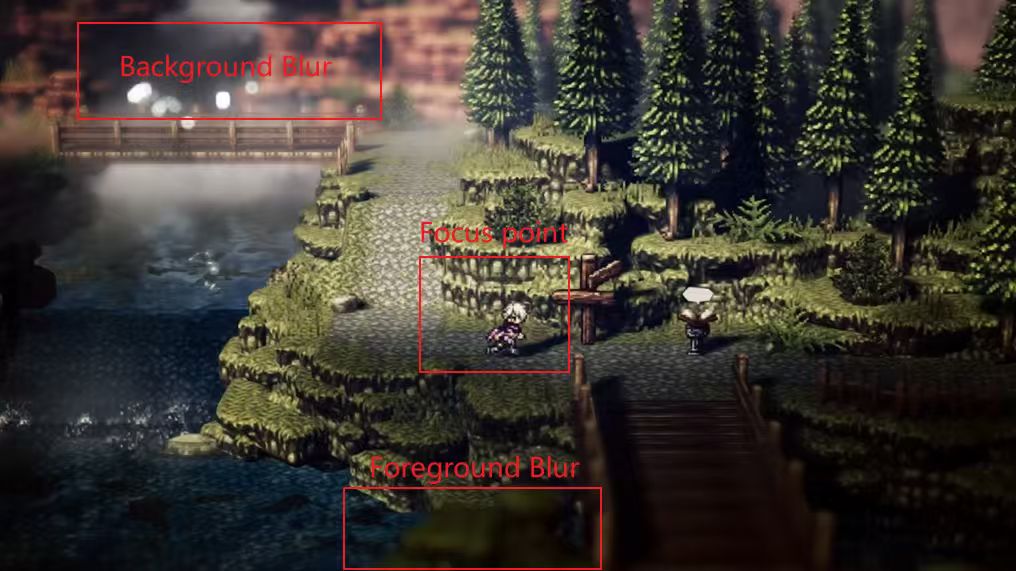
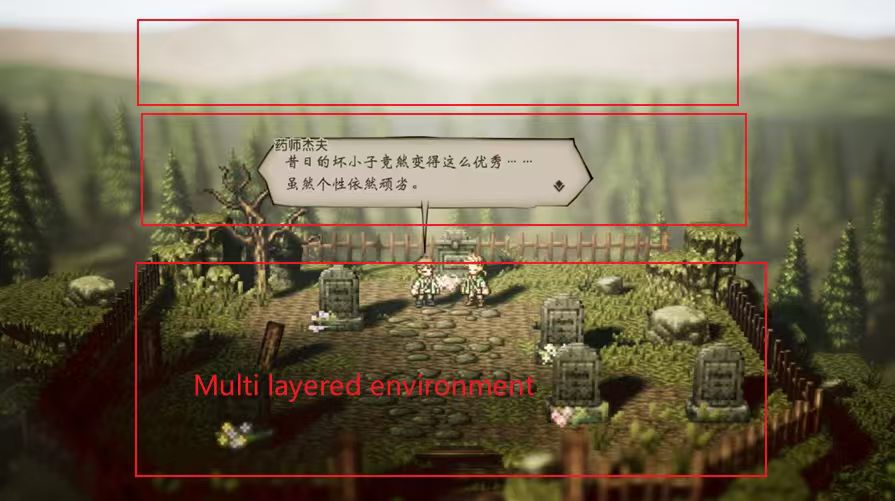
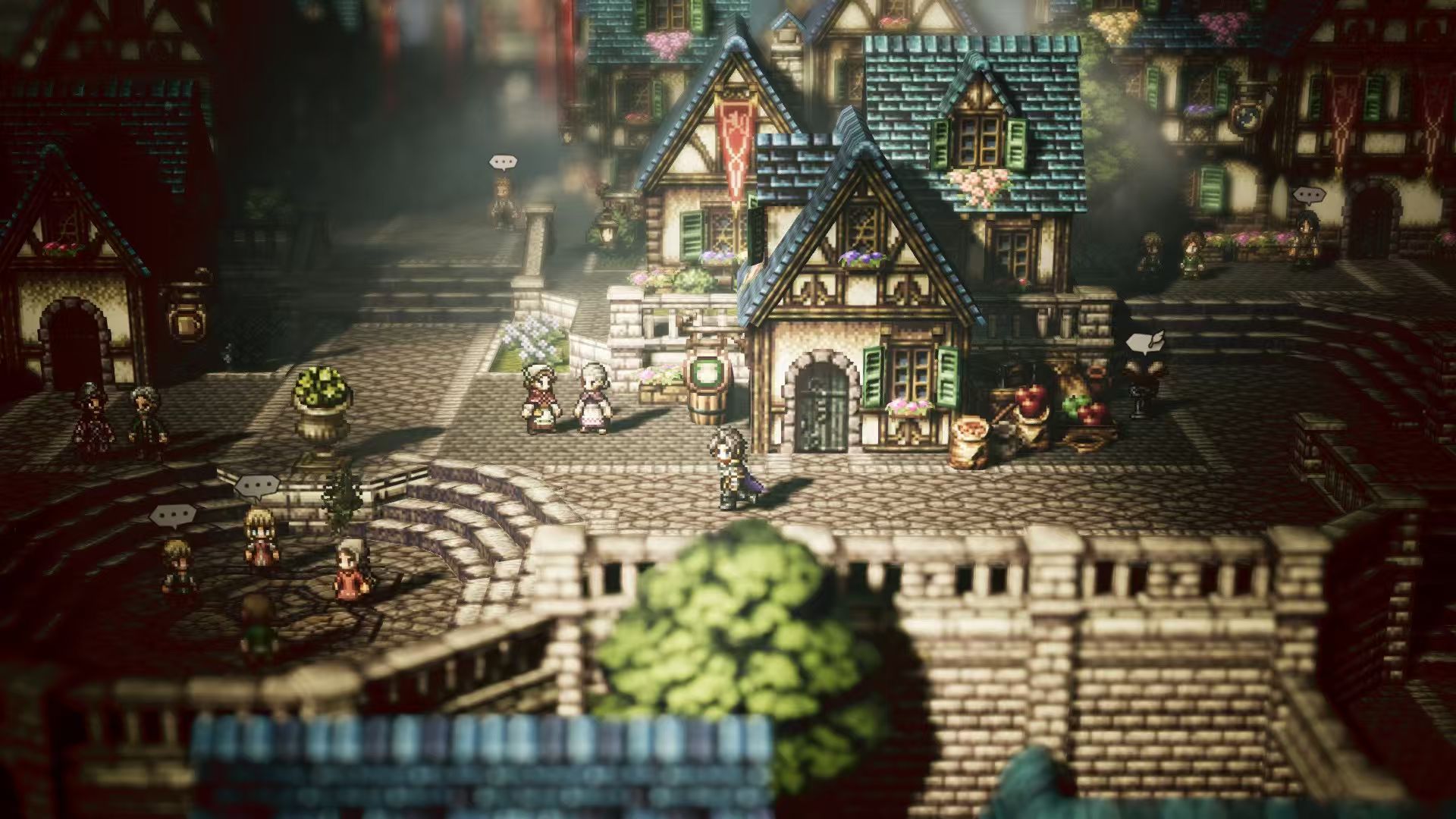
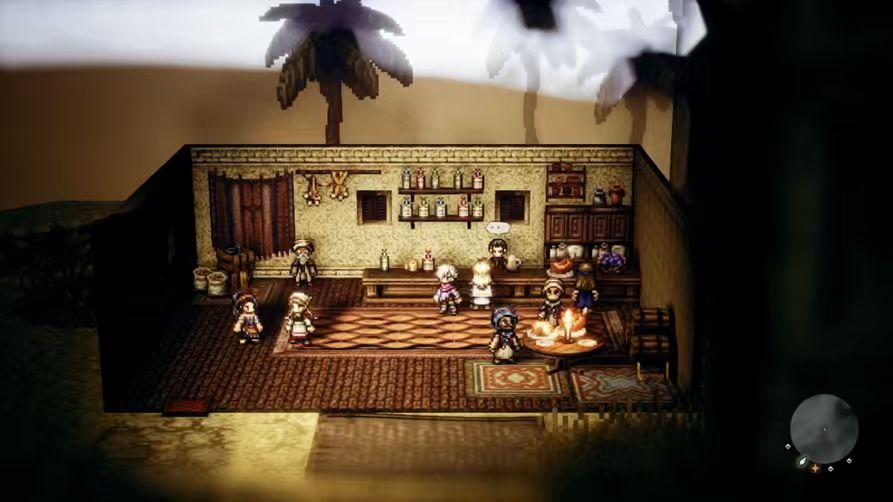
For the visual style, I wanted the game to feel closer to the look of Octopath Traveler, where 3D environments are combined with pixelated post-processing. To achieve this, I spent a lot of time adjusting the camera, depth of field, and Stylizer plugin settings, including the camera angle, follow distance, pixelation strength, and depth range.
Although these changes may look like simple parameter adjustments, they directly affect the atmosphere of the scene. If the pixelation is too strong, the scene loses too much detail. If the depth of field is too heavy, the image becomes too blurry.