Scene Setup and Project Structure

23 Feb Update – Scene Layout Redesign

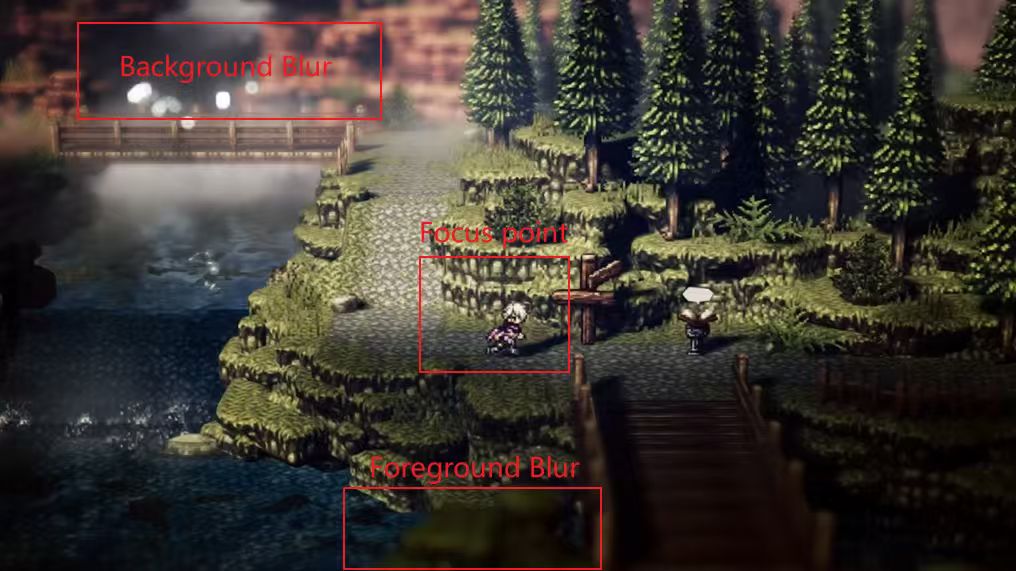
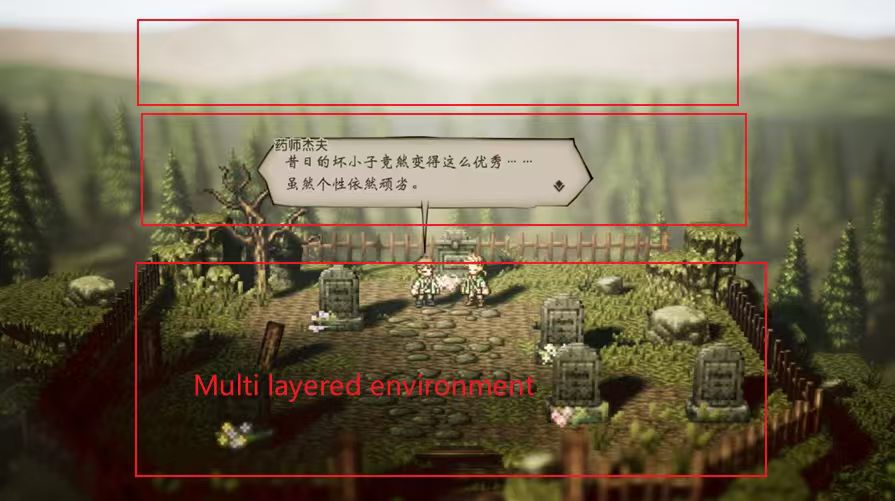
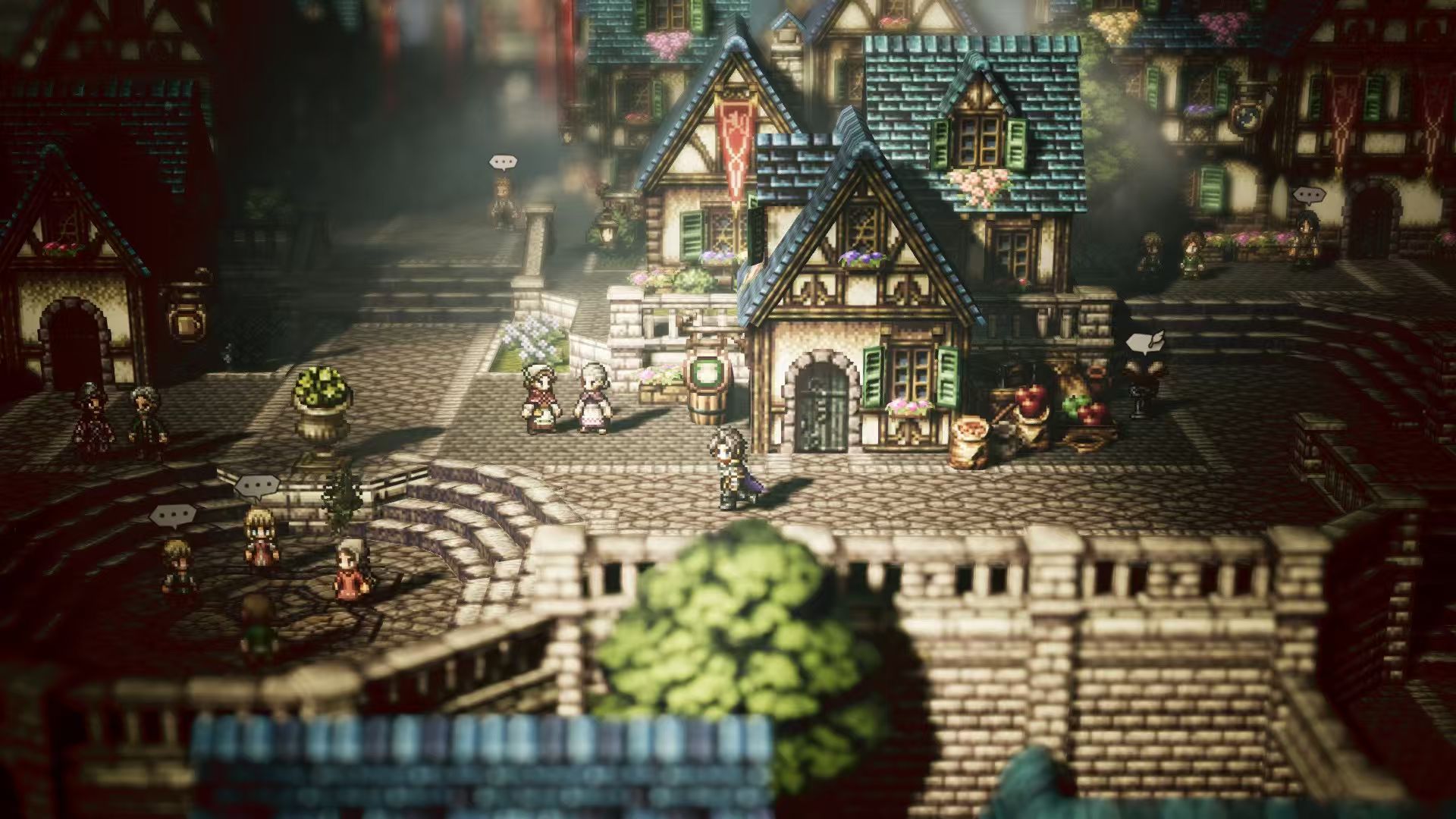
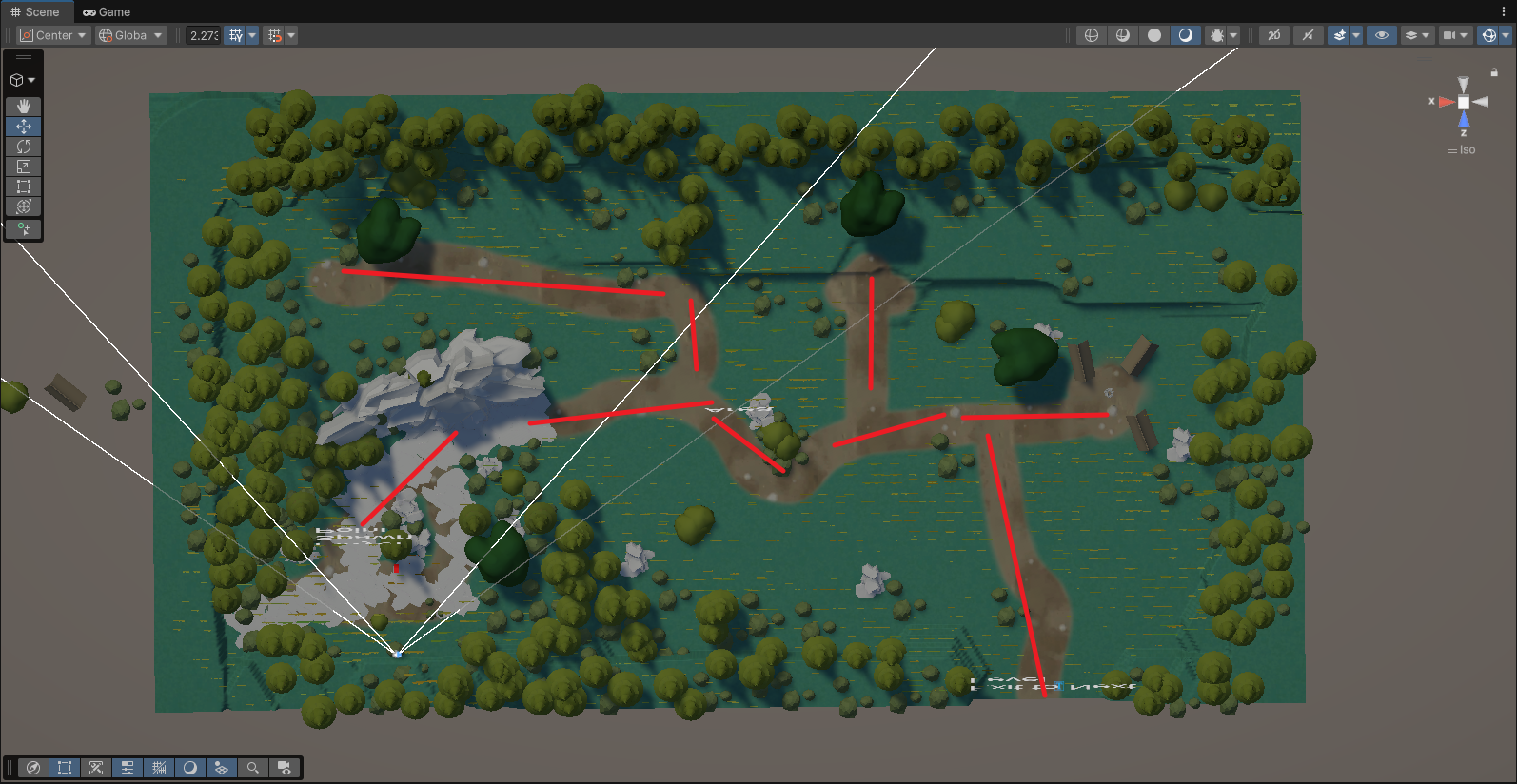
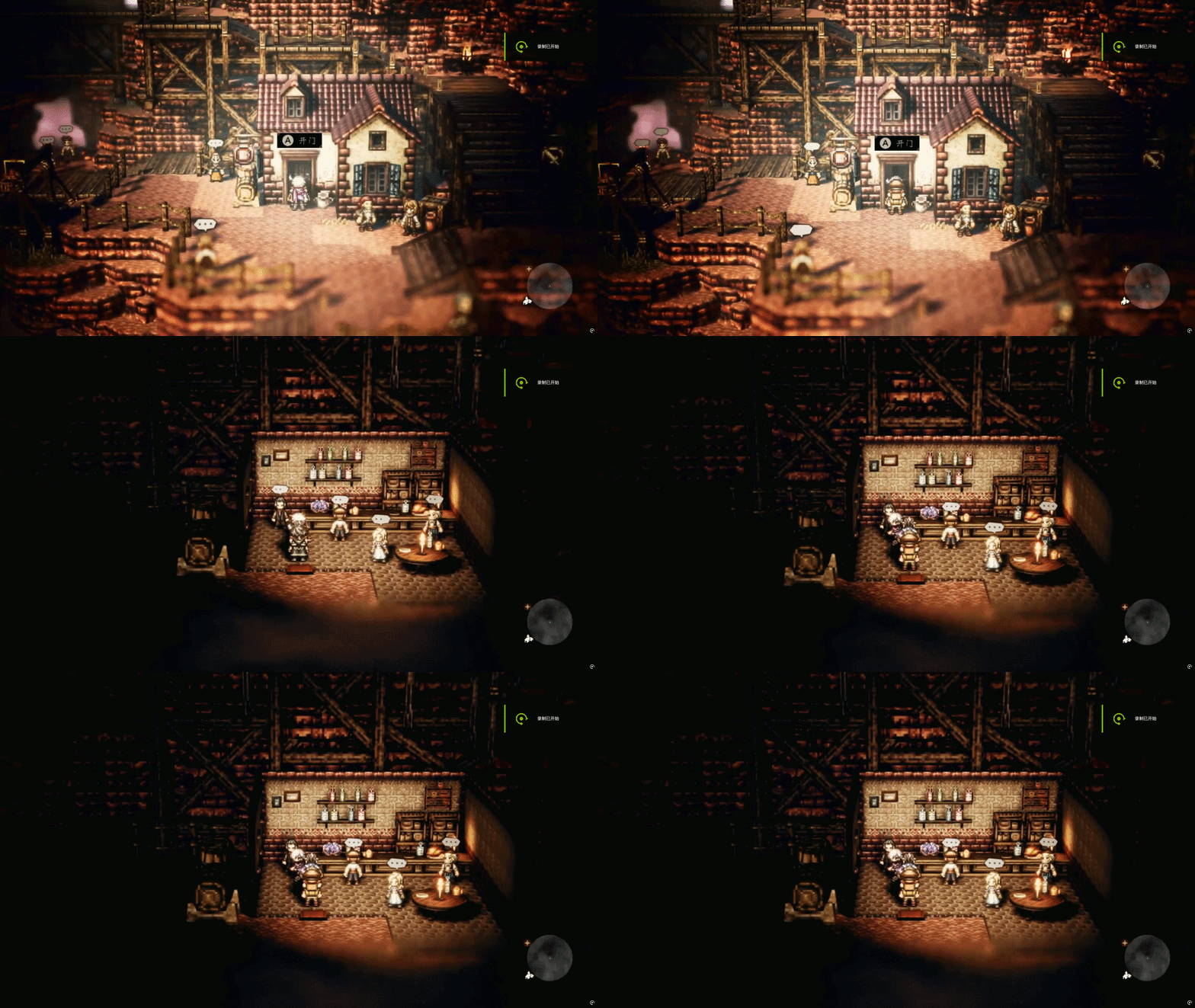
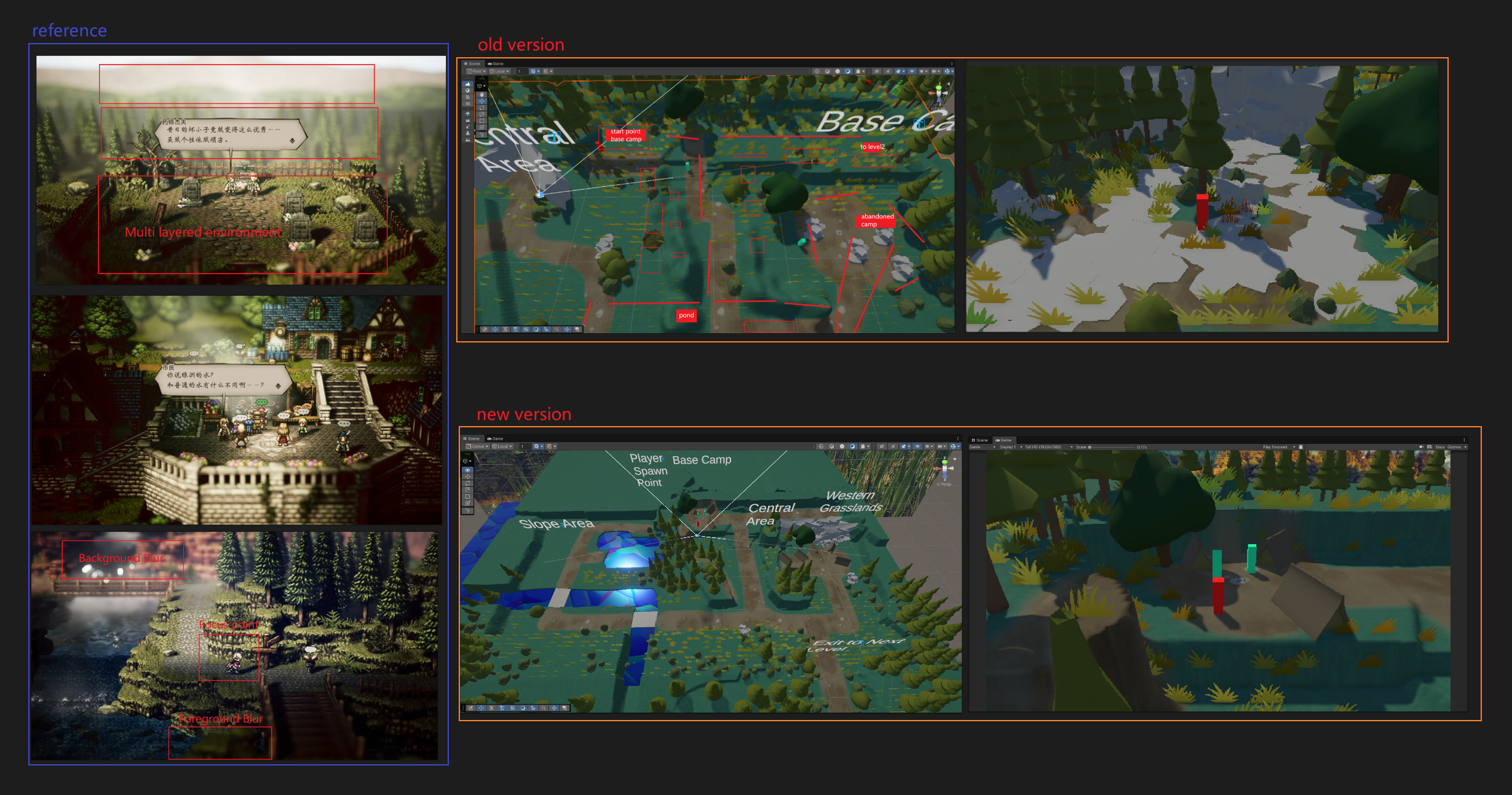
After comparing our first version of the scene with the camera perspective used in Octopath Traveler, I noticed that our level design had a large difference from the expected visual result.

One of the most obvious differences is the player path design. In Octopath Traveler, player movement usually follows vertical or horizontal paths with limited width, and there are very few large open spaces. Visually, it feels like the player is moving on a stage, with clear routes guiding the player’s movement.

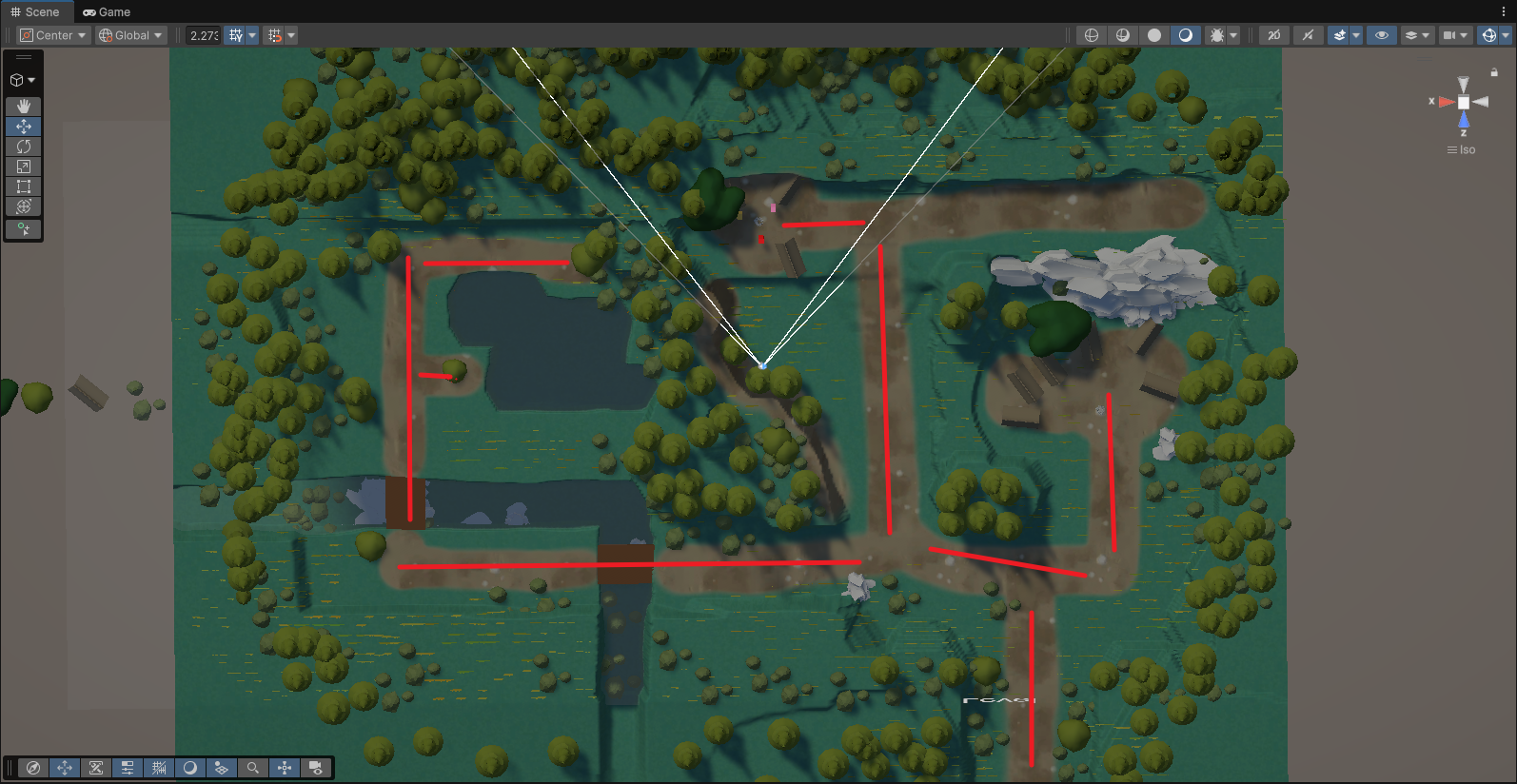
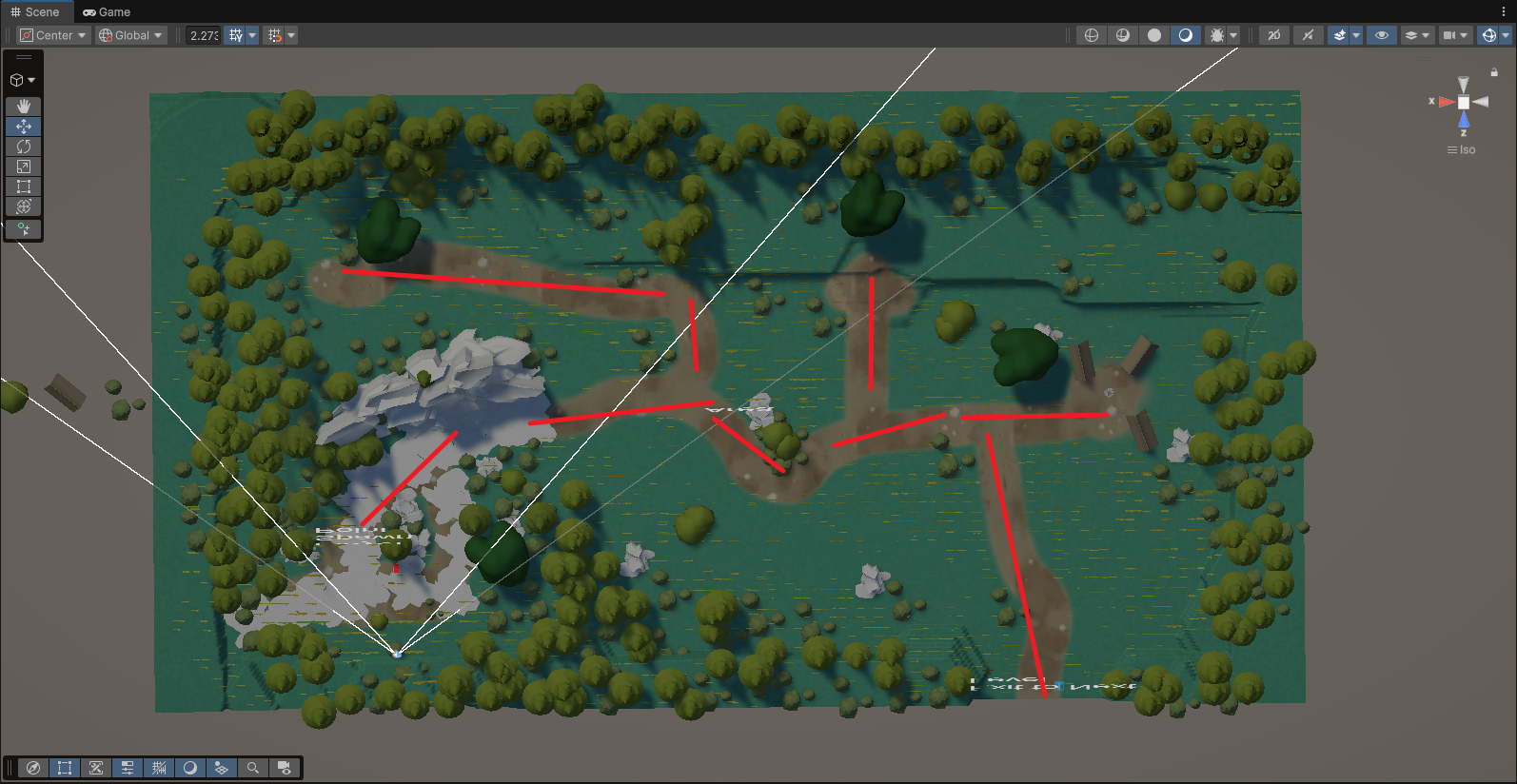
Version 1.0 - Original scene layout

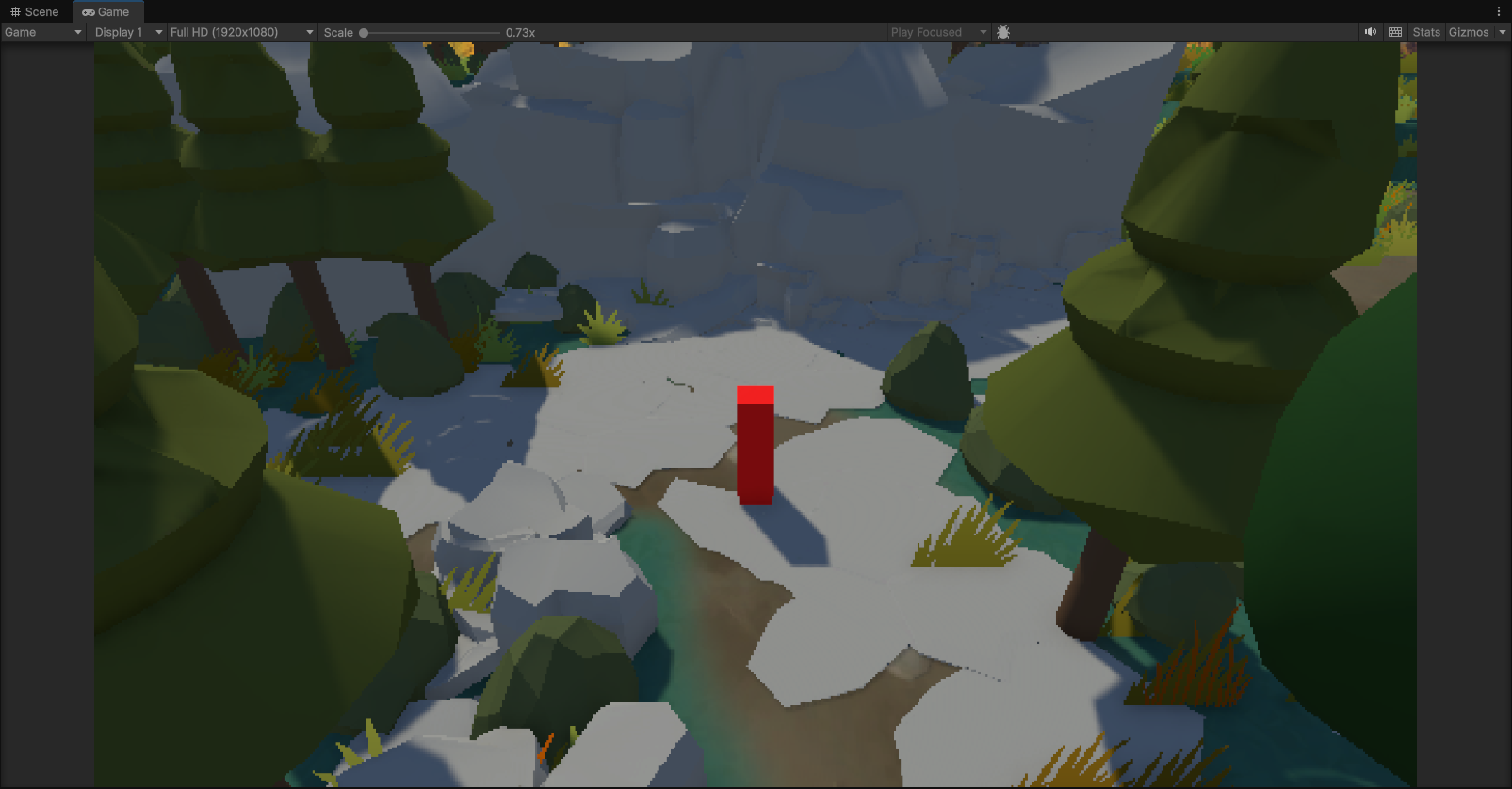
However, in our first version of the scene, the map was relatively flat and open. When the player followed the intended path, the view was often blocked by trees, and the large open areas made it difficult to guide the player’s focus or control the visual composition.

Because of this issue, I decided that the map needed to be reconstructed.

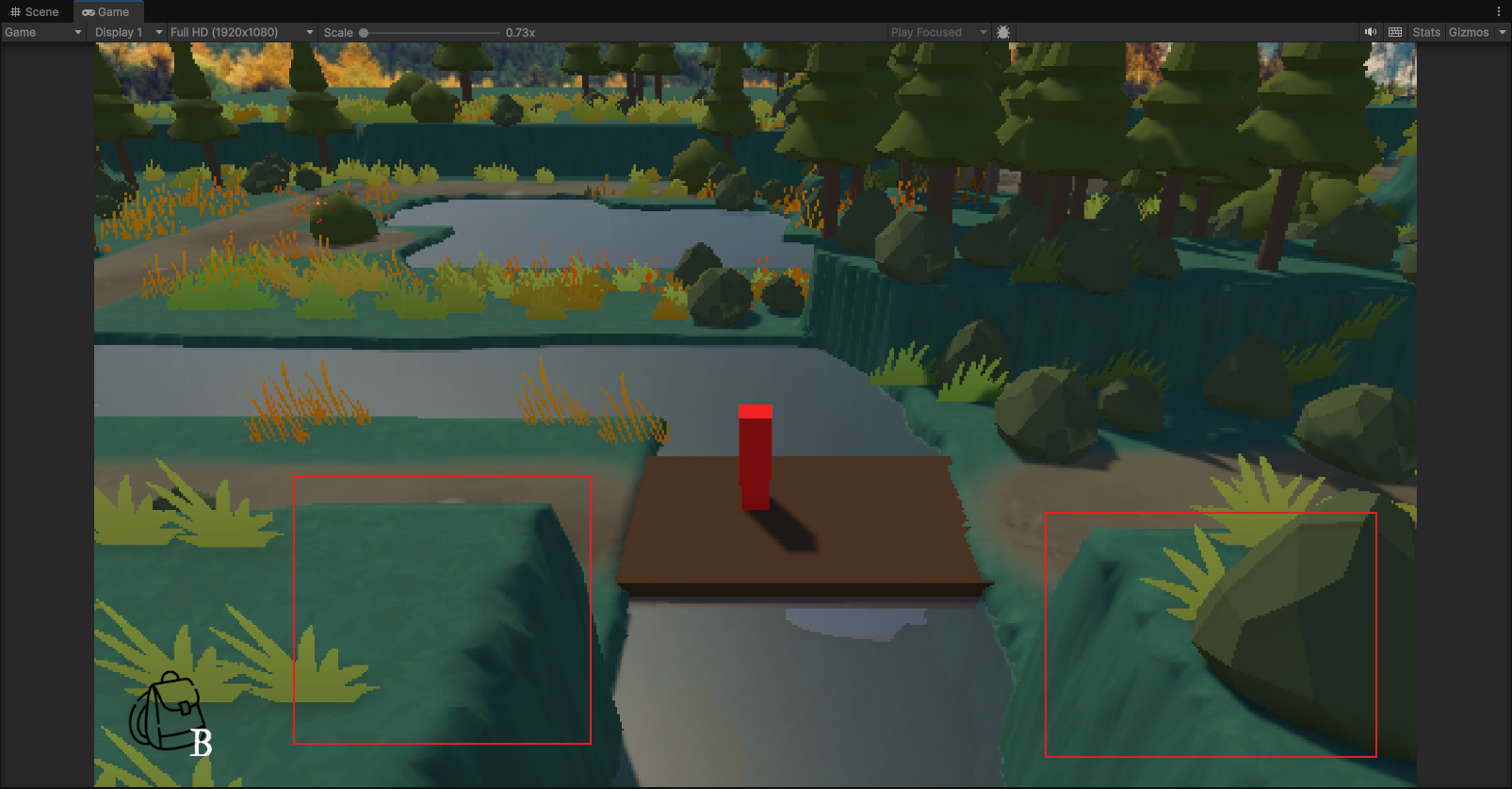
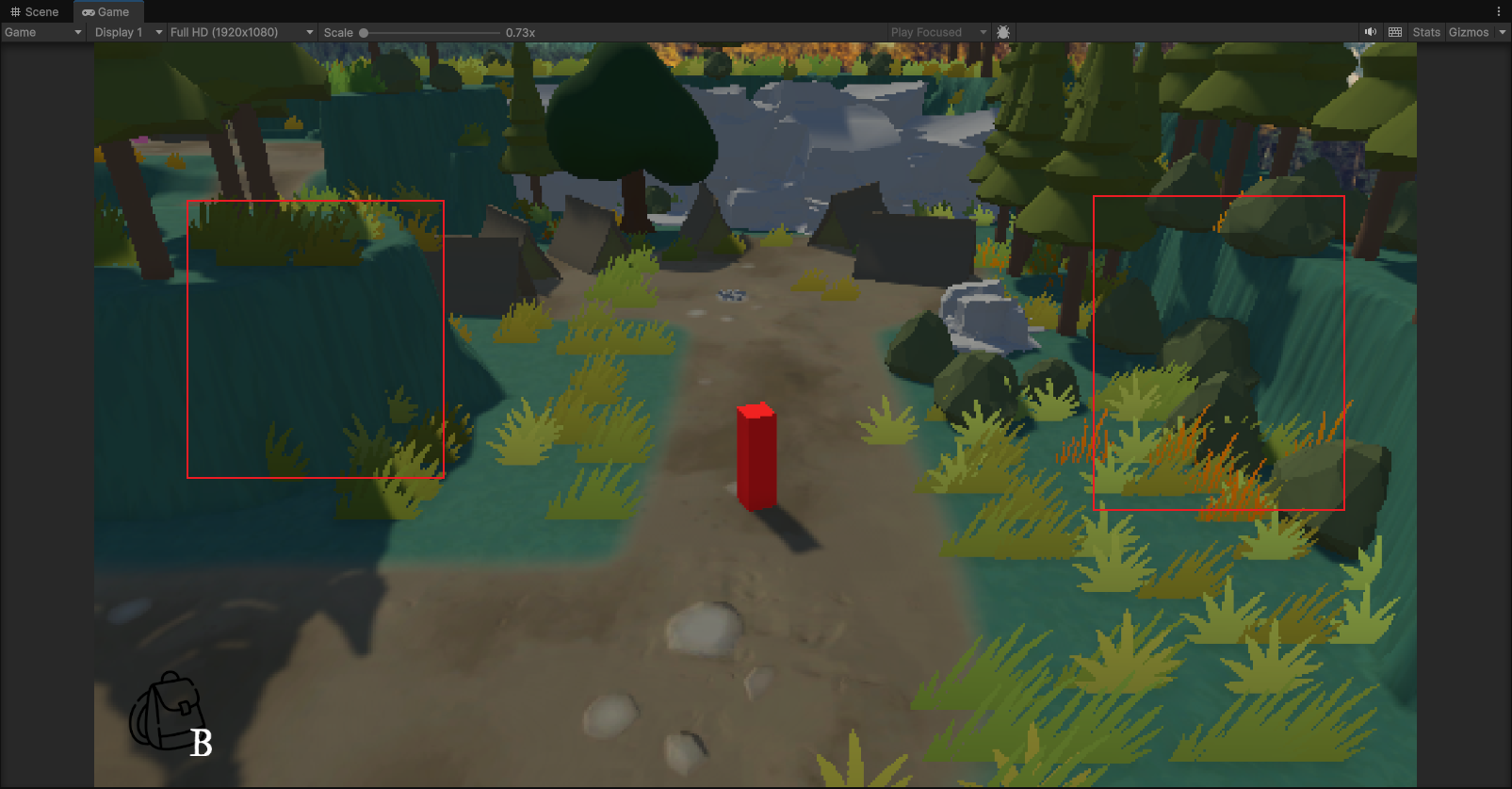
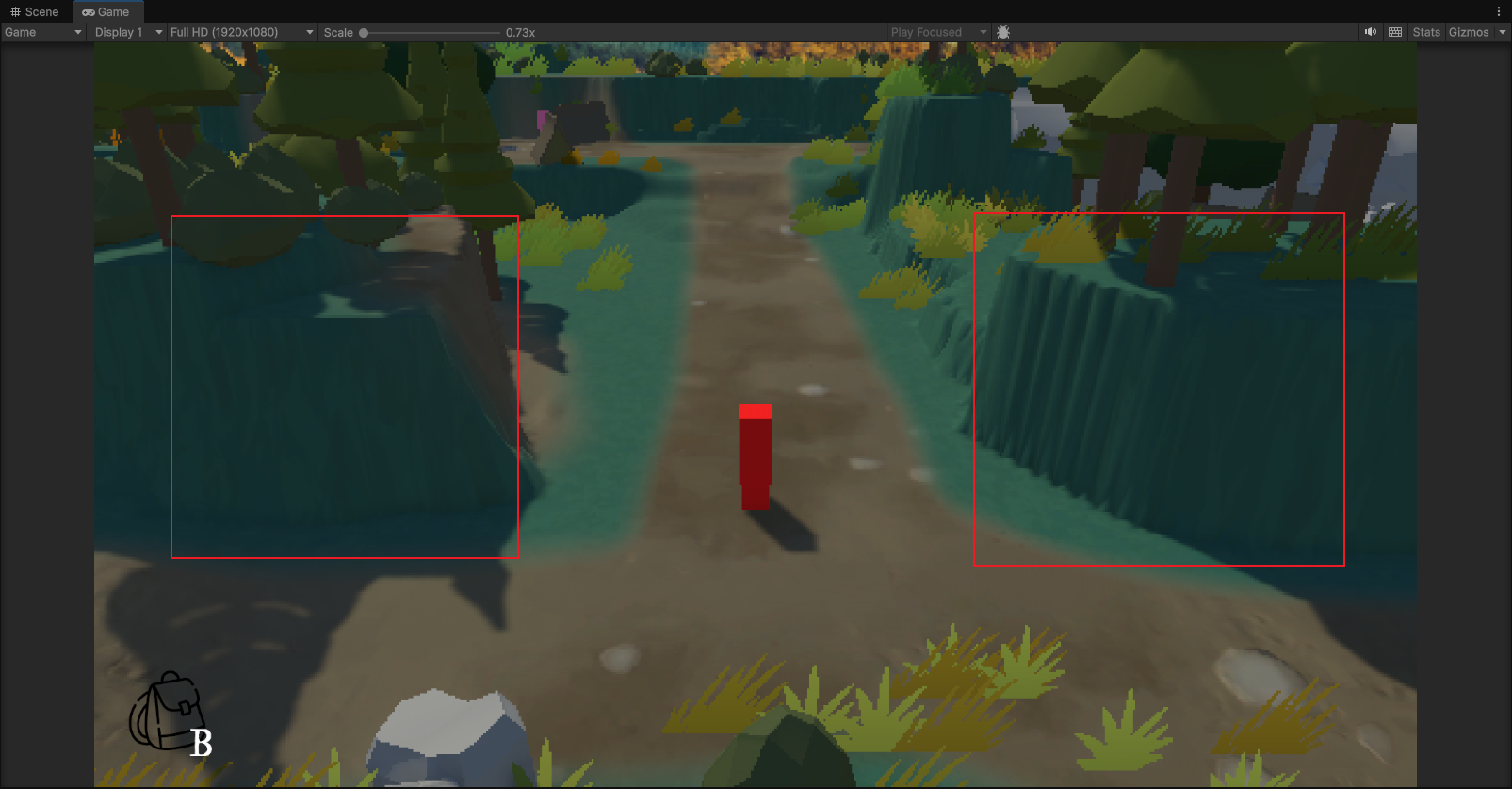
Version 2.0 - Redesigned layout

I had a face-to-face discussion with the Technical Artist, where we analysed the level layout and path design used in Octopath Traveler. Based on this discussion, the Technical Artist redesigned the map based on our first version.

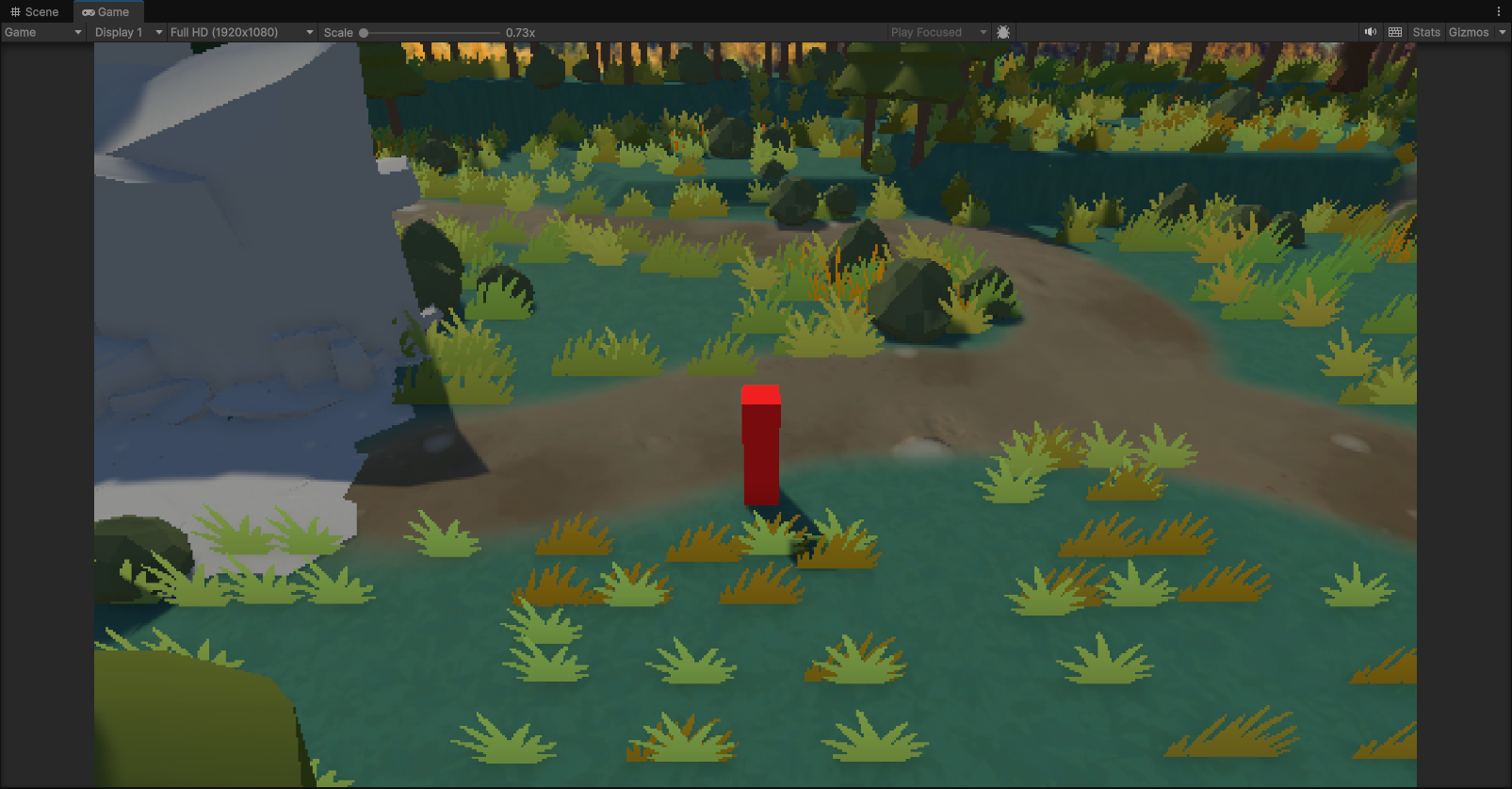
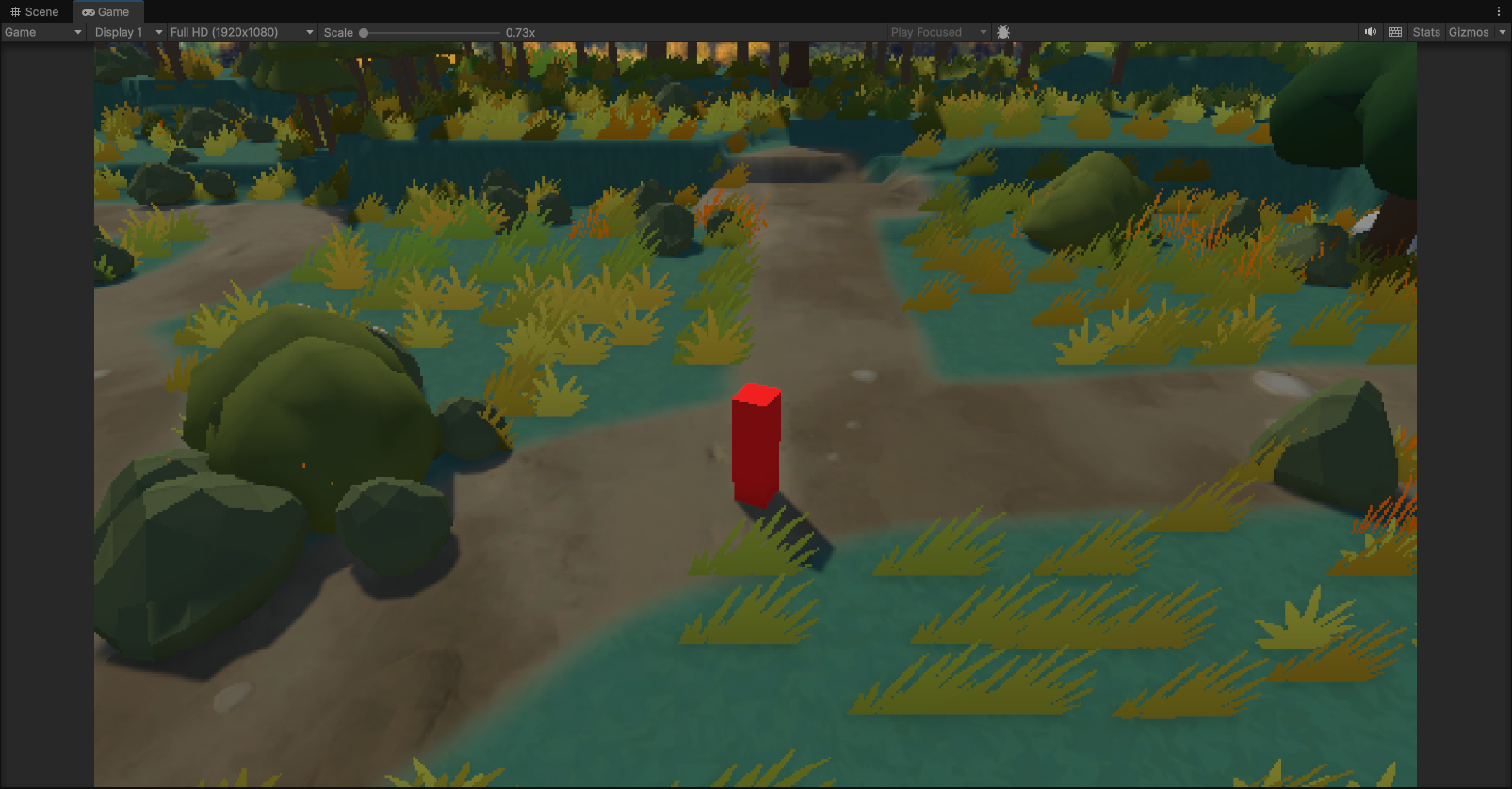
In the new version, the terrain on both sides of the path is used to guide the player’s view, helping to focus the player’s attention on important areas of the scene.

=====================================================================

17 Feb Update - Pixel Style Camera Plugin

For the pixel art style of the game, our initial idea was to create the visual style by using 3D models with pixel-style textures.

After discussing this with the Technical Artist, we started to consider whether there might be a plugin that could directly create a similar pixelated effect. If this could be done with a plugin, it would reduce a large amount of manual work when creating pixel textures and help lower the workload of art asset production.

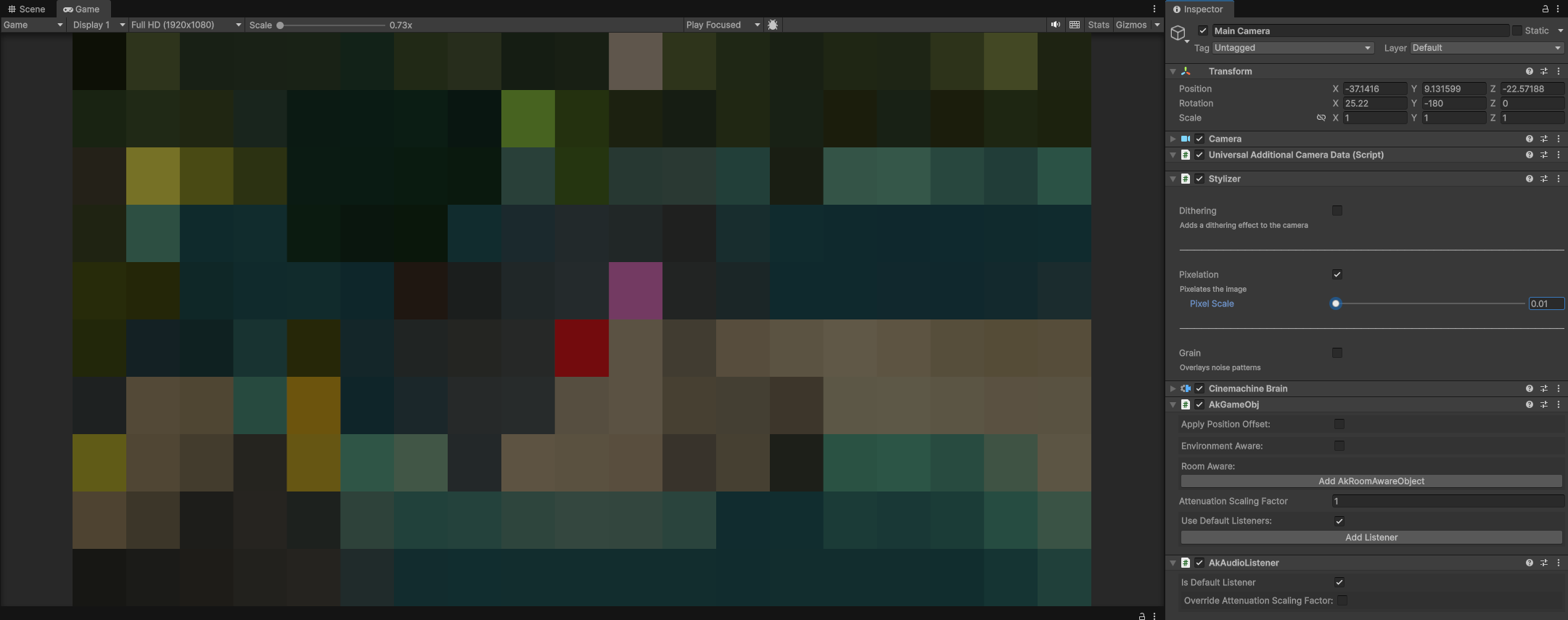
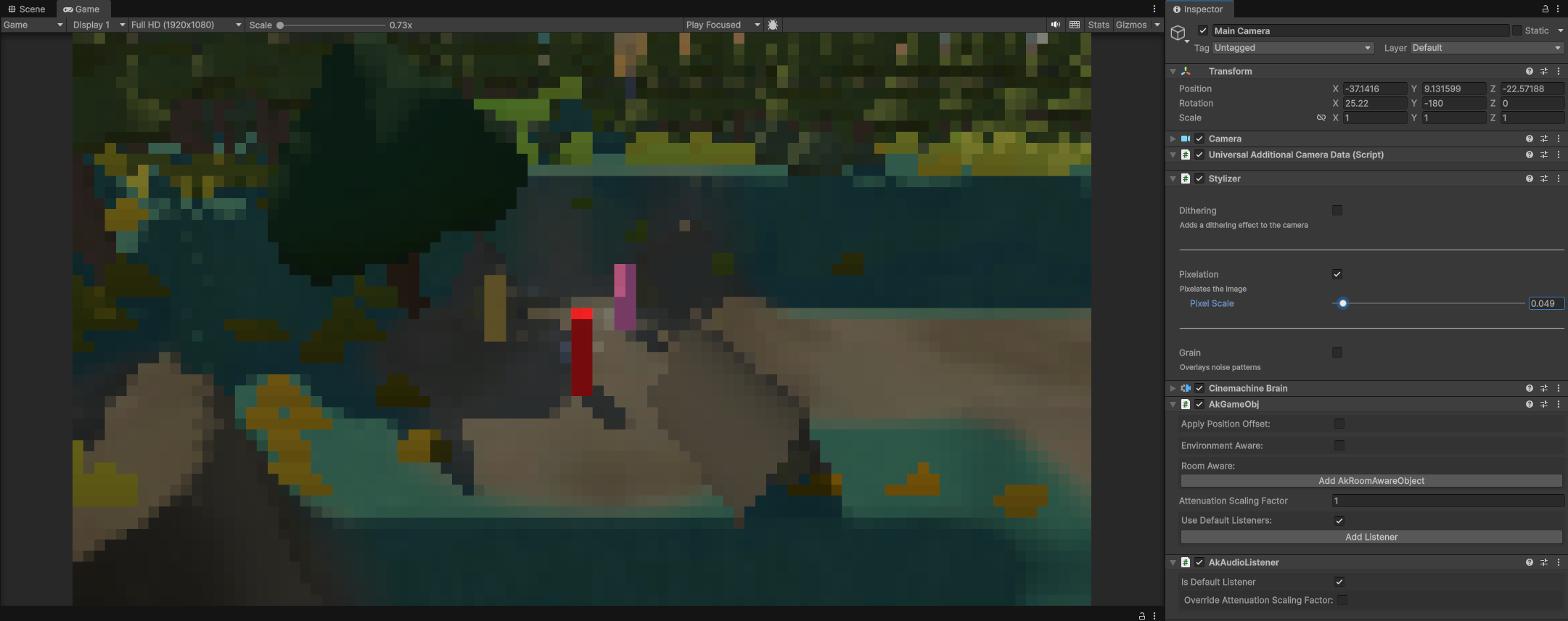
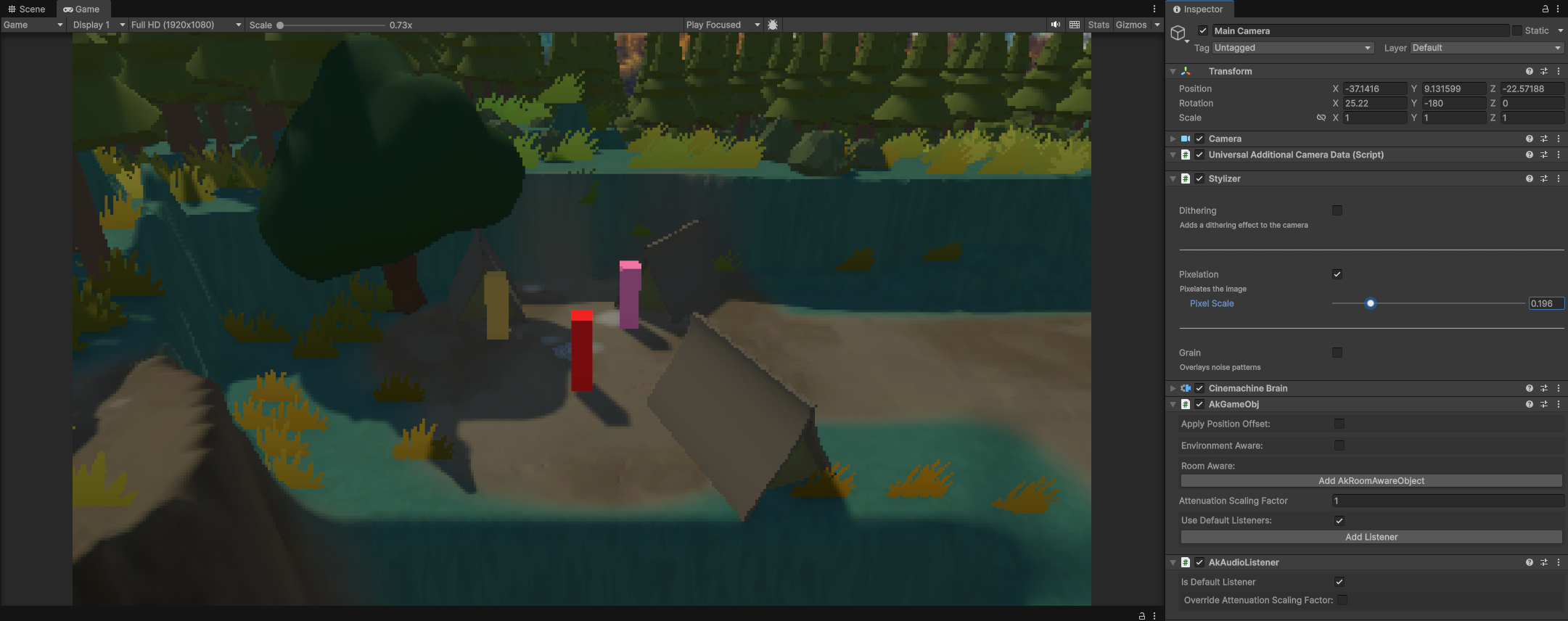
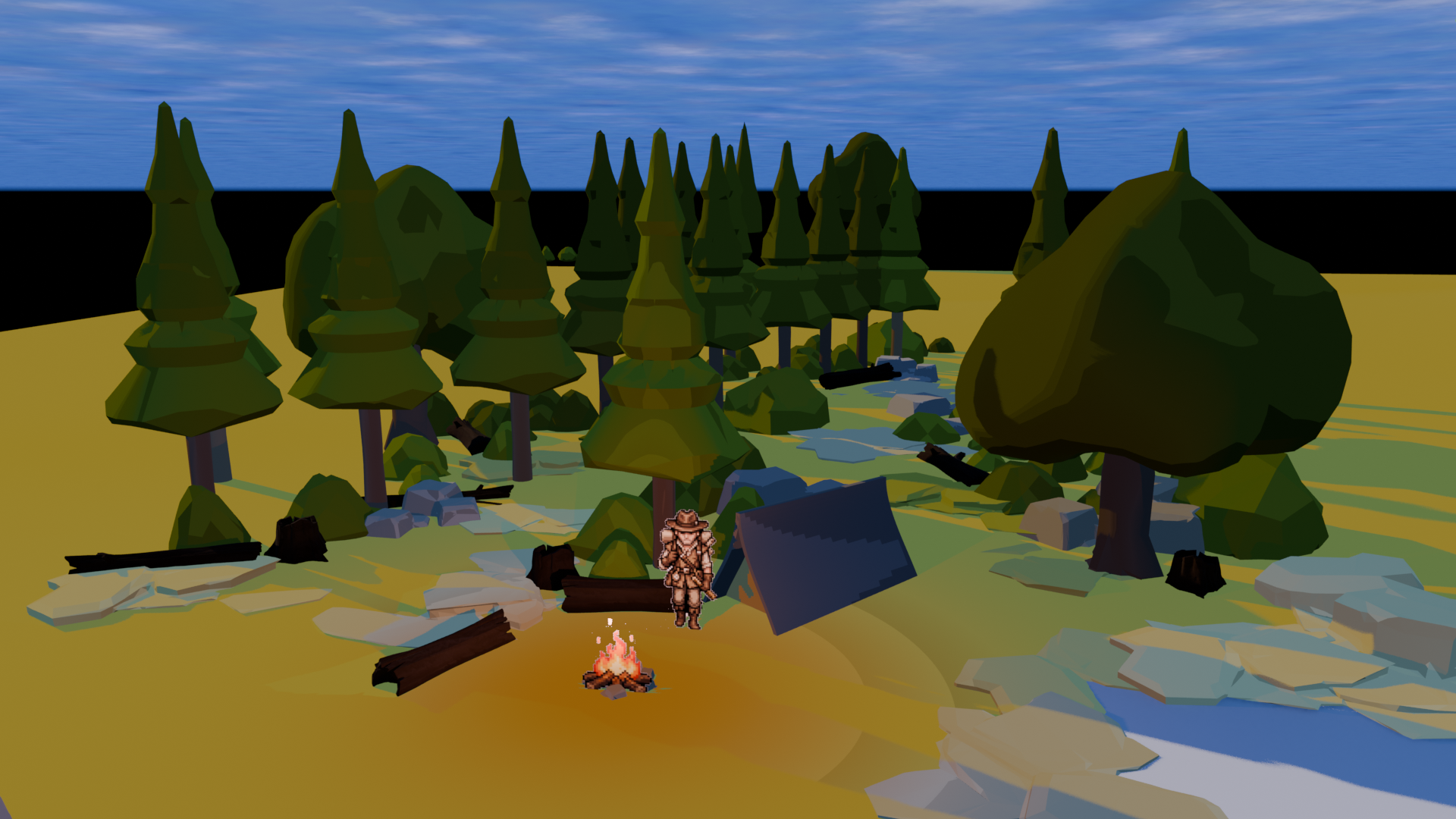
After doing some research, we discovered a plugin called Stylizer. This plugin applies a pixel-style effect through camera post-processing, which can transform the game image into a retro pixel-art style.
=====================================================================

16 Feb Update - Tree Placement Issue

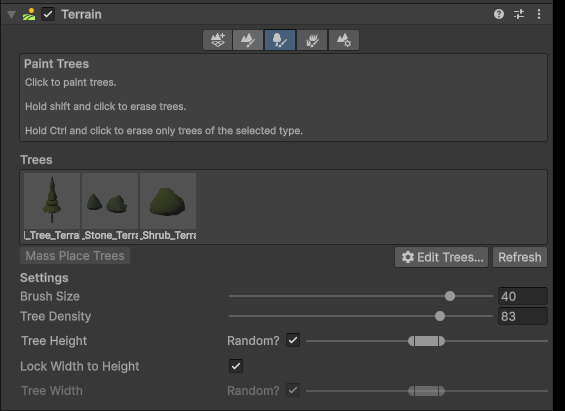
To reduce resource usage during gameplay, we used Unity’s Terrain Tree Brush (TTB) tool to place trees on the terrain.

The advantage of this method is that trees can be automatically culled when they are far away from the player’s camera, which helps reduce rendering cost.


However, during testing we noticed a problem.
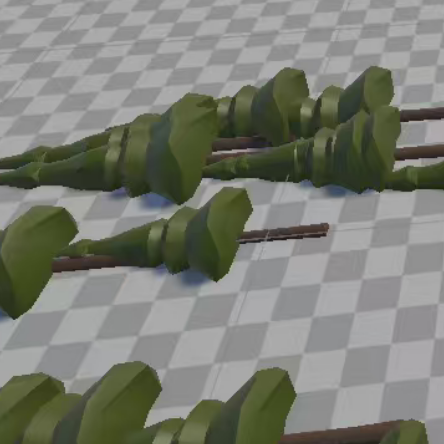
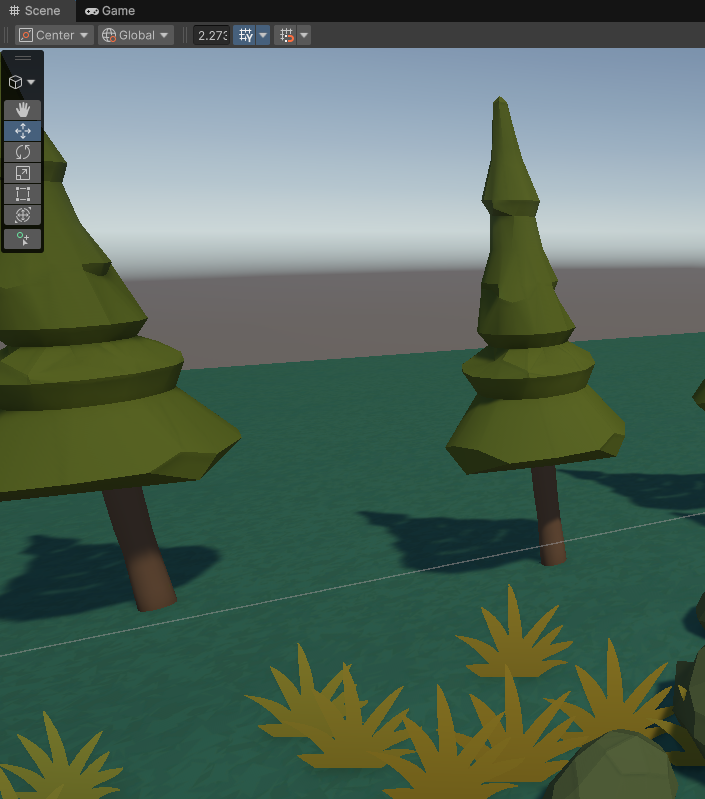
In the model preview window, the trees appeared correctly. But when using the Terrain Brush to place them on the terrain, all the trees appeared lying on the ground instead of standing upright.

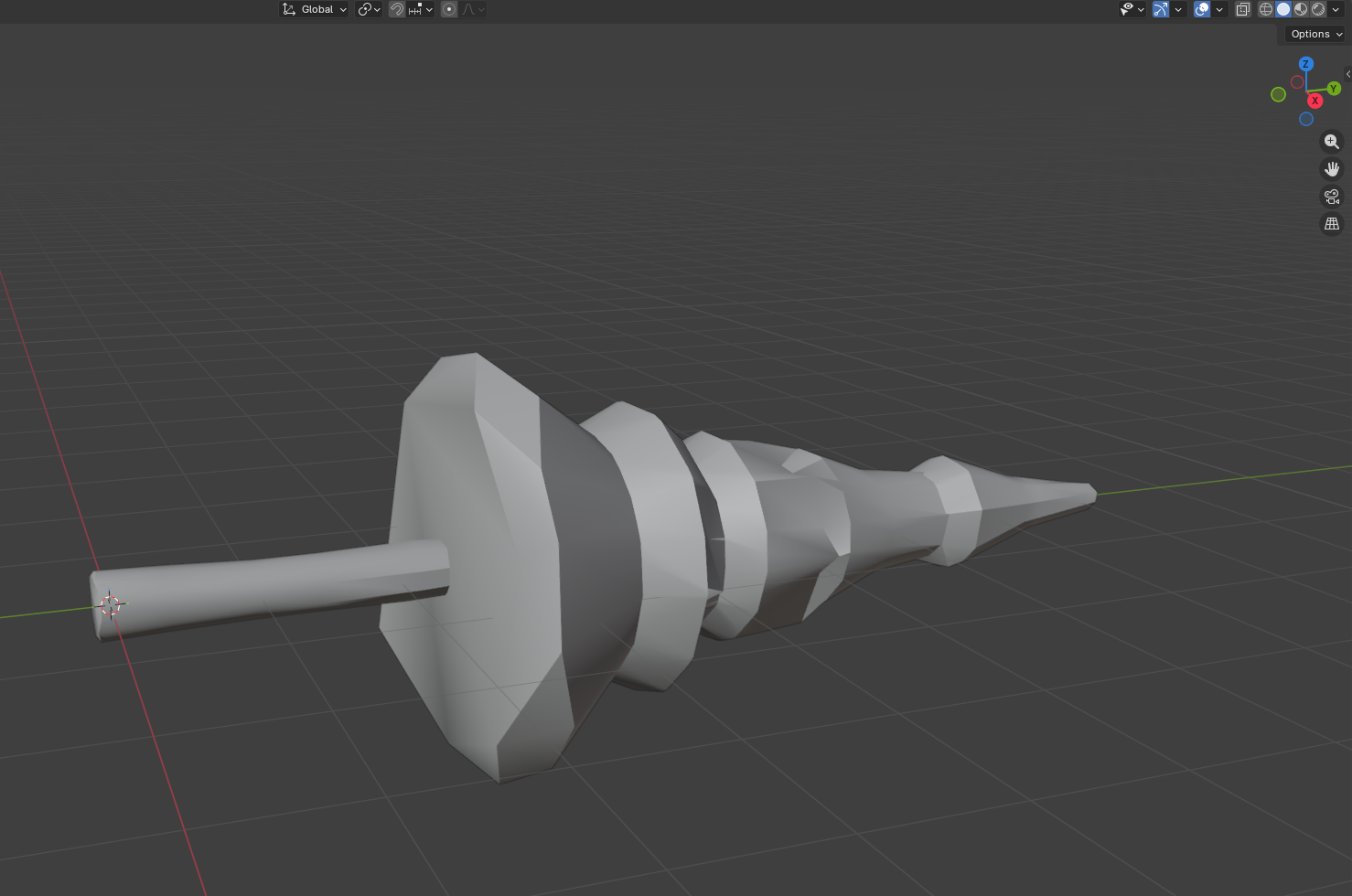
After investigating the issue, I found that Terrain Tree Brush does not use the normal object axis of the model. Instead, it relies on the axis orientation defined in Blender’s edit mode.

To fix this issue, I adjusted the model’s axis orientation in Blender and then re-imported the model into Unity.

After the adjustment, the trees appeared correctly on the terrain.

=====================================================================

15 Feb Update - Initial Setup

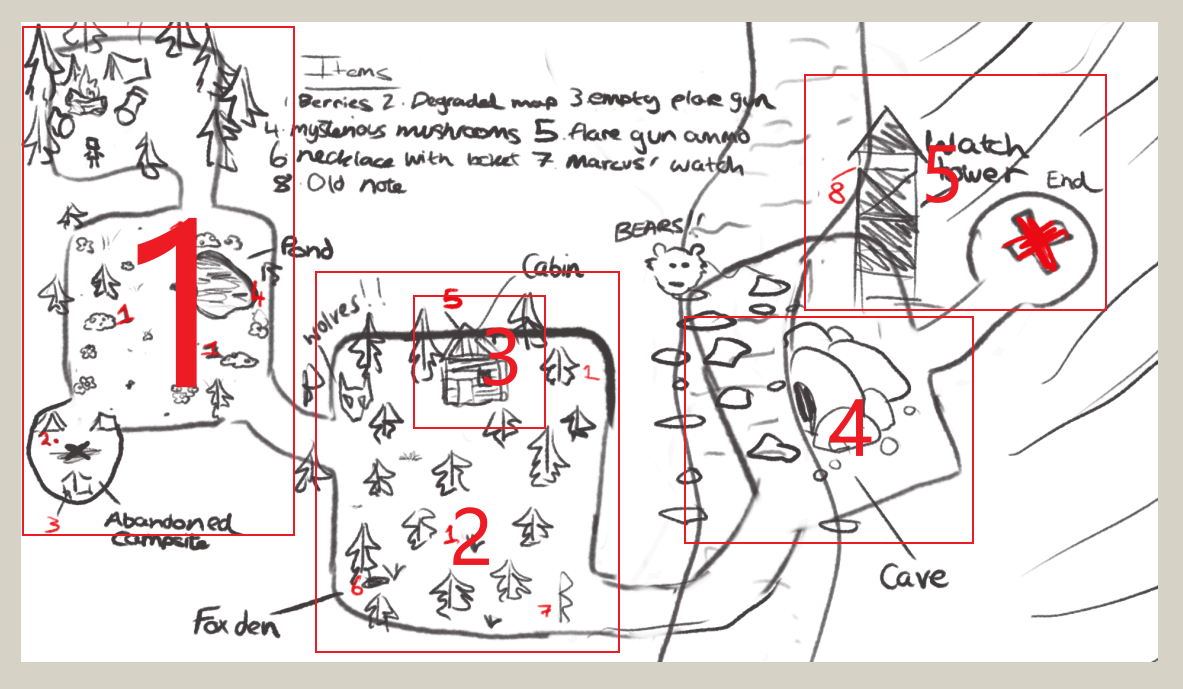
At the early stage of development, Yansong and I started building the first level of the game. We first analysed the overall map designed by Erik, and decided to divide the large map into several smaller scenes based on the gameplay structure.

The map was divided into five scenes:
1.Meadow (outdoor environments)
2.Forest (outdoor environments)
3.Cabin (indoor scene)
4.Cave (outdoor environments)
5.Watch Tower (outdoor environments)

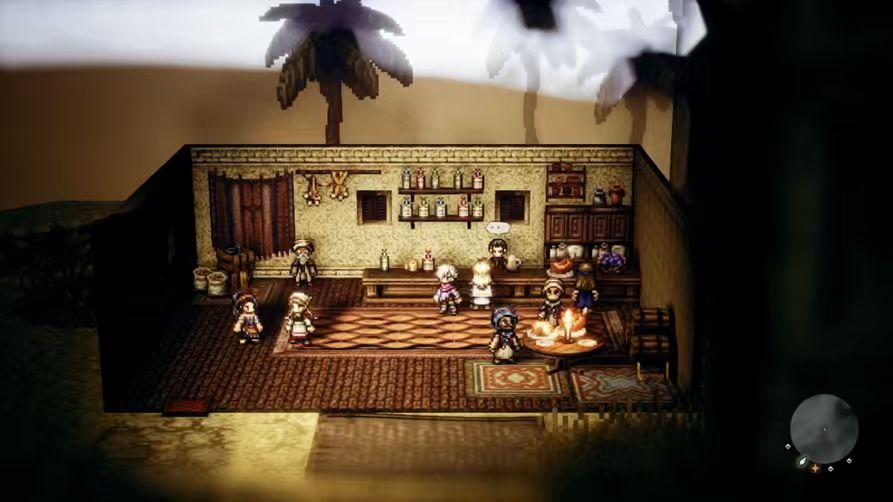
Since the Cabin is located inside the forest area, I decided to use a scene transition method similar to Octopath Traveler. When the player enters the building, the game loads a separate interior scene, and when leaving the building, the player returns to the outdoor environment.

First Scene (Meadow) Set up

During the level design process, Yansong and I decided to combine several locations mentioned in the GDD into the first scene, Meadow. These locations include the Player Camp, Pond, and Abandoned Camp.

The reason for this decision was to keep the opening area more focused and reduce the number of scene transitions. This allows players to explore the environment and complete early tasks within a continuous space.

Development responsibilities:
Yansong was responsible for creating the terrain and placing objects in the scene, such as trees, rocks, and environmental props.
I was responsible for baking textures for the models and organizing the existing models into reusable game assets.

Texture Baking Issue

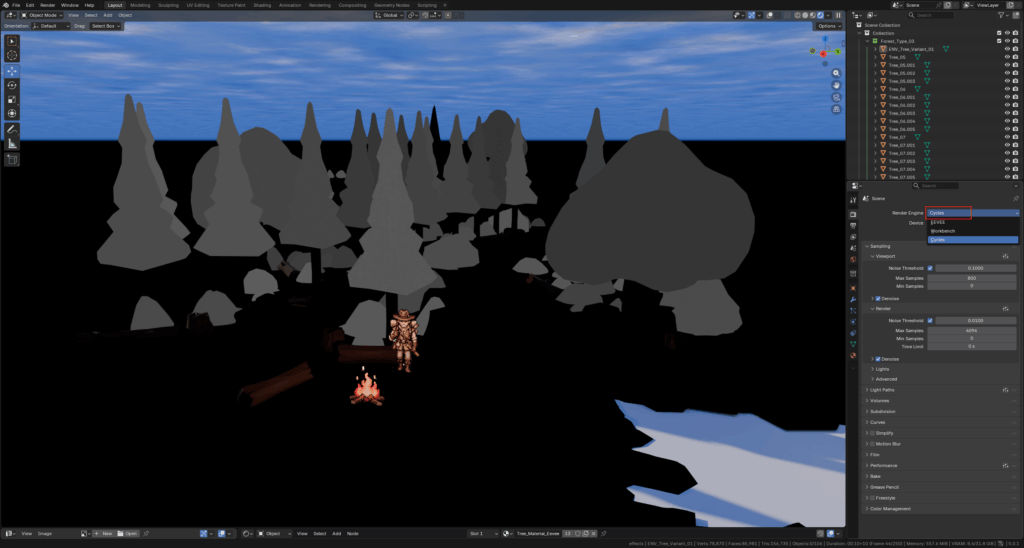
When I received the scene file from Yansong, I started preparing the assets for texture baking in Blender. However, I found that the material could not be baked correctly.

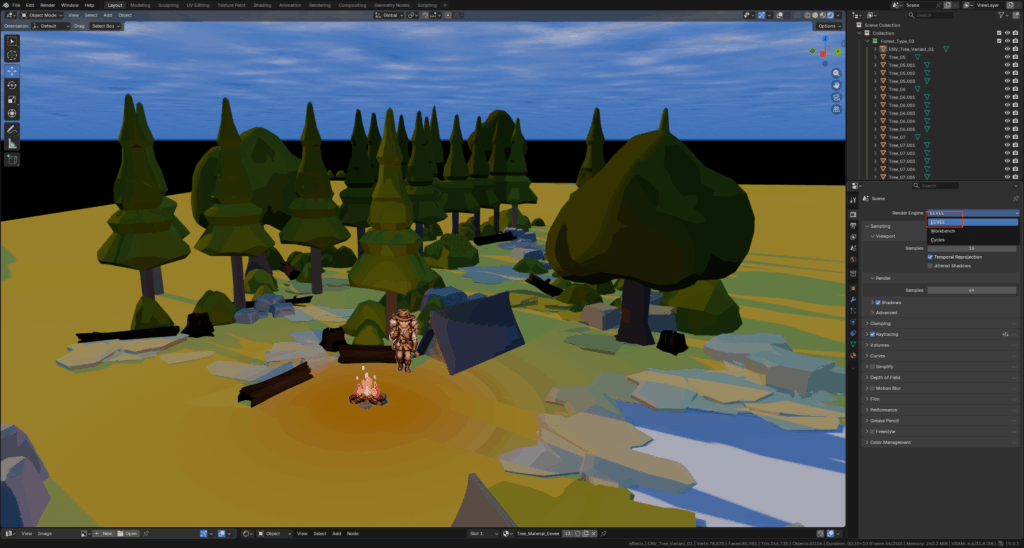
The material worked normally in the EEVEE renderer, but it did not display correctly when switching to Cycles.

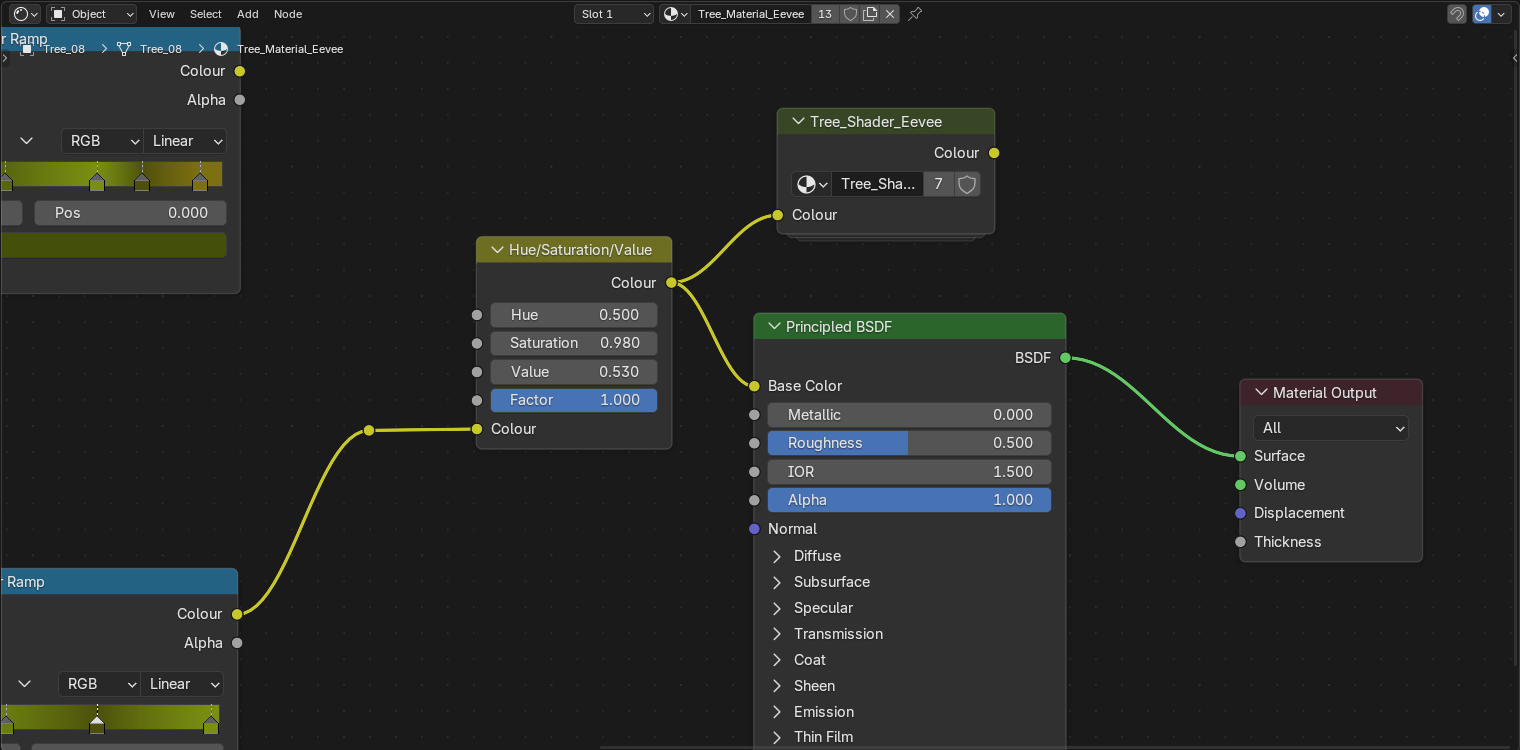
After watching several tutorials and researching the issue, I discovered that the material was using EEVEE shader nodes, which are not compatible with the Cycles renderer. Since Blender’s baking process requires Cycles, the material could not be baked correctly.

The solution turned out to be quite simple: replacing the shader with a Cycles-compatible shader, such as Principled BSDF.

After adjusting the material setup, we were able to bake the textures successfully.

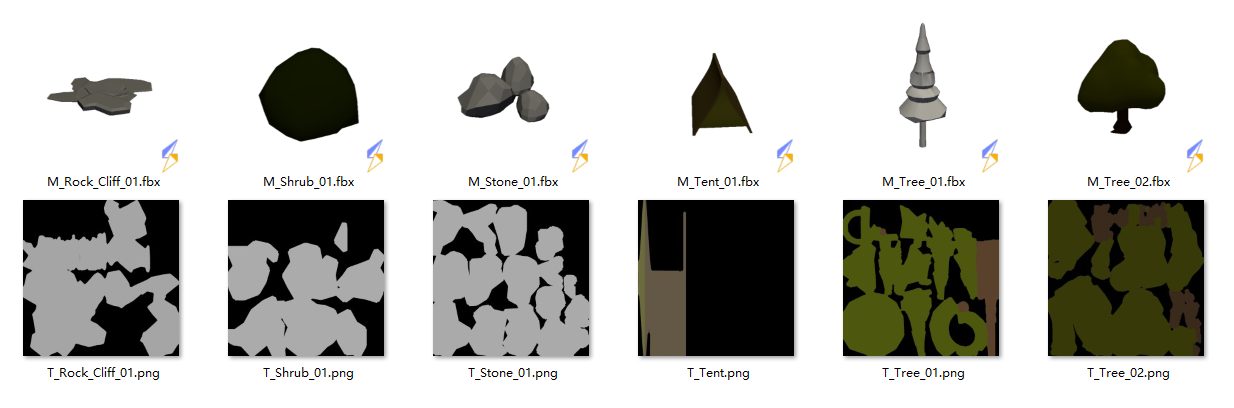
Finally, I exported the objects in the scene as separate FBX files and reorganized the asset names for both models and textures, making them easier to manage and use later in Unity.