
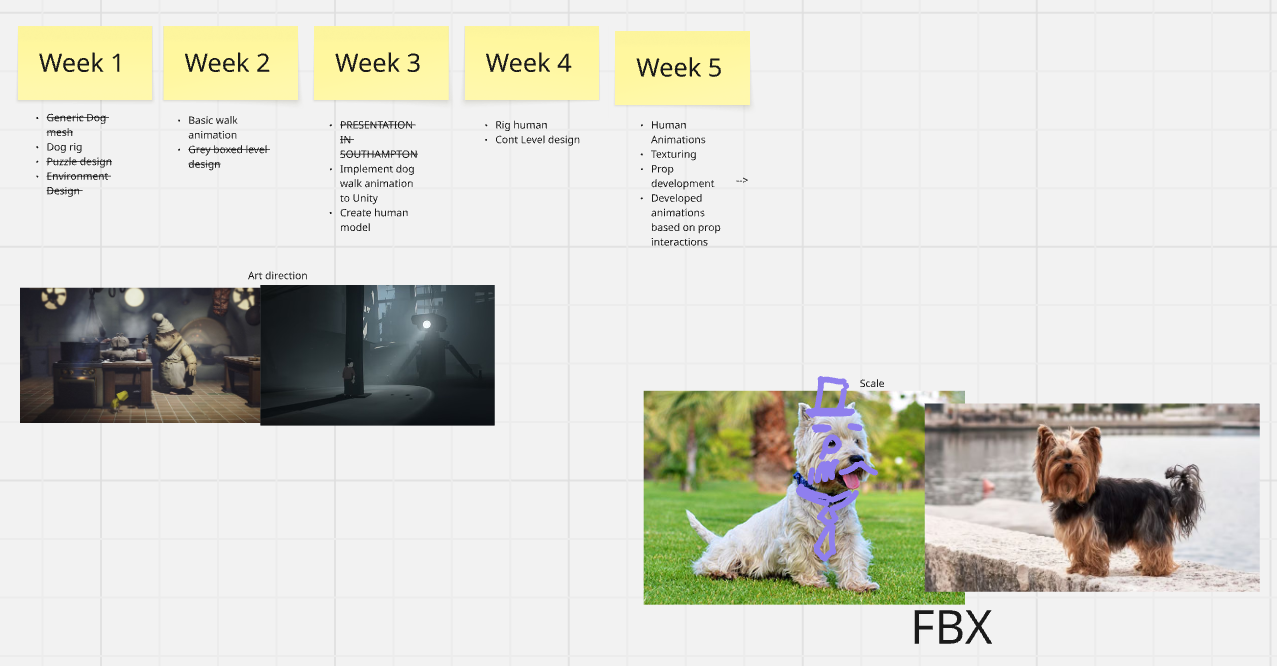
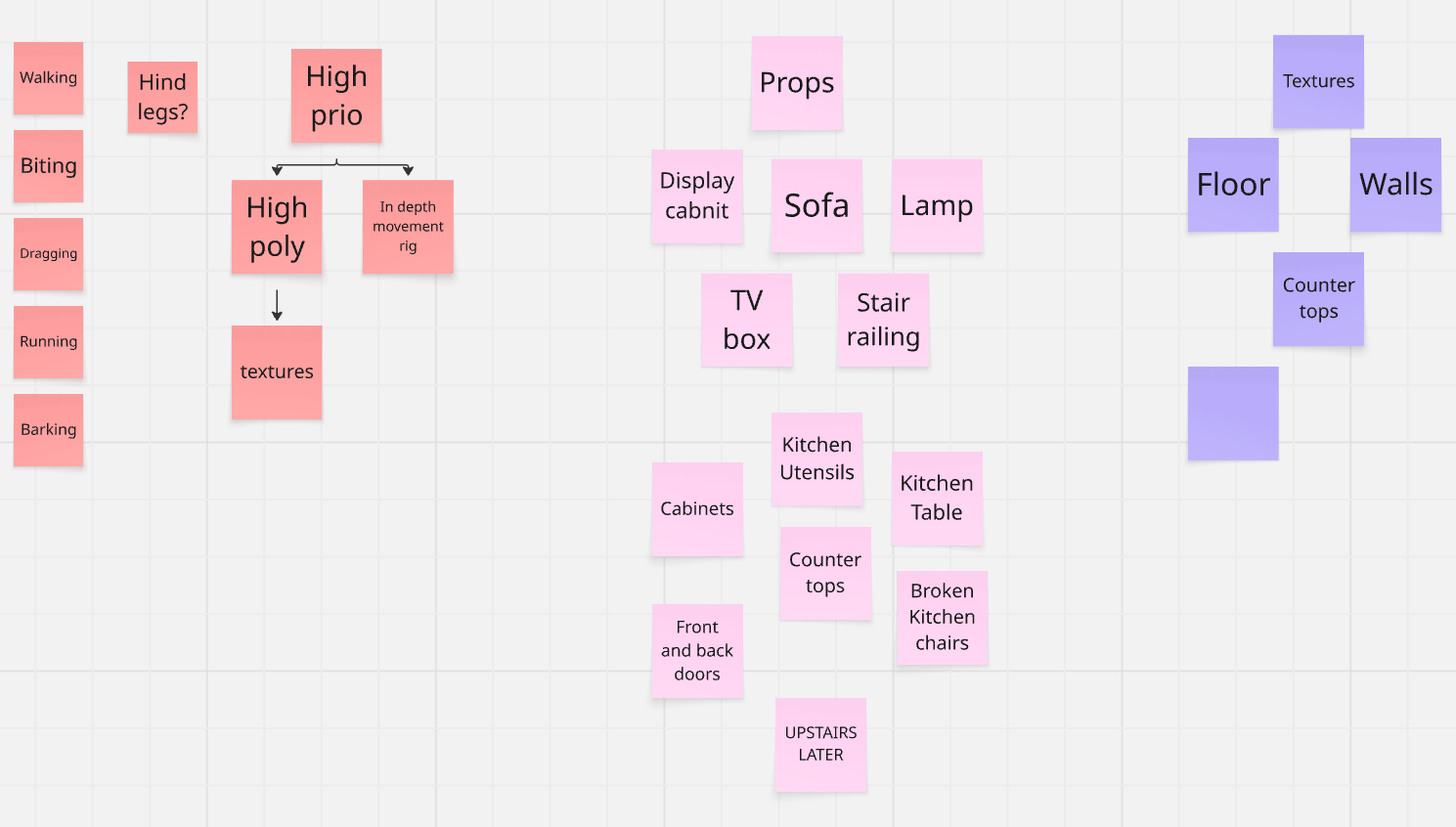
MIRO BOARD PLANS
DOG 3D MODEL
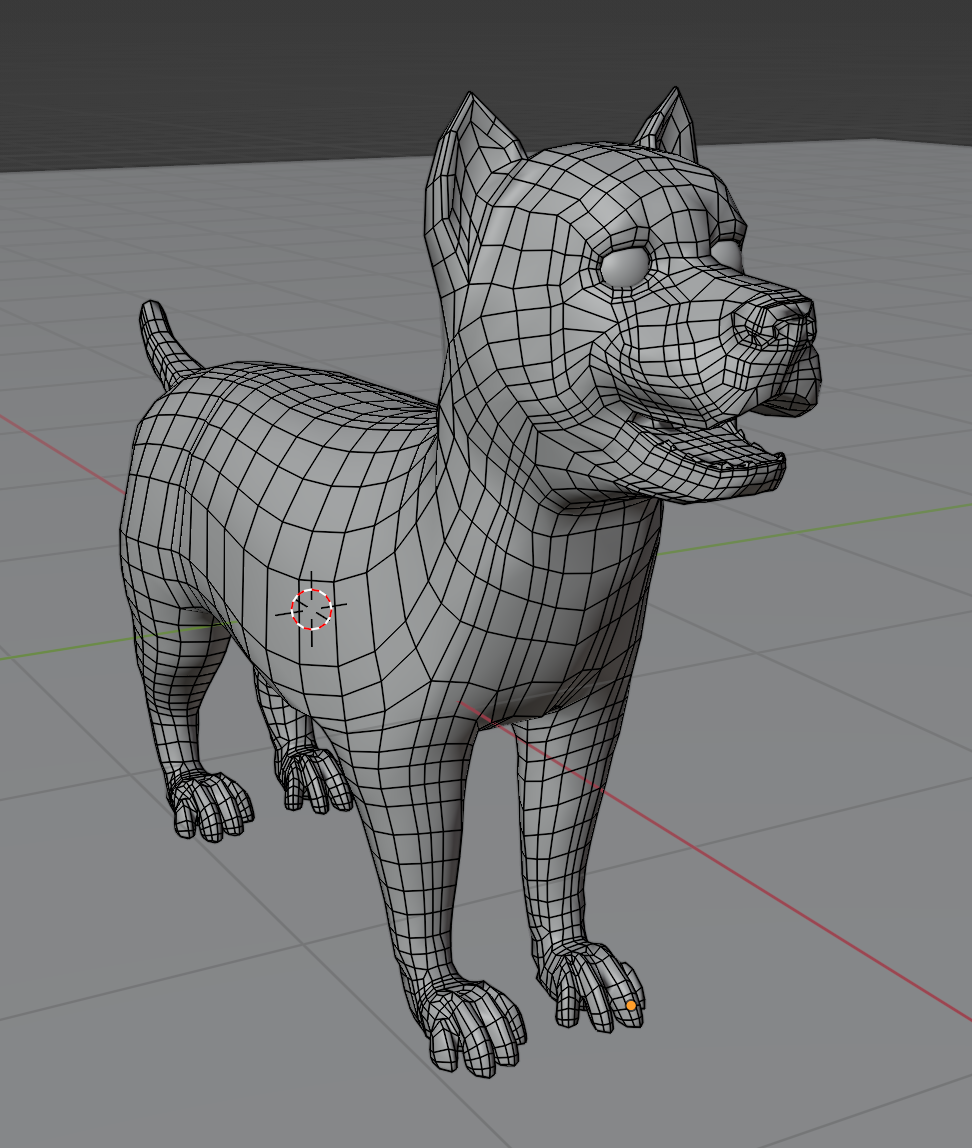
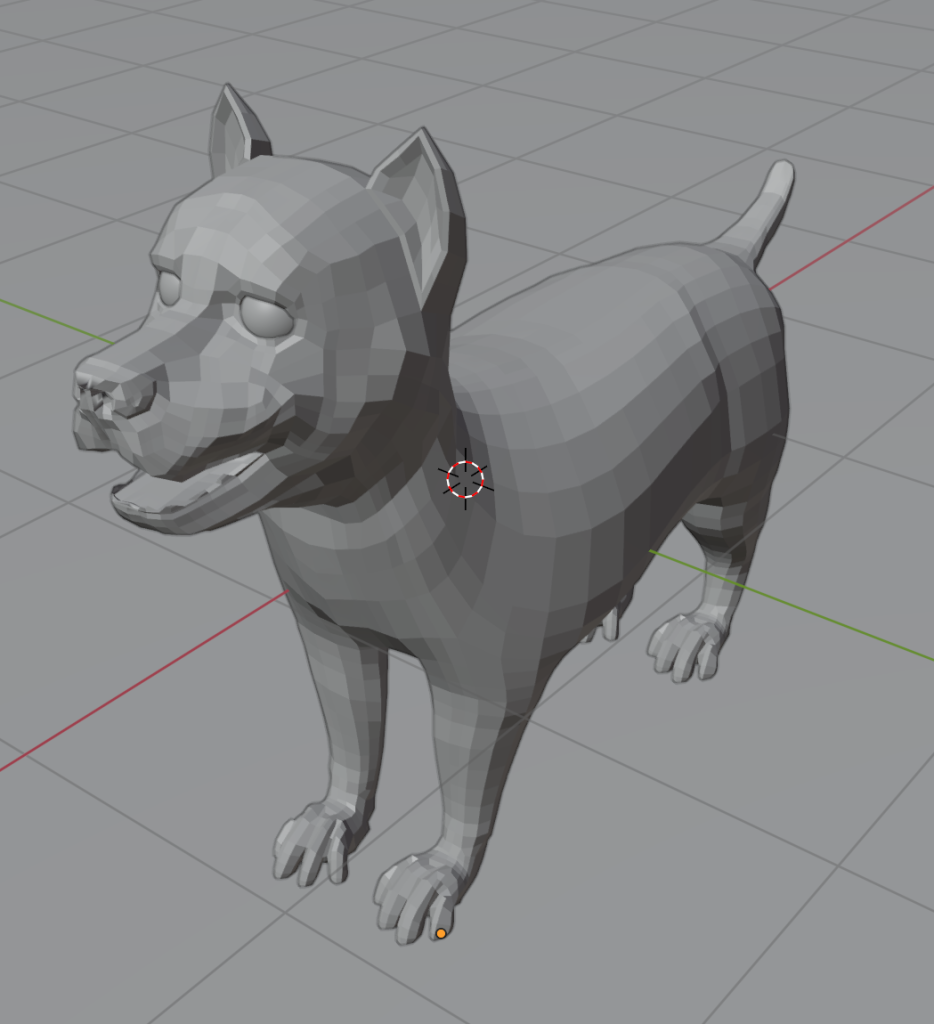
The first thing to do, in accordance to Josh and I’s new plan, was for me to finish the dog 3D model from my first prototype, so that he could rig it and I could set up animations. It still needed a lot of work, as I wasn’t happy with the face, and the dog didn’t have any paws.

PAWS
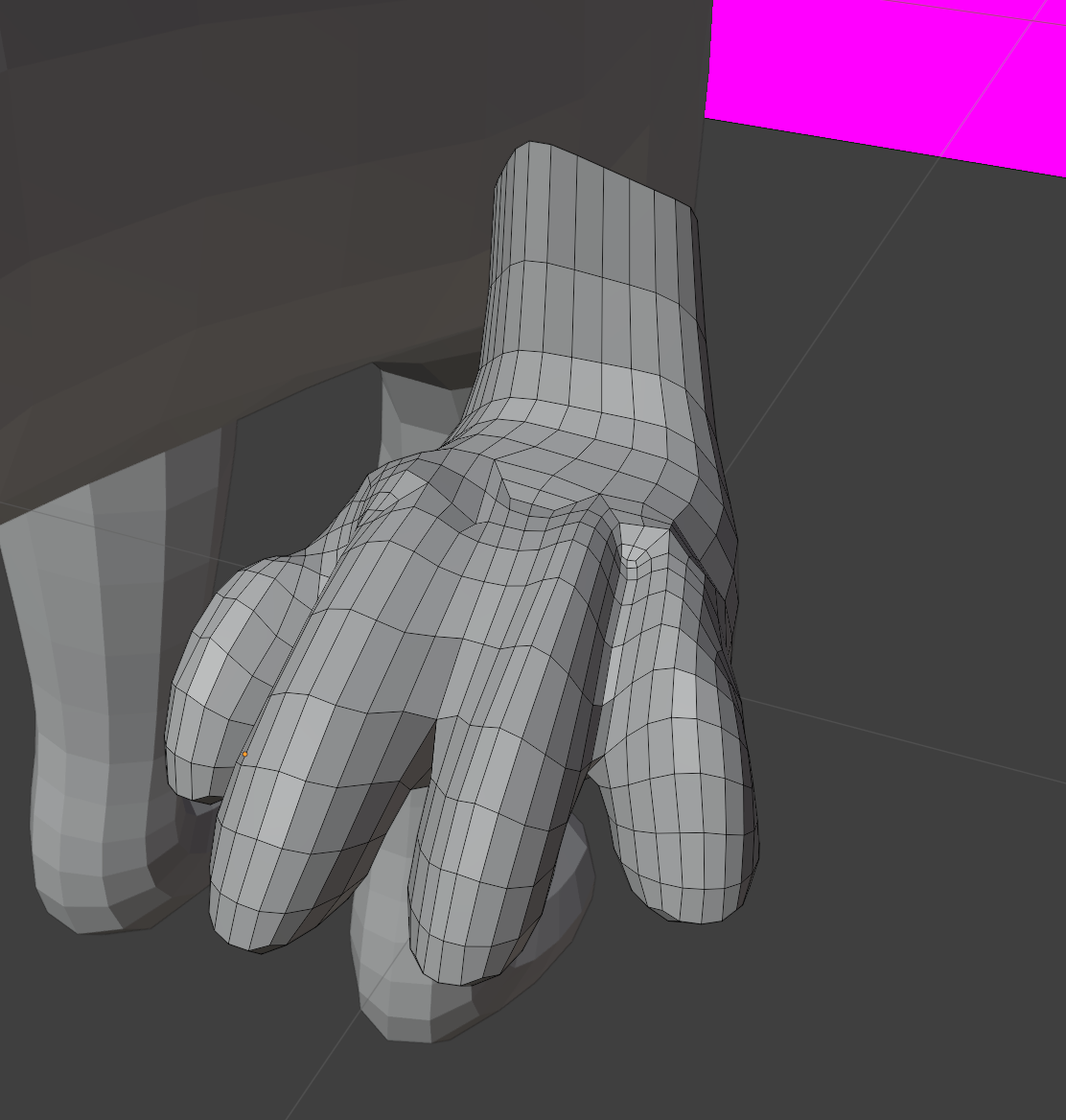
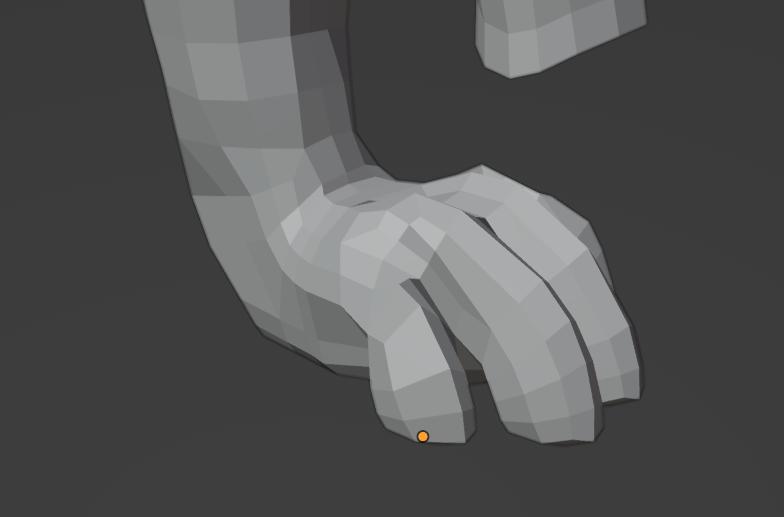
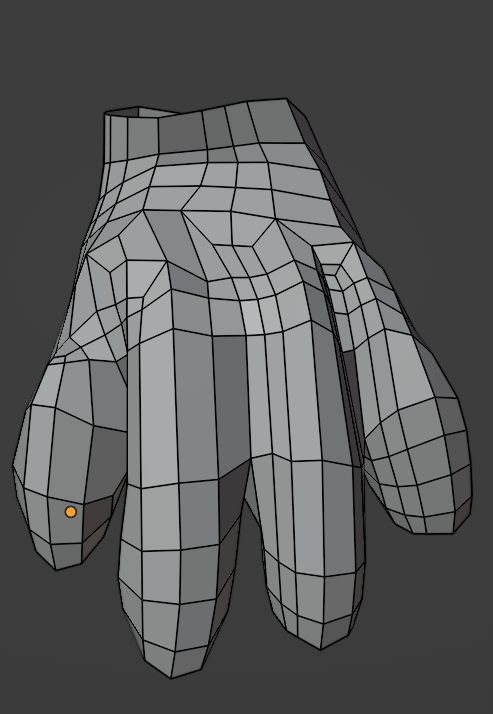
I first began making the paws by blocking out each “finger” and the paw’s pad, and connecting them all with topology. This approach worked well, because it meant I had a lot of control over the shape of the paw, as well as the specific topology, so it ended up looking fairly realistic.
The only problem then was connecting it to the rest of the body, as I’d separated off the paws to model on their own. I had more topology on the paws than the body to get the shape I needed, so now I needed to get rid of some edge loops for a seamless fit. Luckily this wasn’t too difficult to manage with a few topology tricks. Then all I needed to do was duplicate the paw and fit it to the back leg as well!
HEAD
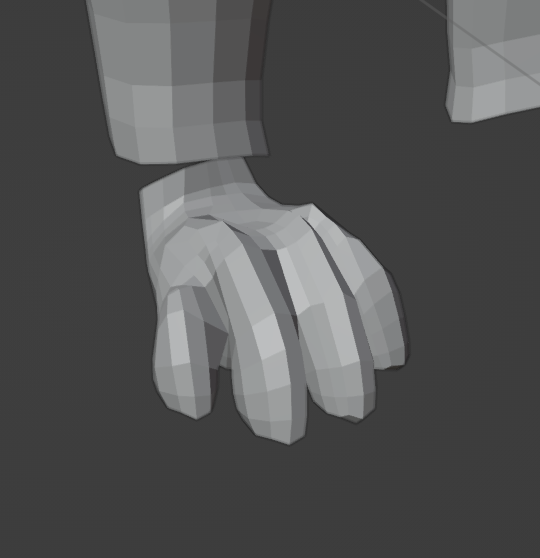
To the right was the original head model from my prototyping week. As you can see, it looks bad. I’d modelled it out from a subdivided cube, which meant it looked misshapen and overly round. Plus it was also based on a Yorkie head and not a Westie’s. I wanted to redo it.
I started by deleting the head in its entirety. I was going to edge model the basic outline first based on a reference of a Westie head, then fill in the gaps so I’d have a lot of control over the shapes and topology – because historically, I have struggled with clean topology. I started from the back to the front of the head, then edge modelled an eye hole, extruded out the circular shape a few times to give it depth, and attached it.
Next I formed the upper jaw/top lip, and circled it back to the eye shape, and filled in the nose – again, against a Westie reference. This gave me a bit of trouble, as I couldn’t quite get it to look “smooth” due to conflicting topology. I got it looking okay in the end, but it still looks slightly jagged on close inspection.
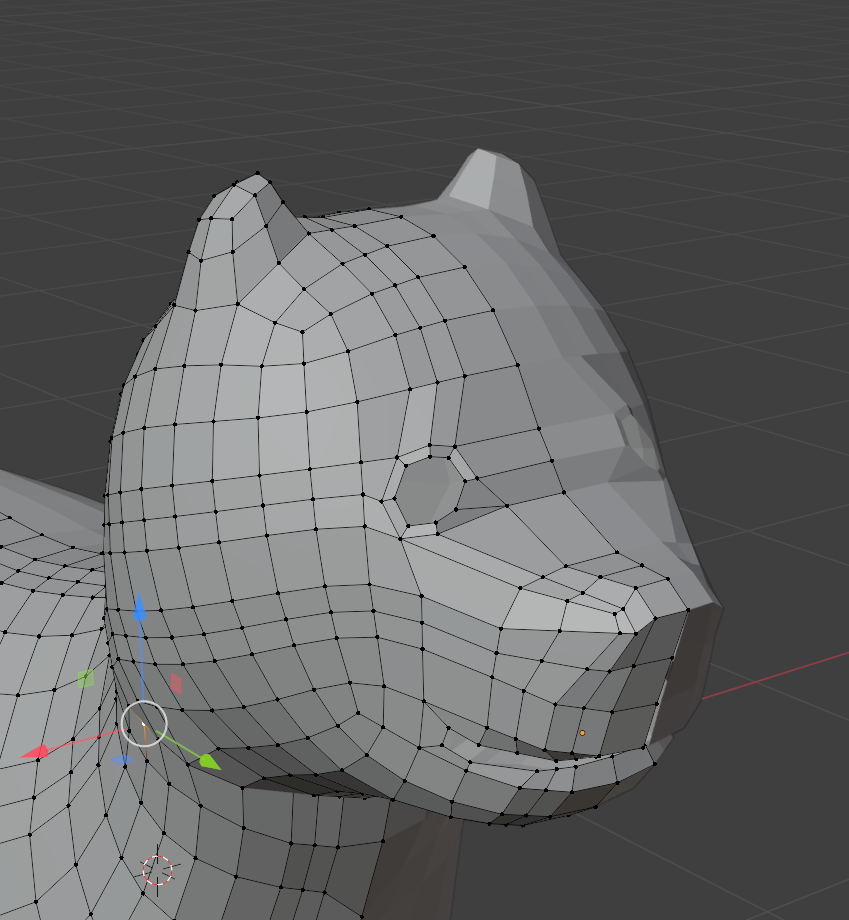

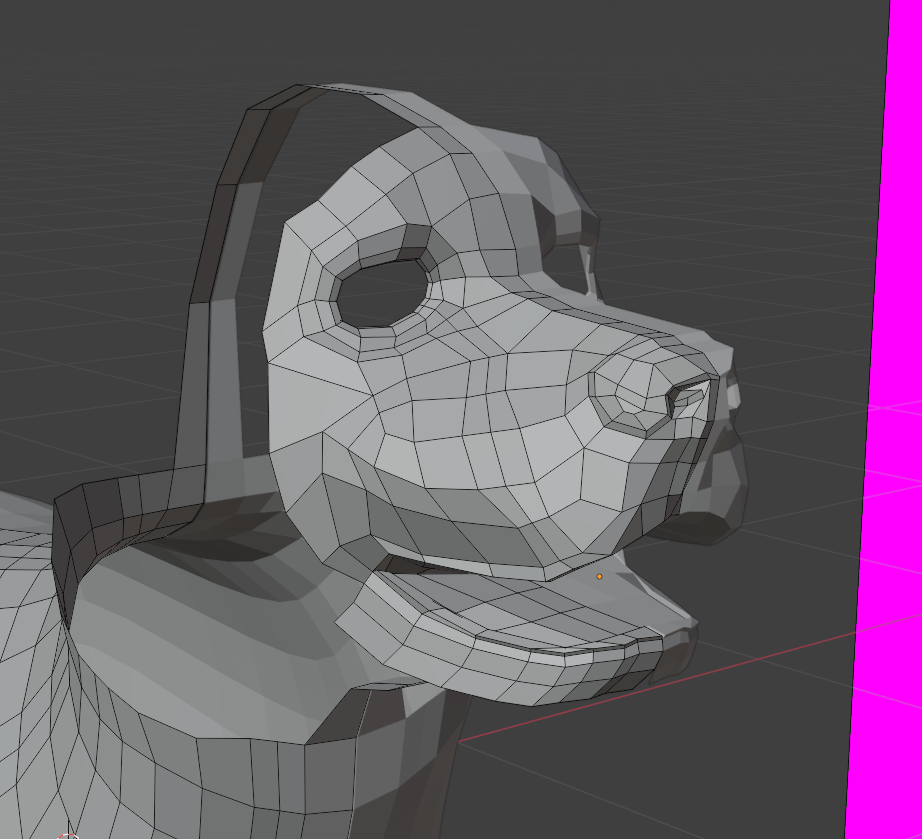
Once I had the nose, I filled in the Westie’s snout and lower jaw, which didn’t prove too difficult, apart from when it came to creating teeth.
Lastly all I had to do was fill in the neck/back of the head, and model out some ears. Then his face ended up a little too wide – more like a Bully breed – so using proportional editing I slimmed it down a bit.
Last thing to test was the fur shader package. It ended up working pretty well all thing’s considered, although it does turn the paws into big pads and cover the nose too.
Unfortunately, due to this modelling process taking longer than originally thought, some UV issues, a presentation to prepare, and having to finish a separate module, we didn’t manage to get a rig or start animations just yet. That will have to wait for next semester!

LEVEL DESIGN
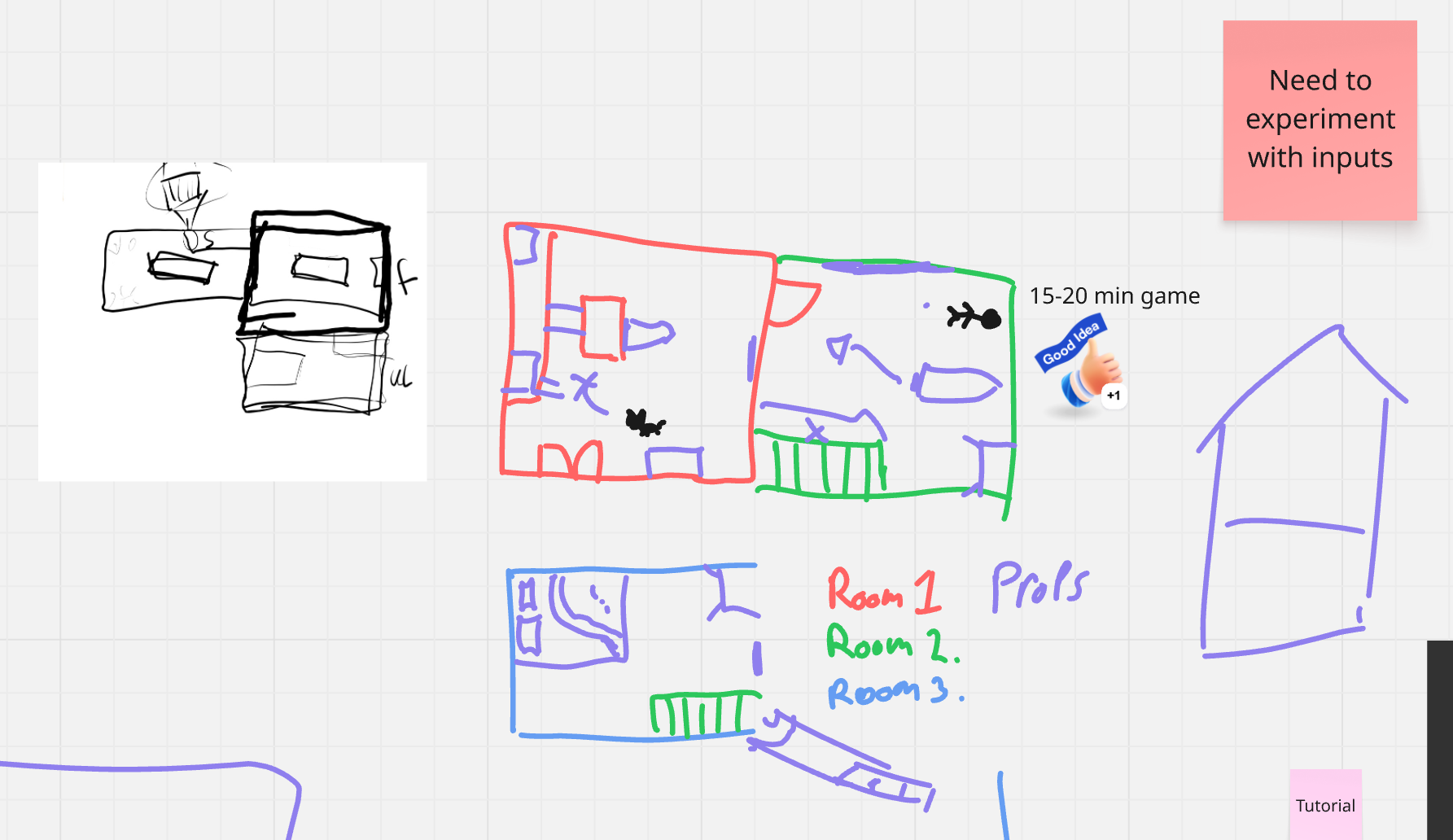
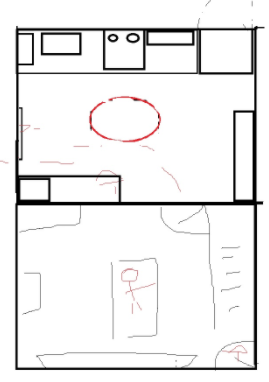
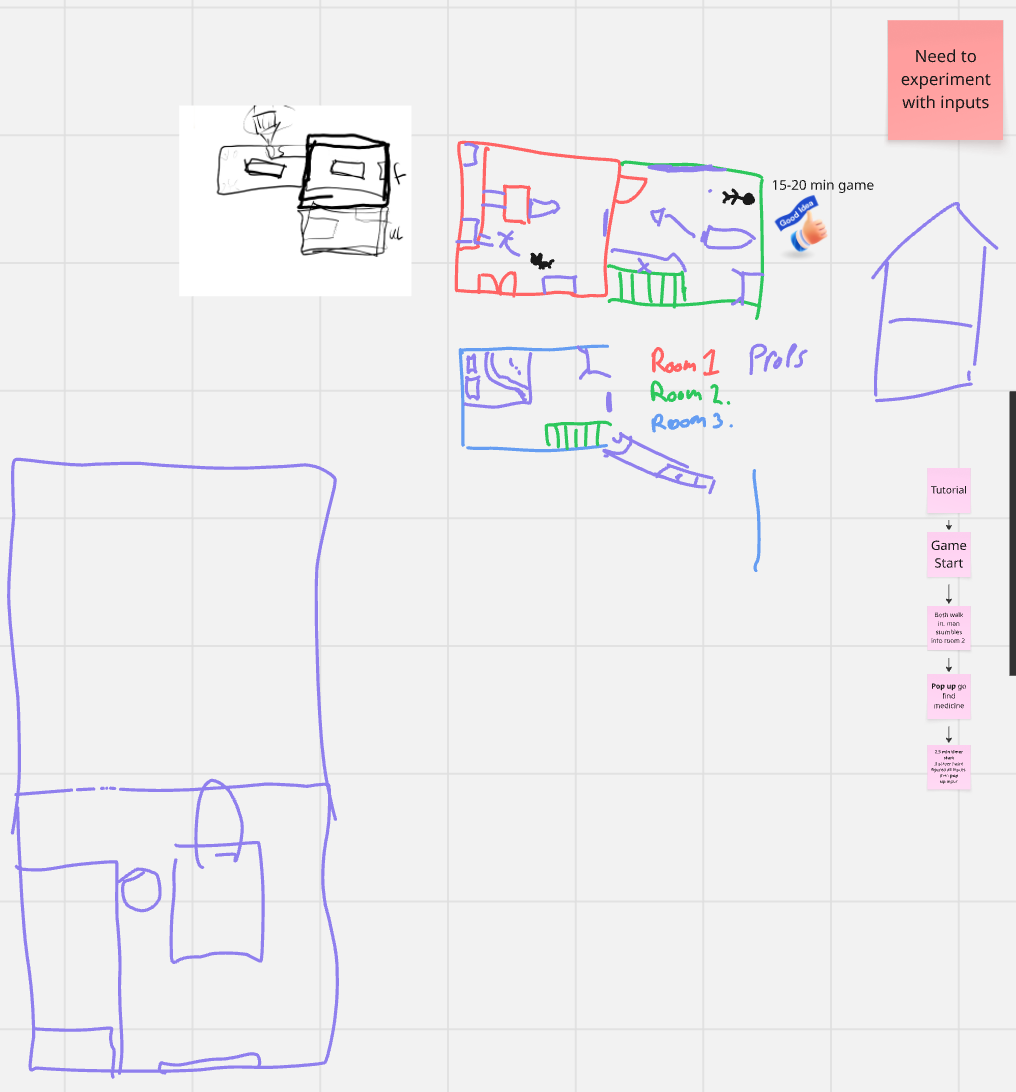
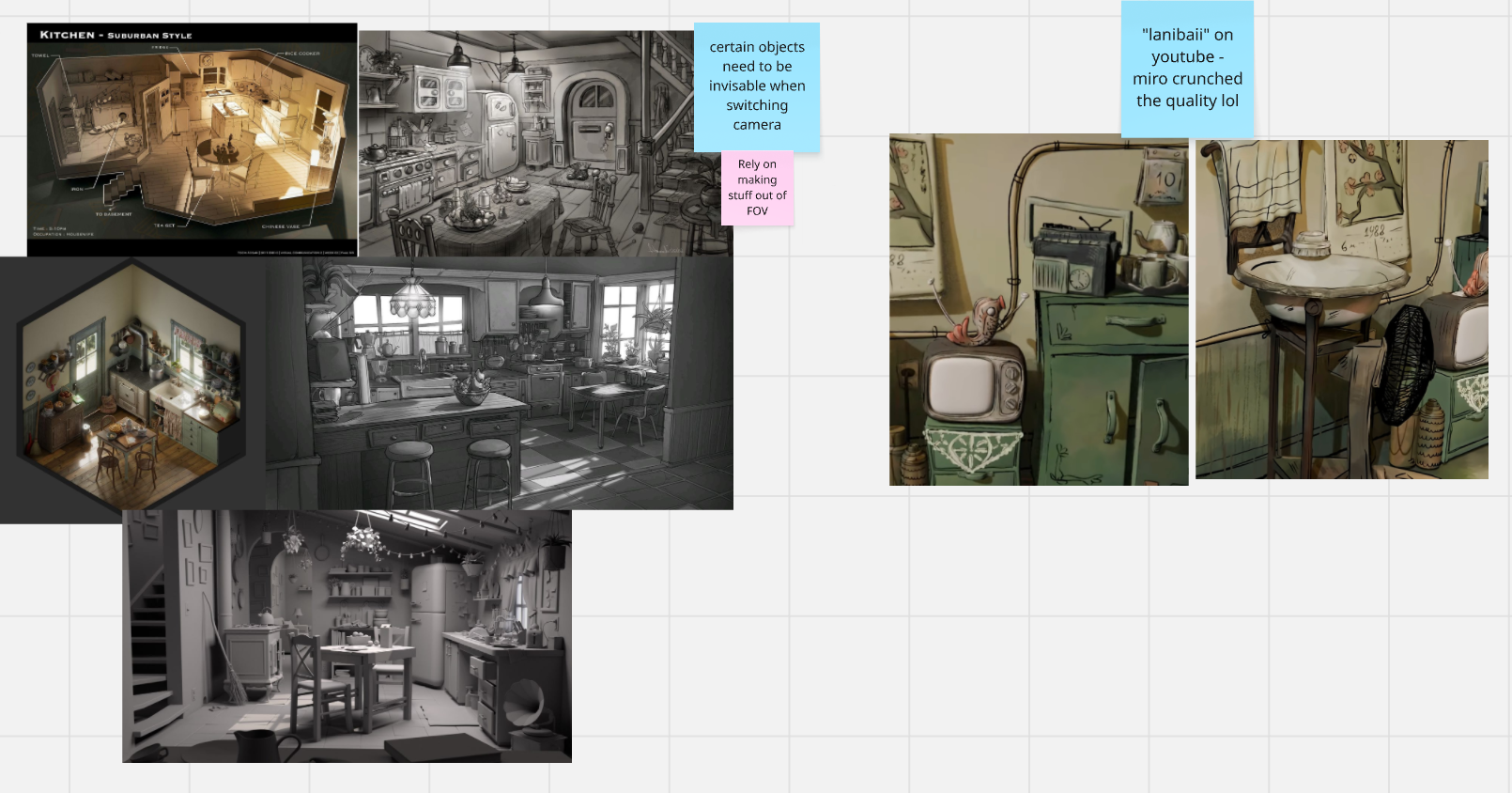
Josh and I came up with a level plan and puzzle design fairly quickly, working on a shared Miro board to thrash out ideas. Currently, we planned a three-bedroom house with one puzzle design so far – to get medical aide to your human after a brief cutscene showcasing their injury. The three-room plan was to keep within scope, but we planned for it to be highly detailed, with many interactable objects for emergent gameplay with our puzzles.
We also talked a bit about the type of person this house belonged to, for fun environmental storytelling. Our current favourite is an artists house, because it allows for some fun prop work (eg; stepping in paint and getting pawprints everywhere; blood turning out to be from a tin of red paint; using large easels to knock down and use as platforms, etc) – but this may change later down the line.
On the puzzle front, the first was to fetch bandages from a medical cabinet, which is only visible as a medical cabinet once you rotate the camera perspective. This is to demonstrate the camera-switching perspective, as well as implement it in a puzzle. This design would also open up the house more, as a new room would be seen from the new perspective that may not have been seen before.
A second puzzle where you unblock the stairs by pulling down the unstable banister was also thrown out, but this is less developed. So too is the puzzle for fetching food from the cupboards.
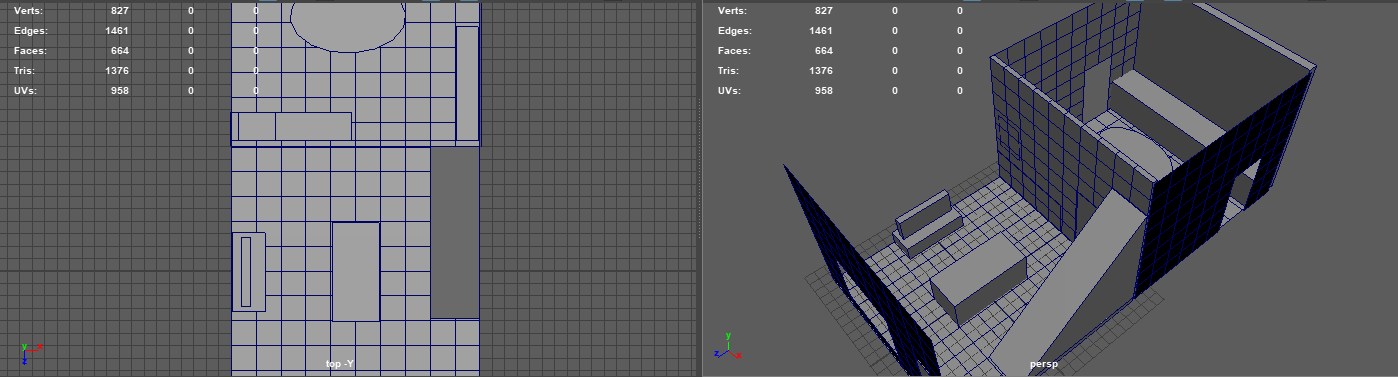
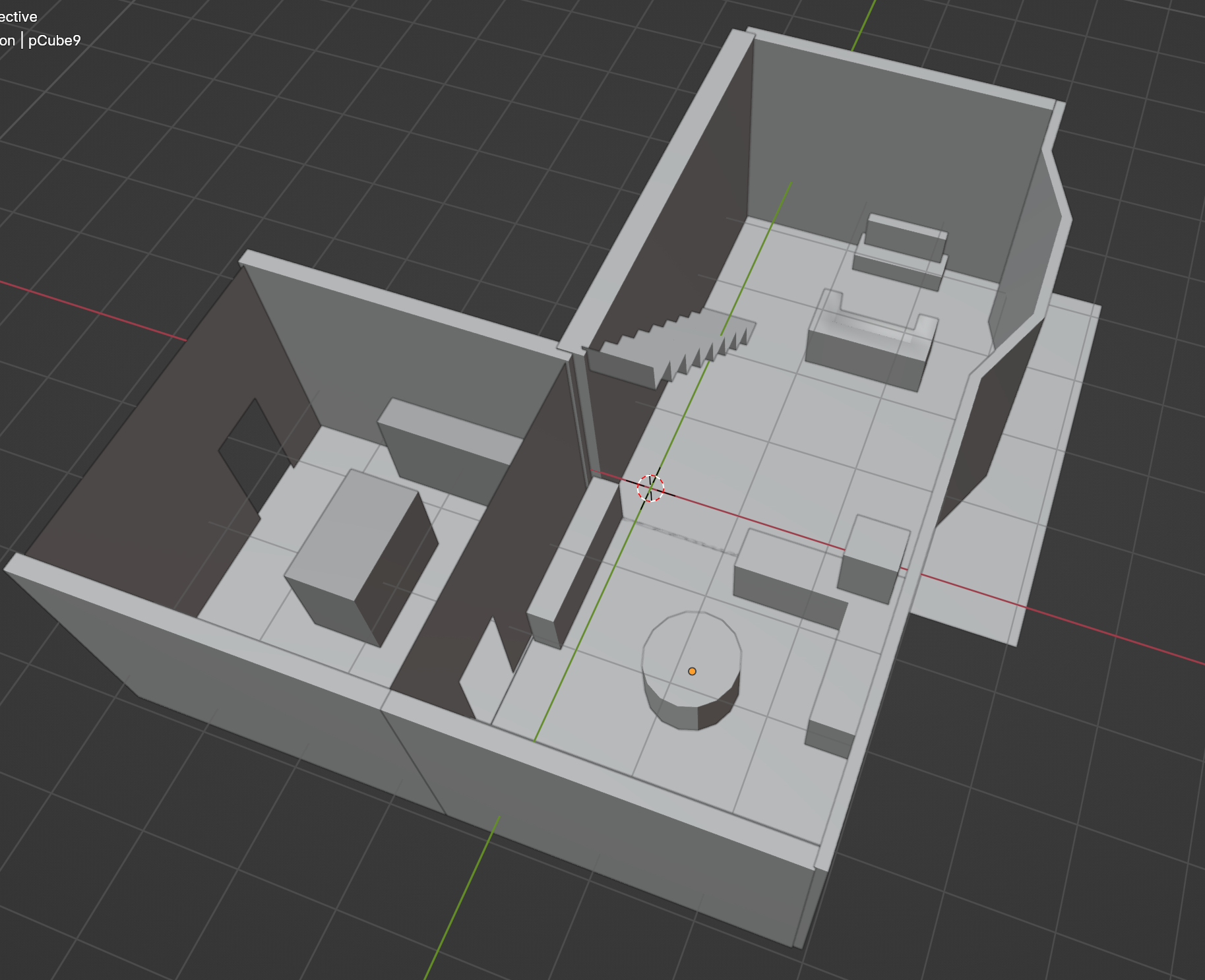
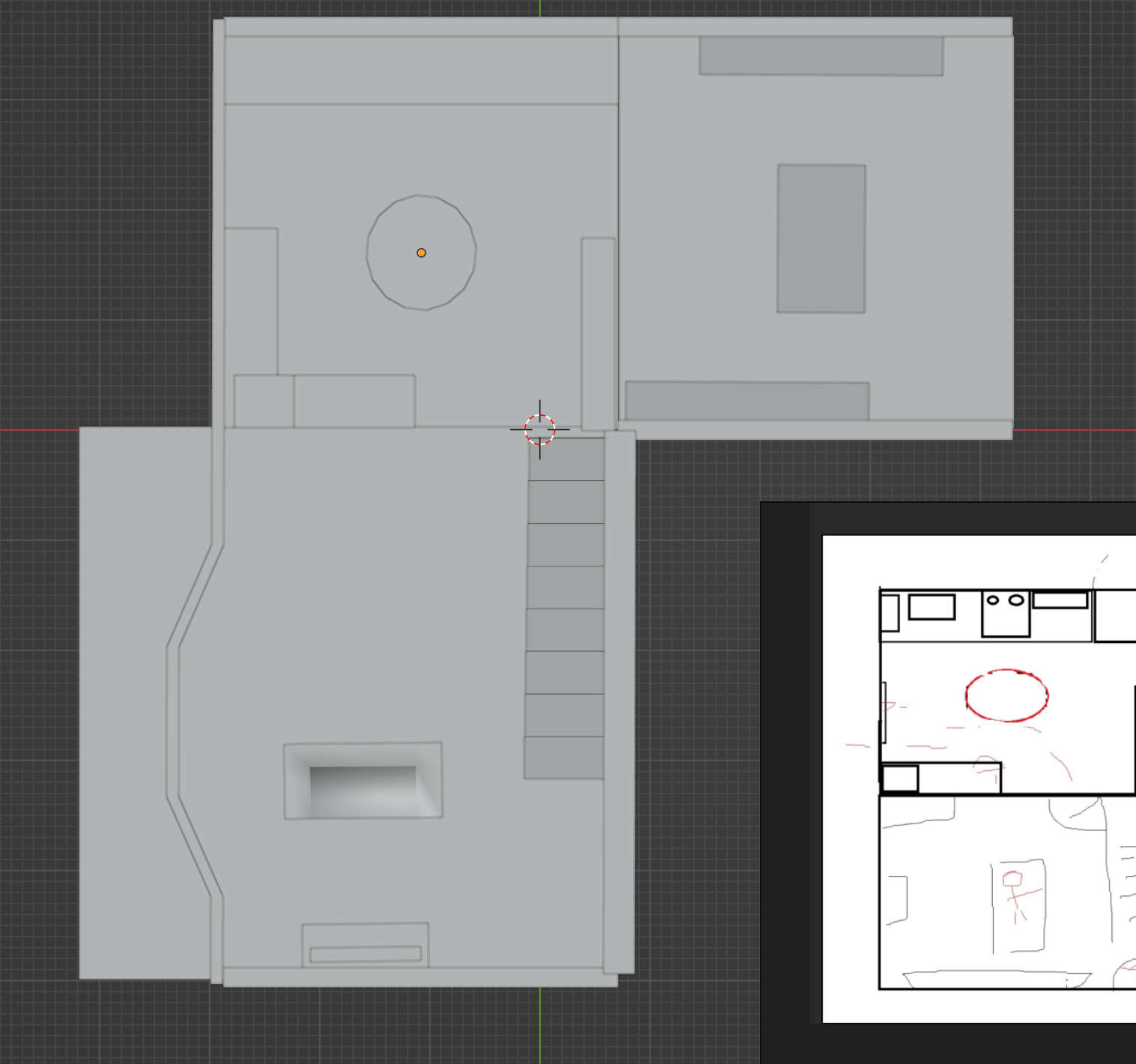
Next was actually modelling out the greybox. This was initially Josh’s task, which he began in Maya, while I finished the dog model – however was handed off to me when I finished the dog, so Josh could spend time rigging it.
As you can see, while he made a start on it, I elaborated on the design by adding the third room, blocking out the stair shapes, and “furnishing” the dining room. This is still yet to be properly scaled to the Unity project, but it’s a start!
Leave a Reply