Leading up to our final public playtest, I made some refinements to the game independent of my duty to oversee the peacock game that mostly revolved around presentation.
Opening Cutscene
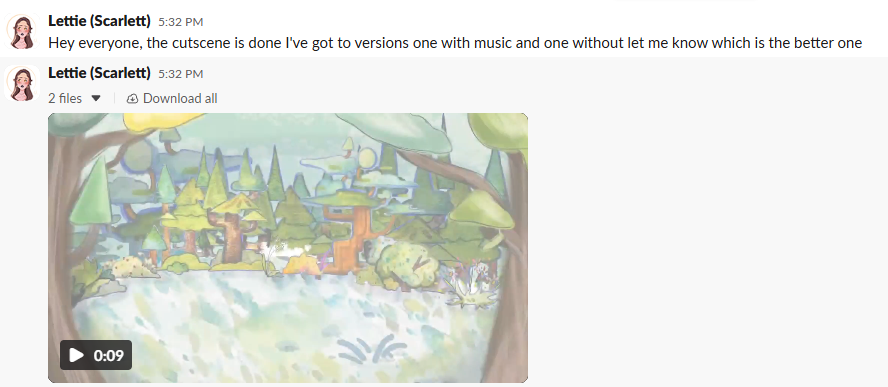
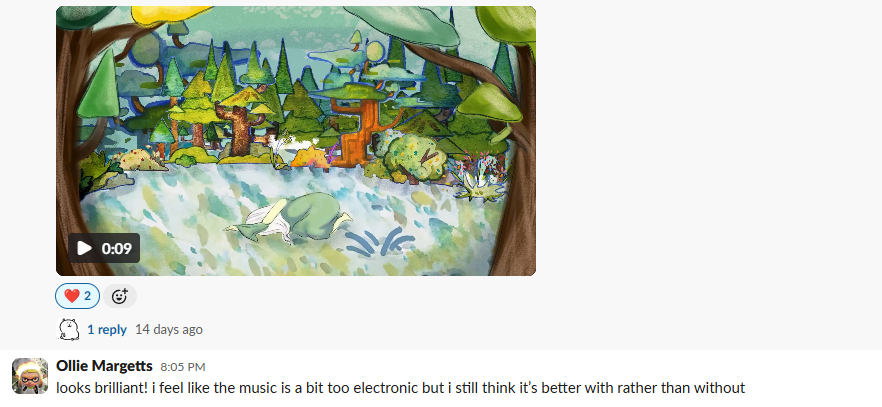
- Several days before our final playtest, Lettie sent the final cutscene onto our team Slack channel for me and Misty to implement. I wanted to be more independent at this time so I took it upon myself to implement it on my own.
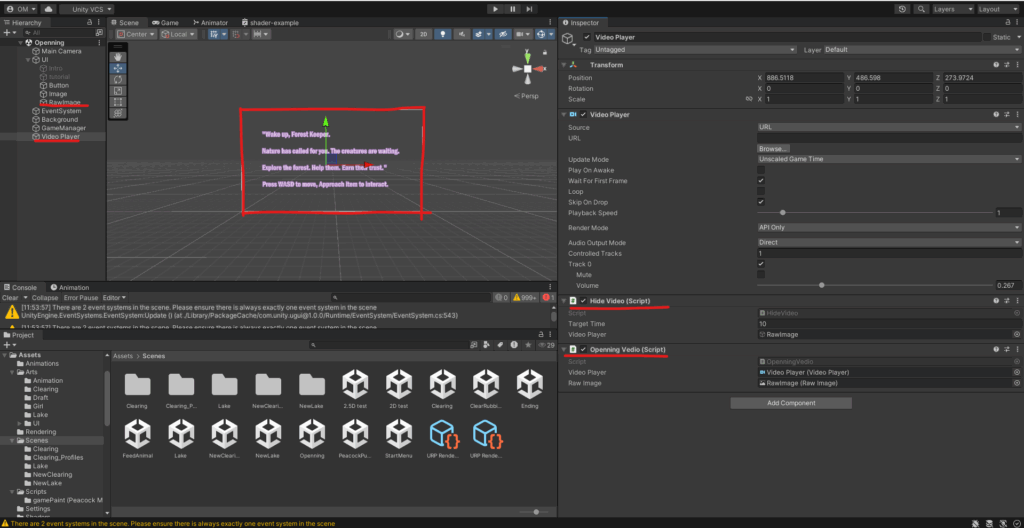
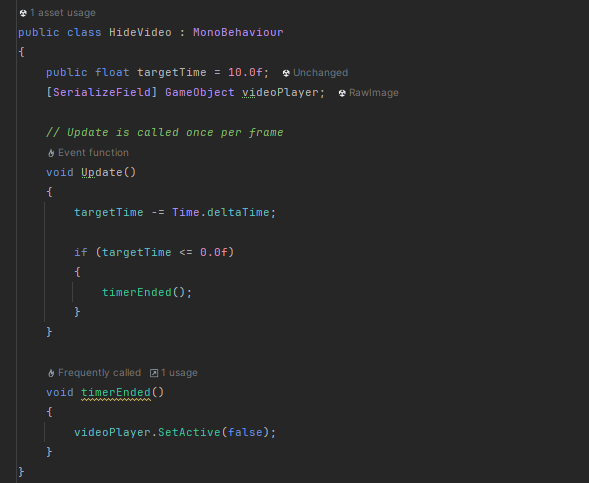
- This required me to learn quickly about video player and raw image nodes, as well as reworking the script to play the video at the beginning with a time delay function so that the scene would change at the same time the video finishes playing.
Custom Cursors
- A long-time request of my teammates and my own for the game was to add a cusotm mouse cursor to the peacock minigame with sparkle-y particle effects to enhance the magical feeling of the game. In the days leading up to our public playtest I had the time and oppurtunity to create and implement these.
- I created two mouse cursors for the game using Photoshop: one basic, custom cursor for the main game, and a second, sparkle cursor for the minigame. I originally intended for the sparkle mouse to be on a two-frame animation loop, but eventually changed it to just be a static image like the former.
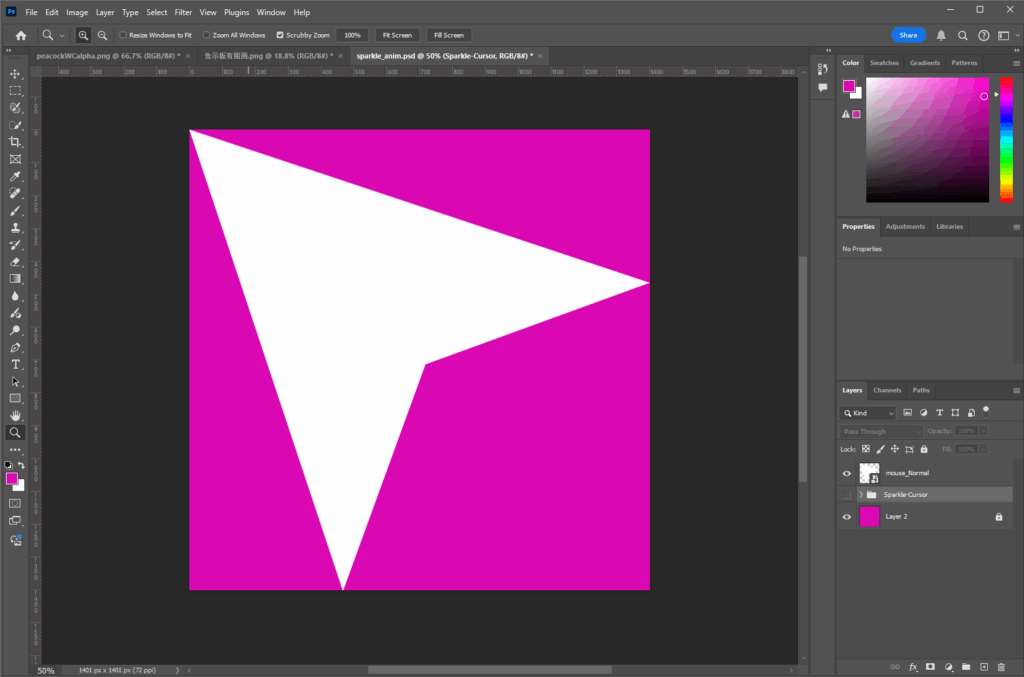
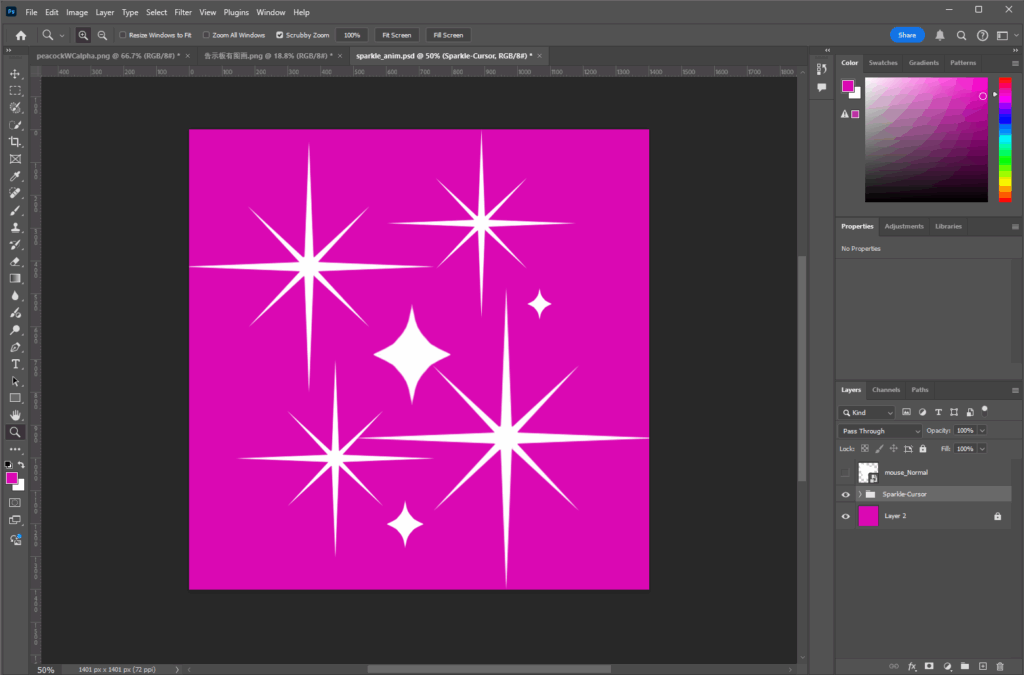
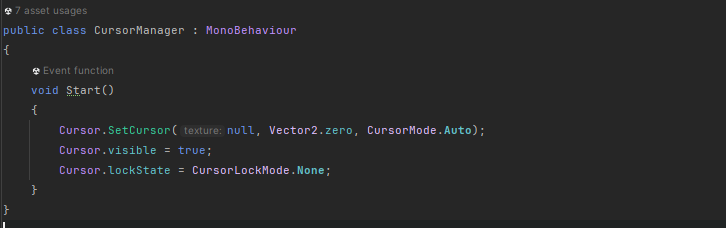
- Using a specialised function (CursorManager), I was able to have each cursor replace the windows mouse cursor while in-game.
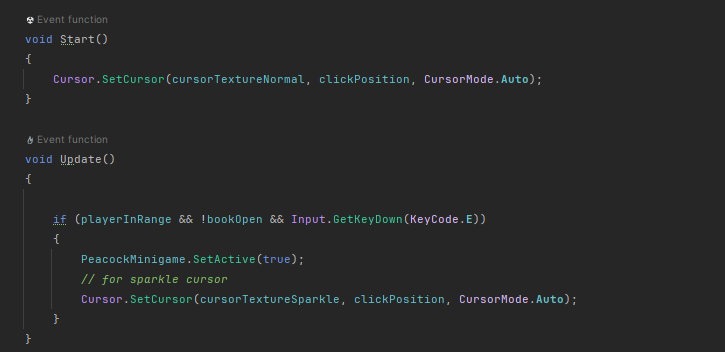
- I also added script functionality to change the cursor to the sparkle sprite upon opening the peacock minigame, and vice versa.
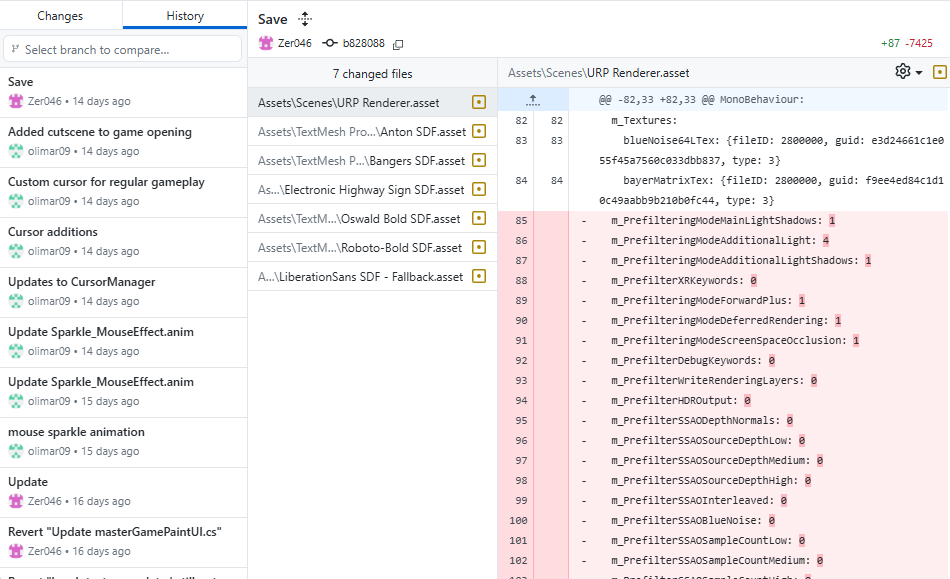
- Unfortunately, the custom mouse cursors ended up being scrapped from the final game as Misty had to revert multiple of our combined changes just prior to the playtest for bug-fixing purposes.
Leave a Reply