
I have never animated with physical materials before so I conducted research into paper art and started looking at some motion references. Whilst I was designing the character I had the idea that she could float instead of walk. This is a video moodboard of the references and flying techniques I sought inspiration from.
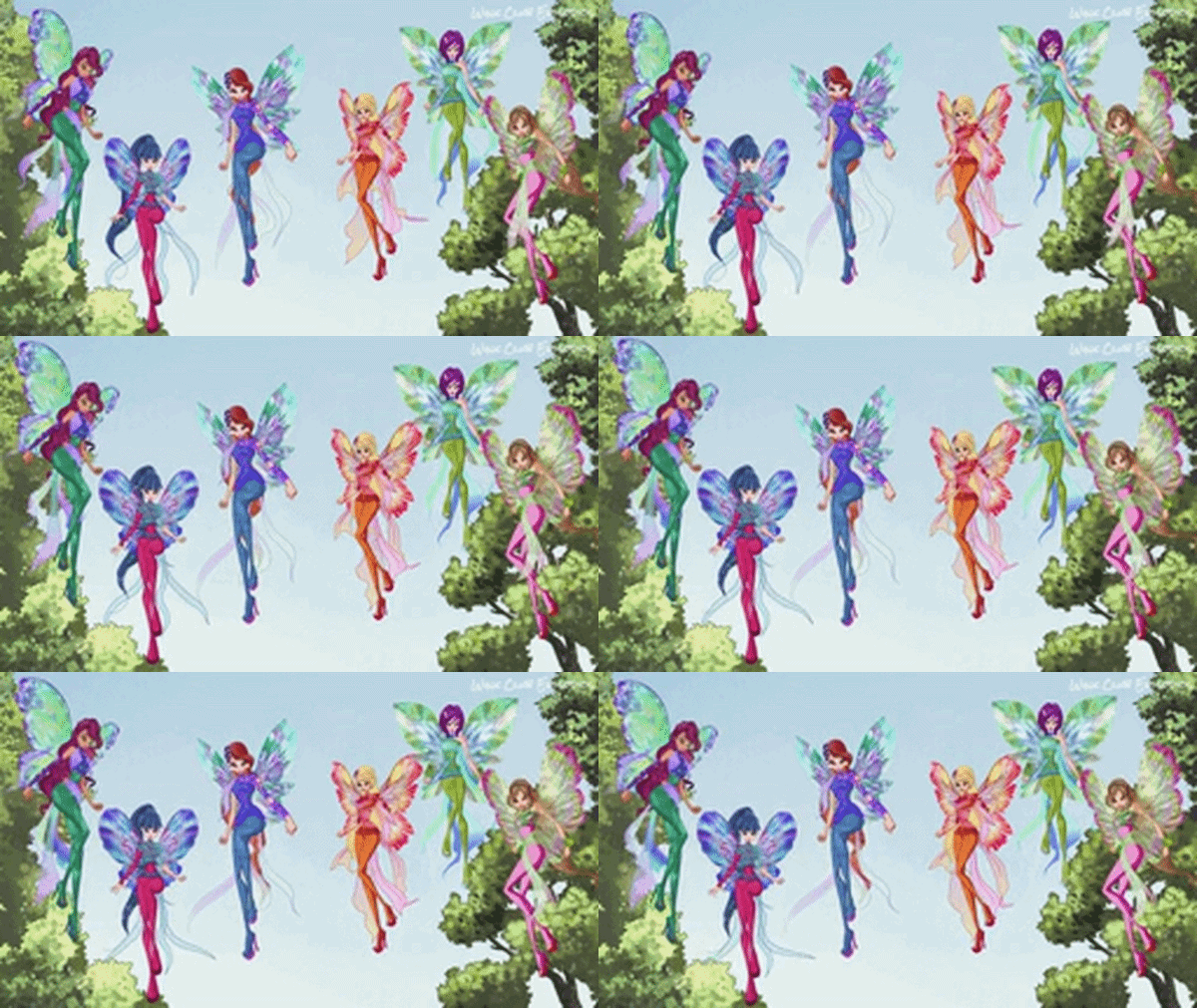
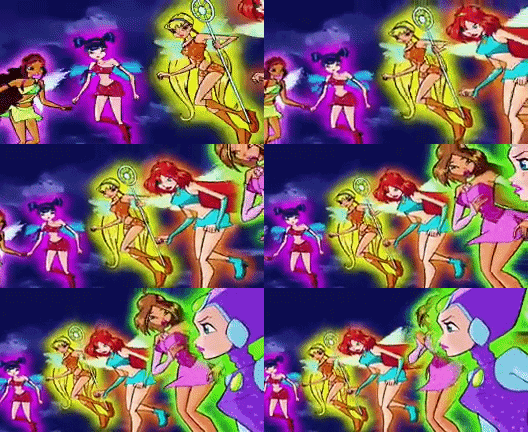
Growing up I watched a lot of this cartoon called Winx Club, they are fairys and everytime they would fly they would have their legs arranged with one at a bend and the other straight, this creates an interesting sillhouette for character design and easily communicates they are off the ground if the background is blank.
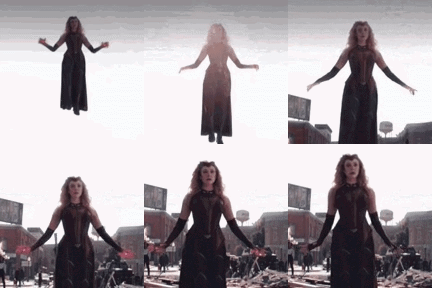
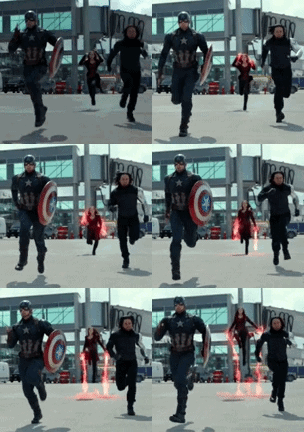
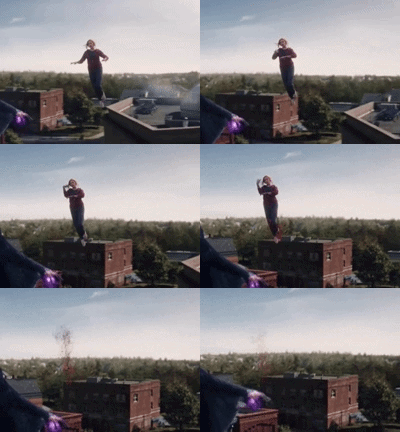
Scarlett Witch from Marvel had an interesting way she moves her arms when taking off and landing, it is graceful and elegant.
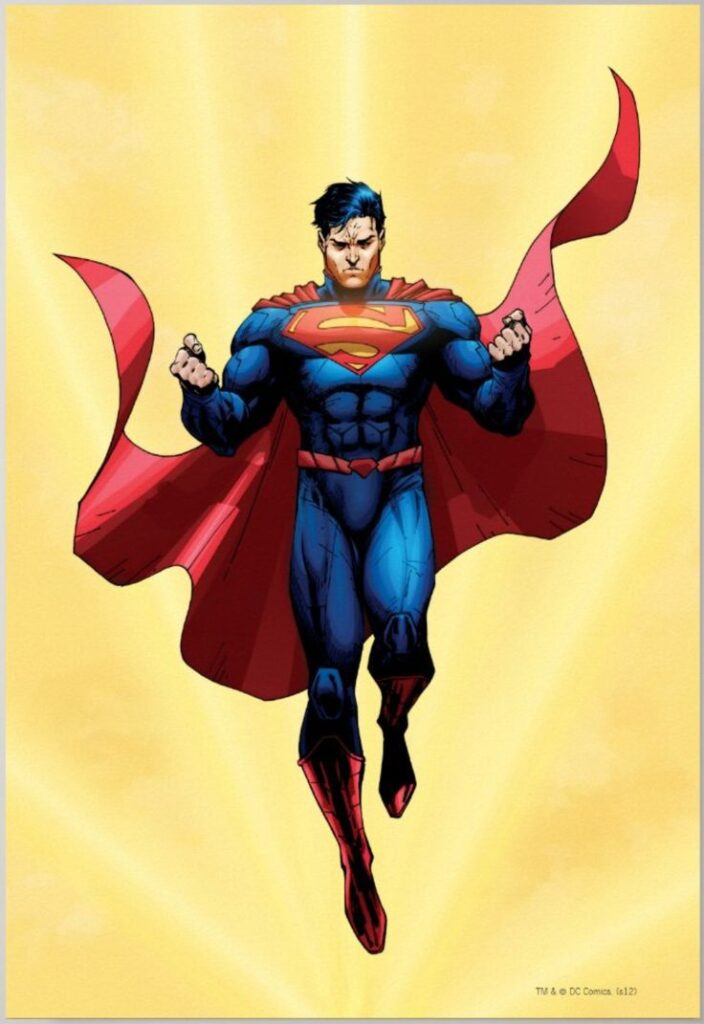
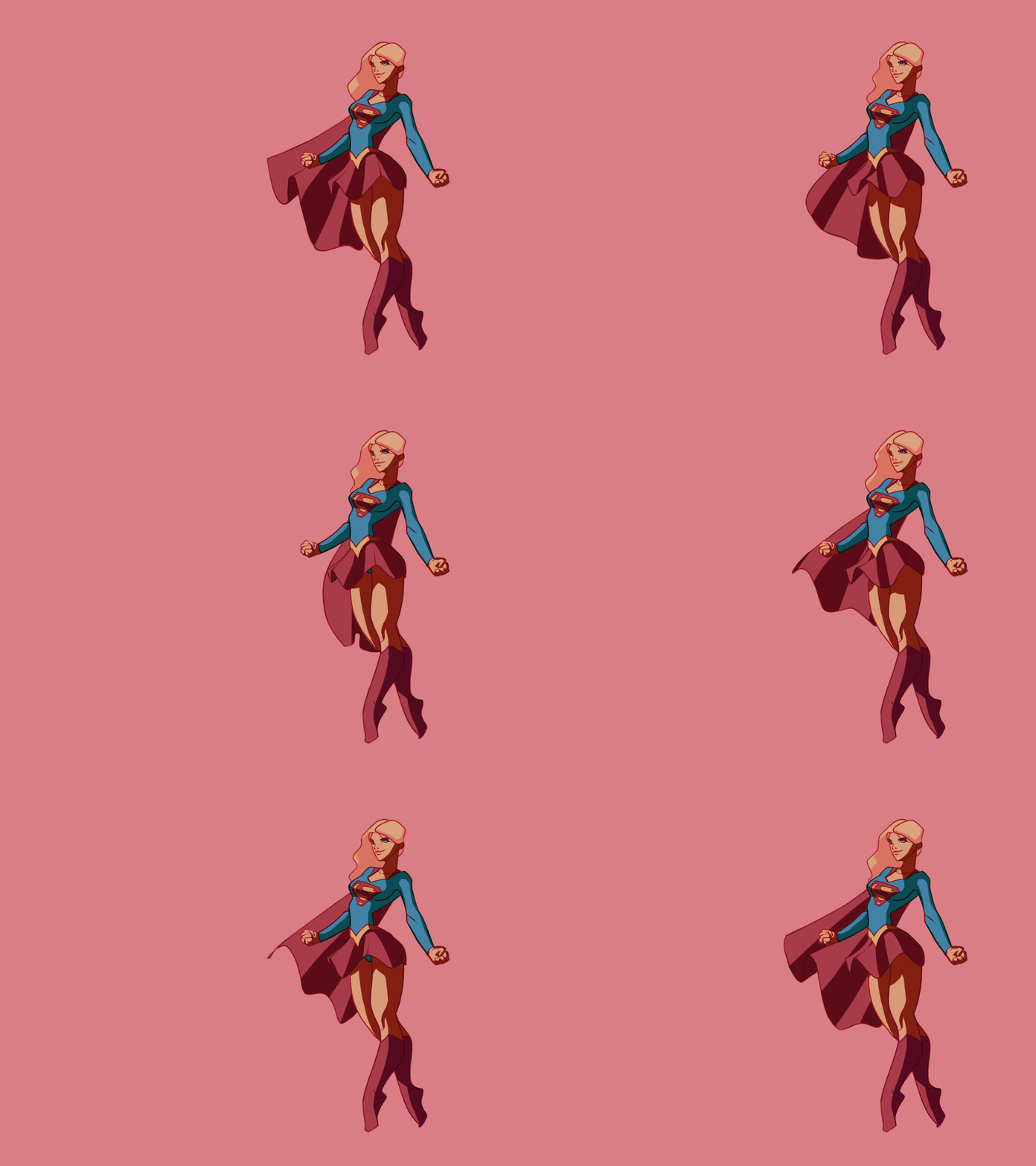
I also looked at superman his resting hovering pose is similar to the fairies with the one bent knee.
After I looked at these references I created a short animation in Flip a Clip to show my idea to my team.
This was well recieved so I got to work making a paper prototype of her idle pose before I spent time painting the actual character. I divided the character into seperate elements.
- The head connected to the body and upper part of the arms.
- Left hair
- Right hair
- left lower sleeve
- right lower sleeve
- left hand
- Right hand
- Left leg
- Right leg
I then drew each piece seperately and cut it out. I then taped the main body down onto a piece of paper and set my phone camera above the paper so it wouldnt move whilst I arranged the pieces.

This was a success and gave me confidence that I can create a refined version. It also highlighted to me where my weaknesses were which was to lump elements together even though the hair is going down the arms are going up. I will need to pay close attention to this later.
First Playtest Version
Before our first playtest on the 26th of February we want the character fully animated. So the week before the playtest I created the parts needed for animation.
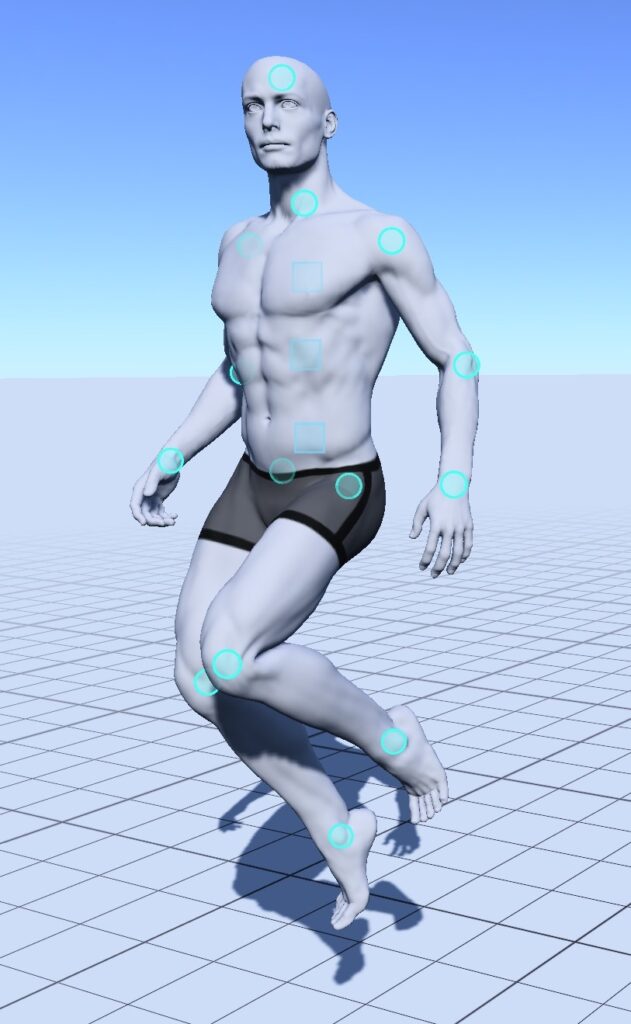

This is a sketch page of the flying animation. I drew the character and made notes of what would be moving and what pieces I would need. For the pose I used a free model poser app – Magic Poser to create and tweak the pose I wanted. Every blue circle is a piece that you can manipulate.
I then drew and painted the final version


I then took the parts and photocopied them, emailing the results to myself. I did it at 300dpi on an A3 size.
I opened the files in Photoshop and used the object selection tool to quickly isolate the elements. For any parts that were missed I used my XP pen tablet and the quick selection tool to draw over the areas adding them into the selection.


After the elements were separated I put each onto separate layers and named each layer


Once the everything was set up I noticed that the colours were a bit washed out so to make them pop I adjusted the levels.
Darkening the shadows and upping the saturation as I do not know how she will compare to the background yet.
To actually create the animation I put all of the elements into a group and arranged them into the first frame, I then copied and pasted this group renaming it to frame two. Then suing frame 1 as a guide on low opacity I made minimal changes moving the legs and hands up. I continued with this until I had ten frames, she reaches the peak of her height in frame 4 then slowly comes back down to end up in the same position as frame one.
Once I was happy with the frames I used Photoshop’s built in video feature and made an animation then after I had flattened the layers (keeping a copy of the unflattened layers in a seperate document) I clicked make frames from layers.

This is the timeline view, it took a couple tries and some tweaks to get it looking presentable and like what I envisioned but eventually I saved each layer as a png and put them into a onedrive folder I shared with the mechanics designer.
For the movement animation I repeated the exact same steps except with the skirt every two frames the alternate ruffles display. My hope with this is that it would look like the skirt is blowing in the wind.


These are the finished animations as looping GIFs. I think that the skirt idea has not quite worked with the current execution but I am happy with these for the playtest.
Second Playtest Iteration

Once I was finished with the painting I scanned in the pages and cut them out in photoshop, performing a last colour check. I am very happy with how this came out I think that she matches and stands out just the right amount in each location.


Whilst I was cutting the pieces out using the object selection tool and cleaning up the parts I used levels to every so slightly up the contrast by moving the dark grey arrow to only 50. This has made the purple come through on the dress better.
Idle Animation


For the idle animation talking onboard the advice I got during feedback week, I wanted the character to look more graceful so I pushed the movements to be bigger. Starting with the first frame this is when she is about to go up so her hair is tight to her body as well as her arms and hands. For the middle keyframe when she is at the highest peak I made it so that her hair is fanned out behind her and her arms are wide.

The increased number of parts she has both makes it so that the movement can be natural, but that it is also quite easy to lose track of the parts. So I made sure to check and see how the parts were lining up with each other.
To further try and show the characters gracefullness I overpainted on some frames the fabric of her dress moving with her.


This is the finished idle animation. I believe this is very successful and a vast improvement over the previous animation.
Movement Animation


For the movement animation I repeated all of the previous steps, upping the levels, cutting out each part and putting them onto individual layers.

I then created the first keyframe and the middle one. I wanted this movement to be not as pronounced so that she looked effortless gliding through the air. so the difference between them is not as much as in the idle animation.
This animation also used a lot less frames, only using 8 instead of the idle animations 14. I like this effect as when the character is moving there is less time and you need to get the movement across quicker.


This is the final animation, it is slightly too fast but once it is in the game and in motion it should suit the characters movement. I am pleased with how this came out, there are still some issues but it is an improvement on the first iteration.
Leave a Reply