In the session on Monday we were introduced to our major project this semester. Over twelve weeks we will conduct focussed research, present to our peers and ultimately create a game proposal document.
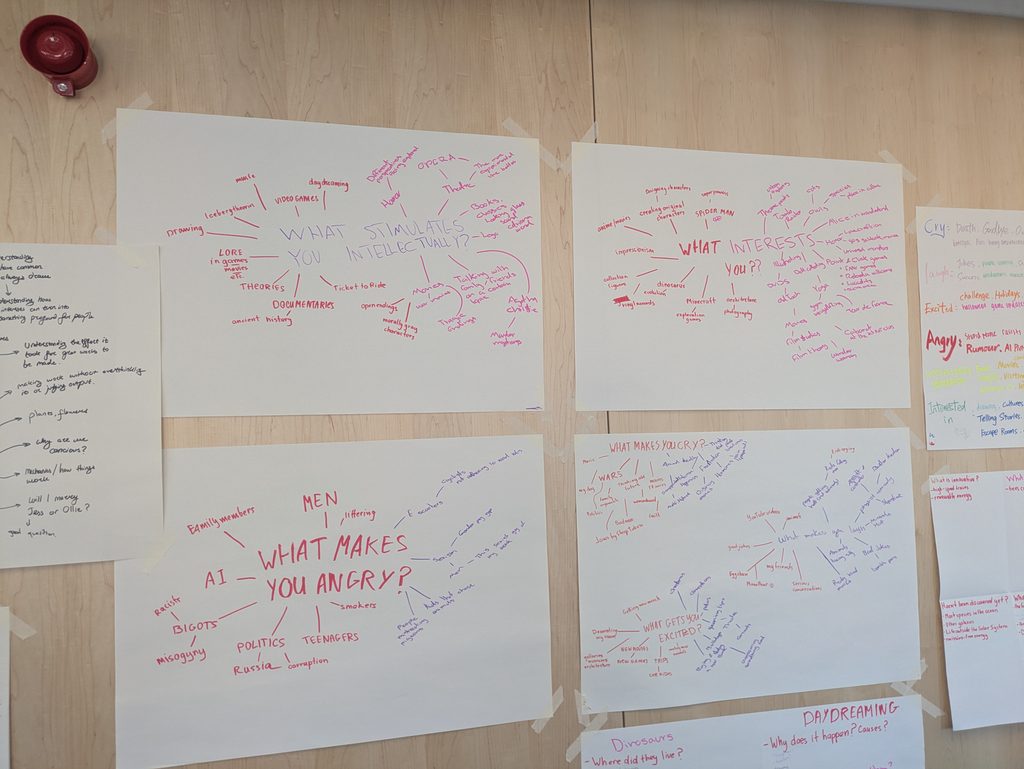
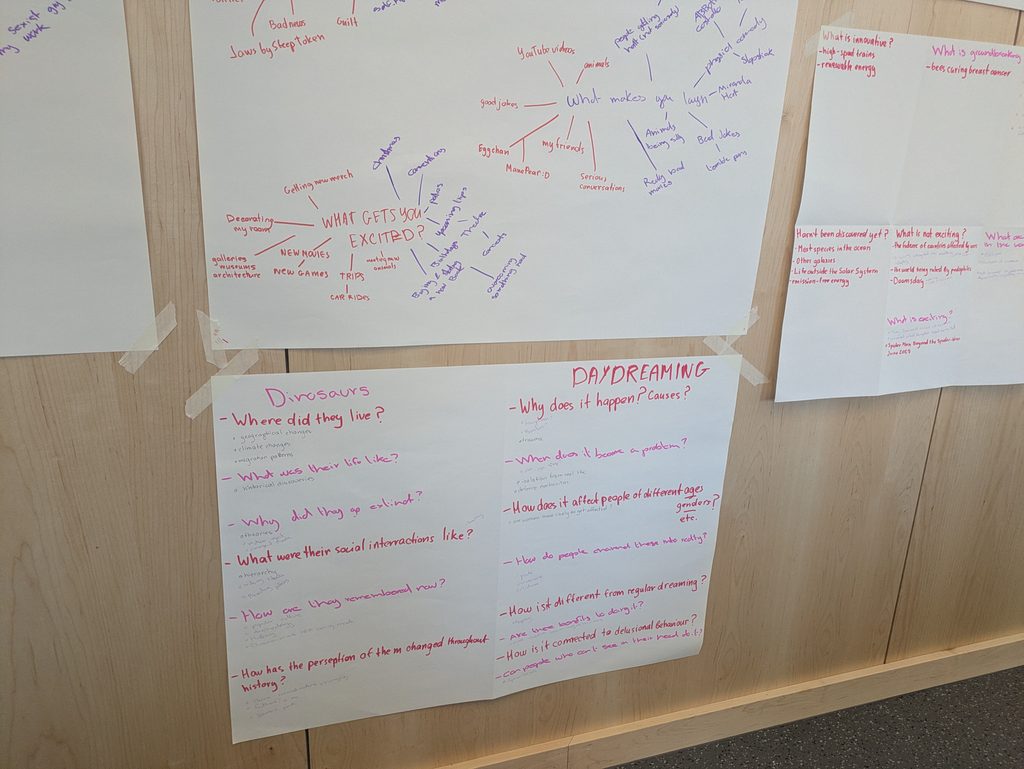
The activity for the session was to pair up and create mind maps revolving around 6 questions
What makes you cry?
What stimulates you intellectually?
What excites you?
What makes you angry?
What makes you laugh?
What interests you?
These are the final mind maps we made. This exercise was helpful at getting me back into creative thinking and ideation. It also helped me explore what topics I could find interesting to research further.
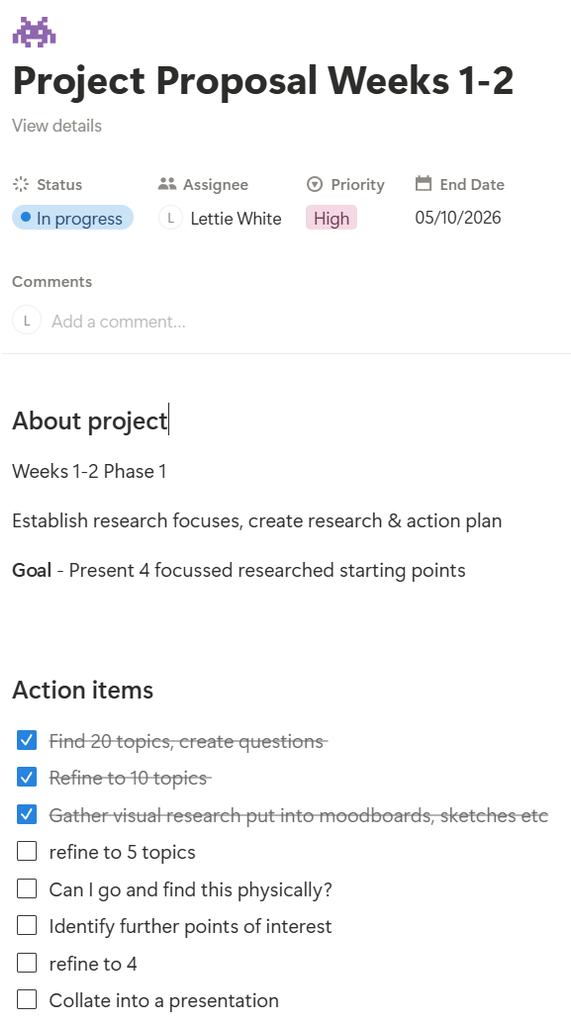
After the session I went onto my notion and created four projects separated into the four phases of the project. This setup allows me to create to-do lists that will not get overwhelming and having a clear goal for each phase keeps me on track. I also have access to this on all of my devices.
Later on in the week we had the Tech Session and the introduction to our second module Professional Contexts
During the week I began my proper research into topics.
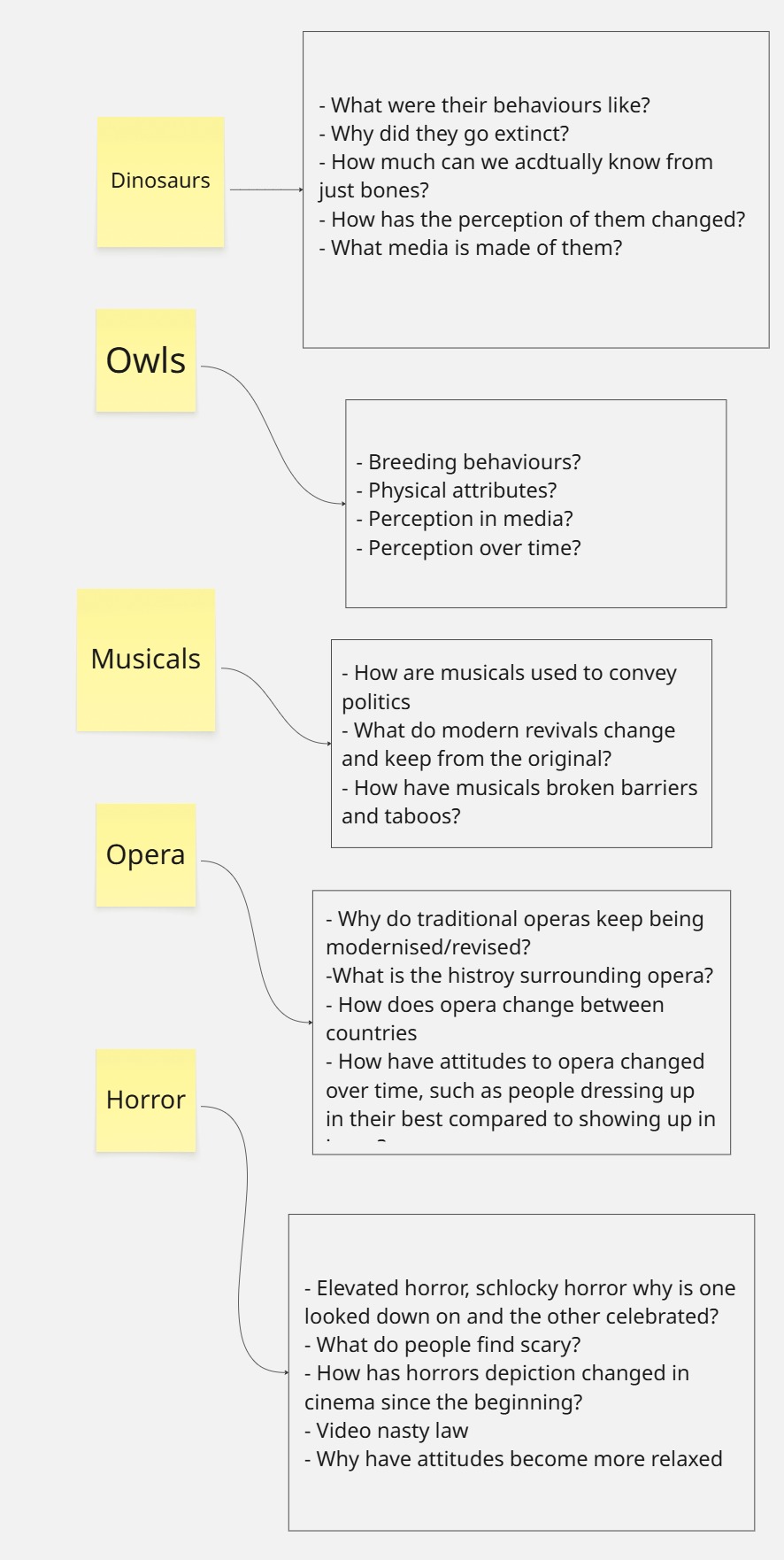
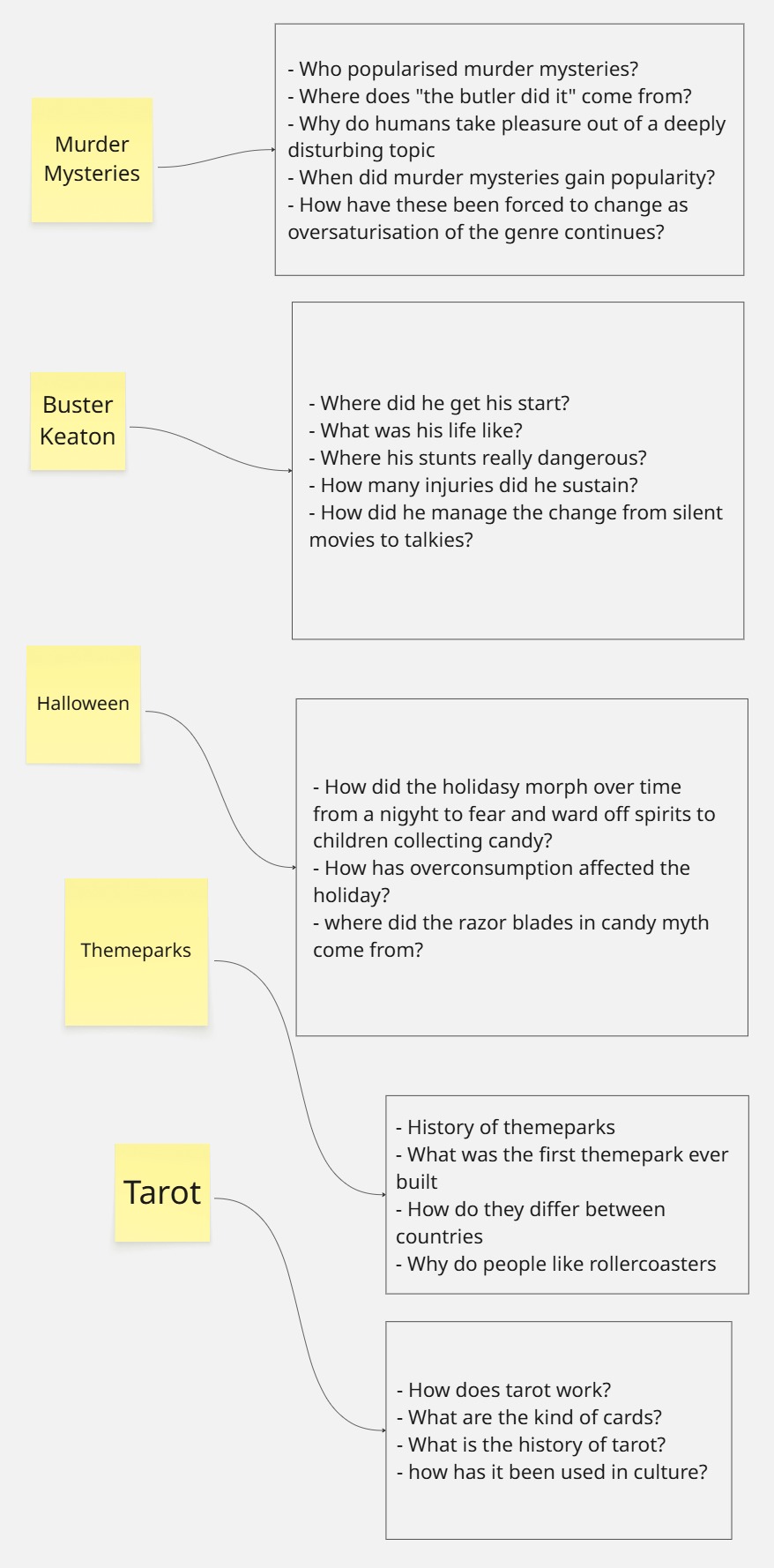
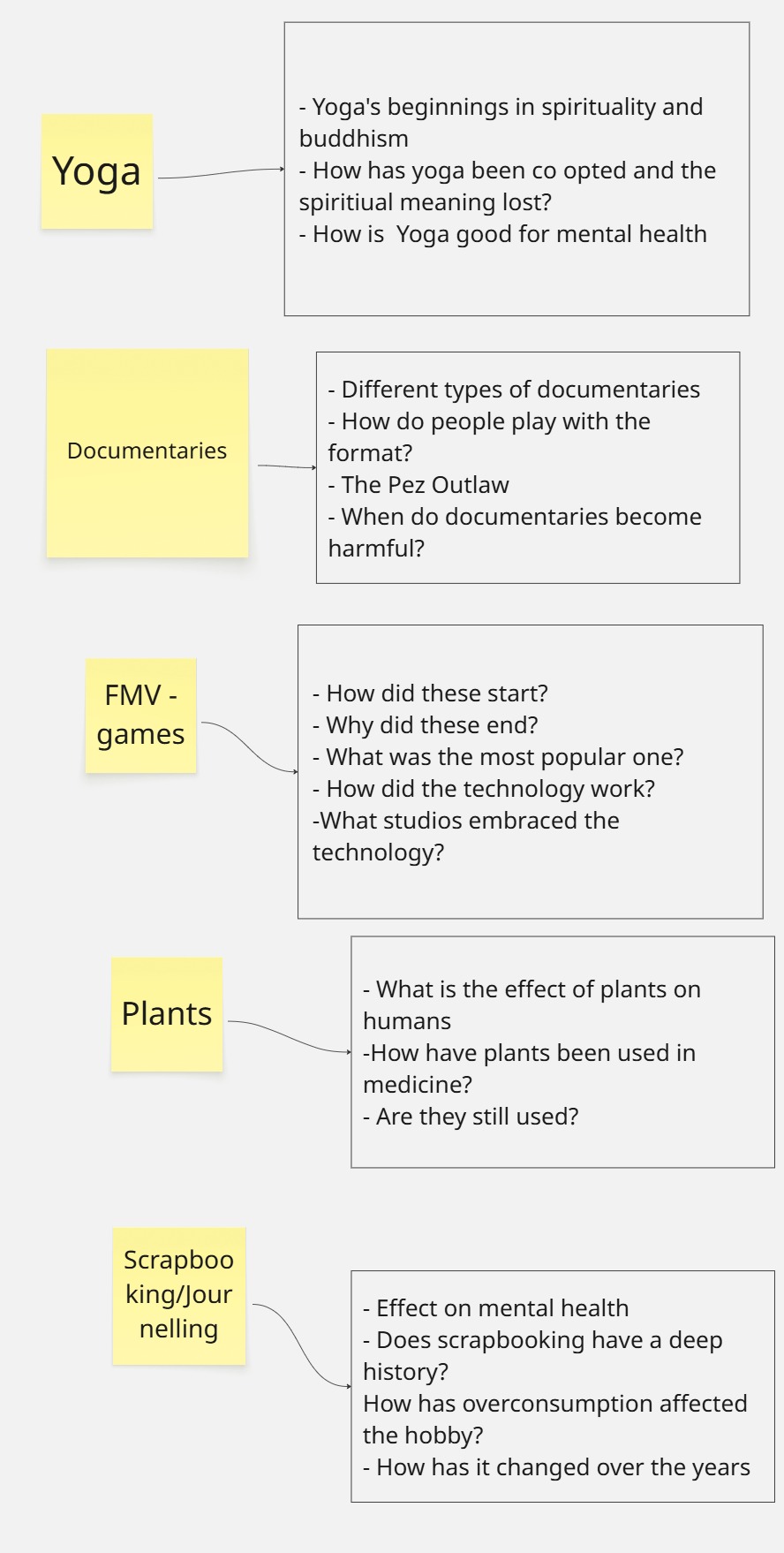
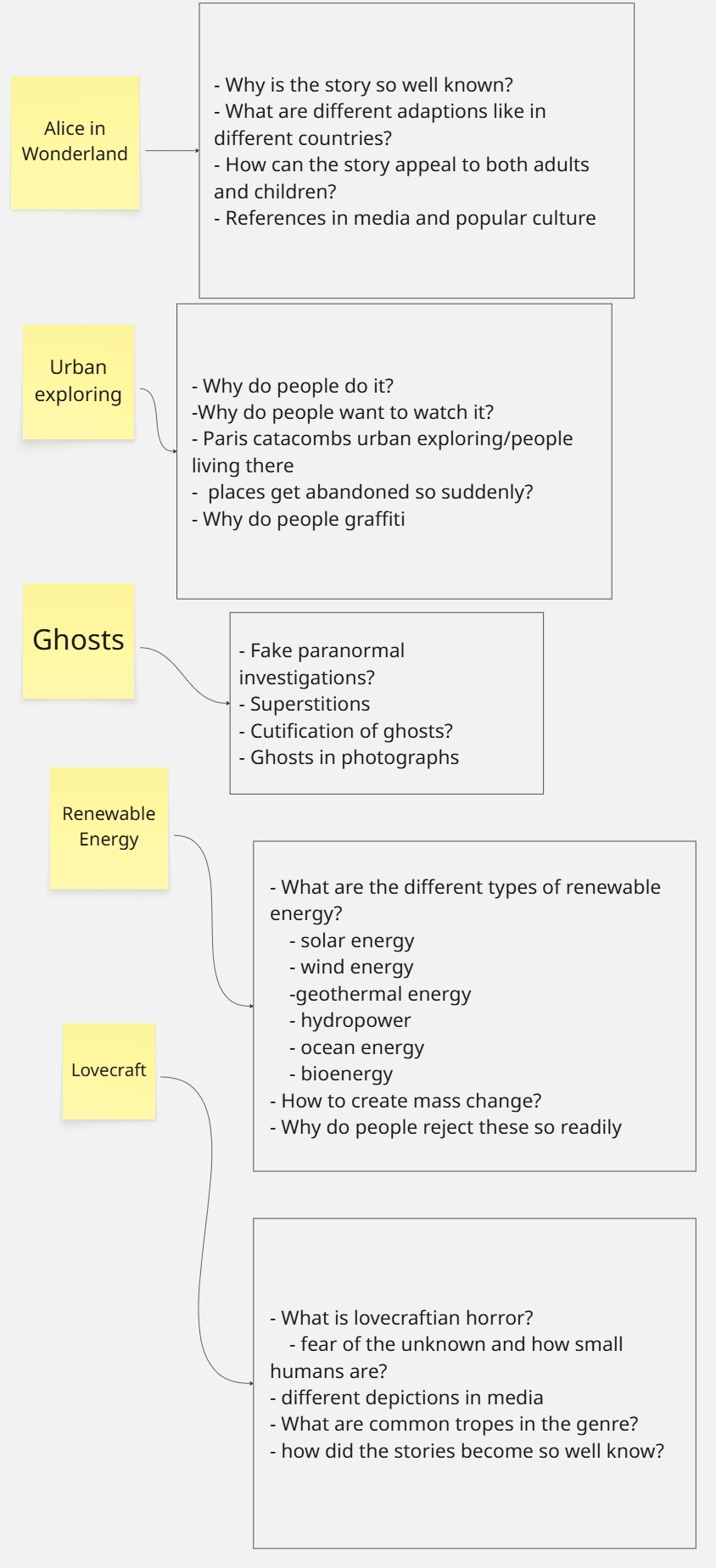
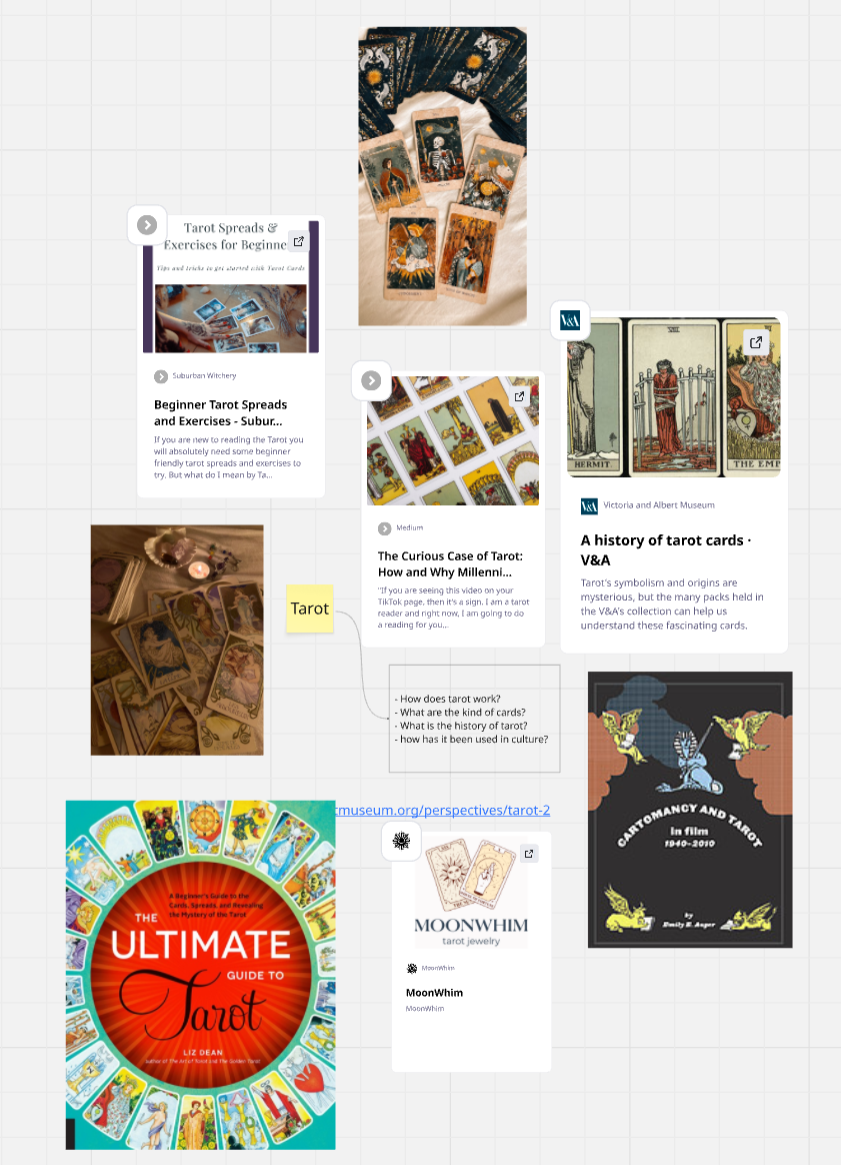
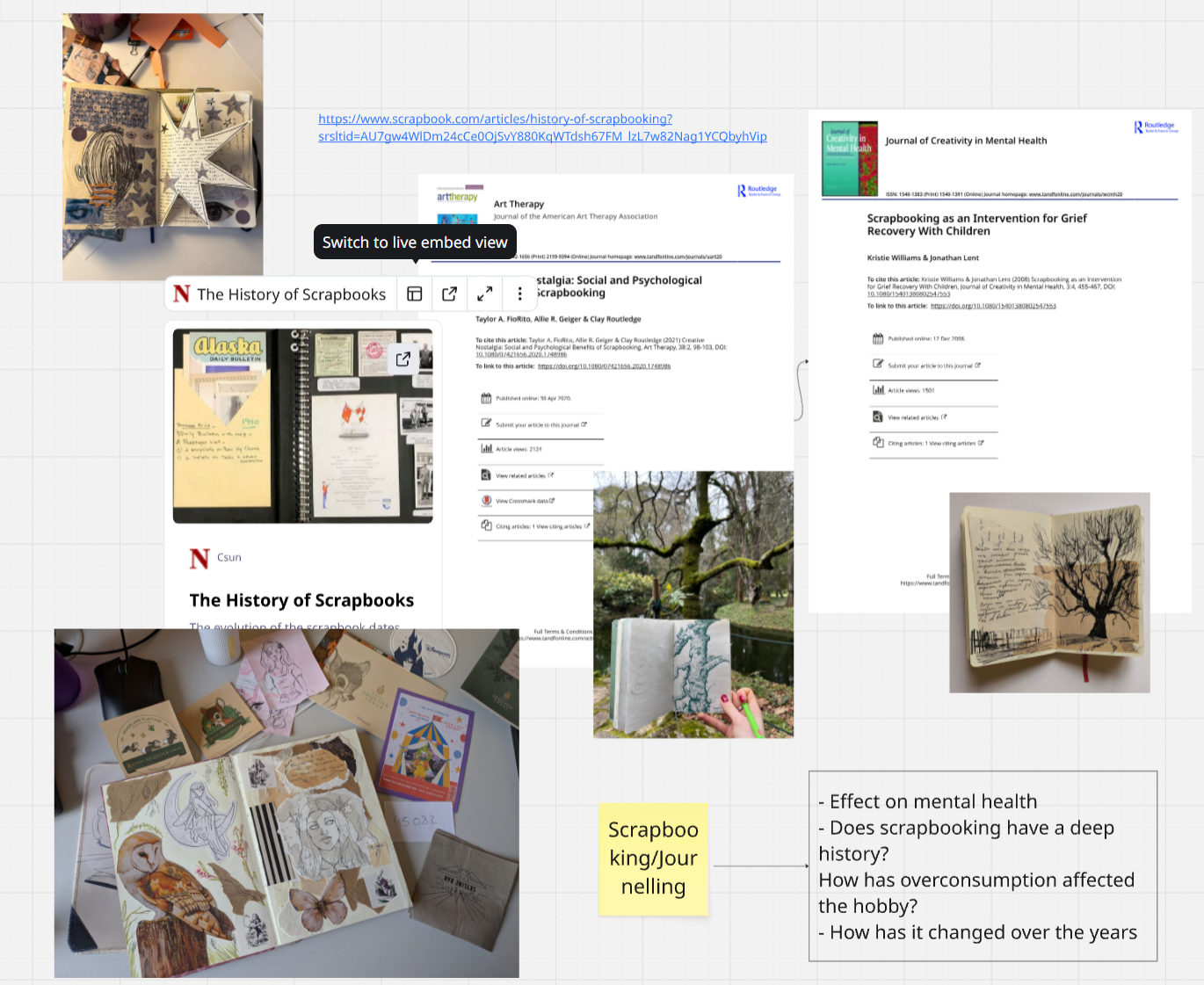
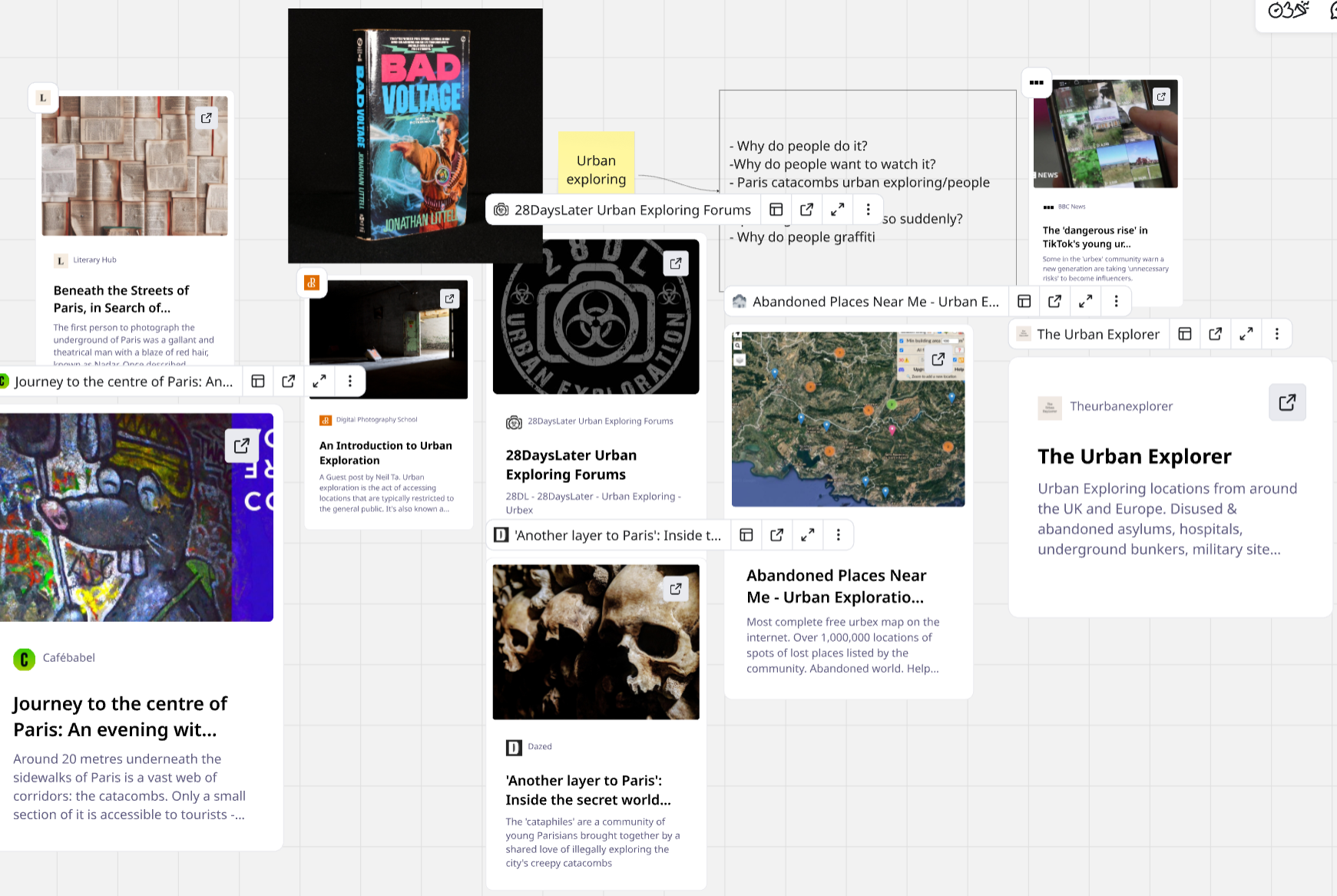
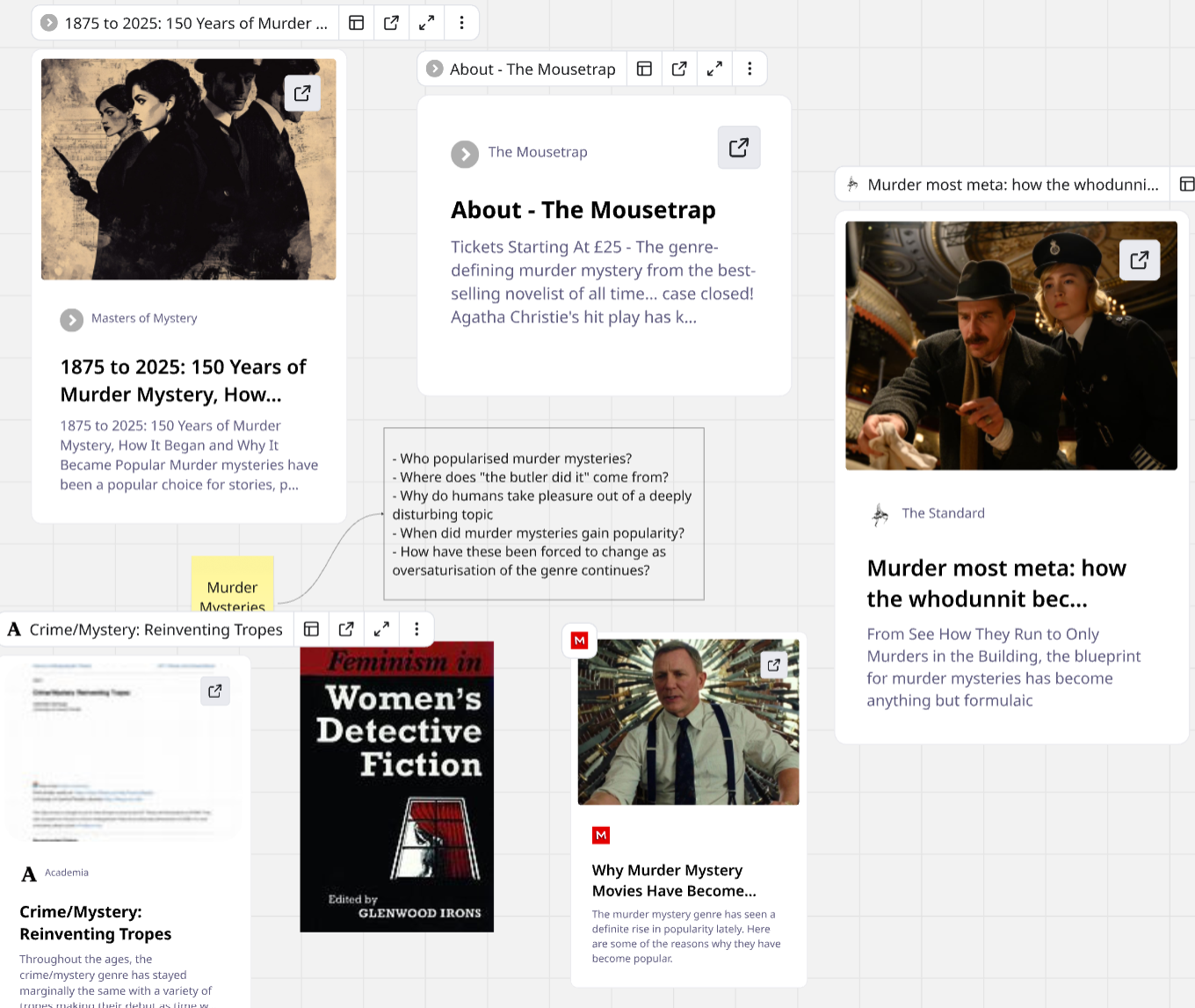
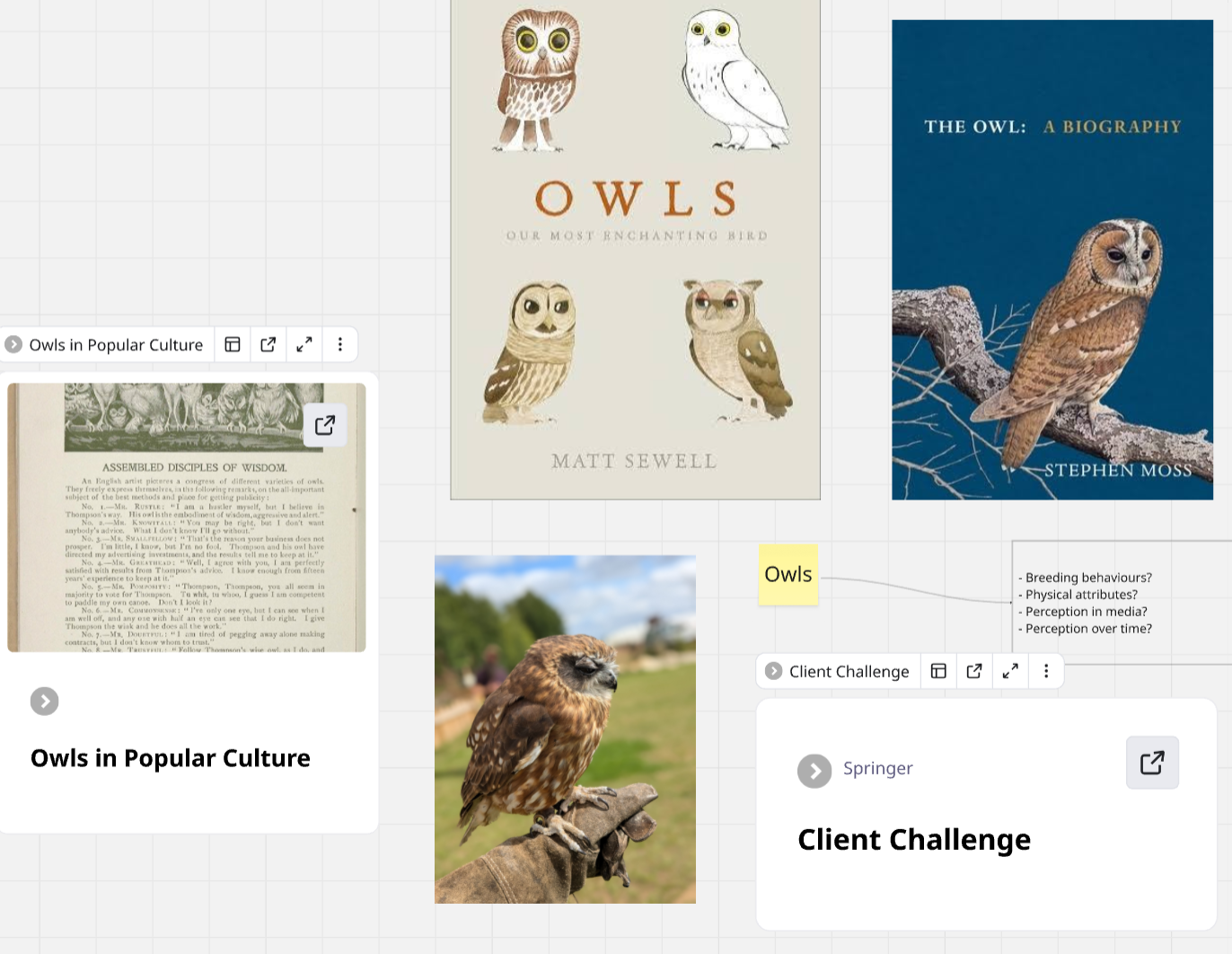
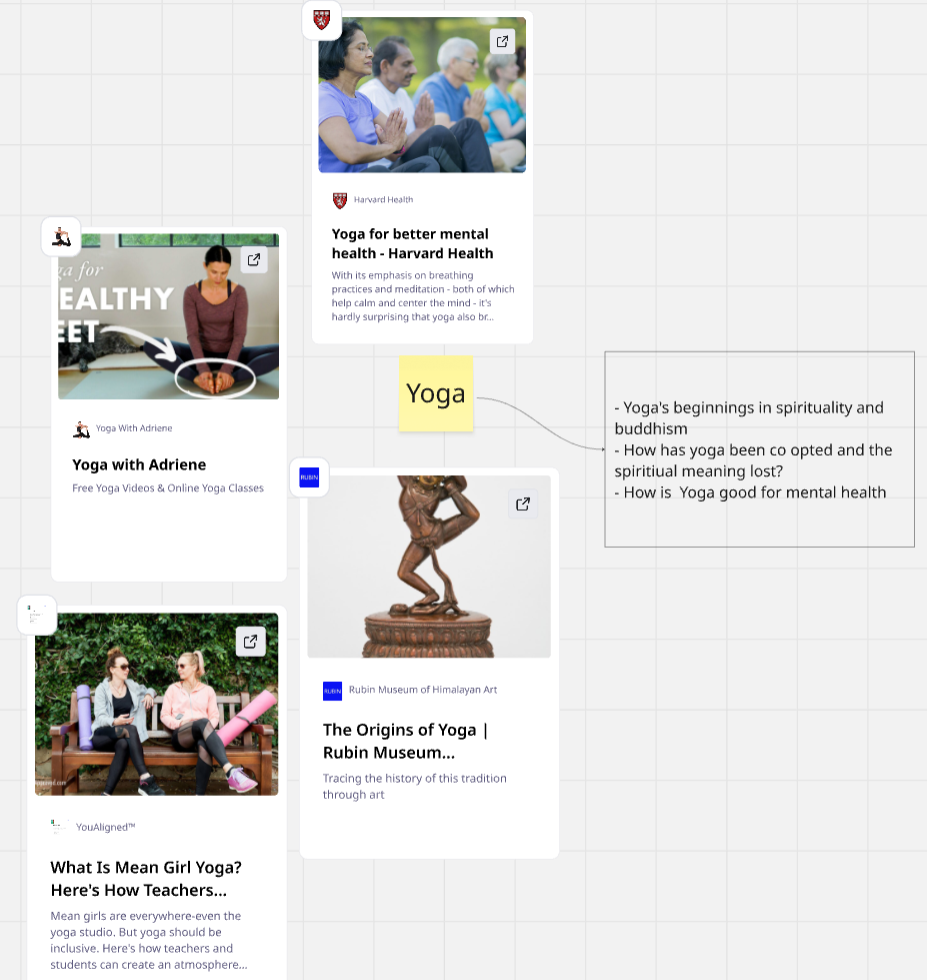
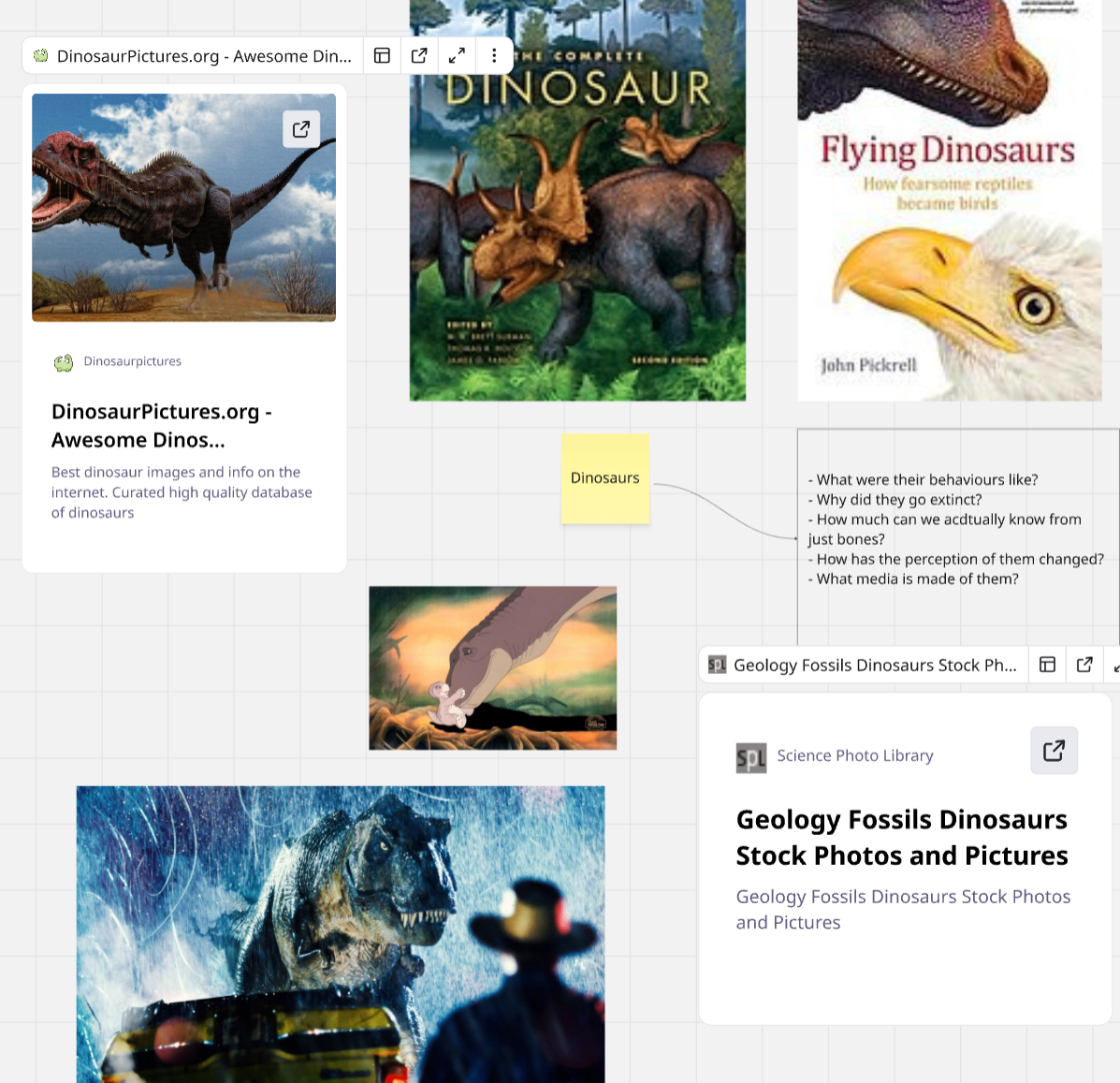
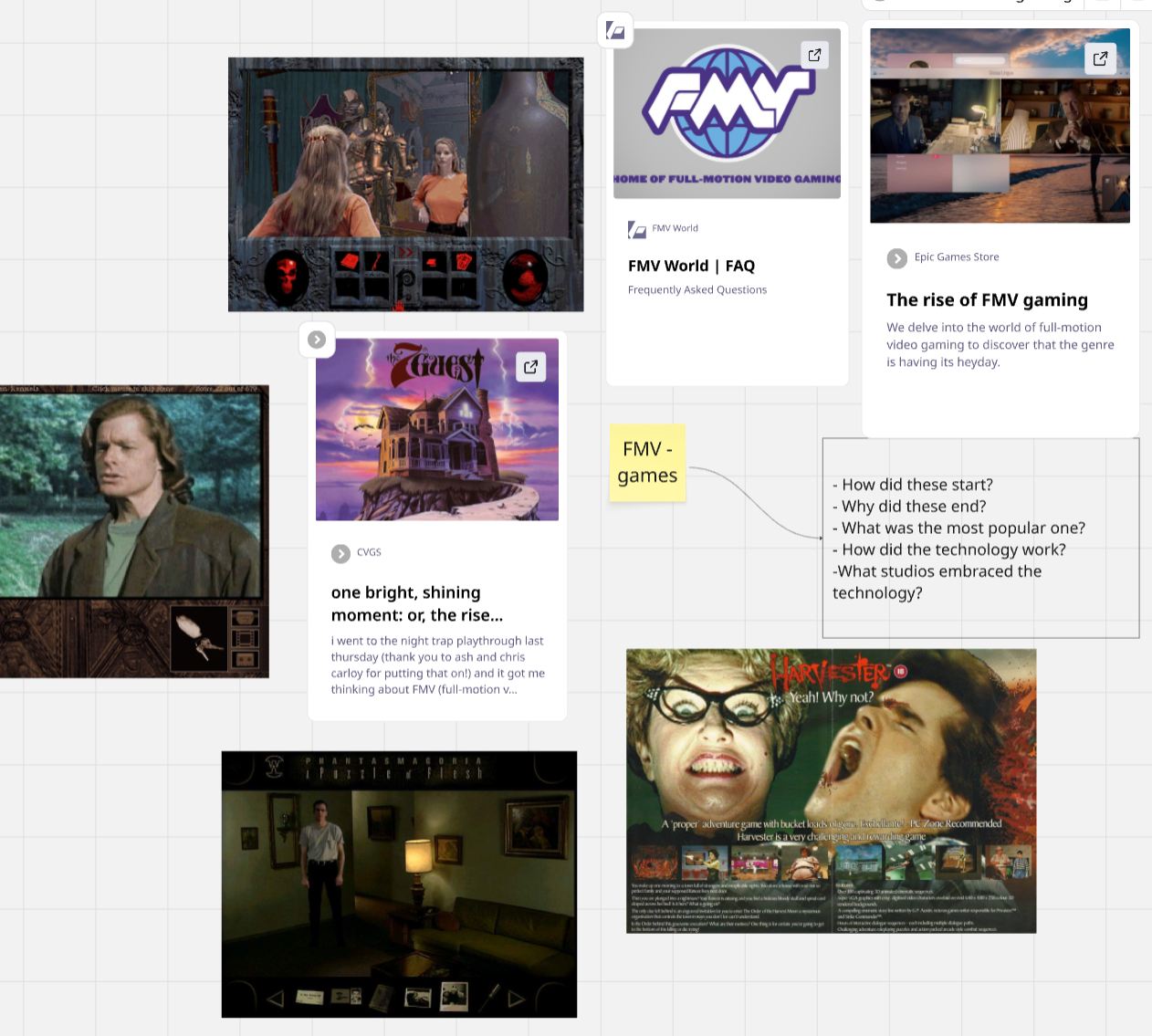
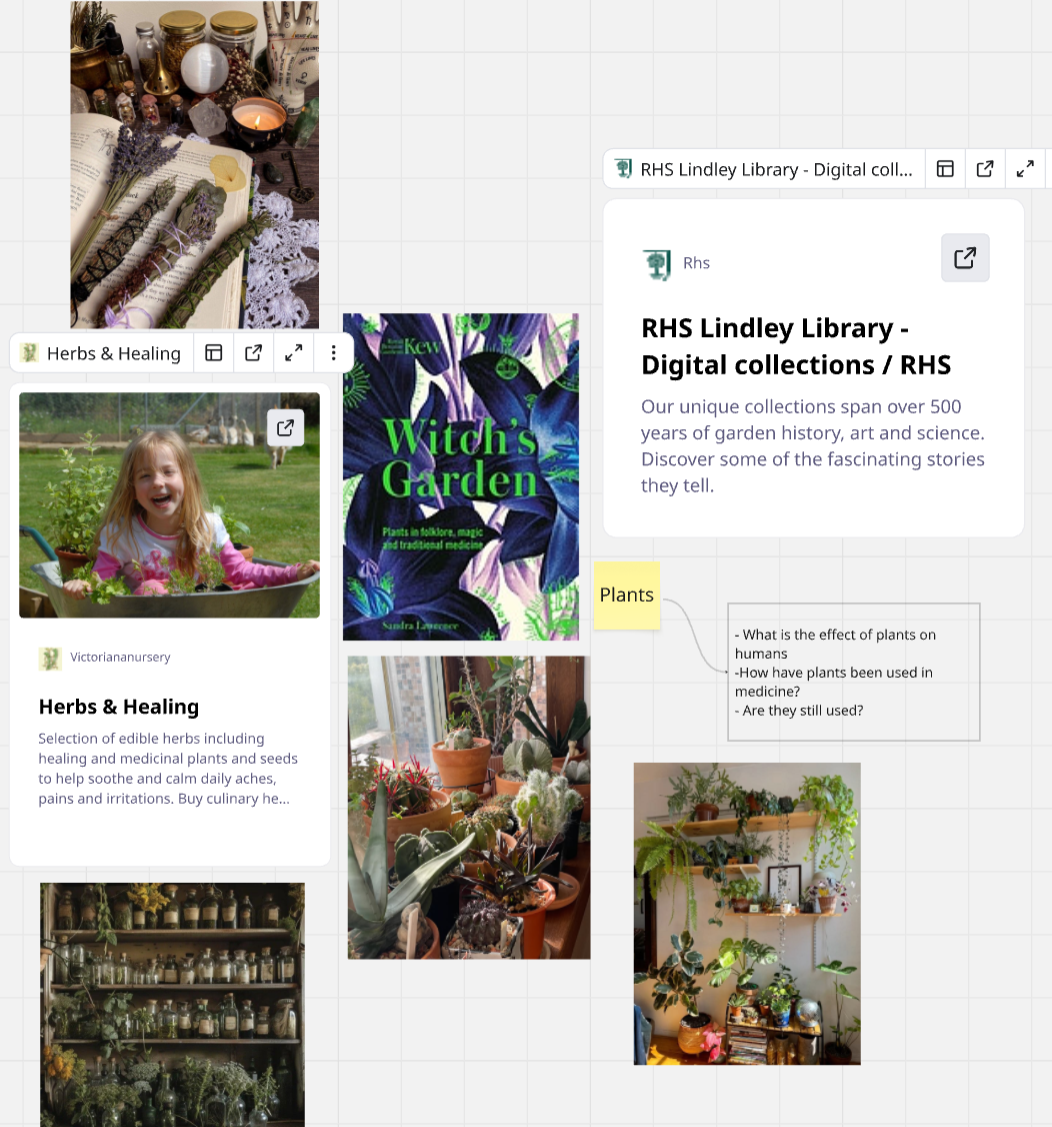
The first four weeks of this project revolve entirely around research. To ensure I would end up with a topic that genuinely interests me I began by picking 20 topics and coming up with questions about them. I did this using miro so I could easily create connections and organise it easily.
The 20 topics I picked were
Dinosaurs
Owls
Murder Mysteries
Buster Keaton
Musicals
Opera
Halloween
Themeparks
Tarot
Horror
Yoga
Alice in Wonderland
Documentaries
Urban Exploring
FMV games
Ghosts
Plants
Renewable Energy
Lovecraft
Scrapbooking/journalling
The questions I came up with for each topic
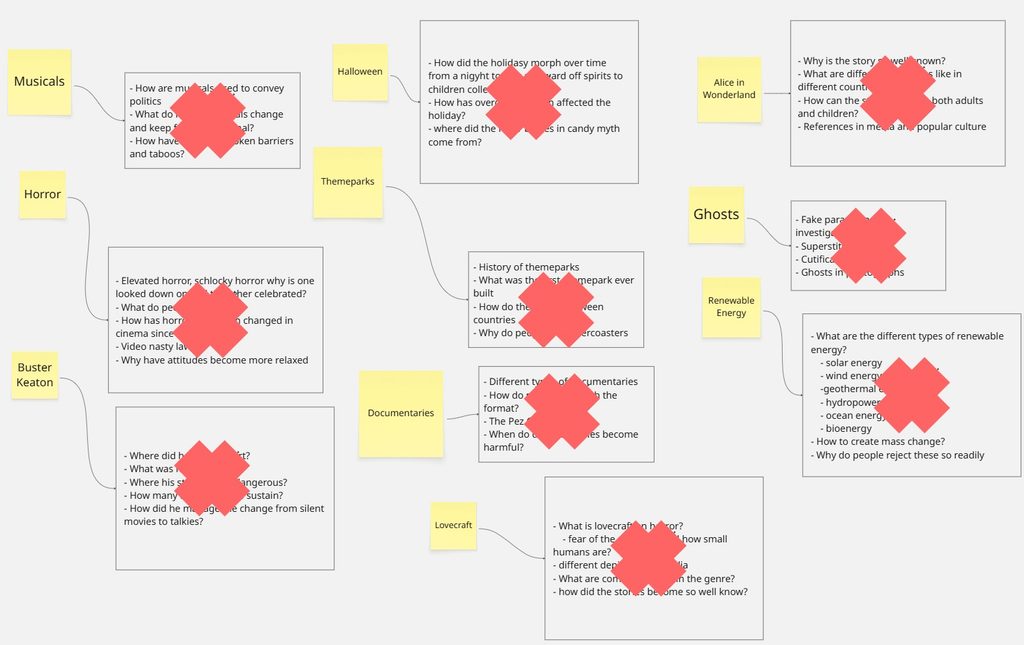
After I had those questions I cut the topics down to ten based on where I think I could take each topic.
Musicals
Horror
Halloween
Buster Keaton
Themeparks
Documentaries
Lovecraft
Alice in Wonderland
Ghosts
Renewable energy
After I had narrowed it down to ten I began gathering research. Using the miro board to keep everything I found.
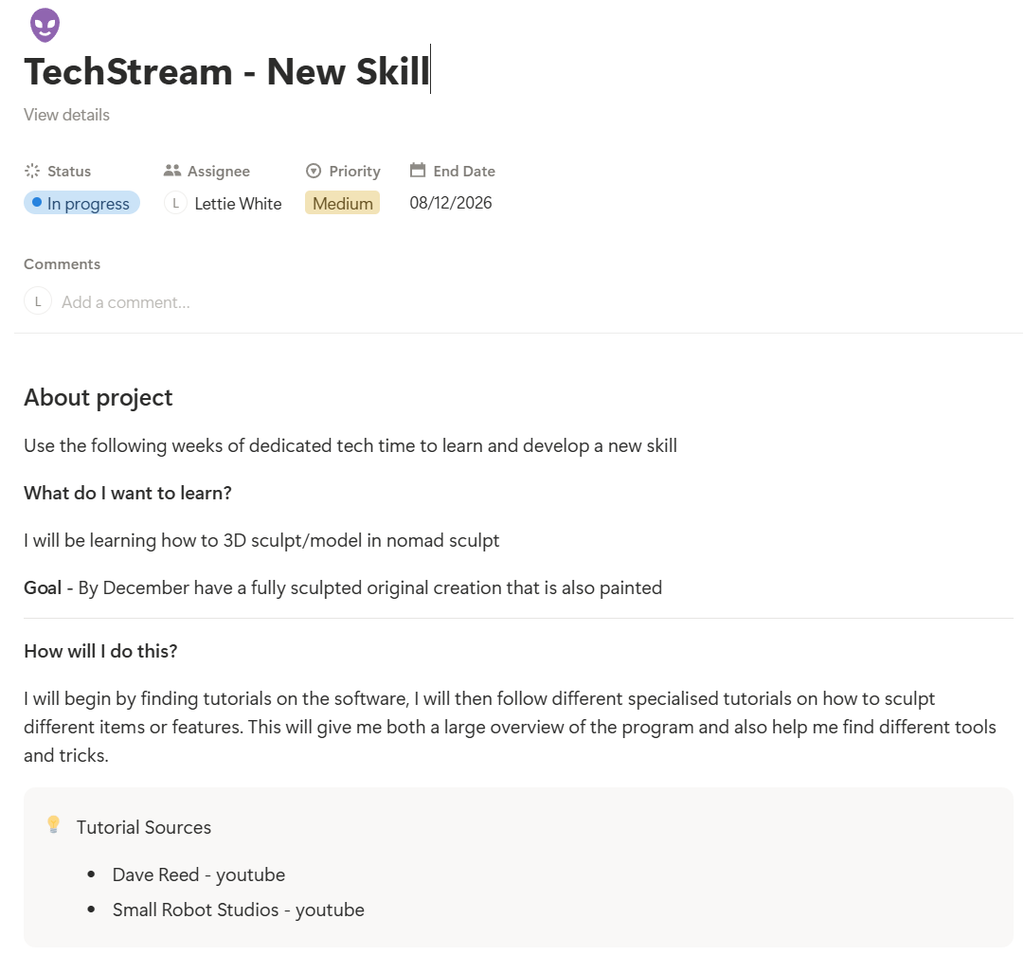
This semester we have been encouraged to learn a new tech skill in the tech sessions as next semester we will be working and getting support for our final major project. Over the past two years I have used them to explore different software and catch up on work. For this semester I have decided to dedicate this time to learning one skill which is digital sculpting.
This is something I have wanted to do for a while and I have dabbled in blender but the learning curve has felt impossible to get over. To make this achievable I am breaking the process down into what I need to do each week and have chosen a simpler software Nomadsculpt
To keep myself on track I have added the techstream sessions onto my personal notion, this is a place where I can collate information and it has my to-do lists each week. It is also easily editable so my plans for each week have room to shift and change.
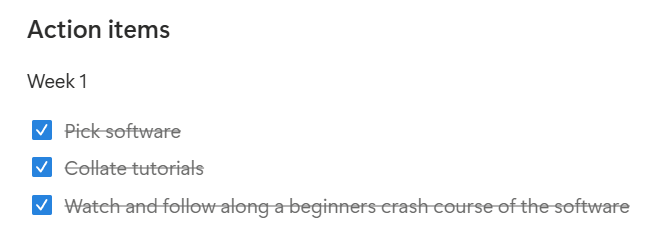
My to-do list for the session
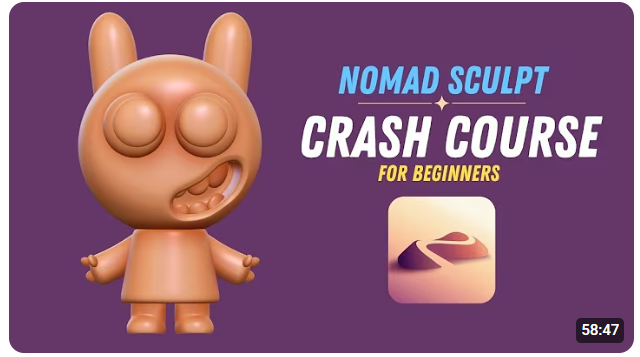
The plan for this week was to find a beginners over tutorial and follow it. After looking through Youtube I found this tutorial that had positive comments and was from April of this year, meaning the version of the app will be very up to date. I also chose this as the final creation aligns with the sort of stuff I want to make with this skill.
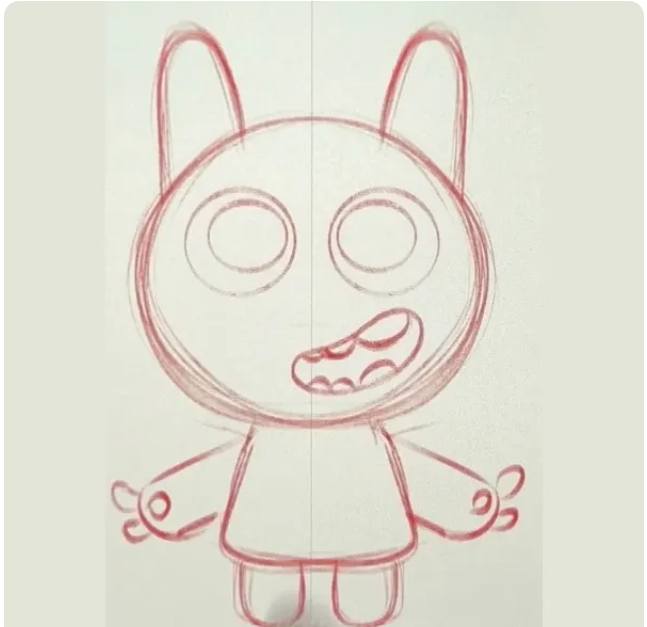
This was the sketch for the character from the tutorial. It’s helpful to see what these sketches look like and how the body and features are simple and broken into basic shapes
I opened the tutorial on a separate screen so that I could follow along in real time. The tutorial gave a basic overview of where to find tools, how to save and edit project settings and also how to customise the display. I changed mine to a pink theme.
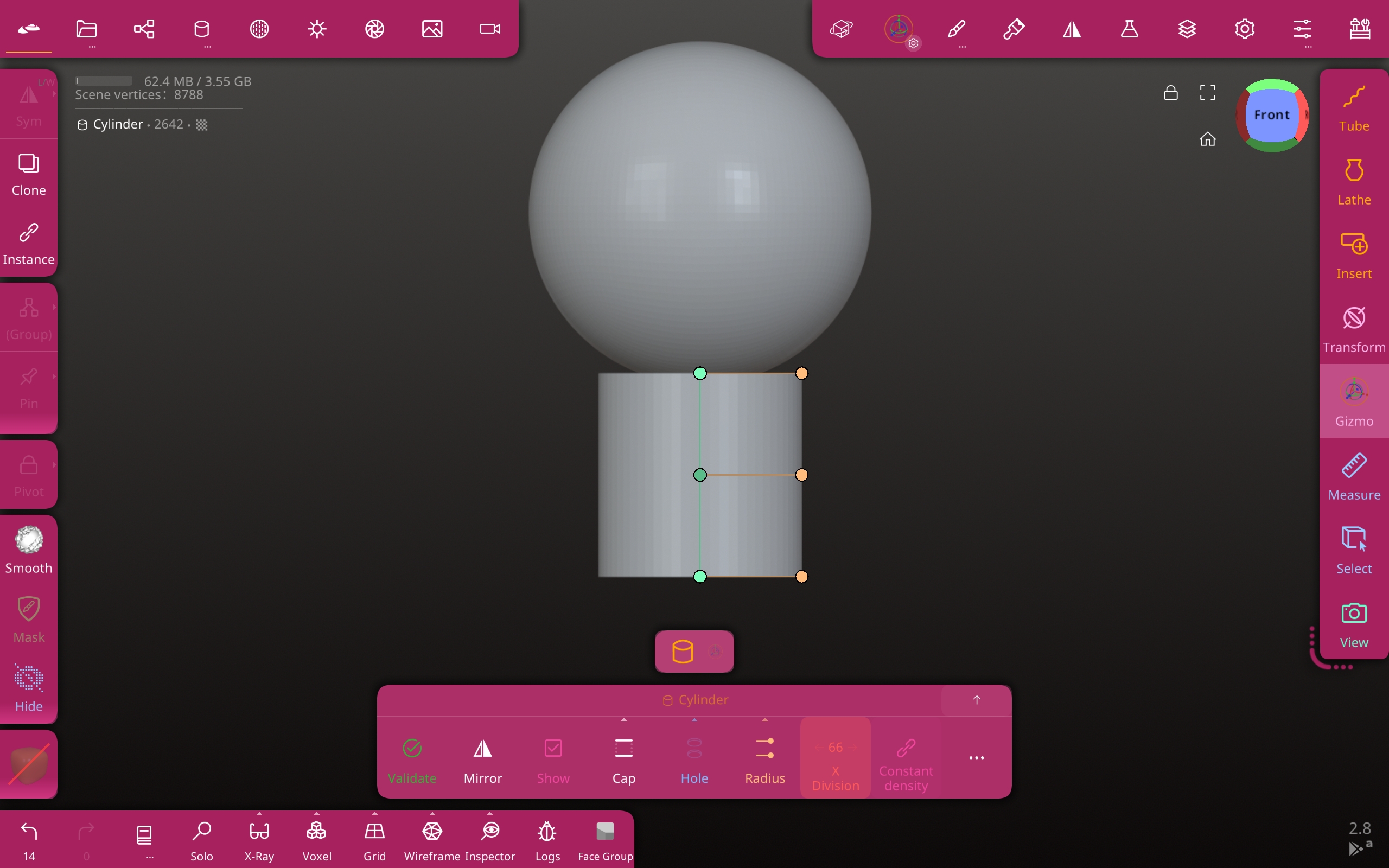
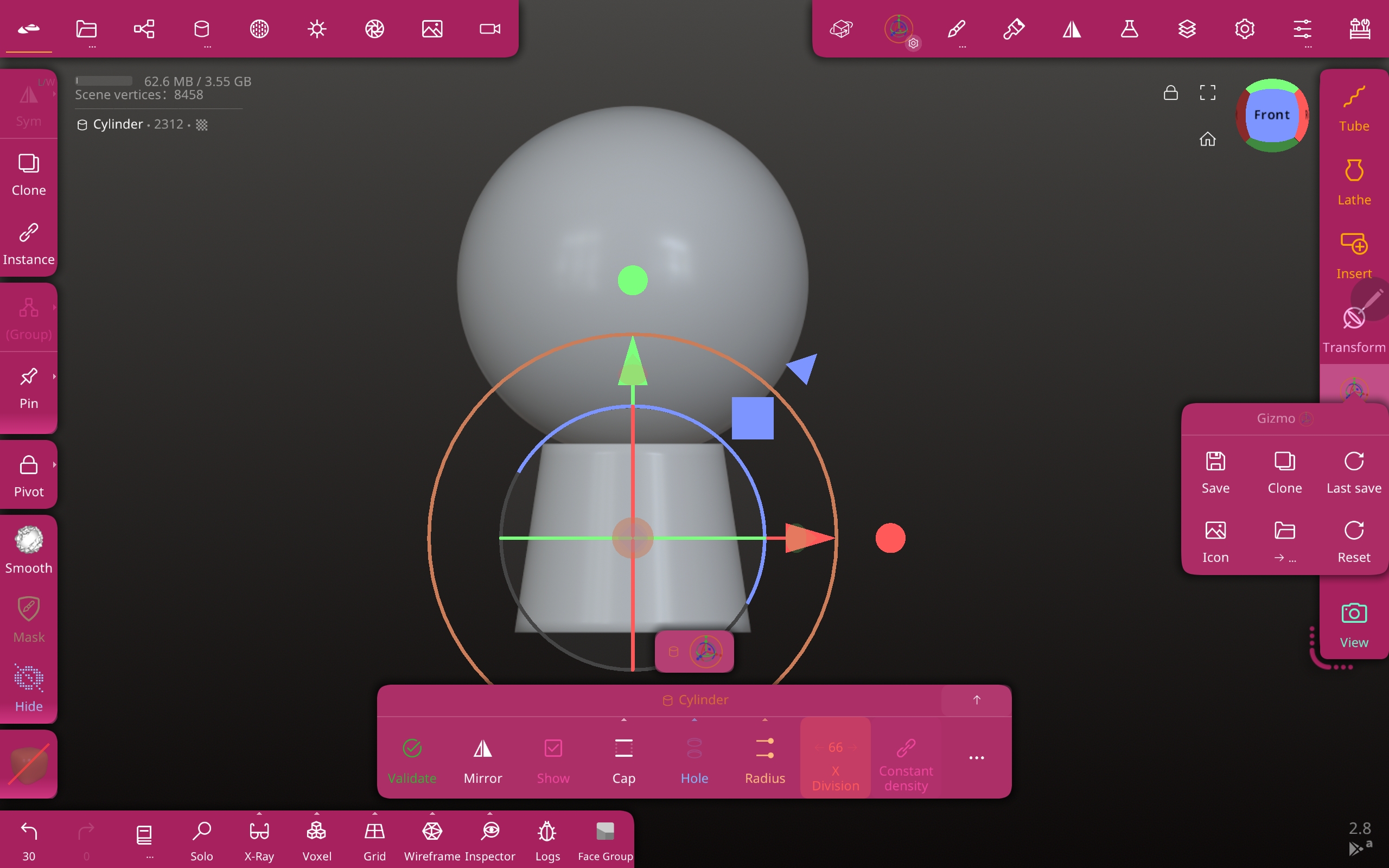
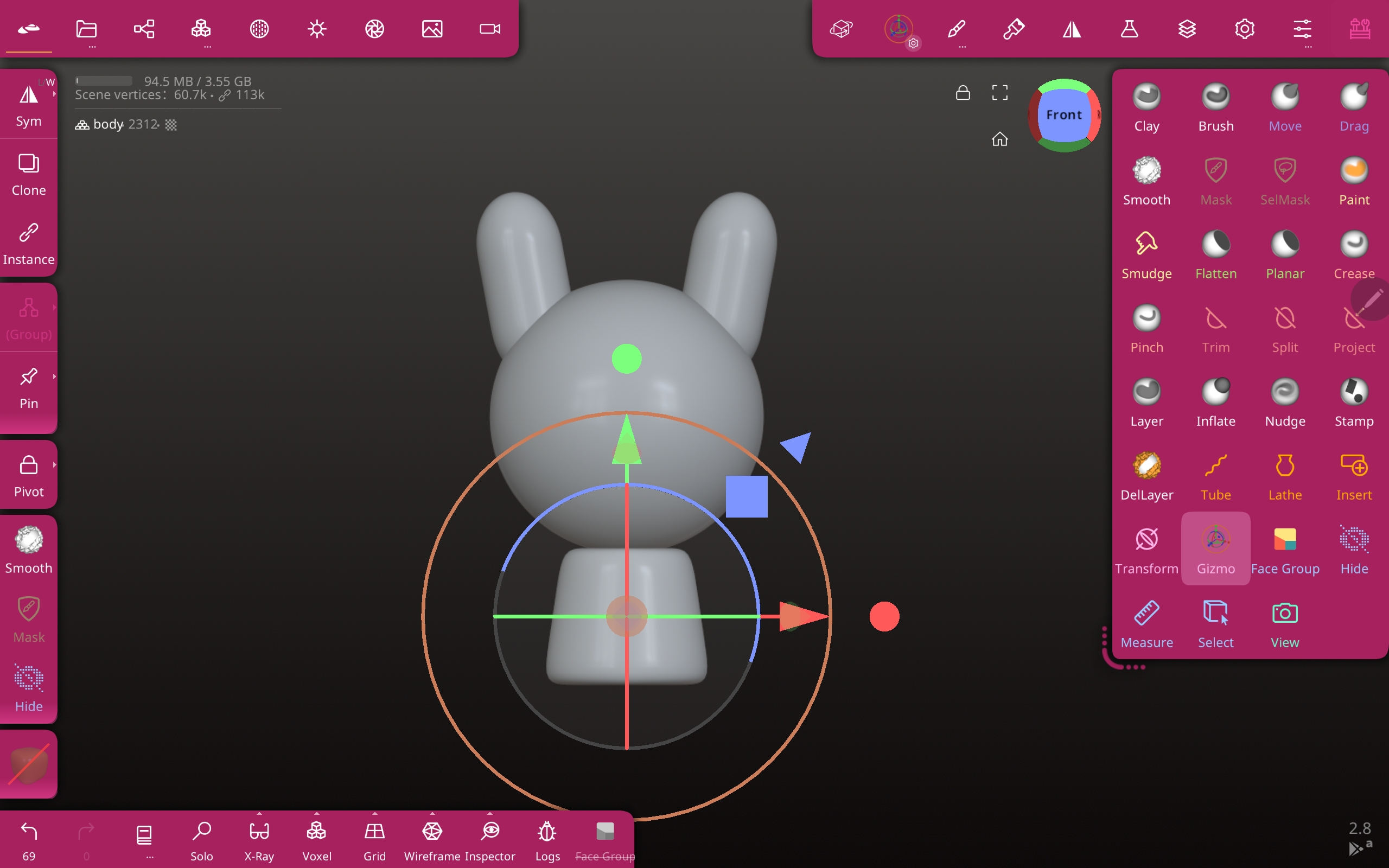
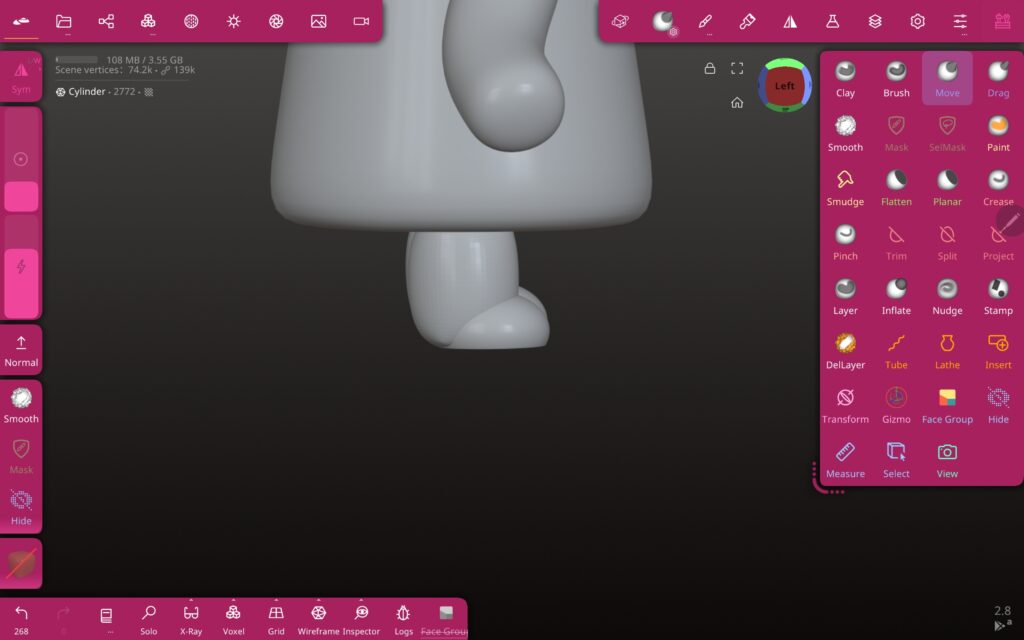
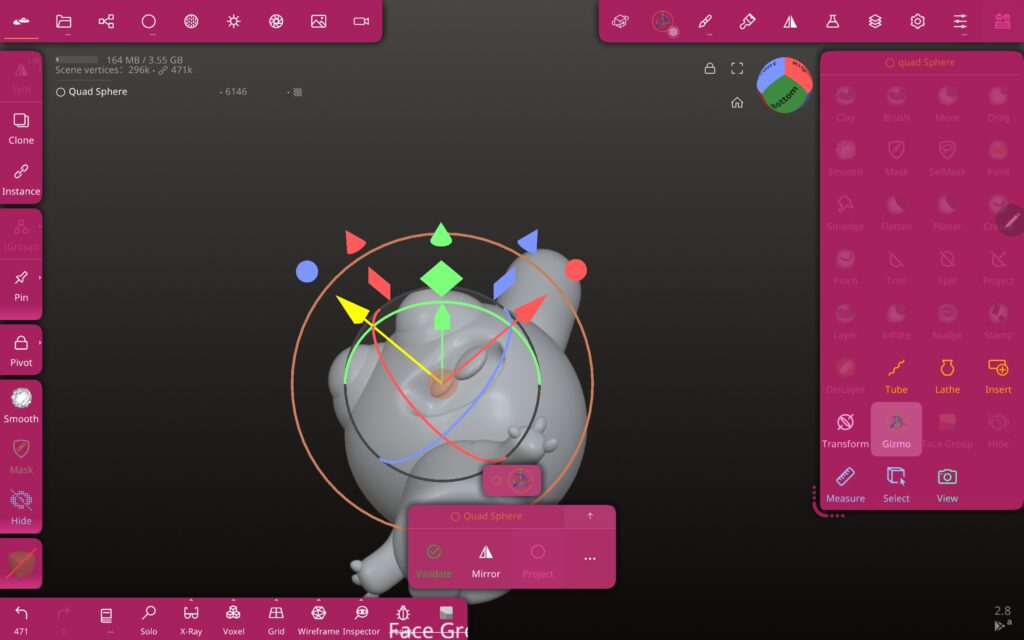
I then imported a sphere and a cylinder, using the mirror function to taper the sides of the cylinder, once saved it edits the other side as well.
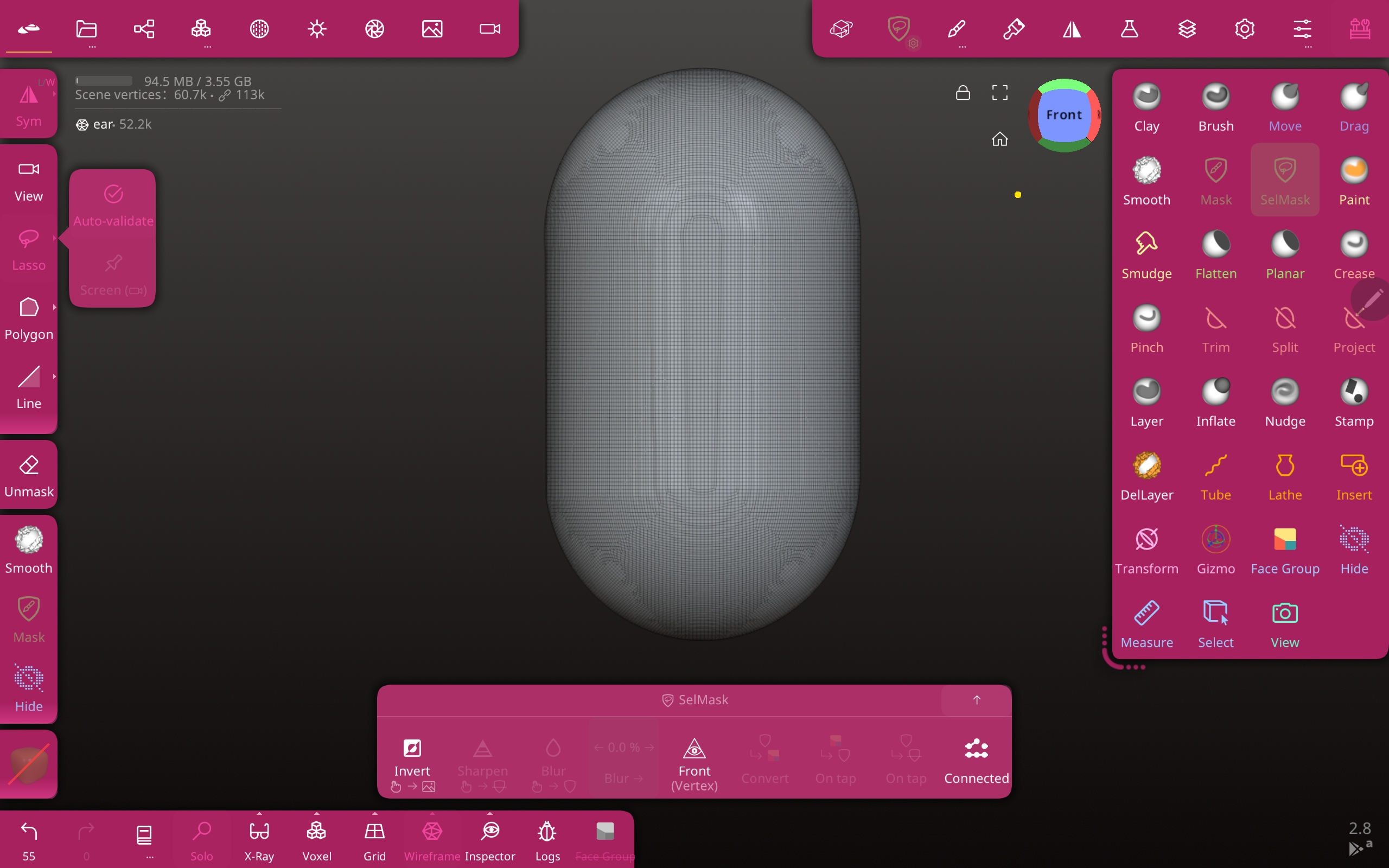
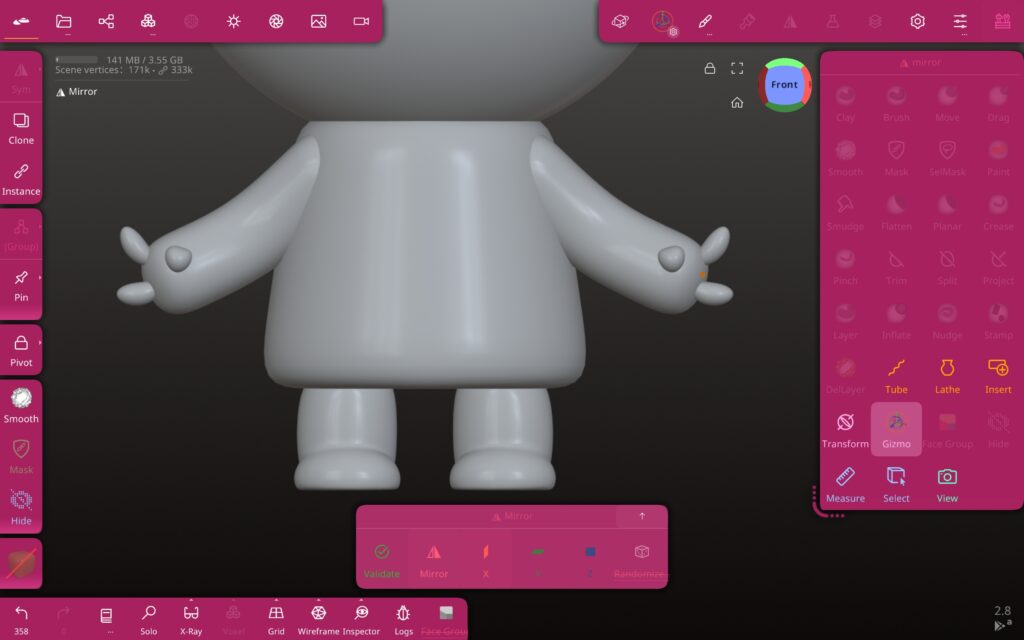
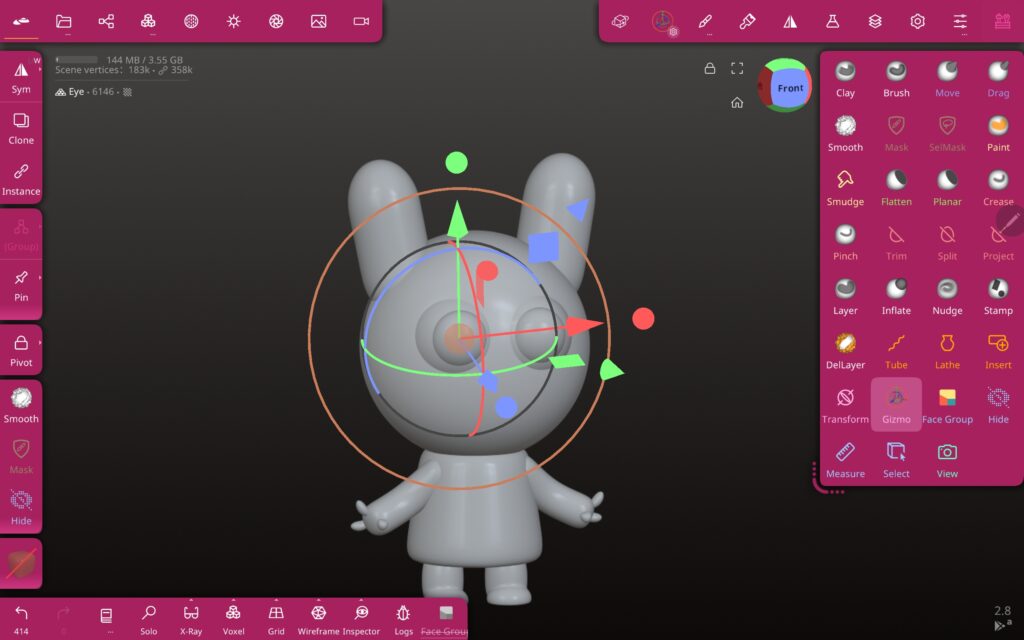
I then imported a capsule and the tutorial briefly covered wireframe and what that looks like. After that using the mirror feature again I positioned the capsule on the head in the place of an ear, using the gizmo to tweak rotation and how far back on the head it is. I also used the smooth tool to round the edges of the cylinder body and make the ears thinner and taller at the top.
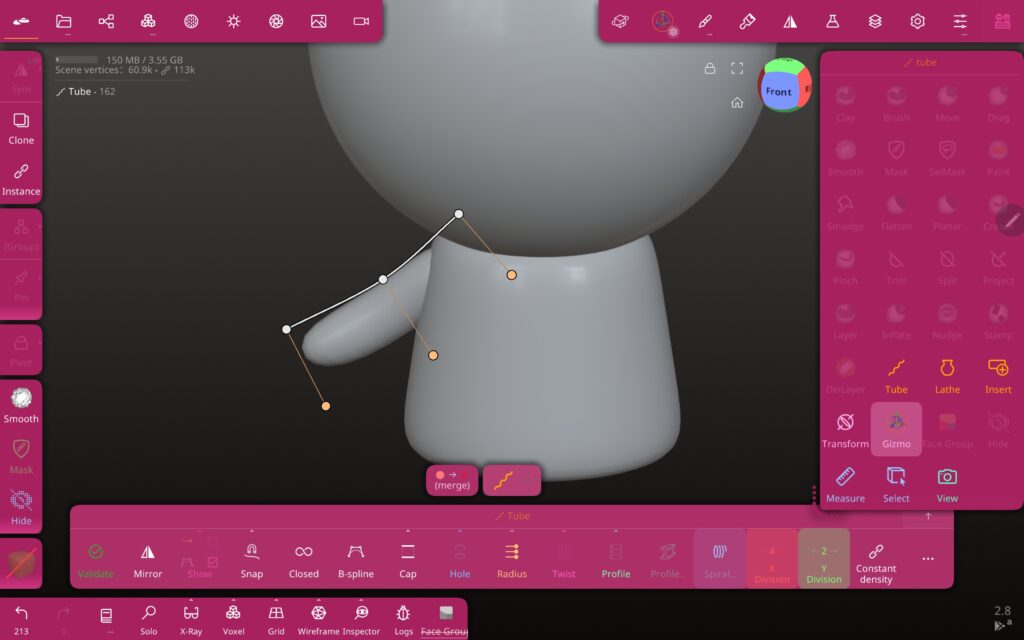
The next step was to create the arms using the tube tool, this lets you choose the start and end points of a tube that you canb then tweak by using the B-spline option. I gave the arm a bend by changing the persepective and gently pushing it. The mirror tool meant that all of this was copied on the other side.
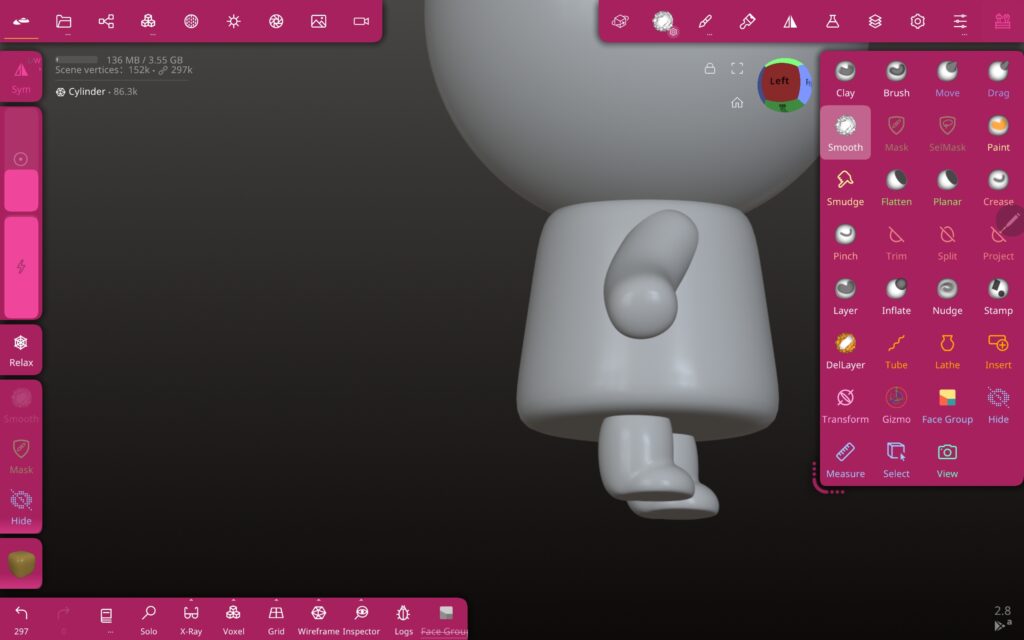
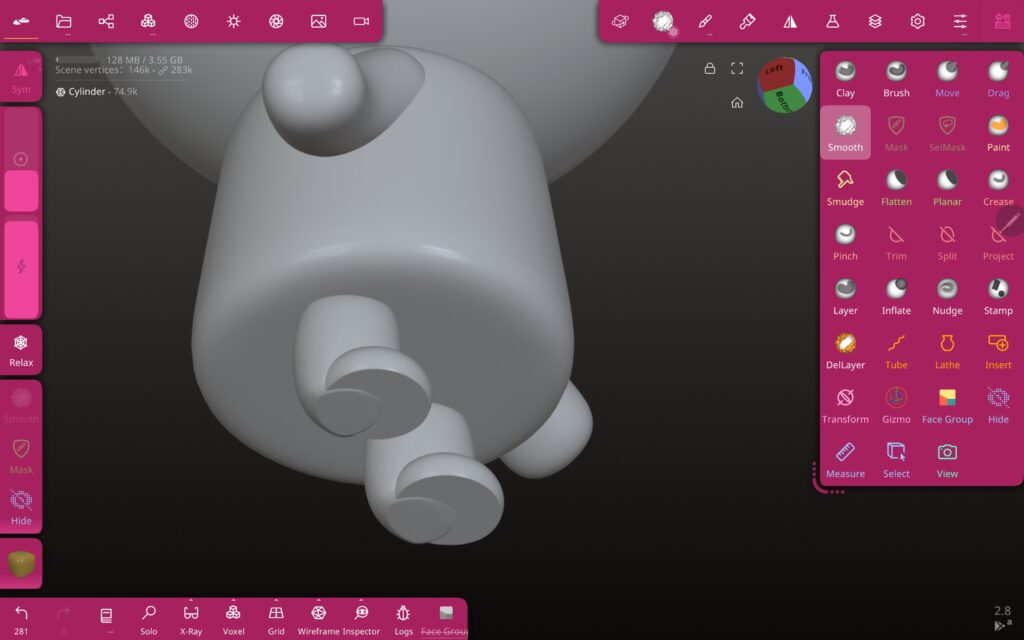
The next step was to create another cylinder move it into the correct place on the body. I then made a sphere and put it onto the bottom of the leg then usihng the trim tool I cut it in half. To make the area where the two shapes meet blend into each other I use the smoothing brush. This is not 100% perfect in the next project I will pay closer attention and spend more time on details like this.
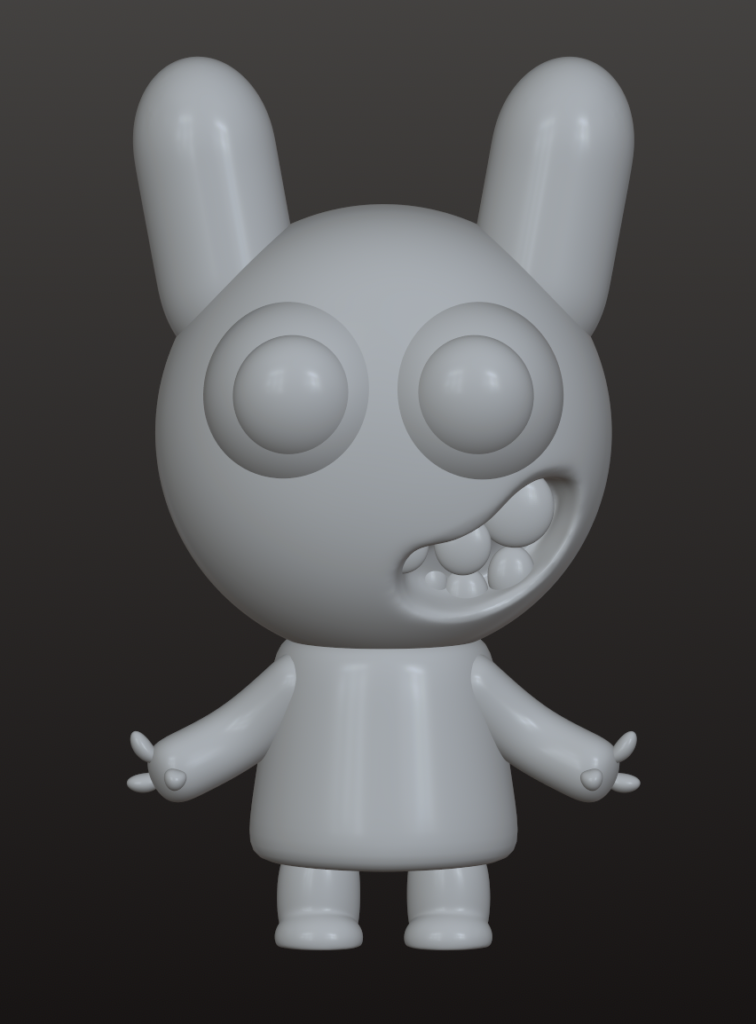
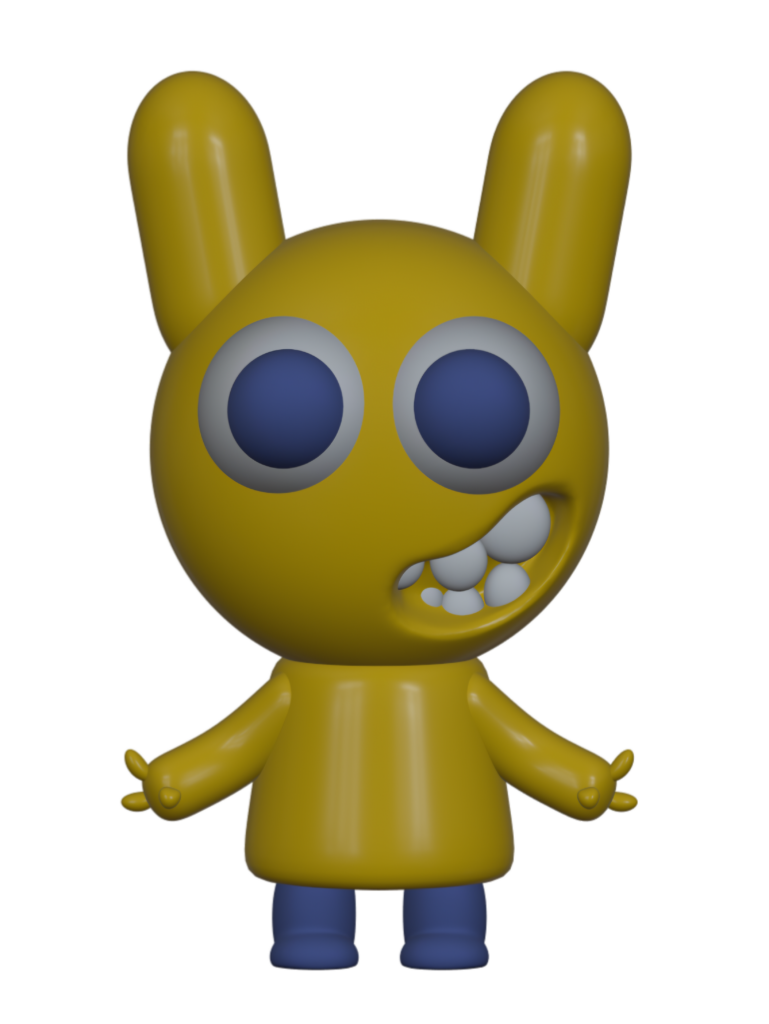
I then modeled the fingers by manipulating cylinders using the move tool. I am really happy with how these came out especially with how they are positioned. For the eyes I made two spheres and placed them into the head to make the transition more natural I used the smooth tool around the edges.
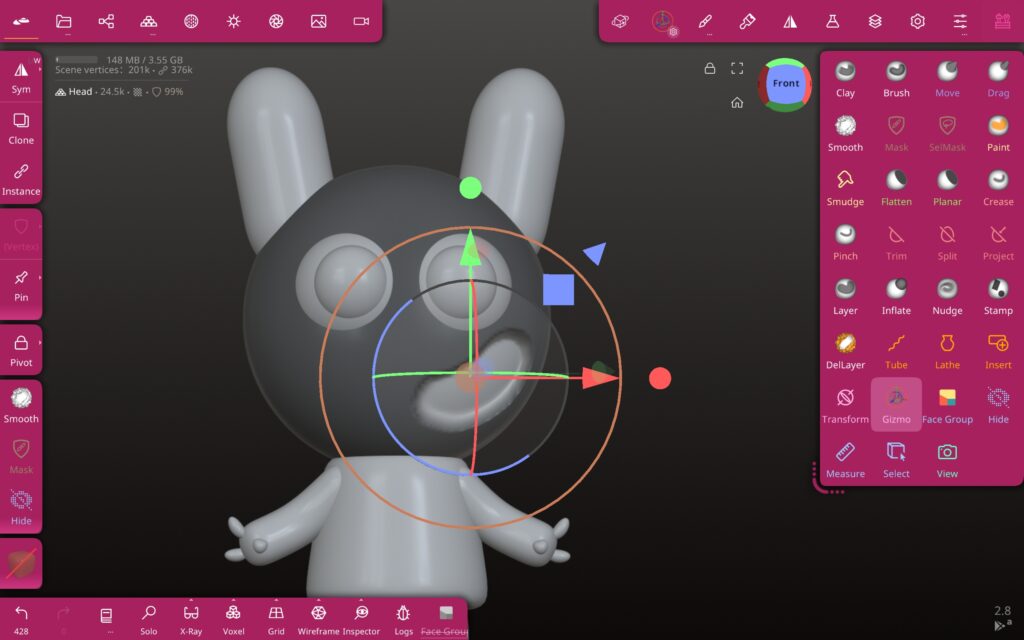
To create the mouth I traced the shape of the mouth using the mask tool then inverted the selection so that the rest of the head was masked off, using the blue arrow on the gizmo tool I retracted the mouth to create a cave. To make the teeth I flattened spheres and sculpted them before carefully placing them into the mouth.
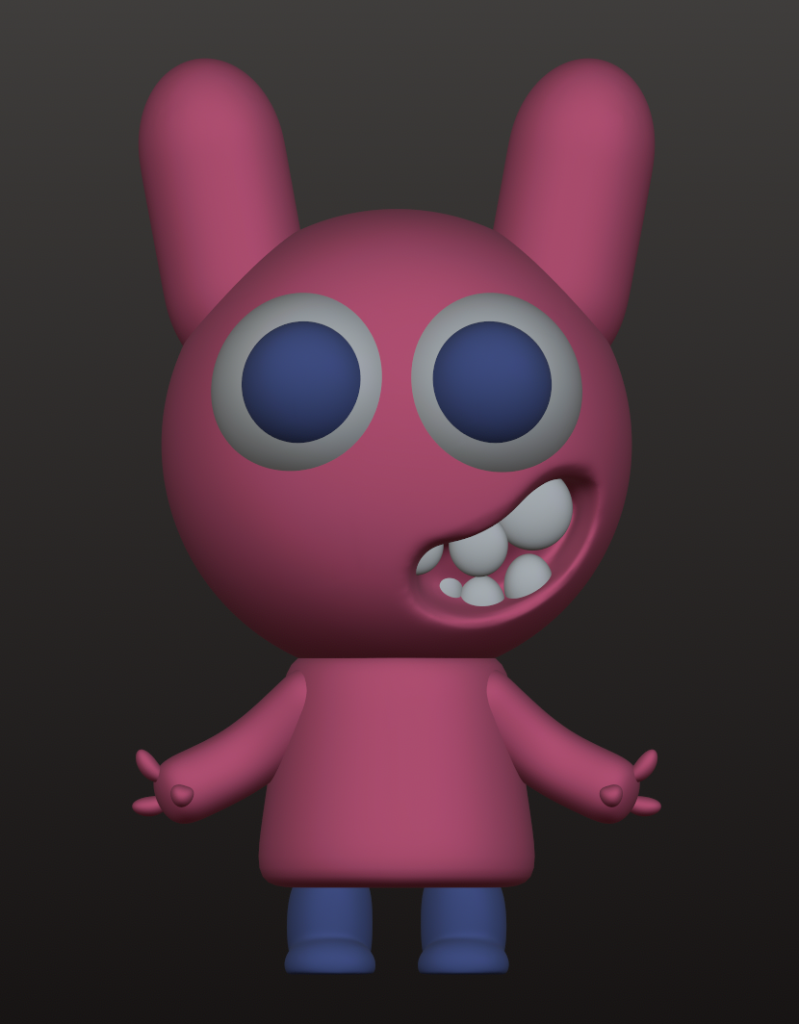
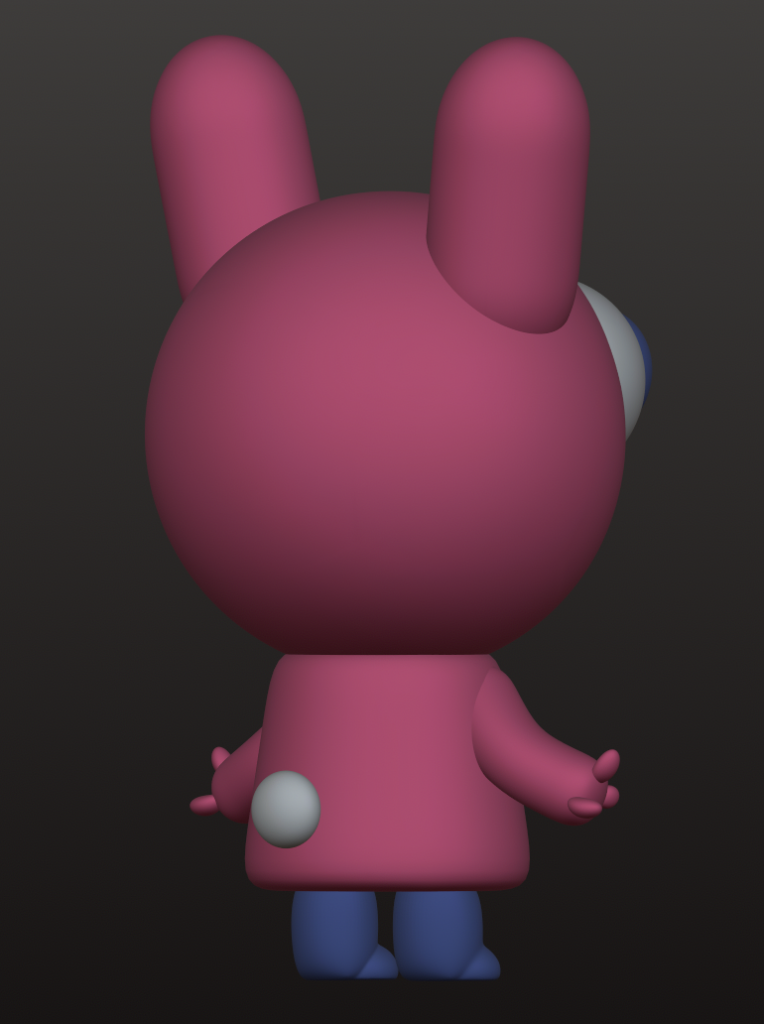
As this tutorial was just a beginners one it did not involve how to properly paint and light the models, I just used the basic material settings to change the colour of each shape.
I played around with the settings and created one pink matte look and one shiny yellow look.
Overall, this first week has left me feeling excited to learn a new skill and after completing this tutorial I feel much more confident that I can further my skills.
This semester is focused on research, ideation and prototyping. Over four phases we will conduct research into different subjects, we will present our findings to our peers then do a deeper dive into one subject. Eventually moving onto rapid protoyping game ideas ultimately creating a game proposal document.