This week and a half, I will focus on implementing major tasks like linking the ending to have a complete base game (any “wants” will be implemented later for the upcoming shows), fixing bugs, checking everything is in place for Itch.io, and posting on LinkedIn to promote the game.
WORKING, ADDED OR FIXED
- Object tooltips working with sounds
- Sounds playing at once problem
- Interact button working
- Pause screen
- Fixed the blur problem
- Disabling hover when paused can’t enable
- Start scene Link (Start, Beginning, Game)
- Added Makenah & Ines sprite
- “Contains themes of xyz” pop-up
- Change around objects in the scene
- Braiding dialogue change
- How to play
- Add itch.io page
- Making how to move not randomised
- Make arrows appear when edge scrolling
- Reset the camera to the original position code
- Ines Dialogue // fix dialogue interact
- Dialogue when found the first item
- Add doodles to settings and diary entry
- Dialogue when found all items
- Swan and cat sound effects
- Finish objects
- Link Ines dialogue to drawing mechanic (& add screenshot to downloads)
- If collectedall == true, interact becomes dispel
- Create game trailer & gameplay
Week 11 (11/05/26 – 17/05/26)
Seeing as it’s the second-to-last week, I’ve been implementing lots of new visual things and features that help improve the quality of the game. By this week, all of the 3D objects will be modelled, and then I will continue with my inky code and add to the dialogue.
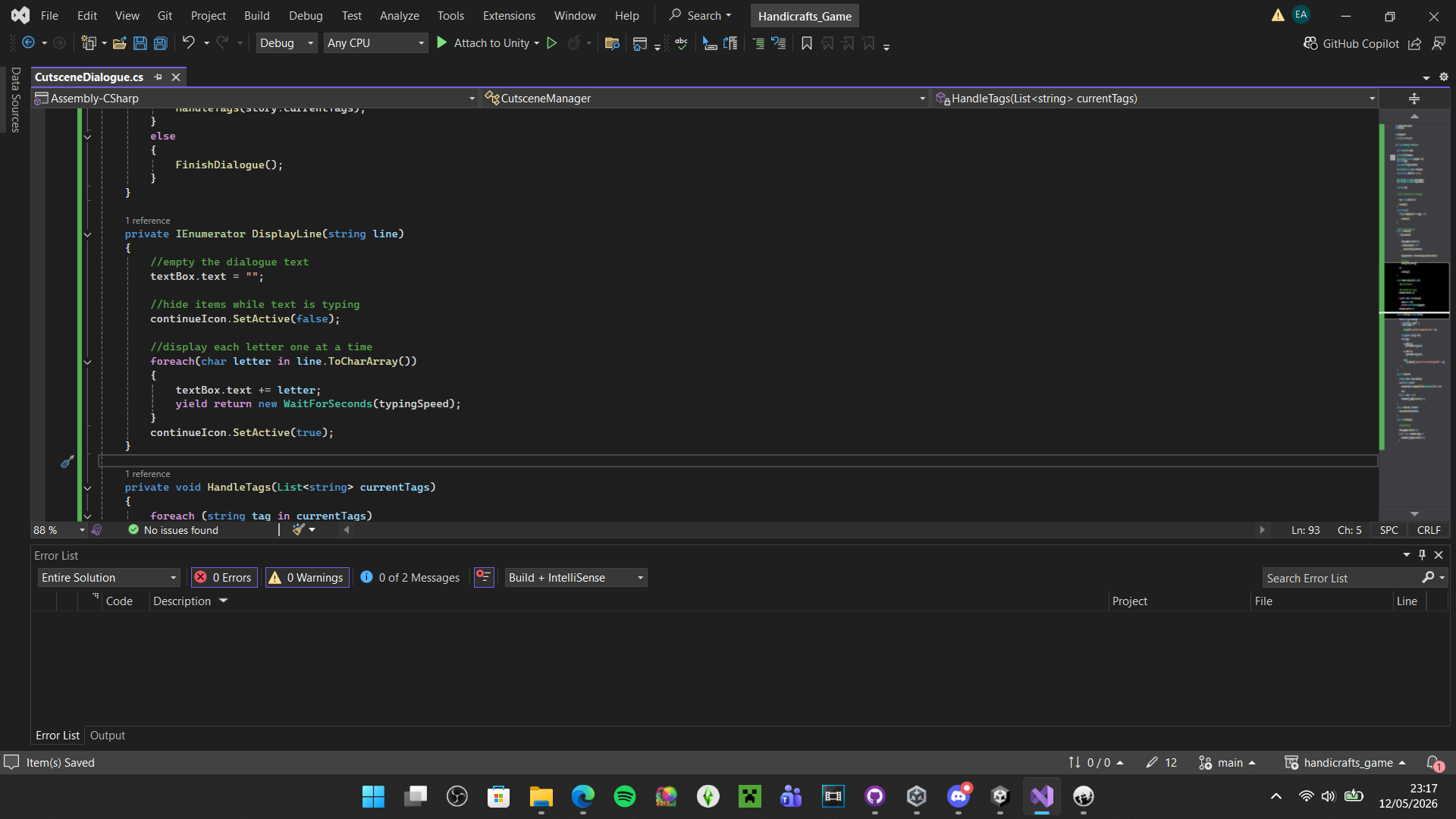
- ^ I reworked a dialogue code for the beginning and end to have typing text and choices as I originally intended. This can further immerse the player in Karimah’s world.


- One of the objects was meant to be a hair tie, but I ended up reworking it into a scrunchie as I thought it would be easier to think of the design. I was looking on Adobe Stock for patterns, and I stumbled upon this doughnut sprinkles pattern. I had the idea to make the Scrunchie a doughnut, as it is cute, and I’ve seen them before. I used a tutorial on YouTube to guide me with this process.


- I modelled the butterfly scissors that I drew in Semester 1. I added additional work to them in Photoshop, and they were successfully implemented into the game along with the scrunchie. One thing I learned is that in Blender, you need to make sure the Geometry is set to Origin, or objects will import with weird geometry that can make it hard for colliders to detect them.


- The final object was a bunny rabbit. I wanted it to look like the ones you find in craft/independent shops, girly and with colourful patterns, but also a sense that it was changed just through the protagonist playing with it. In this case, it’s nail polish added to the bunnies’ eyes, based on a childhood memory of a toy my sibling had.


- I added a code to manipulate objects (moving them forward and backwards, rotating up, down, left, and right). It was fairly easy to implement, as I reused some code from my object hover, but tweaked it very slightly.
Final Week 12 (18/05/26 – 21/05/26)


I finally added the platform object to replace the green platforms. It is like a bed, but made out of cardboard, and the hanging paper is meant to be felt and cloth. I wanted the first area to simulate grasslands, and the third to look like water, where all the swan origami will go. I thought this was a interesting idea, and I took notes from when I was a child, using paper, crafts and other miscellaneous objects to pretend my toys were in different locations & environments.

- LinkedIn Post for the trailer.
Final Feedback from Jordan
Jordan played the game on Monday, the 18th. It was extremely helpful as I’ve been scrambling to add polish to the game, and wanted to hear what he thinks of the change since I showed it to him last week.
- Have the title screen before the content warning ✅
- Check spelling mistakes so the game looks more polished ✅
- Add who’s speaking at the beginning ✅
- Skip instead of close ✅
- “Test this out by moving the cursor to a screen corner” ✅
- The “guidance arrows” are disabled, but can be enabled ✅
- Move hint instead of move guide ✅
- Reset the camera in the settings ✅
- Maybe add a reminder so the player can progress to the ending ✅
- Keeping ending simple ✅
- Muffled arguing sounds for immersion ✅
- Details are fine as they are ✅
Final Reflection
I had a lot of fun making this game. It was really difficult, as I constantly stepped out of my comfort zone. From learning C# from scratch and creating things in Blender that I hadn’t done before, to trying to piece together the narrative as I went along. I’m happy with how things turned out in the end, and I gained lots of new skills. Although I had so many setbacks, I’m proud of this little game and the story I could tell.
Certain things I was disappointed I couldn’t add in this version: my 3D modelled hands I made in the 1st Sprint, cutting out a minigame and scaling down another, and adding toon lighting. But because of this, I learned a lot about planning scope correctly, scaling down and reworking mechanics with the time that you have. Sometimes things not going your way can make for a new idea! I’m glad Hayley & I could work together to create something novel and interesting with a handcrafted and childlike feel to it. I think our ideas meshed well.
We will be showcasing the game at the degree show, as well as the London show, with more improvements, so I’m excited to show this off to the world!
Thanks for reading. 🎨