
Now that the levels had been planned, and the obstacles were designed, I had to actually create prefabs for them in Unity.
Crumbling + Falling Platform
This was the easiest as I already had the functionality for the disappearing (Crumbling) platform. All I had to do was create a new script that caused the platform to fall instead of disappear:

One-Way Platform
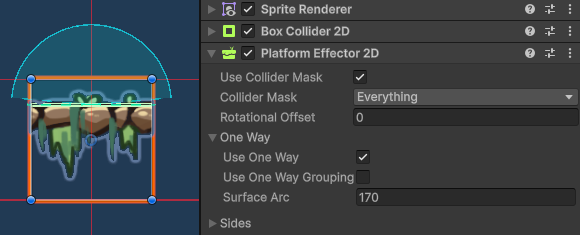
Not particularly an obstacle, but definitely a quality of life platform for the game. This was also relatively easy as Unity has a component for objects that only check for collision within certain directions, Which I used for this prefab:

Moving Platform/Hazards
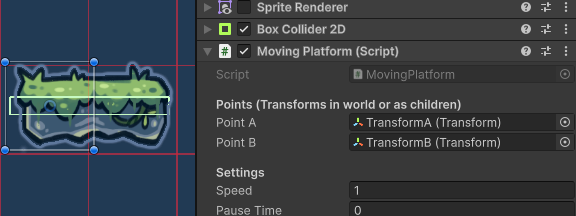
These platforms weren’t too difficult to make, I simply added two references for two transforms that the object would move between, and two floats that I could alter in the inspector that would dictate how long it would take for the platform to move between these two points and how long it would wait at each point.
Bounce Pads
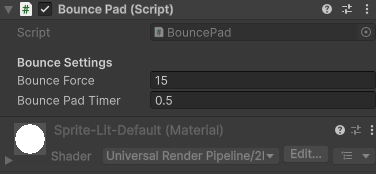
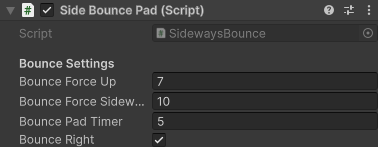
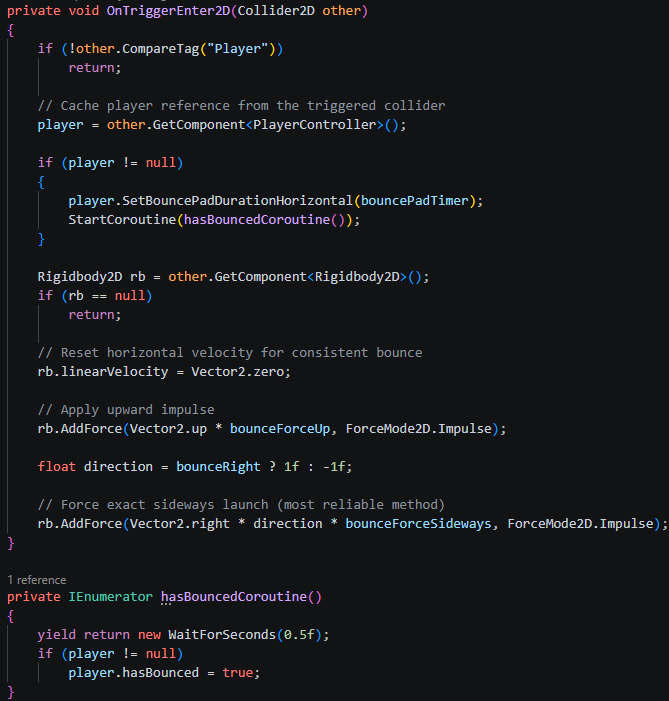
These were slightly more difficult to implement, as although the upwards bounce pad was easy (Simply adding an upwards vertical force to the player), the sideways bounce pads were much more complicated. As the player’s playercontroller script would overwrite any horizontal force/velocity the sideways bounce pad would cause. Therefore I had to lock the player’s horizontal inputs for a short period of time for the bounce pads to work (Bounce Pad Timer):


Bubble Columns
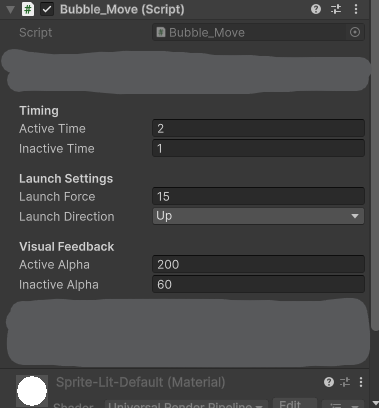
These were also a pain to create for a similar reason, the playercontroller script’s horizontal inputs would interfere with its functionality. Therefore I had to create an enum that would alter its functionality depending on what direction it was meant to effect the player (Launch Direction)
These bubble columns would turn on and off periodically (Active and Inactive time), to show this the script would change the alpha value of its sprite renderer (It was just a coloured rectangle at this point).
Steam Columns
Essentially the same thing as the bubble columns but much easier, instead of having to effect the player’s movement, all it did was kill the player. So I didn’t, have to worry about the scripts effecting each other for the steam columns.
Grapple Objects
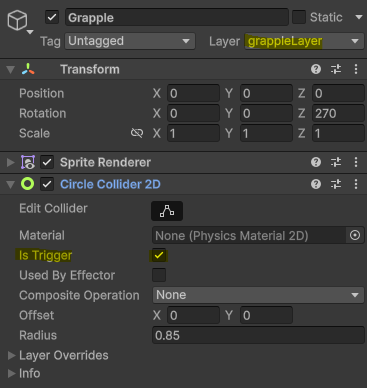
As far as the prefabs go this one way by far the easiest, because 99% of its functionality came from the playercontroller script and not this object itself. All I had to do was make sure it’s layer was set to grappleLayer so that the playercontroller could recognise it; and make sure it had a Collider 2D set to trigger:
Leave a Reply