
Before letting our peers playtest our game, we had to implement animations for the player character, Kauri.
Paula created separate animations for Kauri: Idle, Sprint, Jump, Wall cling etc. and sent them to me as seperate pngs. Which I turned into a spritesheet using this website. This lets me keep Kauri a consistent size despite his animations being made on different canvases.
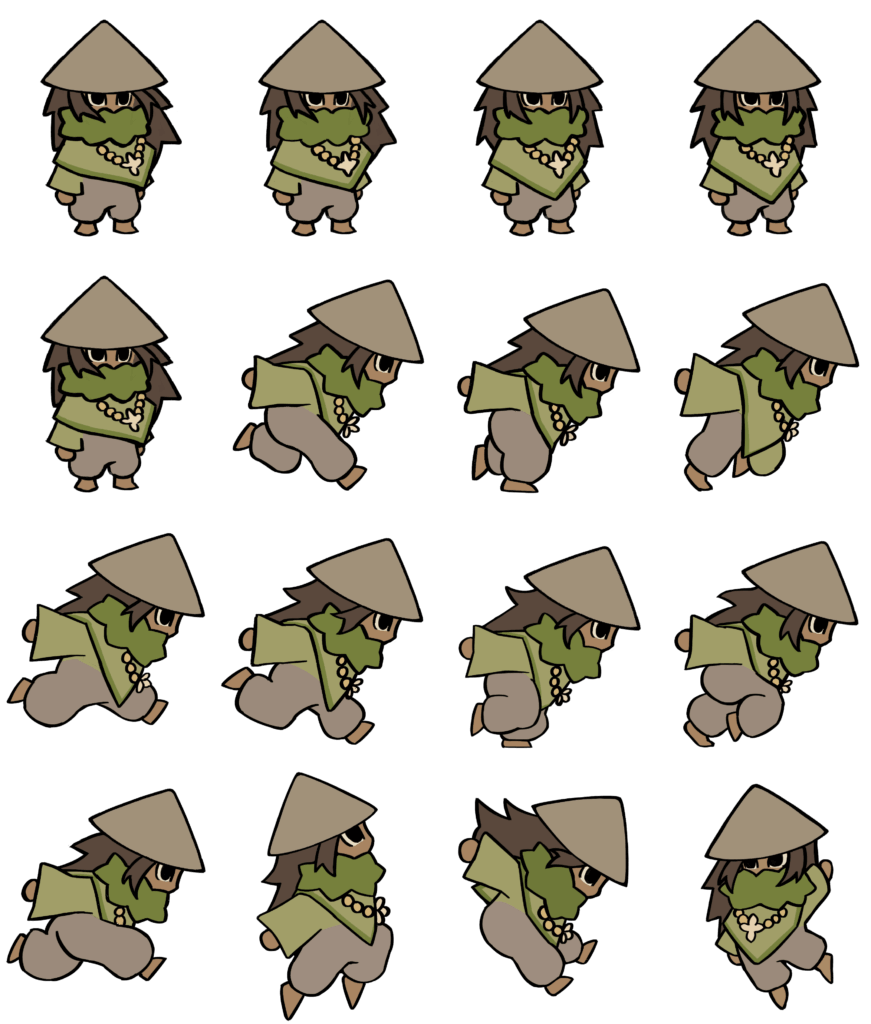
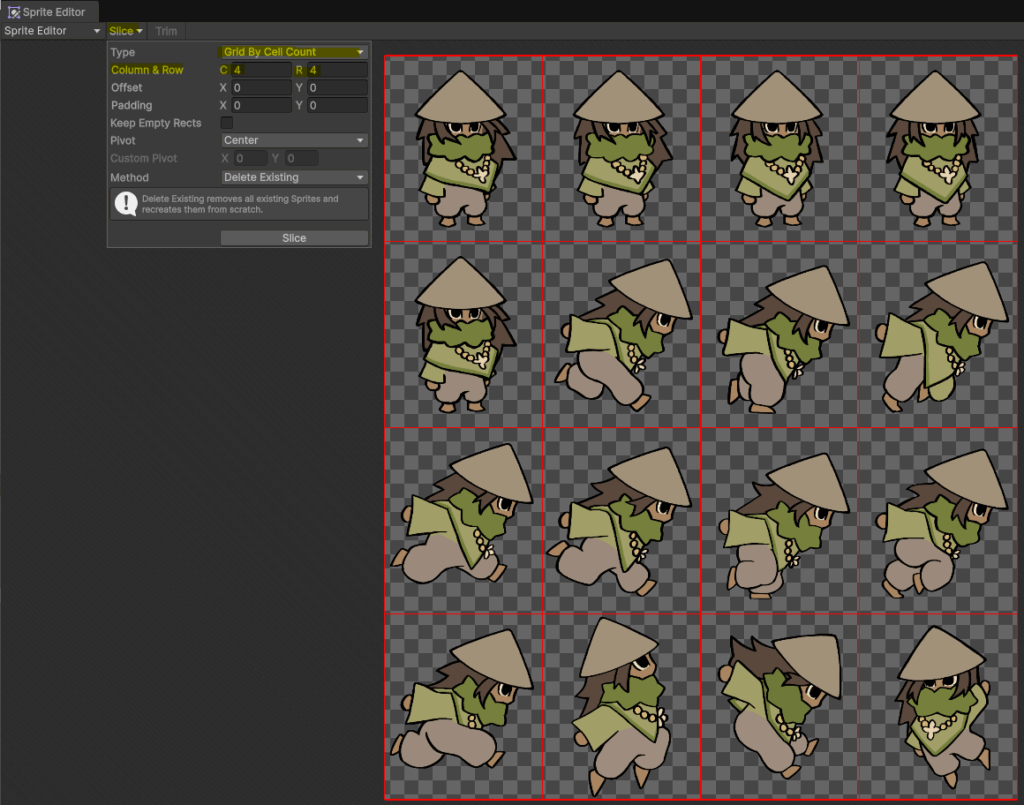
This is because I can splice the sprite sheet by rows and columns instead of sizes (Unity’s automatic setting):
Then, with these individual frames of Kauri’s animations:
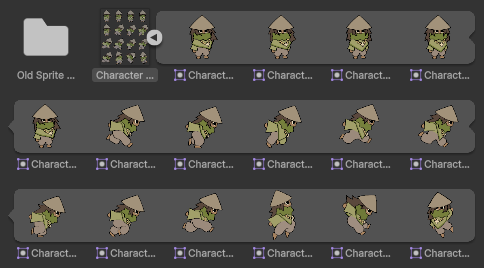
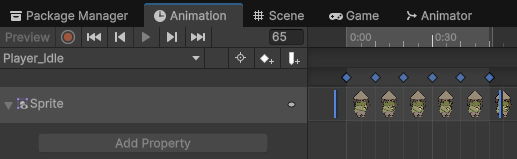
I can create animation clips, and use Unity’s animation tab to actually set these animations:
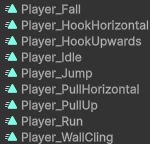
These animations can be controlled using an Animation Controller:

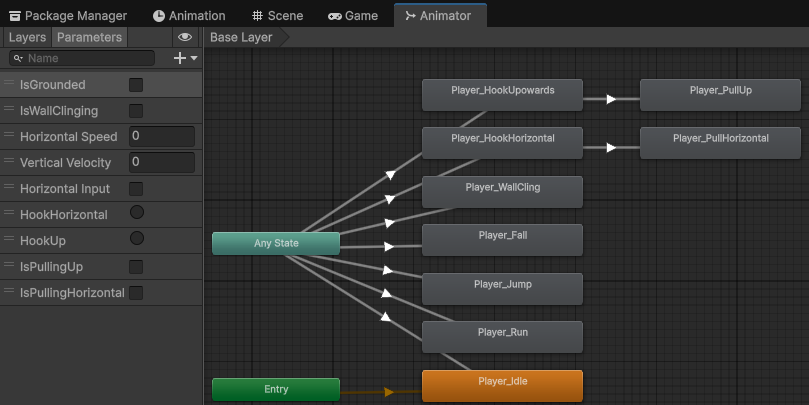
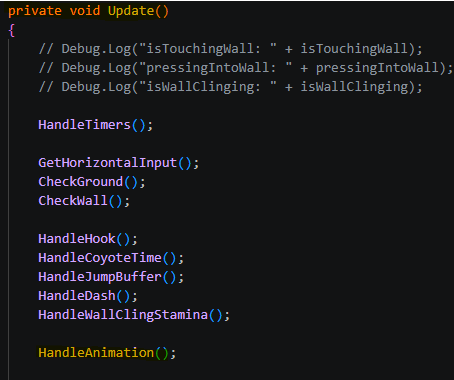
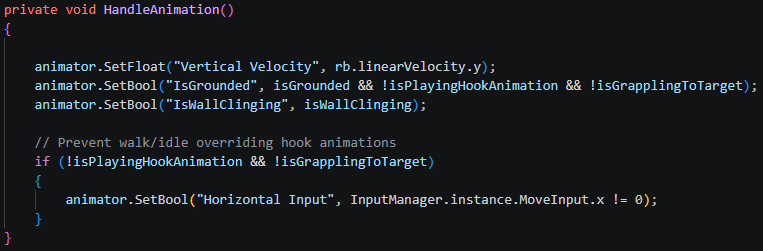
Which plays certain animations depending on certain Parameters (On the left), which are set in the playercontroller script:
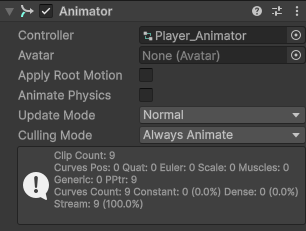
I then put an Animator component on the player gameobject so that it can access the Animator Controller:
Leave a Reply