
Design compromise
The main purpose of the village scene in terms of gameplay is for the player to gain information about how to read the night sky in order to sail to other islands. Originally, this was meant to be done by interacting with mythological being or the village’s people (As in ancient Polynesian culture, this information was often passed via word of mouth).
However, in order to meet the deadline we had to scrap this idea. Writing dialogue, designing characters and then animating them would take too much time. So, to replace this idea we thought of scraps of paper the player had to collect that the village elders used to document this information.
Paper prefabs
As the player will have to know how to navigate to multiple islands (Village island, various level islands etc.) I wanted to create a robust system that I could reuse for multiple instances of the player gaining this information.
To begin, I had to first realise what was needed of this prefab:
- A way to store the fact that the player has obtained said information
- A way to show the player the information that they just gained
- A way to show the player said information when they needed to access it
Step 1: Store the information
This was by far the easiest of the three, all I had to do was add a bool to the pre-existing PlayerManager (As it was a singleton that was preserved regardless of scene), then create a method that set this bool to true when needed. Lastly, that method would be called from the Paper prefab gameobject:
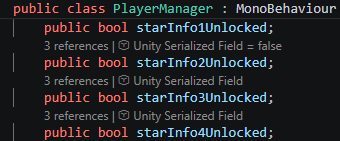
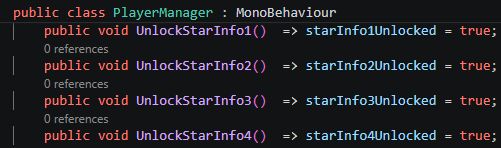
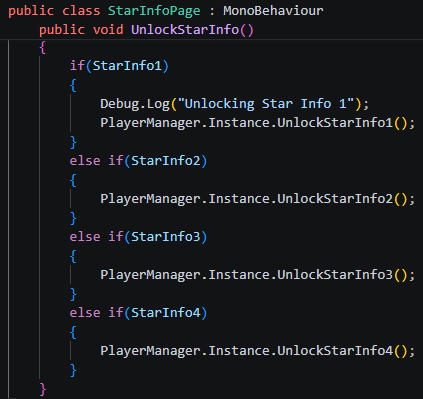
Step 2: Show information to the player
Slightly more difficult, but all I had to do was to an enable a UI canvas that showed the information about the stars:
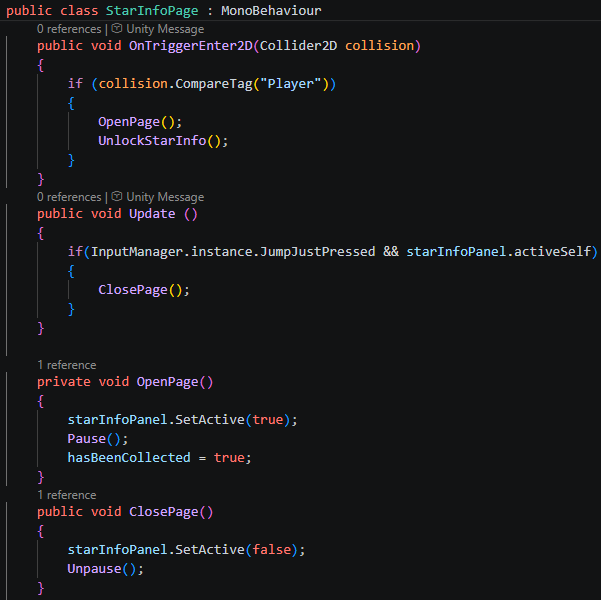
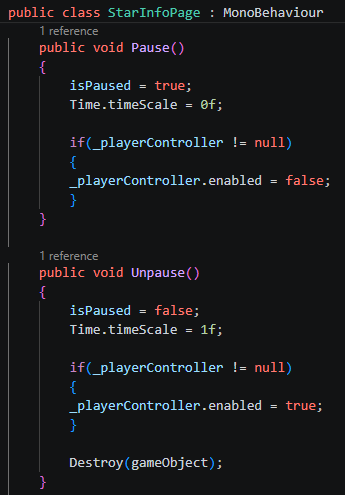
Then, create a functionality that paused the game and prevented the player character from moving (To allow the player to read the information). Lastly, I created functionality to allow the player to close the UI prompt once they had read the information:
Step 3: Creating an Inventory
As I already had a pause menu with settings, I decided to set up the inventory there. So I altered the menu script to add functionality for another section:
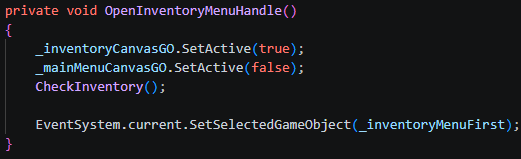
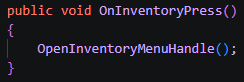
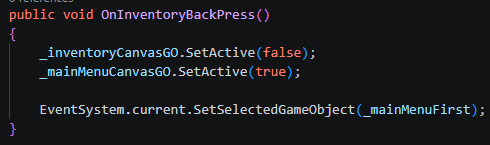
However, in the OpenInventoryMenuHandle() method, I need to be able to check what star information the player has obtained. This way I can show the appropriate information in the inventory (Which in this case is a notebook where Kauri write down the information he learns):
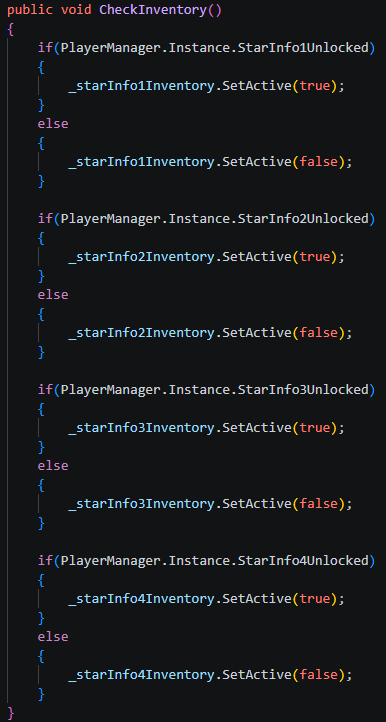
The way I’ve set up the Menu script and the Paper prefab script (Star Info Page (Script) below), lets me remove and add new star information very easily:
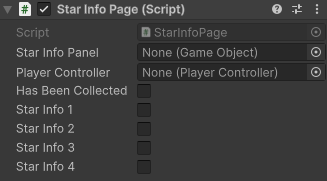
At this point this is what the inventory and paper prefab look like, the UI is very bare bones – its just an issue of adding text and whatnot – but functionally it is working great:
A bit of polish: Animation
To make it more obvious to the player that the paper prefabs are meant to be picked up, I created an animation for is using code:
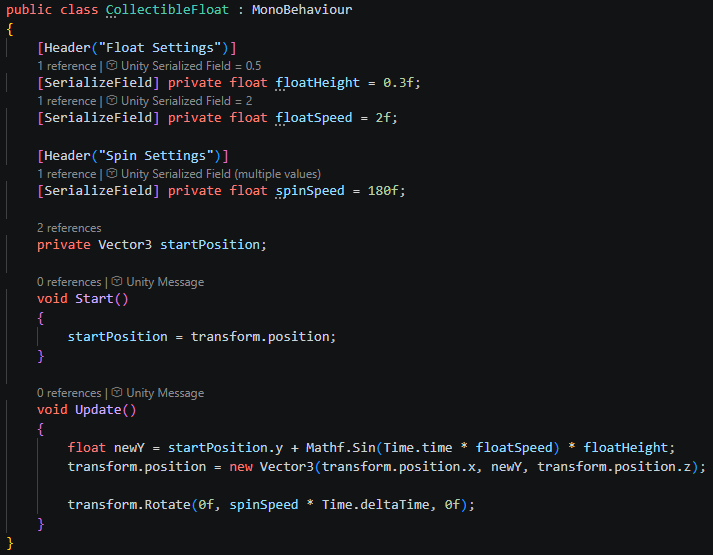
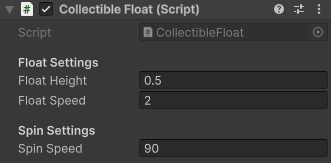
This script uses sin waves to control the gameobjects y.position, making it hover up and down – and also spins the gameobject aswell. Both of which can be controlled with floats in the inspector:
A bit of polish: Particles
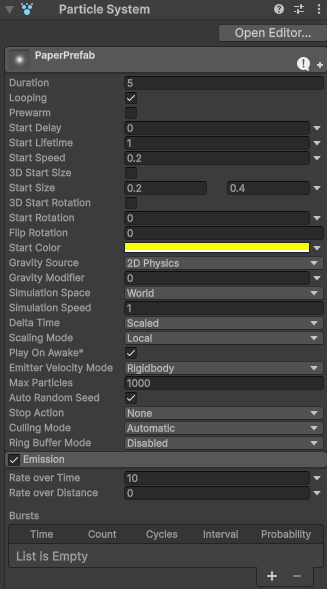
The last thing I did was add a particle system with yellow, glow particles – these were quite small and slow and floated with a gravity modifier of 0. This was to make it more obvious to the player that this gameobject was important, and to prevent it from blending in with the game world.
Fish hook fragment prefabs
As the Kauri gets his abilities from the power imbued within his fishhook, there needs to be a mechanic for the player to obtain fragments of this fish hook.
As the functionality for the papers with star knowledge, I used extremely similar ideas for the fish hook:
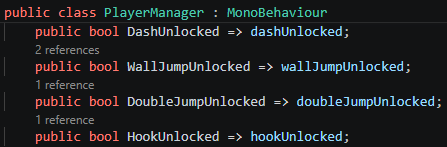
1. Storing the fact that the player has unlocked an ability:
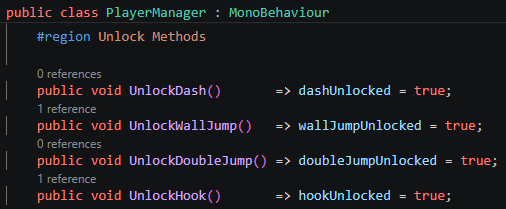
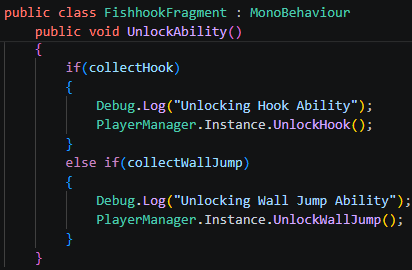
Then, the fish hook fragment script calling the method for unlocking the ability:
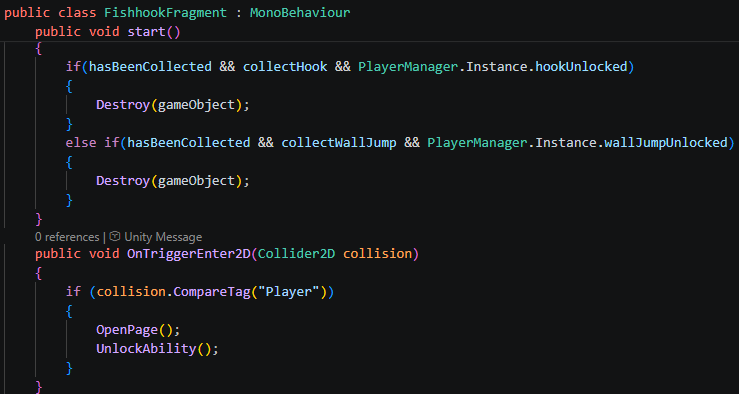
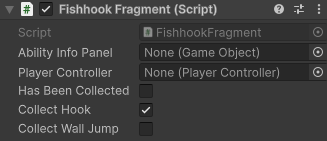
This information can be decided in the inspector:
Leave a Reply