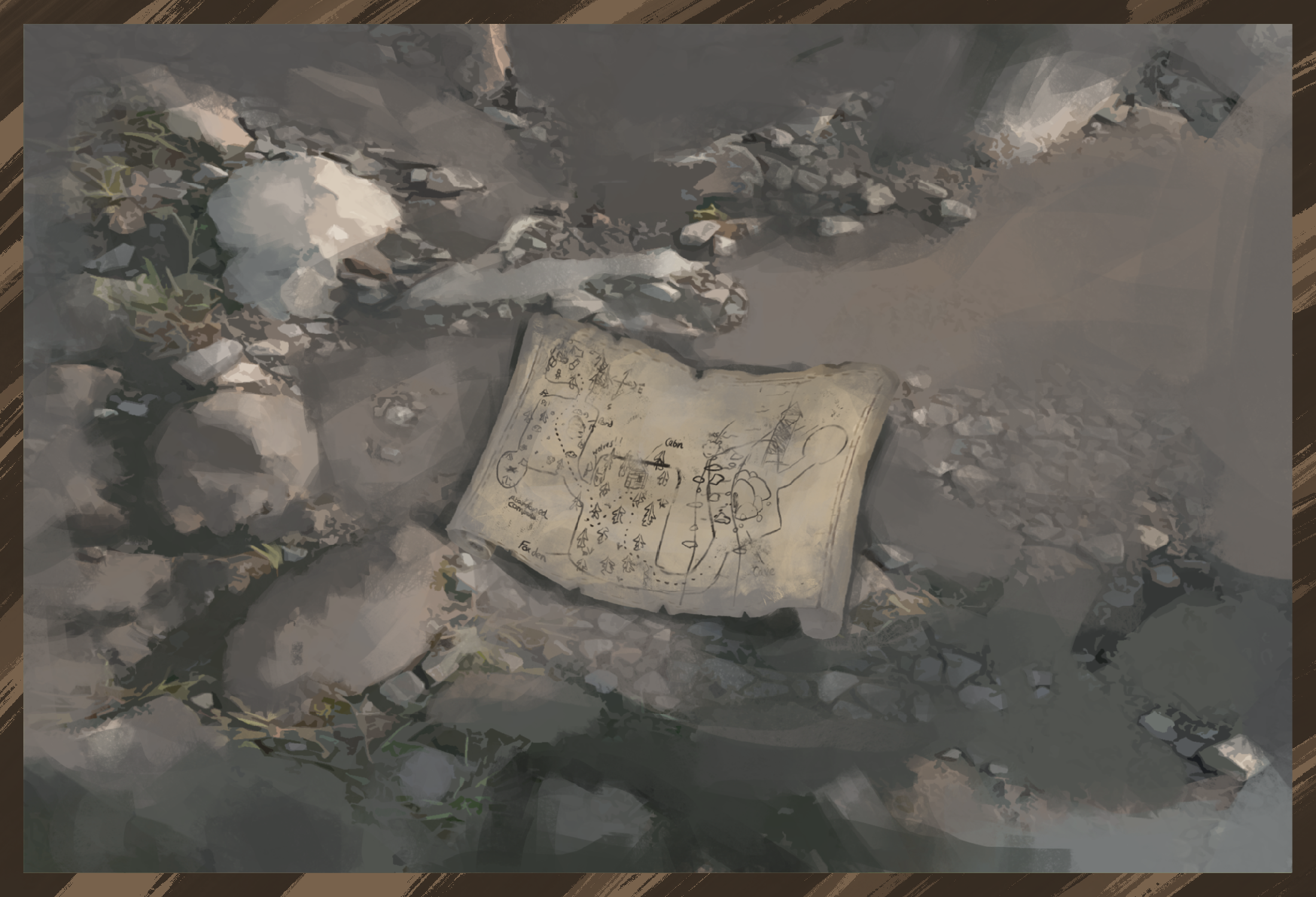
10 March Update - Stone Clearing Mini Game Implement
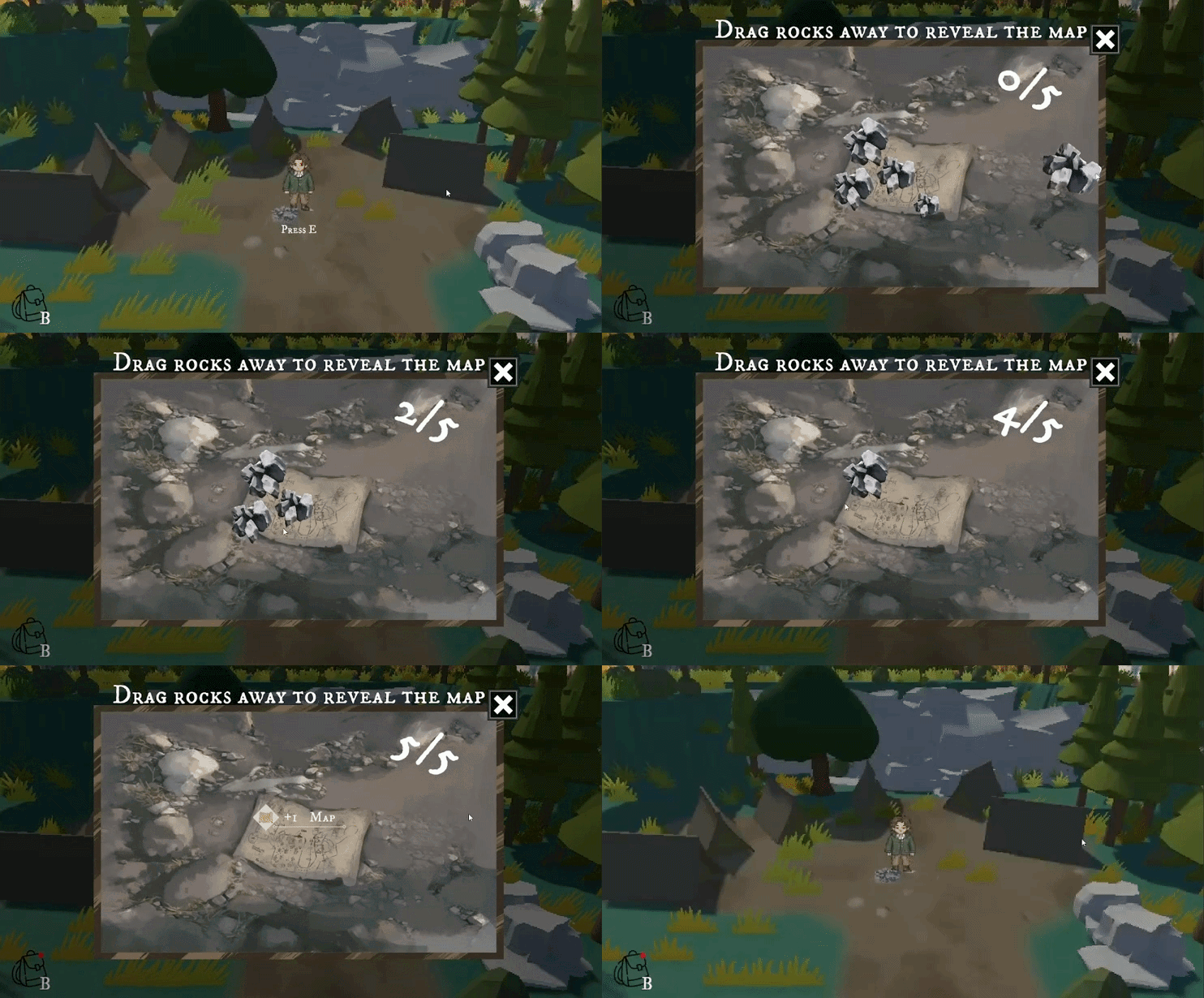
The overall system structure of the map task is mostly the same as Mini Game: Berry Picking, so I do not need to repeat the full process of opening the UI, dimming the background, updating the counter, closing the panel, completing the task, and sending the reward to the inventory. These parts all use the same mini game task framework.
The main difference is the interaction method.
In Berry Picking, the player clicks berry buttons to collect them. In the map task, the player needs to drag the rocks covering the map. When a rock is dragged far enough away from its original position, the system treats it as removed, hides it, and updates the task progress.
This drag interaction is controlled by UIDragRock. Each rock is a UI object. When the player drags it, the script updates the rock position based on the mouse movement.
rectTransform.anchoredPosition += eventData.delta / scaleFactor;
Here, eventData.delta is used to read the mouse movement, and it is divided by the Canvas scale factor. This keeps the dragging behaviour more accurate across different screen sizes and UI scales.
When the player releases the mouse, the system calculates the distance between the rock’s current position and its original position.
					float distance = Vector2.Distance(
    rectTransform.anchoredPosition,
    initialAnchoredPosition
);
If the distance is greater than the defined removeDistance, the rock is counted as successfully removed. The script then hides the rock and tells MapTaskManager to increase the progress count.
					if (distance > removeDistance)
{
    MarkRemoved();
    mapTaskManager.NotifyRockCleared();
}
If the drag distance is not enough, the rock returns to its original position. This prevents the player from completing the task by simply clicking or slightly moving the rock.
rectTransform.anchoredPosition = initialAnchoredPosition;
=====================================================================
08 March Update - Map Stone Clearing Mini Game Prototype
After completing the Berry Picking mini game, I found that this type of interaction was relatively easy to implement, while also providing clear visual feedback and a strong art effect. Therefore, I decided to combine this mechanic with the story setting and create another mini game based on finding a map.
In the story, the player needs to find a map in the forest, so I designed this task around the idea of a map being covered by rocks. This mini game reuses most of the code structure and UI system from Berry Picking, including the task window, dimmed background, counter, close button, task completion check, and reward delivery logic.
Similar to Berry Picking, I first created the layout in Figma to test the UI panel scale, the map background position, the rock size, and the dragging area. This helped me confirm the overall visual structure before moving into Unity and creating the final art assets.
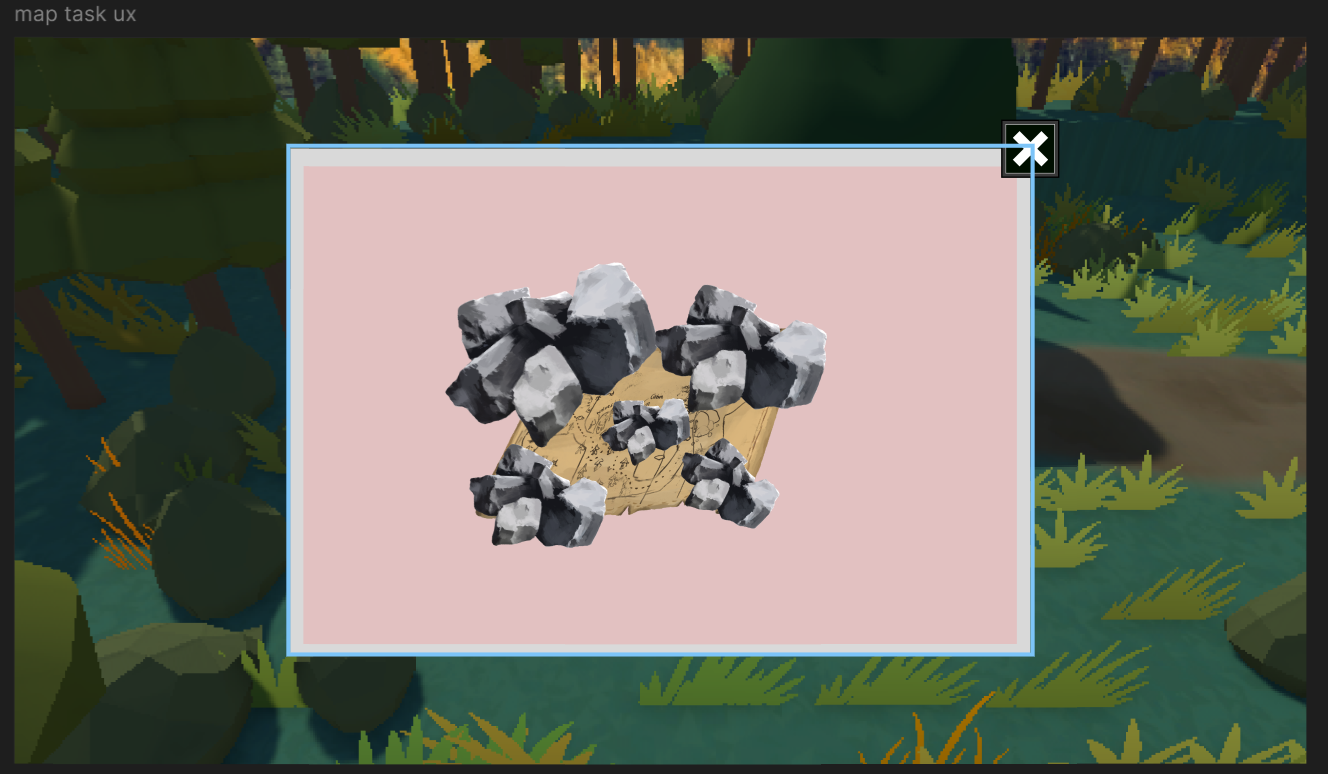
I then sent this Figma layout to Yansong, who was responsible for creating the final artwork for this mini game. It is quite obvious that his map task artwork looks much better than the Berry Picking assets I drew myself, so this version also feels much closer to the final visual style we wanted for the game.