After deciding to use Ink as the foundation of the dialogue system, I started trying to connect Ink dialogue into Unity. As a Mechanics Designer, my initial goal was not to build a complete visual novel system. Instead, I wanted to first test a basic mechanics loop: whether the player could approach an NPC, trigger a conversation, read the dialogue, make a choice, and enter different branches based on that choice.
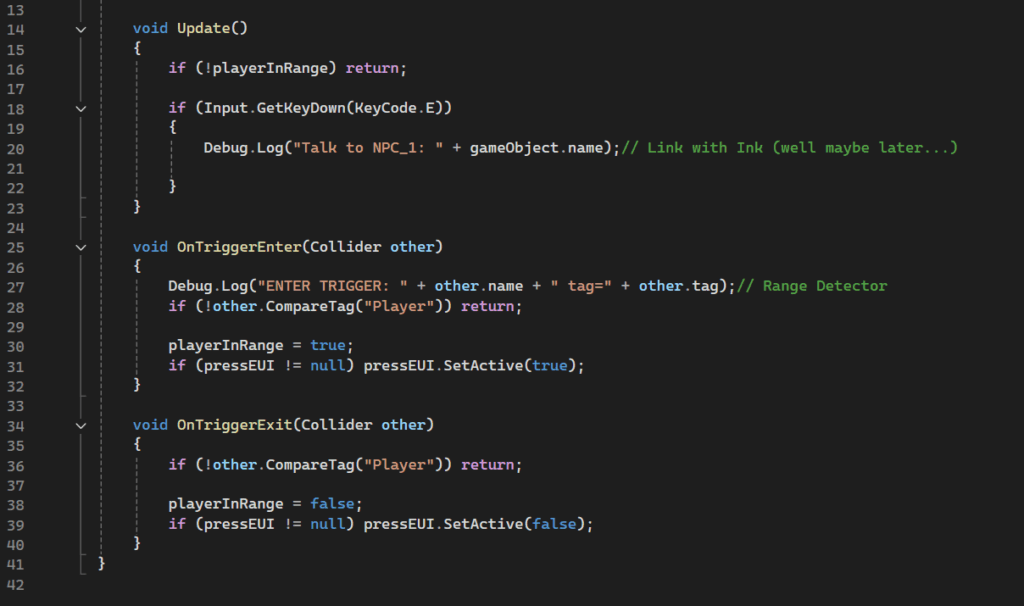
The earliest implementation started from the NPC interaction entry point. I created a simple trigger-based interaction prototype. When the player entered the NPC’s trigger area, the UI would show a “Press E” interaction prompt. When the player pressed E, the system would trigger the interaction logic. At this stage, the system was not yet connected to complex Ink content, but it helped me confirm the entry condition for the dialogue mechanic: the player needed to be within the correct spatial range before they could actively interact with an NPC. For me, this step was important because a dialogue mechanic should not just be a UI button. It should also relate to the player’s position in the scene, their actions, and the rhythm of exploration.
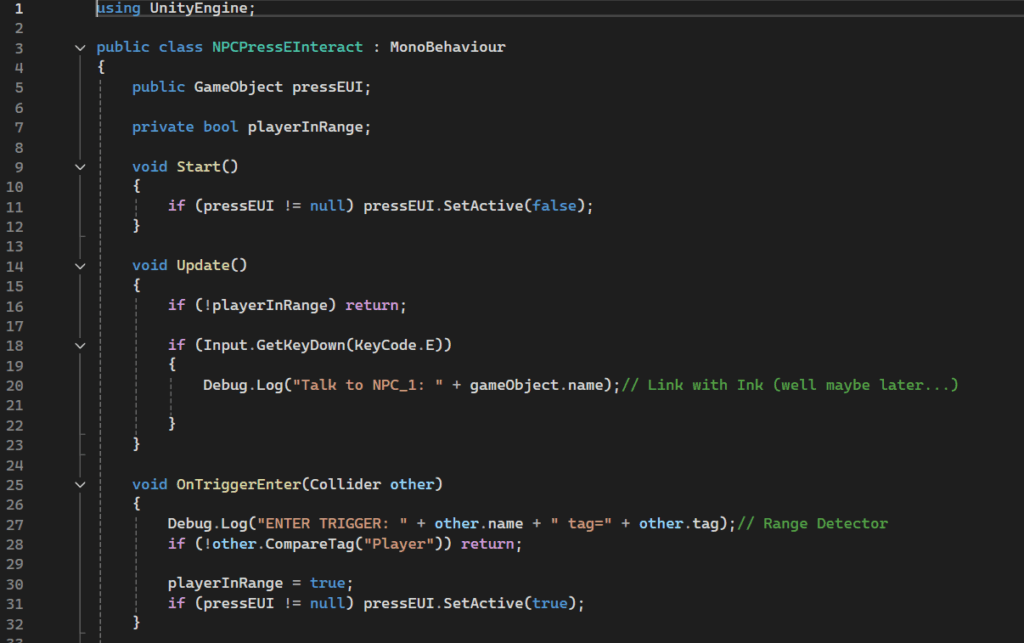
After that, I started building an early version of the Dialogue Manager. The core function of this version was to read the JSON file exported from Ink and display the text inside Unity’s dialogue panel. The player could continue the dialogue through input, and when the Ink content ended, the dialogue panel would close and the system would return to the normal game state. This stage confirmed that Ink Runtime could work properly in Unity. It was also the first time I turned Ink text from an independent narrative file into interactive in-game content.
Beyond basic text display, the part I cared about most was choice handling. In this project, choices are not just decorative pieces of text. They are the player’s main form of input during dialogue. The early Dialogue Manager checked whether the current Ink story had any choices. If choices existed, the system would stop the player from simply skipping forward, and instead dynamically generate choice buttons. This meant the player had to choose one of the available branches. After the player clicked a button, the system would call Ink’s choice index and move the story into the corresponding branch.
This design made me realise that the Dialogue Manager was already starting to function as a mechanic. It was not only responsible for deciding “what the next line of text is”. It was also controlling when the player could input, what form that input would take, and how that input would change the following content. This becomes especially important when dialogue choices later need to connect with reputation, quest states, or item conditions. In that case, choice handling becomes one of the core parts of the whole system.
However, during implementation, I ran into some clear UI issues. The most typical problem was that Ink did contain choices, and the code was generating buttons, but the buttons sometimes did not display properly. In some cases, the UI layout settings made it look as if the buttons had not been generated at all. To solve this, I added a lot of debug information in later versions. I checked the choice count, choices container, button prefab, TextMeshPro component, Button component, and LayoutElement settings. I also tried forcing the Image, Button, and Layout components on the buttons to be enabled, so the buttons would not become invisible because of prefab or layout issues.
This problem made me realise that the dialogue system is not purely a coding problem. Even if the logic successfully reads choices from Ink, the player still cannot see or click those choices if the Unity UI hierarchy, layout, prefab, or active state is not set up correctly. In other words, the Dialogue Manager depends on narrative structure, runtime logic, and UI implementation at the same time. If any one of these parts is unstable, the whole mechanic can break.
Later, the technical designer refactored and expanded the Dialogue Manager. Compared with my early version, the production version was no longer just reading and displaying Ink text. It became more of a bridge between Ink and the Unity systems. At the start of a dialogue, it would push Unity game states into Ink, such as Sierra and Marcus’s reputation values, whether the player had the Map, Mushroom, or Compass, and some story flags that had already happened. This allowed Ink branches to respond to the real game state, rather than simply progressing through fixed text.
At the same time, the production version also added Ink tag handling. Tags in Ink could trigger system behaviours in Unity, such as increasing or decreasing reputation, giving items, consuming items, or setting story flags. This helped me understand that the real value of the dialogue system is not “playing text”. It is allowing narrative content to affect gameplay state. The player’s choices in dialogue can be translated into actual system changes through Ink tags.
Looking back, my early Dialogue Manager completed the validation of the basic prototype. Ink could be connected to Unity, dialogue could start and end, text could progress, and choices could be generated and enter branches. However, it did not fully solve the connection between dialogue and other systems, especially reputation, inventory, and story flags. The truly difficult part was not making a line of text appear on the screen. It was making the player’s choices produce stable, trackable, and noticeable consequences.
If I were to rebuild this system, I would start with a smaller MVP: one NPC, one Ink dialogue, one choice, one reputation change, and one piece of feedback that the player could immediately see. This would allow us to test the interface between the Dialogue Manager and the Reputation Manager much earlier, instead of building the two systems separately first and only trying to connect them afterwards.
This implementation process taught me that, as a Mechanics Designer, designing a dialogue system is not only about designing dialogue content or choices themselves. I also need to think about how the system enters the gameplay loop. A dialogue mechanic needs clear trigger conditions, input methods, state changes, and feedback. Only when all these parts work reliably can dialogue move beyond narrative presentation and become a truly playable system.
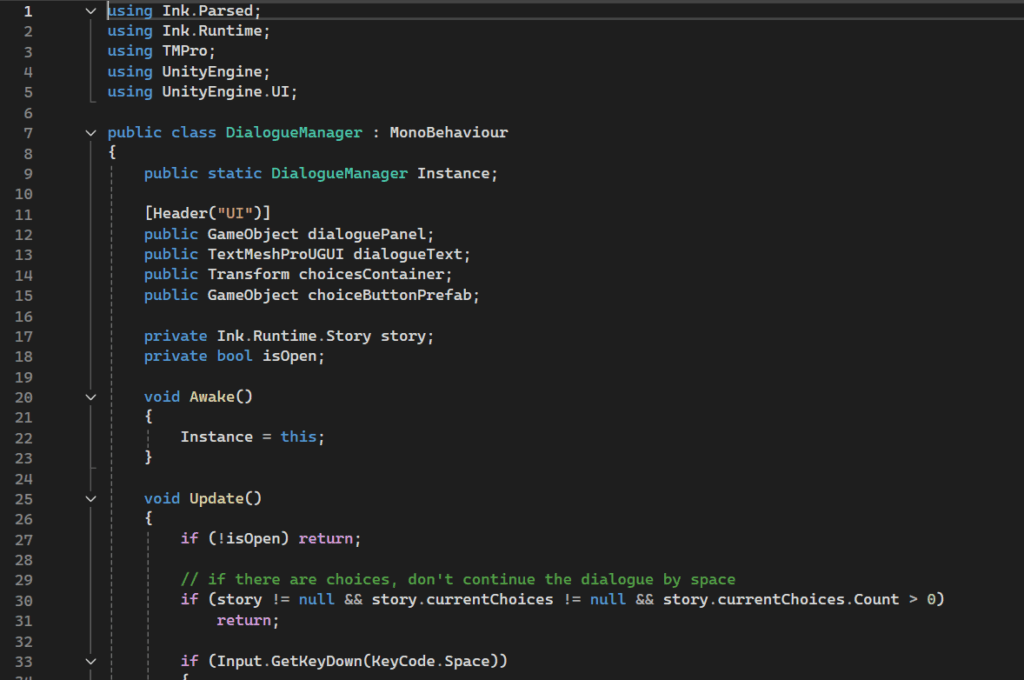
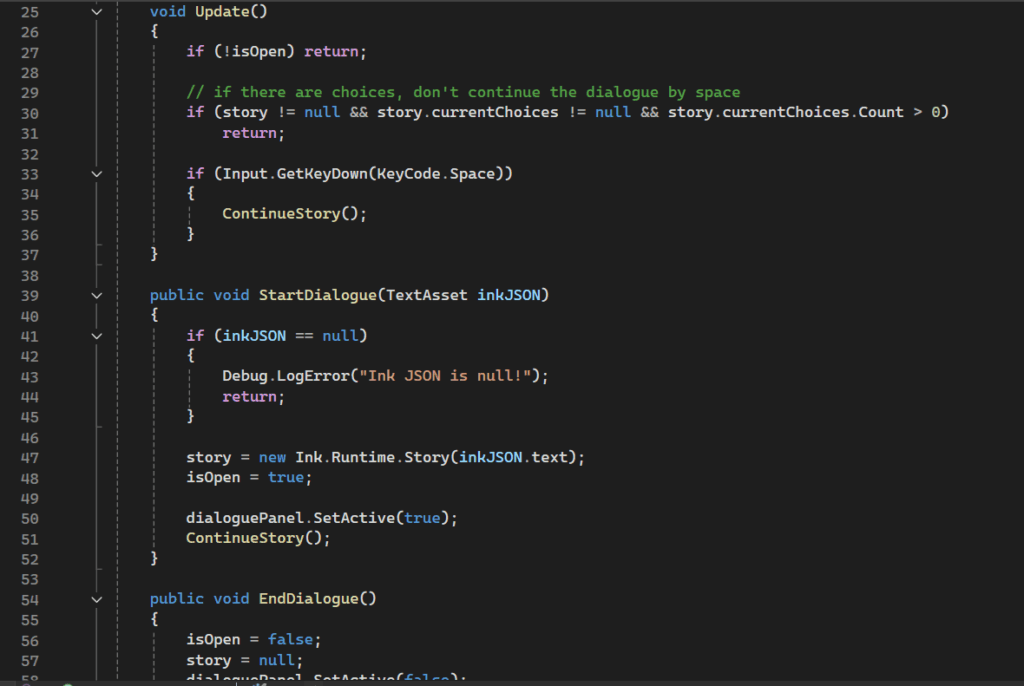
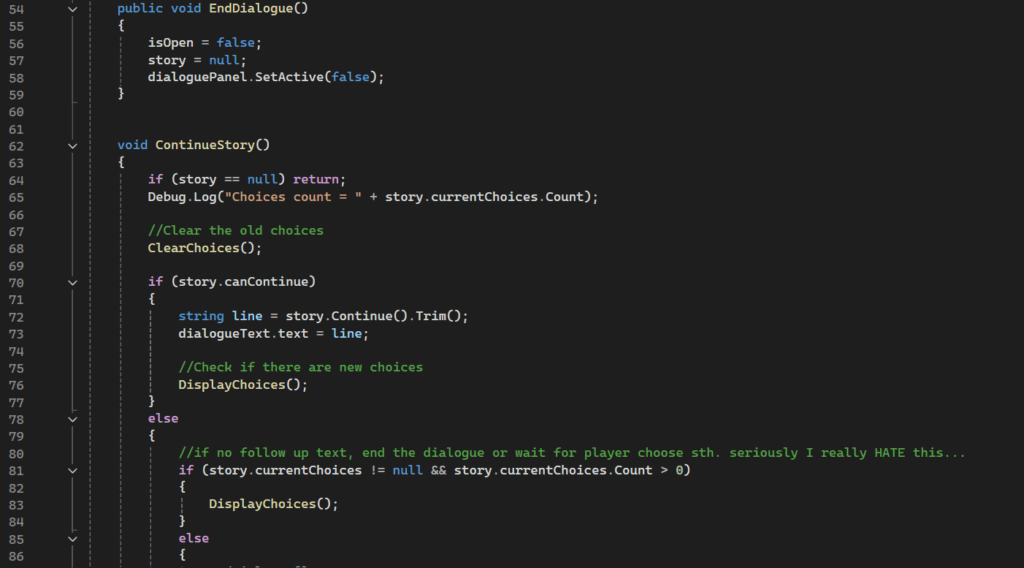
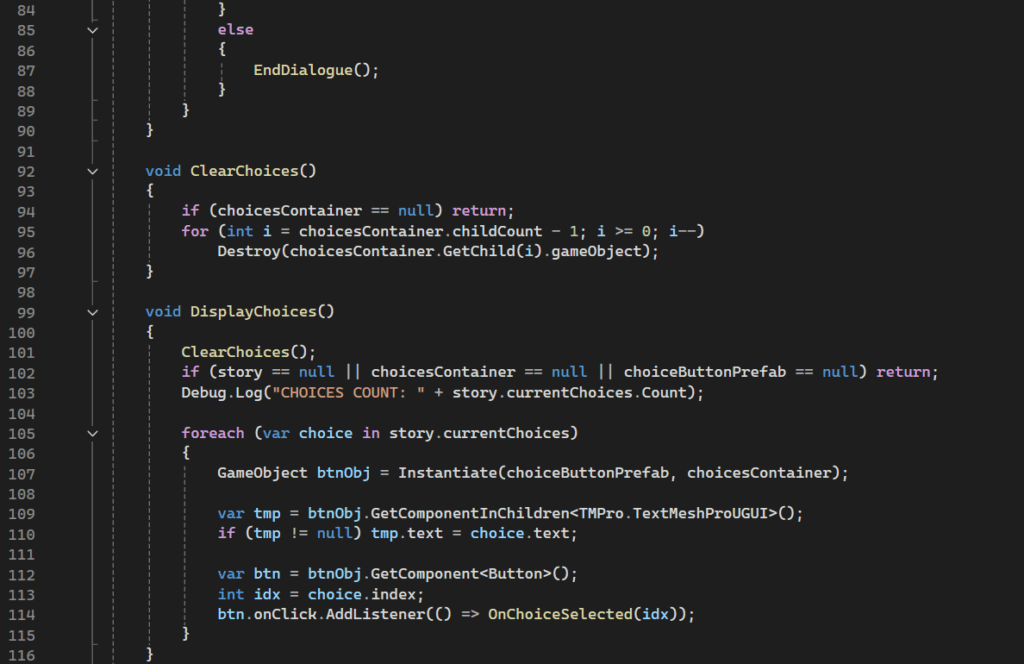
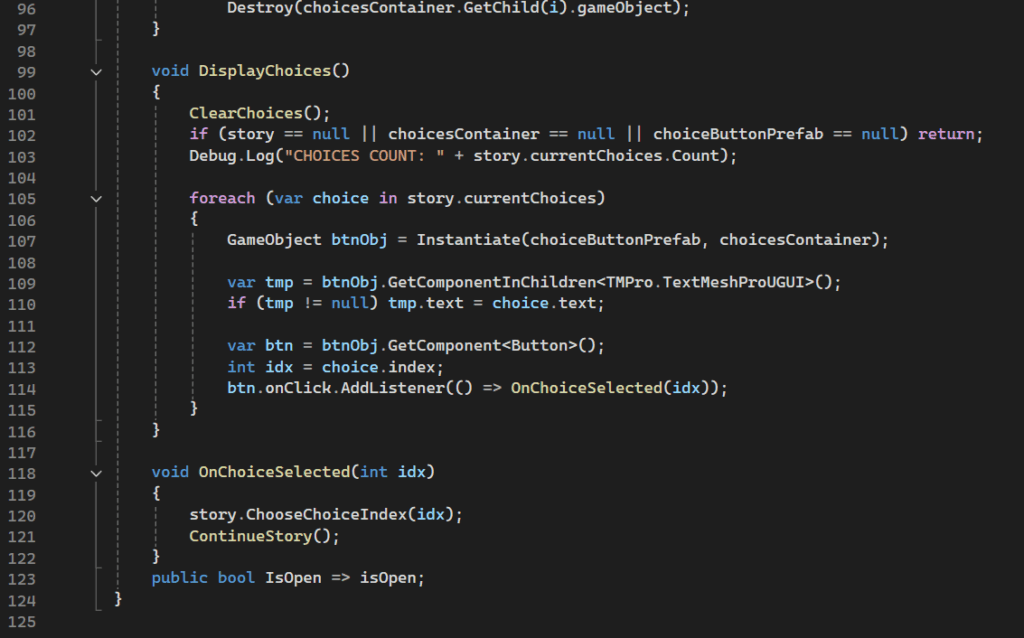
(The image shows the closest modified version to the original script. I edited this script so many times that I could not really find the very first version anymore.)
Leave a Reply