In the second half of last week, I fixed the issue where the range detection triggers “Press E”, as well as the start and end of the dialogue. Now I’ve started working on branching and choice-related content.
Before I started, it was basically like this: you could press Space to end the dialogue, but no choices were displayed.
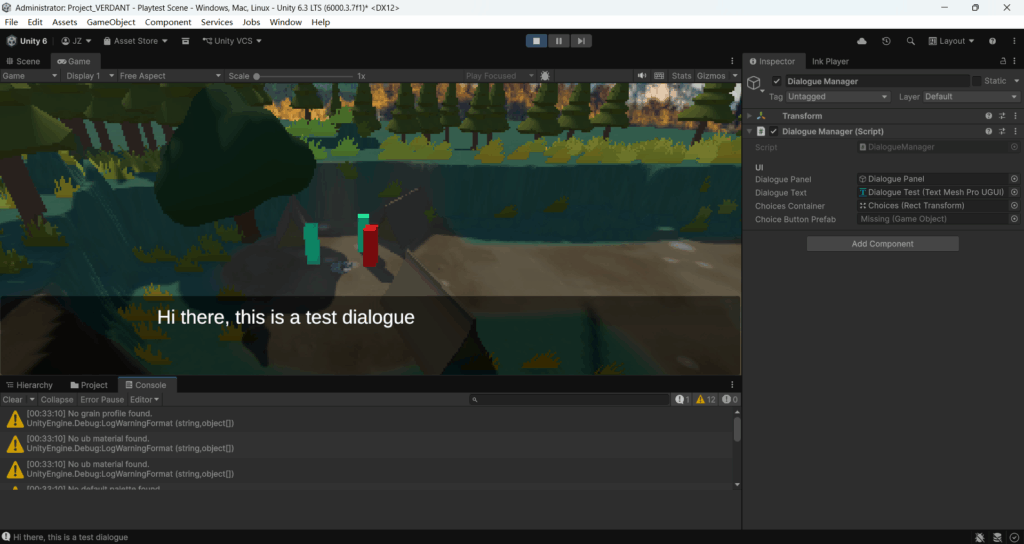
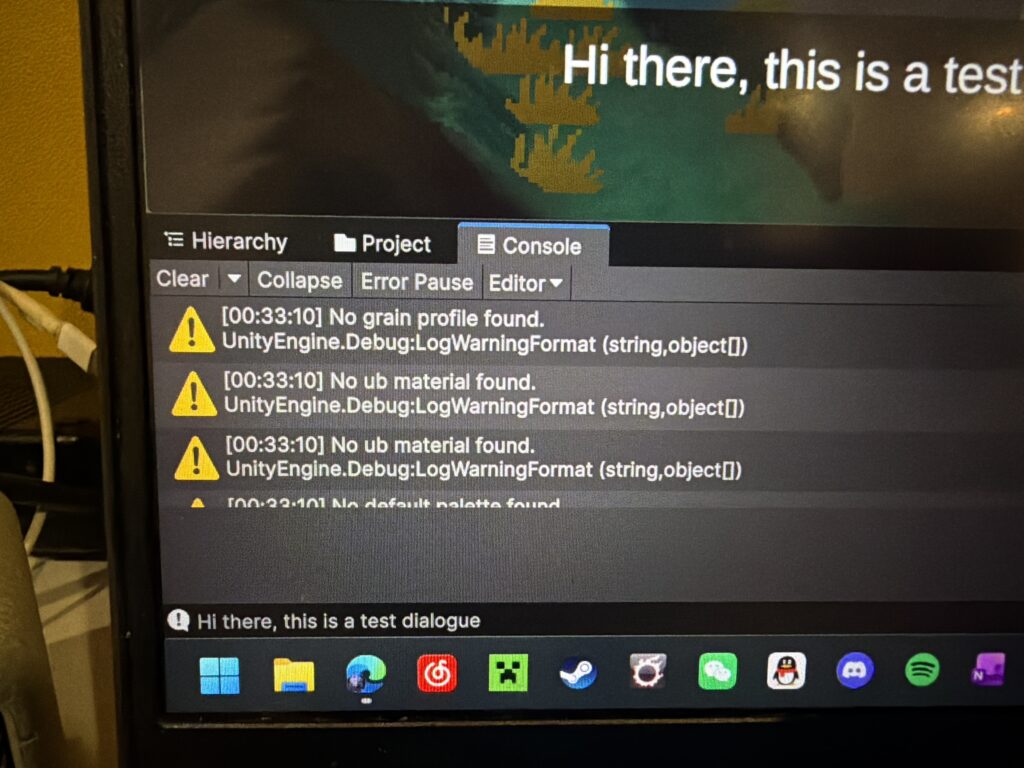
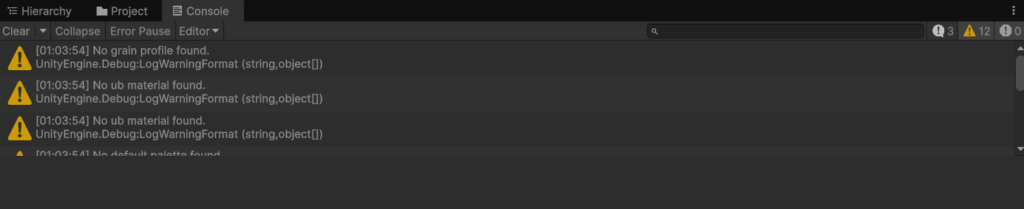
After I built part of the UI and bound it to the DialogueManager, the following error appeared. Nothing related to choices was printed in the Console at all. I guess this means DisplayChoices() was never executed, or story.currentChoices.Count == 0.
But “Hi there this is a test dialogue” was displayed normally, so I suspected the issue might be that there are actually no choices in the .ink file, or that there’s something wrong with my export format and it’s not being read properly…
So I modified the code.
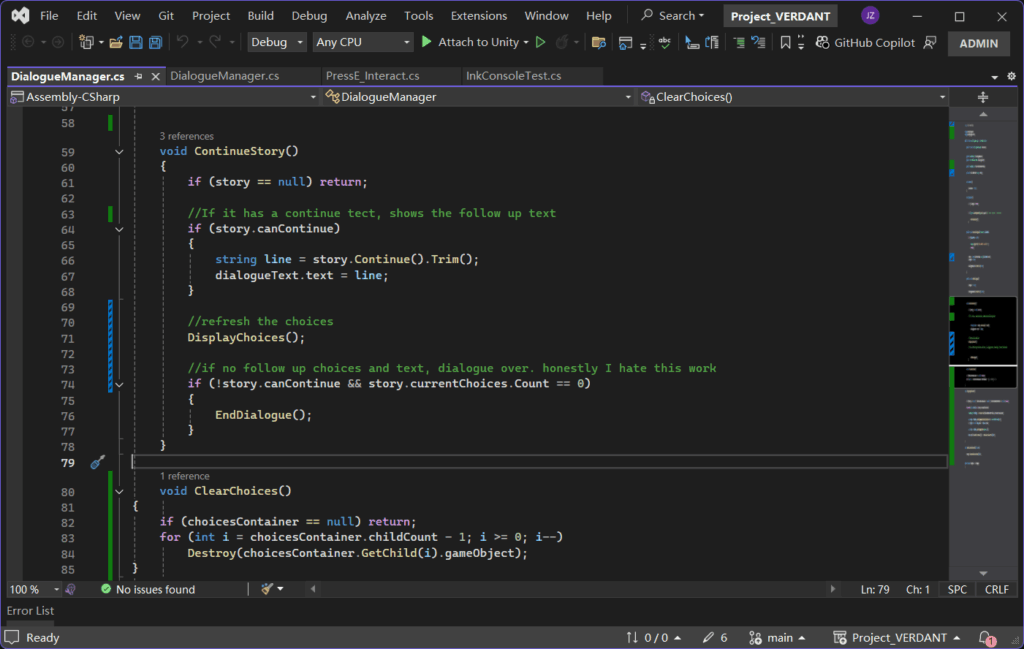
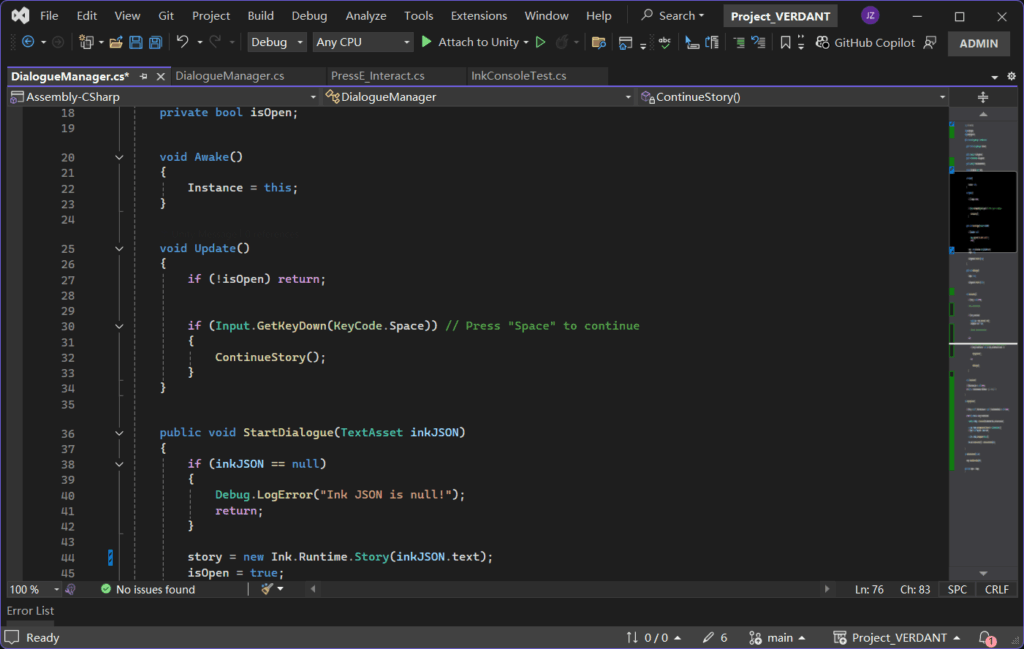
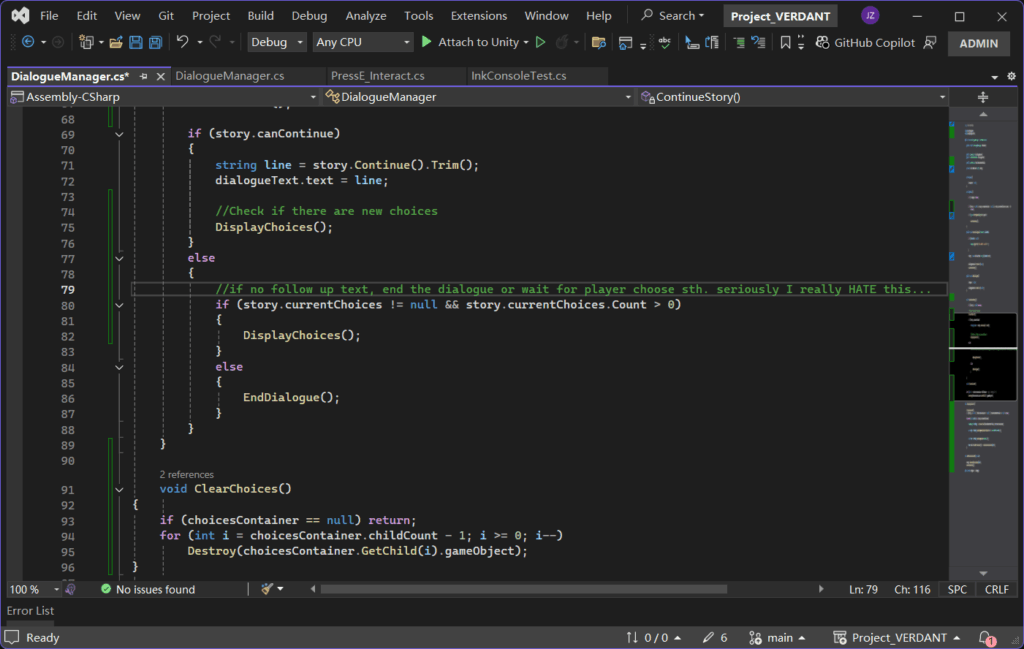
I modified the Continue part inside DialogueManager so that when it detects there are upcoming choices, it loads the choices directly instead of ending the dialogue.
Sorry that this part of the log is really messy, I only came back to write it some time after making the changes, and I kind of forgot what my thought process was at the time. Anyway, in the end I didn’t manage to solve anything. I even checked my Ink JSON file and confirmed it wasn’t an Ink issue.
Then I suddenly remembered: debug logs are actually a really great thing. So I added a debug log here.

After that, the following error appeared:
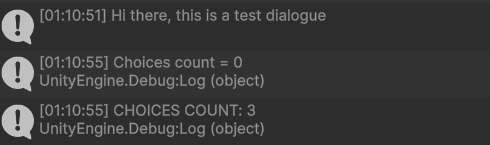
Alright!!! This doesn’t look like it’s because of my Ink file. It looks more like my code is treating Ink’s choices as normal text and continuing them forward. Although the choices also didn’t appear as text, judging from the error message there seems to be that tendency.
Maybe the UI didn’t have time to display the choices before my ContinueStory() pushed it to the next step. After all, it does show Choices Count=3, which means it reached the choice step. It froze because the UI didn’t display, so I couldn’t continue selecting.
Leave a Reply