These two weeks before the final playtest were the busiest and involved a lot of technical work.
I needed to transform the models I’d created into game assets, specifically, to create the correct topology on the models, creating a mid-poly version. I chose this approach because I didn’t think it was necessary to seriously optimize the scene at this stage and create low-poly models for LODs, and high-poly was unnecessary because the shader significantly reduced the aspect of many details.
For the future, I also noted that it’s vital to check each model in triangulation format, because when exporting some models, I encountered serious rendering artifacts or complex UV mapping, which ultimately took me longer than I planned. But in most cases, I was quite pleased with the results.All game engines triangulate models automatically, unlike 3D software, which simplifies the visuals to make the modeling process easier. In some situations, this can seriously backfire and roll back progress.
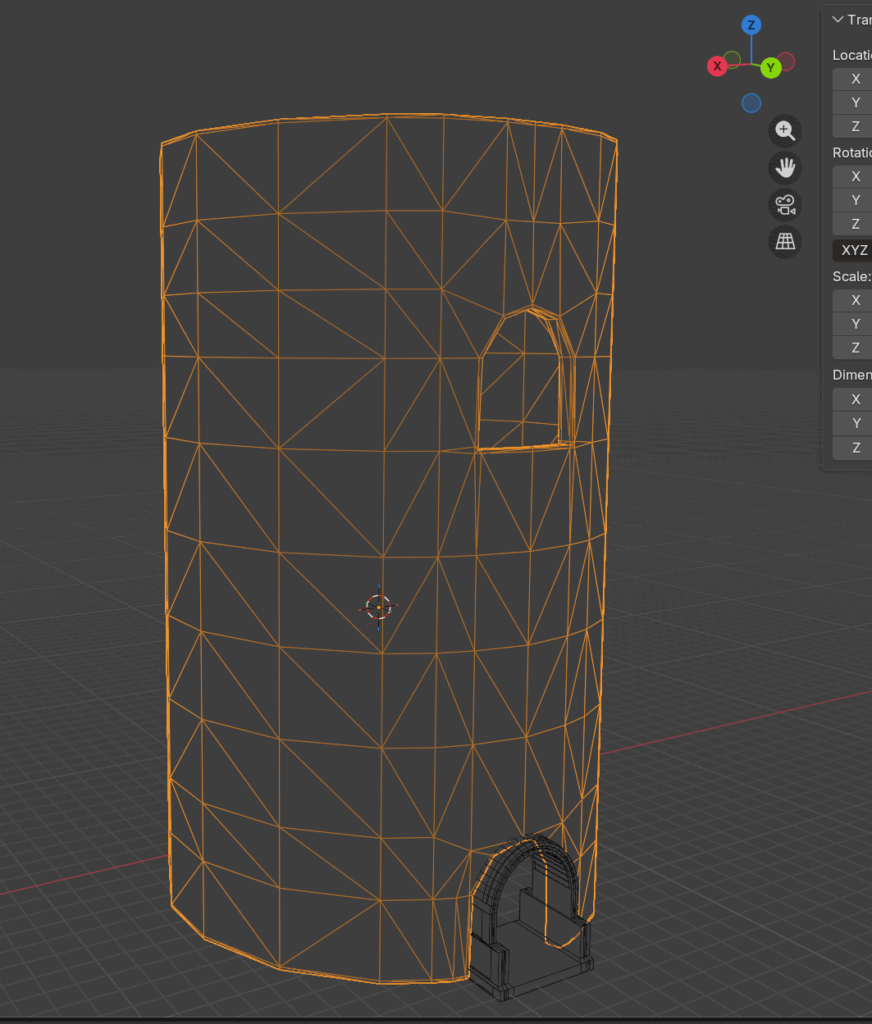
After the retopology stage, another challenge was UV unwrapping the models. I already had experience with this and didn’t expect to encounter any major difficulties, but it turns out UV unwrapping tiled environment models is significantly different from the props I’m used to. The main difficulty may be correctly determining the scale, specifically the texel density, and ultimately, I think this is a serious knowledge gap that I’ll have to catch up on in the future.
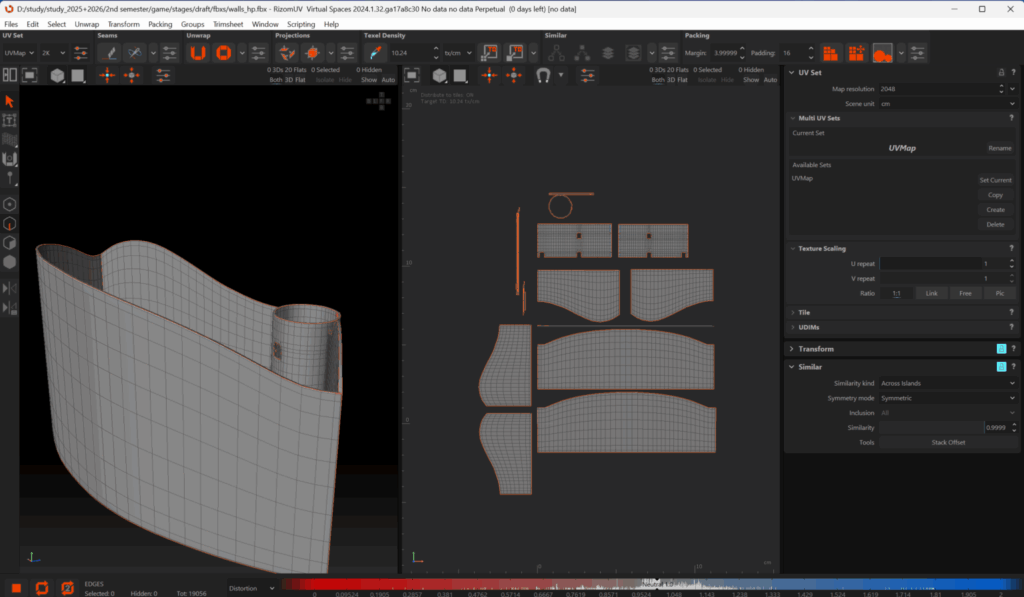
Week 9 was spent in express mode, where I had three days before the playtest. I fully immersed myself in scene assembly, material settings, and creating a tone shader.
Setting up materials and exporting wasn’t difficult, but the shader was a challenge given the short deadline and my very limited familiarity with the UE5 engine. Using several tutorials, I created a post-process material that should have made things easier, but due to version differences, this also introduced numerous bugs that I had to fix manually and search for solutions on forums or in the manual.
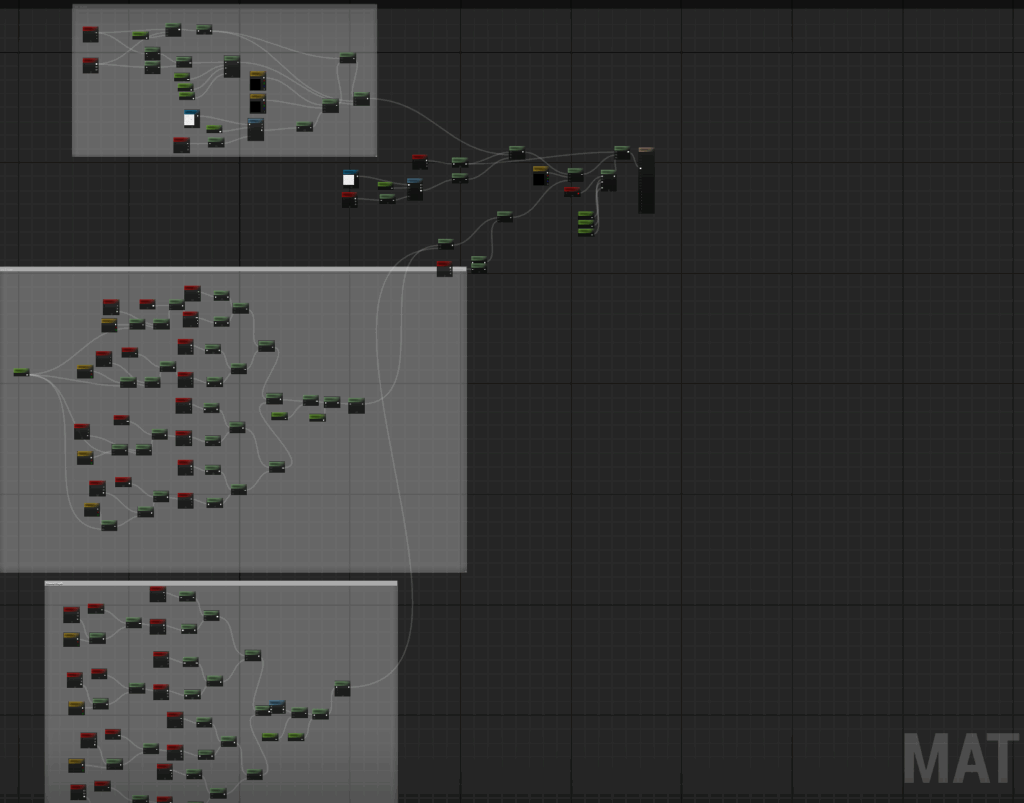
shader set up
The most frustrating issue, which took me about a day to resolve, was the incorrect placement of the post-process itself, preventing the shader from applying directly to the geometry and duplicating the appearance. As it later turned out, the issue was related to incorrect use of scene textures nodes, and I had to find an alternative of what was presented in the tutorial.
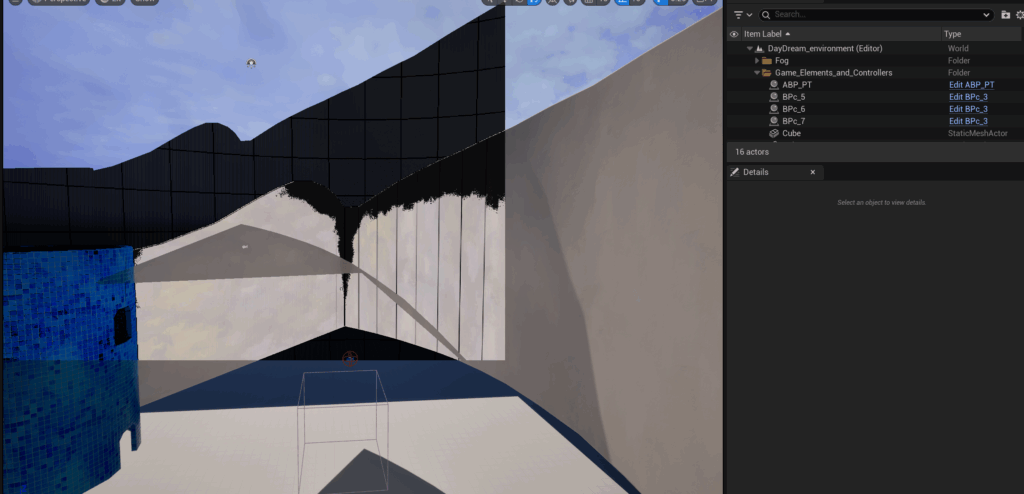
ugly bug :c
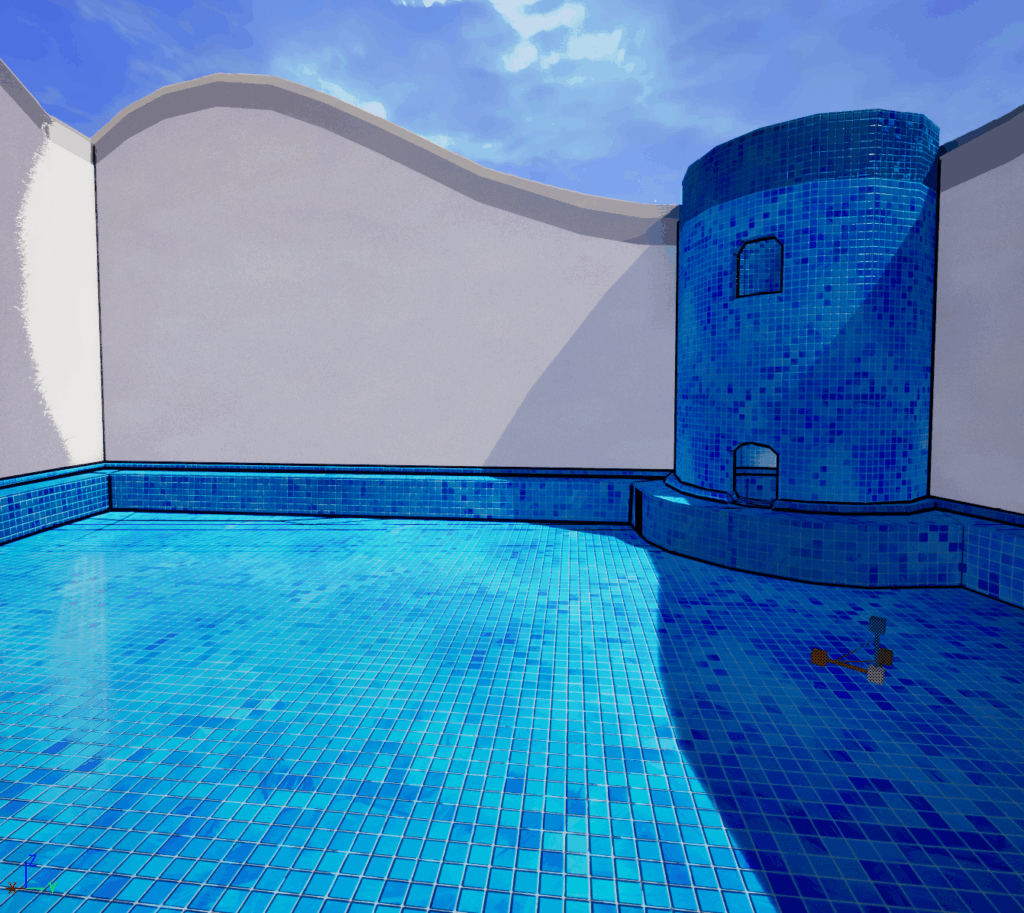
fixed version
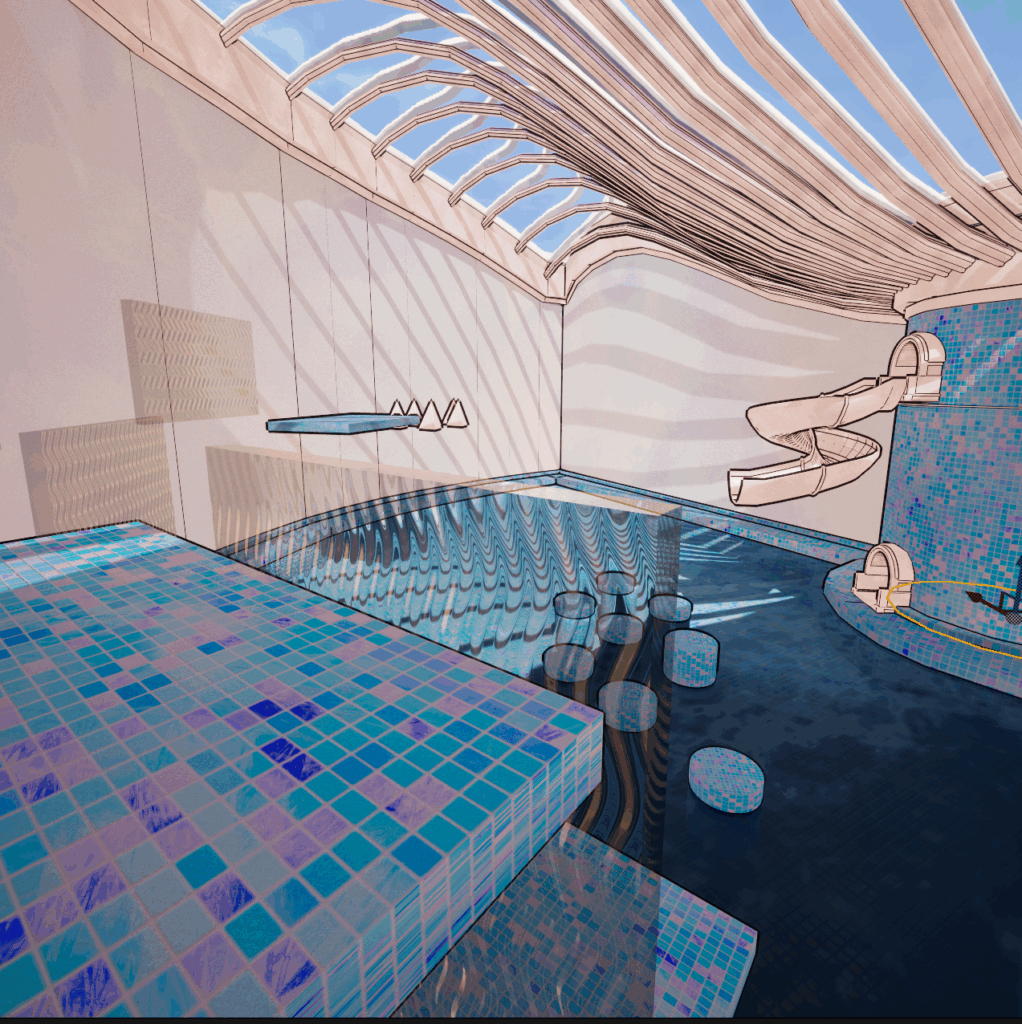
Final!
I was pleased with the final result of the work, including the shader. I arranged the assets in the scene and organized them into folders along with the materials, making it easier for the world designer to assemble their level design and transfer it to the main level. I also created an instance for the shader so that it could be flexibly customized.
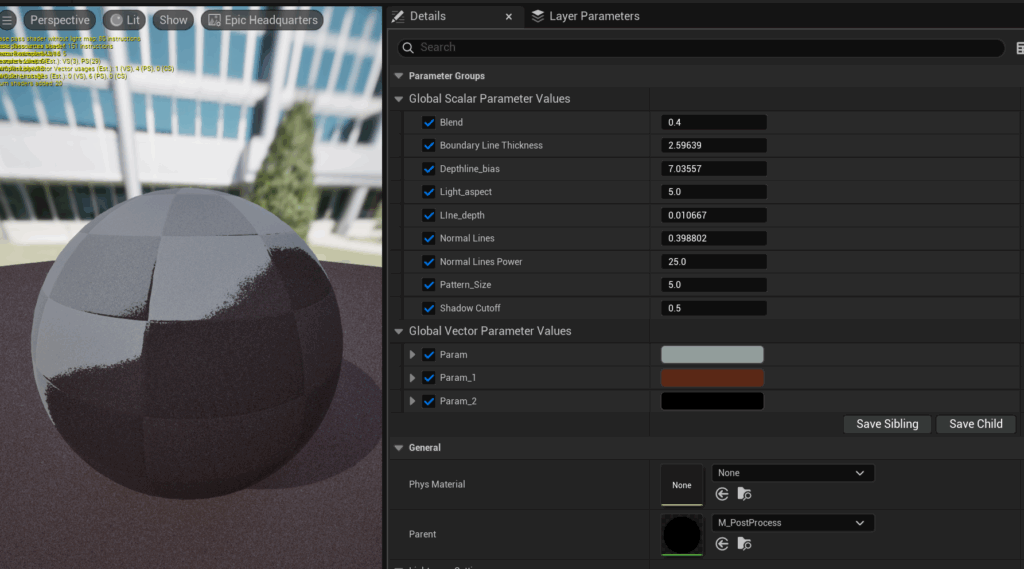
I submitted my work the day before the playtest so that other classmates could compile everything necessary and commit the final result.
Leave a Reply