Using some of the mood boards I created and in studio and Week 4 class I was leaning towards the Idea of an old retro computer style of game using CRT effect. CRT or Cathode-Ray Tube is a visual filter that replicates the old school style of computers.
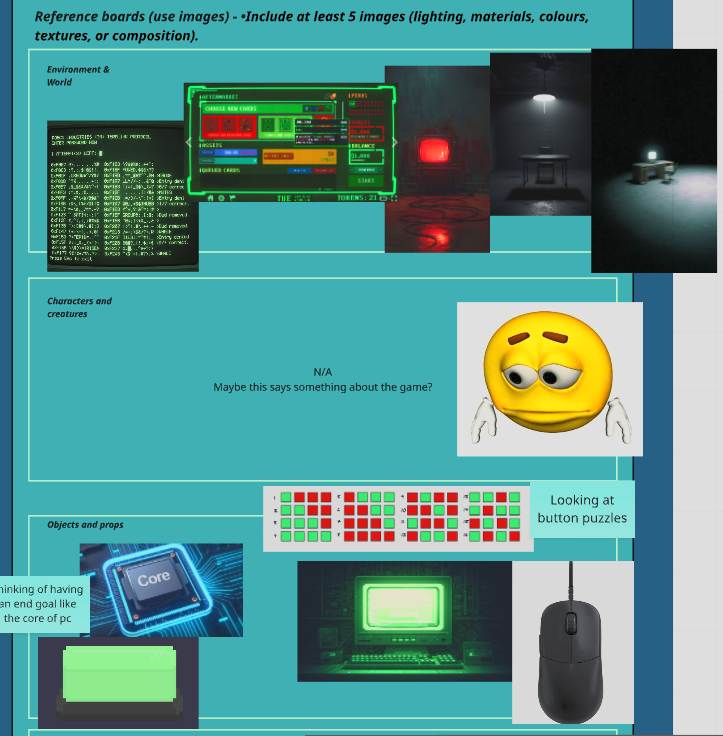
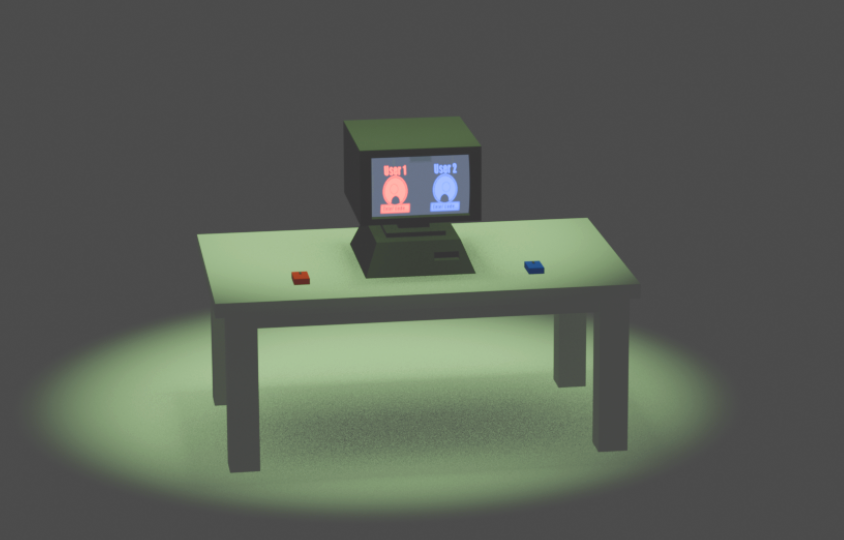
When creating mind mapping and researching some of the ideas for the the game I decided I wanted, to create a outer room using my knowledge and research on James Turrell’s light boxes. I wanted to capture the idea that the computer was on its own creating a mostly empty room apart from the central table, hoping this gave an idea of isolation so it focuses on just you and your opponent.
I originally was unsure on what I would like to do for the outside Blender or Pixel art, so I made a quick prototype for both too see what each would look like and compared which was better below by writing each ones pros and cons:
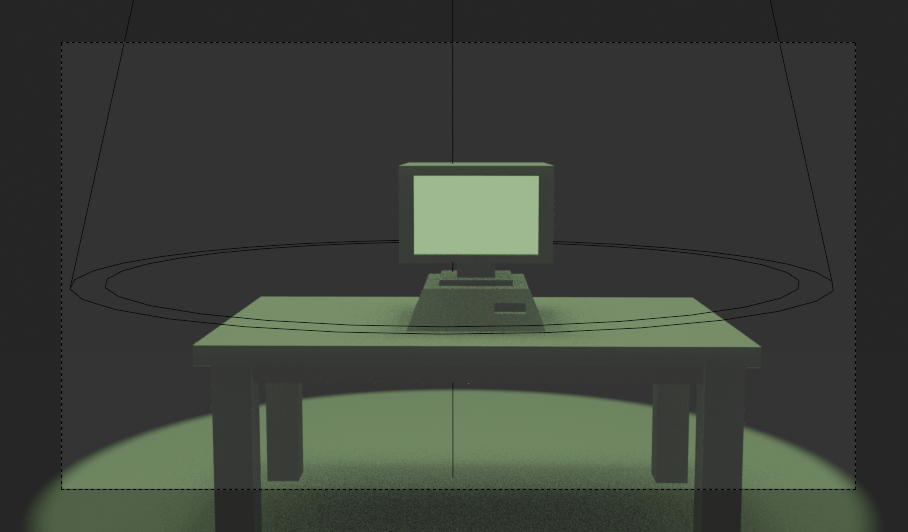
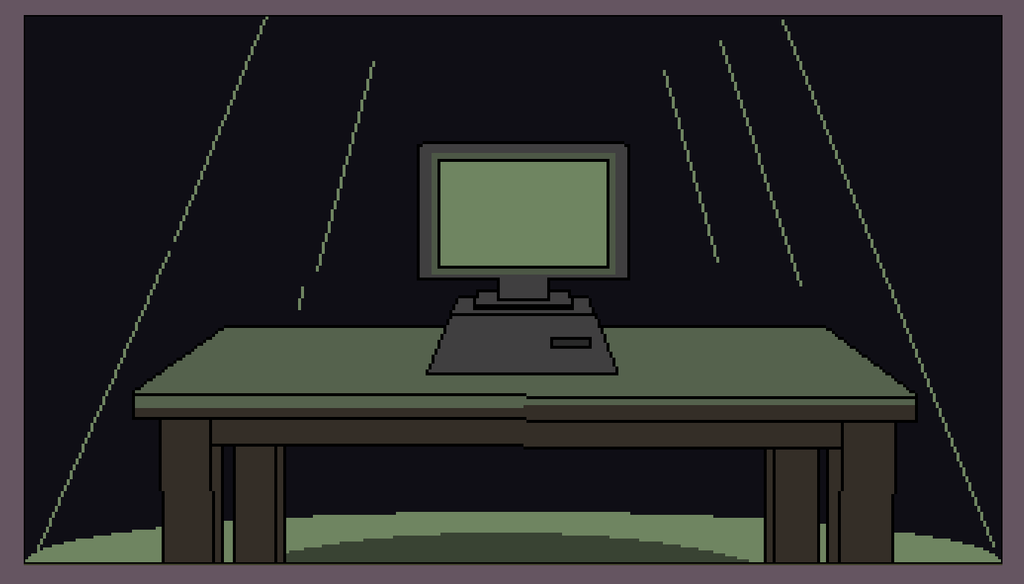
- Easy to create a CRT effect using shaders
- Better to replicate lighting
- Could be a cool change from 3D to pixel art
- Other things such as mice or more organic things might be hard to make
- Being 3D gives it a sense of depth
- Sticks to the pixel art effect the main game would have
- More confident in pixel art
- Easier to code something that is on a 2D scene
In the end I’ve decided to go with the Blender option on this part for the reasons above. I think that It is going to be more of a challenge and learning experience than pixel art and the final result might look a lot cooler.
The first design of the table I wanted originally something that felt out of place, like the computer set up was confusing which is what the game is intended to be, so I created a table that was more old fashioned and stood out.
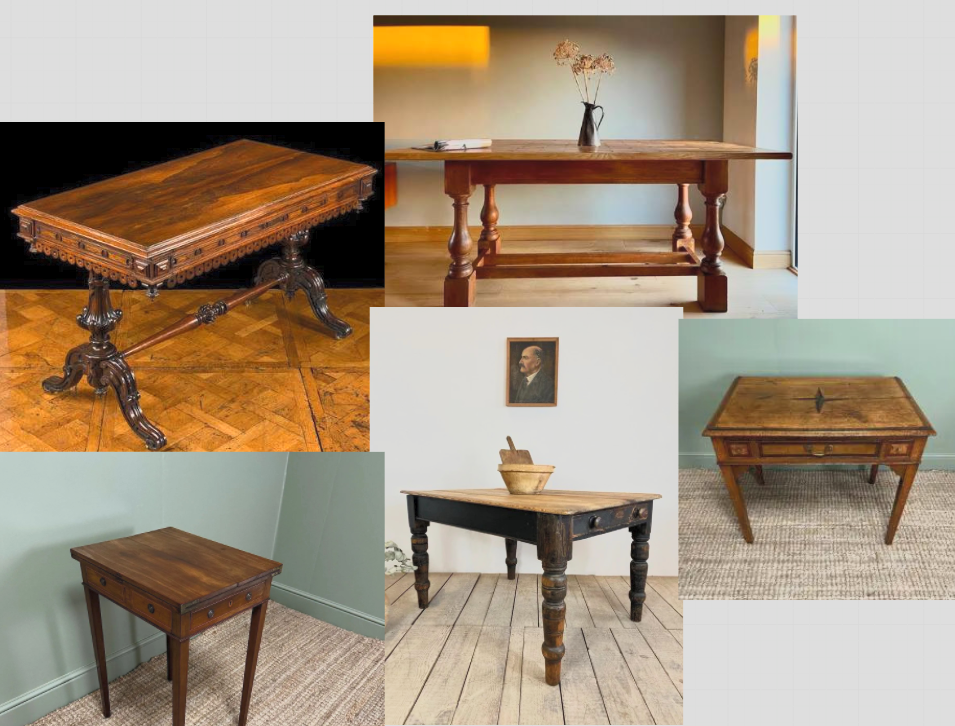
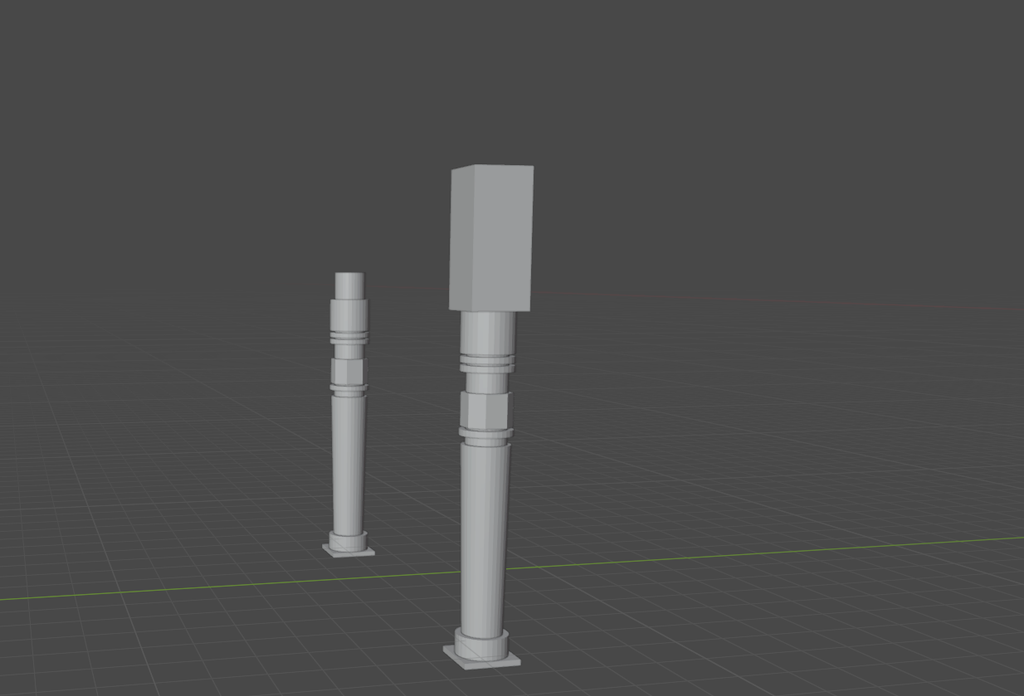
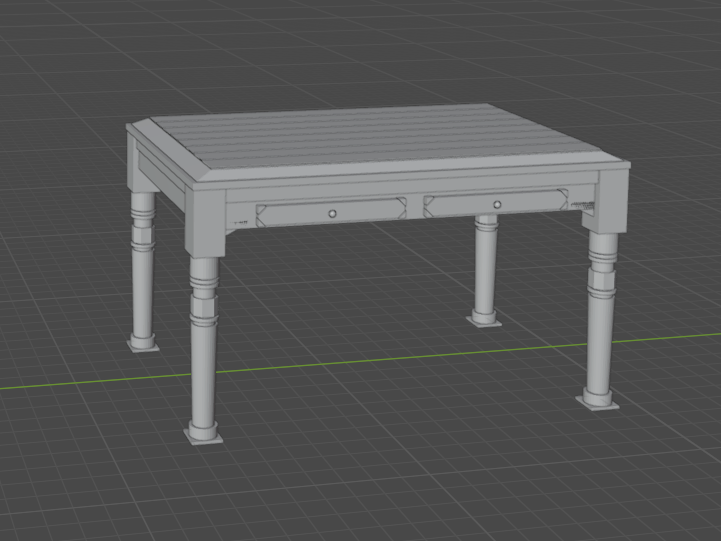
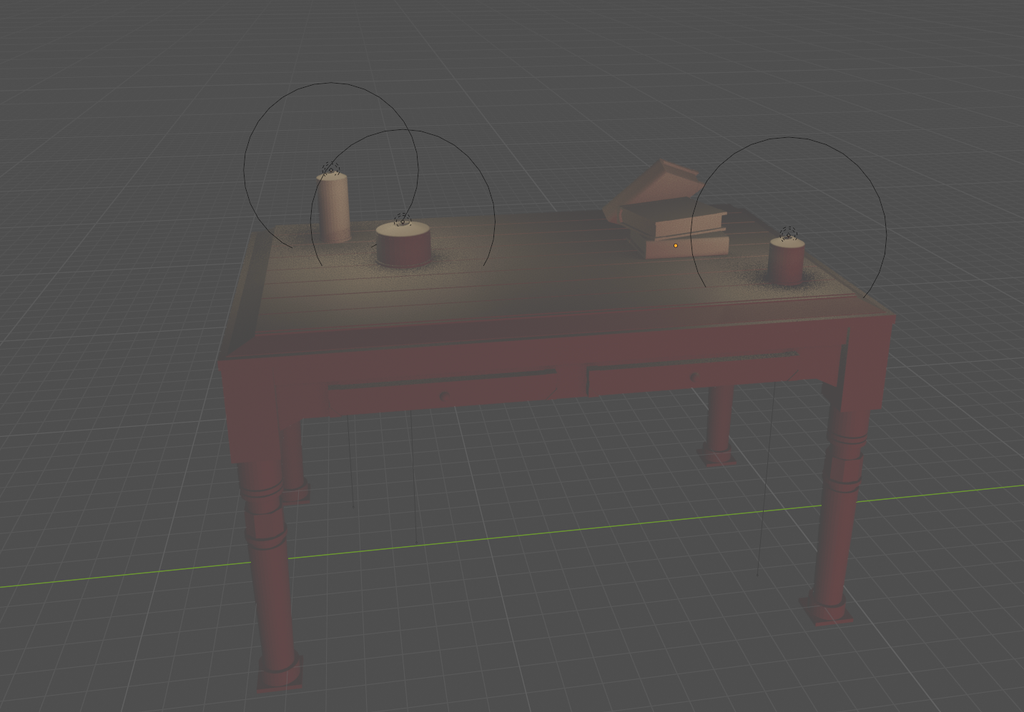
Here you can see I messed around with what the table could look like and maybe there could be some books that are a tutorial or something, however I later decided that the design of original quick one as it was more simple, and would serve better as a sample holder and be prototype worthy. You can also see I played with lighting adding candles on the table which I liked but didn’t feel like it was right in the games design in the end.
To create the I followed a couple tutorials to learn how Blender shaders work. The main tutorial was by Lane Wallace.
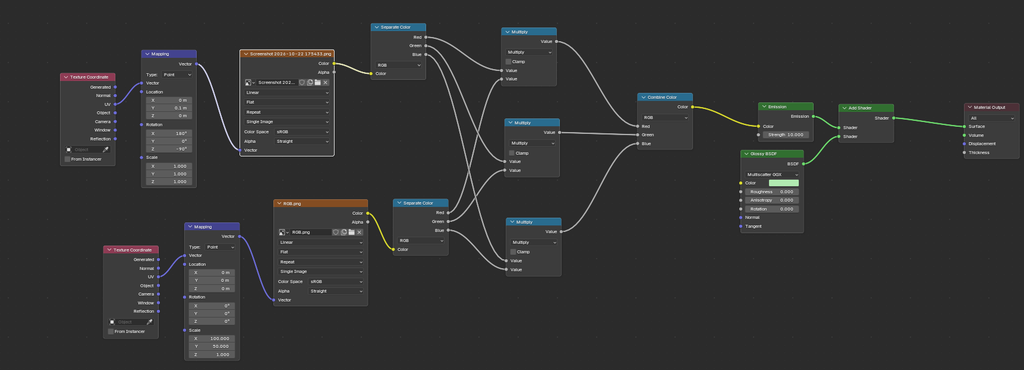
The shader is more of a material and not the whole place. In the shader you separate the colours in two images, the first a template image provided by the tutorial, you then use the math multiply nodes to multiply them by each other and it creates the shader that is similar to a CRT filter. I also decided to add a glossy emission at the end to give it more of a shine make it more like a TV.
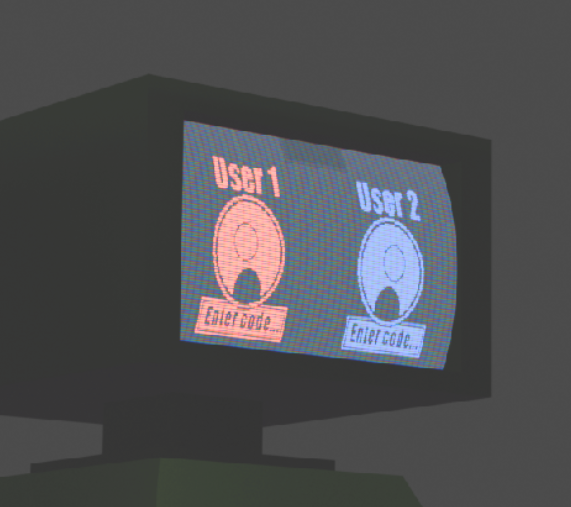
Here’s what the shader looks like with the filter on. You can also attach any image to it, here is my art from PROTOYPE ART LINK HERE. And below is what the final room prototype looks like. I also added two coloured mice either side.
Leave a Reply