Key mechanics of my game:
- Dark environment
- A 2D overlay that displays coloured swirls (that hopefully link with the sounds within the game) (also maybe a 3D overlay is better?)
- Haptic feedback on the controller
- Basic movement
- Adding sounds to the objects within the game (is this even possible?)
The first thing I was very sure i wanted in my game was a 3D character controller so i started by adding basic movement to my game. As I already know how to code movement with a keyboard in Godot, i decided to download a basic movement script to save time, This means that I have more time to focus on more important parts of my prototype. I downloaded this script: https://github.com/Brackeys/brackeys-proto-controller
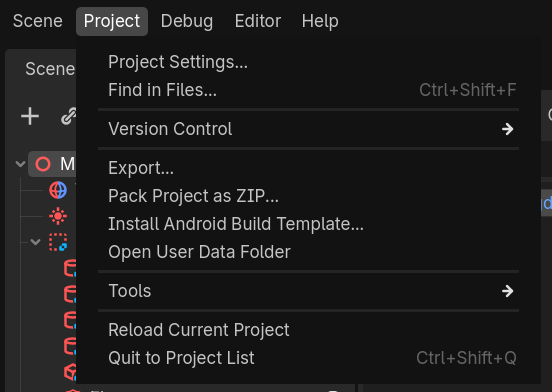
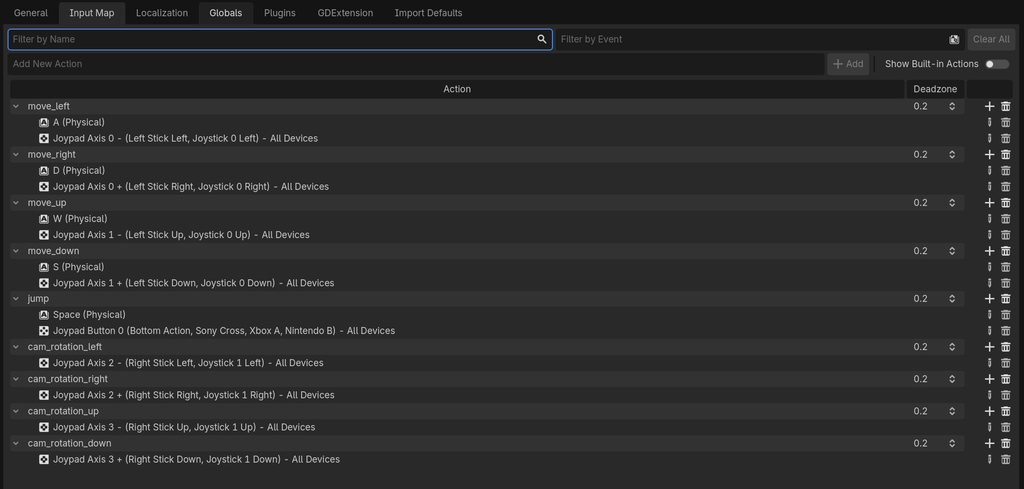
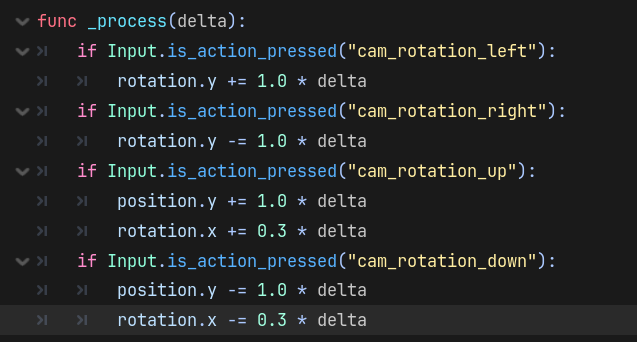
I then needed to edit this code so that it worked with a controller. I used my Xbox controller and adapted the input map so that the movements of the character were connected to the left joystick. I quickly realised I’d also have to adapt the code so that I could look around with the right joystick. At first, I looked at the script to see if I could adapt anything that included the word ‘mouse’ and make it instead pick up on signals from the controller but I realised this was unnecessarily complicated and I could probably adapt the input map as well. I watched this tutorial and fixed my code so that I can now look around too: https://www.youtube.com/watch?v=qsrpPVdMXbY&t=301s
After completing a few more activities within lectures, I developed the story for my game more and turned away from my original idea of having a 3D Platformer and changed it to a puzzle-adventure. The world has gone dark and silent and it is your job as the Soundpainter to attach sounds back to objects to help the other characters in the world.
Because of this further ideation I decided to focus on the mechanic of shooting sounds and attaching them to objects. I used part 7 of this tutorial and onwards to help with that: https://www.youtube.com/watch?v=NJJNWGD25rg.
With this tutorial i could now fire a projectile from the wand but i wanted these projectiles to be able to hit the wall and stick to it, so that they could stick to objects too. I spent a long time trying to research tutorials where this would work. I found one about bow and arrow mechanics but it was in a 2D game and the tips didnt seem to transfer. After the crit on Friday Week 3, I decided to follow Jordan’s suggestion of making an in person prototype as it was clear I wouldnt be able to finish the coding in time and in a way that presented the mechanics of my game well.
Leave a Reply