Category: Weekly log


  • Week 11 Log

    This week I have the final whispers installation and public gallery show. It is a bank holiday so we did not go in on Monday.

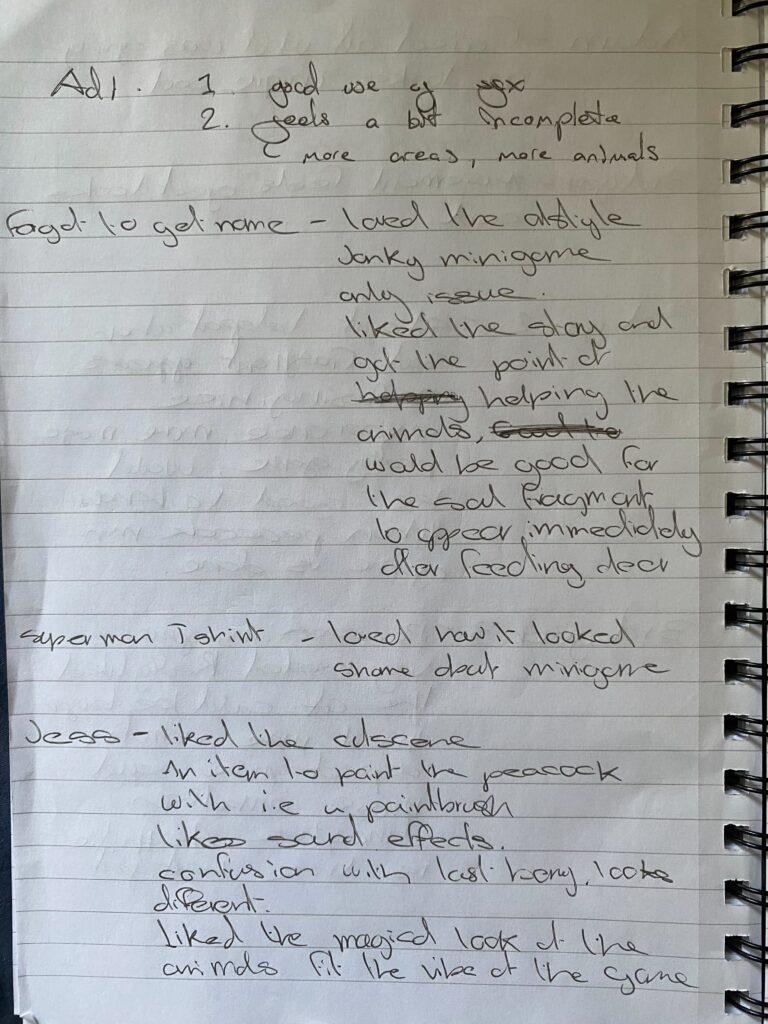
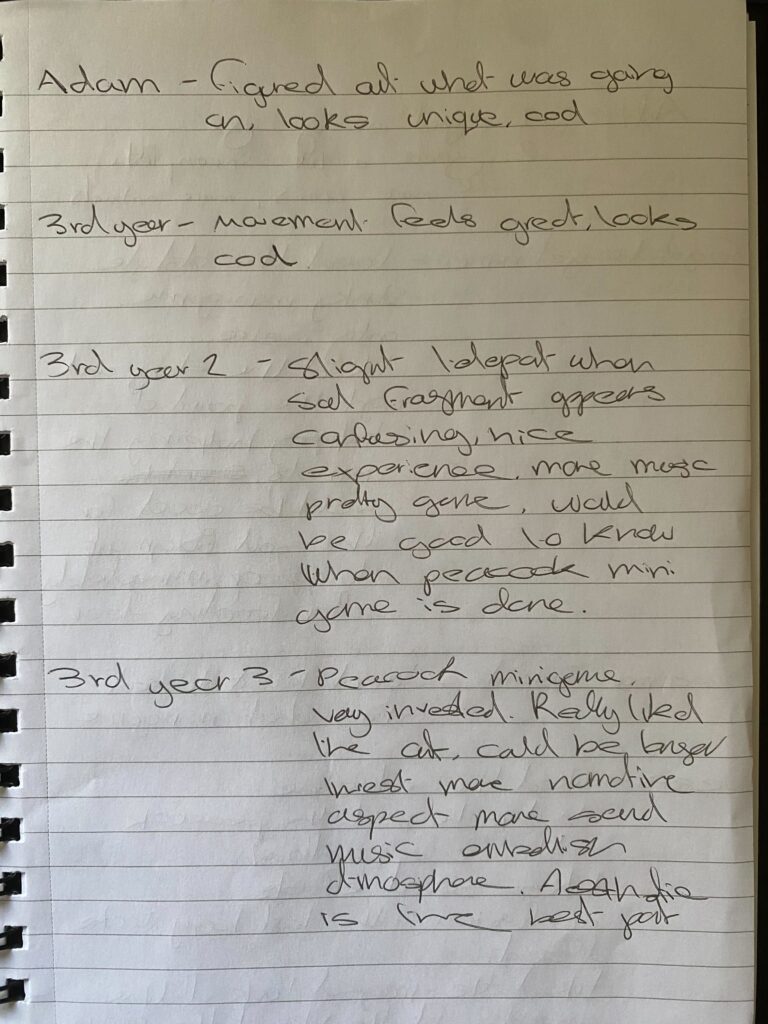
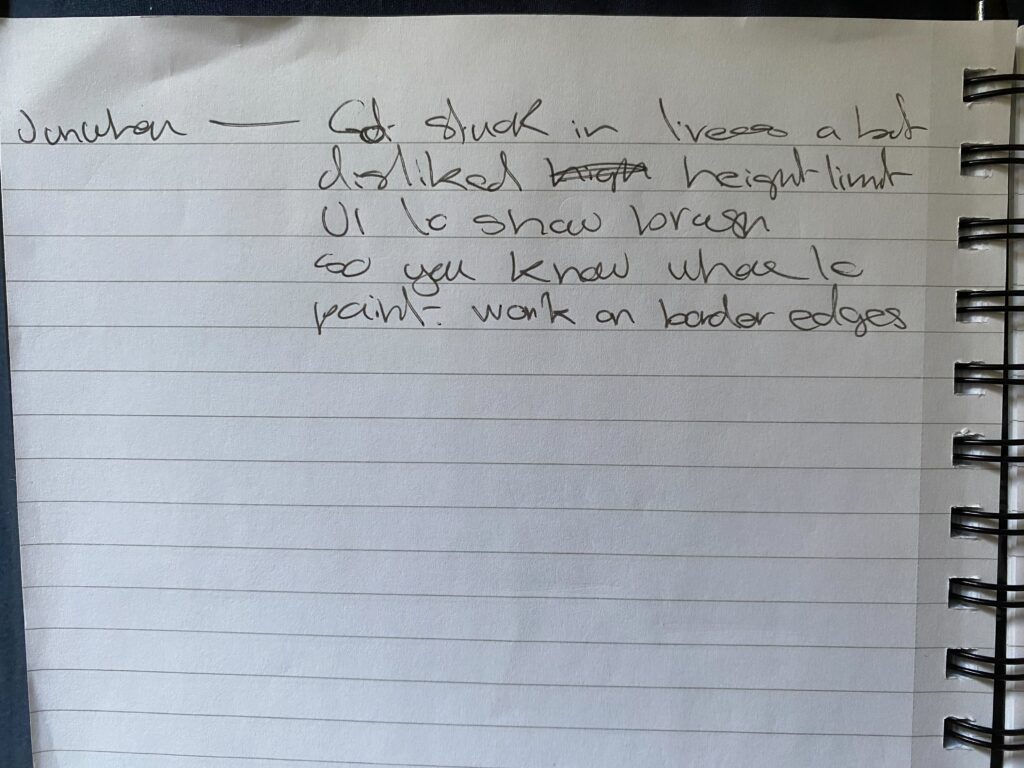
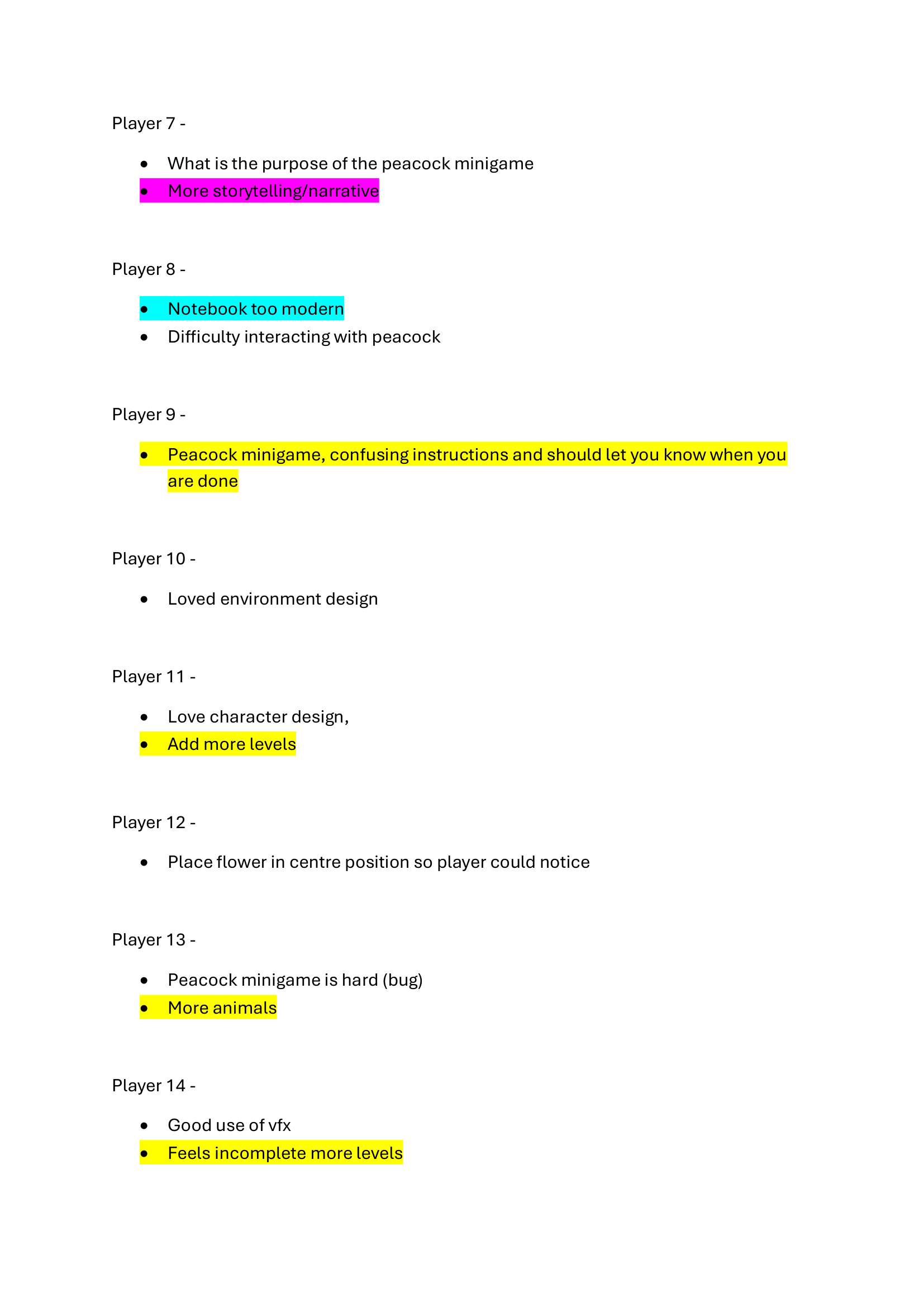
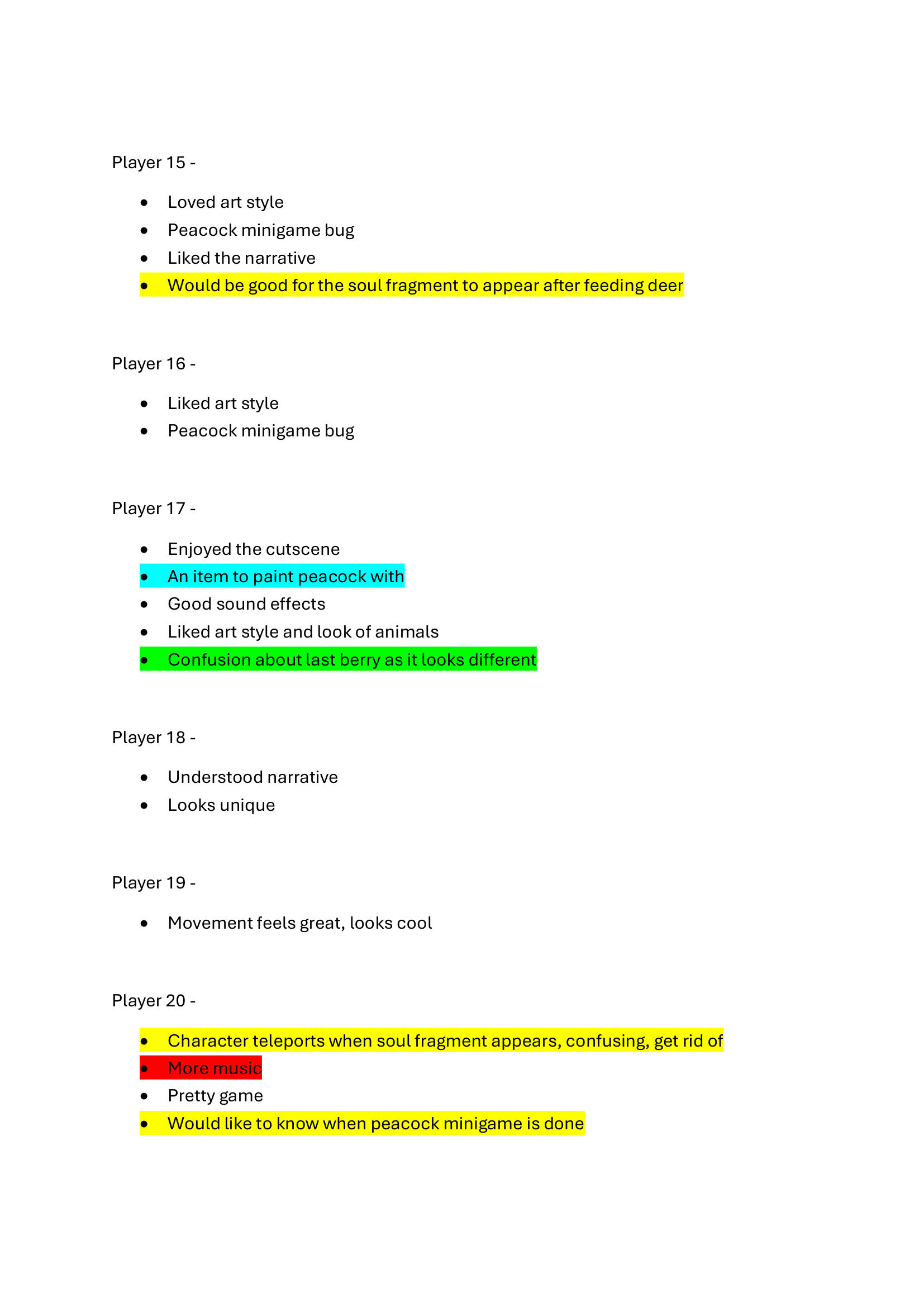
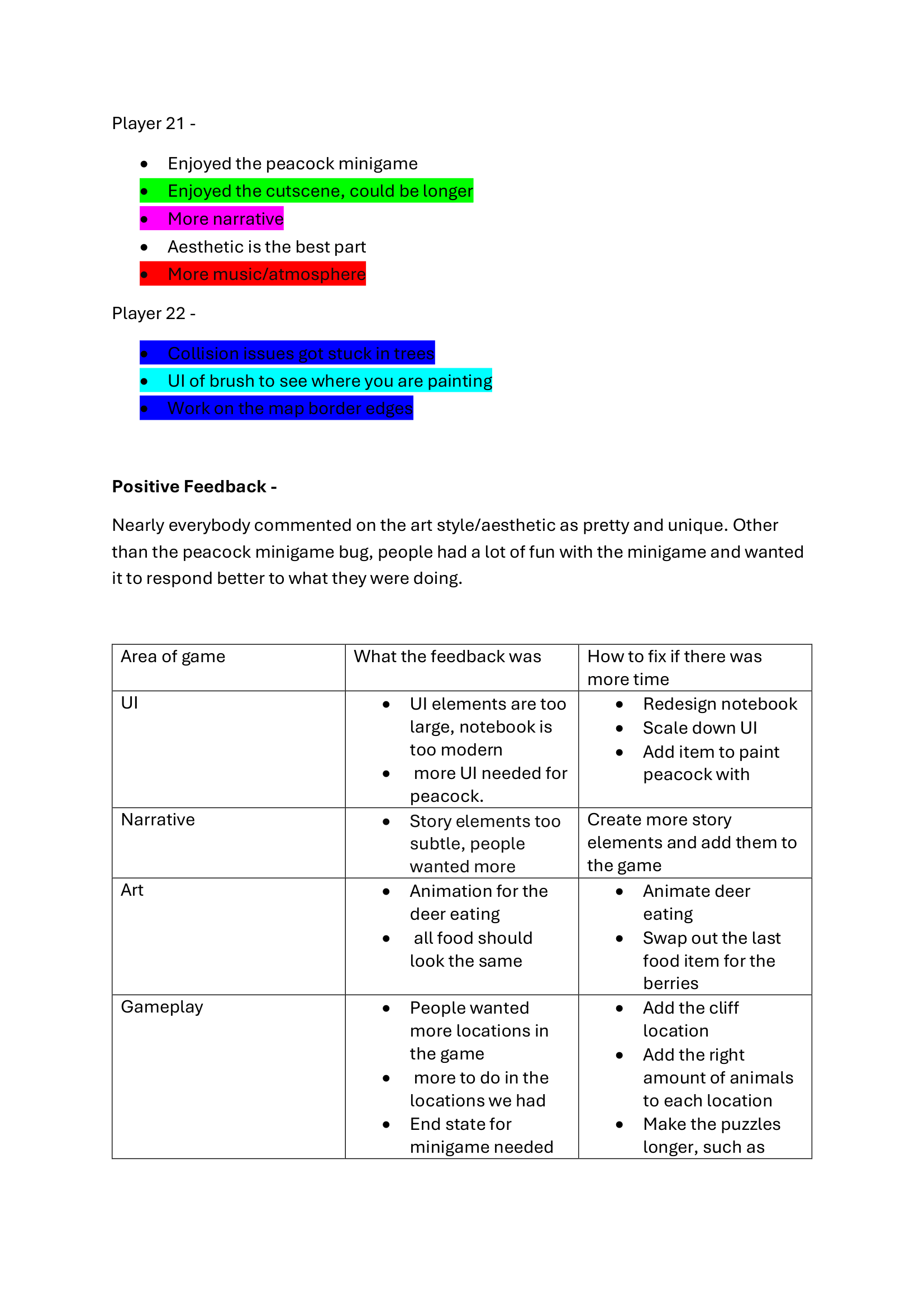
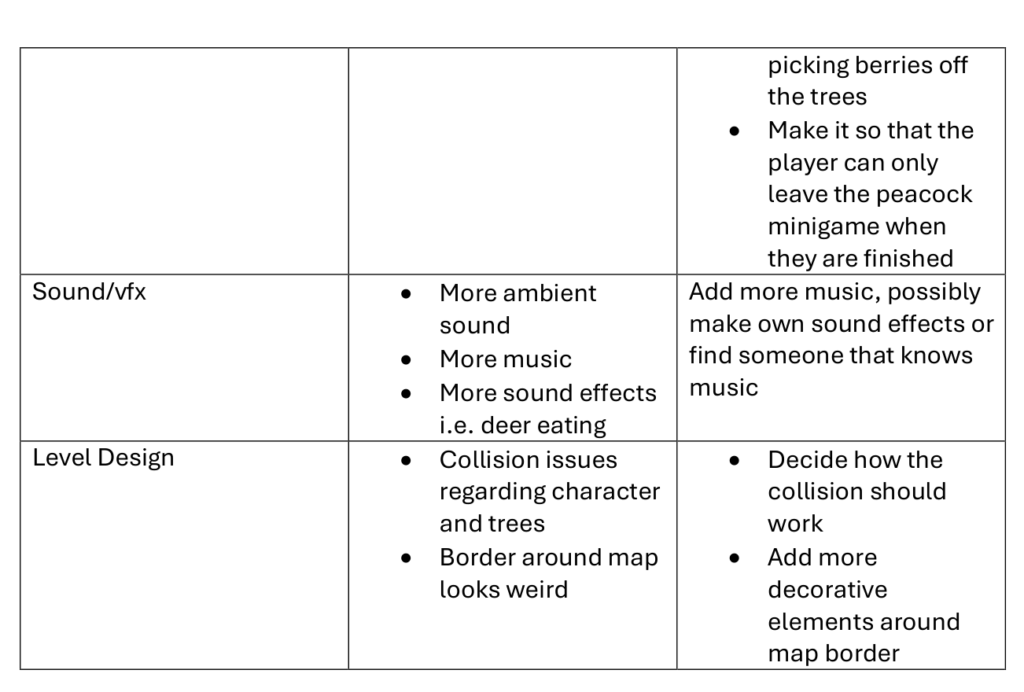
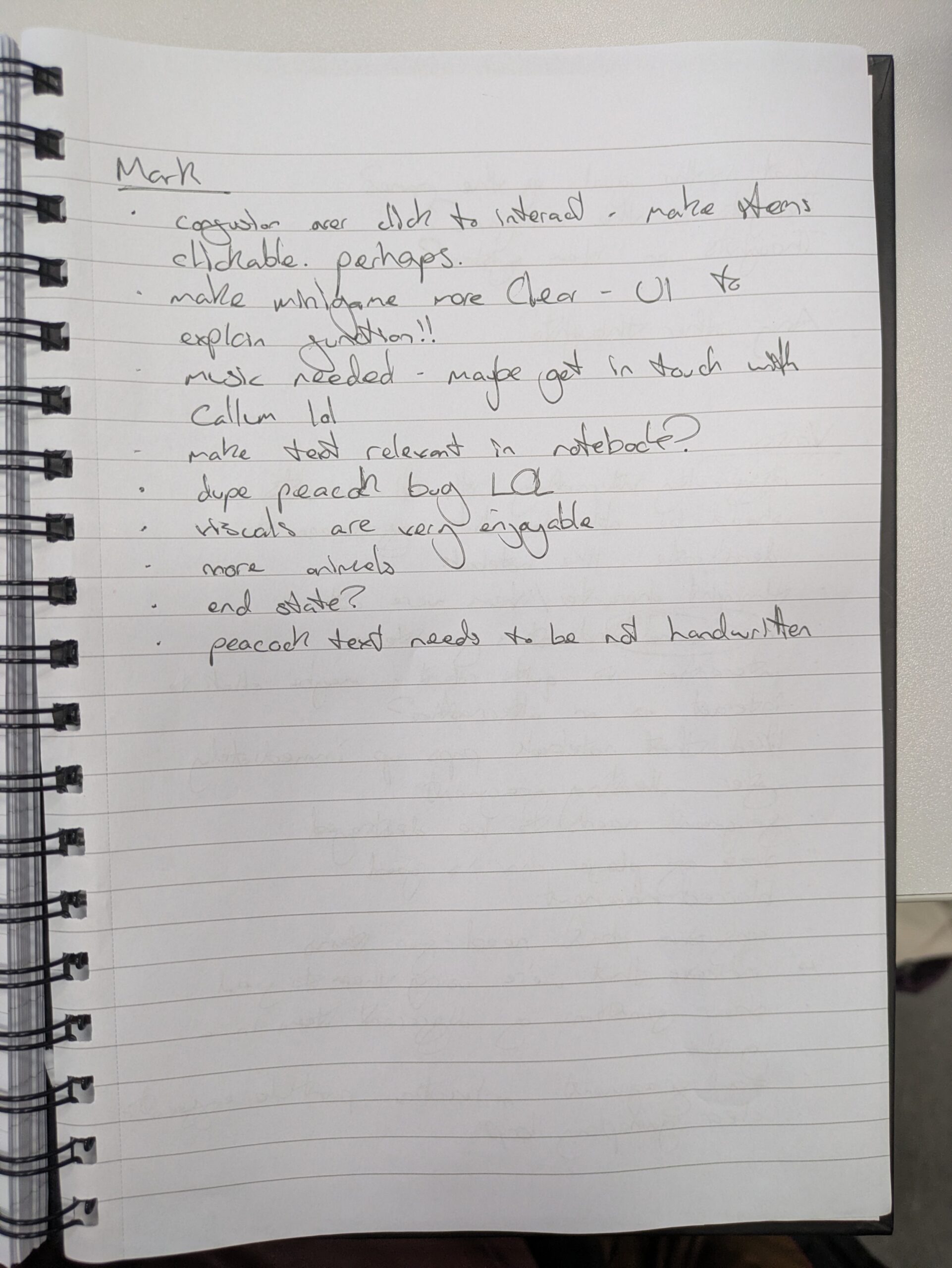
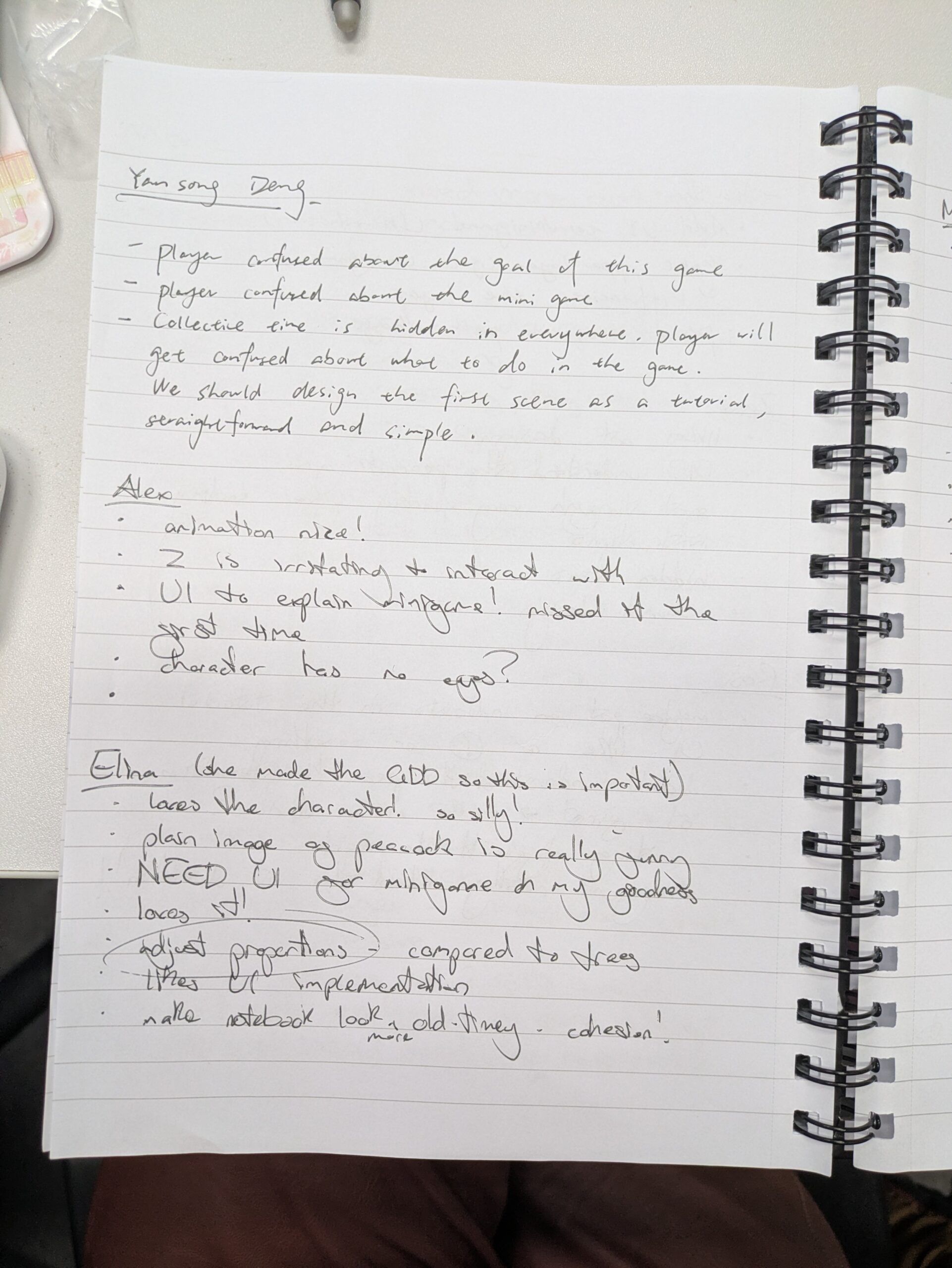
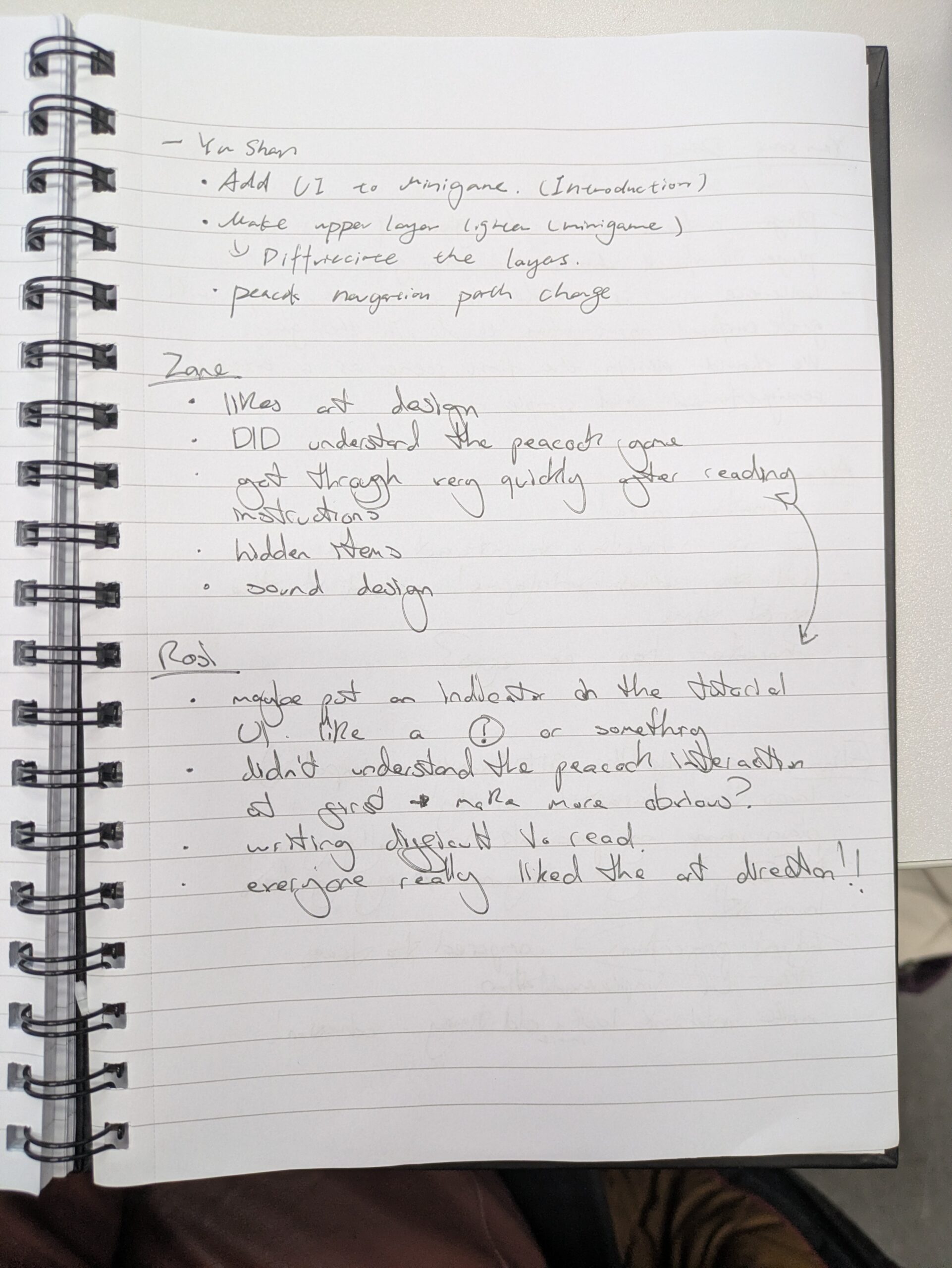
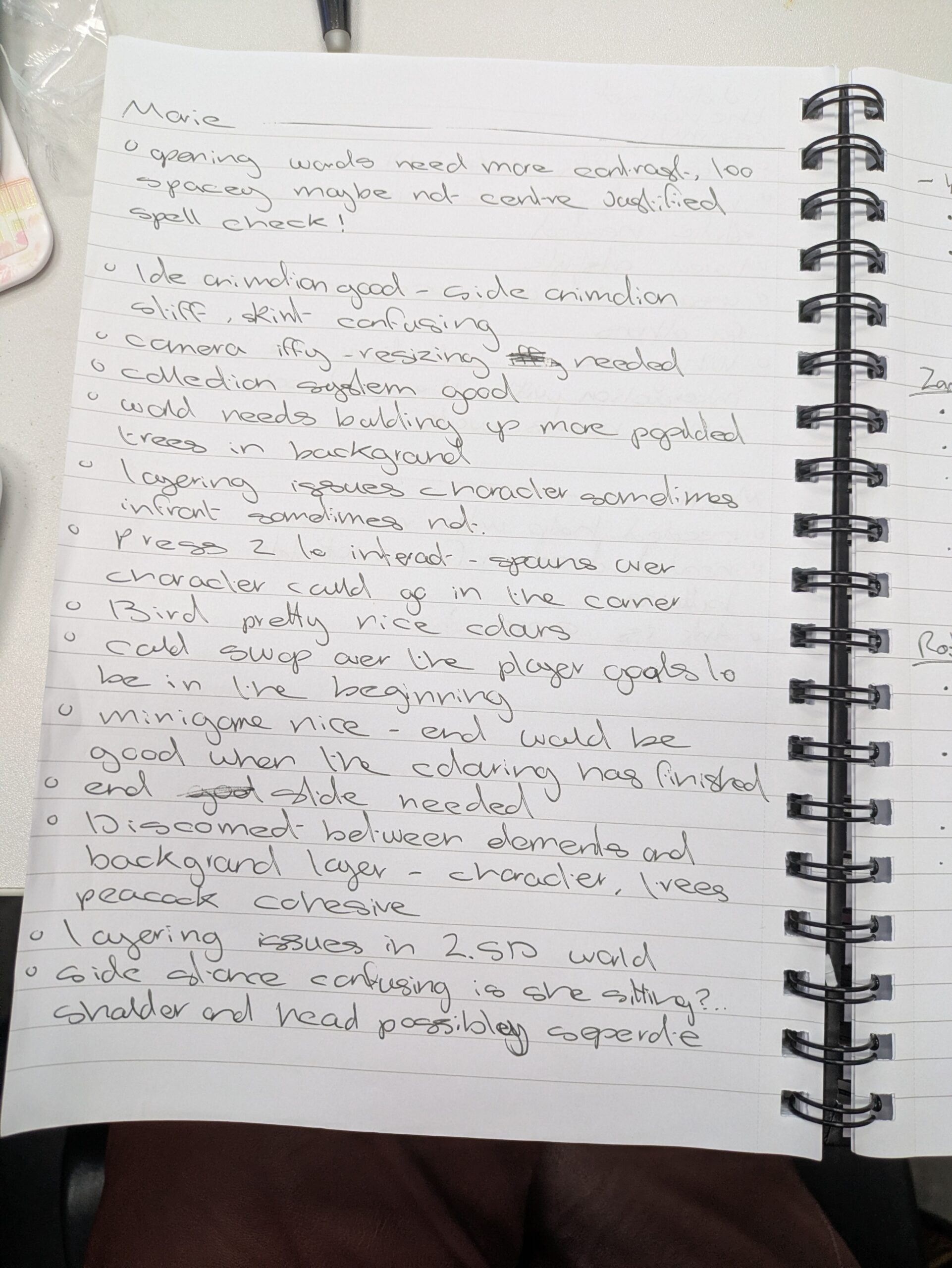
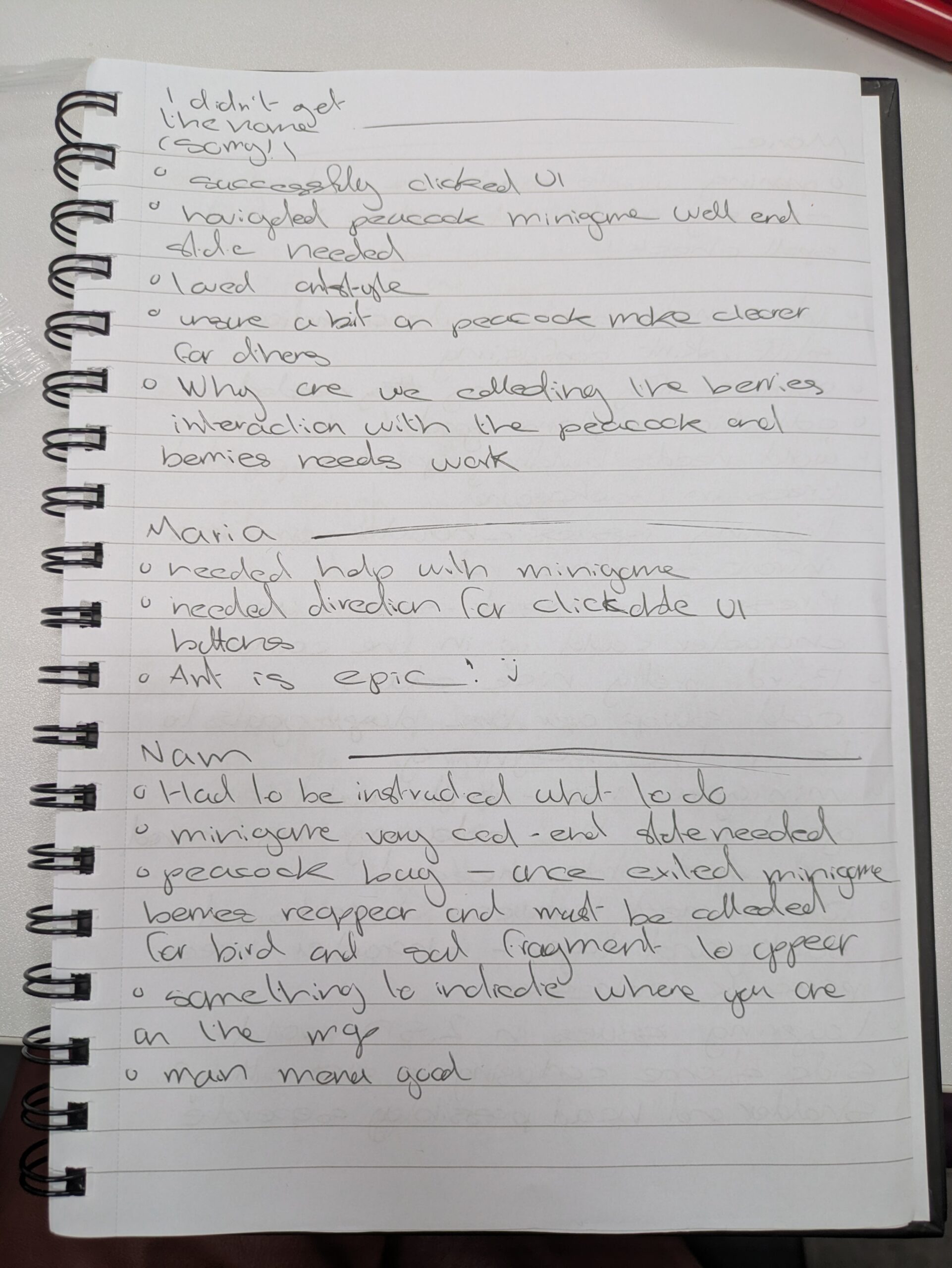
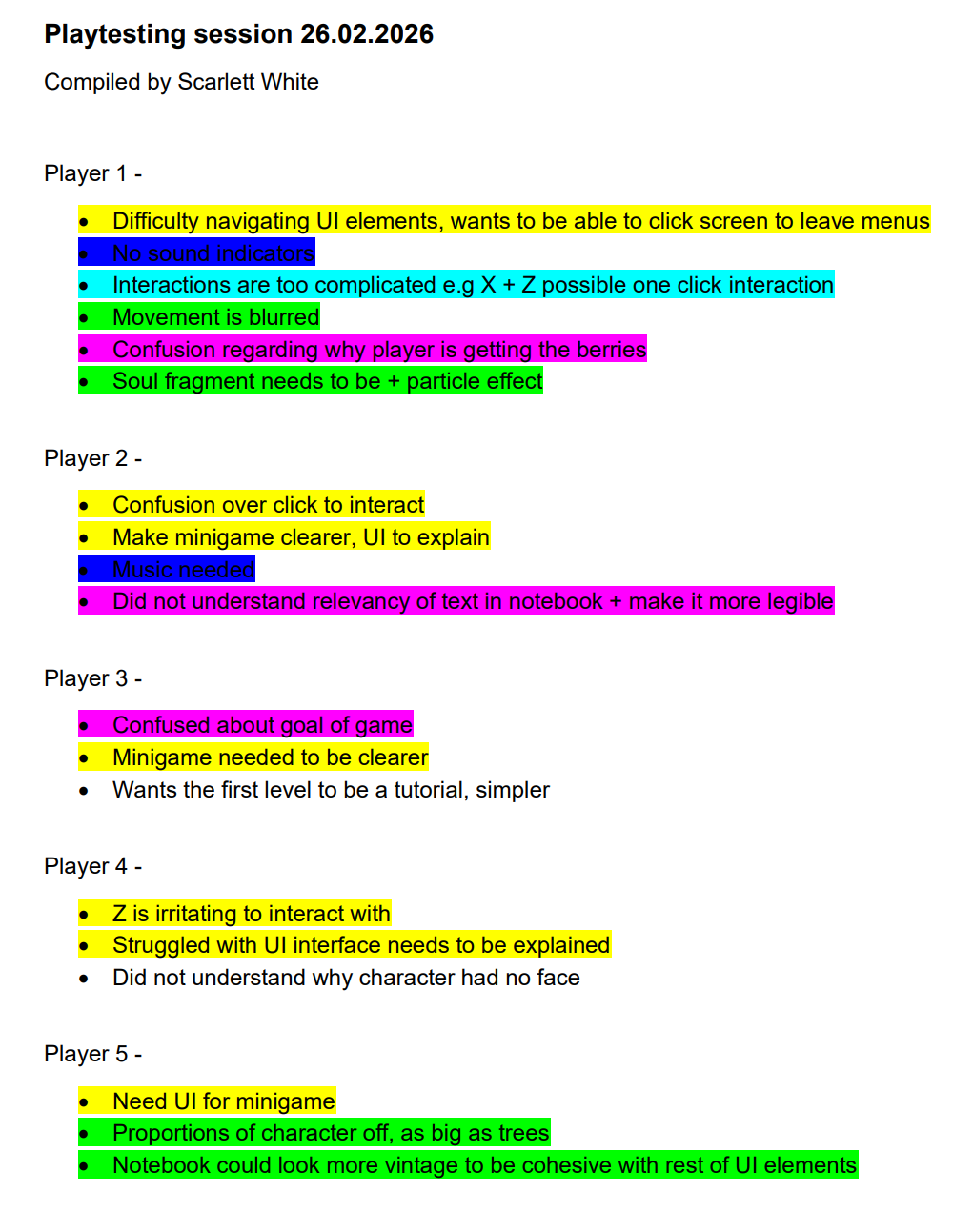
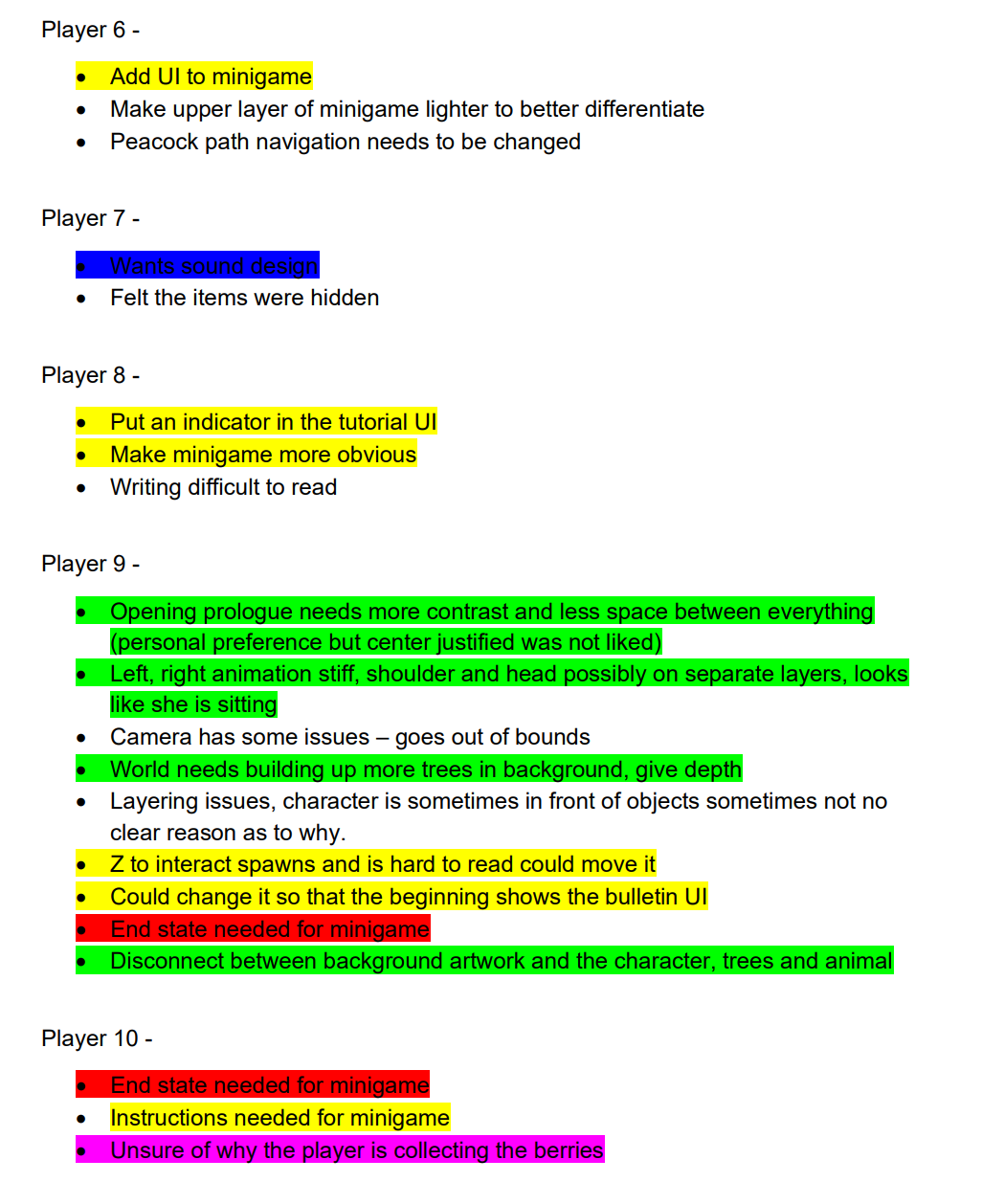
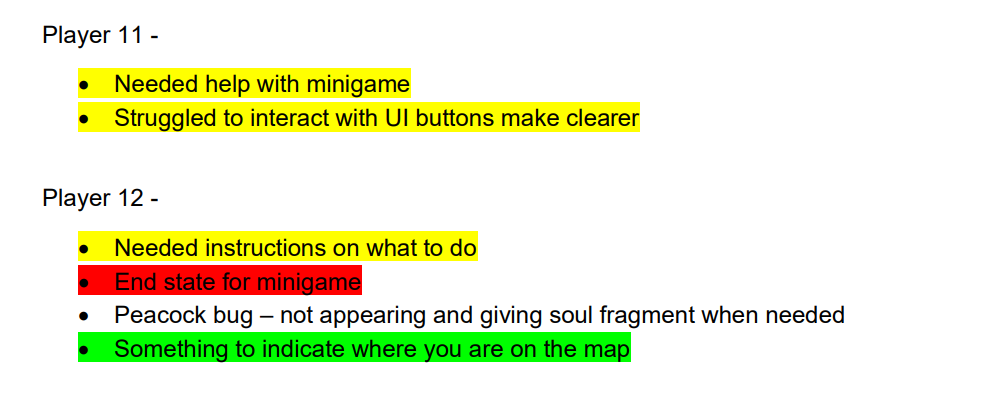
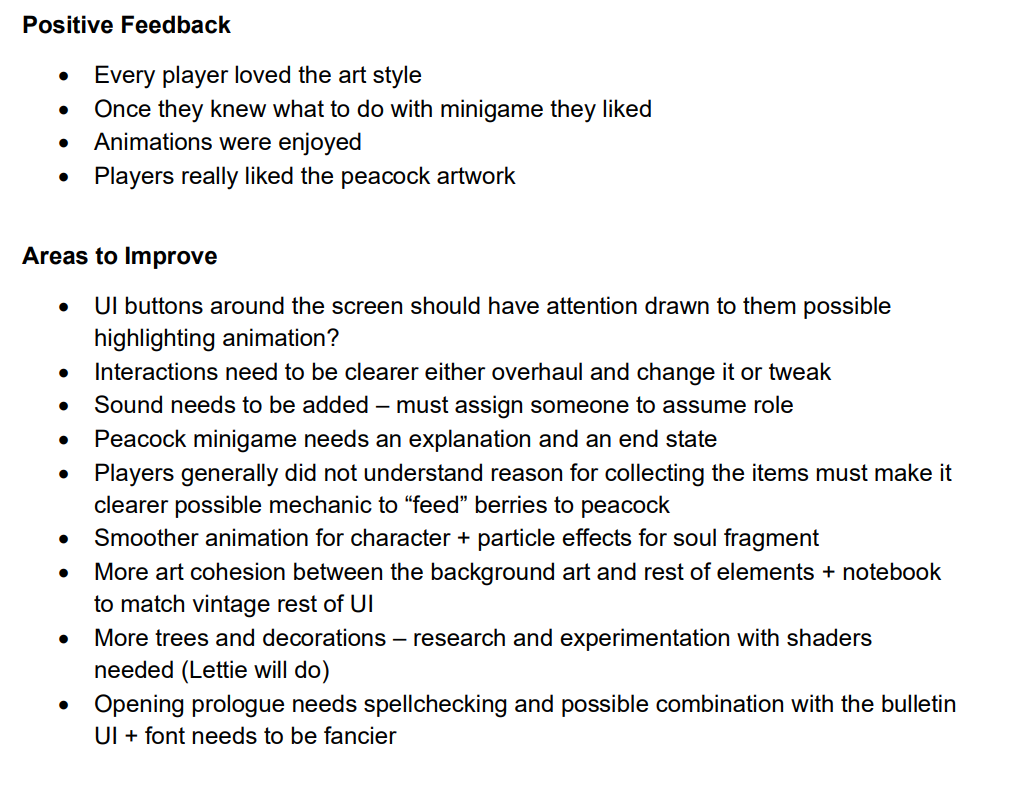
    After the public playtest I took the feedback we had written down and compiled it into a word document. Looking for where feedback overlapped and making a table of the key bits and how we would fix them if we had more time in the project.
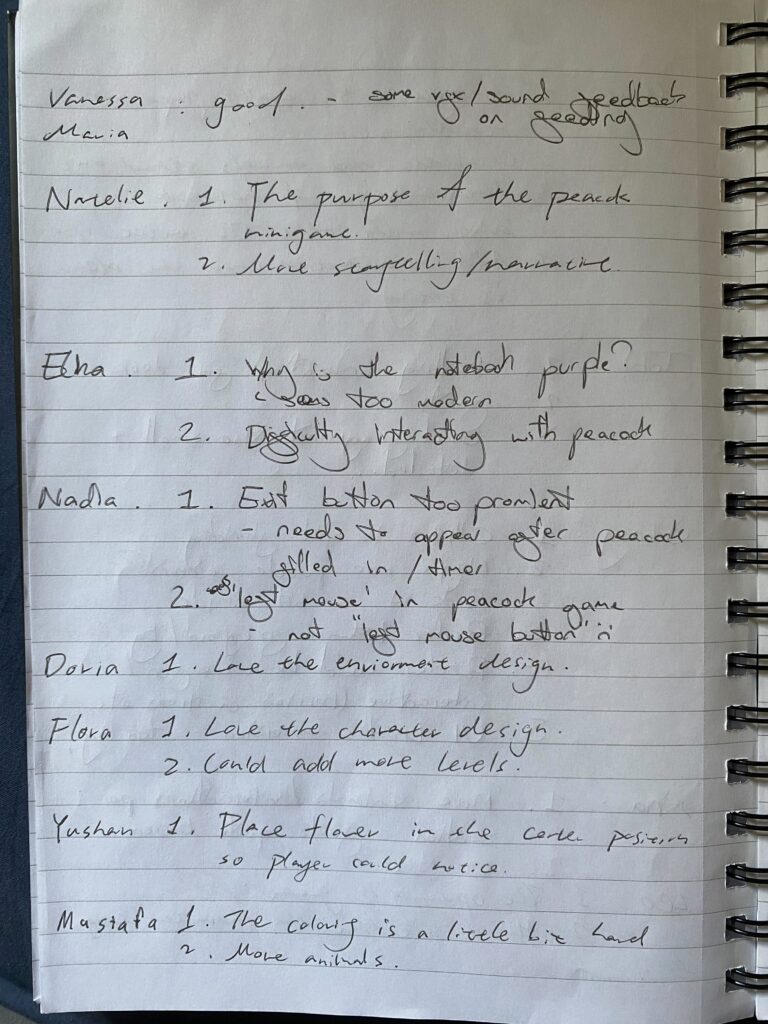
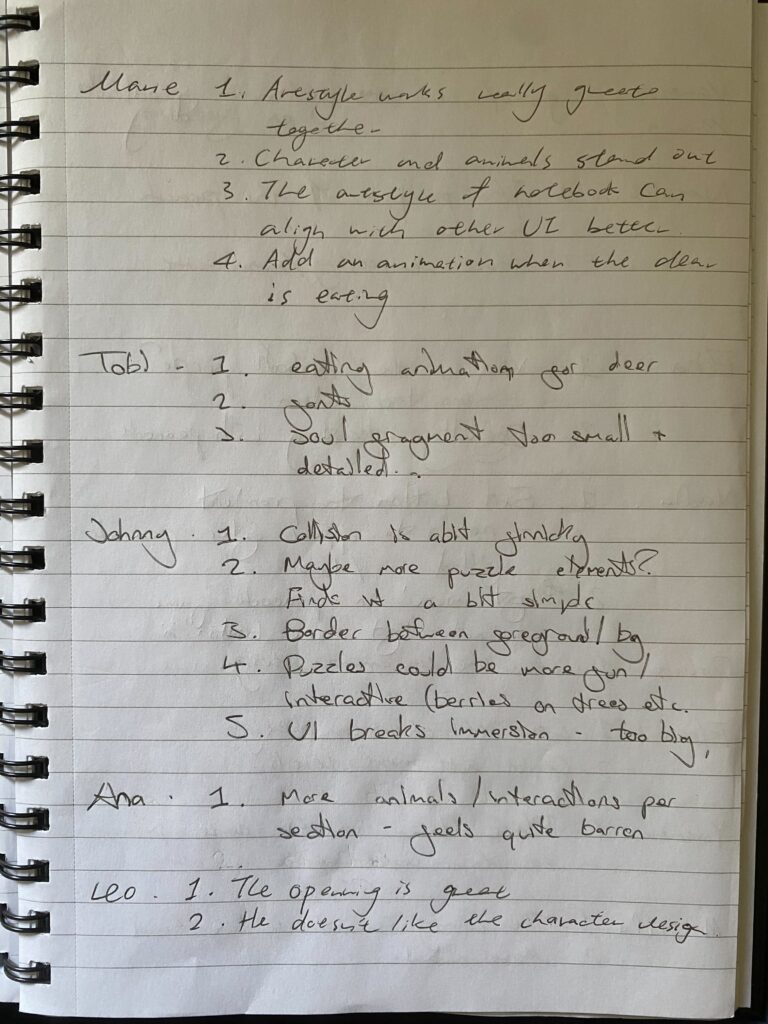
    The feedback we had each written down during the event.
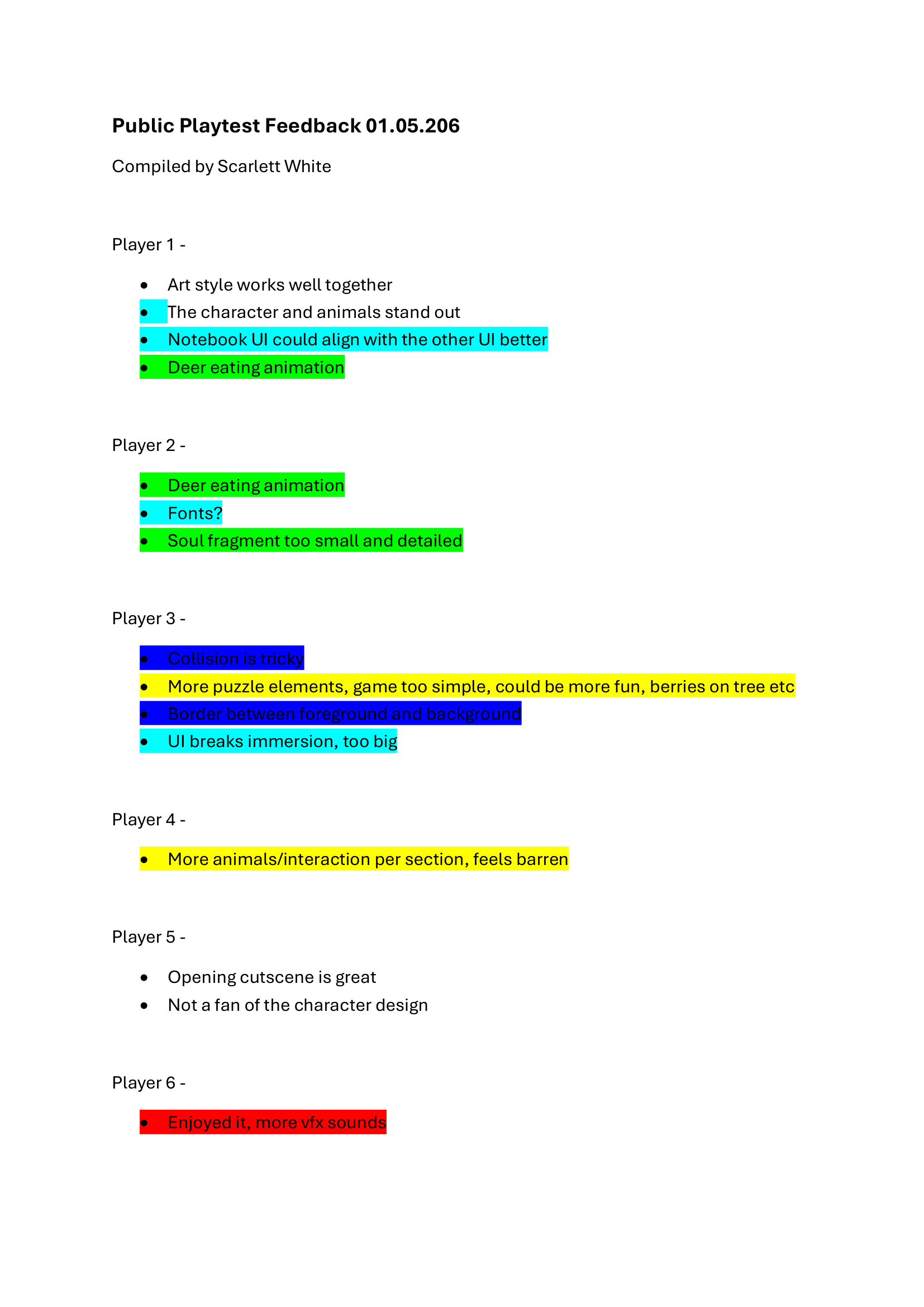
    The final word document and table. I have shared this with my team in our slack channel so they can edit if they spot anything is missing. All of this work as well as a playtest retrospective is on the team website.

    On Tuesday the 5th I went and set my work up for Whispers

    On Thursday during the tech hours I continued to ensure that any new posts made on the team website were in the site menu and continued to update my own site.

    During the afternoon lecture the department head came and gave a talk about year 3, what will be expected of us and the general overview of the modules. It was helpful to be given an idea so that when year 3 starts it will not be to overwhelming as the workload and speed of the projects is much more intense it seems.

    We will also be moving to a new building (hopefully) so we got to see the floor plan and how it will be much more open plan, with all of the years being able to see each other work. Whilst this will be good to integrate the years better I am also apprehensive as such an open space sounds quite overstimulating to me. The last thing he covered was that in preparation for year three we needed to have a Linkedin and join the year three/alumni group. I already have a Linkedin so will just need to ensure it is up to date.

    In the evening I attended the Whispers opening.

    Next Steps –

    Next week is submission week so I will devote it to ensuring all of my posts are finished and I have asked my PAT to look over my work in the Monday lesson so I can see if anything is lacking.
  • Week 10 Log

    On Monday as the deadline for the other module was at 4pm I was the only member of my team in the class in the morning. I spent the time making an Itch.Io page for our prototype and messaging my team to try and coordinate when we would have the team meeting in preparation for friday. It was eventually decided that the team meeting would happen on Tuesday unfortunately I had a prior commitment and could not make it, though I kept my team updated by giving a deadline for when I would have the cutscene finished by, the end of wednesday.

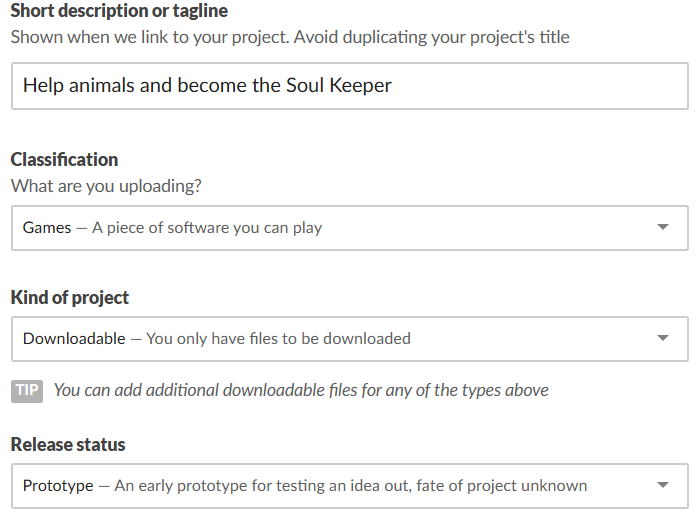
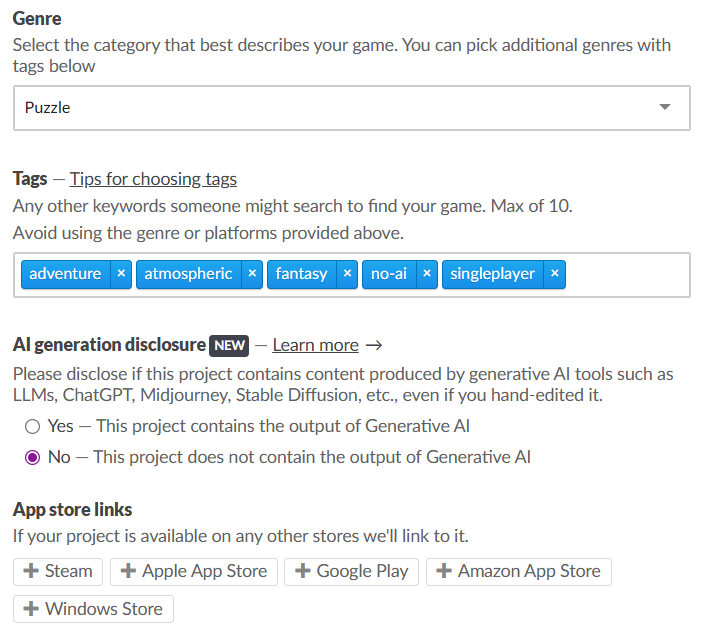
    These are the settings I chose for the game, I kept the the tagline short but informative. Once the build is complete we will upload the files to be downloaded. I have messaged my team and once they have replied will add them as admin to the page.

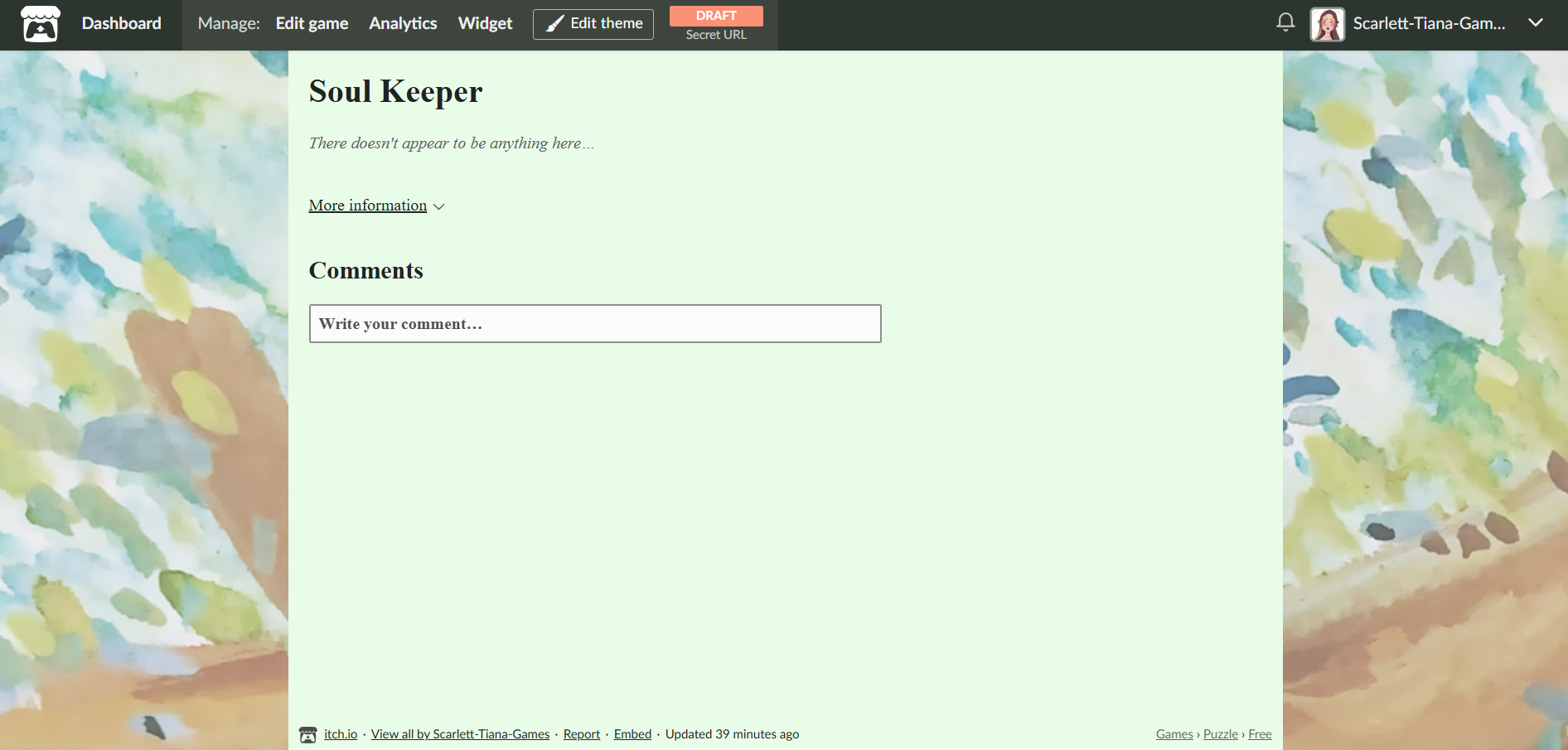
    For the look of the page I used the background art along the sides and chose a mint green for the bulk of the page, and a dark green for the writing. Once the environment artist is done with the poster it will go at the top of the page.

    Before the public playtest I spent my time refining the cutscene.

    During Thursday’s tech hours I updated the itch.io page more adding a description for the game – Become the Soul Keeper, protector of nature and guardian to all animals. 

    Friday Public Playtest

    Team Website Post

    On Friday we had the public playtest in the cafeteria. We arrived at 11 to check the game ran smoothly and put our printed out poster up. The mechanics Designer had uploaded it to Itch.io the previous night.

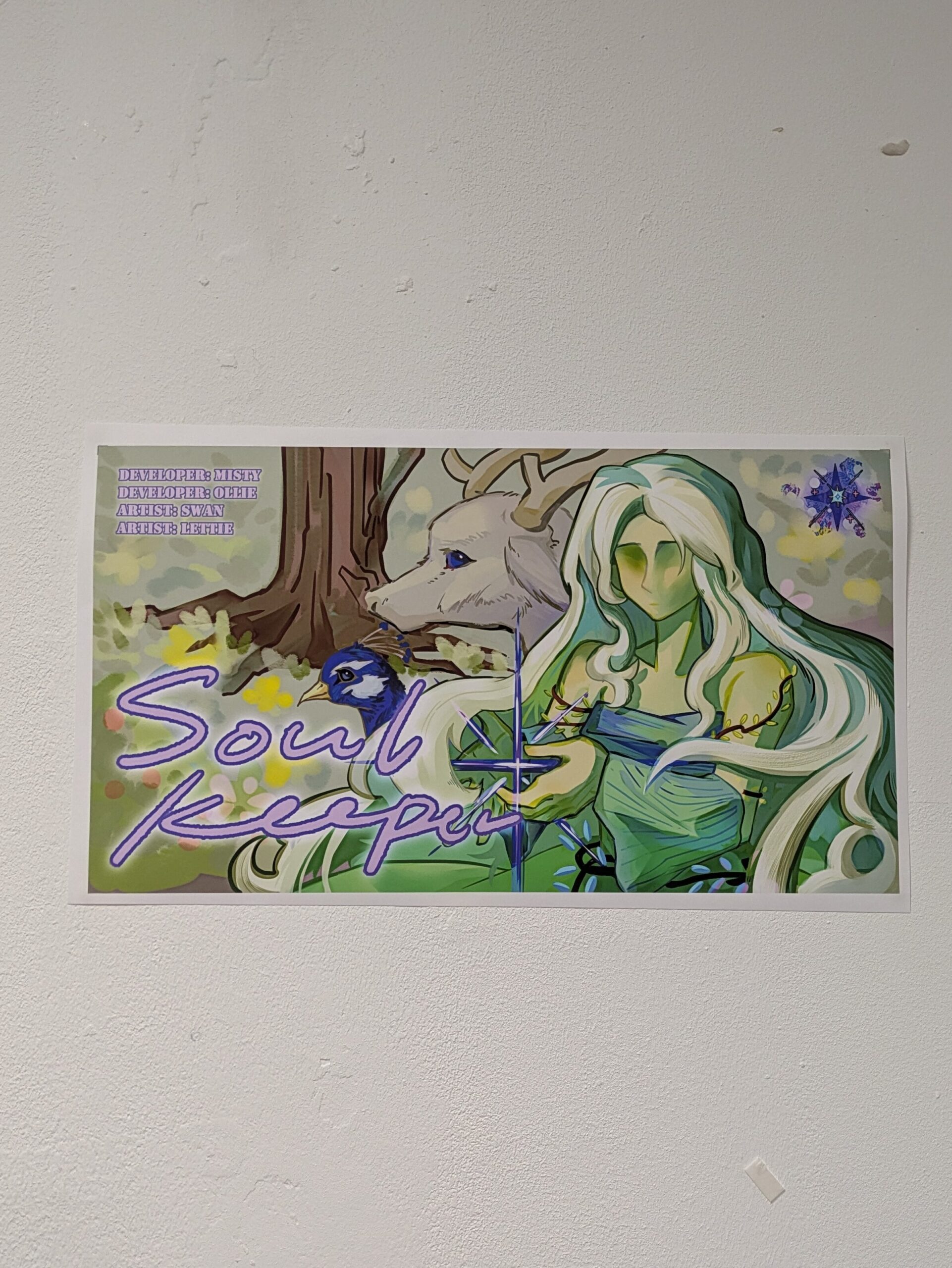
    This is the printed out poster on the studios walls.

    After some trial and error everything was working except fo rthe peacock minigame, the cursor was offset so that wherever you clicked, it thought you were much lower down. Our technical designer tried to fix but was unsuccessful, we decided that the game still ran and that you could still play the minigame we would just let players know what had happened.

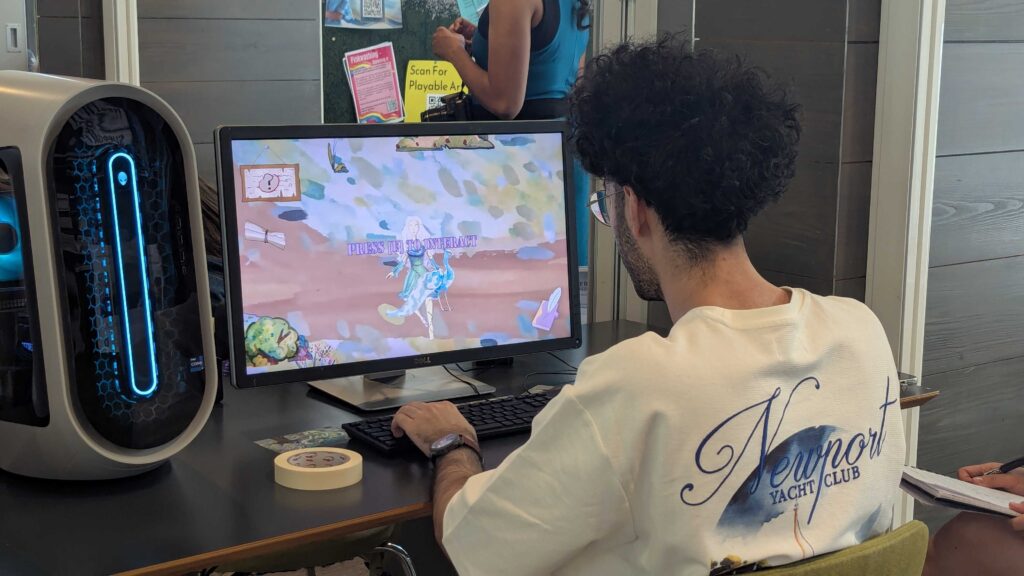
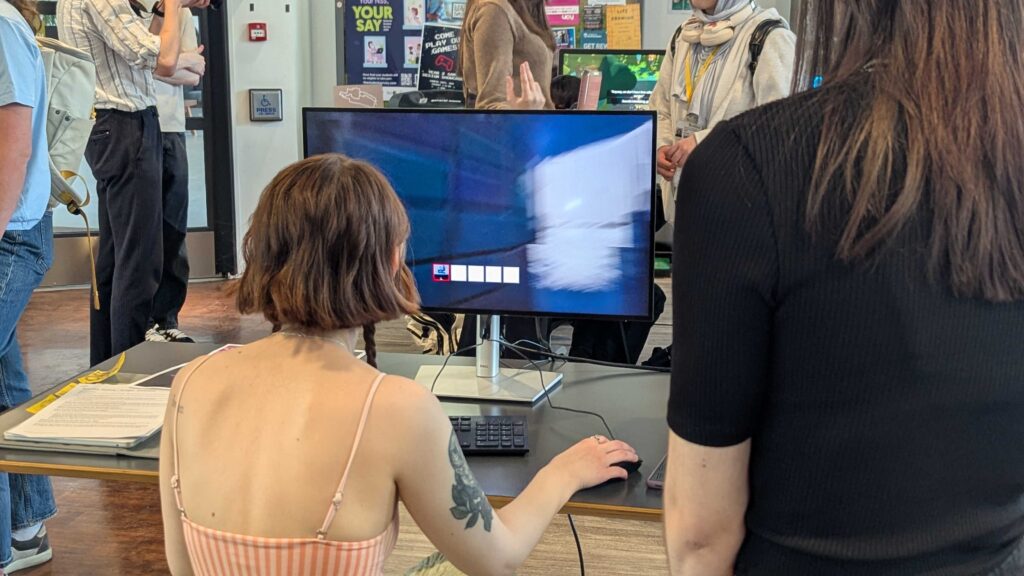
    Images from the playtest taken by our technician. Someone playing our game and me trying a peers game.

    The playtest was a success we had a lot of fresh eyes on our game and the game ran smoothly other than the peacock minigame we had no bugs. We structured the day by taking it in turns to sit with the game and take notes of how the players were doing and any feedback they had for us.

    It was also very nice to see and fully play every groups game. I managed to play every one, it was also cool to see my game idea better realised than the prototype I had.

    Next Steps –

    As it is week 10 the deadline for submission is coming up, I will now compile the feedback into a table.


  • Week 9 Log

    This week was the first week back from easter break, due to personal reasons I could not make it back for the monday lecture.

    Catching up from blackboard I understand that the public showcase will be on Friday the 1st. We should have a working build of our game that is accessible through an Itch.Io page, we also need to create a poster to market our game.

    On Thursday during the tech hours I focused on updating my wordpress, spellchecking etc. I also looked at the team website and ensured that all finished posts were added to the site menu.

    During the afternoon lecture we had a guest over zoom that runs a consultancy for games studios, 8-bit Studios. The talk was very informative and opened my eyes to a side of the industry I had not given much thought to before.

    The consultancy mostly works with indie studios so they went over things that studios should do when setting up.

    • Write a founders agreement.
    • Allocate responsibilities of who will manage the paperwork side of stuff.
    • Do not shy away from talking about money.
    • Write revenue share agreements

    They went over when you should get lawyers involved in your studio.

    • Involve when dealing with a company
    • get lawers involved to read over publishing contracts to ensure that they align with your studios values.

    The last thing they did was go over some common legal terms and what they mean.

    • NDAs – Hard to impose consequences, most commonly used when under a publishing studio for the purposes of marketing.
    • Internal Policies(HR) – make sure your studio has certain policies inplace at the beginning like accessibility ones, even if not immediately needed.
    • Employee Rights – Maternity leave, sick days and leave.

    For the rest of the lesson we had a short discussion over who should make the poster, I initially offered to do it but the environment artist had already made a fantastic start.

    I then turned my attention to figuring out what I needed to do for the rest of the week. The deadline for our other module is soon so I spent the rest of the week alternating my time between finishing off my business plan and drafting keyframes for the opening cutscene.

    Next Steps:

    I need to work on my cutscene animation further. A team meeting also needs to be sheduled so we can build and test that the game works.


  • Week 8 Log

    This week we had a guest speaker, Dan Emmerson. This was very exciting as I am a huge fan of his game Shutterbug. He spoke about game art and the different pipelines that emerge.

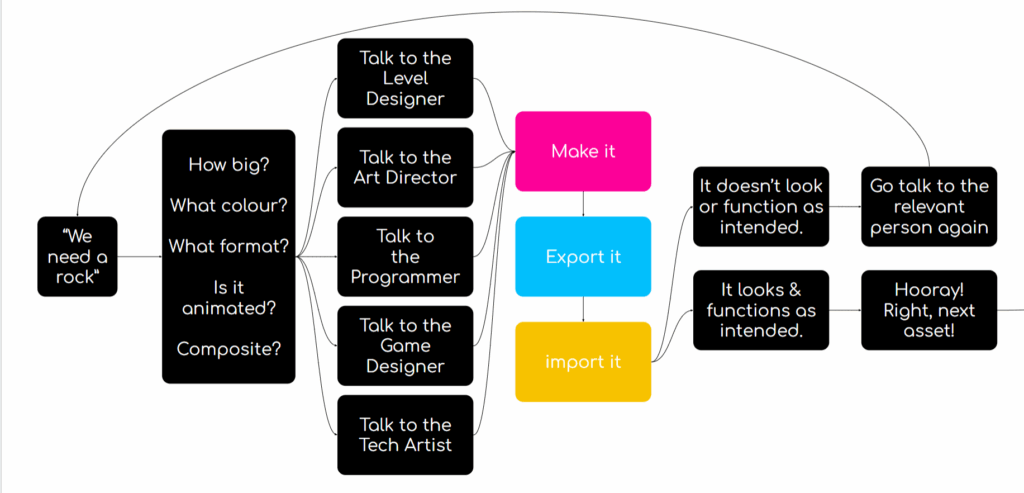
    He covered in simple steps the game art pipeline

    Step 1 – making the assets

    • Start small and simple with greyboxing and functional assets
    • Software choice does not matter just stay consistent across the project

    Step 2 – Exporting

    • Use naming conventions like Rock_Large_Mossy to easily keep track of your assets.
    • Sprites should be in Po2 format like 512, 1024 etc
    • Spritesheets should be used
    • Do not be lazy and make sure you are sticking to the rules you have set

    Step 3 – Importing

    • Once things have been imported still keep track of them and organise them within the project such as grouping by type or by asset
    • Constantly test how assets look in game against each other.

    Playtest Thursday 19th March

    We spent the morning workshopping bugs and ensuring our game runs smoothly. I worked with the mechanics designer to implement the visual effects for some reason I could not get them to work using the URP so we sought help form the technician who showed me another way to access the same effects. Then for the particle systems we just downloaded them then reimported them into the different branch on Github.

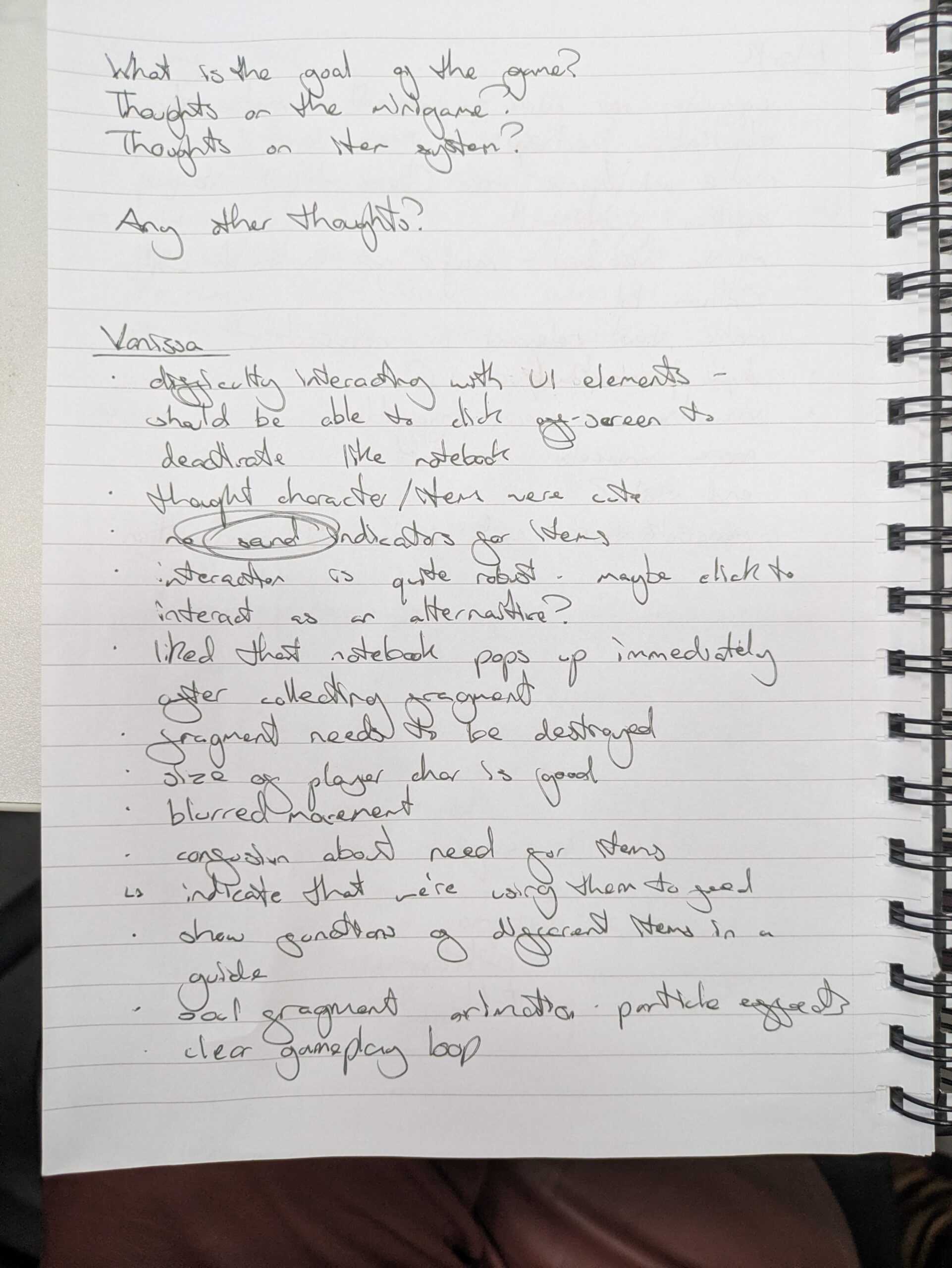
    During the playtest we took notes and observed the players to pick up on things they might not mention. Our Mechanics Designer took all of the feedback and transcribed it for us here.

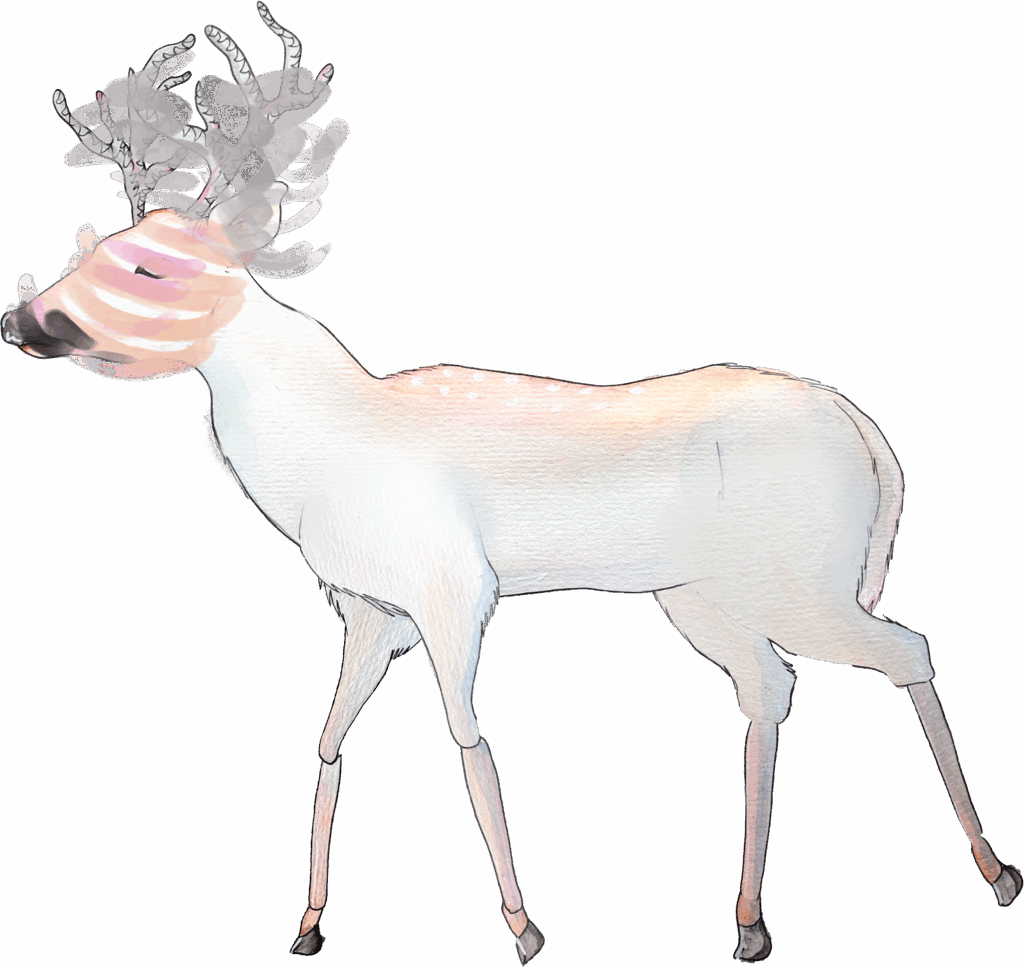
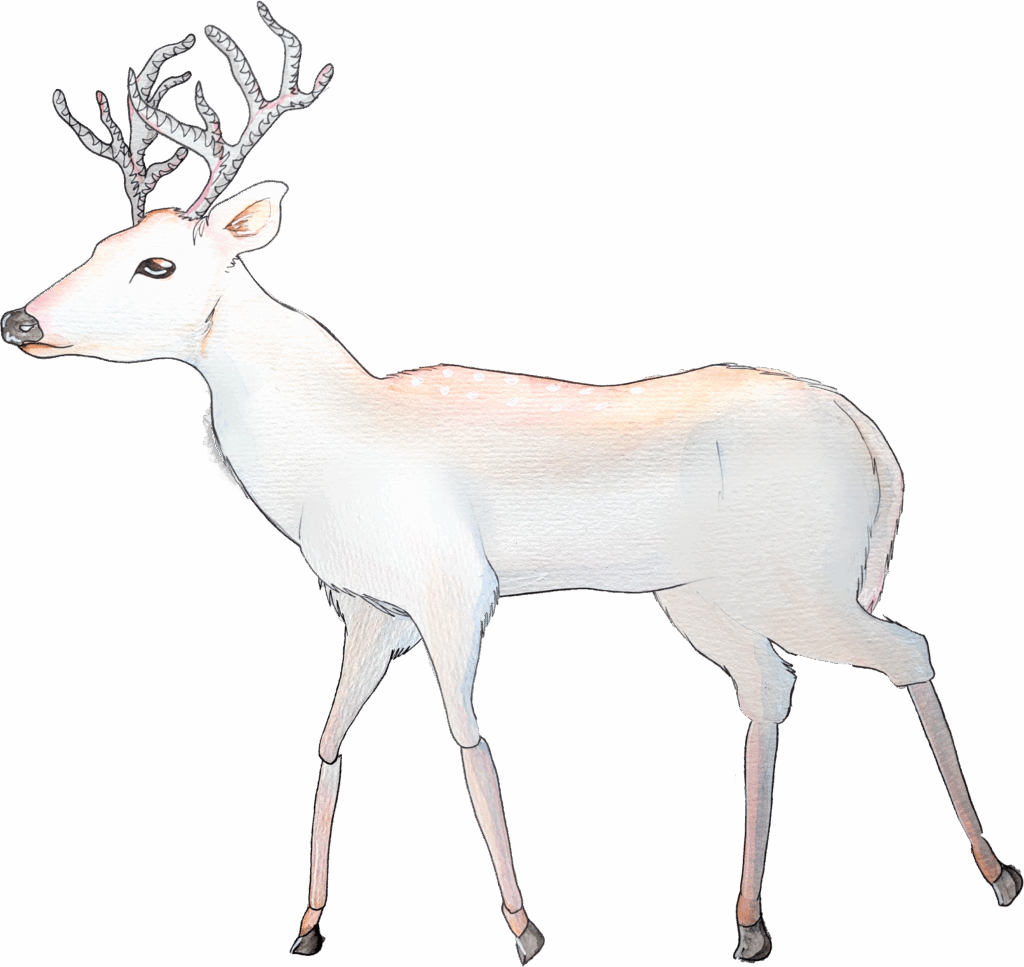
    Things that I need to work on are: the character leans left too much when facing left on the idle animation and the deers walk cycle is stilted.

    Before
    After

    To fix the character I opened the frames in Photoshop and selected all of them together and used the skew and distort tools to fix the issue. This was the easiest way I could find, to avoid this in the future I need to work on my anatomy and find ways to flip the drawing whilst I am creating it.

    Before
    After

    I believe that the issue with the deer has happened because we took the smear frame out for the playtest as it was too fast and looked weird to fix the walk cycle I just took the smear frame and removed the effects so that it’s head was normal.

    Next Steps –

    Next week is Easter break so I will be prioritising resting over the break and simply using the time to organise and update my website. I will also be working on my entry for the macmillan illustration competition.


  • Week 7 Log

    This week there are no formal lessons instead, we are encouraged to look back over our work so far across the semester and reflect on what has gone well and what has not.

    I also took the week to think about my career goals, booking a meeting with my PAT to discuss the possibility of doing a Masters.

    Tuesday Meeting –

    My team mostly worked from home during this meeting so I got to work painting the animals.

    Thursday 1 to 1

    On Thursday I had my 1 to 1. The main things I need to focus on are the colloboration between me and the environment artist and the focus on the characters otherworldly ethereal nature. To do this I will use the other artists work to inform my own, and for the characters next redesign I will focus on making it more natural and graceful. I am also going to work on a draft for an opening cutscene.

    Next Steps –

    Work more on collaboration by accessing my teams work and using it to inform my own. Try and encourage more communication via the weekly team meeting


  • Week 6 Log

    This week we had guest speaker Sarah Cole, she is a self described system and interaction designer. She has experience in a wide range of mediums.

    The talk revolved around a more holistic approach to narrative design that is not just focused on the writing aspect.

    Digital vs Analog Games

    Video Games

    • Variable flexibility
    • Depends on tech and narrative design
    • Game has limited control of player reactions and timing

    Board Games

    • Inflexible
    • Players must self regulate
    • Rules can’t easily accomodate different player cababilities

    TTRPGs (table top roleplaying games)

    • Very flexible
    • GM can modify and tailor narrative
    • Distilled narrative design
    • Death of the author

    The great detective problem!

    Sherlock is too smart the average person would never be able to take the mental leaps that sherlock does. Detective games often struggle to strike a balance between actually letting the player deduce and telling them the story.

    Sherlock Crimes and Punishments – An interesting entry in detective games you can come to completely the wrong conclusion and the game will let you convict the wrong person. A good narrative allows players freedom to mess up and be wrong.

    Tips –

    • Sometimes its better to work on paper
    • Seek inspiration if your stuck – specially outside in the world

    Tuesday –

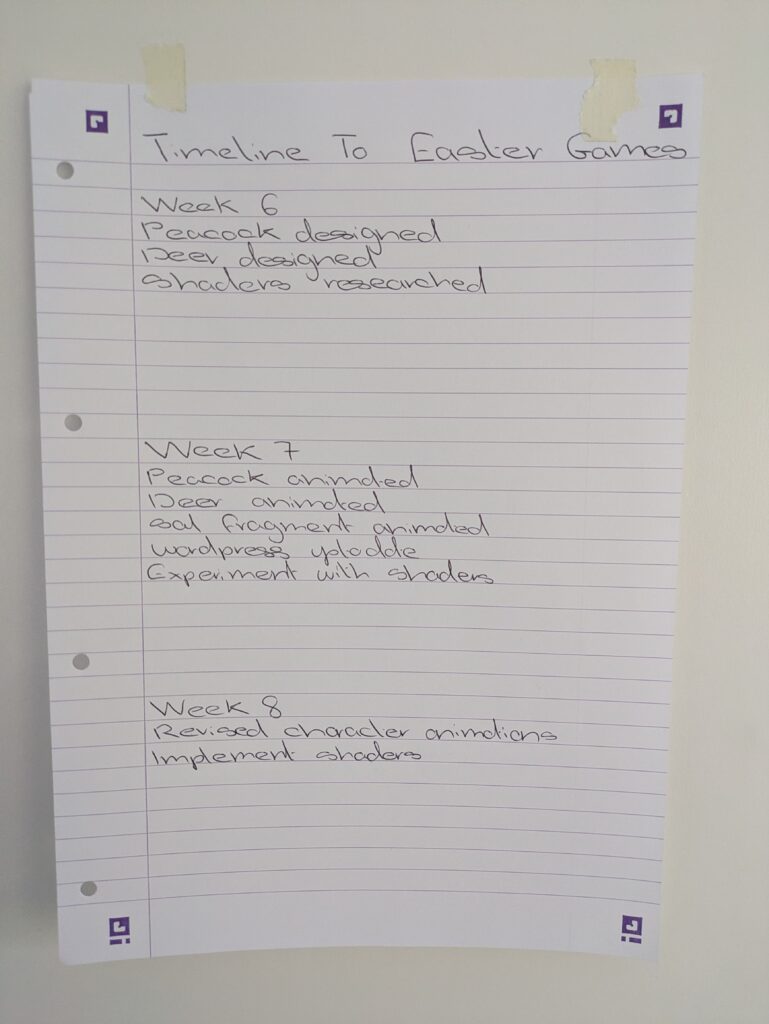
    At the meeting on Tuesday as my team members were absent I continued working on the animal designs. I also created a timeline in weeks and the main things I needed to do for our vertical slice.

    On Thursday we had a visitor from the careers team delivering a talk about our next steps and how to stay up to date with the games industry.

    Next Steps –

    I now need to finish the animal designs over formative feedback week and animate them. I also intend to play around with shaders and effects in Unity to try and make the game more ethereal.


  • Week 5 Log

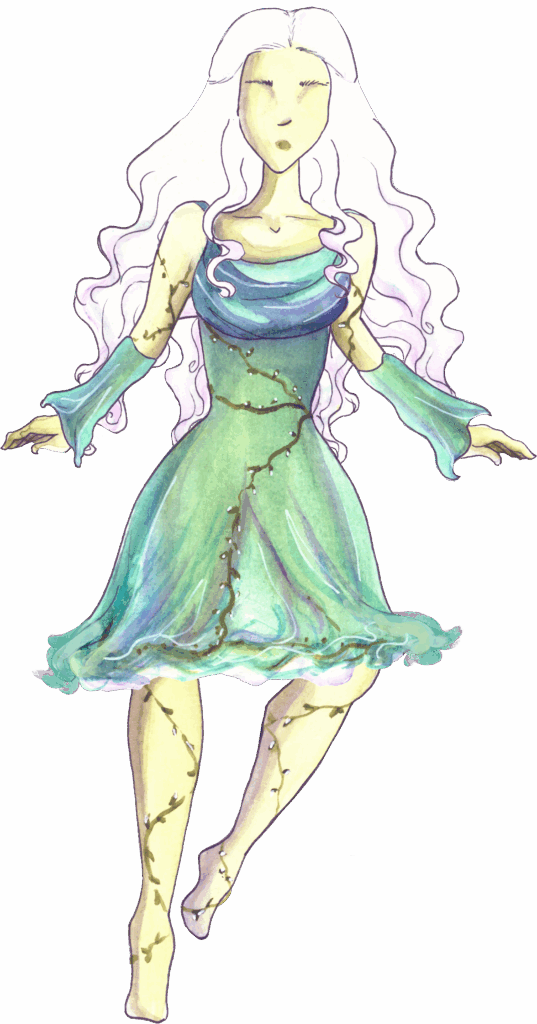
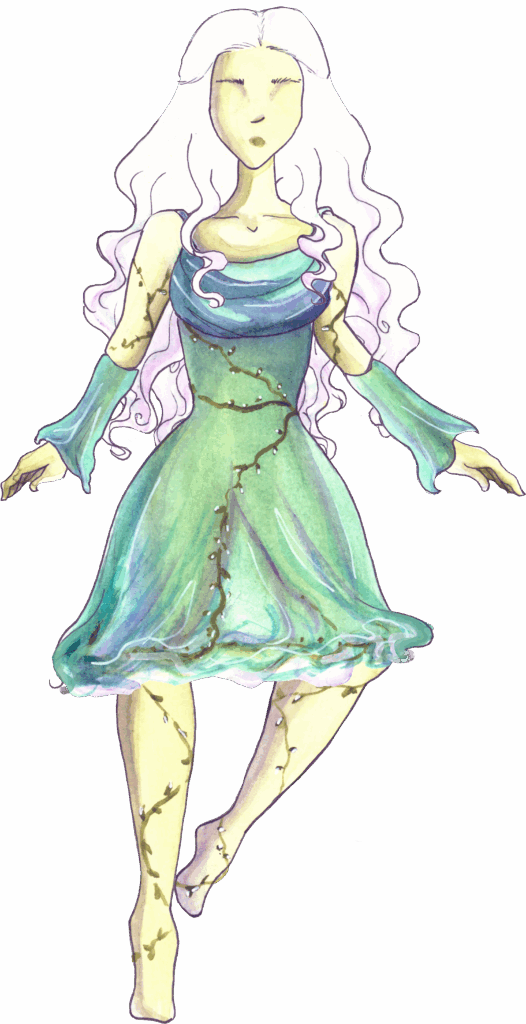
    On Monday before the lesson I photocopied the pieces of the character and emailed them to myself, I then showed the art to my team. They liked the work I had done.

    For the session we had a short lecture on game puzzle tips and tricks and then we spent the rest of the time planning for the playtest. We were encouraged to assign roles for our group when showing our game. Our mechanics designer offered to induct people into the game and give them a brief rundown of it. For the rest of the day the rest of us will take it in shifts to take notes and observe players while the rest of us go and test other peoples games.

    For the rest of the day I worked on animating the character.

    For our Tuesday meeting I focused on catching up on my organisation and updated the team website.

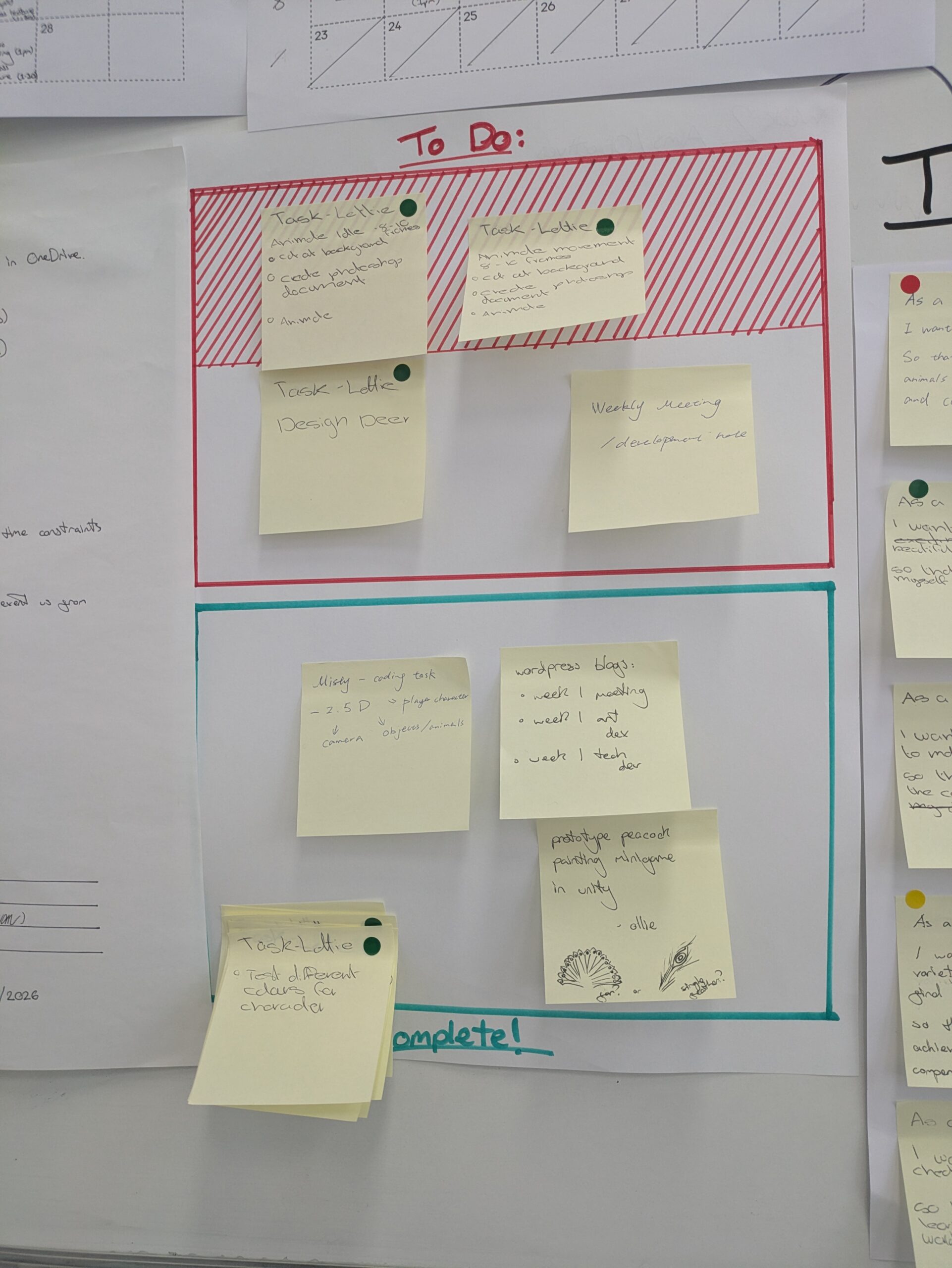
    This is our to-do list I have been using it to keep track of what I need to do, colour coding my post it notes with a green dot.

    I added some new tasks, design deer and peacock and moved the animation tasks to completed.

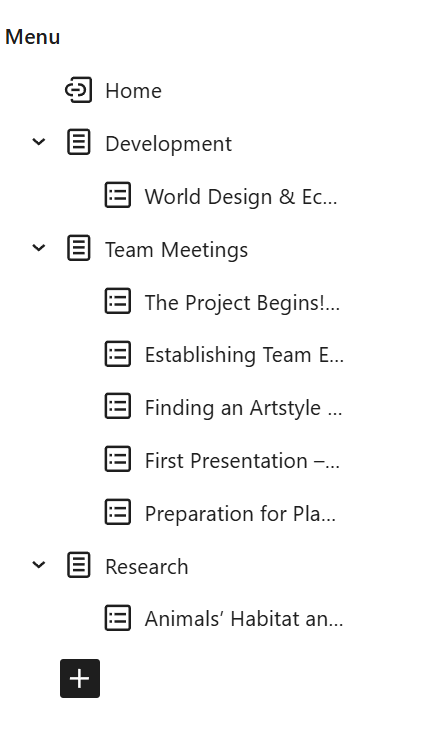
    I also worked on the group website ensuring that the navigation menu is up to date and has all of the posts we have made so far.

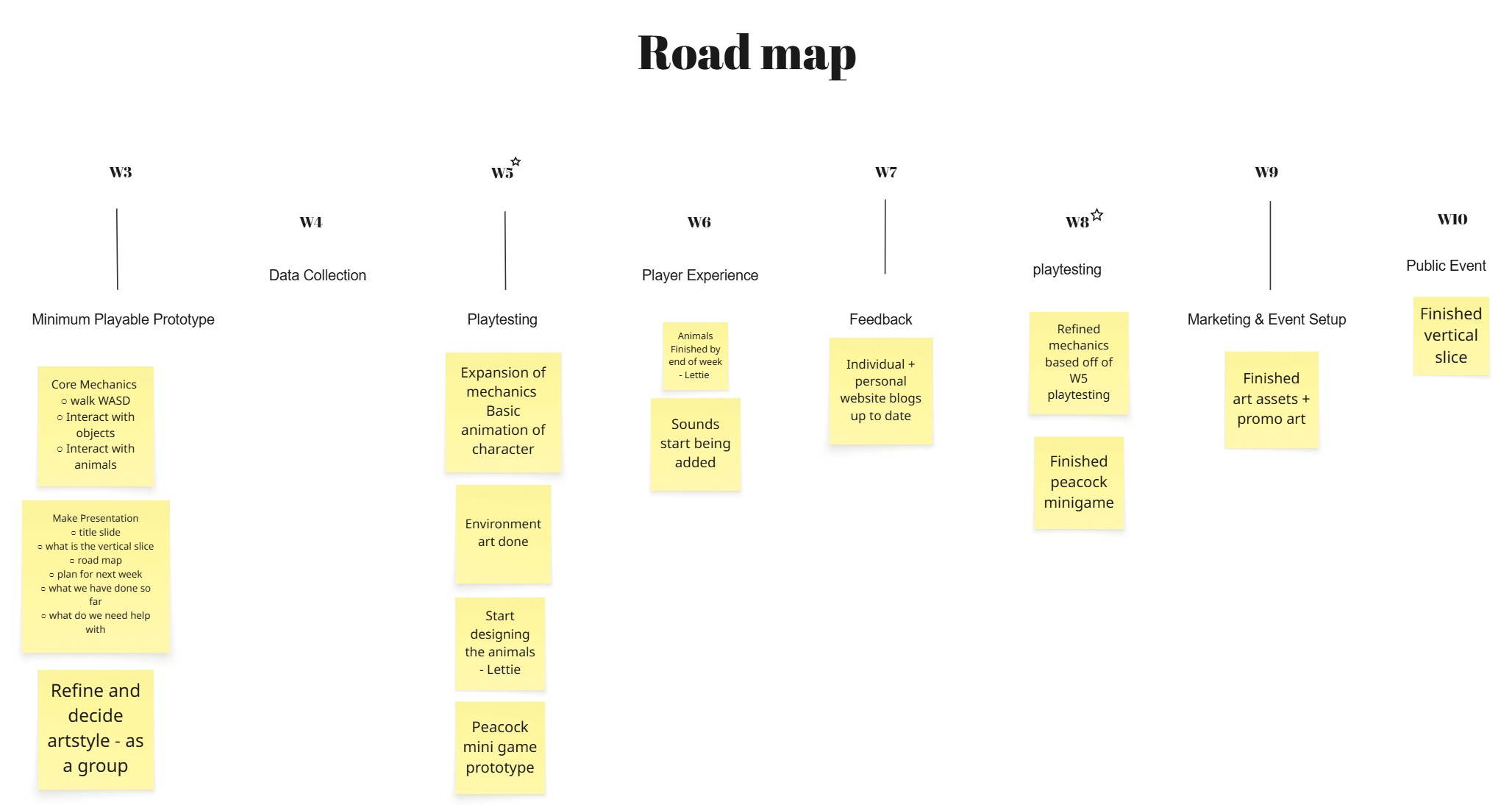
    The last thing I did was update our roadmap to better reflect our progress and I added things we had not previously thought of like sound.

    Thursday Playtesting Session

    On Thursday we had our first of two mandatory playtesting sessions. We structured our group so that our Mechanics Designer onboarded players and me and the Technical Designer took turns writing notes and observations on the players.

    This was an extremely helpful session as I wanted to see how my animations translated and were viewed by the players. It was also nice to see where the rest of our peers have gotten to with their games.

    The notes from feedback. After the session I took the notes and compiled them into a word document. Using the highlighter tool I sectioned each piece of feedback into groups of similar issues. I then created a list of what we need to improve and suggestions of how we could. On our Friday meeting we will go over this list and decide what tasks we will tackle.

    This the word document. The key is as follows:

    • Green – art issues
    • Yellow – UI issues
    • Blue – sound feedback
    • Pink – story and goal issues
    • Red – minigame

    This is the areas to improve section, I organised it into bullet points of tasks that need doing. I then shared it with my team and the mechanics designer took the feedback further and began refining the game. Breakdown here.

    Next Steps –

    I need to continue to design the animals and our group decided to fix some of the issues by assigning our world designer to do the sound, and the environment artist to make a soul fragment animation.


  • Week 4 Log

    This week we had a guest lecture from Venny a Southampton alumni working at Sumo Games. The talk revolved around playtesting and how to get the most out of a session.

    QA(Quality Assurance)

    • Career path
    • focuses on tech issues
    • fixing what goes wrong

    Vs

    User Testing

    • Observing natural behaviours of players
    • Not necessarily only looking for bugs but rather what the players are drawn to and do

    Smoke Testing

    A smoke test is where you check that the most fundamental parts of your build are working. If the build does not pass the test the build is unusable.
    Using an Excel spreadsheet to conduct the smoke test. Each test should be put in separate sheets with a clearly marked date and time. You then list the features you want to test, the expected outcome and the actual outcome. If the expected and actual outcomes are different then there is a problem.

    How to Write Bug Reports

    • Short description of bug
    • reproduction of the steps
    • observed outcome (what is actually happening)
    • expected outcome ( what should be happening)

    Running a User Test

    Step 1 – paper prototype, the quickest and easiest way to see if a mechanic could work

    Step 2 – greybox prototype, only to test usability and flow, do not make it look nice or pretty

    Step 3 – bring in players who have no knowledge of the game, ask open ended questions

    Step 4 – analyse the results from the session. Pay close attention to the behaviour of the player are they apathetic is the UI legible and are they enjoying something unexpected

    Step 5 – Iterate the design and repeat steps 3 and 4 take feedback forward and implement the changes, make it radically different

    Step 6 – UI skinning, in engine implementation of art assets, now is the time to make it look pretty

    On Tuesday we had our weekly meeting as it was Chinese New Year some members of the team were absent. I focused on painting the final version of the character.

    On Thursday we had a session on AI usage and the universities policy. After an informative talk about how generative AI is structured and works our groups were given examples of different case studies. Our groups stance on AI is luckily aligned to be strict no AI.

    Next Steps –

    As we have the first player testing session next week I am going to focus on animating the characters idle and movement animations


  • Week 3 Log

    This week we had Canteen Studios in to deliver a guest lecture. They are a small two person studio working on their second professional game. They had sectioned their talk into twelves tips for game development

    1. Games are about iteration – iterate and constantly improve
    2. Playtest as much as you can – fresh eyes on the porject will help you discover issues and whats not working
    3. It’s a marathon not a sprint – be kind to yourself and don’t burn yourself out
    4. Set goals – work in milestones and have achievable weekly/monthly/yearly goals
    5. Work backwards – determine your end goal then work backwards to understand what you need to do
    6. Keep track of your progress – good for motivation helps you to see how far you have come
    7. Watch out for bottleneck and dependencies – pay attention and make sure that you don’t end up in a situation where the project cannot move forward without a single persons work
    8. Have a solid foundation – know what you want to create before starting but also keep in mind games are about discovery
    9. Aim for less at a higher quality – don’t be afraid to take things out of the game if the workload is to much, focus on making what you have the highest quality possible
    10. Do not leave things till the end – work with the goals to stay on track and not rush at the end
    11. Don’t forget the player – always think about what you are making and how the player will find it
    12. Games need tutorials – both explicit and implicit ones within the game itself

    After the talk they went around the room and spoke to each group. We pitched our game and explained our current working progress, the reception to this was positive.

    Overall the talk was very helpful. It was nice to see a functioning indie studio and the tips will be invaluable.

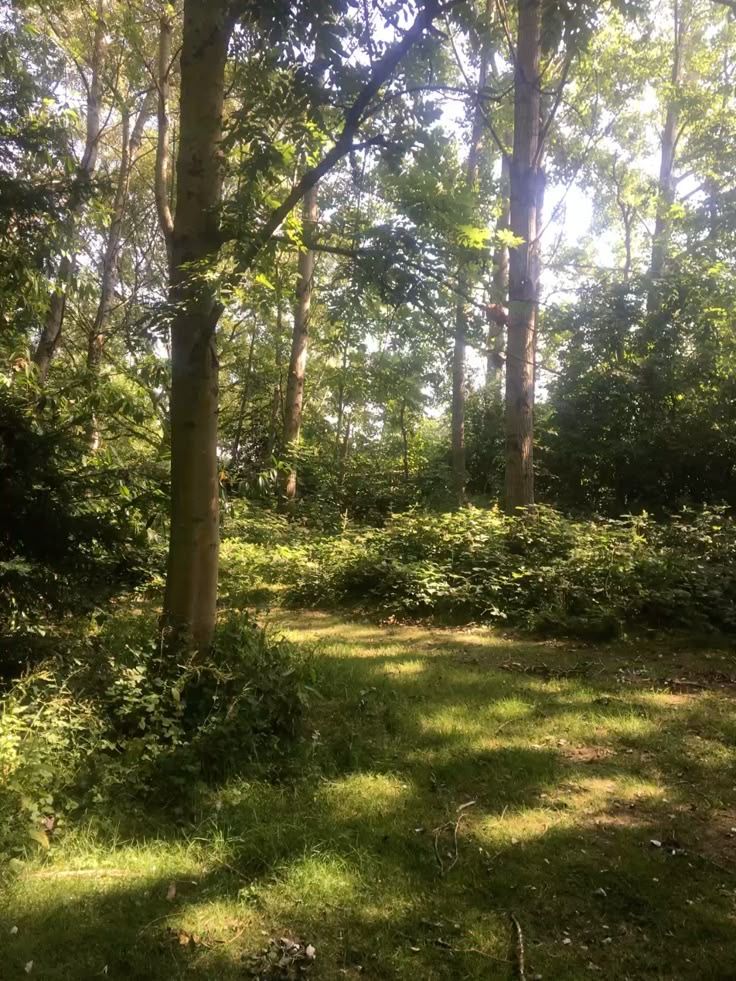
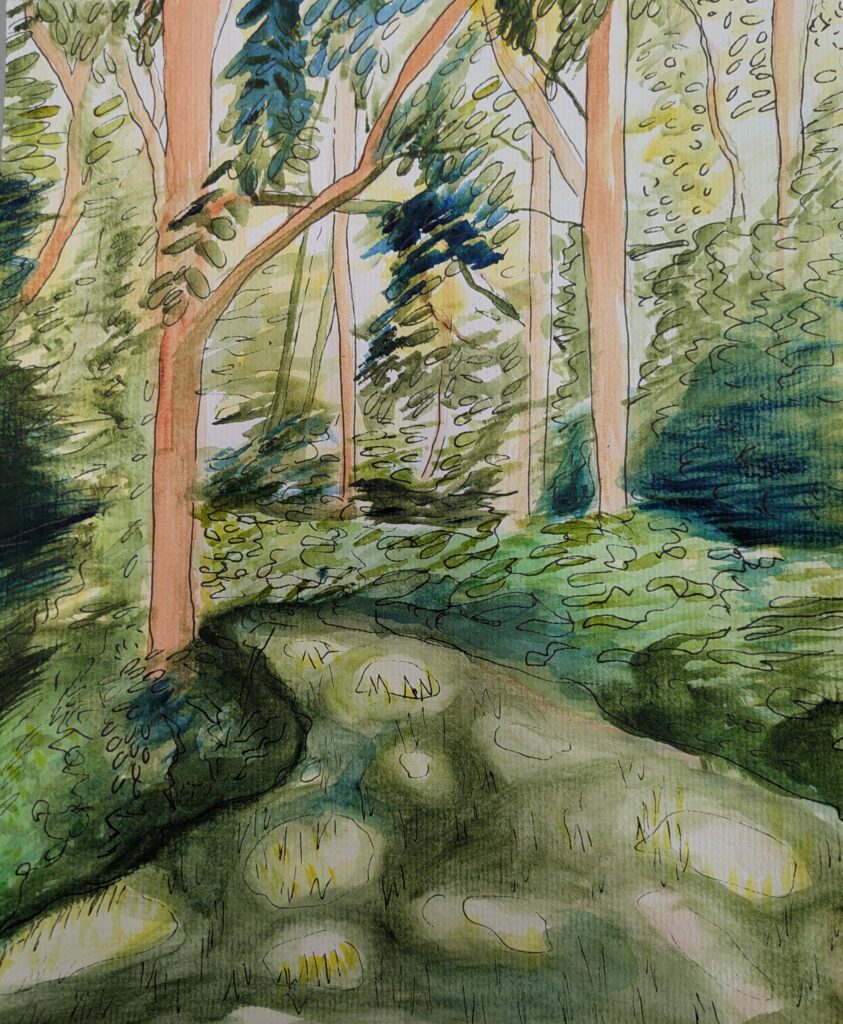
    On Tuesday we had our weekly meeting. Our technical artist was unwell and could not make it. The main issue at the moment is that me and the other artist have very different artstyles we decided that we should try an exercise where we take the same reference and paint it. We tried to use the same rules and style such as the same watercolour paint and black fine liner pens. Team meeting breakdown
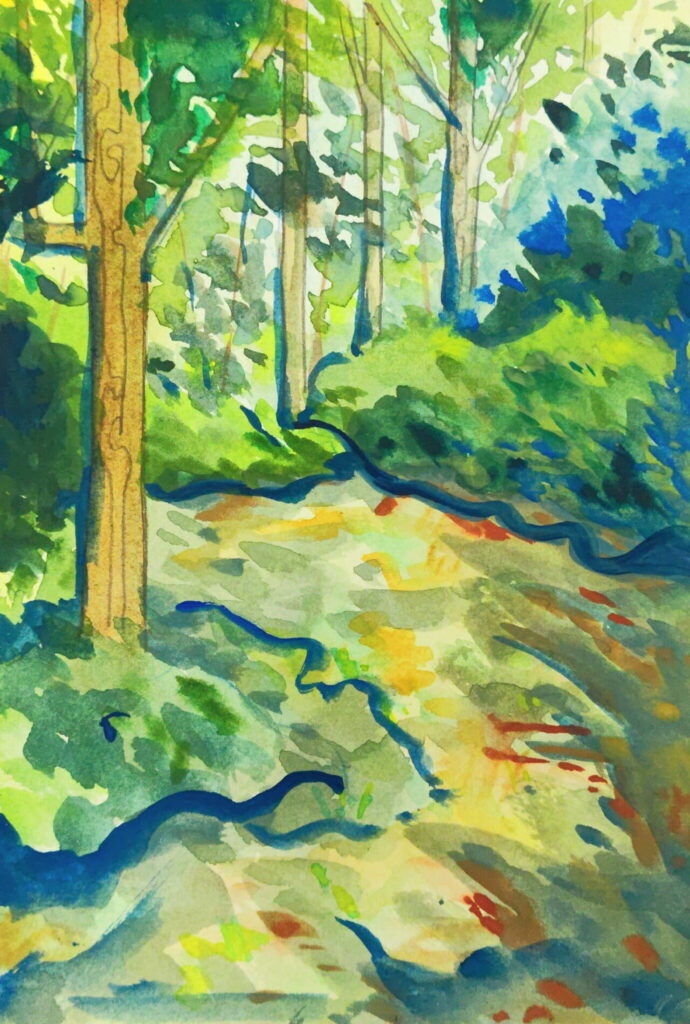
    Reference
    Mine
    Swan’s

    These are the finished pieces. Obviously there are many differences, my work is more realistic and I am less experienced with environment pieces. This was a useful activity though as maybe it seems that we should pivot our plans and revert back to the original roles.

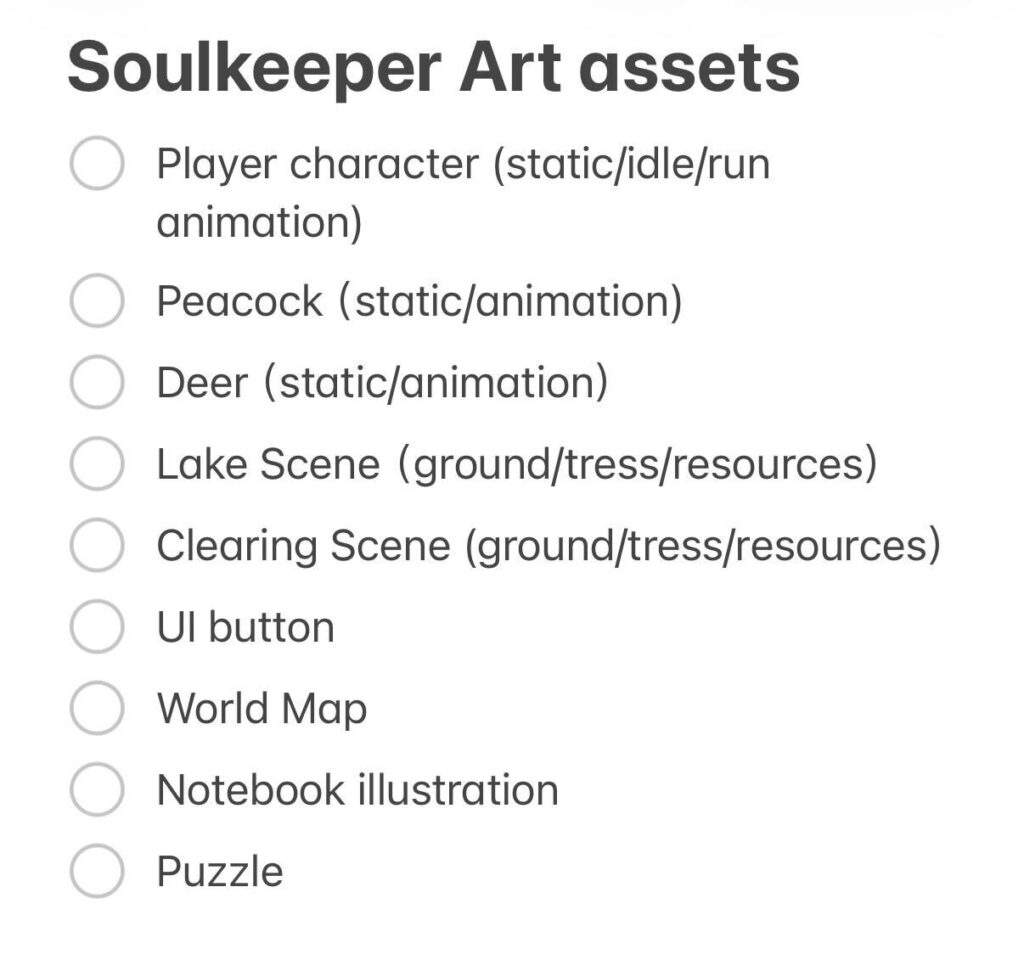
    During the meeting our mecanics designer produced a list of the assets that needed to be created.

    After a discussion with the other artist where I proposed two options one where we stick to the current plan and I take the character, deer, lake, world map and puzzle or we revert to the original roles and I take the character, deer, peacock, world map and puzzle. The other artist chose the latter option but wanted the world map. This setup works very well for me.

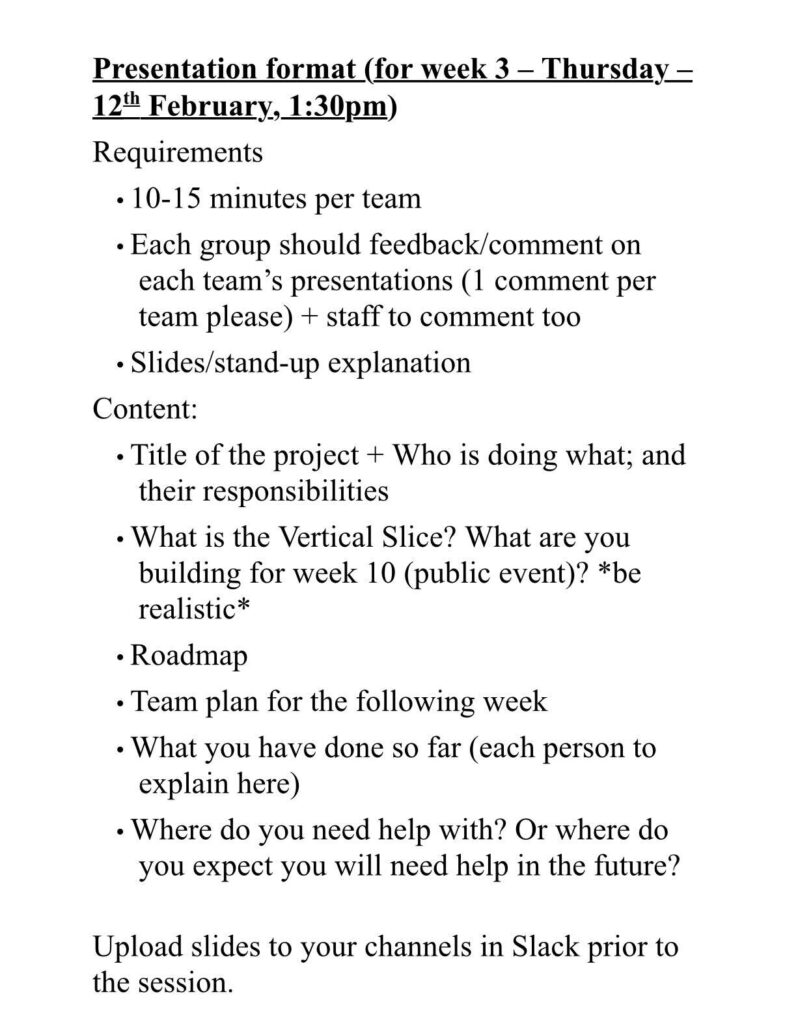
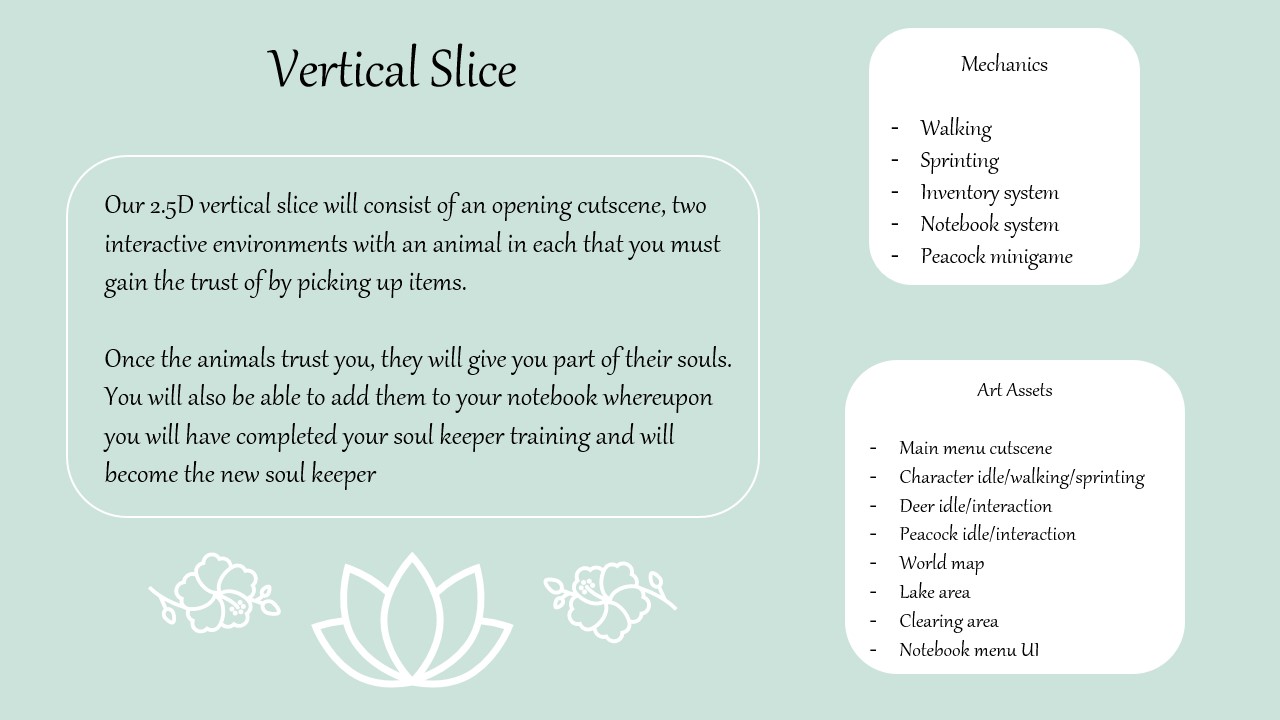
    On Thursday we had a presentation. We were given this sheet to plan our presentation accordingly.

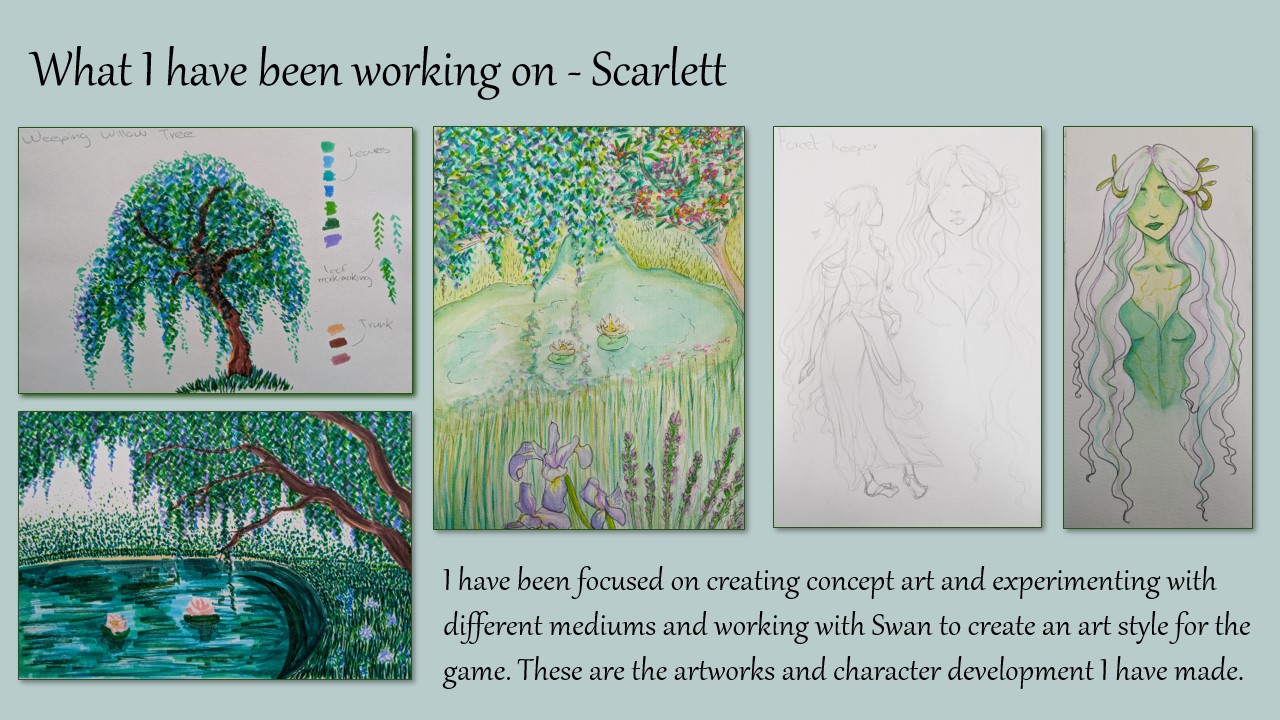
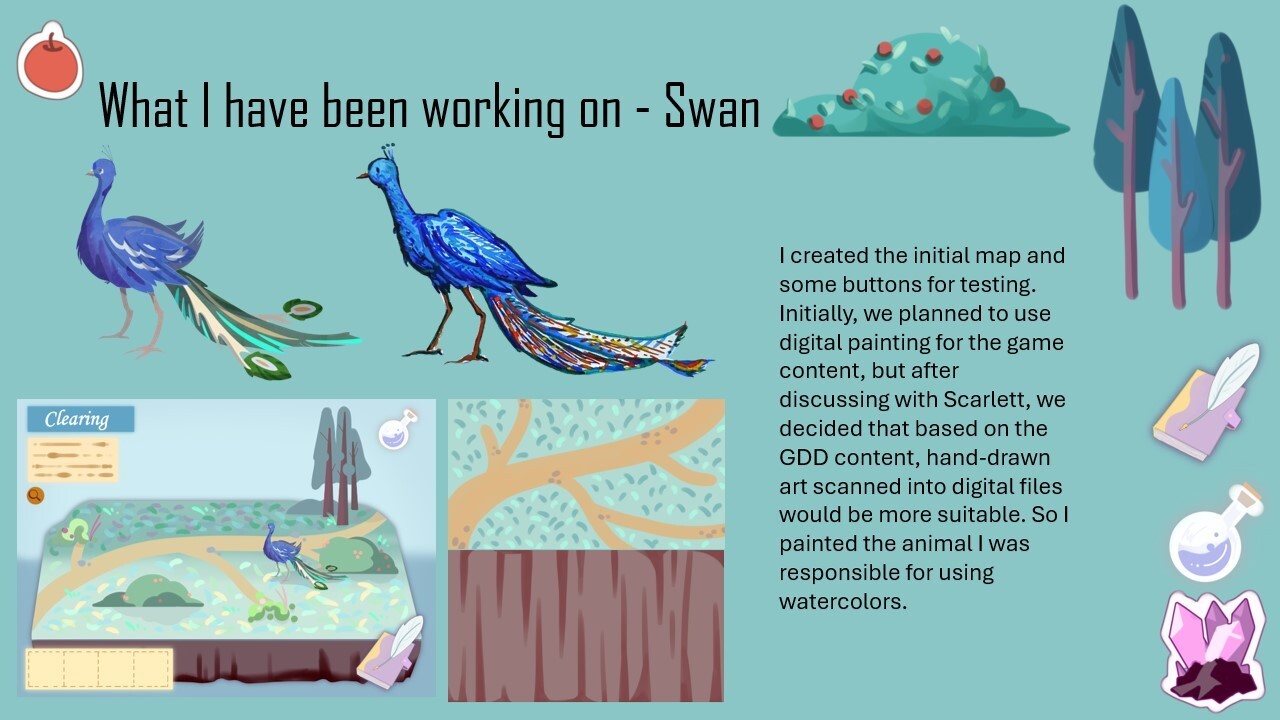
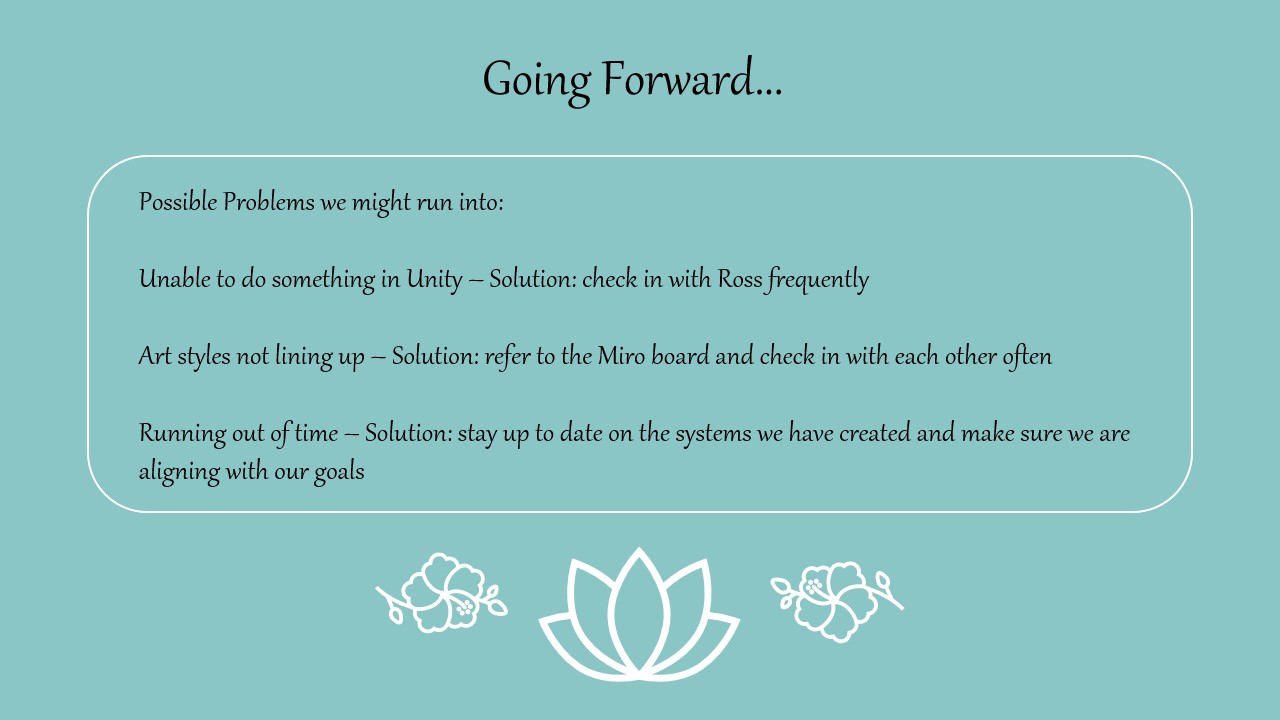
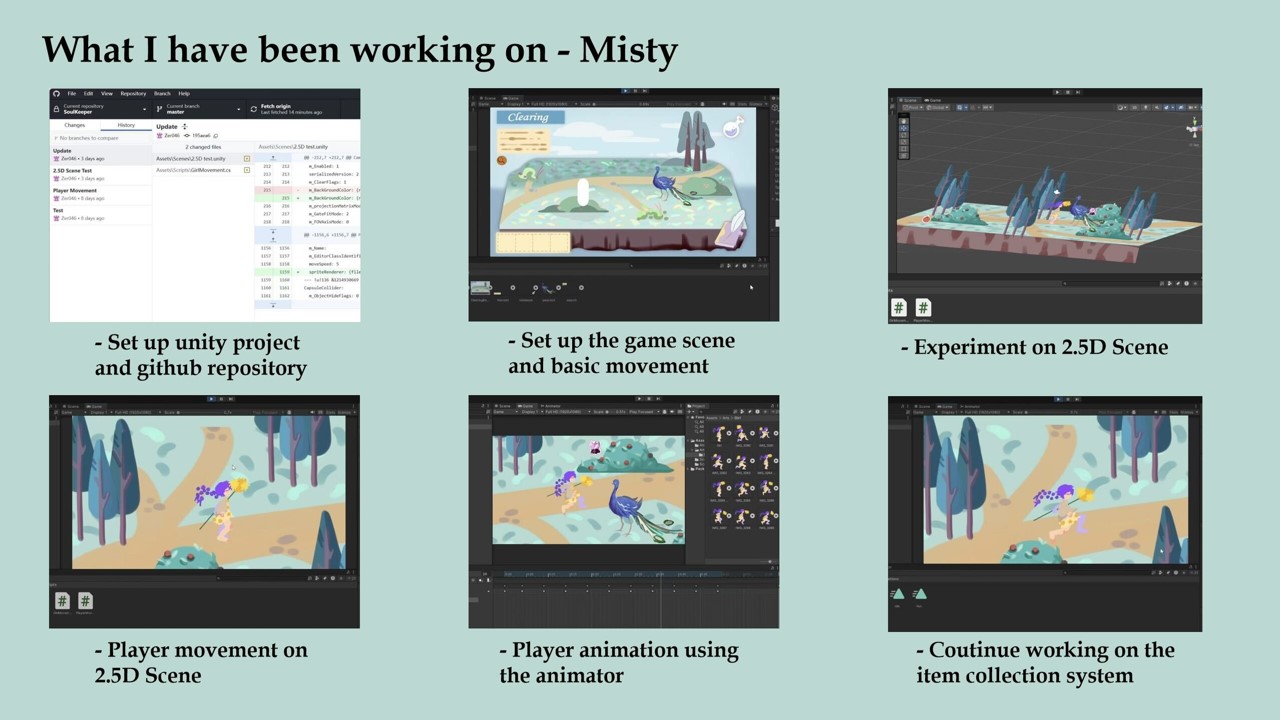
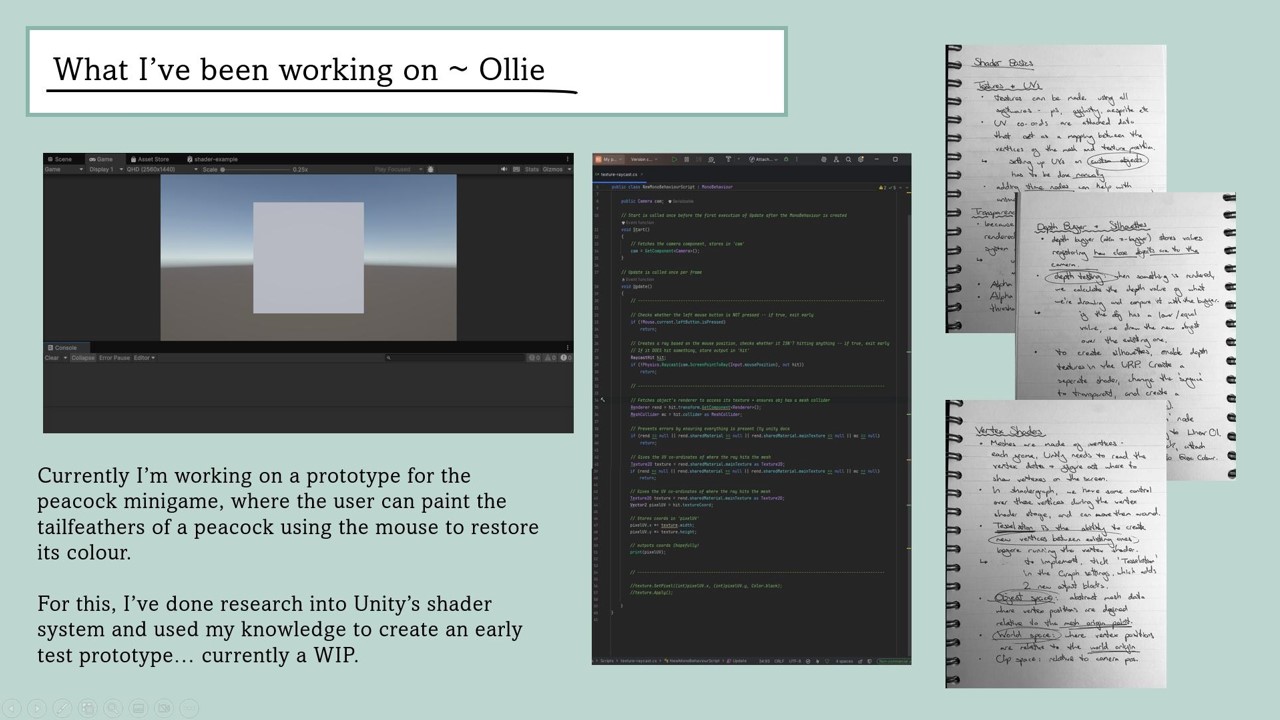
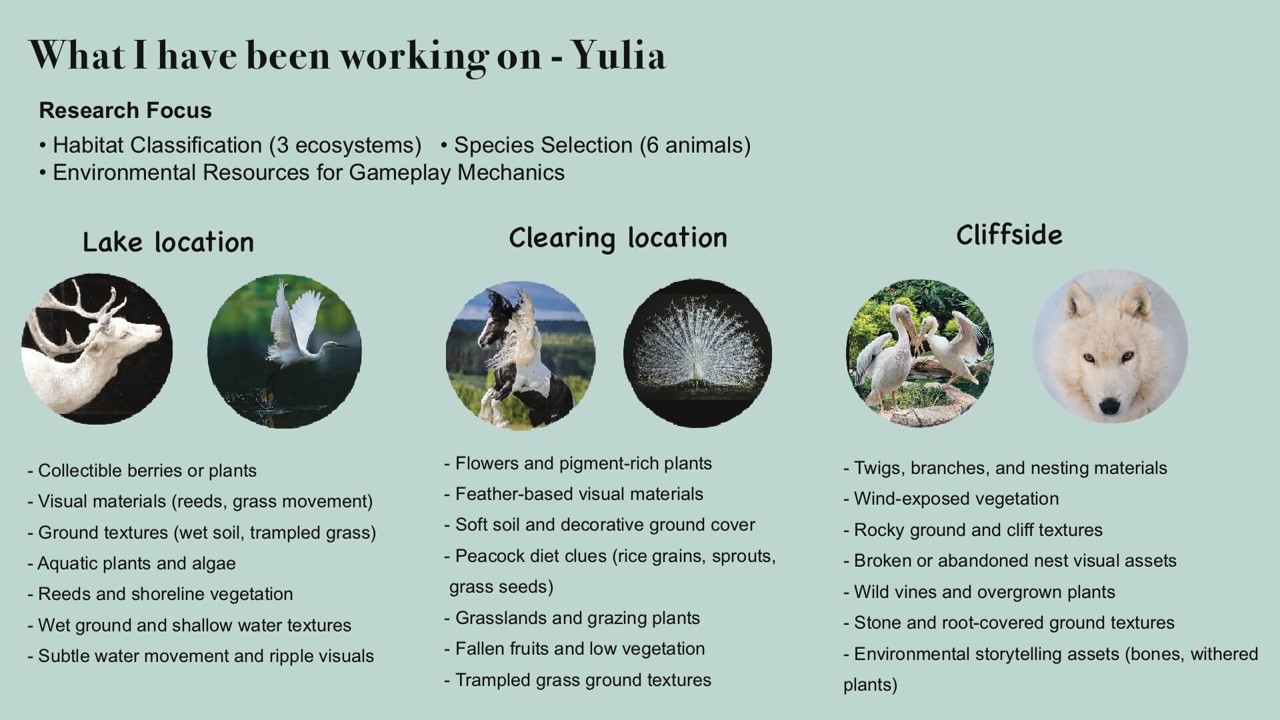
    We all created our single slides about what we had been focusing on and I volunteered to create the rest of the slides.

    The actual presentation went very well. We took it in turns to speak and and present our slides.

    Comments we received –

    I really like your artwork – directed at me.

    What is you contingency plan for if something goes wrong?

    The way our group is set up the are two technical people and two artists as well as the world designer bridging the gap. This way if one person is unable to complete their work the other one in that area can pick up the slack.

    Next Steps –

    Our next steps as a group are to continue working on are areas. As we have now decided to revert back to the original roles of character artist and environment artist I will begin designing the animals and continue working on the character.


  • Week 2 Log

    This weeks Monday lecture was about teamwork. We focused on getting to know each others working styles and how we all like to best communicate.

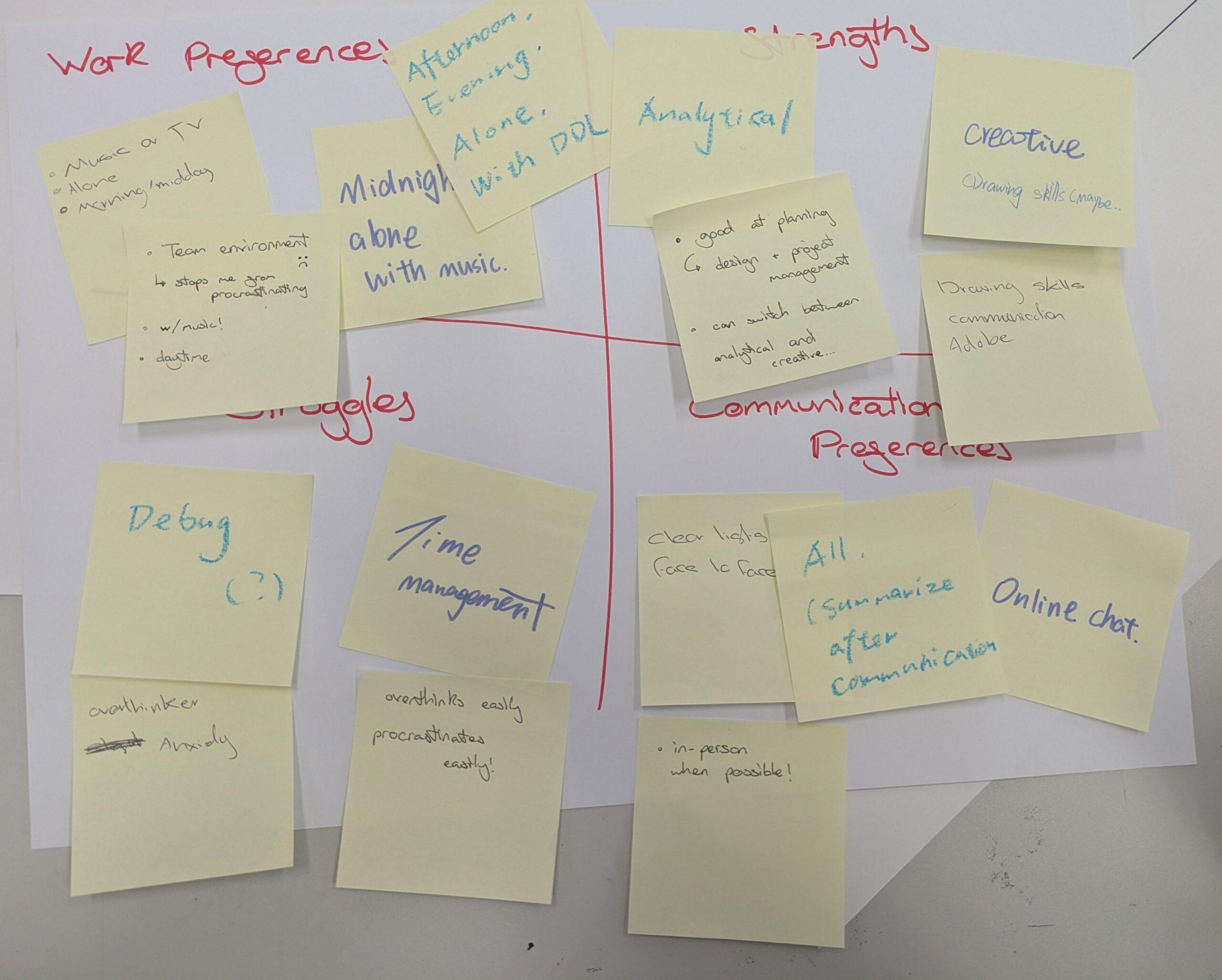
    The four of us that were in attendence sat down and filled in this grid given to us by the lecturer. We listed our work preferences, strengths, struggles and communication preferences. Most of us like to work alone but our technical designer likes group work so we will have to be a bit flexible to accomodate that. Our strengths are varied and most of us like face to face communication.

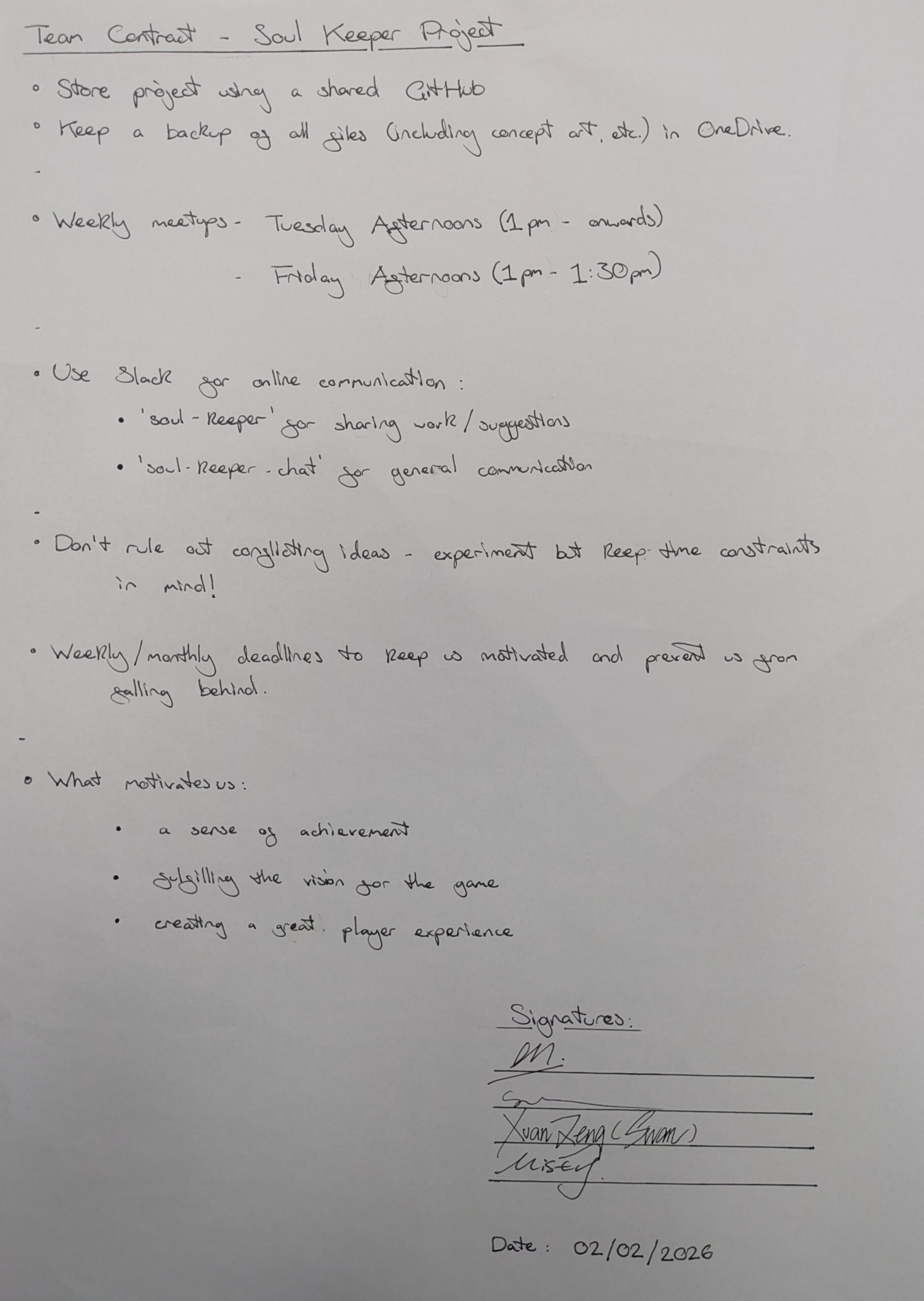
    After that exercise we were encouraged to write up a team contract where we outline what we want from the project and make a commitment to the group.

    Ours includes sharing work and keeping backups, commiting to twice weekly meetings. Using Slack as our communication line. To always entertain ideas – time permitting.
    We also included what motivates us a sense of achievement, fulfilling the vision of the GDD and creating a great player experience.

    After the team contract was written we were reintroduced to user stories. We first were introduced to these last semester from a guest speaker.

    They take the format of:

    As a [blank]

    I want [blank]

    So that [blank]

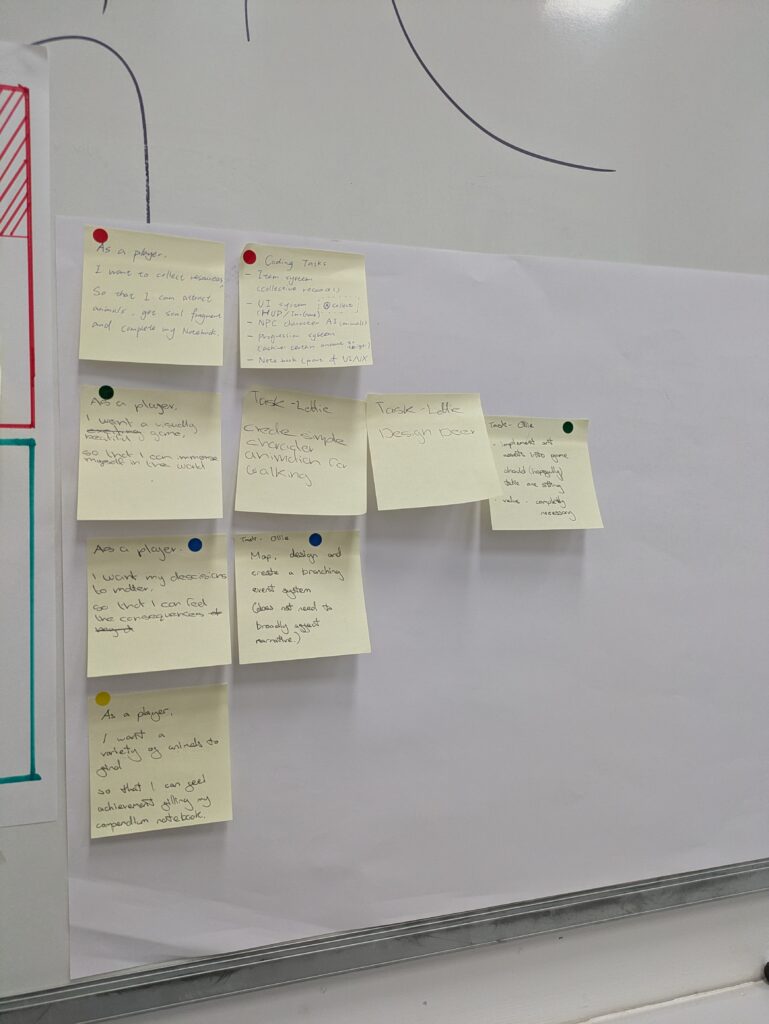
    To write these we consulted the game pillars in the GDD and based our responses off of those. I contributed two

    As a player
    I want a visually beautiful game
    So that I can immerse myself into the world.
    As a Player
    I want my decisions to matter
    So that I can feel the consequences of my actions.

    This is a board of our user stories. We used stickers to colour code them.

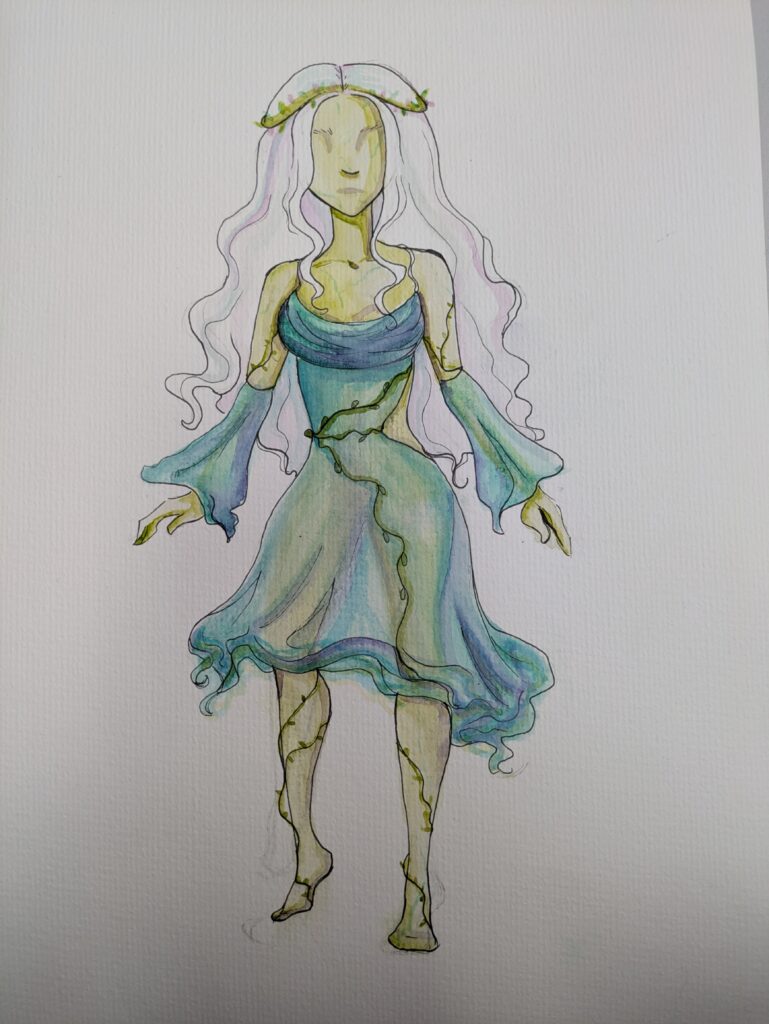
    Once we had the user stories we began making up tasks relating to the story. For my visually beautiful one I decided to experiment with watercolour and begin designing the character.

    This system will help us keep on track with our goals and helps us never stray too far away from the desired vision.

    Tuesday Meeting –

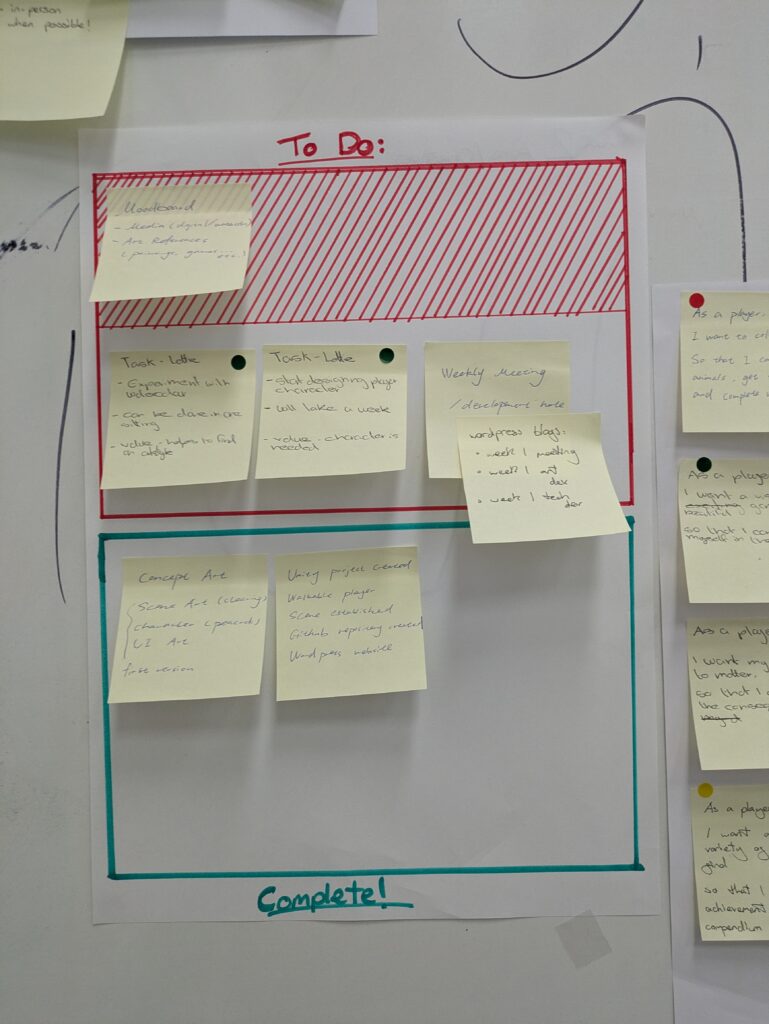
    in this meeting we sorted out who would be writing the team blog posts – the technical artist. I had set up categories and a menu for the website the previous day. We also wrote up this piece of paper which we will update at the start of every week to see if we have completed the tasks on them or if they are still relevant. Everyone also provided an update as to what they had been working on the technical artist and mechanics designer had a working prototype and the other artist had created an isometric concept for the UI.

    In Thursdays lesson we turned our attention to project planning and the timeline we have.

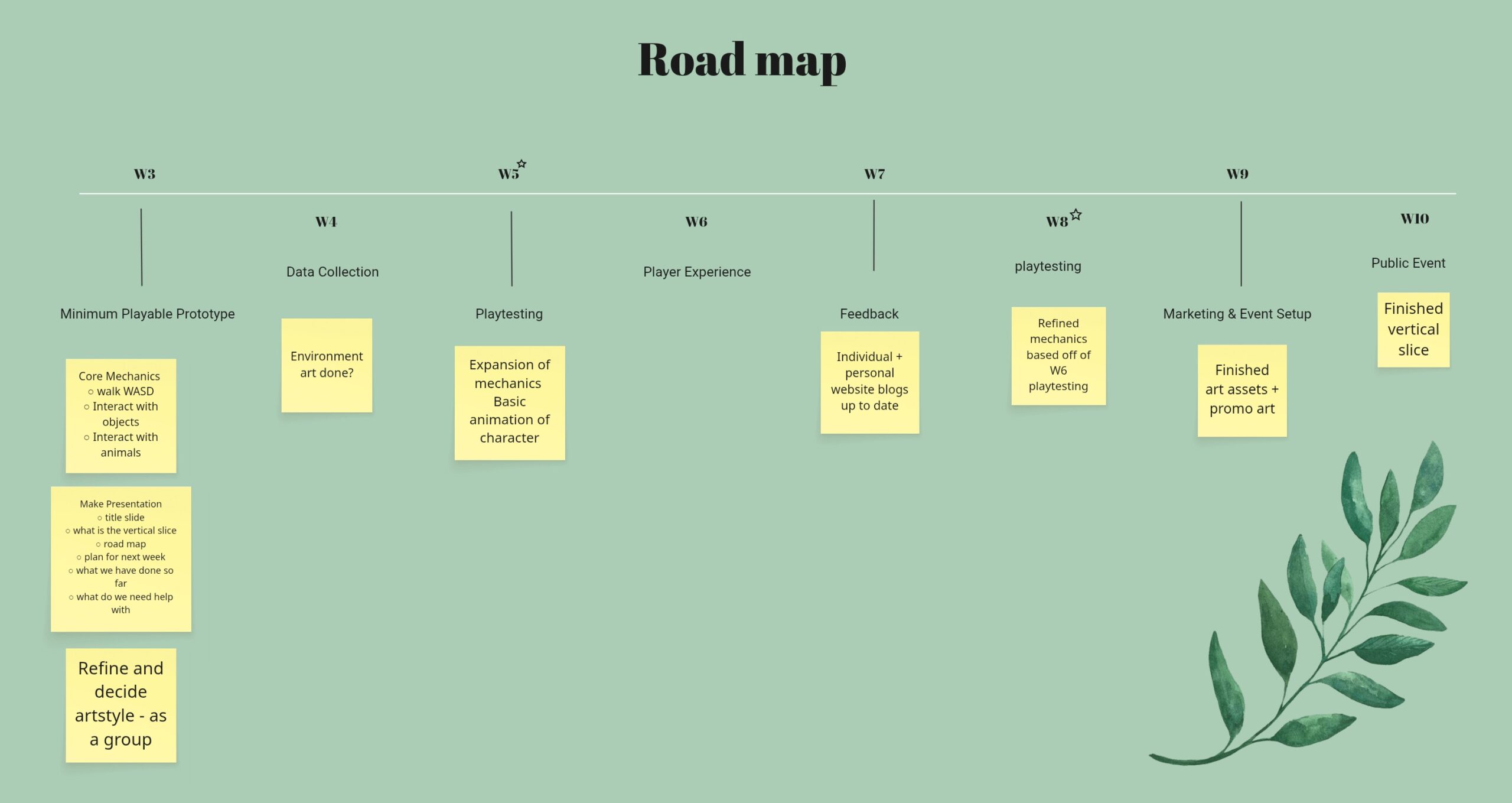
    I created this roadmap for us to refer back to during the project. It is in a miro board that everyone can access and add too. We have compulsory playtesting sessions in week 5 and week 8 I have marked these with stars. The plan for the roadmap is to add tasks and goals as we go.

    During the session we also had some issues as the other artist was worried about the artstyle not being consistent. I strongly believe that we can both adapt and make it work, within the same miro board there is an art style section that we should both be uploading images to. We both like the water colour style so to try and asssuade her fears at the next Tuesday meeting we are going to sit down together and practise with some watercolour, allowing the rest of the group to see and decide if we need to pivot direction.

    She also came up with the idea of using a “paper doll” style of animation for the character, this would significantly lower the workload and is a fantastic idea – she is going to conduct more research into it over the weekend.

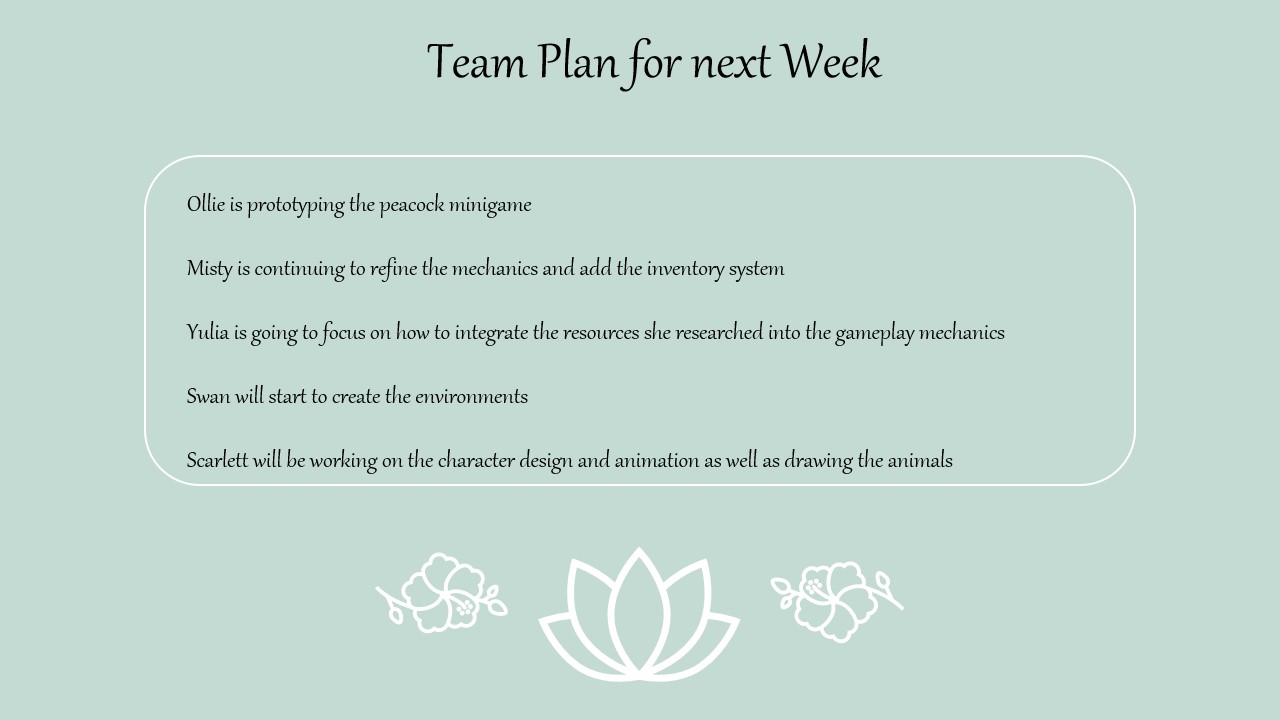
    It was also revealed that next week we will present our work to the class using this template:

    We decided that we would create the presentation at our next Tuesday meeting.
    Next Steps:
    To prepare for the meeting next week I will collate my work into one powerpoint slide and I will continue to develop the character.