Prototype version – bar02
playtest name – Bar1860PT02-pc
Initial UI Concept
In the second version of my prototype, I added more background images and made some small improvements to the UI details to make the game look more complete. Compared to the first version, I focused more on the visuals.
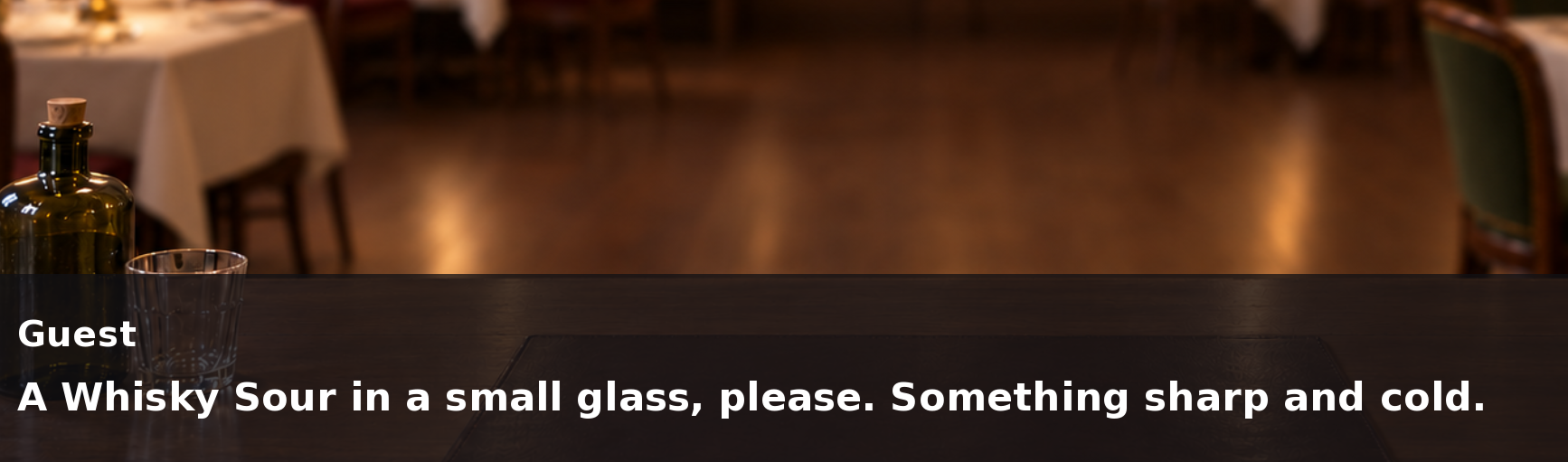
I added some preset story scenes to the second version of my prototype to test how the dialogue and text appear in the game. The images below show the current game layout and how the story text is displayed. I also made some small changes to the text position and UI details to make the layout clearer.
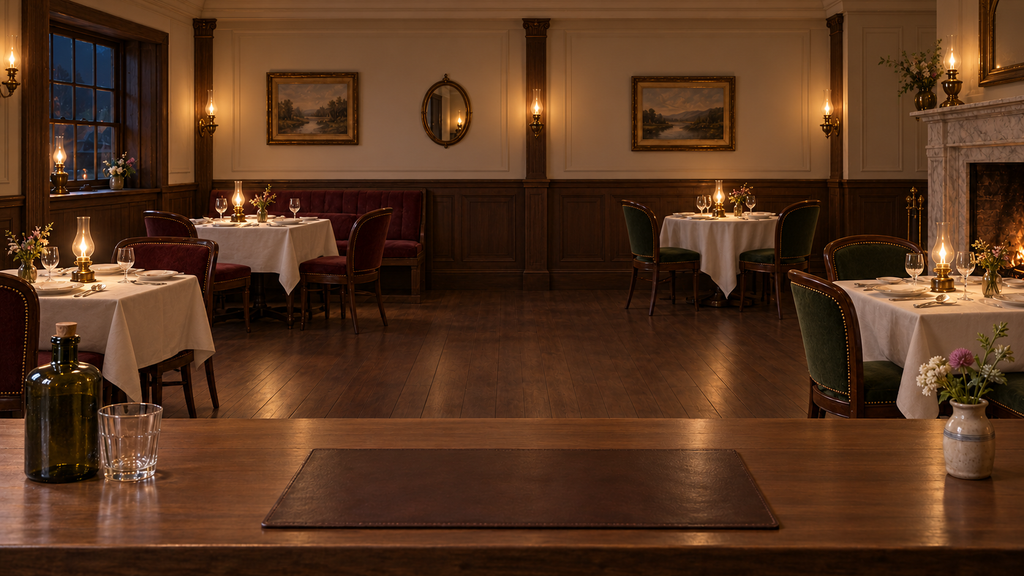
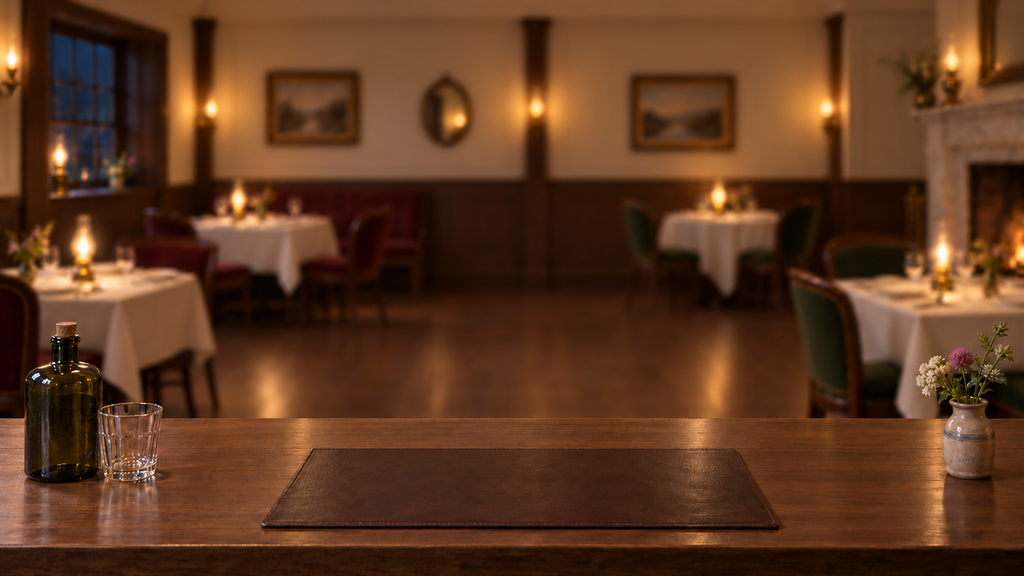
I tried looking for background images online, but I couldn’t find anything that really matched the style I wanted. So I decided to use AI-generated images instead.
At first, I planned to use a dialogue box like the one shown below as a reference for my game’s ui design.
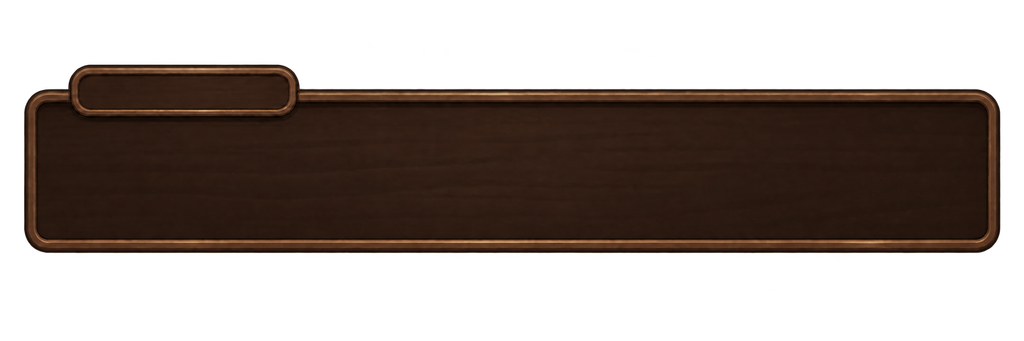
I didn’t want the dialogue box and background to draw too much attention away from the story and characters, so I changed my original UI design. I tried to keep everything simple and remove unnecessary details, allowing players to focus more on the dialogue and story.

I made some changes to the bar tending interface, giving the buttons more rounded corners and making the overall ui. I also added hover effects, so the buttons change visually when the player moves the mouse over them. This makes it easier for players to see which parts of the interface they can click on.
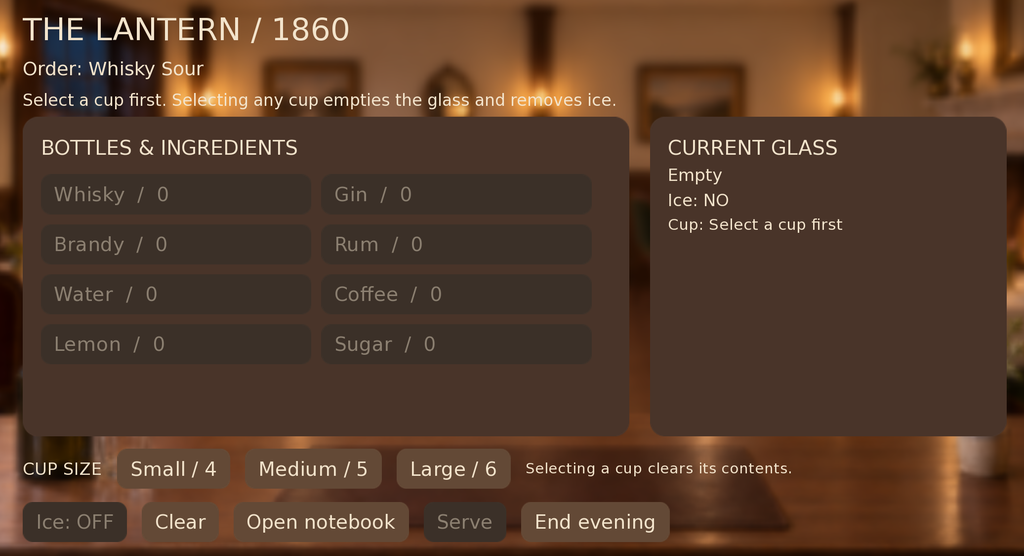
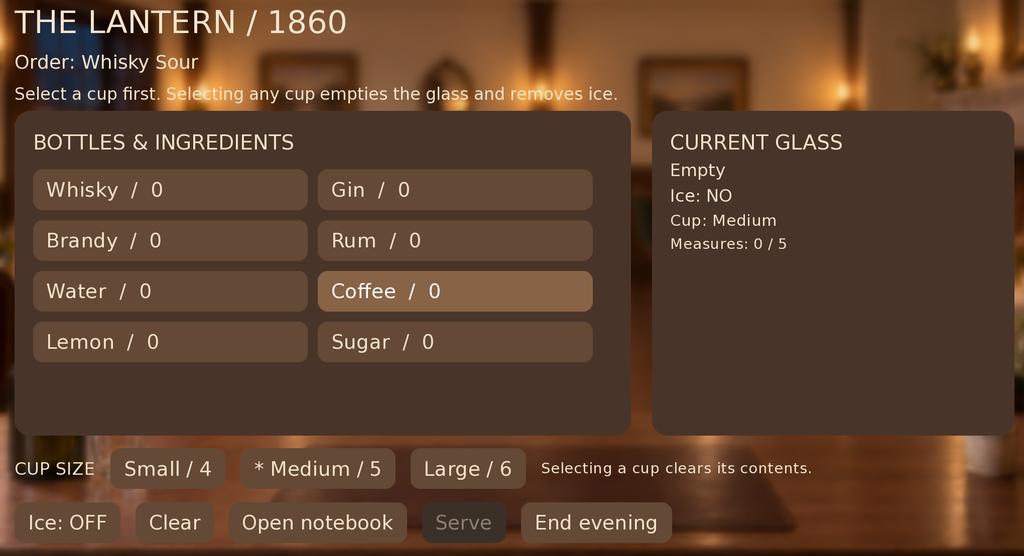
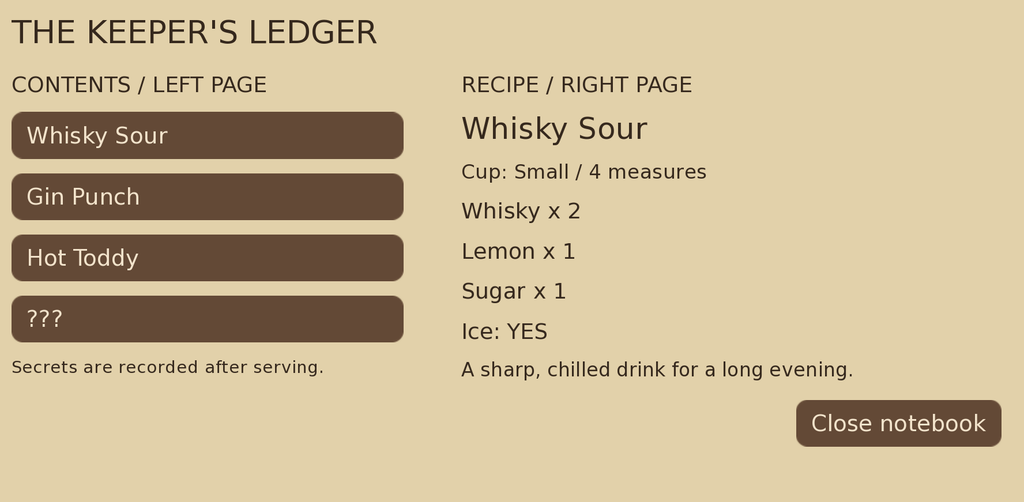
I also made some changes to the Notebook interface
NPC image design
I plan to use character silhouettes in a similar style for my game. I don’t want to show the characters’ appearances too clearly. Make the protagonist’s sense of amnesia more pronounced.
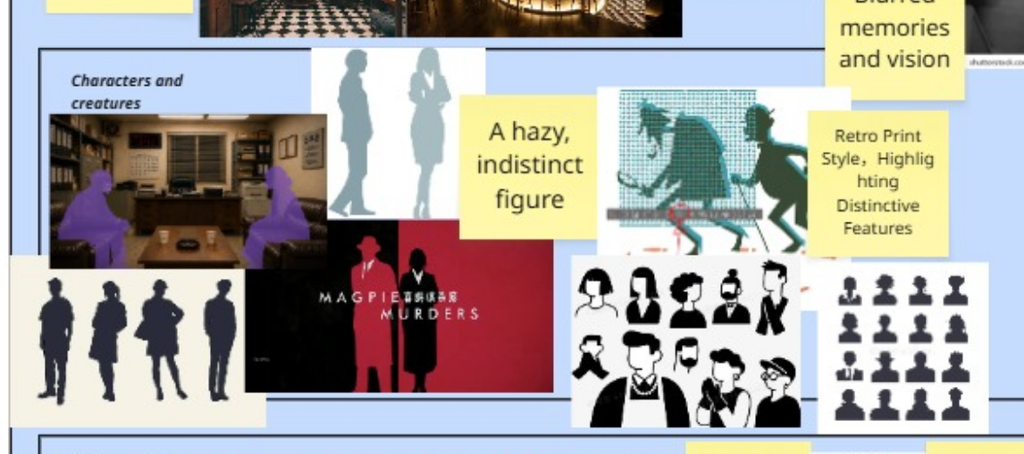
I found some images online that were close to the style I wanted and used them as references for AI to make some changes and improvements. For example, I added some unique features to different characters to make them more recognizable.
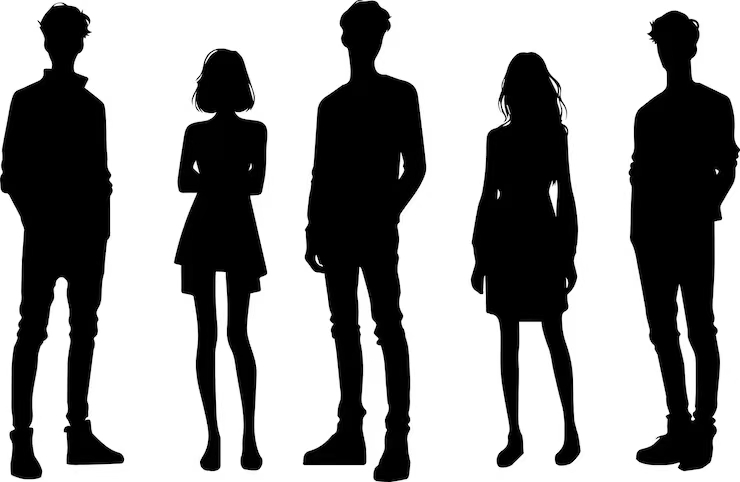
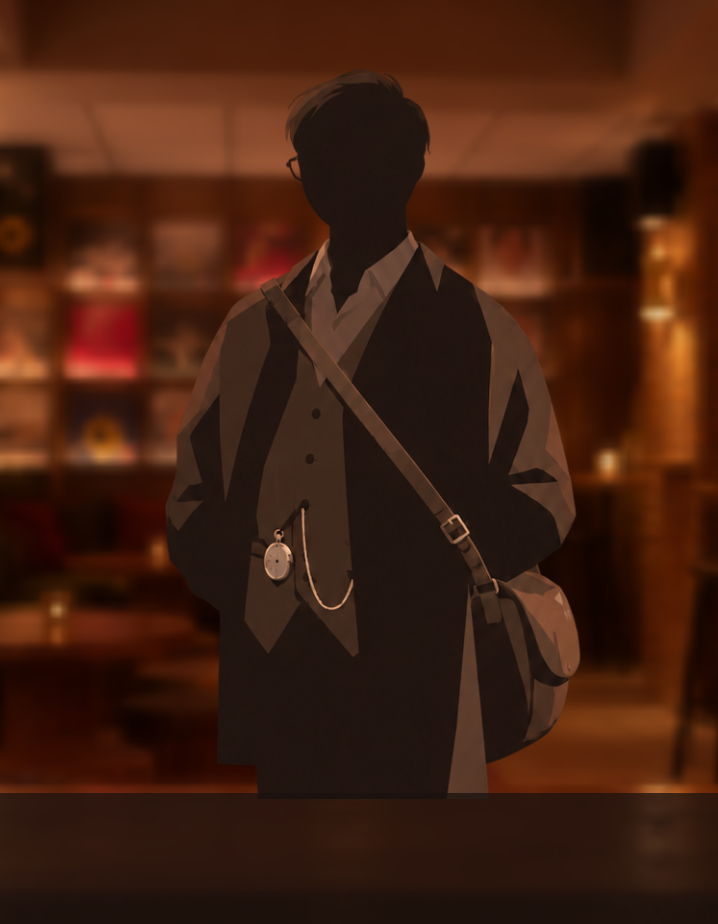
I was worried that using only shadows might make the characters look too similar and difficult to recognise. So I decided to add some coloured accessories or objects that represent each character’s personality or features. This way, I can keep the original silhouette style while making it easier for players to tell the characters apart.
Since I’m not very good at drawing, I used AI image generation tools to help me create visual assets for my game. This allowed me to experiment with different art styles and keep adjusting the images to make them closer to the visual style I wanted for my game.
Like this:
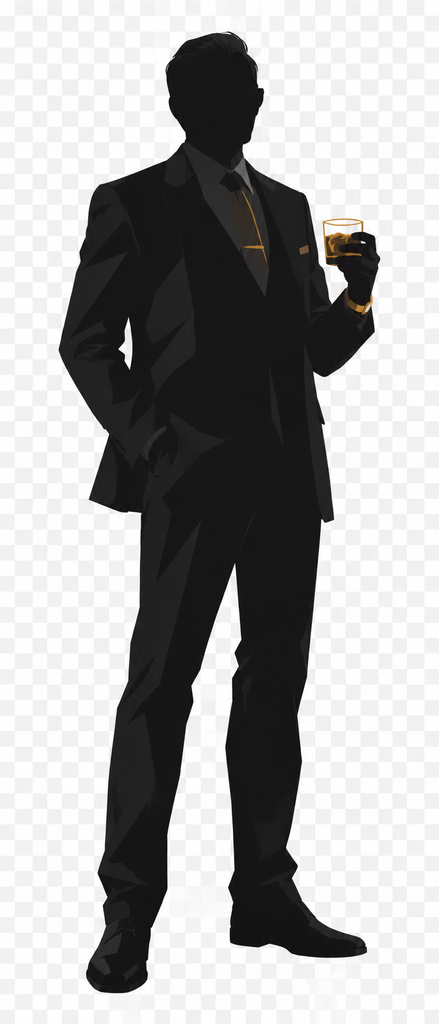
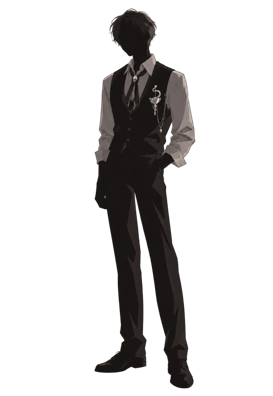
Final effect:
Future Plans
In the next version (Bar 03), I plan to continue improving the game’s UI and story game play. I want to add more functions to the Notebook, such as page-turning, so players can look through different notes more easily. I will also continue developing the story and interactions to make the prototype more complete.
Use of AI Tools
Google translate
Youdao translate
Chat GPT drawing, code debugging.