Player Walking System
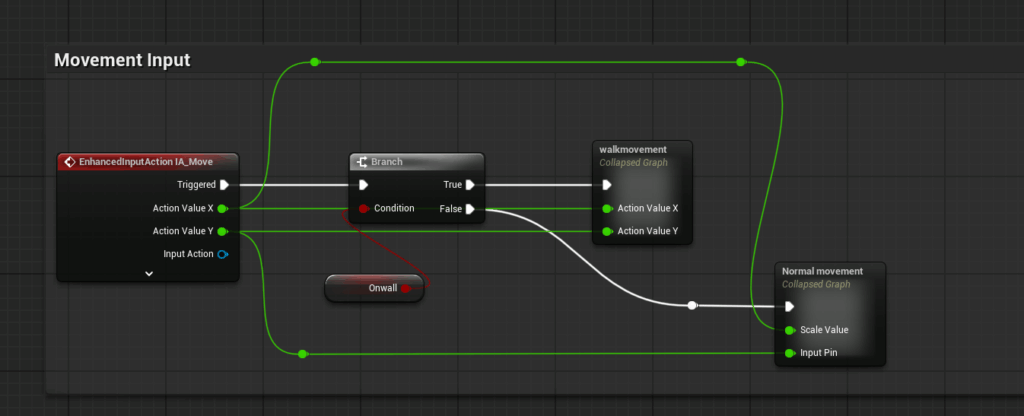
The walking system is part of the player’s basic movement experience. It allows the player to move through the environment in first-person view and explore the space freely. Although walking is a basic feature, it is the foundation for later interaction, pickup, puzzle-solving, and area progression.
For this system, I focused on stable movement, natural camera control, and making sure the player could approach interactable objects smoothly. This system provides the basic player control foundation for the vertical slice.
Player Jumping System
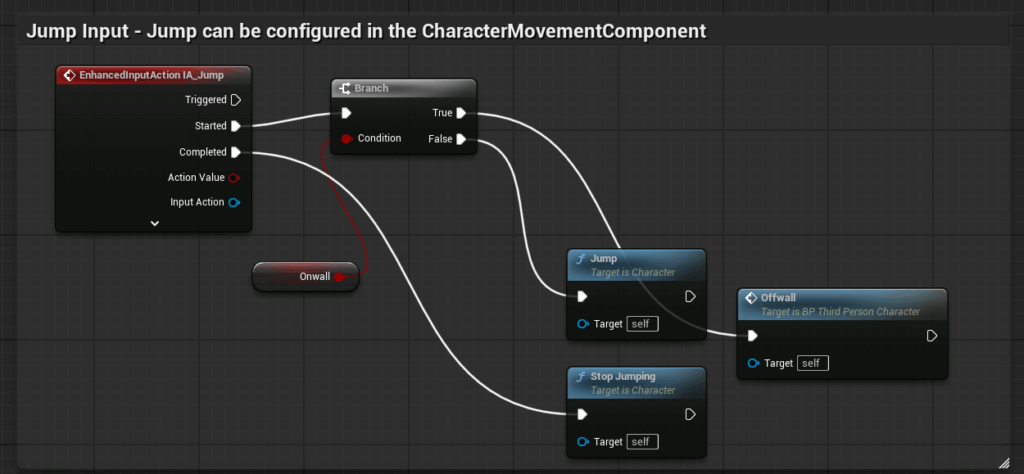
The jumping system supports basic spatial movement. The player can jump over small obstacles or adjust their position in specific areas of the environment.
This feature improves the flexibility of player movement and supports exploration. While developing this system, I focused on jump input, landing behavior, and movement stability to make sure it did not interfere with other interaction systems.
Climbing System
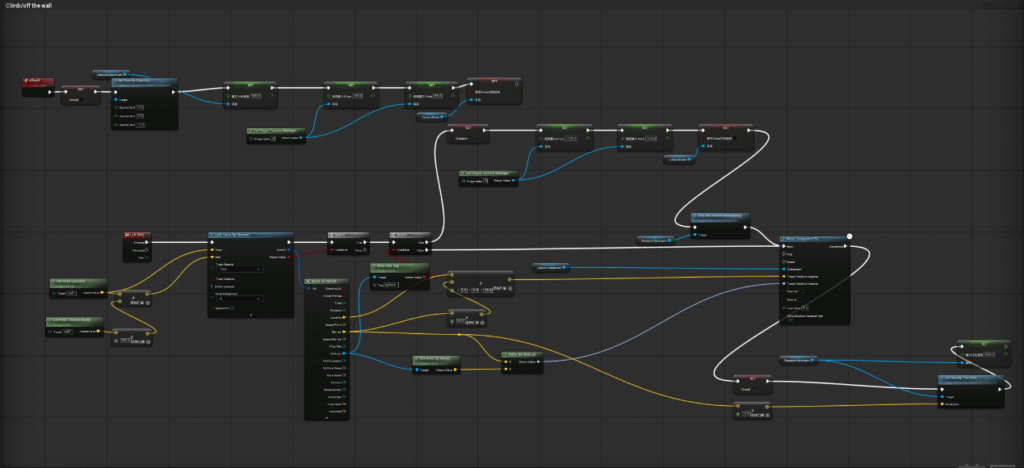
The climbing system allows the player to move vertically on specific wall surfaces. This expands the player’s movement options and allows the player to access areas through special routes rather than only moving on the ground.
For this system, I focused on the logic for entering the climbing state, moving along the wall, and exiting the climbing state. This feature added more variety to the movement experience and gave the team more design possibilities for player progression.
Item Pickup System
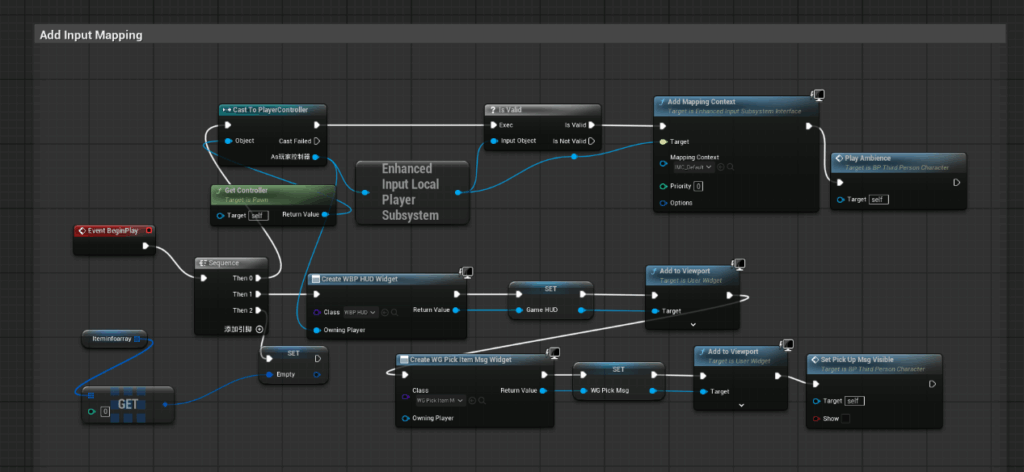
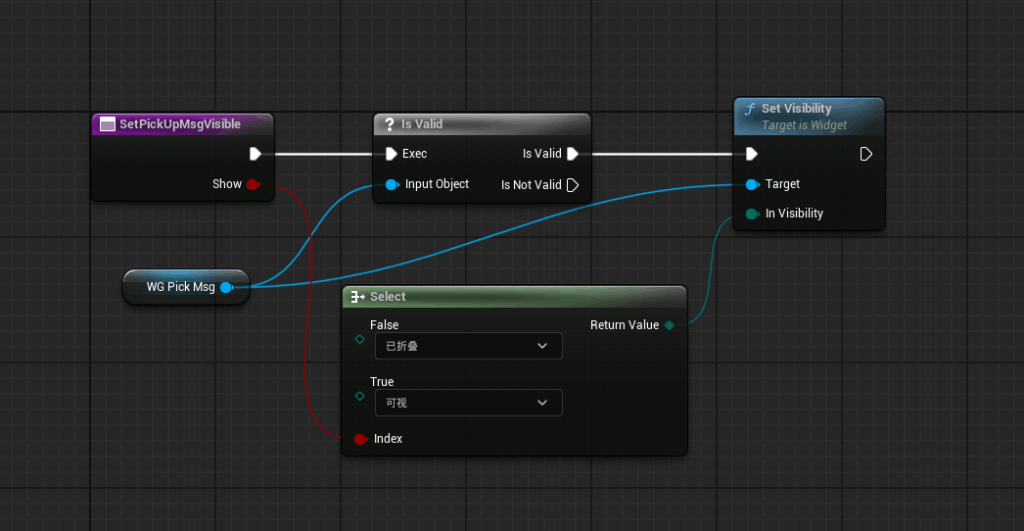
The item pickup system allows the player to collect key objects from the environment. When the player approaches a collectible object, the system provides interaction feedback and allows the player to pick it up.
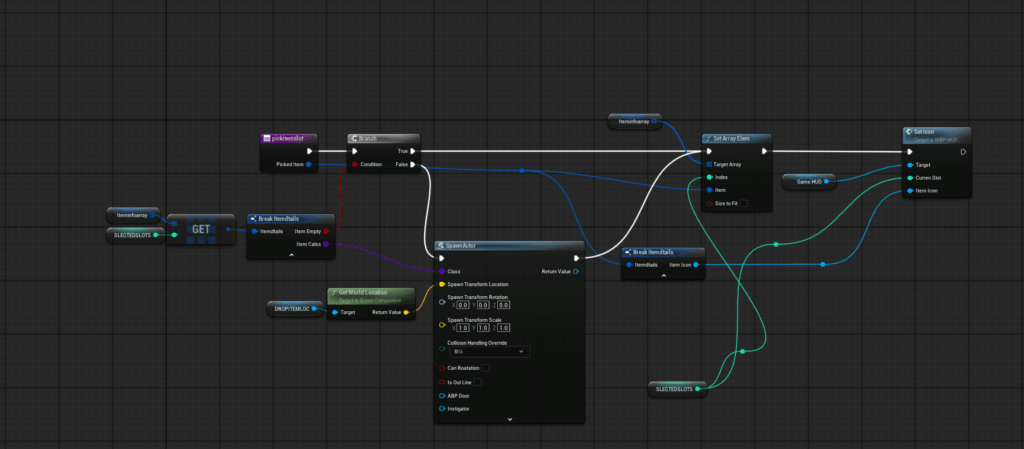
This feature is an important foundation for the gameplay flow, because the player needs to collect items to support later puzzle-solving and area unlocking. While developing this system, I focused on clear interaction prompts, correct item removal after pickup, and recording whether the player had obtained the required item.
Inventory UI System
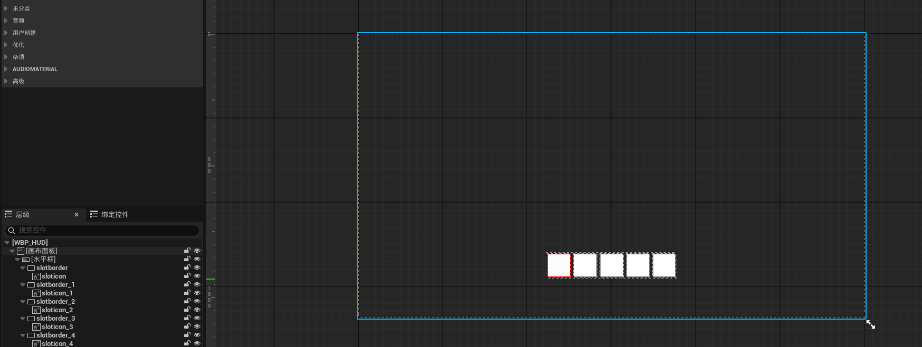
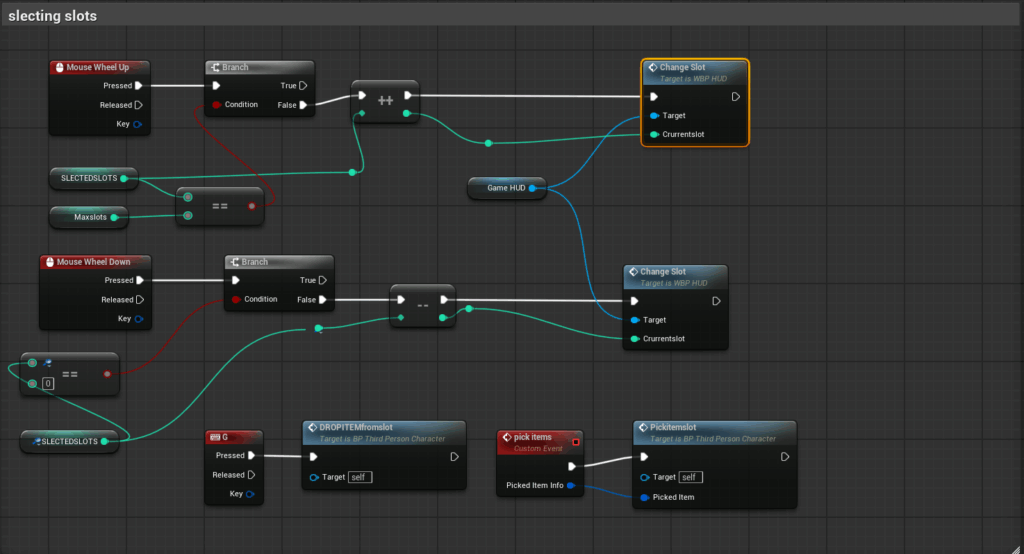
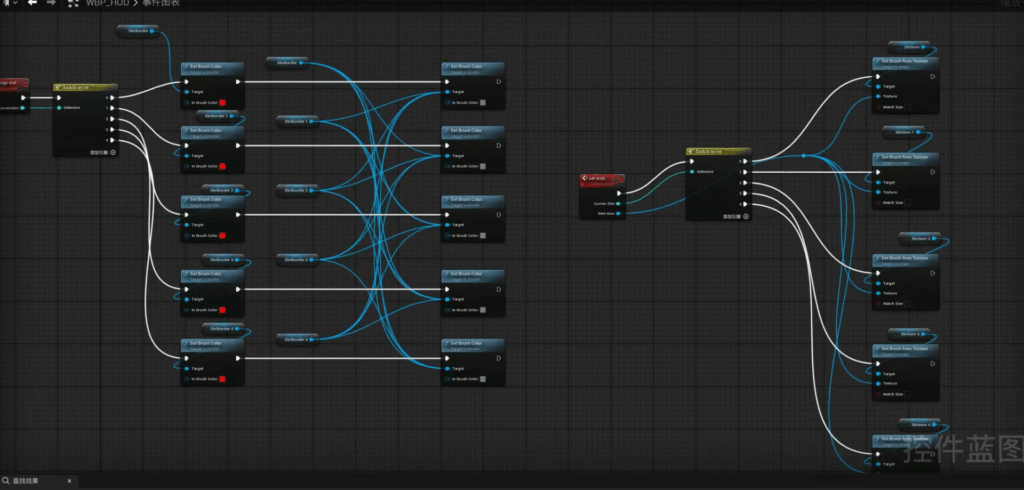
The inventory UI system displays the key items the player has collected and supports switching between different inventory slots. After the player picks up an item, the item is added to the correct slot and the UI updates to show the current inventory state.
The slot switching function allows the player to select the current item they want to view or use. This system does not only show collected items; it also helps the player understand which item is currently selected and whether that item is relevant to later interaction or puzzle progression.
For this system, I worked on UI updates after item collection, slot state checking, selected slot display, and the logic for switching between different inventory slots. This changed the inventory from a simple display feature into an interactive system that the player could actively use.
Door UI and Unlock System
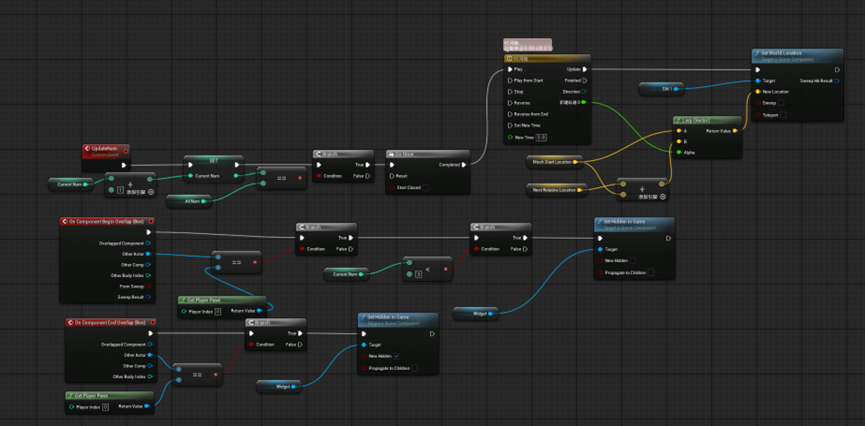
The door UI and unlock system controls player progression between areas. When the player has not met the required condition, the door displays a UI message explaining that access is blocked. After the correct item is collected, the door unlocks and the player can enter the next area.
This system connects item collection with progression. It helps the player understand why they are blocked and why they can continue after completing the required condition.
Puzzle System
The puzzle system is an important part of the vertical slice. The player interacts with the puzzle and completes it by reaching the correct state. Once the correct condition is met, the system triggers the completion result.
This feature moves the gameplay from exploration and collection into puzzle-solving. It provides a clear challenge and allows the player’s actions to push the experience toward completion.
Item Highlight and Rotation Feedback System
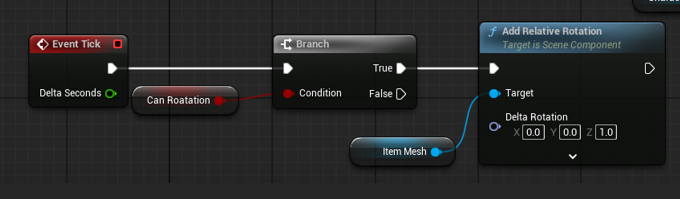
This system improves the visibility of key collectible items in the environment. When a collectible item appears in the scene, it has a glow effect and continuously rotates, making it easier for the player to notice that the object can be picked up or is related to progression.
This feature is not only visual presentation, but also a form of player guidance. The glow effect helps the player identify important items quickly, while the rotation makes the object more noticeable in the scene and reduces the chance of the player missing it.
For this system, I worked on the item highlight effect, rotation movement, and in-world feedback behavior. It made the pickup target clearer and helped the player understand which objects were connected to the gameplay flow during exploration.
Camera Rotation and Hidden Clue Viewing Mechanic
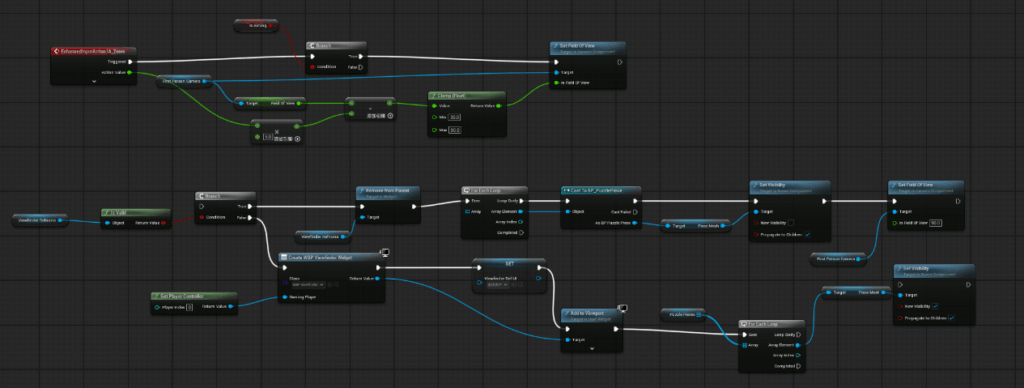
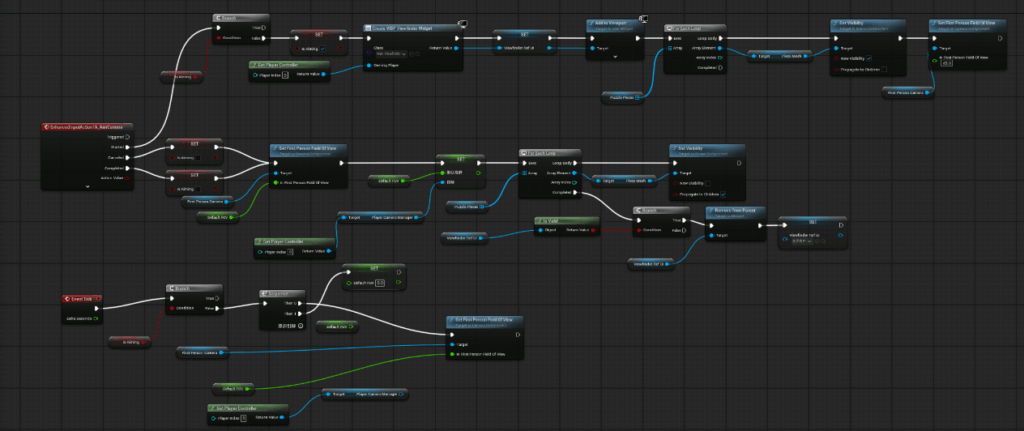
This was an early technical mechanic developed to explore the possibility of allowing the player to discover hidden clues through camera rotation and a special viewing mode. By changing the way they observe the environment, the player could notice information that would be less visible in a normal view, supporting investigation and exploration.
The core purpose of this mechanic was to make observation itself part of the interaction, rather than relying only on environmental placement to communicate information. Through this system, the player would actively adjust the camera, search for hidden content, and connect what they discovered to the wider gameplay flow.
For this system, I worked on camera switching, view control, rotation-based observation, and hidden information display logic. Although this mechanic was not included in the final build, it helped the team test different interaction directions and demonstrated my early technical experimentation.