Written by Yushan Yao
Zixuan Zou part written by himself
YushanYao:
Game menu UI:
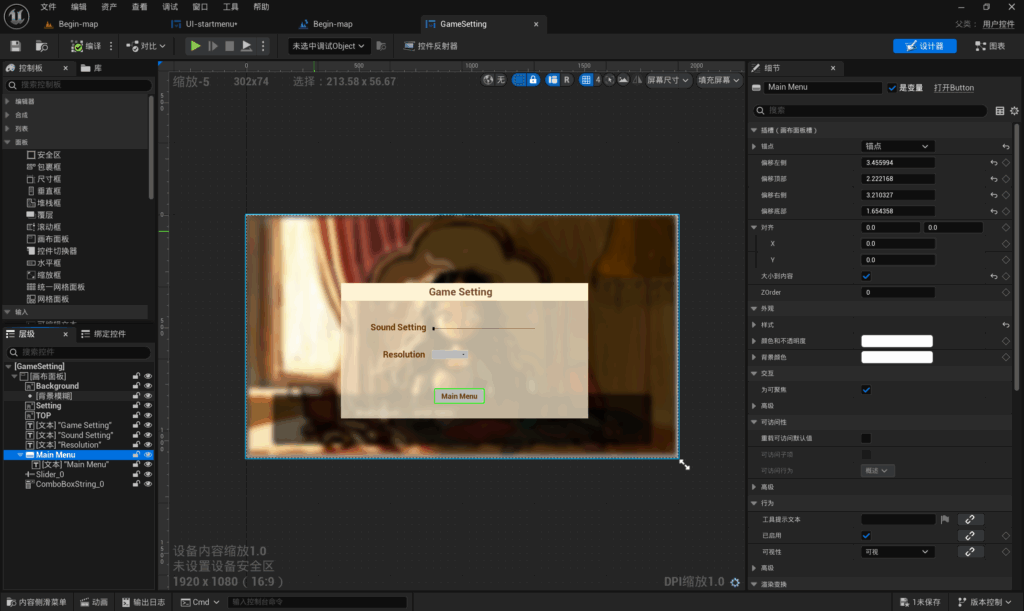
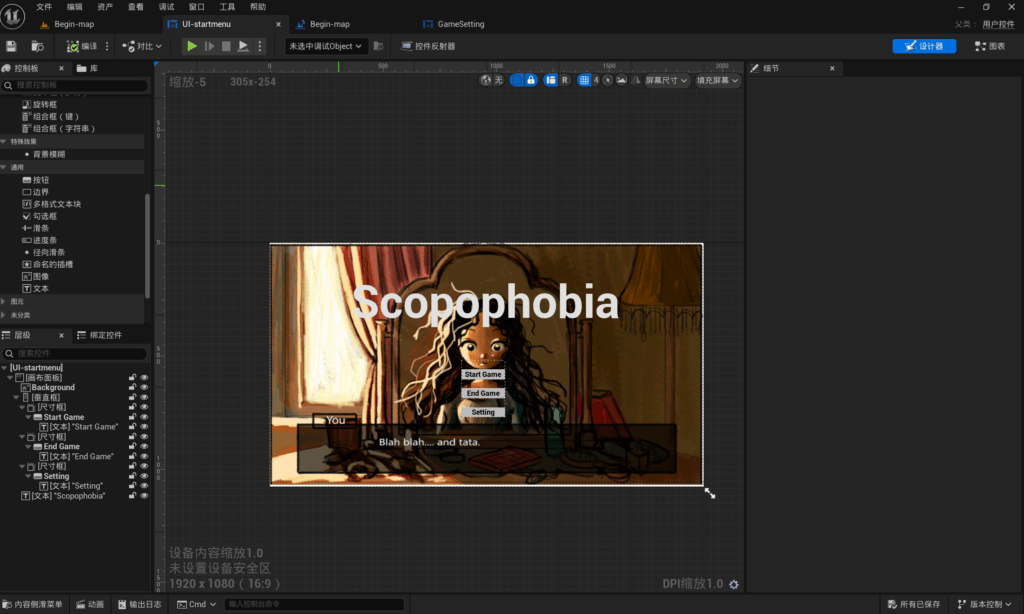
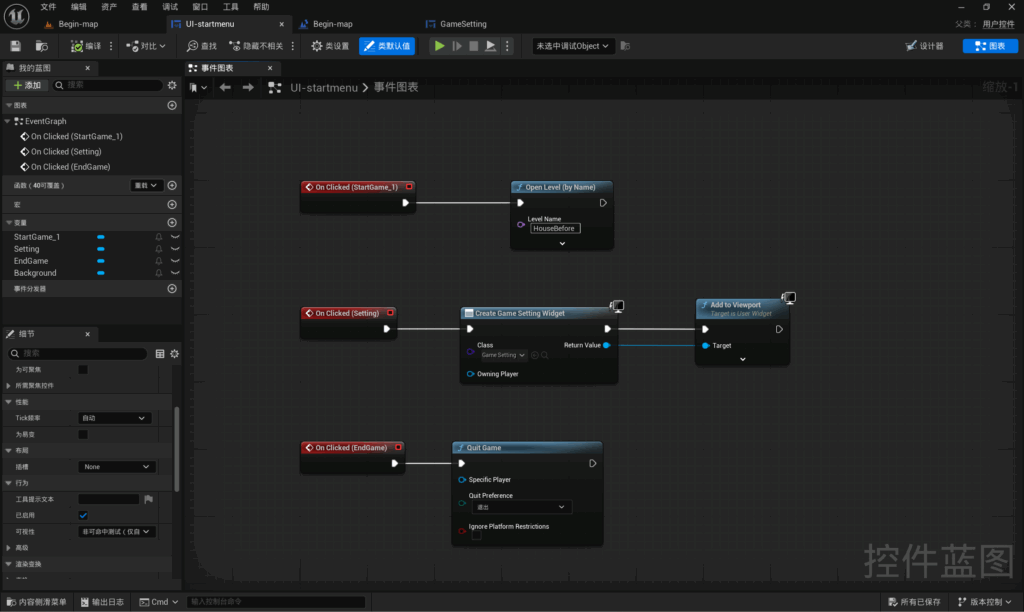
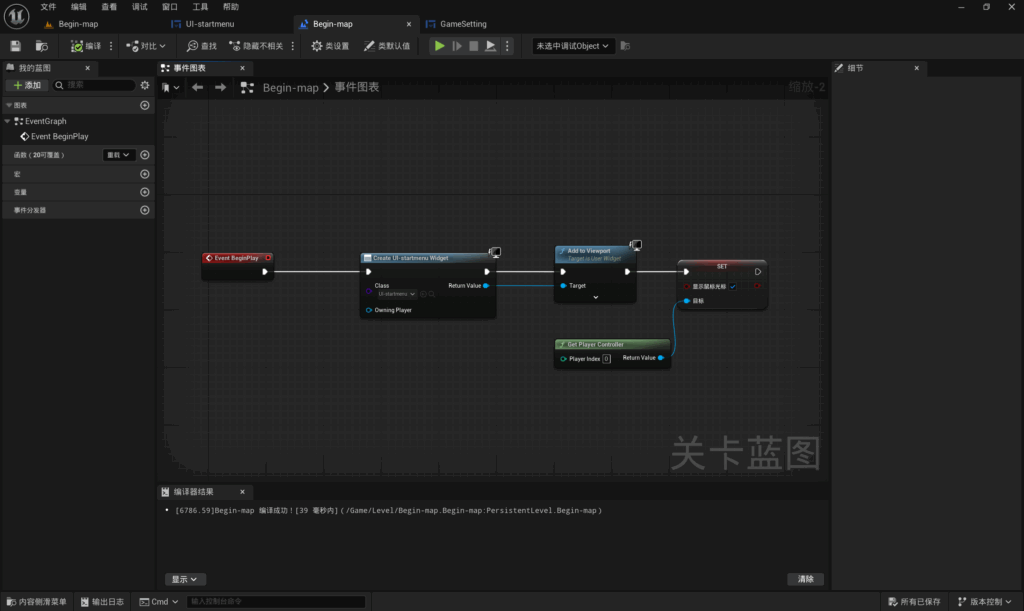
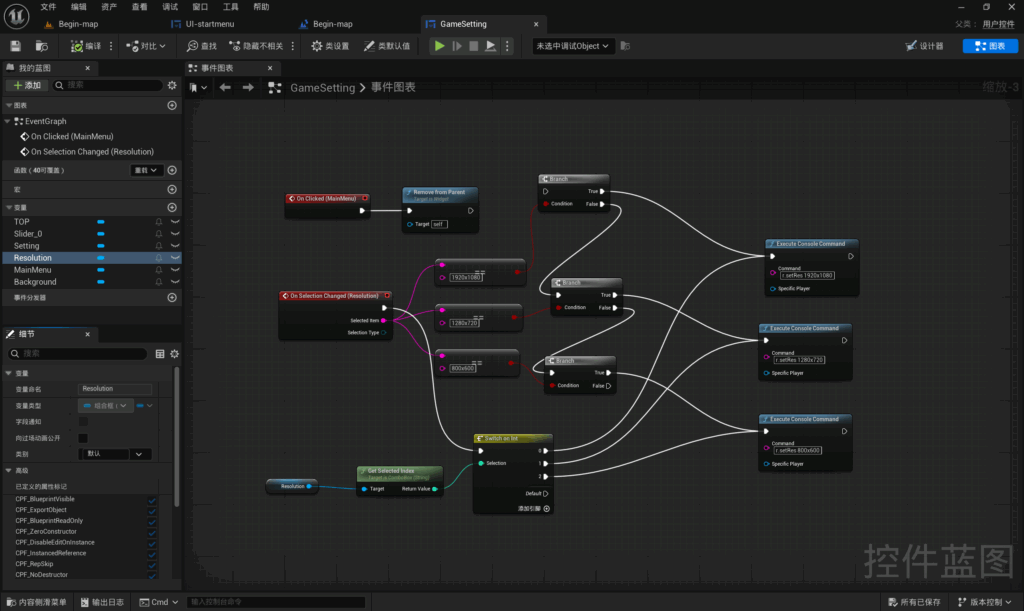
Yushan has completed the game’s start menu. Players can use the buttons to start the game, quit the game and access the game settings. In the game settings menu, players can adjust the in-game sound and resolution.
Item interact UI:
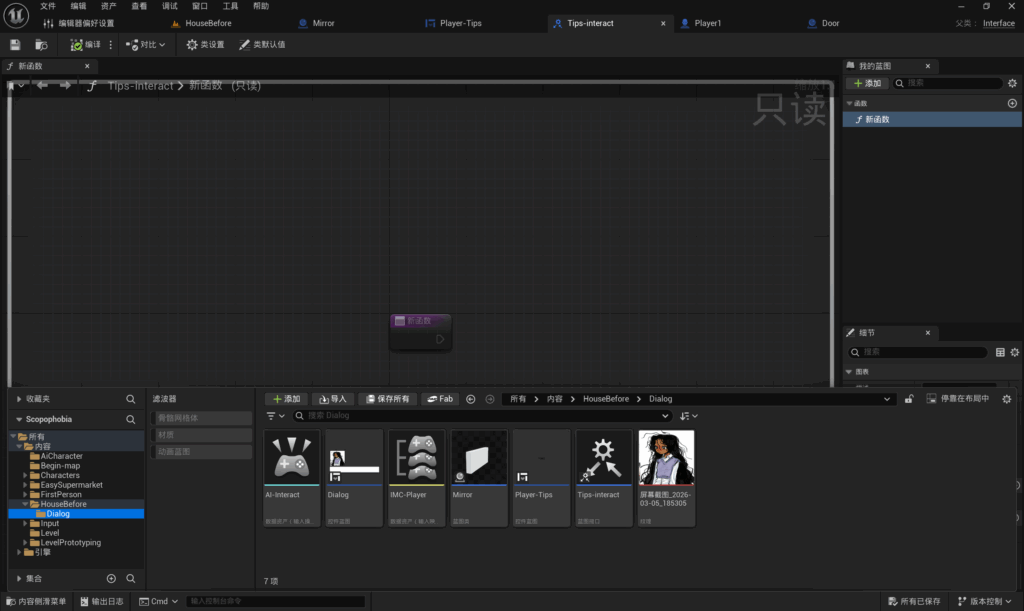
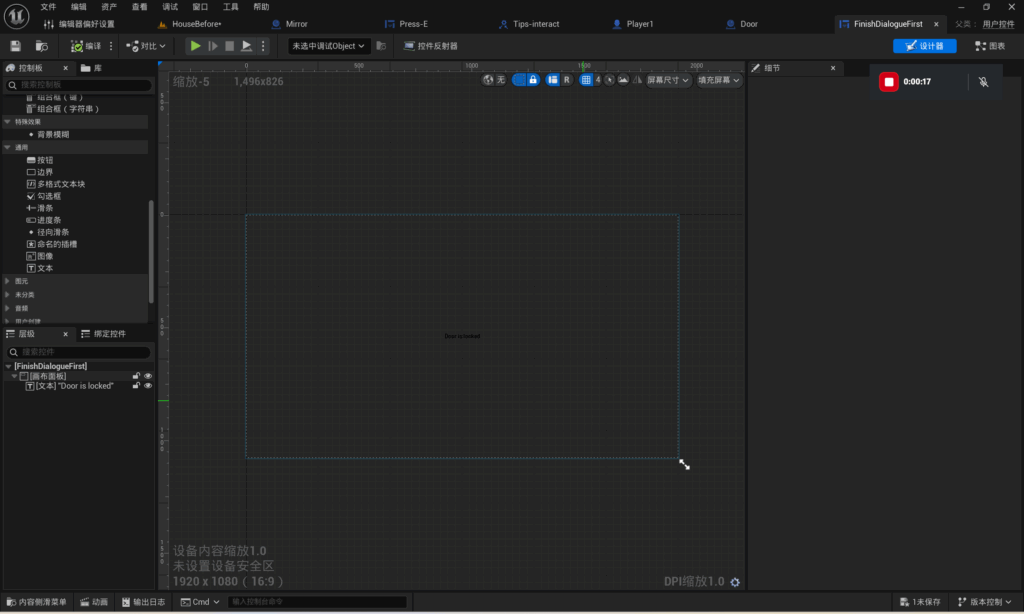
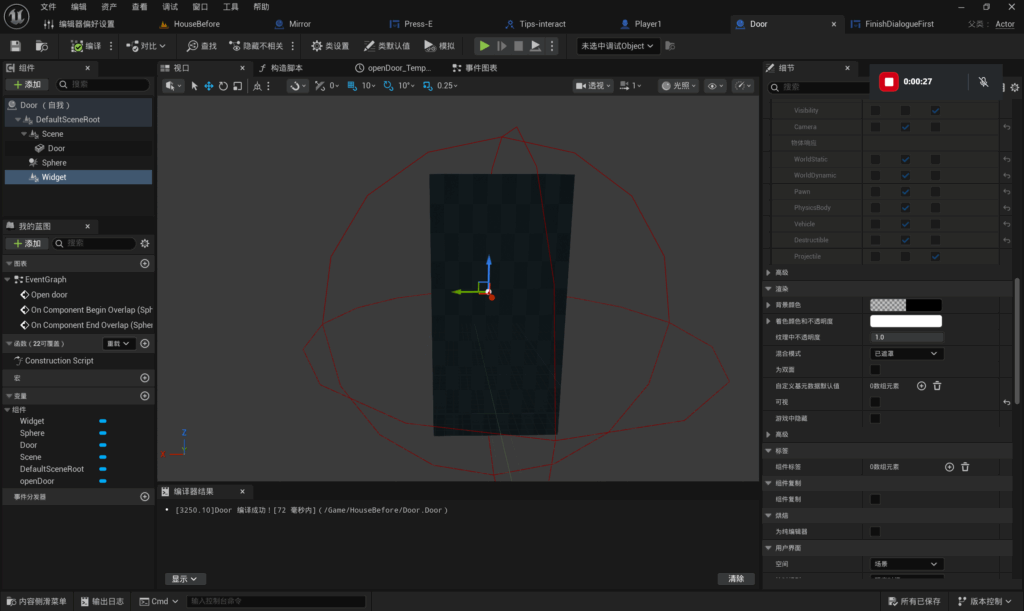
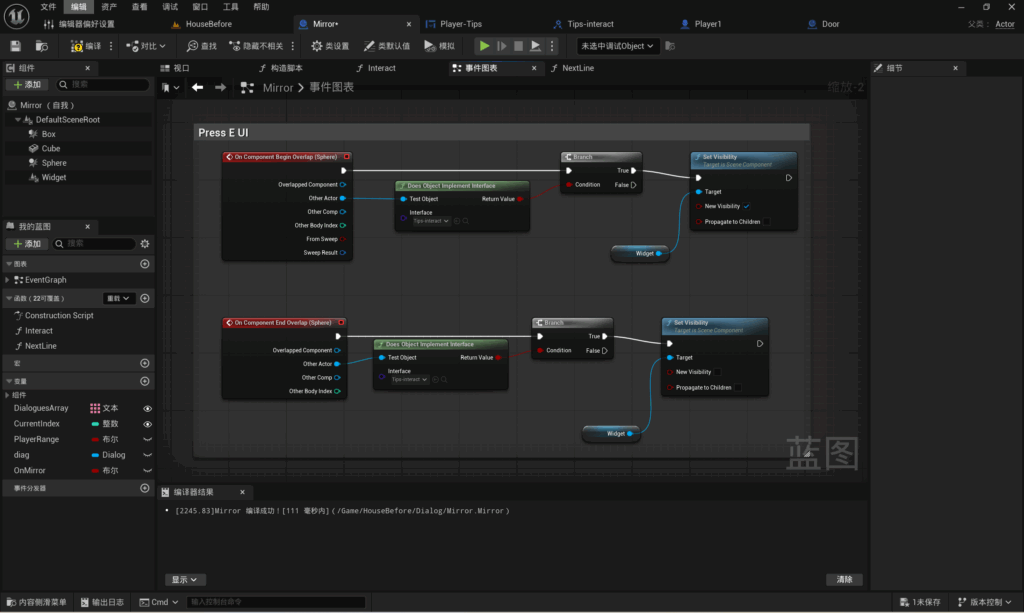
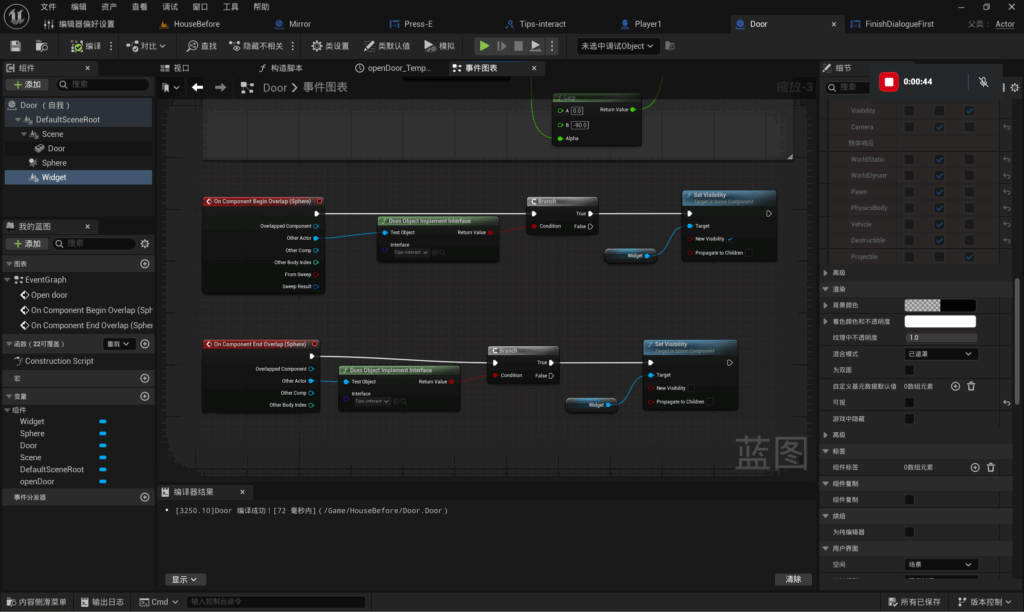
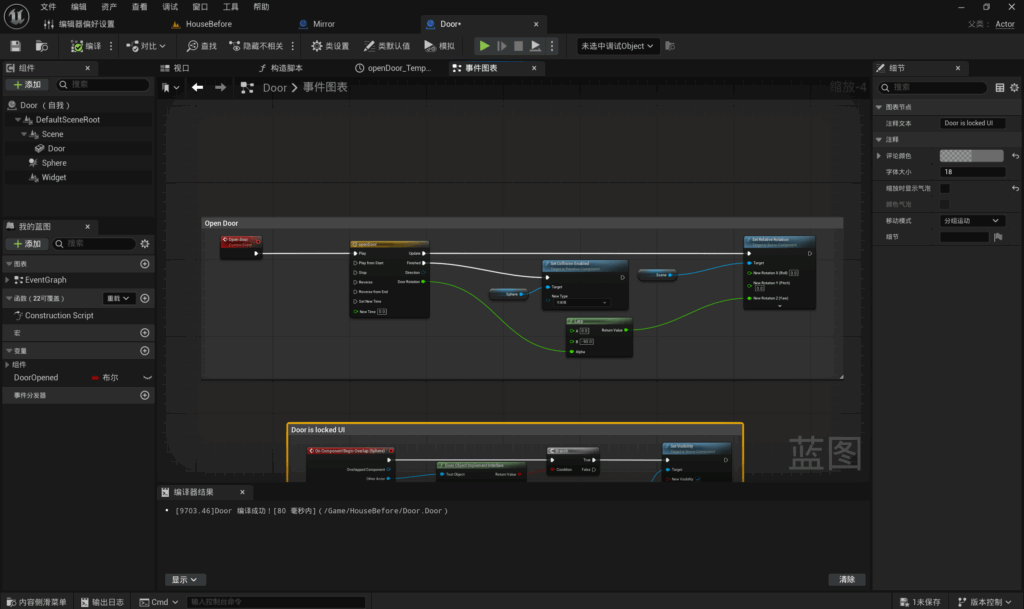
Yushan has implemented item interaction prompts. When a player approaches a mirror, a prompt appears on the mirror instructing them to press E, reminding them to use the E key to interact with the item. When a player approaches a door, a message appears on the door stating that it is locked, prompting the player to explore the room first.
Shopping car system:
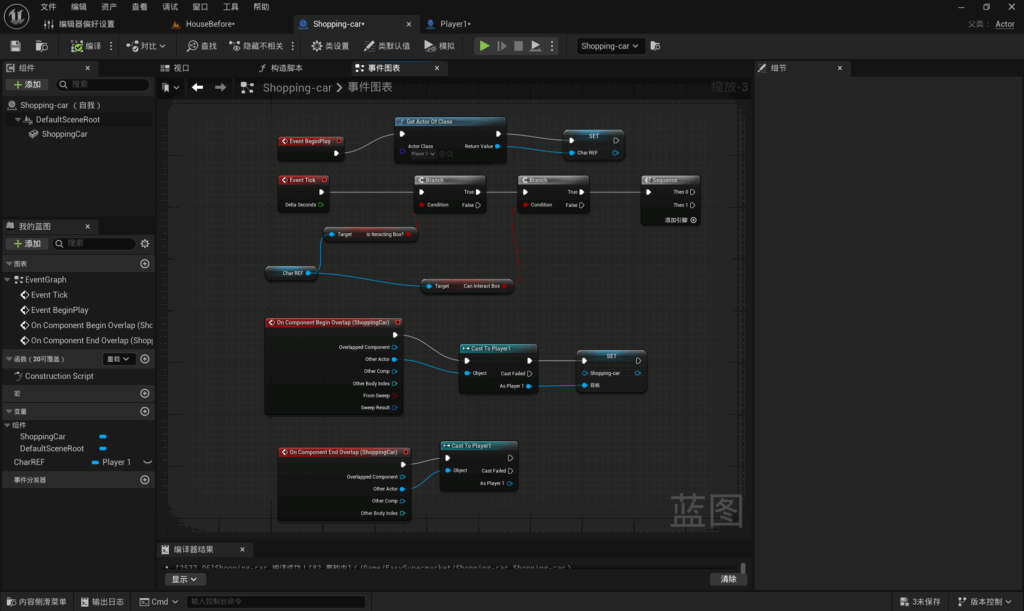
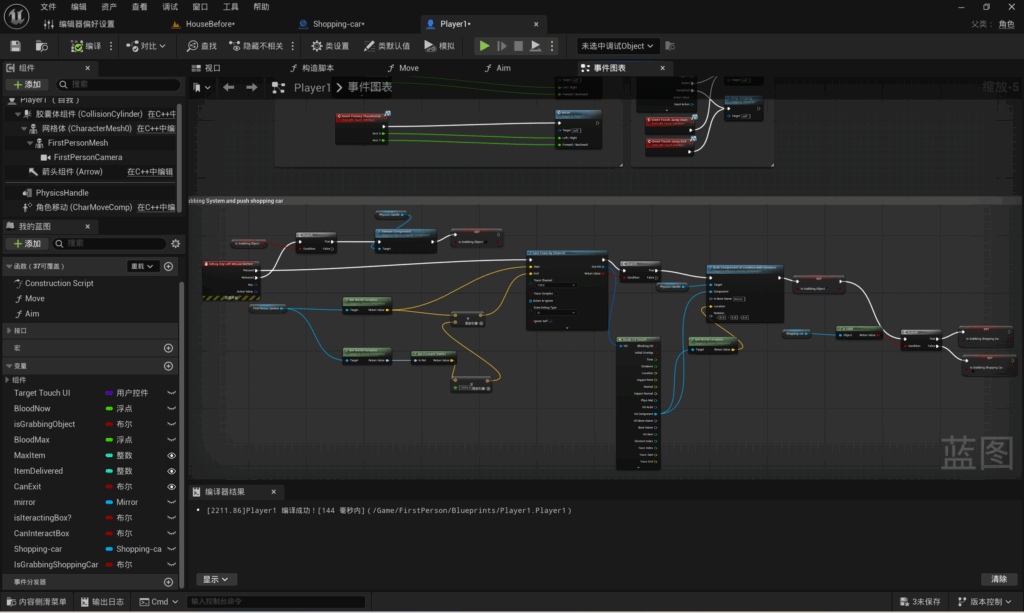
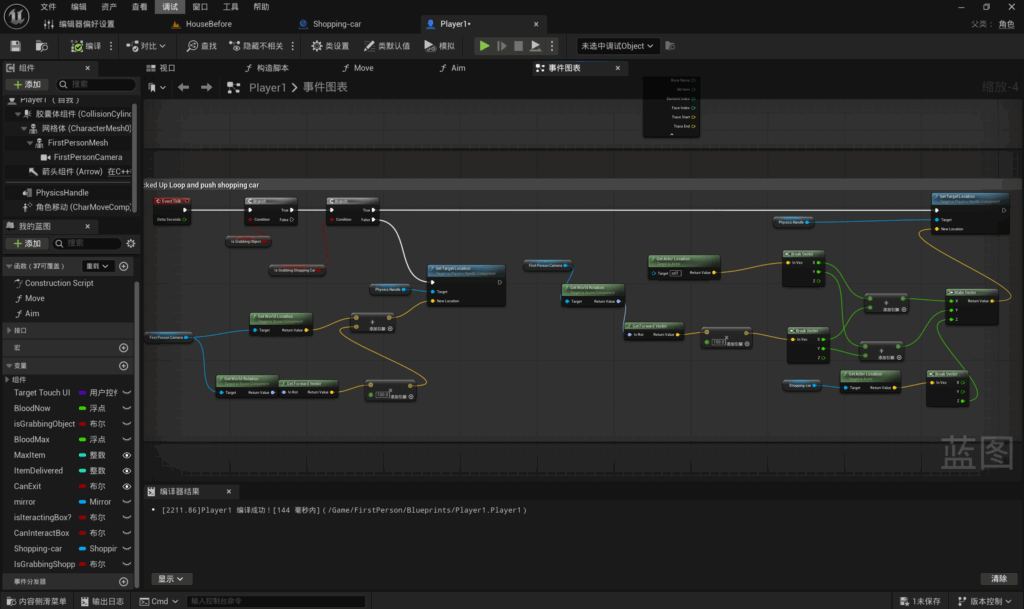
Yushan has implemented the shopping trolley mechanism. When a player holds down the left mouse button to grab the trolley, it will be pushed along by the player. Players cannot pick up the trolley; it can only glide along the ground.
Project Management:
As this is the final week before the Easter holidays, Yushan has reviewed the current project progress and all available resources, revised the project management plan, and compiled a document. This includes the time required for assets, file formats, resource content and reference images.
ZouZixuan
Victory Homecoming Animation
Go to the supermarket animation
Failure Home Animation
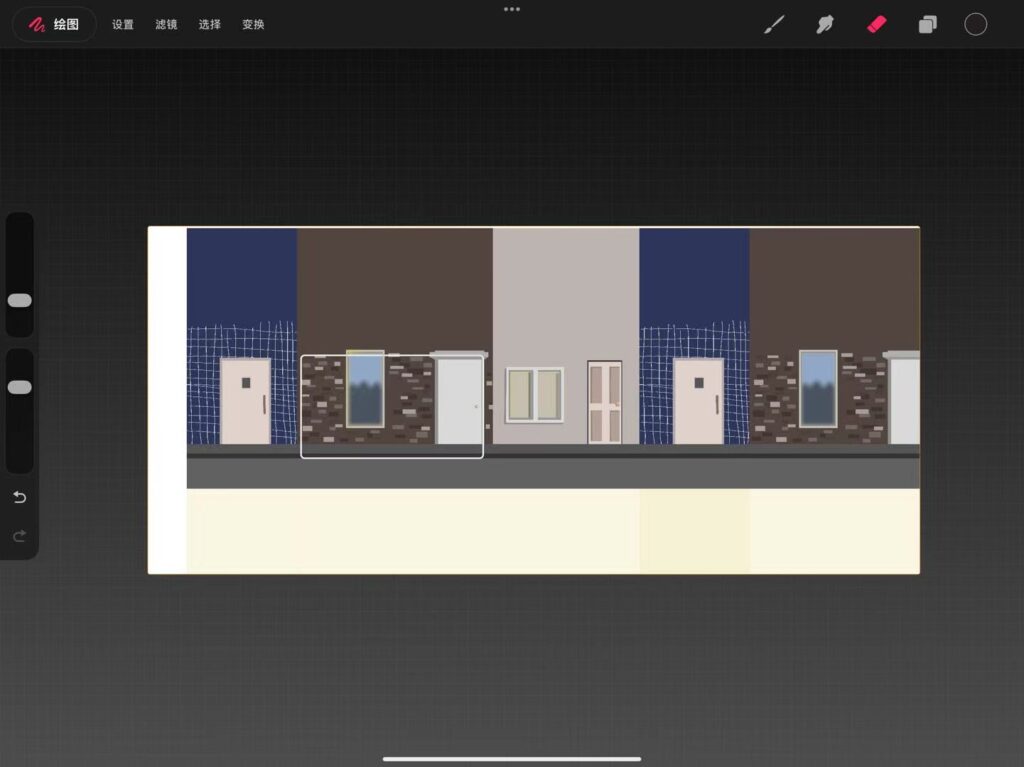
Leo completed the animation during the holiday period, including scenes of going to the supermarket during the day, returning at night, and the idea of the eyes of the failed player being affected when the failed character returns. However, the character’s movement speed was too fast and could not be modified. This was because in the new software, I attempted to decompose the canvas, but after decomposition, it could not be restored, resulting in the characters being unable to be modified and only the length of the canvas and the background length could be modified.
Leave a Reply