
Playtest Preparation
The first playtesting session was scheduled for Week 5 of development. During the preparation phase in the first four weeks, my main goal was to implement all core gameplay mechanics that we intended to evaluate in this initial test.
This included building the foundational structure of the game, such as:
- scene setup
- player movement
- character animations
- animal auto navigation and animation
- item collection mechanics
- UI/UX
- scene transitions
The development processes are in the following links:
Coding Development: Scene & Camera
Coding Development: Player Character
Coding Development: Animal Auto Navigation
Coding Development: Item System
This stage prioritised creating a fully playable vertical slice that could demonstrate the complete gameplay loop.
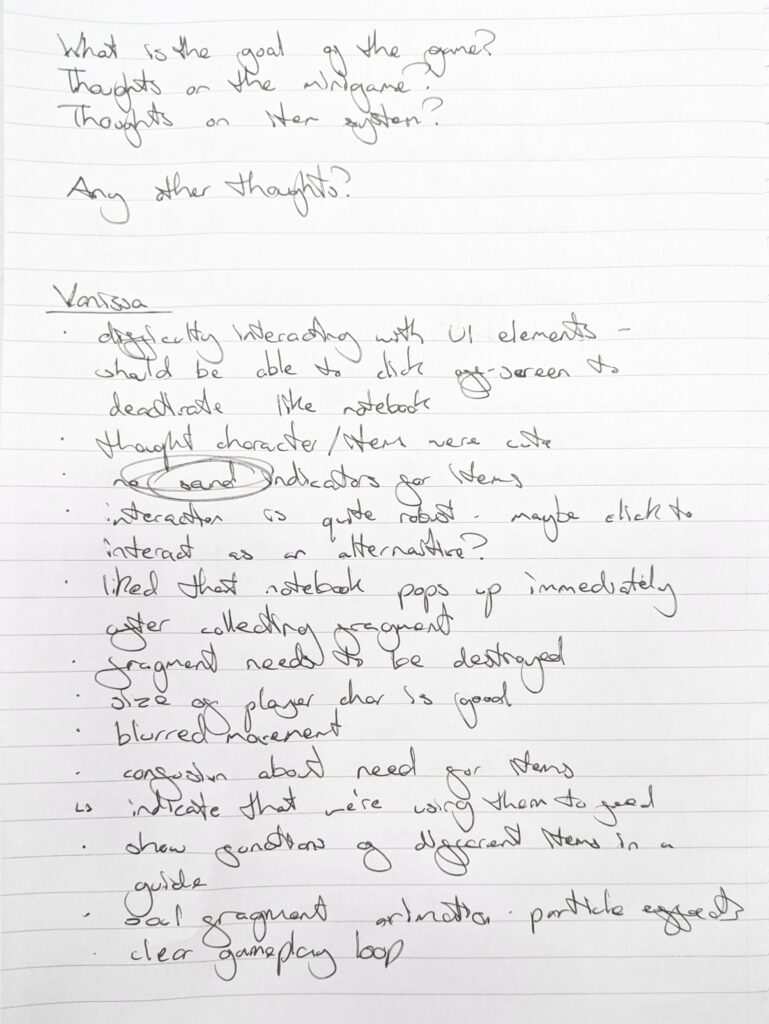
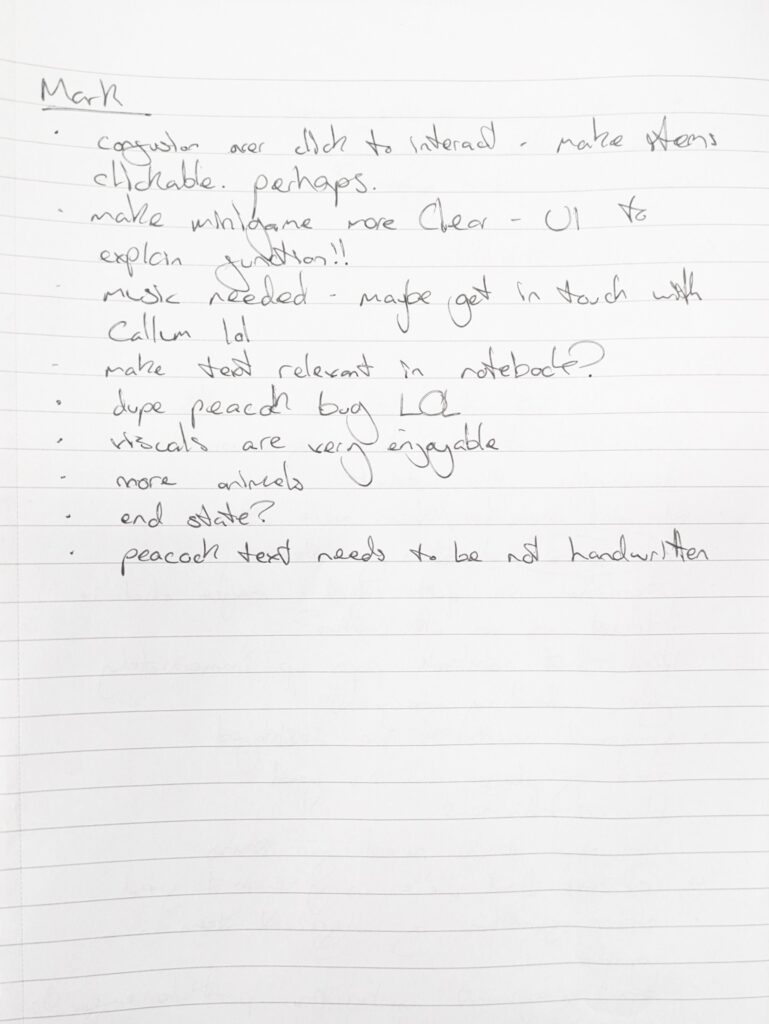
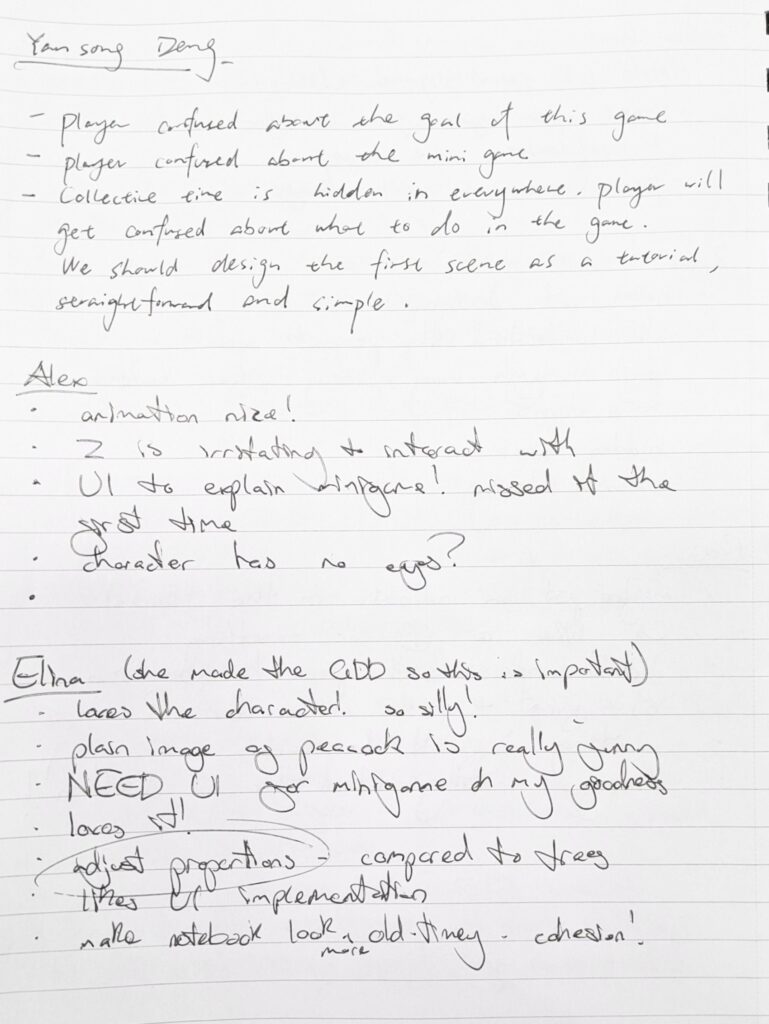
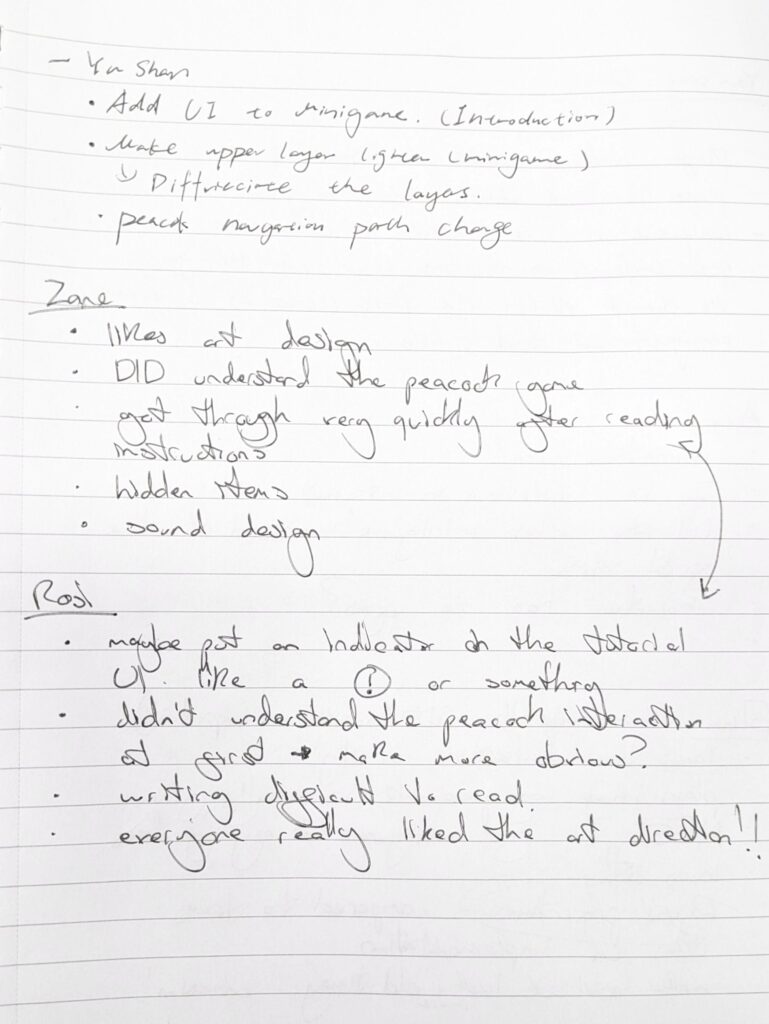
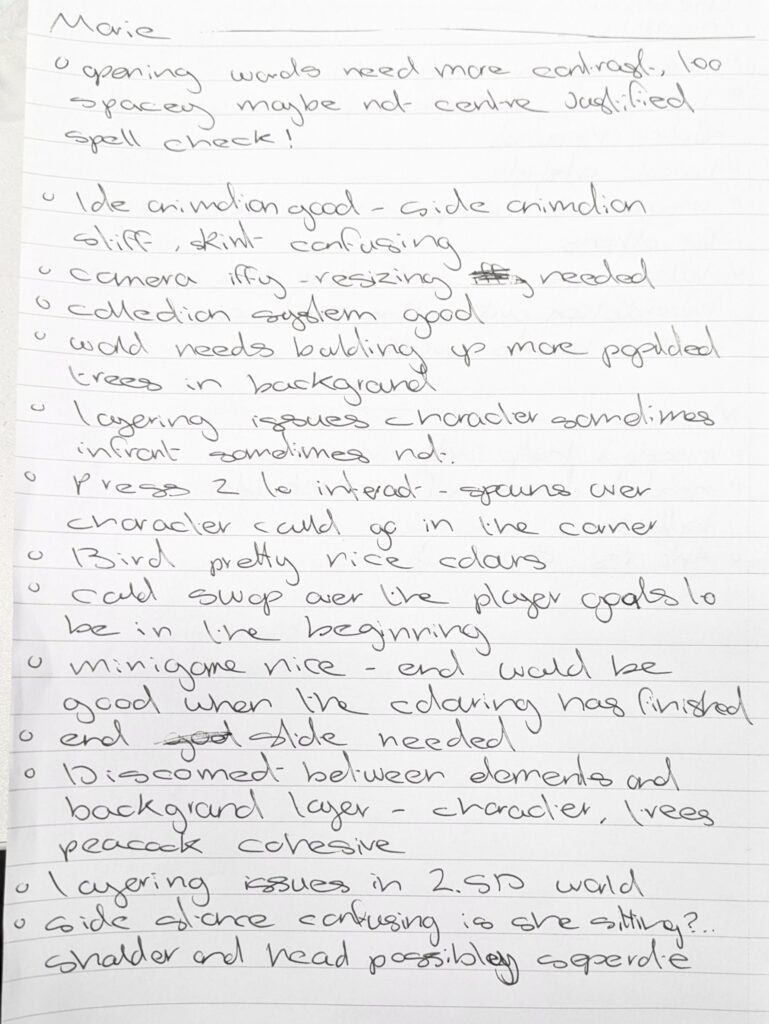
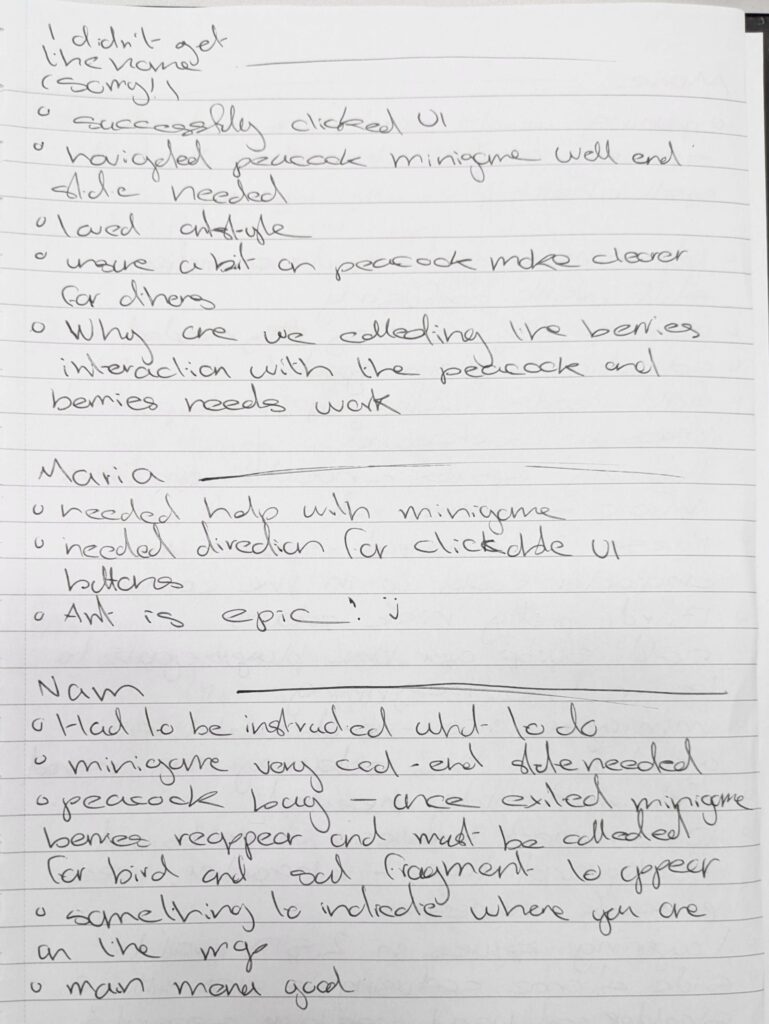
In Week 5, my primary task shifted from development to validation and refinement. Before involving external players, I conducted multiple internal playthroughs to identify any obvious technical issues or blocking bugs. This process helped ensure that the game could be experienced without major interruptions during testing.
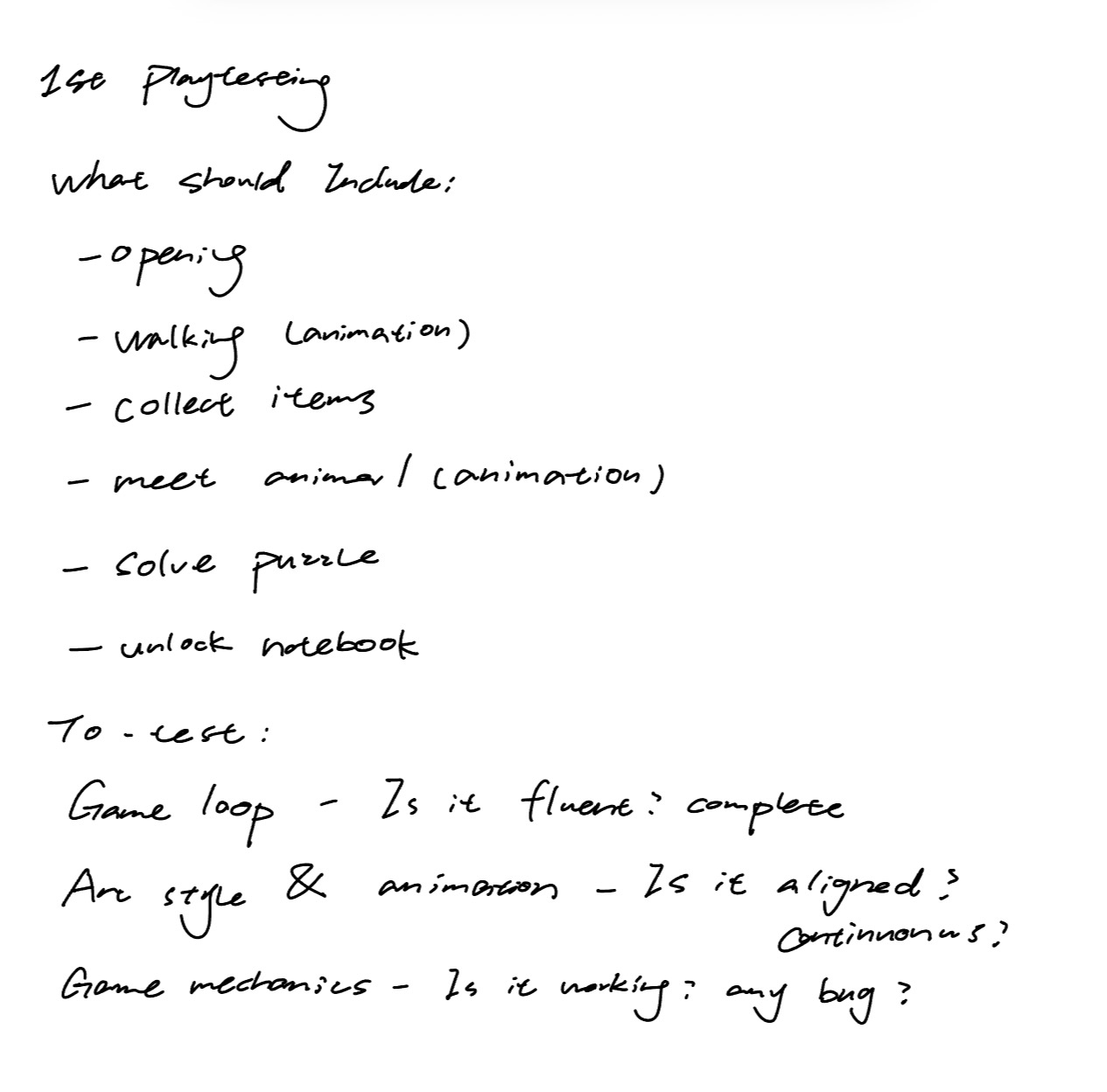
At the same time, I revisited the design goals we wanted to evaluate in the playtest and assessed the experience from a player’s perspective. I specifically examined whether:
The gameplay flow felt natural and coherent,
The art style remained visually consistent,
and the UX interactions aligned with player intuition.
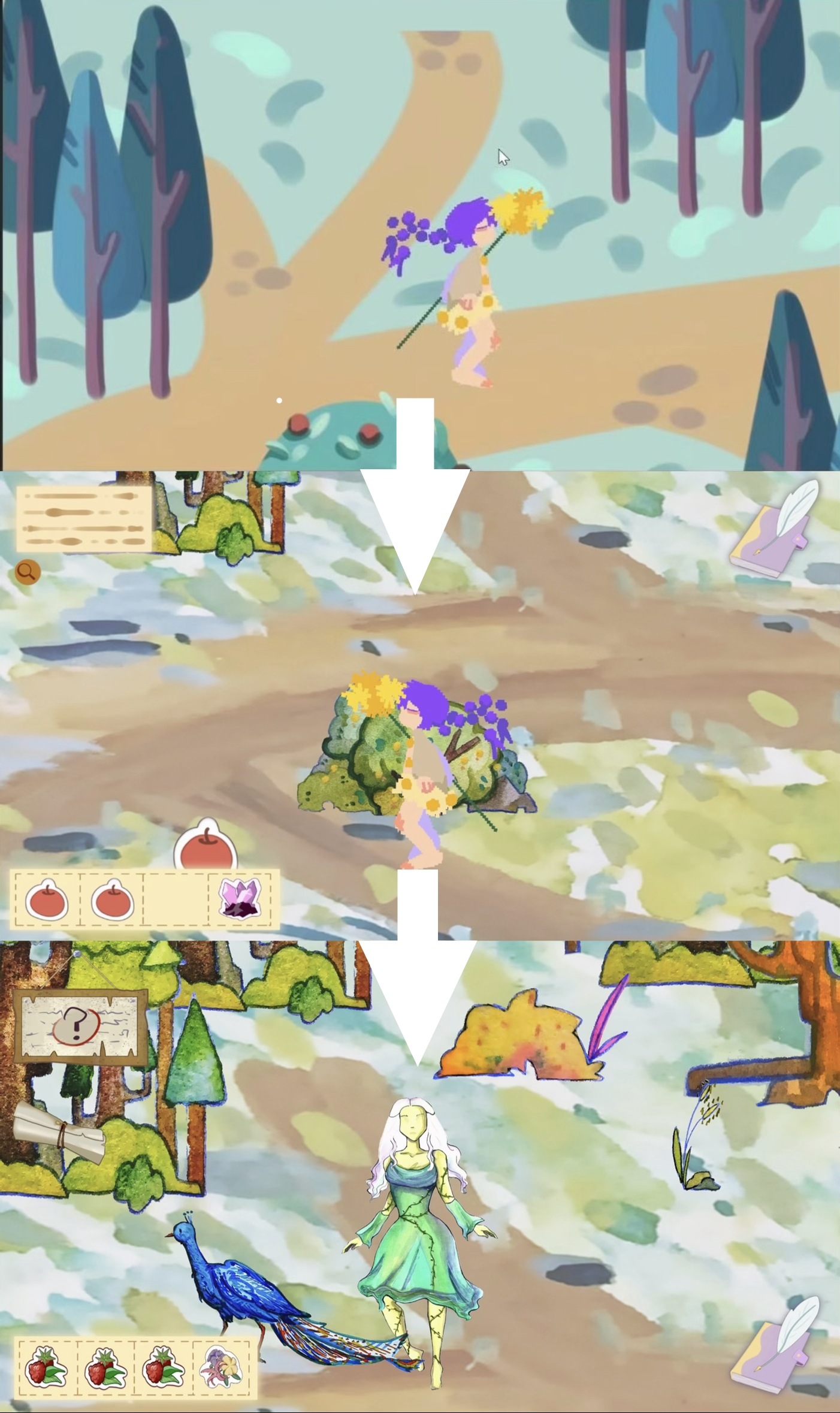
I was also responsible for replacing placeholder assets from the concept phase with updated iterative art assets, improving the visual cohesion of the game before player exposure.
Meanwhile, I coordinated with Oliver, who was developing the Peacock Puzzle mini-game. After the puzzle reached a functional state, my task was to integrate it into the game engine and connect it to the existing gameplay flow, ensuring that the transition into and out of the puzzle aligned with the overall player progression.
Art Iteration in the Unity engine that I set up:
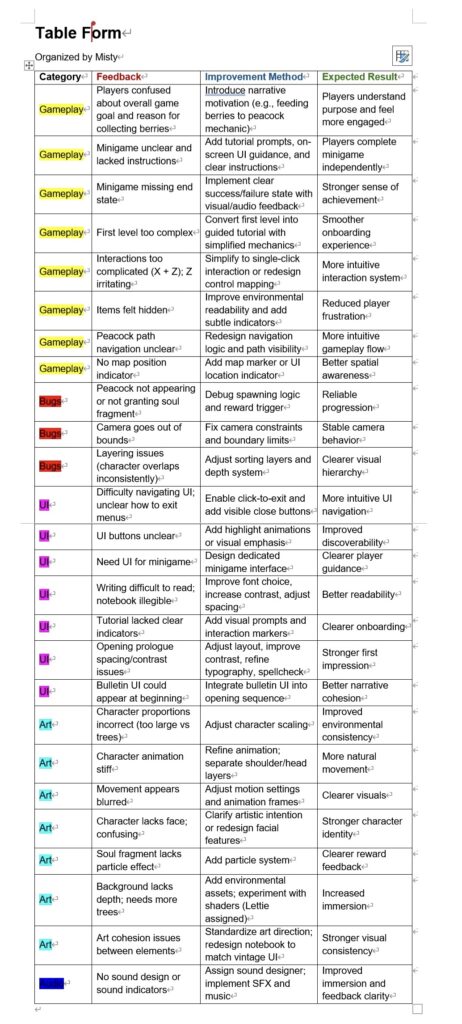
This video shows the gameplay flow I completed and refined one day before the playtesting session. On the morning of the test day, I integrated the Peacock Puzzle mini-game into the main game flow. Due to time constraints, this resulted in several bugs, which were quickly identified and fixed after the playtest.
Before Playtest
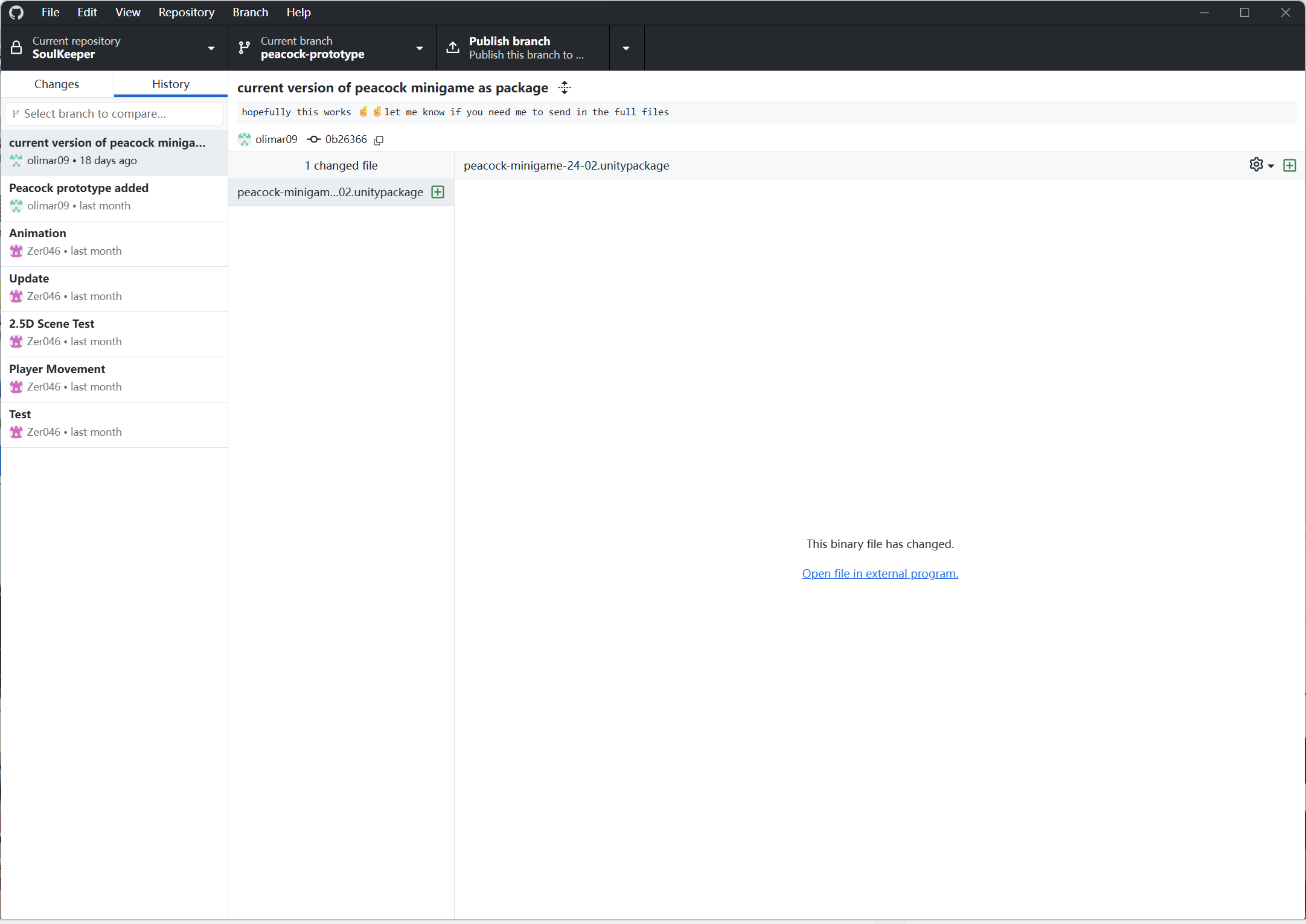
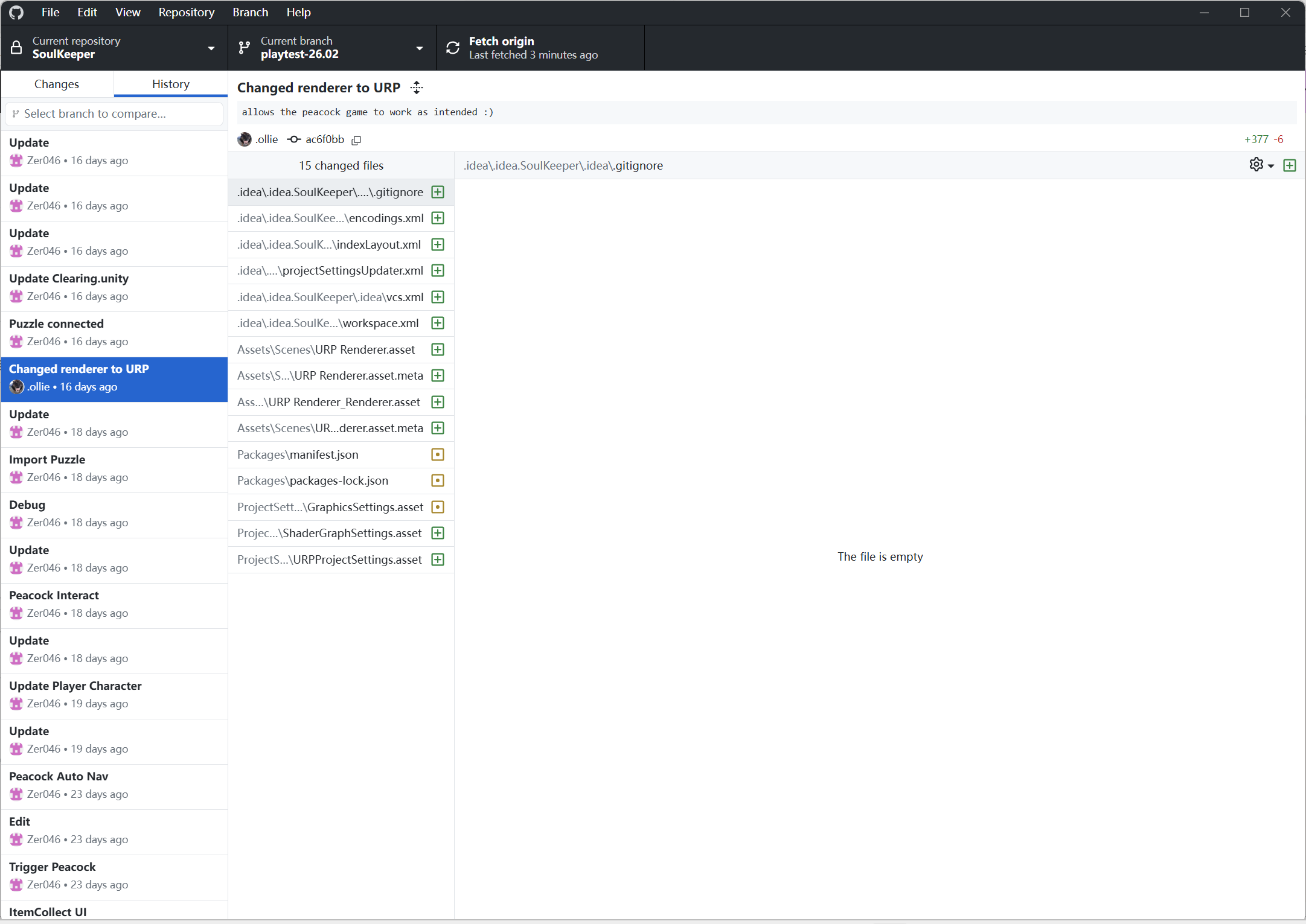
On the morning of the test day, I integrated the Peacock Puzzle minigame developed by Ollie into the main game flow. Due to time constraints, this resulted in several bugs, which were quickly identified and fixed after the playtest.
The integration required:
- Implementing scene transitions from the main map to the puzzle scene and back again.
- After returning to the main map, a Soul Fragment would appear, allowing players to interact with it to unlock the corresponding animal entry in the in-game book.
- Once unlocked, clicking the book UI would switch it from a blank placeholder page to a filled encyclopedia page.
However, preserving scene states across transitions proved more complex than I had anticipated. I sought help from Ross to resolve the technical challenges, but due to the limited time before testing, several bugs remained unresolved during the test. It was only after the playtest that I was able to identify a more stable and efficient solution for handling scene persistence and state management. The solution: Coding Development: Scene & Camera
This experience led to an important reflection. While waiting for another team member to complete their assigned feature,
I should prepare for integration in two ways:
- first, realistically assessing whether the remaining time is sufficient for smooth implementation and connection between systems;
- second, proactively anticipating the technical requirements of integration, learning relevant systems in advance, and listing potential issues before the feature is delivered.
Leave a Reply