Monday and Thursday:
This Monday and Thursday, Derry and I worked together to replace the scene assets in the main level of Game Supermarket. This week, the main level of our game has transformed from a box-and-sticker scene into one featuring fully rendered assets. Derry imported all the models into UE5 and was primarily responsible for placing large objects, such as shelves, within the level. I was responsible for positioning the items that players need to collect within the scene. And add collision for every assets.
My approach to item placement is as follows: there is only one item on the entire shelf that contains a blueprint, ensuring that players do not collect the same item twice. Furthermore, the blueprint item is noticeably larger than the other decorative items, making it easier for players to spot.
I’ve also placed a few scattered items on the floor around the shelves to ensure that players can spot them from a distance and get a rough idea of their location. This also adds to the overall appeal of the scene.
Friday:
Play Test Feedback:
Having observed players as they played, I identified areas that need improvement:
- The button used to skip to the next line of dialogue in player conversations needs to be made slightly larger. it’s not very noticeable.
- Add a ‘Guide’ option to the start screen to inform players of the key bindings required during gameplay (I drew inspiration from playing other group games).
- The safe house isn’t very conspicuous, perhaps a sign could be added.
Advantage:
- Players have said they really like the style of our game; it’s quite unique (3D environments combined with 2D NPCs).
- Some players have said that the jigsaw puzzle mini-game in the safe house is great fun. What’s more, the illustrations are very cute, which helps to alleviate any feelings of fear (in keeping with the purpose of the safe house).
Disadvantage:
- Some players have pointed out that there is currently no background music in the game, which detracts from the immersive experience, and have suggested that I add some.
My idea is :to add heartbeat sound effects to the levels, with the heartbeat getting louder as time goes on.
- As NPCs are 2D characters, some players have commented that it is difficult for them to spot players when approaching, which increases the game’s difficulty (I’ll try to increase the NPC density).
- There is a staircase in the scene that looks out of place, and the player would like it removed.
Explain:As I’m short on time, I’ve temporarily blocked the path with stairs for now; I’ll replace them with the blueprint next week. This will ensure players can only enter from one side.
The biggest problem during play test:
During testing, I discovered that the item pickup system worked before the game was packaged, but it failed to function after packaging.
Reason:
I checked the item pickup system section in the Player Blueprint. The first reason is that I selected Shipping mode when packaging the project in order to hide the movement trails of players and NPCs. The second reason is the Debug Blueprint I used in the Player Blueprint. When packaging in Shipping mode, UE5 automatically skips the Debug Blueprint, which resulted in the player item pickup system not being included in the package.
Solution:
I changed ‘Debug left mouse button’ to ‘Left mouse button’ in the blueprint. After making this change, the project will no longer be skipped when built in Shipping mode.
My week 10 work progress:
Three Cut Scene:
When players complete a level in the game, a cutscene will play automatically. Once the cutscene has finished, players will be taken automatically to the next level.
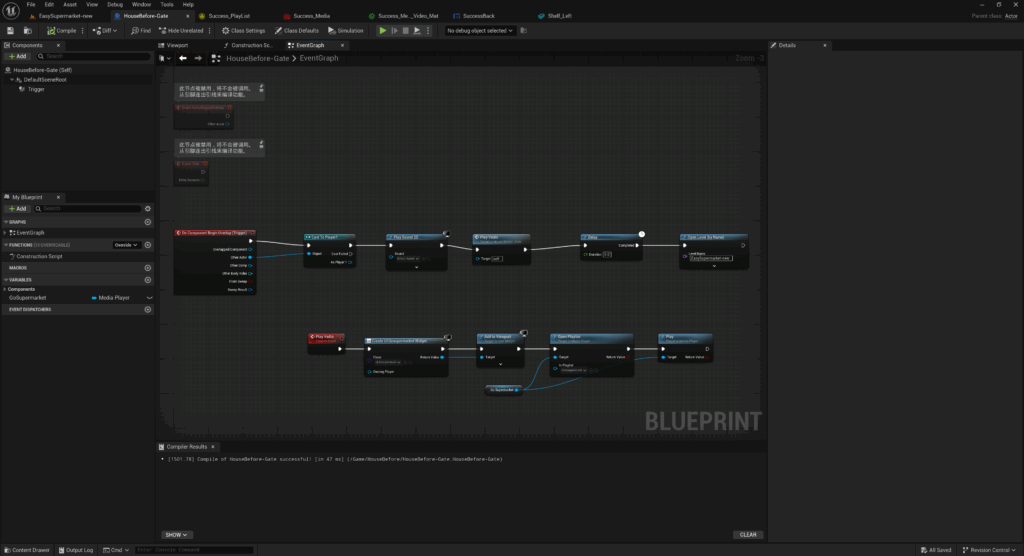
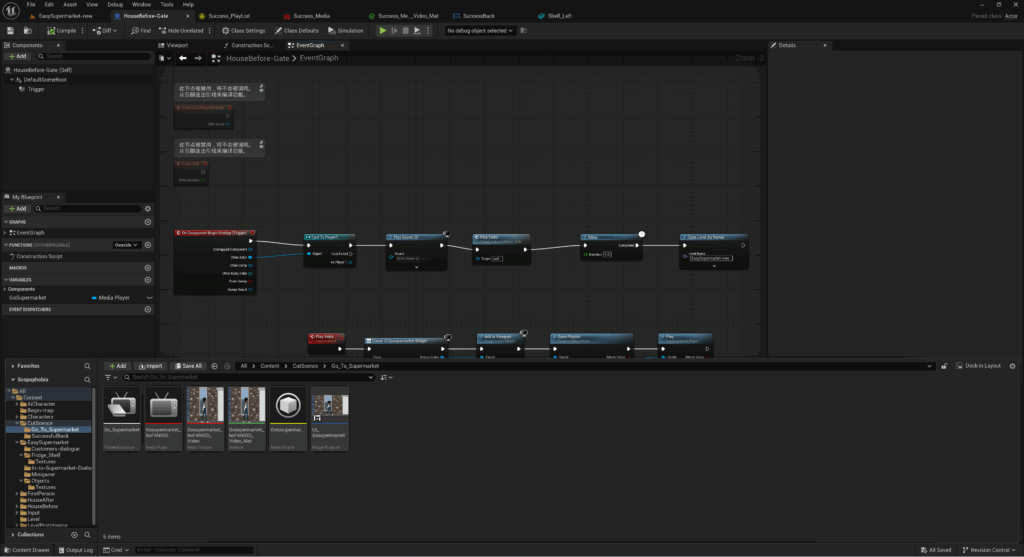


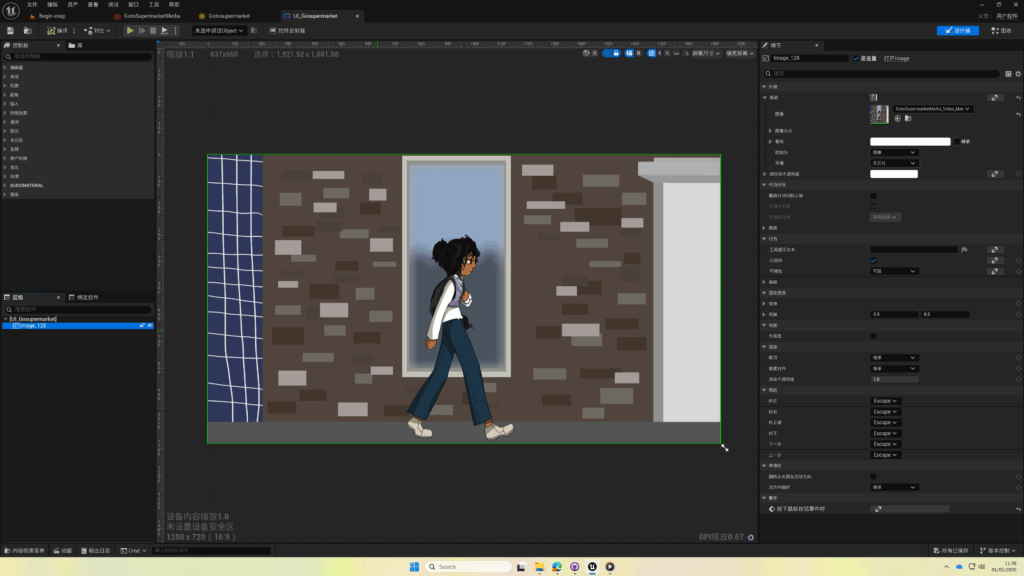
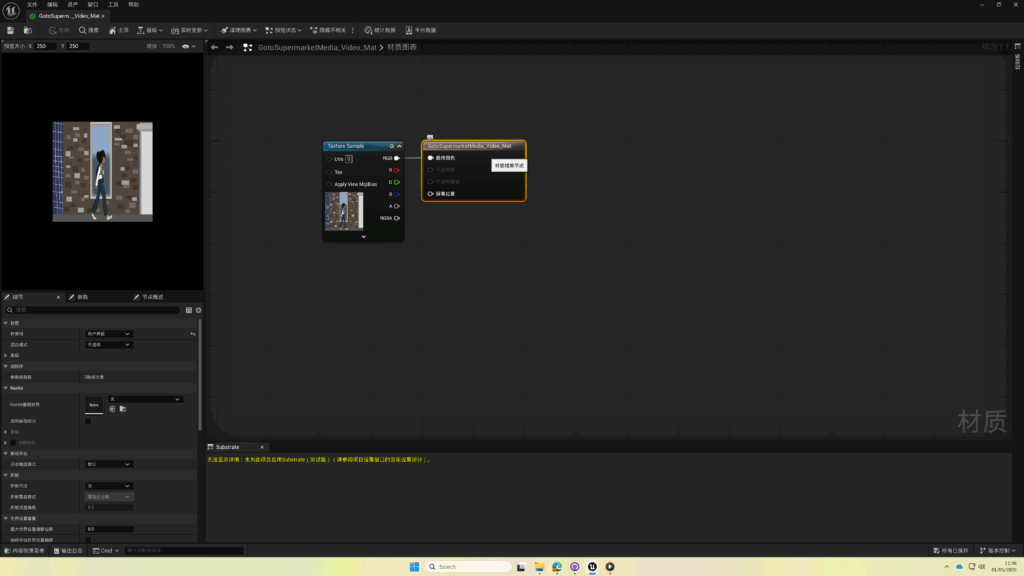
NPC Animation:
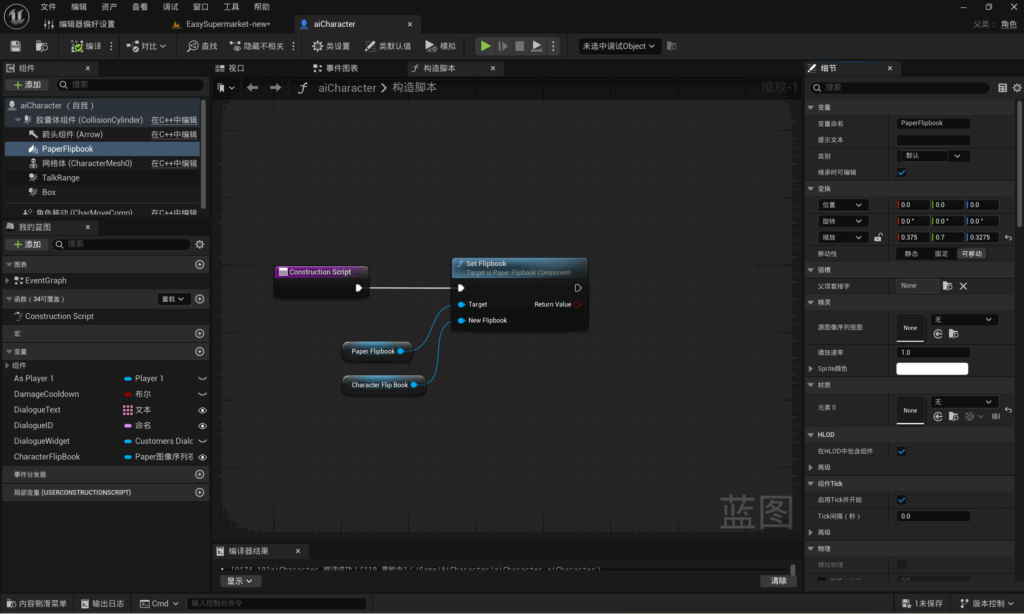
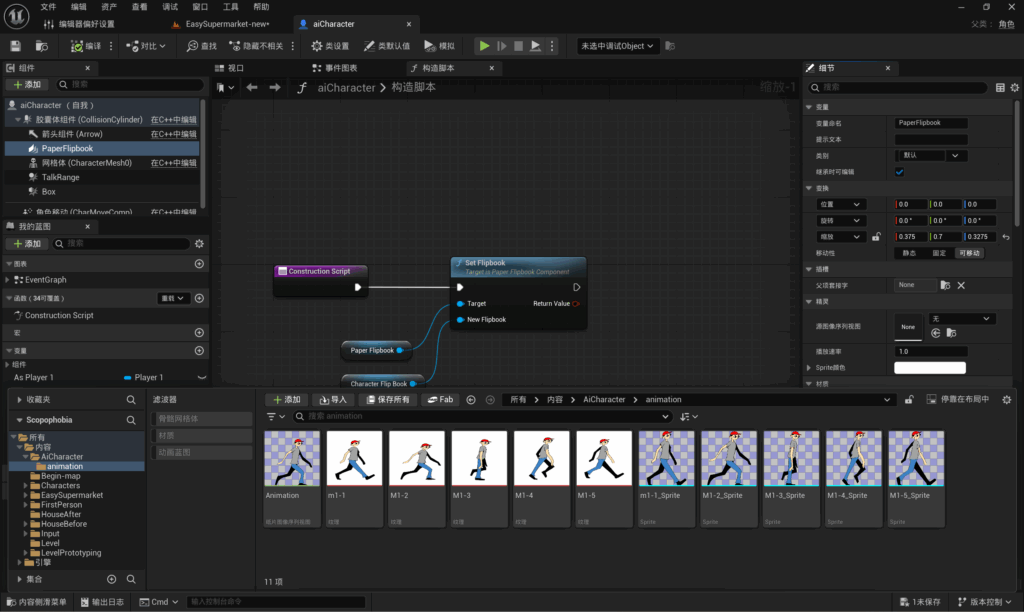
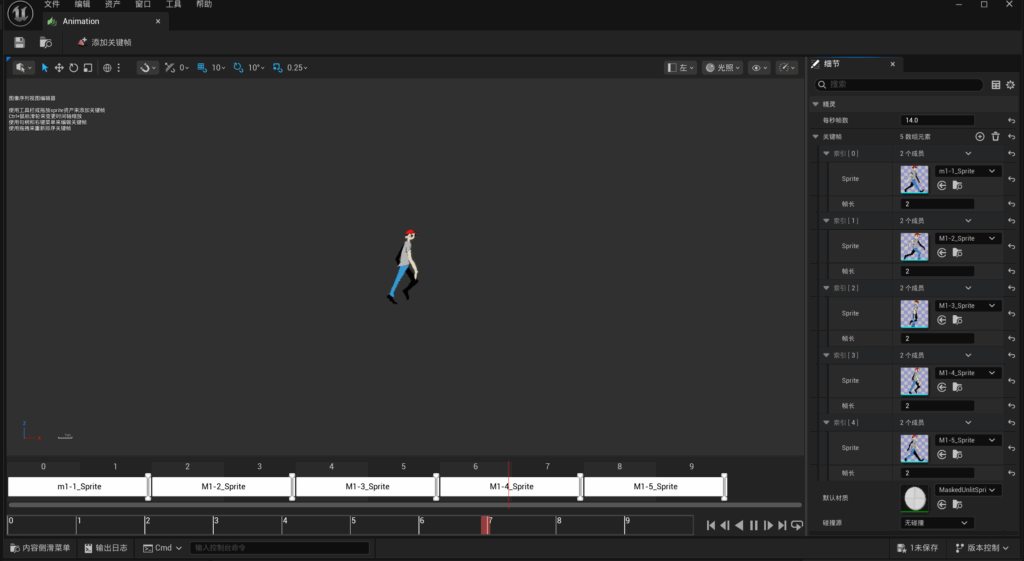
This week, I’ve mainly been updating and optimising the blueprint system, the basic framework of which I’d already set up previously:
- I’ve used the typewriter display effect I created previously and added the player’s entrance dialogue.
- Lee gave me all the NPC animations, and I added all the NPCs to the scene using the flipbook animation method I’d created earlier.
- I have written a construction script for the item blueprint to ensure that all pick-upable items in the scene share a single blueprint but use different appearances.
Week 10 Group Communication Report:
I have written this week’s group discussion report, here is the link to our group’s report for this week.
Week 10 Group Working Progress:
I have summarised our team’s progress this week, here is a link to the individual progress reports for each member of our team.
Leave a Reply